Cellular trail cameras send photos and videos over mobile networks when motion triggers the built-in sensor.
I have tested and worked with trail cams for years, and I’ll walk you through exactly how do cellular trail cameras work. This guide covers the tech inside, how motion detection and cellular transmission tie together, battery and data trade-offs, setup tips I learned in the field, and clear steps to troubleshoot common problems. Read on to get a confident, practical view of how do cellular trail cameras work and how to pick and use one well.
How do cellular trail cameras work: core components
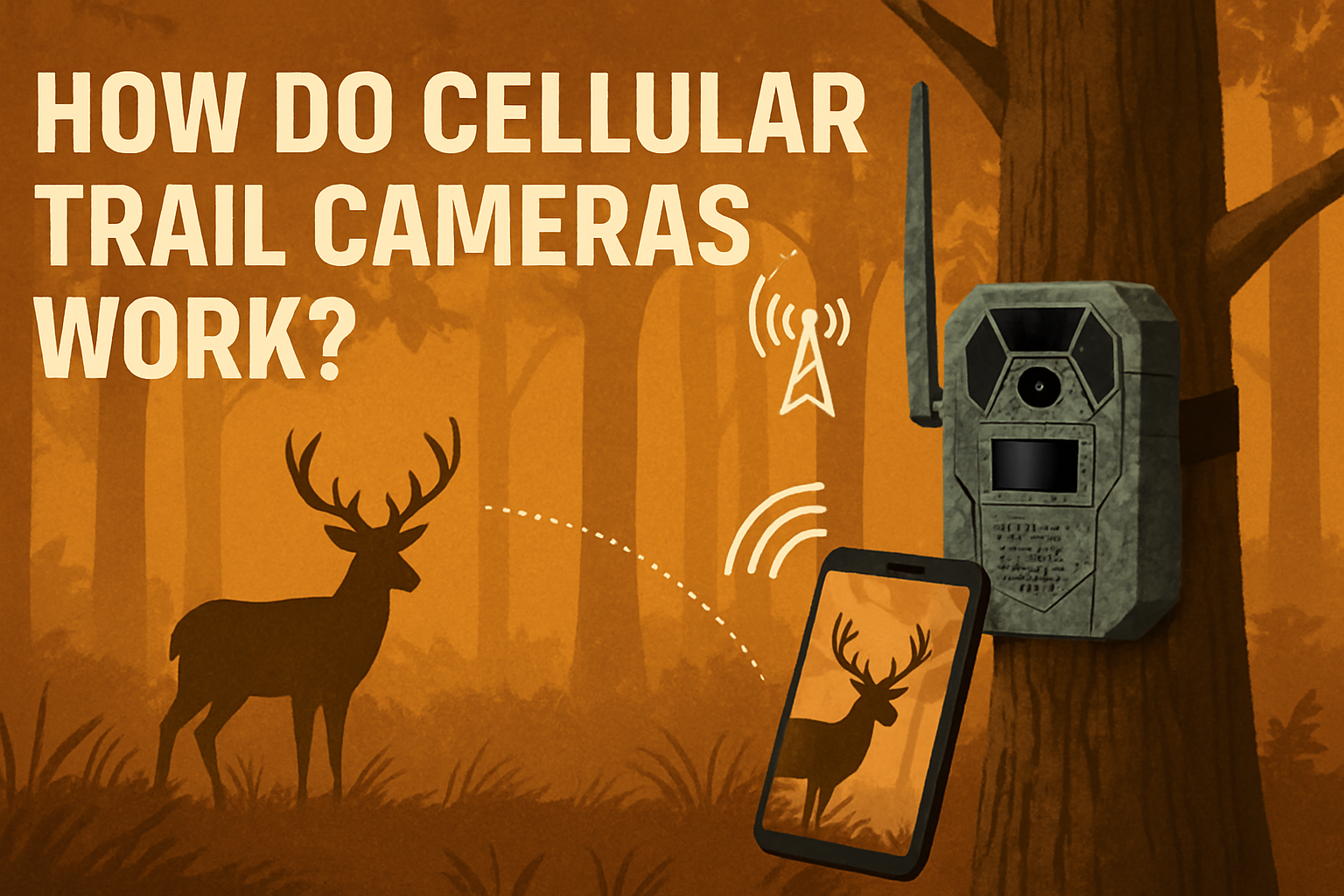
A cellular trail camera is a motion-activated camera with a built-in cellular modem. When the camera senses movement, it captures photos or video and then uses a mobile network to send those files to your phone, email, or cloud. That direct link is what sets cellular trail cameras apart from standard trail cameras that store images on an SD card.
Key parts inside a cellular trail camera:
- Camera lens and image sensor. Captures photos and video in daytime and infrared at night.
- Passive infrared (PIR) motion sensor. Detects heat and movement to trigger recording.
- Cellular modem and SIM card. Connects to 3G, 4G LTE, or 5G networks to send data.
- Antenna. Helps reach distant cell towers and improve signal.
- Processor and firmware. Manages triggers, image compression, and data transfer.
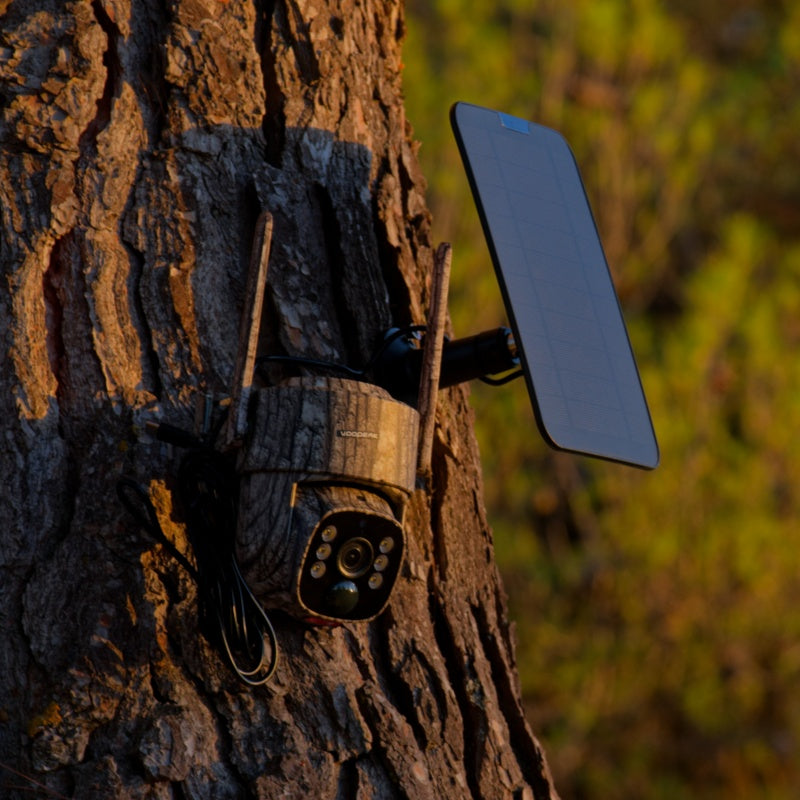
- Power source. Typically AA batteries, lithium packs, or solar panels.
- Storage. SD card for local storage and buffering before upload.
In short, the camera watches, captures, and then phones home via cell networks. Understanding each component helps explain delays, battery drain, and image quality issues you might see in the field.
Triggering and sensing technology
How do cellular trail cameras work when it comes to detection? The PIR sensor is the gatekeeper. It detects a change in infrared energy when a warm object moves in front of the camera.
Trigger details:
- Sensitivity settings. Higher sensitivity catches smaller animals but may record more false triggers from wind or sun.
- Trigger speed. Measured in seconds or fractions; faster triggers reduce missed frames of fast-moving animals.
- Recovery time. Delay between shots to save battery and avoid repetitive images.
- Multi-shot and burst modes. Capture several frames per trigger for better context.
From my tests, slow trigger speed is the most common cause of missed photos. Match sensitivity and trigger speed to your target species and location for best results.

Cellular transmission: from camera to phone
This is the core of how do cellular trail cameras work in modern setups. After capture, the camera compresses or resamples the file and then attempts a connection to a nearby cell tower. It authenticates via the SIM and uploads via MMS, email, or a cloud server managed by the camera maker.
Transmission steps:
- Connect to network. Camera scans for carriers and locks on to the strongest band.
- Authenticate. SIM and plan verify access.
- Prepare file. Reduce size to save data and speed upload.
- Upload. Send via MMS, SMTP (email), or proprietary cloud API.
- Confirm. Camera often gets confirmation and may delete or keep the local file depending on settings.
Network type affects speed and coverage. LTE and 5G are faster and more reliable than older 3G, and many makers now default to LTE. Local cell coverage often determines success more than camera specs. I once set up a top-tier LTE camera that failed until I raised it 10 feet and moved it 50 yards—the small change turned no-signal into consistent uploads.

PAA-style question: How fast are images sent?
Uploads vary by network and image size. On LTE, a single photo often sends in 10–60 seconds; video or large images take longer. Weak signal areas will delay or fail uploads.
Power, battery life, and solar options
Battery life is a major factor in how do cellular trail cameras work in practice. Sending files over cellular uses more power than simply storing images on an SD card.
Battery considerations:
- Alkaline AA vs lithium. Lithium lasts longer and performs better in cold.
- External battery packs. Great if you need long deployments.
- Solar panels. Extend run time but need sunlight and proper orientation.
- Sleep modes. Cameras with aggressive sleep settings save a lot of power.
From field use, a camera on standard AA batteries that sends frequent photos can die in weeks. Switching to lithium AAs or a deep-cycle external pack extended my deployments to months. Solar works well in open sites but is unreliable under canopy.
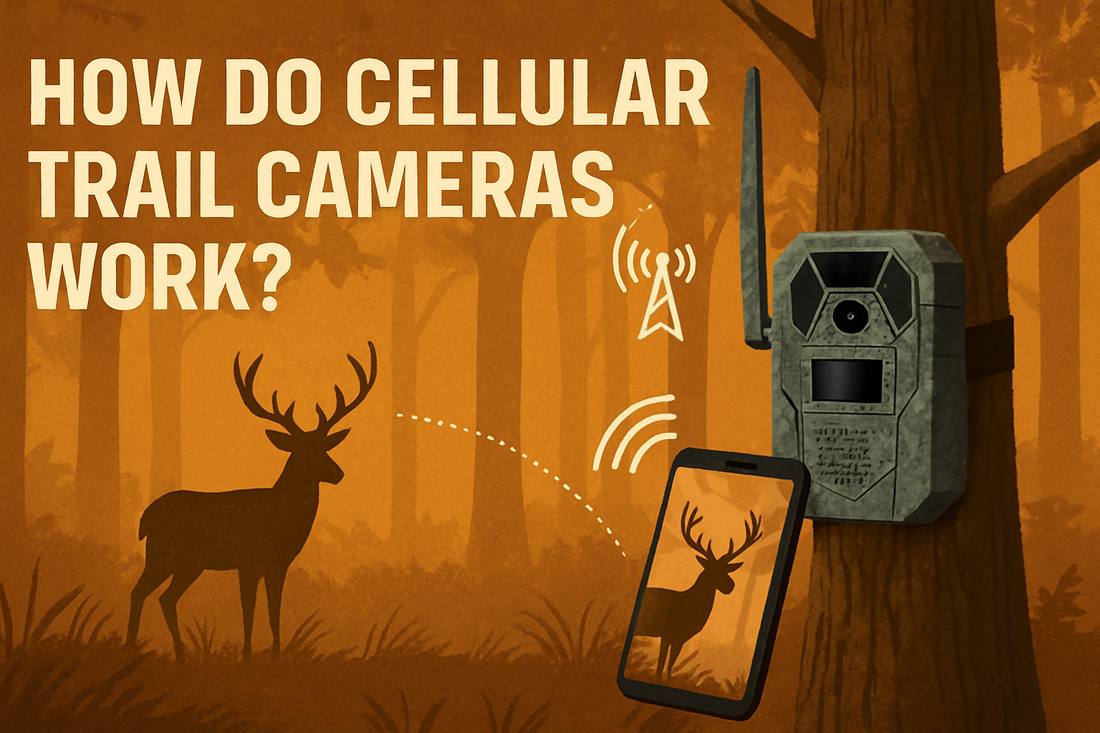
Image quality, settings, and data trade-offs
How do cellular trail cameras work when balancing photo quality with data use? Higher resolution photos are clearer but cost more data. Manufacturers include compression and size options to manage this.
Settings to balance:
- Resolution. Pick lower resolution for many uploads and higher if detail matters.
- Compression. More compression saves data but can blur small features.
- Time-lapse vs motion. Time-lapse uses scheduled shots and can waste data if you don’t need constant images.
- Video length. Keep clips short to save both battery and data.
A tip from my tests: use medium resolution and short bursts. This gives usable images while keeping monthly data costs sensible.

Placement, setup, and best practices
Placement affects how do cellular trail cameras work in the field. Proper mounting and setup increase detection, reduce false triggers, and improve signal.
Best practices:
- Height and angle. Mount 2.5–4 feet high for deer; lower for small game. Angle slightly down.
- Clear line of sight. Avoid branches and tall grass in front of the lens.
- Check cell signal. Use a phone or a signal meter at the mounting spot before final installation.
- Secure the camera. Use straps, lock boxes, or cable locks to deter theft.
- Test shots. Run tests at different times of day to confirm detection and upload.
Personal note: I once wasted a full season on a site with poor signal. A quick pre-check with my phone saved me on later cams. Also, mark the camera location with GPS so you can find it fast.
Privacy, legality, and security
You must consider how do cellular trail cameras work responsibly. Cameras that send images over networks can capture unintended people and store data off-site.
Legal and ethical points:
- Local laws. Some states or countries restrict surveillance or require notice.
- Private property. Get permission to place cameras on land you do not own.
- Data security. Use strong passwords and update firmware to reduce hacking risk.
- Image retention. Know where your photos are stored and for how long.
Be transparent when placing cameras near trails or roads. Update firmware often; manufacturers patch vulnerabilities and improve stability.

Common problems and troubleshooting
Understanding common failures helps explain how do cellular trail cameras work when things go wrong. Here are typical issues and quick fixes.
Problems and fixes:
- No cellular signal. Move camera, add external antenna, or change carrier/SIM.
- Rapid battery drain. Lower upload frequency, reduce image size, or switch to lithium cells.
- False triggers. Reduce sensitivity, reposition camera, or remove moving foliage.
- No uploads despite signal. Check SIM activation, data plan, and APN settings.
- Blurry night images. Ensure correct flash mode and clean the lens.
When troubleshooting, make one change at a time. That helps isolate the real cause. In many cases, a simple firmware update fixed quirks I saw across models.
Costs, plans, and buying guide
How do cellular trail cameras work in your budget? Costs include the camera and ongoing data plans. Expect varied prices for hardware and monthly fees for data.
Cost factors:
- Camera price. Range from budget $80 models to $500+ pro units.
- Data plan. Monthly fees vary; plan size depends on image frequency and quality.
- Accessories. Solar panels, external batteries, and antennas add upfront costs.
- Carrier compatibility. Check which carriers and bands the camera supports before buying.
I advise starting with a mid-range camera and a small data plan. Test deployment for a month to measure actual data use. Then upgrade or change plans based on real usage.
Frequently Asked Questions of how do cellular trail cameras work
How do cellular trail cameras work in areas with no cell service?
They can store images locally on an SD card and upload later when signal returns if the camera supports delayed upload. Otherwise, images remain on the card until you retrieve it.
What type of cellular network do they use?
Most use 4G LTE today, with newer models supporting 5G. Some older models used 3G, which is largely phased out on many networks.
How much data do cellular trail cameras use?
Data use depends on resolution and frequency. A single compressed photo can be 50–200 KB; frequent uploads and video increase usage quickly.
Can cellular trail cameras work internationally?
Yes, if the camera’s modem supports the local frequency bands and you use an appropriate SIM or roaming plan. Check carrier compatibility first.
Are cellular trail cameras secure from hacking?
No device is immune, but using strong passwords, enabling two-factor options when available, and keeping firmware updated greatly reduces risk.
Conclusion
Cellular trail cameras blend motion sensing, imaging, and mobile networks so you can see remote activity in near real time. You now know how do cellular trail cameras work, the trade-offs between image quality and data, power considerations, placement tips, and common fixes. Use this knowledge to choose the right camera, set it up smarter, and troubleshoot with confidence. Try a short field test with a small data plan, tune your settings, and iterate—your next deployment will be far more reliable. Share your experiences below or subscribe for more tips on remote monitoring and gear reviews.

Everett Ashford is a tech reviewer at mytechgrid.com specializing in SSDs, cameras, TVs, earbuds, headphones, and other consumer electronics. He provides honest, data-driven reviews based on hands-on testing and real-world performance analysis. Everett simplifies complex tech details to help readers make smart, confident buying decisions.