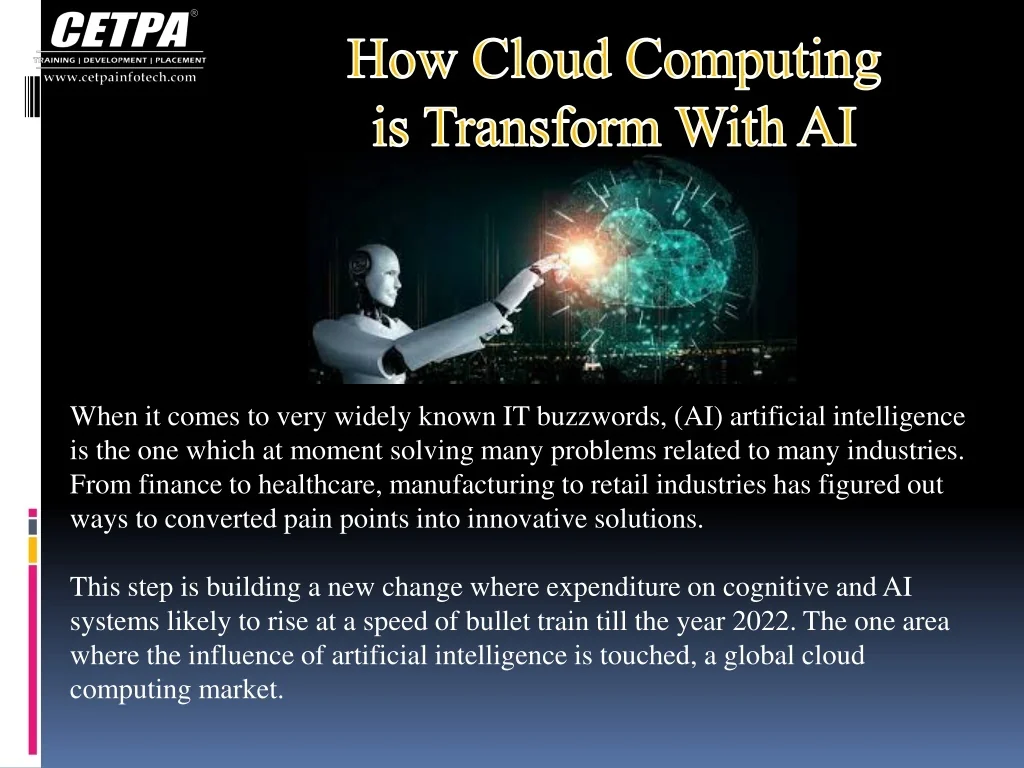
For businesses, schools, hospitals, and public agencies in the United States, artificial intelligence is changing how cloud systems are built and used. AI can help cloud platforms predict demand, detect threats, manage costs, write code, and process data at a much larger scale.
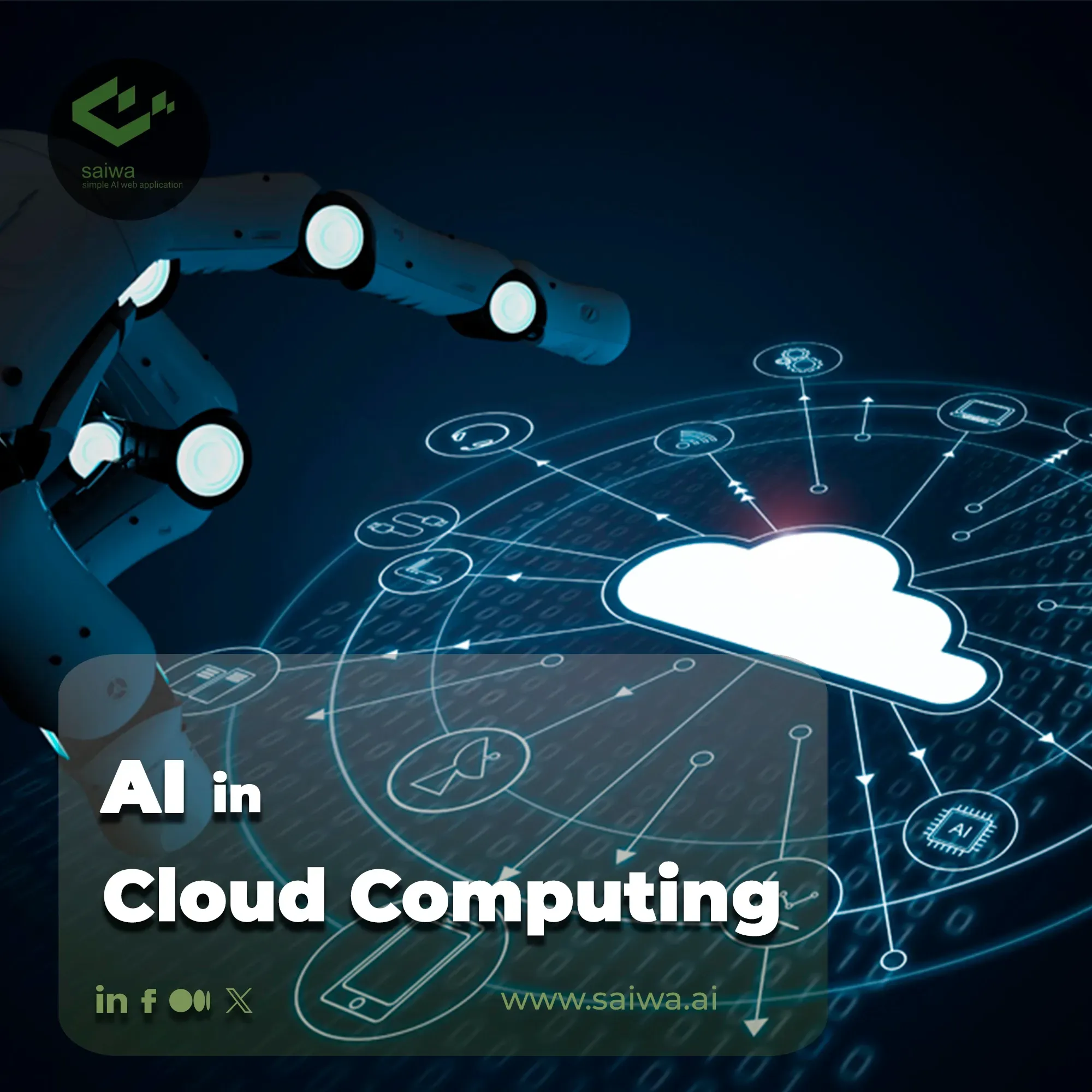
The change works both ways. Cloud computing gives AI the storage, chips, networks, and tools it needs to run. AI then makes cloud services more automatic and more adaptive. Together, they are changing how organizations build applications and manage digital work.

What does AI mean in cloud computing?
AI in cloud computing means using machine learning, generative AI, and related tools to improve cloud services or run AI workloads in the cloud.


Cloud providers use AI in two main ways:
- AI improves the cloud. It can predict system failures, balance workloads, spot unusual traffic, and help control energy use.
- The cloud runs AI. Organizations use cloud servers, data storage, graphics processing units (GPUs), and AI platforms to train and use models.
Machine learning is a form of AI that learns patterns from data. A model may learn to flag fraud, sort images, or predict server demand. Generative AI creates new text, code, images, audio, or other content from a prompt.
Cloud computing makes these tools easier to access because a company does not need to buy and maintain every server. It can rent computing power as needed. This matters because AI work can need large amounts of processing power for short periods.
Major cloud platforms, including Amazon Web Services, Microsoft Azure, and Google Cloud, offer managed AI services. The exact features, prices, regions, and limits vary by product and change over time. Organizations should review current service documentation before making a technical or budget decision.

How AI is changing cloud computing
AI is moving cloud management from fixed rules toward systems that can detect patterns and respond to changing conditions.


1. AI automates cloud operations
Cloud teams once handled many tasks by hand. They had to review logs, watch system health, adjust capacity, and investigate alerts. AI can now assist with these tasks.
An AI operations tool may:
- Group related alerts
- Find unusual behavior in logs
- Predict a possible service failure
- Suggest a cause for an outage
- Recommend a change to system capacity
- Create a summary for an engineer
- Start an approved recovery action
This approach is often called AIOps, or artificial intelligence for IT operations. It combines data from logs, metrics, traces, tickets, and network tools.
The main benefit is speed. A team may see a problem before users report it. AI can also reduce alert noise by linking many symptoms to one likely cause.
AI does not remove the need for skilled cloud engineers. A model can make a wrong link or miss a new type of failure. High-impact actions should require approval, clear limits, and a way to undo the change.
2. AI improves cloud security
Security tools use AI to find patterns that may signal an attack. These patterns can include:
- A login from an unusual location
- A sudden change in data access
- A new form of malware
– A large transfer from a sensitive database - Repeated failed login attempts
- A workload that behaves unlike its normal pattern
AI can help security teams rank alerts. This is useful because a large cloud system may create more alerts than a small team can review at once.
Some cloud security services use machine learning to detect threats. Others use rules, known attack patterns, or both. These methods are not the same, so a security team should learn what a tool actually measures.
AI security tools also create risks. Attackers can send misleading data, steal model inputs, or abuse automated actions. A company still needs strong identity controls, encryption, network limits, patching, backups, and human review.
The National Institute of Standards and Technology (NIST) provides the AI Risk Management Framework to help organizations manage risks linked to AI systems. It is a useful planning guide, not a guarantee of safety.
3. AI helps cloud systems scale
Cloud systems can add or remove resources as demand changes. AI can improve this process by learning from past use.
For example, a model may see that a retail site receives more traffic on certain days. It can help estimate the needed capacity. A streaming service may use a similar method to plan for large events.
AI-based scaling can help avoid two common problems:
- Under-provisioning: Too few resources cause slow service or outages.
- Over-provisioning: Too many resources increase the bill without adding value.
Predictions are not always correct. A sudden news event, software bug, or cyberattack can break a normal pattern. Good systems use safety limits, minimum capacity, and fallback rules.
4. AI makes cloud cost management more active
Cloud bills can be hard to control. Costs may come from compute time, data storage, database use, network transfer, AI model calls, and idle resources.


AI can review usage and suggest actions such as:
- Stopping unused test resources
- Moving older data to a lower-cost storage class
- Changing the size of a virtual machine
- Finding repeated or wasteful data transfers
- Forecasting future usage
- Flagging a sudden rise in model calls
This is often called FinOps, or cloud financial management. AI can support FinOps, but it should not make cost changes without context.
A server may look idle but support a backup task. A low-use database may serve a critical system. Every recommendation needs an owner and a clear business rule.
5. AI improves developer work
Cloud providers now offer coding assistants and managed tools for building AI applications. These tools can help developers:
- Write routine code
- Explain unfamiliar code
- Create tests
- Convert code between languages
- Draft cloud configuration files
- Search technical documentation
- Build data pipelines
- Connect an application to an AI model
This can reduce time spent on routine work. It does not prove that the generated code is secure, correct, or licensed for every use.
Developers should review AI-generated code for:
- Security flaws
- Exposed keys or passwords
- Incorrect permissions
- Poor error handling
- Weak input checks
- Unclear license terms
- Made-up libraries or functions
AI can speed up development, but review remains part of the development process.

How the cloud supports artificial intelligence
AI also changes cloud computing because AI workloads have special needs.
Large-scale model training
Training a complex model may require many processors to work together. Cloud platforms can provide access to GPUs, tensor processing units, or other specialized chips.
A team can rent this hardware for a project instead of buying it. This lowers the need for a large upfront investment. It does not always lower the total cost. Long training runs, repeated experiments, and data movement can become expensive.
Model inference
Inference is the act of using a trained model to produce an answer. A chatbot response, fraud score, image label, or demand forecast is an inference result.
Inference may run:
- In a public cloud
- In a private cloud
- At the edge, near the user or device
- In a hybrid setup that combines these locations
The right choice depends on speed, privacy, cost, connectivity, and legal duties.
Managed machine learning tools
Managed machine learning services can provide tools for:


- Preparing data
- Training models
- Tracking experiments
- Deploying models
- Monitoring model quality
- Controlling access
- Updating models
These tools can shorten setup time. They can also create dependence on a provider’s formats and services. A team should plan how it would export data, models, and key settings if it later changes platforms.
Storage for AI data
AI systems often use large data sets. Cloud storage can hold raw data, cleaned data, labels, model files, logs, and test results.
Data quality matters more than data volume alone. A large data set may contain errors, duplicates, bias, old records, or information that the organization has no right to use.
Before training a model, a team should confirm:
- Where the data came from
- Who owns it
- What consent or contract applies
- How long it may be kept
- Which users may access it
- Whether personal data must be removed
- How changes to the data will be recorded
Faster data processing
AI applications often need data from many sources. Cloud services can help collect and process that data through data warehouses, data lakes, event systems, and application programming interfaces (APIs).
A good data pipeline makes the source, format, time, and quality of each record clear. Without that control, an AI model may produce a confident answer from bad data.

Key benefits of AI and cloud computing
AI and cloud computing can create strong benefits when teams match the tool to a real need.
Faster decisions
AI can review more data than a person can check by hand. It may help a company detect a problem, respond to a customer, or update a forecast sooner.
The value depends on data quality and response time. A fast wrong answer can cause more harm than a slower human review.
Lower manual workload
Automation can handle routine tasks such as tagging resources, sorting alerts, and creating reports. This allows cloud teams to spend more time on architecture, security, and business needs.
The savings are not automatic. Teams must account for setup, monitoring, model calls, storage, training, and review.
Better service reliability
Predictive tools may identify early signs of failure. Automated recovery may restore a service faster in some cases.
Reliability improves only when the system has accurate signals and safe recovery steps. A poorly designed automation can make an outage worse.
More flexible access to advanced tools
The cloud lets smaller organizations use AI services without building every part from the ground up. This can support customer service, document search, forecasting, accessibility tools, and software development.


Access does not remove the need for governance. A small business still needs rules for private data, user access, vendor terms, and error review.
Support for new applications
Cloud AI tools can help developers build applications that understand language, images, sound, and patterns. Examples include:
- Search systems that understand natural language
- Tools that summarize internal documents
- Software that detects defects in images
- Systems that translate or transcribe speech
- Applications that personalize content
- Models that forecast demand
Each use case needs its own test. A model that works well for document sorting may not work well for medical, legal, or financial decisions.
Risks and limits to consider
AI does not make cloud computing automatically safer, cheaper, or more reliable. The result depends on design, data, controls, and ongoing review.
Security and privacy risks
AI applications may process confidential data, including customer records, employee details, health information, or business plans.
Before using a cloud AI service, check:
- Whether the provider uses submitted data to train a public model
- Where data is stored and processed
- How encryption works
- Which staff can view prompts and outputs
- How long logs are kept
- Whether the service supports deletion
- What happens during a provider breach
- Which contract terms cover the data
For regulated data, involve legal, privacy, and security staff before deployment. General AI guidance does not replace requirements that may apply to a specific industry or state.
Incorrect or biased outputs
AI systems can produce false statements, missed threats, and unfair results. Generative AI may invent sources or facts. A security model may flag normal behavior. A forecasting model may fail during a major change.
Use testing that reflects real users and real conditions. Measure errors by important groups and use case. Add human review where a wrong output could harm a person or organization.
Cost surprises
AI costs may come from more than model use. Teams should also track:
- Data storage
- Data preparation
- GPU or other accelerator time
- Network transfer
- Monitoring
- Fine-tuning
- API requests
- Backup copies
- Idle development resources
A simple cost estimate can help:
Estimated monthly cost = model use + compute + storage + data transfer + monitoring + staff review
This is a planning formula, not a provider quote. The inputs should use the exact service, region, model, request size, and expected volume.
Vendor lock-in
A cloud provider may offer a fast path to deployment. The same path may make later migration hard.
Lock-in can grow through provider-specific APIs, data formats, identity systems, monitoring tools, and model settings. Teams can reduce the risk by documenting interfaces, using portable formats where practical, and testing data export.
Portability has a cost. A fully portable design may be slower or less feature-rich. The right choice depends on the organization’s need for flexibility.
Energy and environmental impact
AI workloads can require substantial computing power. Energy use depends on the model, hardware, workload, data center, and operating conditions.
A smaller model may work well for a simple task. Efficient data handling may reduce repeated processing. A team should measure useful output, not just model size.
Claims about environmental impact need clear boundaries. A provider’s renewable energy statement may cover a defined operation or accounting method. It does not by itself describe the full impact of every customer workload.

How to use AI in cloud computing responsibly
A clear process helps teams gain value without giving an AI system more control than it can safely handle.
Step 1: Define the problem
Start with a business or technical problem. Do not begin with a model.
Ask:
- What decision or task needs help?
- Who will use the result?
- What does success mean?
- What is the cost of failure?
- Is AI better than a rule, search tool, or standard software?
A simple rule may be easier to test and maintain than a machine learning system.
Step 2: Classify the data
List the data the system will use. Mark personal, confidential, regulated, public, and restricted data.
Set rules for collection, storage, access, retention, deletion, and sharing. Do not place sensitive information into a tool until its terms and controls have been reviewed.
Step 3: Choose the cloud design
Decide whether the workload belongs in:
- A public cloud
- A private cloud
- A hybrid cloud
- An edge system
- More than one cloud provider
Compare latency, cost, control, availability, skills, and compliance needs. There is no single best architecture for every AI workload.
Step 4: Test with real conditions
Use a test set that reflects the data and users the system will meet in practice. Check accuracy, speed, cost, security, and failure cases.
For generative AI, test for:
- False claims
- Unsafe advice
- Data leakage
- Prompt injection
- Poor answers to unclear questions
- Weak source use
- Inconsistent results
Keep test records. A model can change when its data, prompt, provider, or version changes.
Step 5: Add controls before launch
Use least-privilege access. Limit what the model can read and what an automated system can change.
Add:
- Approval for high-impact actions
- Output filters where suitable
- Audit logs
- Rate limits
- Cost alerts
- Backup plans
- Manual fallback steps
- A process for reporting errors
Step 6: Monitor after deployment
A model can degrade as users, data, and threats change. Monitor both technical and business results.
Useful measures may include:
- Error rate
- Response time
- Cost per task
- False positive rate
- User complaints
- Security alerts
- Data drift
- Human override rate
Review the system on a set schedule and after major changes.

AI cloud computing use cases by industry
The best use case depends on the risk, data, and decision involved.
| Industry | Possible use | Main control to consider |
|---|---|---|
| Retail | Demand forecasts and product search | Check forecast errors and customer data use |
| Banking | Fraud detection and customer support | Review fairness, privacy, and human escalation |
| Health care | Document support and image analysis | Follow applicable privacy and clinical rules |
| Manufacturing | Predictive maintenance and defect checks | Test against machine changes and rare failures |
| Education | Tutoring and administrative support | Protect student data and review outputs |
| Government | Service triage and document processing | Keep records, access controls, and human review |
| Software | Code assistance and incident response | Scan generated code and protect credentials |
These are potential uses, not proof that an AI system is suitable for a specific organization. High-impact decisions need stronger review than low-risk administrative tasks.

Common mistakes to avoid
Treating AI output as fact
An AI response is an output, not a source of truth. Check important claims against trusted records or primary sources.
Sending private data to an unapproved tool
A public chatbot may not have the privacy, retention, or access controls required for business data. Use an approved service and understand its terms.
Measuring only model accuracy
Accuracy alone may hide high cost, slow response, unfair results, or poor performance for a key user group. Measure the full system.
Automating high-impact actions too soon
Start with recommendations or drafts. Add automatic action only after testing shows that the risk is acceptable and a recovery path exists.
Ignoring ordinary cloud security
AI does not replace identity management, patching, backups, network controls, encryption, and incident response. These controls remain the base of a secure cloud system.
Failing to plan for change
Cloud services, models, prices, and terms can change. Record the model version, prompt, data source, settings, and approval path. This makes review and replacement easier.

What is the future direction of AI in cloud computing?
The strongest direction is not full automation of every cloud task. It is a closer partnership between automated tools and skilled people.
Cloud systems will likely provide more natural language interfaces, better prediction, and more automated operations. AI workloads will also become more distributed across cloud data centers, private systems, and edge devices.
The practical question is not whether AI can do something. It is whether the result is accurate enough, safe enough, affordable enough, and clear enough to manage.
Organizations that build strong data practices and clear controls will be better prepared than those that simply add an AI feature to an existing cloud system.
Frequently asked questions
How does AI improve cloud computing?
AI can improve cloud computing by predicting demand, detecting threats, reducing alert noise, suggesting cost changes, helping developers, and automating selected operations. It can also run inside cloud platforms to process data and produce predictions or generated content.
Is AI in the cloud secure?
It can be secure when the design uses strong identity controls, encryption, limited access, safe data handling, testing, monitoring, and human review. Security is not automatic. The organization must also review the provider’s terms, data location, retention rules, and incident process.
Does AI reduce cloud costs?
AI may reduce costs by finding idle resources, improving capacity planning, and detecting waste. It can also increase costs through model calls, specialized hardware, data storage, and network use. Measure the full workload before claiming savings.
Should a small business use cloud AI?
A small business may benefit from a managed AI service for a narrow task, such as document search, customer support drafts, or demand planning. It should first set rules for private data, user access, review, and monthly spending.
What skills are needed for AI cloud projects?
A project may need cloud engineering, data management, cybersecurity, software development, and business knowledge. High-risk uses may also require privacy, legal, compliance, or domain specialists.
Key takeaways
- AI improves cloud operations, security, scaling, cost control, and software development.
- The cloud provides the storage, networks, and specialized computing that AI workloads need.
- AI output can be wrong, biased, expensive, or unsafe without good controls.
- Start with a clear problem and test whether AI is truly needed.
- Protect sensitive data and give automated systems only the access they require.
- Track cost, quality, security, and user impact after launch.
- Keep a human review path for decisions that may affect people, money, safety, or legal rights.
Conclusion
Artificial intelligence is transforming cloud computing by making cloud systems more adaptive and by making advanced AI tools easier to run. The biggest gains come from focused use cases, clean data, measured results, and safe automation.
For a U.S. organization planning an AI cloud project, the next step is simple: choose one low-risk task, define success, classify the data, estimate the full cost, and test the result with human review before expanding it.

Everett Ashford is a tech reviewer at mytechgrid.com specializing in SSDs, cameras, TVs, earbuds, headphones, and other consumer electronics. He provides honest, data-driven reviews based on hands-on testing and real-world performance analysis. Everett simplifies complex tech details to help readers make smart, confident buying decisions.