For most people in the United States, the Lenovo Yoga 7i 2-in-1 14-inch is one of the best touchscreen laptops to buy. It offers a flexible hinge, modern Intel Core Ultra processors, a sharp display, strong battery life, and a lower price than many premium 2-in-1 laptops.
The best choice changes with your needs. The Microsoft Surface Laptop is a strong pick for battery life and a clean Windows experience. The Lenovo Yoga 9i 2-in-1 is better for premium design and media use. The HP OmniBook Ultra Flip suits buyers who want a high-end convertible with a bright OLED screen.
Prices, configurations, and included accessories vary by retailer and date. Check the exact model, processor, memory, storage, warranty, and pen support before you buy.
Introduction
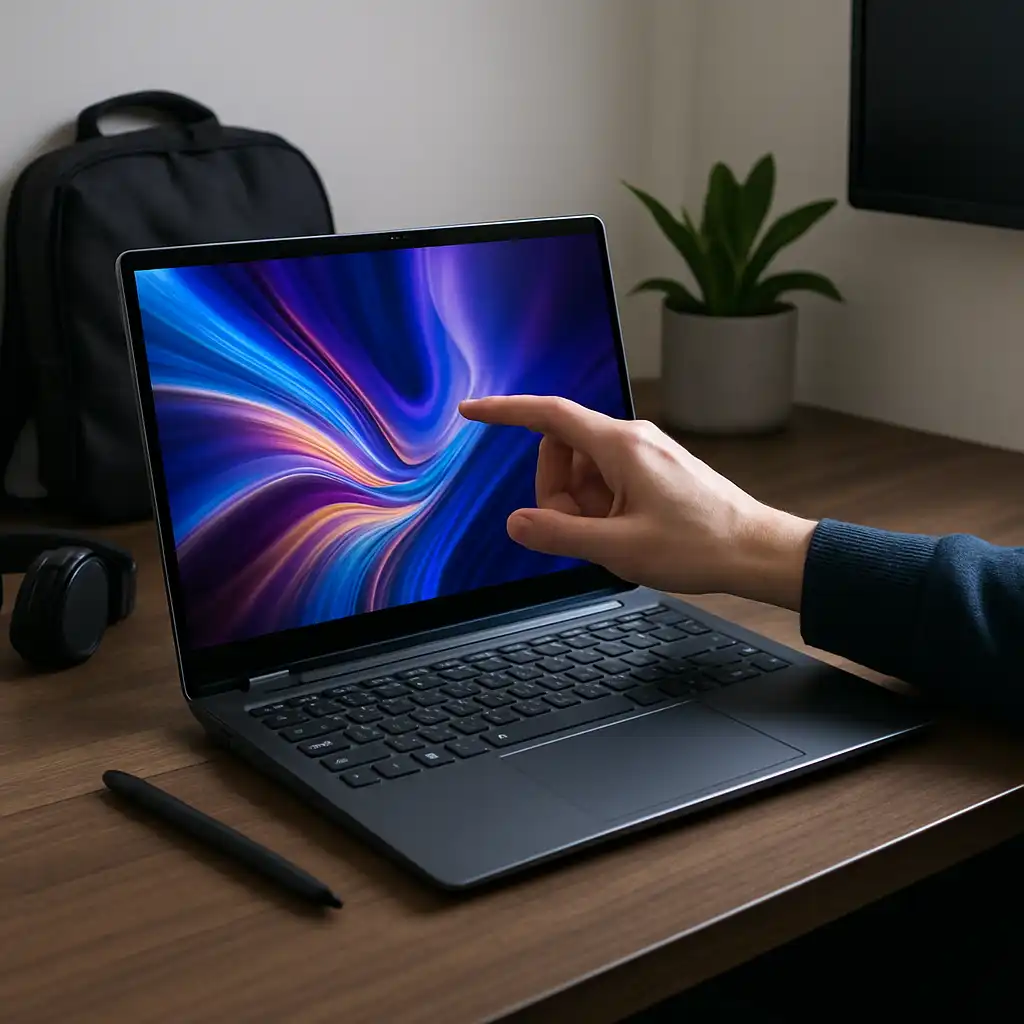
A touchscreen laptop combines a normal computer with a touch display. Some models open flat or fold into a tablet. Others keep a standard laptop shape but let you tap, scroll, draw, and write on the screen.
For shoppers in the United States, the right choice depends less on the word “touchscreen” and more on how you will use it. A student may need a light laptop with long battery life. A designer may need pen support and a color-rich display. A business user may value ports, keyboard quality, repair options, and Windows compatibility.
This guide compares the main types of touchscreen laptops and explains what to check before spending your money.
Best Touchscreen Laptops at a Glance
The table below gives a quick starting point. Always check the exact configuration because one laptop family may include several screens, processors, batteries, and prices.
| Laptop | Best for | Main strengths | Main limits |
|---|---|---|---|
| Lenovo Yoga 7i 2-in-1 14-inch | Most buyers | Flexible design, good value, modern Intel processors, useful ports | Display and pen options vary |
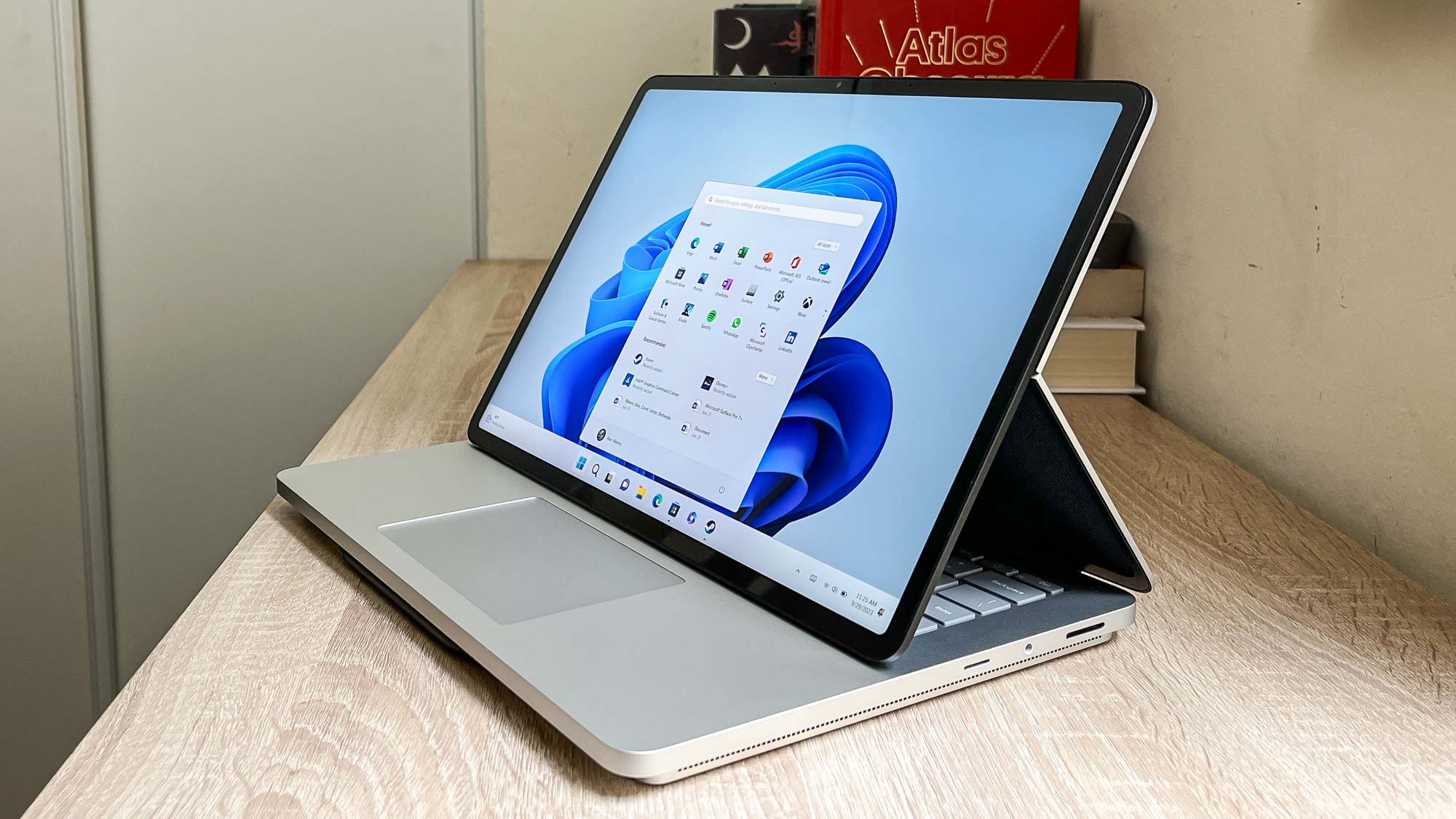
| Microsoft Surface Laptop | Battery life and simple Windows use | High-quality touch display, clean design, strong portability | Does not fold into a tablet; ARM app limits may matter |
| Lenovo Yoga 9i 2-in-1 | Premium everyday use | OLED display, strong speakers, pen-friendly design | Costs more; fewer upgrade options |
| HP OmniBook Ultra Flip | Premium convertible use | OLED touch display, compact design, modern performance | Availability and configuration can vary |
| Dell Inspiron 14 2-in-1 | Lower-cost buyers | Affordable convertible design and broad retail availability | Screen, build, and battery life may be less refined |
| Microsoft Surface Pro with keyboard | Tablet-first work | Detachable keyboard, touch and pen input, very portable | Keyboard is often sold separately; lap use is less stable |
Our primary recommendation
Choose the Lenovo Yoga 7i 2-in-1 14-inch if you want one device for work, school, streaming, browsing, and light creative tasks. It is a practical middle ground between price, performance, flexibility, and portability.
Choose the Microsoft Surface Laptop instead if you prefer a traditional laptop and care most about battery life and a simple design.
What Makes a Touchscreen Laptop Good?
A good touchscreen laptop needs more than a responsive display. It should also have a solid hinge, a comfortable keyboard, enough processing power, useful ports, and battery life that matches your routine.
Touchscreen type
Most laptop touchscreens use one of these display types:
- IPS LCD: Common, affordable, and often easier on the battery.
- OLED: Offers deep black levels and strong contrast, but may cost more and use more power in some tasks.
- Mini-LED: Can provide high brightness and strong contrast, but is less common and often expensive.
- Glossy touch displays: Make touch input clear, but can show reflections near windows or bright lights.
A screen with a 16:10 aspect ratio gives you more vertical space than a traditional 16:9 panel. That helps when reading documents, viewing web pages, or working with long spreadsheets.
Hinge design
A 2-in-1 convertible has a hinge that lets the screen rotate behind the keyboard. You can use it as a laptop, tent, stand, or tablet.
A detachable 2-in-1, such as the Surface Pro, separates the screen from the keyboard. It is lighter as a tablet but may feel less stable on your lap.
A standard touchscreen laptop has no tablet mode. It is often the better choice if you only plan to tap, scroll, and zoom.
Pen support
Not every touchscreen laptop supports an active stylus. Some support a pressure-sensitive pen, while others accept only finger input.
Before buying, confirm:
- The exact laptop model supports an active pen.
- The pen is included or sold separately.
- The laptop supports the pen protocol listed by the manufacturer.
- The pen has a place to store or charge.
- The screen supports palm rejection when writing.
A generic capacitive stylus may work like a finger, but it will not offer the pressure control of an active pen.
Keyboard and touchpad
Touch input does not replace a good keyboard. For long writing sessions, look for:
- Full-size or near-full-size keys
- Good key travel
- Backlighting
- A firm palm rest
- A precise glass or large touchpad
- A hinge that does not wobble when you tap the screen
The keyboard matters even more on a 2-in-1 because the device may be heavier than a tablet.
Ports and wireless features
Thin touchscreen laptops often reduce the number of ports. Check whether you need:
- USB-C charging
- USB-A for older accessories
- HDMI for a monitor or classroom projector
- A headphone jack
- A microSD or full-size SD card slot
- Wi-Fi 6E or Wi-Fi 7
- Bluetooth for mice, headphones, and keyboards
A USB-C port does not always support the same features. Some support charging, display output, and fast data transfer. Others support only part of that list.
The Best Touchscreen Laptop for Most People: Lenovo Yoga 7i 2-in-1
The Lenovo Yoga 7i 2-in-1 14-inch is the best starting point for most shoppers because it balances price, flexibility, and performance.
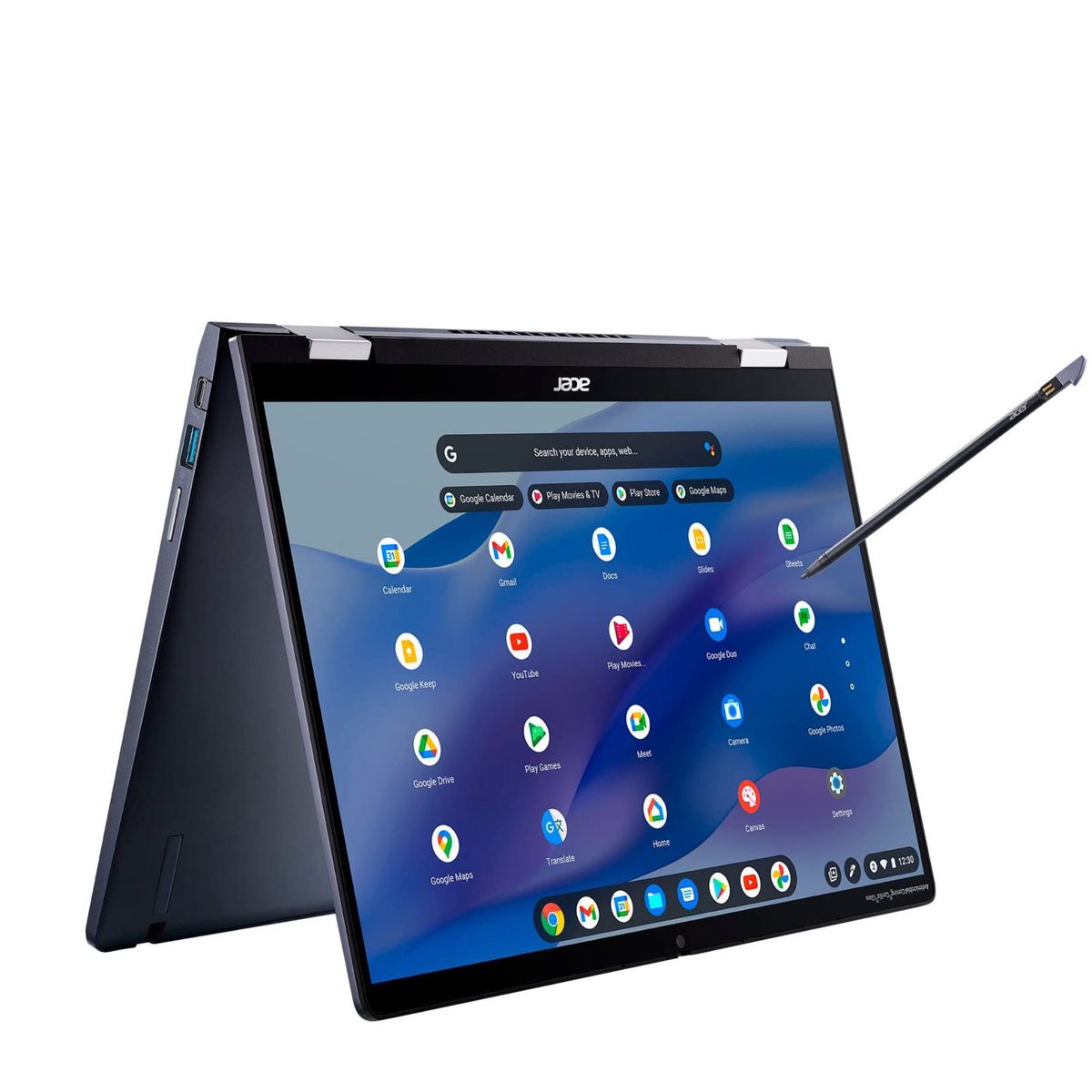
It is designed for everyday Windows work, including web browsing, Microsoft 365, video calls, streaming, schoolwork, and light photo editing. The 360-degree hinge lets you use it as a normal laptop or fold it into a tablet-style device.
Why it stands out
The Yoga 7i line commonly offers:
- Intel Core Ultra processor options
- A 14-inch touchscreen
- Convertible hinge
- USB-C and USB-A ports
- A backlit keyboard
- A fingerprint reader on some configurations
- Optional or included pen support, depending on the package
- IPS and OLED screen choices, depending on the model
The exact display is important. An OLED version can look much better for movies and photos, while an IPS version may offer better value and potentially lower power use.
Who should buy it?
The Yoga 7i is a good fit for:
- College students
- Remote workers
- Families sharing one computer
- People who want a laptop and occasional tablet mode
- Buyers who want Windows software without paying for a luxury model
Who should choose something else?
Avoid assuming that every Yoga 7i configuration is the same. A low-memory model may feel limited after several years. A high-resolution OLED screen may also reduce battery life compared with a lower-resolution LCD panel.
For a long-term purchase, look for at least 16GB of RAM and 512GB of solid-state storage when your budget allows. Those specifications are not a guarantee of future performance, but they give a Windows laptop more room for multitasking and updates.
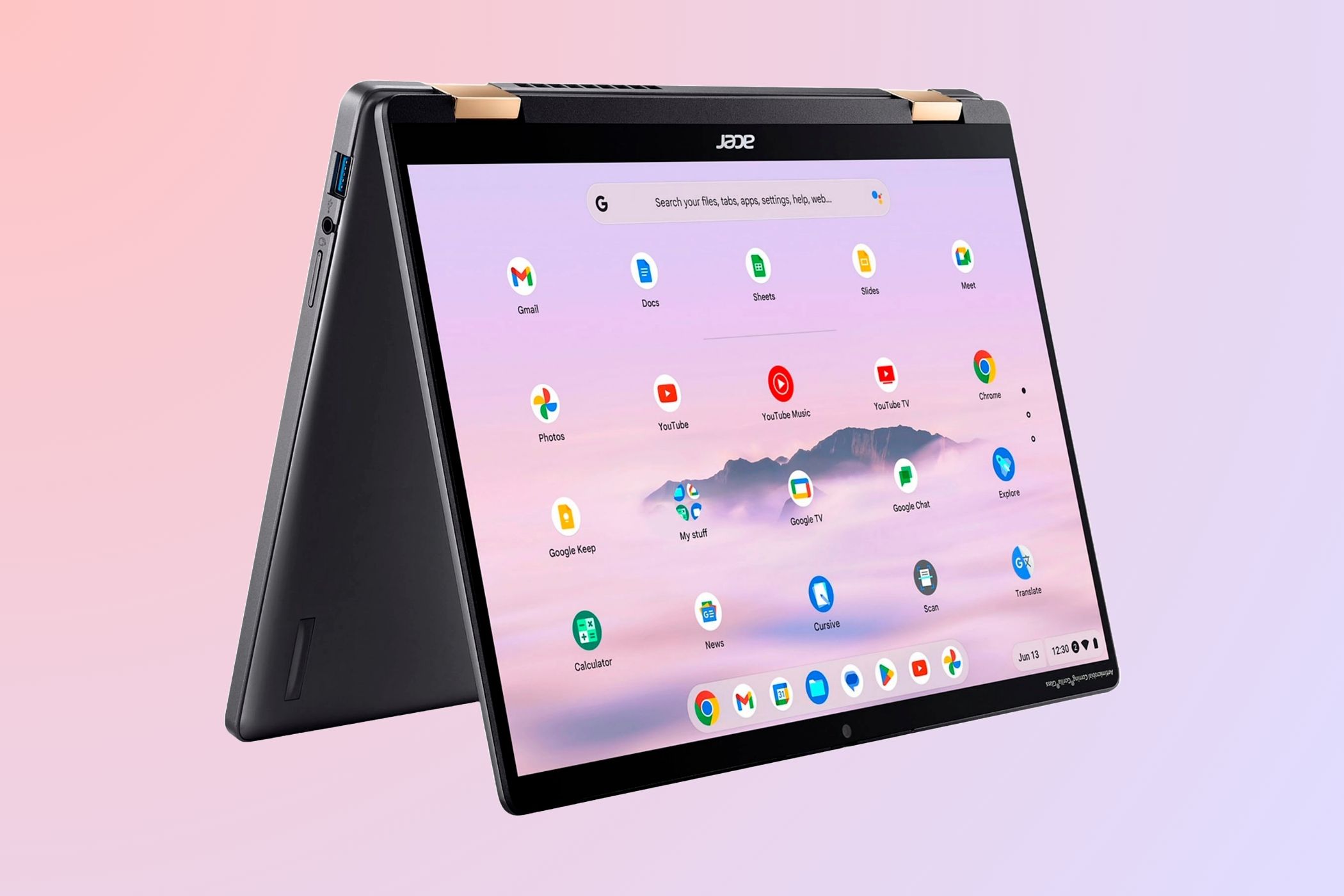
Best Touchscreen Laptop for Battery Life: Microsoft Surface Laptop
The Microsoft Surface Laptop is a strong choice for people who want a traditional laptop with a touch display and long unplugged use.
Recent Surface Laptop models use Qualcomm Snapdragon X processors. These chips are based on the Arm architecture rather than the x86 architecture used by most Intel and AMD Windows laptops.
Why it stands out
The Surface Laptop offers:
- A clean, traditional laptop design
- A high-quality touchscreen
- Strong portability
- A comfortable keyboard
- Modern USB-C connectivity
- Windows 11
- Snapdragon processor options on recent models
The main benefit of an Arm-based Windows laptop is efficiency. The computer may run cool and last a long time away from a charger. Microsoft also provides translation technology for many traditional Windows apps.
The compatibility question
Some apps work best when they are built for Arm. Others run through translation. Most everyday programs work well, but specialized software can be different.
Check compatibility before buying if you use:
- Older business software
- Specialized engineering tools
- Some accounting programs
- Certain games with anti-cheat systems
- Hardware that needs a special driver
- Virtual machines
- Professional video, audio, or scientific tools
A Surface Laptop is not the best choice simply because its battery lasts longer in a particular test. Your apps and workload determine the real result.
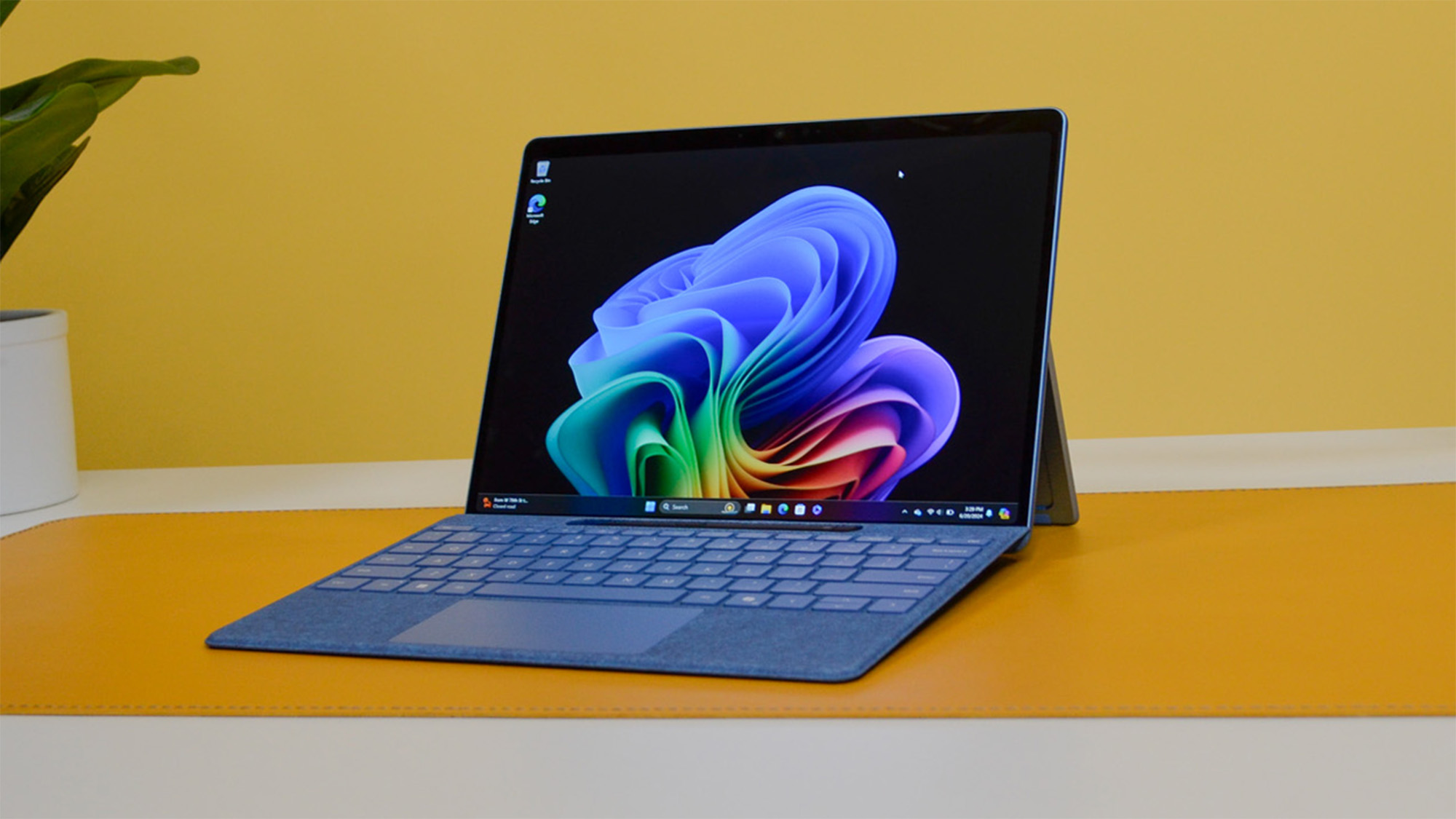
Best Premium 2-in-1: Lenovo Yoga 9i
The Lenovo Yoga 9i 2-in-1 is a premium convertible laptop for buyers who want a polished design, a high-quality display, and strong speakers.
It usually sits above the Yoga 7i in price. Its appeal comes from the overall experience rather than one feature. The display, hinge, speakers, keyboard, and materials are designed to work well together.
Why it stands out
Depending on the configuration, the Yoga 9i may include:
- Intel Core Ultra processors
- A high-resolution OLED touchscreen
- A 360-degree hinge
- Pen support
- A rotating soundbar-style speaker hinge
- A fingerprint reader
- Fast USB-C connectivity
- A slim metal chassis
The OLED display is useful for movies, photo viewing, and work with strong contrast. It can also make text and icons look crisp at high resolution.
The trade-off
Premium 2-in-1 laptops are not always the best value. You may pay more for a brighter display, better speakers, and a thinner body without gaining much extra speed for basic tasks.
The Yoga 9i makes the most sense if you value:
- Screen quality
- Media playback
- A refined design
- Tablet mode
- A premium keyboard and touchpad
If you mainly write documents and browse the web, the Yoga 7i may deliver nearly everything you need at a lower cost.

Best Premium Windows Convertible Alternative: HP OmniBook Ultra Flip
The HP OmniBook Ultra Flip is aimed at buyers who want a high-end Windows convertible with a modern OLED touchscreen.
HP has moved many of its consumer laptops under the OmniBook name. Model names and configurations can change, so check the exact product page before buying.
Why it may fit
The OmniBook Ultra Flip is designed for:
- Premium everyday work
- Media consumption
- Note-taking and sketching
- Video calls
- Portable office use
- Buyers who prefer HP’s keyboard and design
High-end configurations may use recent Intel processors and OLED displays. Some versions support an active pen, but the included accessories can differ by seller.
What to verify
Before ordering, confirm:
- Whether the pen is included
- The screen resolution and refresh rate
- The installed RAM
- The storage size
- The number of USB-C ports
- Whether the laptop includes a USB-C charger
- The warranty term
- The return policy
Do not compare an expensive OLED configuration with a lower-cost LCD model as if they were identical. The display, battery, and price can differ substantially.
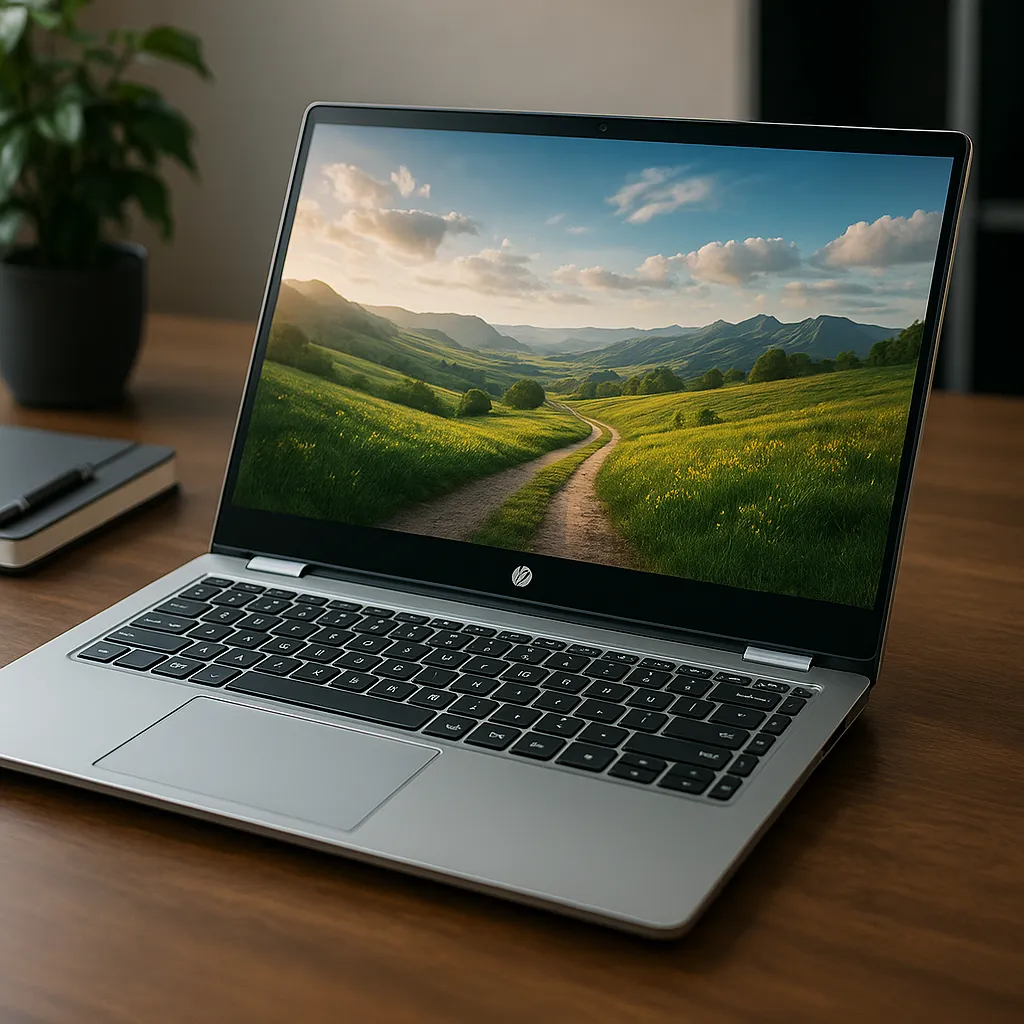
Best Affordable Touchscreen Laptop: Dell Inspiron 14 2-in-1
The Dell Inspiron 14 2-in-1 is worth considering when you want a convertible touchscreen laptop at a lower price.
Dell often sells several processor and display versions under the same family name. That makes the exact configuration more important than the product line alone.
What it does well
An Inspiron 14 2-in-1 can be a good fit for:
- Schoolwork
- Web use
- Video calls
- Streaming
- Basic office tasks
- Home users who want a flexible hinge
It may offer a useful mix of USB-C, USB-A, HDMI, and audio connectivity. The available ports depend on the model year and configuration.
What you give up
Lower-cost 2-in-1 laptops may have:
- Dimmer screens
- More plastic in the chassis
- Shorter battery life
- Less powerful processors
- Smaller storage drives
- Less precise touchpads
- Limited upgrade options
Avoid buying a budget touchscreen with only 8GB of memory if you expect to keep it for many years. It may still work for simple use, but multitasking can become less comfortable over time.
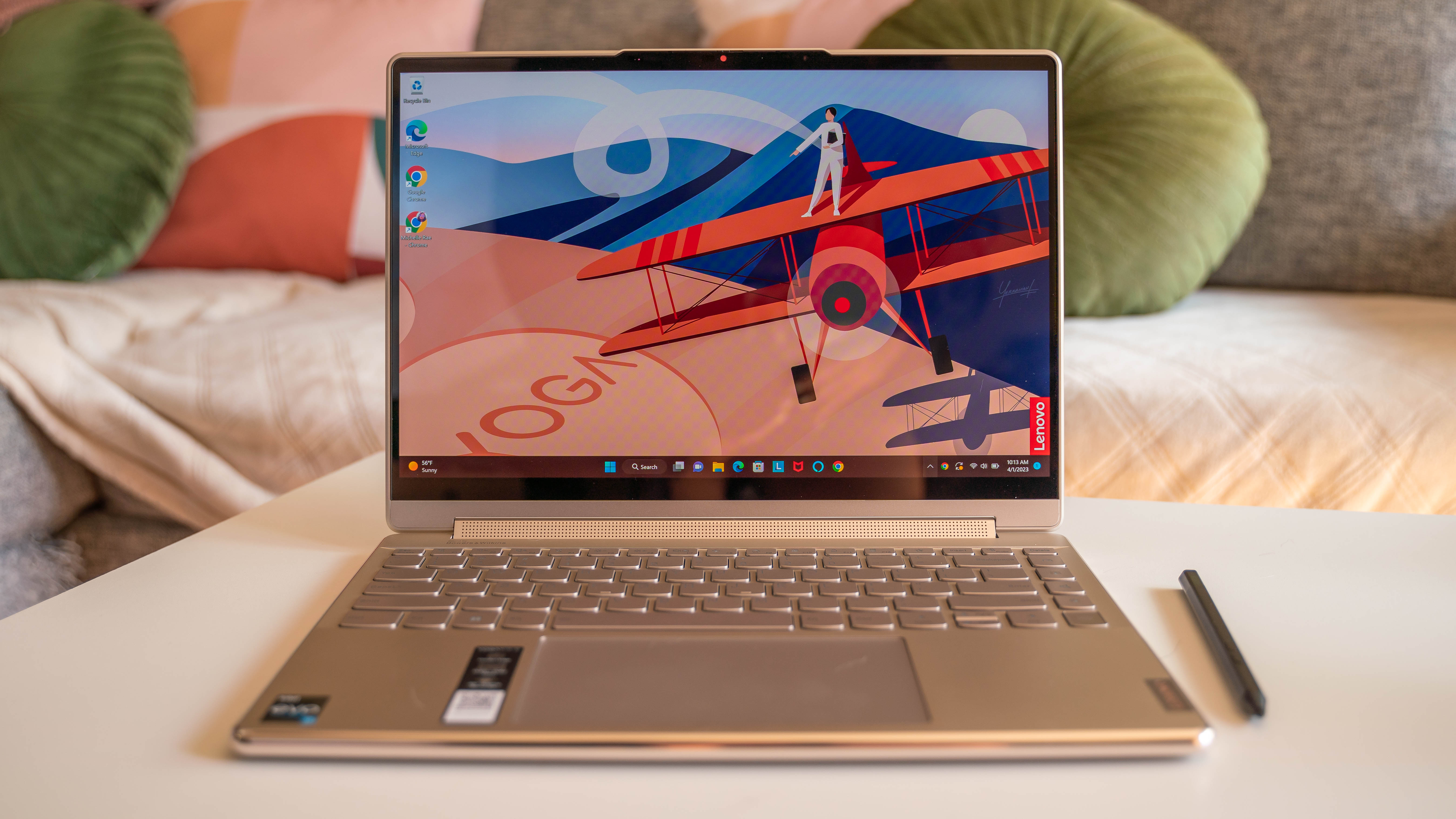
Best Tablet-First Touchscreen Computer: Microsoft Surface Pro
The Microsoft Surface Pro is better than a traditional 2-in-1 if you want a tablet first and a laptop second.
Its screen detaches from the keyboard. That makes it easy to hold, carry, and use with a pen. The built-in kickstand helps for desk use, but the device may feel less stable on your lap than a normal laptop.
Choose Surface Pro when you need
- A light tablet
- Handwritten notes
- Digital drawing
- A detachable keyboard
- Windows apps in a tablet form
- A small device for travel
Think twice when you need
- A stable laptop for lap use
- A large, deep keyboard
- Many built-in ports
- Easy use on soft surfaces
- A lower total purchase price
The keyboard and pen may be sold separately. Include those accessories in the total cost before comparing Surface Pro with a convertible laptop.
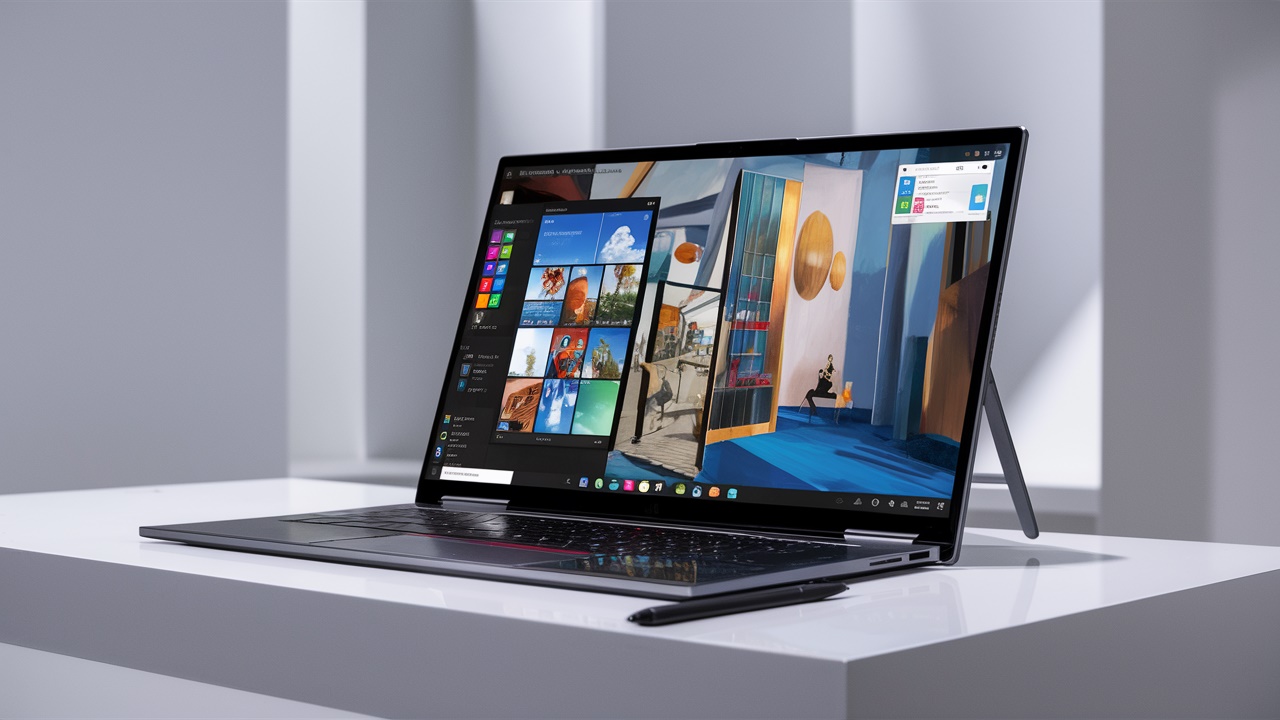
How to Choose the Right Touchscreen Laptop
Start with the way you work, then choose the hardware. Do not begin with the screen alone.
1. Pick the right form factor
Choose a standard touchscreen laptop if you:
- Rarely use tablet mode
- Type for many hours
- Want a stronger hinge
- Prefer a lower price
- Need a stable laptop on your lap
Choose a convertible 2-in-1 if you:
- Read often in tablet mode
- Present slides in tent mode
- Take notes with a pen
- Want one device for work and travel
Choose a detachable if you:
- Use a tablet more than a laptop
- Need a very portable device
- Prefer a removable keyboard
- Plan to draw or write by hand
2. Select the processor
For most US buyers, these processor classes are enough:
- Intel Core Ultra 5: Good for office work, school, browsing, and general use.
- Intel Core Ultra 7: Better for heavier multitasking and demanding work.
- AMD Ryzen 5 or Ryzen 7: Strong alternatives for general use and productivity.
- Qualcomm Snapdragon X: Attractive for battery life, but app and driver compatibility needs checking.
- Apple M-series: Fast and efficient, but MacBooks generally do not have touchscreens.
A processor name alone does not tell the full story. Cooling, memory, storage, screen resolution, and software all affect the experience.
3. Choose enough memory and storage
For a new Windows touchscreen laptop:
- 8GB RAM: Basic use only; less suitable for long-term ownership.
- 16GB RAM: The best target for most people.
- 32GB RAM: Useful for demanding creative work, virtual machines, and large projects.
- 256GB storage: Enough for light use, but can fill quickly.
- 512GB storage: A practical starting point.
- 1TB storage: Better for photos, video, games, or large files.
Many thin laptops have memory soldered to the motherboard. That means you may not be able to upgrade it later.
4. Check the screen carefully
Look for:
- At least 1,920 × 1,200 resolution for a 16:10 14-inch screen
- About 300 nits or more for comfortable indoor use
- A matte or anti-reflective finish if glare bothers you
- OLED if contrast and movies matter most
- Higher refresh rate if scrolling smoothness matters
- Pen support if you plan to write or draw
A glossy screen may look bright in a store but reflect windows and overhead lights at home.
5. Estimate real battery needs
Battery ratings from manufacturers are useful for comparison, but they are not promises for your exact routine. Video playback, screen brightness, Wi-Fi use, browser tabs, and processor type all change battery life.
A simple planning rule is:
Required battery capacity = hours away from power × expected hourly use
This is only a planning estimate, not a laboratory result. If you need eight hours away from a charger, do not choose a laptop that reaches eight hours only under light video playback. Leave room for calls, screen brightness, updates, and multitasking.
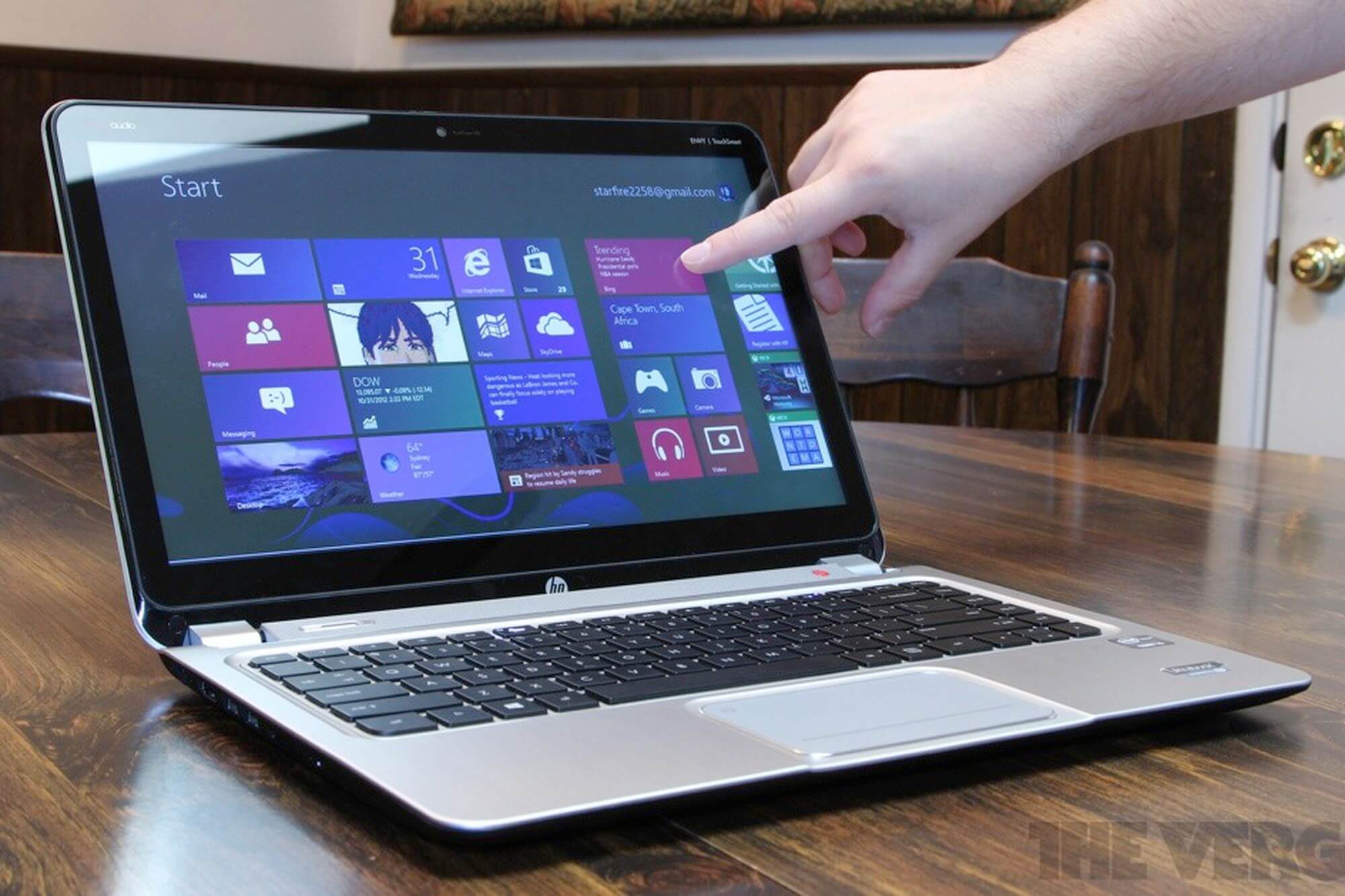
Which Touchscreen Laptop Is Best for Students?
The Lenovo Yoga 7i 2-in-1 is a strong choice for many students because it combines a normal keyboard with tablet mode.
A student may use it to write papers, read digital textbooks, annotate PDFs, attend video classes, and carry it between home and campus. A 14-inch model usually offers a useful balance between screen space and bag weight.
Look for:
- 16GB of RAM
- 512GB SSD storage
- A comfortable backlit keyboard
- USB-C charging
- A reliable webcam
- A good return policy
- A pen only if handwritten notes matter
Check your school’s software list before choosing a Snapdragon-based Windows laptop. If the school requires a specialized application, an Intel or AMD model may be the safer choice.
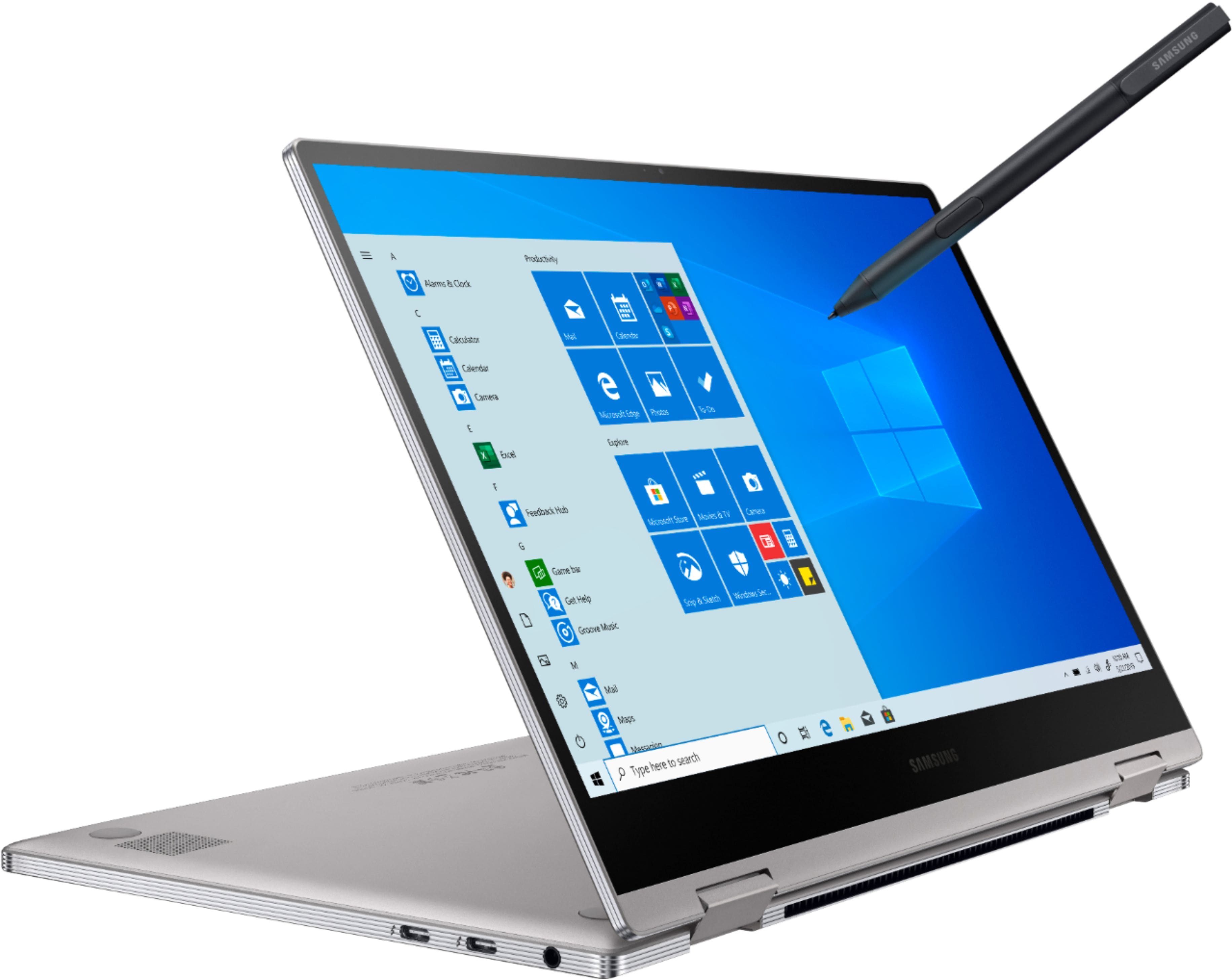
Which Touchscreen Laptop Is Best for Work?
For office work, the best choice is usually a Windows 2-in-1 with an Intel Core Ultra 5 or AMD Ryzen 5 processor, 16GB of RAM, and 512GB of storage.
The Lenovo Yoga 7i fits this profile. The Microsoft Surface Laptop is also a good option when your work apps support Arm Windows.
Business buyers should pay close attention to:
- Warranty length
- On-site repair options
- Webcam quality
- Fingerprint or face sign-in
- Dock compatibility
- External monitor support
- Enterprise security features
- Availability of replacement parts
A consumer laptop can handle office apps well but may not offer the support terms required by a business or government office.
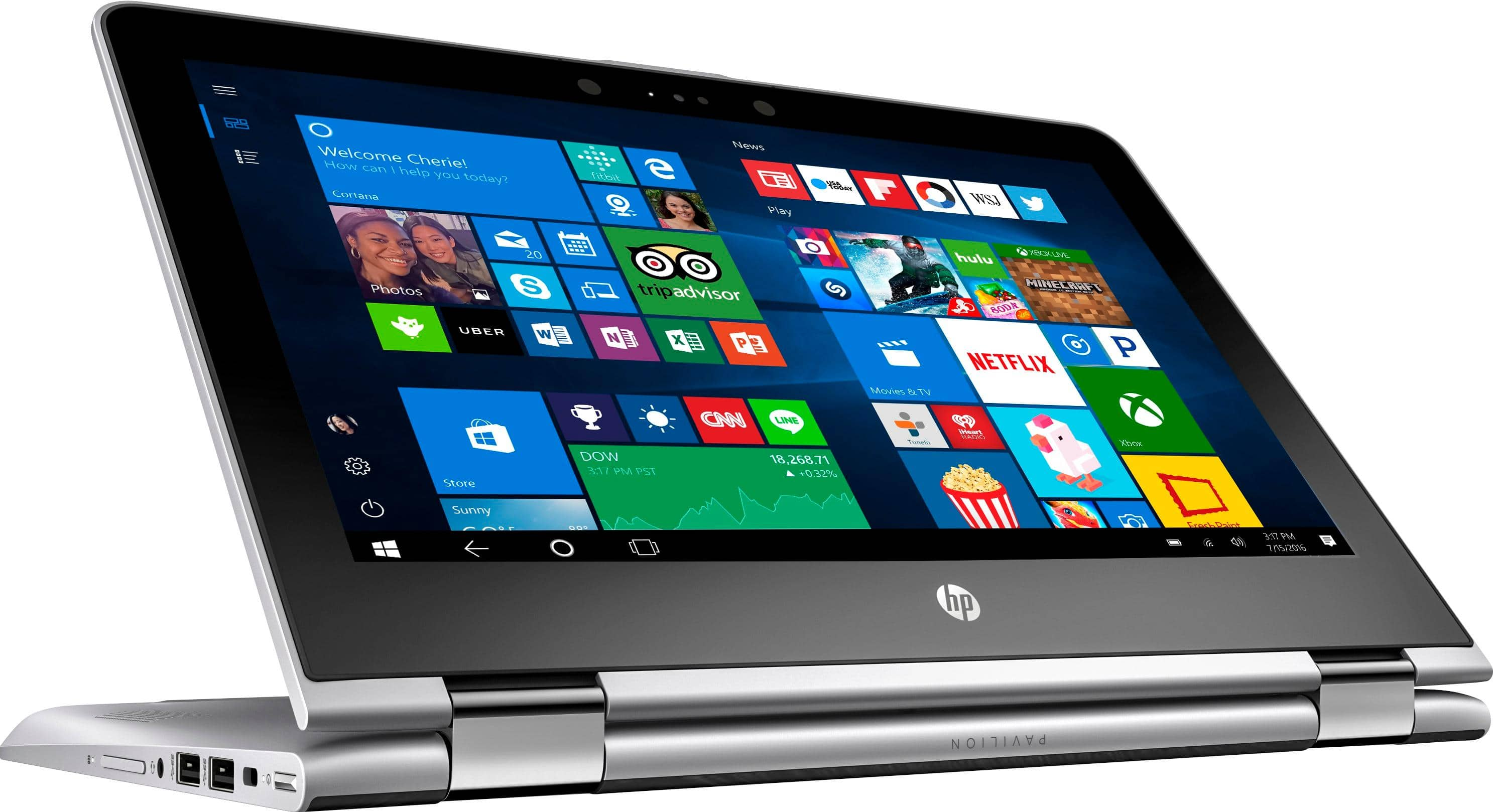
Which Touchscreen Laptop Is Best for Drawing and Note-Taking?
A convertible laptop with active pen support is usually better for drawing and handwritten notes than a standard touchscreen.
The Lenovo Yoga 9i, Lenovo Yoga 7i, and Surface Pro can fit this use, but the exact pen experience varies by model.
Check these details:
- Pressure sensitivity
- Tilt support
- Palm rejection
- Pen latency
- Pen charging method
- Pen storage
- Screen size
- Hinge stability
For serious digital art, also consider the screen’s color coverage and factory calibration. A touchscreen alone does not make a laptop suitable for professional color work.

Common Touchscreen Laptop Mistakes
The most common mistake is assuming that every touchscreen laptop supports every type of pen. Confirm this before you buy.
Other mistakes include:
Buying too little RAM
A low-cost laptop may look attractive with 8GB of RAM. It may struggle sooner when you open many browser tabs, video calls, office files, and creative apps at once.
Ignoring screen brightness
A high-resolution screen can still be hard to see in a bright room. Check the brightness rating and look for information about reflections.
Forgetting the accessory cost
Add the price of the pen, keyboard, dock, charger, or protective case. This matters most with detachable tablets.
Assuming USB-C means everything
USB-C describes the connector shape, not the full feature set. Verify charging, monitor output, and data speed.
Choosing OLED without considering battery use
OLED screens can look rich and sharp. They may also use more power in some situations, especially at high brightness or with bright content.
Buying an Arm laptop without checking apps
Snapdragon-based Windows laptops can work very well. Specialized apps, old drivers, and some games may not behave the same as on Intel or AMD systems.
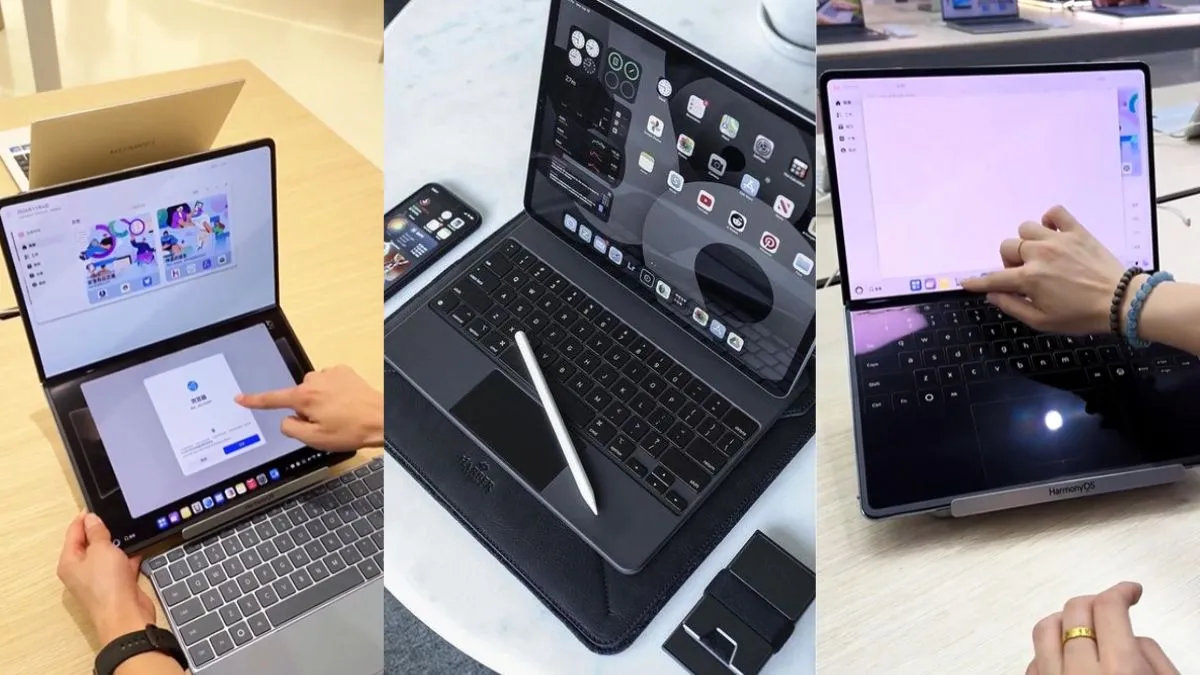
How Weighing Price and Performance Works
The best laptop is not always the fastest one. It is the model that gives you enough performance without charging you for features you will not use.
For example:
- A student who writes papers does not need a workstation processor.
- A photographer may value a bright, accurate screen more than a 360-degree hinge.
- A remote worker may benefit more from a good webcam and battery than from a high refresh rate.
- A gamer may need a dedicated graphics chip, which can make a thin touchscreen laptop less suitable.
- A frequent traveler may prefer a lighter device over a larger display.
Think of your budget as a set of trade-offs. More screen quality, memory, storage, and graphics power usually raise the price or reduce battery life.

How to Check a Laptop Before You Buy
Use this checklist on the exact product page:
- Confirm the model number. Similar names can hide major differences.
- Check the processor generation. Do not rely only on “Core i7” or “Ryzen 7.”
- Confirm RAM and storage. Look for 16GB RAM and 512GB storage for a strong general-purpose setup.
- Check the screen resolution and brightness.
- Confirm active pen support.
- See whether the pen and charger are included.
- Review the ports.
- Check the webcam resolution and microphone features.
- Read the warranty terms for the United States.
- Check the return period.
- Review the operating system and app compatibility.
- Compare the total price after accessories.
Buy from a seller with a clear return policy. A touchscreen can look excellent on paper but feel too glossy, heavy, dim, or awkward for your daily use.
Frequently Asked Questions
Is a touchscreen laptop worth it?
A touchscreen is worth the extra cost if you will use touch for reading, scrolling, presenting, drawing, or tablet mode. It may not be worth it if you mostly type and use an external mouse.
Do touchscreen laptops use more battery?
Touch hardware can add some power use, but battery life depends more on the processor, screen brightness, resolution, refresh rate, and workload. An OLED screen at high brightness can use more power in some tasks.
Can I use a touchscreen laptop without touching the screen?
Yes. You can use the keyboard, touchpad, mouse, or external monitor like you would with a standard laptop.
Are 2-in-1 laptops good for gaming?
Some can run casual games well. Thin 2-in-1 laptops often use integrated graphics, so they are not ideal for demanding modern games. Gaming laptops with dedicated graphics are usually heavier, louder, and less flexible.
Can I upgrade a touchscreen laptop later?
It depends on the model. Storage may be replaceable in some laptops, while RAM is often soldered. Check the service manual or manufacturer specifications before buying.
Final Recommendation
For most people in the United States, buy the Lenovo Yoga 7i 2-in-1 14-inch with 16GB of RAM and 512GB of SSD storage. Choose an OLED screen if display quality matters more than the lowest price, and confirm whether the pen is included.
Choose the Microsoft Surface Laptop for a traditional design and strong battery potential, provided your apps work well on Arm-based Windows. Choose the Lenovo Yoga 9i or HP OmniBook Ultra Flip if you want a more premium convertible experience.
The best touchscreen laptop is the one that matches your apps, writing habits, screen needs, and budget—not simply the one with the highest specifications.
Sources for current specifications
- Microsoft Surface Laptop
- Microsoft Surface Pro
- Lenovo Yoga laptops
- Dell Inspiron laptops
- HP OmniBook laptops
- Microsoft Windows on Arm support
- Microsoft Windows 11 specifications and requirements

Everett Ashford is a tech reviewer at mytechgrid.com specializing in SSDs, cameras, TVs, earbuds, headphones, and other consumer electronics. He provides honest, data-driven reviews based on hands-on testing and real-world performance analysis. Everett simplifies complex tech details to help readers make smart, confident buying decisions.