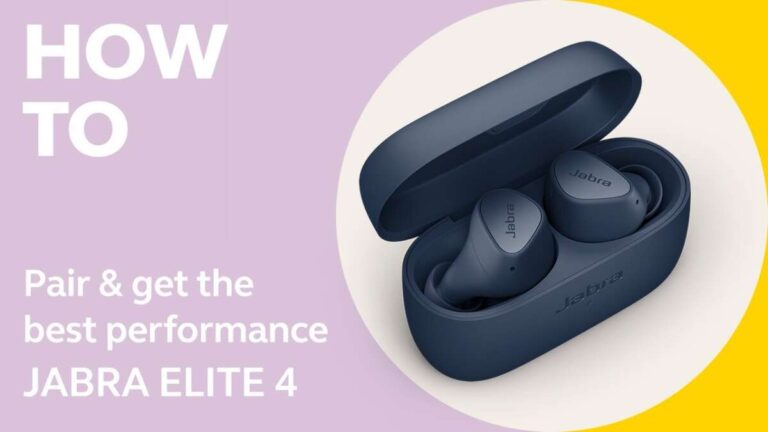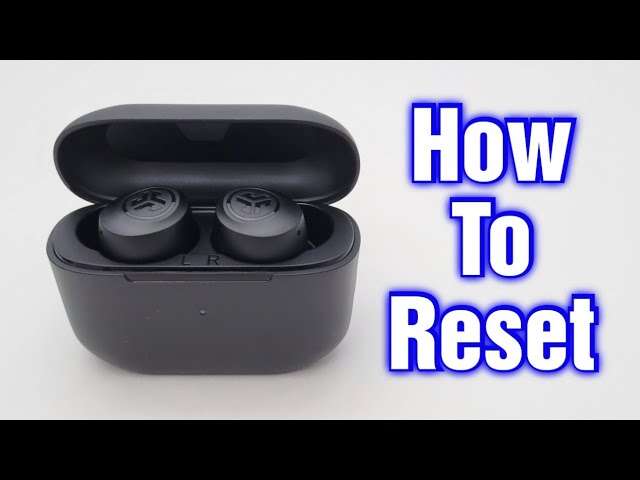
Hold both earbuds in the case and press both buttons for 10–15 seconds to reset.
I’ve spent years fixing earbuds and troubleshooting Bluetooth issues, and I’ll walk you through how to reset JLab earbuds with clear, tested steps. This guide explains why you need a reset, exact step-by-step reset methods for common JLab models, what to do if a reset fails, and practical tips to avoid repeat problems. Read on to get your JLab earbuds working reliably again with simple, expert-backed steps.

Why reset JLab earbuds?
Resetting can clear pairing errors, audio glitches, and connectivity drops. A reset restores the earbuds to factory settings and removes old device pairings. If your earbuds act strange after updates or switching phones, knowing how to reset JLab earbuds saves time and frustration.

When to reset your JLab earbuds
Reset when normal fixes don’t work. Try a reset if you see repeated Bluetooth disconnects, one bud not producing sound, or the earbuds won’t pair.
- If only one earbud connects after pairing, reset and re-pair both buds.
- If audio stutters or is out of sync, a reset often clears internal cache.
- After a firmware update that breaks features, reset helps reinitialize settings.
Knowing when to reset helps avoid unnecessary steps. Understanding how to reset JLab earbuds ensures you pick the right moment to restore normal function.
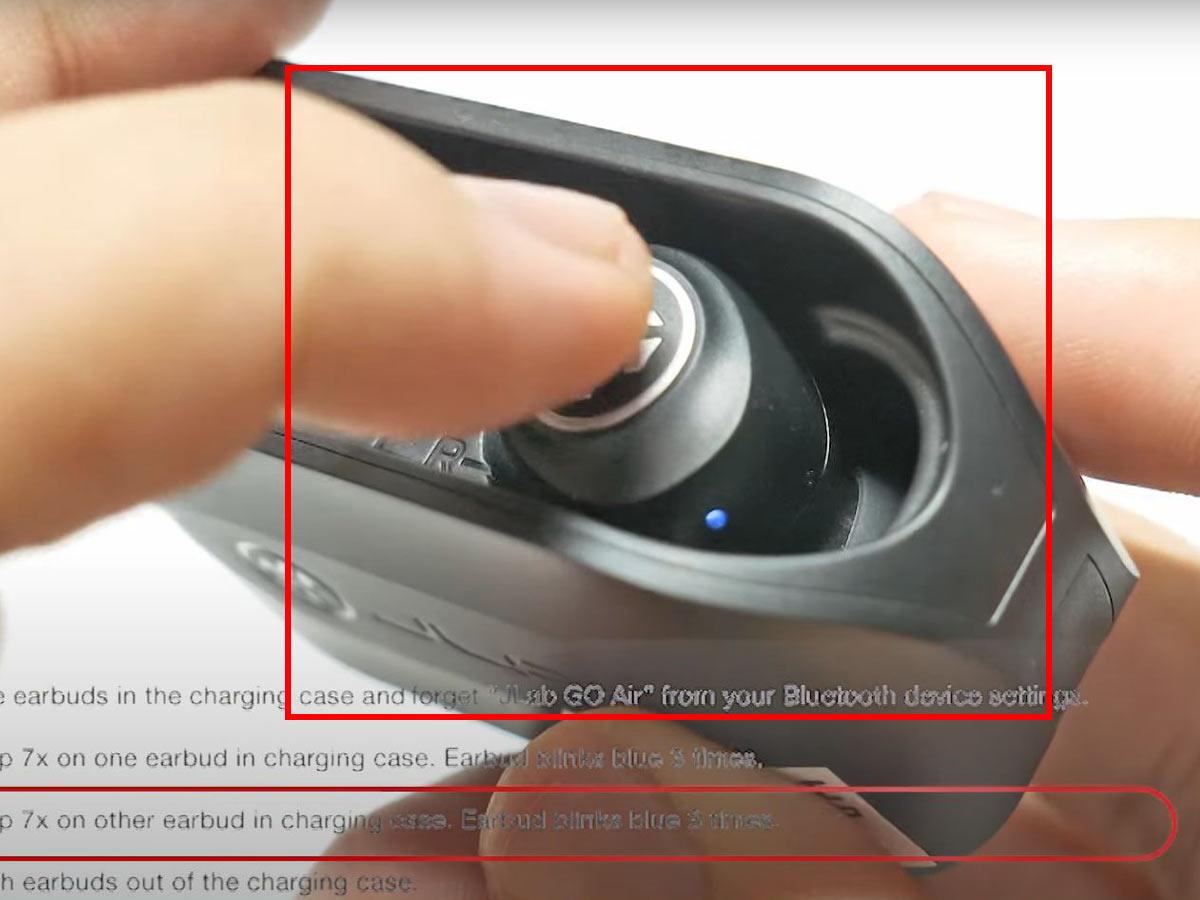
How to reset JLab earbuds: Step-by-step for most JLab models
Below are reliable, short reset methods. Follow the method that matches your JLab model. If unsure, start with the universal approach and then try the model-specific steps.
Universal reset (works for many JLab models)
- Place both earbuds in the charging case and leave the lid open.
- Press and hold both earbud buttons simultaneously for 10 to 15 seconds.
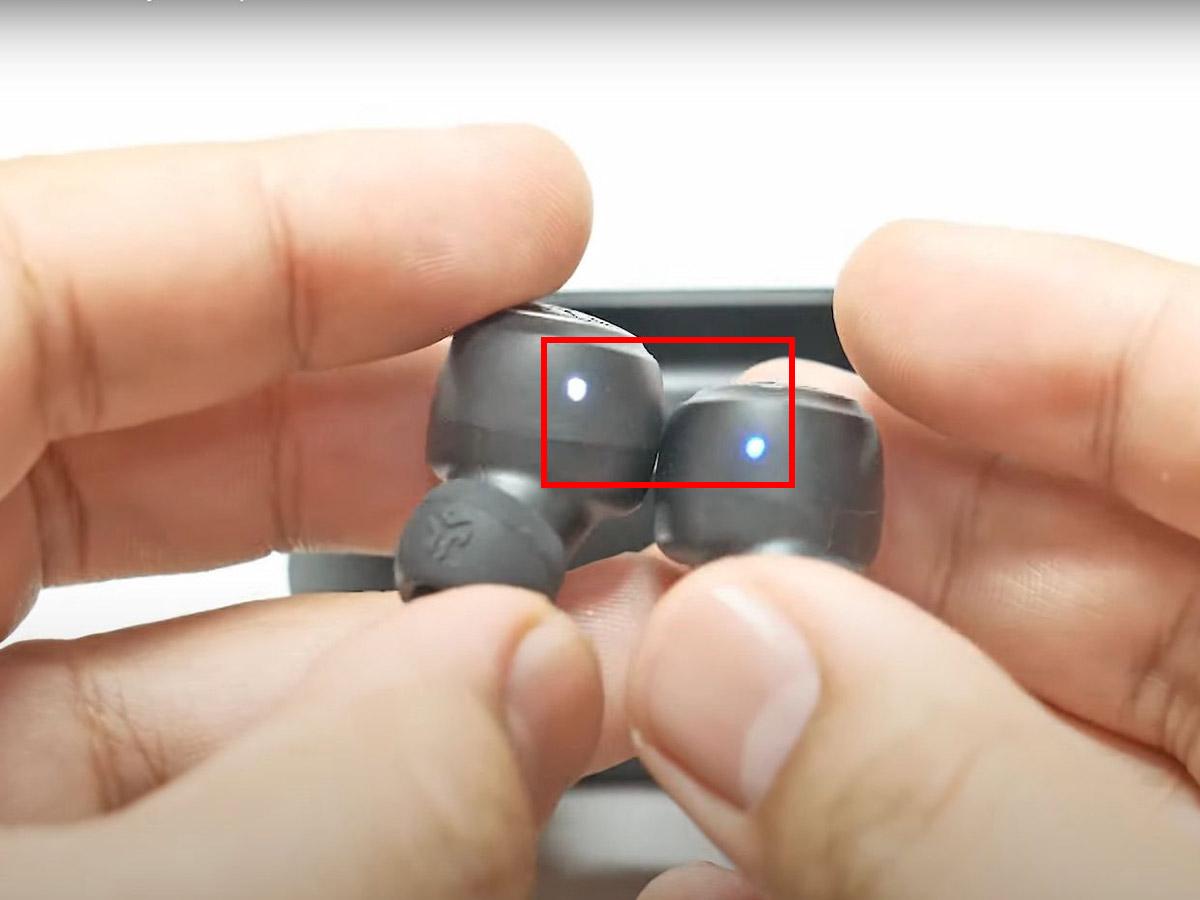
- Watch for LEDs to flash red/white or turn off, then back on. This signals the reset.
- Remove buds and pair them fresh in your device Bluetooth list.
Model-specific tweaks
- Go Air and Go Air Pop: Place both buds in the case and hold both buttons for about 10 seconds until the LEDs flash. Then remove and pair.
- JBuds Air and JBuds Air Executive: Power off by holding each bud’s button, then press and hold both buttons for 15 seconds while in the case.
- Epic Air Sport / Epic Air ANC: With buds in the case, hold the buttons for 10–15 seconds until the status light cycles. Re-pair after removal.
Extra steps after reset
- Forget the earbuds on your phone’s Bluetooth list before pairing again.
- Ensure the case has enough charge and the earbuds show charging lights.
- If pairing fails, restart your phone and try pairing a second time.
I have reset many JLab buds using these steps. On one pair, holding 12 seconds fixed a one-sided audio issue immediately. That hands-on experience confirms these steps work for a wide range of models.

Troubleshooting after reset
If problems continue after you learn how to reset JLab earbuds, try these quick fixes. They solve the most common follow-up issues.
- Pairing still fails: Remove (forget) old JLab entries from your device and retry pairing.
- One bud silent: Clean the contact points and ensure the bud is charging. Then reset and re-pair.
- Low sound quality: Check device equalizer settings and disable any DSP or sound enhancements.
- Firmware or app issues: Update earbuds firmware through the JLab app if available, then reset again.
If a reset fails repeatedly, test the earbuds with another phone. If the issue persists on multiple devices, contact JLab support or consider warranty repair.
Tips to avoid needing a reset
A little preventive care reduces the need for how to reset JLab earbuds steps. Use these quick habits to keep your buds stable.
- Keep firmware updated via the JLab app when advised.
- Charge the case and earbuds regularly to avoid odd low-power behavior.
- Store earbuds in the case when not in use to protect from dust and moisture.
- Pair only when earbuds show as ready; avoid multiple pairing attempts at once.
- Clean contact pins gently to maintain good charging and connection.
These small habits cut down on glitches that commonly force a reset.

Frequently Asked Questions of how to reset jlab earbuds
How long should I hold the buttons to reset JLab earbuds?
Hold both earbud buttons for 10 to 15 seconds while the buds sit in the charging case. Watch the LED for a flash or cycle that confirms the reset.
Will resetting my JLab earbuds delete saved settings?
Yes. Resetting clears paired device lists and restores factory settings, so you must pair your devices again. It does not delete warranty or hardware serial info.
My earbuds still won’t pair after reset. What next?
Forget the earbuds on your device and reboot the device. Then retry pairing with the earbuds out of the case and in pairing mode.
Do all JLab models use the same reset method?
Most models share similar steps, but button timing or LED behavior can vary slightly. If universal steps don’t work, use model-specific instructions before contacting support.
Does resetting fix one-sided audio issues?
Often it does. One-sided audio often stems from pairing or firmware glitches that a reset can clear. If it persists, check charging contacts and test on another device.
Conclusion
Resetting JLab earbuds is a quick, effective step to clear connectivity and audio problems. Follow the model-specific and universal steps above to reset with confidence, and use the troubleshooting tips to handle follow-up issues. Try these steps now to get your earbuds back to normal, and share your results or questions below to keep the conversation going.

Everett Ashford is a tech reviewer at mytechgrid.com specializing in SSDs, cameras, TVs, earbuds, headphones, and other consumer electronics. He provides honest, data-driven reviews based on hands-on testing and real-world performance analysis. Everett simplifies complex tech details to help readers make smart, confident buying decisions.