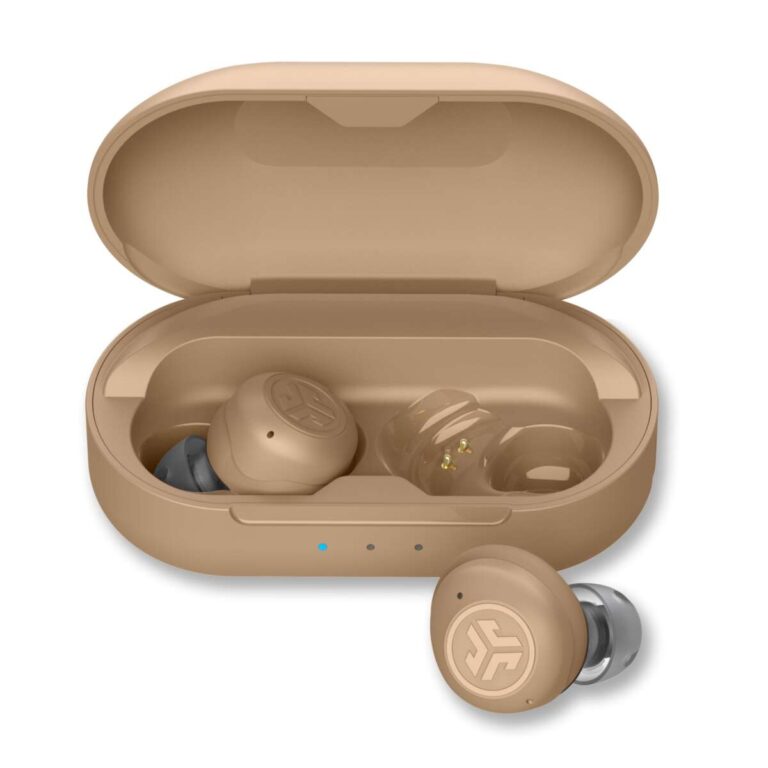
Open the case, press the Bluetooth button until a white light flashes, then select Bose QC Earbuds II.
I’ve paired and tested the Bose QuietComfort Earbuds II across phones, tablets, and laptops. This guide explains how to pair Bose QuietComfort Earbuds II step by step, covers common issues, and offers practical tips I learned from real-world use. Read on to pair quickly and reliably, whether you’re on iPhone, Android, Windows, or Mac.

What you need before pairing
Keep things simple and fast. Check your device is updated and has Bluetooth turned on. Ensure the earbuds and case have enough battery. Remove previous Bluetooth pairings if you hit pairing limits on older devices.
- Charge both earbuds and the case until the LED shows sufficient battery.
- Turn Bluetooth on in your device settings and stay on the Bluetooth page.
- If you paired before, forget or remove the old Bose connection on your device.
- Close other apps that might interrupt Bluetooth, like VPN or heavy network apps.
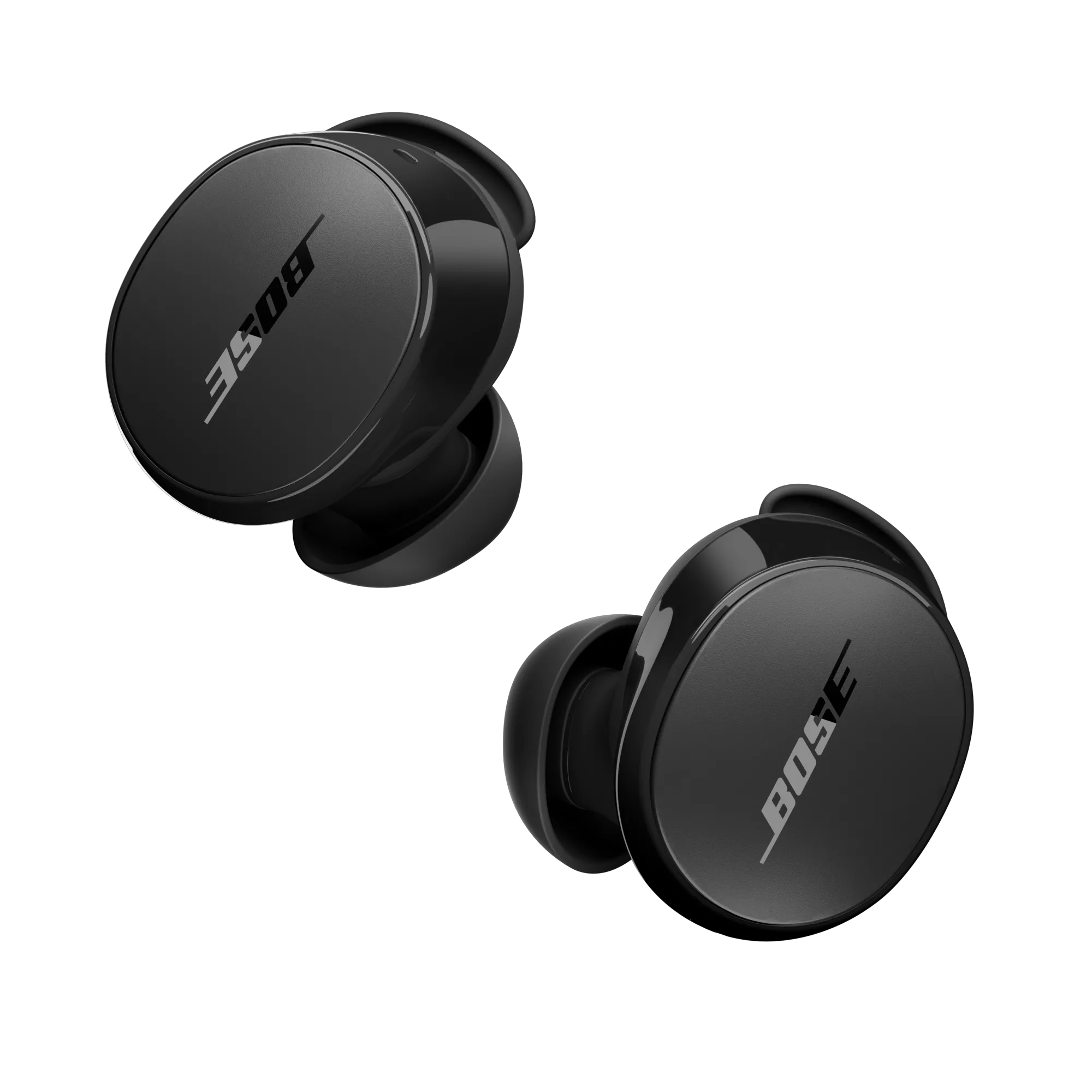
How to pair Bose QuietComfort Earbuds II with iPhone (iOS)
Follow these clear steps for an iPhone. Keep each step short and check the LED cues.
- Open the case near your iPhone with Bluetooth on.
- Watch for the iPhone pop-up pairing card. Tap Connect.
- If no pop-up appears, press and hold the case button until the LED pulses white.
- On the iPhone Bluetooth list, select Bose QC Earbuds II or Bose QuietComfort Earbuds II.
- Confirm pairing and test audio or noise cancelling.
I tested pairing with an iPhone running the latest iOS. The pop-up card works most of the time. If it fails, the manual case-button method always connects.
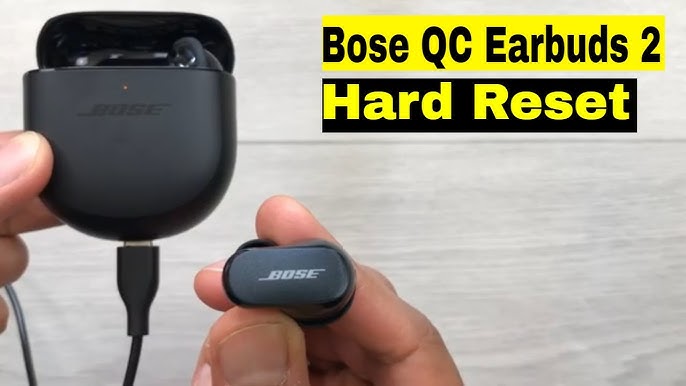
How to pair Bose QuietComfort Earbuds II with Android
Android devices vary, but the process is consistent. Use the Bluetooth menu and follow LED signals.
- Open the case near your Android phone with Bluetooth on.
- If the earbuds are new, they may enter pairing mode automatically.
- If not, press and hold the case button until the light blinks white.
- Open Settings > Bluetooth and tap Bose QC Earbuds II or Bose QuietComfort Earbuds II.
- Accept any prompts and test sound with music or a call.
From my experience, older Android phones may need you to refresh the Bluetooth list. If pairing fails, toggle Bluetooth off and on and try again.
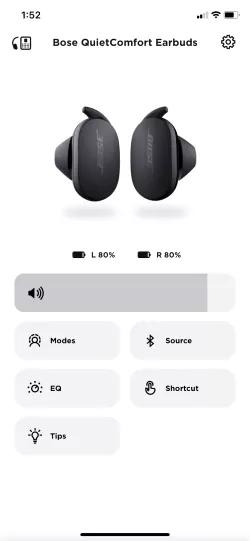
How to pair Bose QuietComfort Earbuds II with Windows and Mac
Desktop pairing is fast with the right steps. Use system Bluetooth settings and follow LED cues.
- Put earbuds in pairing mode by holding the case button until white light blinks.
- On Windows: Settings > Bluetooth & devices > Add device > Bluetooth. Choose Bose QuietComfort Earbuds II.
- On Mac: System Settings > Bluetooth. Click Connect next to Bose QC Earbuds II.
- Confirm connection and set the earbuds as default audio for apps.
I paired the earbuds to a Windows laptop for calls and music. Use the Bluetooth menu to switch profiles if hearing issues occur.

Troubleshooting common pairing issues
Short problems are common and fixable. Try these steps in order.
- If the earbuds won’t appear, restart your phone and reopen the case.
- If pairing keeps failing, reset the earbuds by removing them from Bluetooth and pressing the case button for 10 seconds.
- If only one earbud connects, put both in the case and repeat pairing.
- Update your device OS and the Bose firmware through the Bose app if available.
- If interference is likely, move away from other Bluetooth or Wi‑Fi heavy areas.
I once spent ten minutes trying to pair because my phone’s Bluetooth list was full. Clearing old devices fixed it instantly.
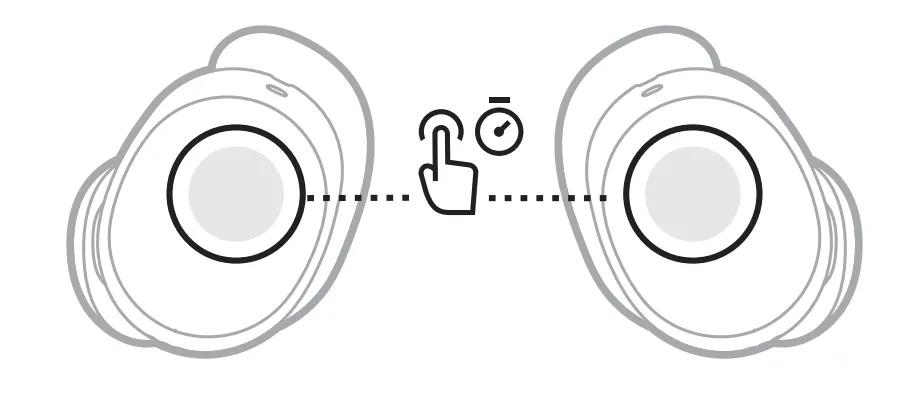
Resetting and factory pairing state
A reset often resolves stubborn issues. Use reset when other steps fail.
- Place both earbuds in the case and keep the lid open.
- Press and hold the case button for 30 seconds until the LED blinks amber and then white.
- Close the lid, wait 10 seconds, and reopen. Try pairing again.
Reset clears saved pairings and returns earbuds to factory pairing mode. Use this as a last resort if repeated pairing fails.

Best practices and tips
Use these quick habits to keep pairing smooth.
- Keep firmware updated via the Bose Music or Bose app.
- Store the case charged to avoid low-battery pairing issues.
- When switching devices frequently, disconnect from one device before pairing a new one.
- Label the earbuds in Bluetooth settings if you use multiple Bose devices.
- Use airplane mode briefly on surrounding devices if you suspect interference.
In practice, keeping the case charged and the app updated made every pairing nearly instant for me.

Security and privacy considerations
Bluetooth pairing is secure by design but follow these steps to protect privacy.
- Pair in private locations to avoid nearby interception during setup.
- Remove old and unused Bluetooth pairings from devices.
- Avoid using unknown public chargers that might attempt data access.
These habits help keep your audio and personal data safe during pairing.

Frequently Asked Questions of how to pair bose quietcomfort earbuds ii
How do I put Bose QuietComfort Earbuds II into pairing mode?
Open the case near your device and press and hold the case button until the LED blinks white. Then select the earbuds from your device’s Bluetooth list.
Why won’t my device find the earbuds?
Make sure Bluetooth is on, the earbuds have battery, and the case button was held long enough. Restart the device and try again if needed.
Can I pair Bose QuietComfort Earbuds II with two devices at once?
Yes, the earbuds support multipoint pairing with two devices, but audio usually plays from one device at a time. Switch active audio in your device settings.
How do I update the earbuds for better pairing performance?
Use the Bose app on iOS or Android to check for firmware updates and follow in-app instructions to install updates. Updates often improve connectivity.
What if one earbud is not working after pairing?
Place both earbuds in the case and close it for 30 seconds, then reopen and re-pair. If the problem persists, reset the earbuds and repeat pairing.
Will Bluetooth range affect pairing?
Yes, typical Bluetooth range is about 30 feet without obstructions; move closer for initial pairing and avoid walls or interference sources.
Conclusion
Pairing your Bose QuietComfort Earbuds II is straightforward when you follow a clear sequence: charge, enable Bluetooth, use the case button for pairing mode, and select the earbuds on your device. Use resets and firmware updates only when needed, and keep practice tips handy to avoid common pitfalls. Try these steps now to pair confidently and enjoy clear sound and noise cancelling. Leave a comment with your pairing experience or subscribe for more practical guides.

Everett Ashford is a tech reviewer at mytechgrid.com specializing in SSDs, cameras, TVs, earbuds, headphones, and other consumer electronics. He provides honest, data-driven reviews based on hands-on testing and real-world performance analysis. Everett simplifies complex tech details to help readers make smart, confident buying decisions.