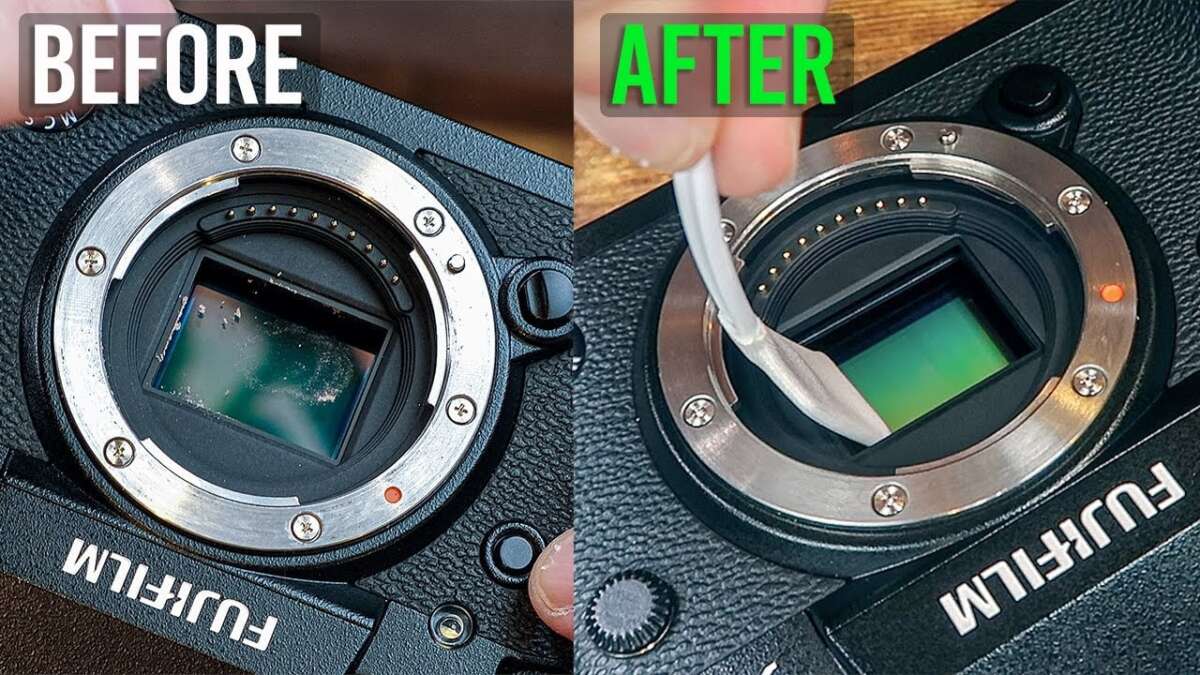
Use a blower first, then sensor swabs and approved sensor fluid for safe, effective cleaning.
I’ve cleaned hundreds of sensors over the years as a photographer and tech reviewer. This guide on how to clean camera sensor pulls from hands-on experience and manufacturer best practices to give you clear steps, safe tips, and troubleshooting advice. Read on to learn the exact tools, dry and wet methods, and prevention habits that keep your shots dust-free and sharp.

Why cleaning your camera sensor matters
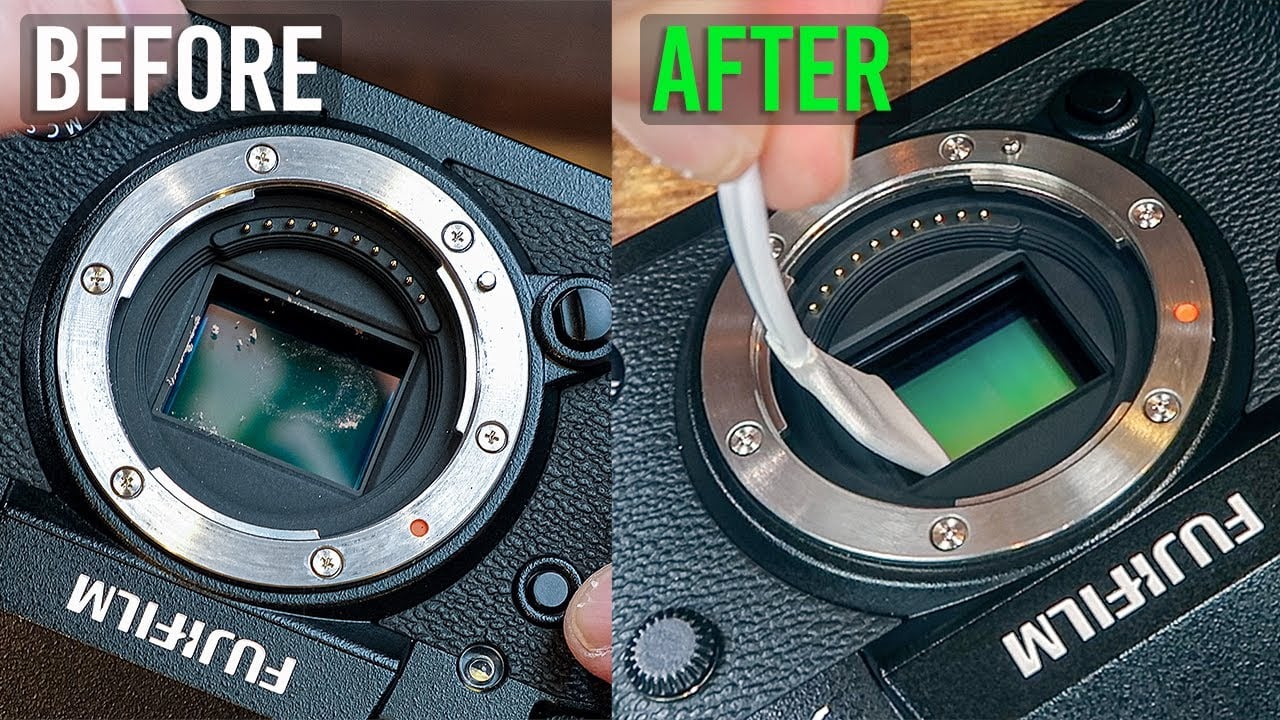
A dusty sensor creates dark spots and soft patches on photos. Small specks show up clearly at small apertures and in sky shots.
Cleaning your sensor is part of camera care. It restores image quality and avoids time wasted in post-production.
I learned early that a quick cleaning before a shoot can save hours of editing and keep clients happy.

When to clean your camera sensor
Check your images at small apertures (f/8–f/22) and plain backgrounds to spot dust.
If you see repeatable dark dots in the same places, you likely have sensor dust.
Clean only when needed; excessive cleaning can risk damage. Follow the manual for your camera model.
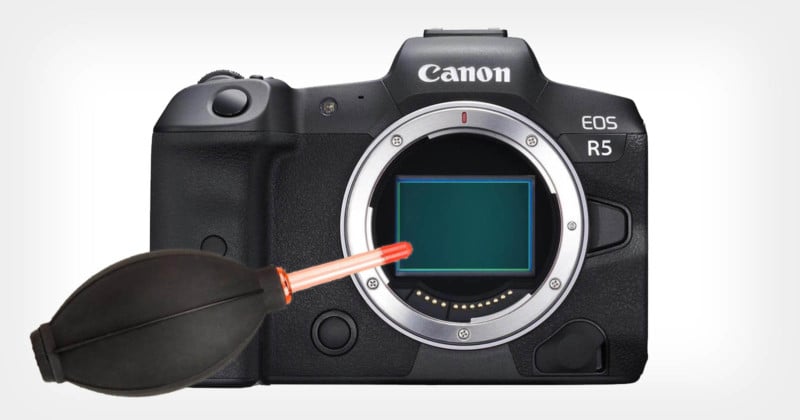
What you need before learning how to clean camera sensor
Use quality tools designed for sensors. Cheap items increase risk. Essential supplies include:
- Rocket blower to remove loose dust
- Sensor brush or microfiber brush made for sensors
- Sensor swabs sized for your sensor (APS-C, full-frame, etc.)
- Sensor cleaning solution formulated for camera sensors
- Loupe or bright light to inspect the sensor
- Clean, dust-free workspace and good light
Also keep battery charged to avoid shutdowns during cleaning.

Step-by-step dry cleaning method (safe first move)
Dry cleaning is the least risky and should be your first step when learning how to clean camera sensor.
- Prepare the camera
- Fully charge the battery and set camera to sensor-cleaning or mirror-up mode per the manual.
- Remove the lens and point camera downward to reduce incoming dust.
- Use a blower
- Hold the camera down and use a blower to remove loose particles. Do 10–20 gentle puffs.
- Inspect
- Mount a plain white card or use live view at high magnification to check for remaining dust.
- Use a sensor brush if needed
- Gently sweep a clean sensor brush across the sensor once or twice. Do not press or scrub.
If dust is still visible, proceed to wet cleaning.
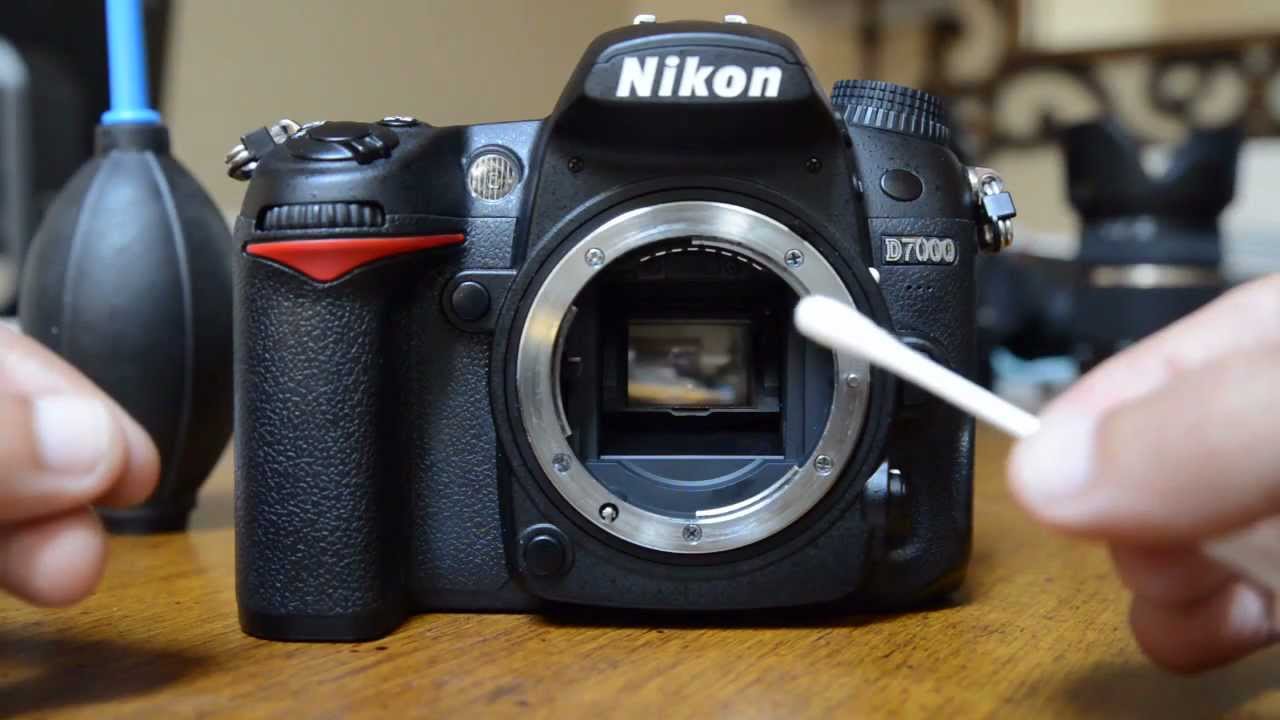
Step-by-step wet cleaning method (for stubborn spots)
Wet cleaning removes oil and stubborn debris, but it requires care. Follow these steps when learning how to clean camera sensor.
- Choose the right swab and fluid
- Match the swab size to your sensor and use a high-quality sensor cleaning solution.
- Prepare the swab
- Apply 1–2 drops of fluid to the swab tip near the edge. Do not soak it.
- Open camera and position
- Put camera in sensor-access mode. Hold camera facing down in good light.
- One-pass cleaning
- With a steady hand, draw the swab from one side to the other in a single smooth pass. Use gentle, even pressure.
- Inspect and repeat if needed
- Use a fresh swab for a second pass only if spots remain. Never reuse a swab.
 different sensor types and sizes”
style=”max-width: 100%; height: auto; border: 2px solid black; border-radius: 10px; display: block; margin: 0 auto;”
loading=”lazy”
/>
Tips for different sensor types and sizes
Different sensors need different swab sizes. Always match tools to your sensor.
- APS-C sensors require smaller swabs than full-frame sensors.
- Medium-format sensors often need larger swabs and more fluid control.
When in doubt, consult your camera manual or the cleaning kit guide.

Common mistakes to avoid when learning how to clean camera sensor
Avoid these errors to protect your sensor and avoid costly repairs.
- Using canned air that can spray propellant and damage the sensor
- Reusing swabs or using household alcohol or window cleaners
- Pressing hard or scrubbing the sensor surface
- Cleaning in windy or dusty areas
I once used a cheap swab and had to take the camera to a pro. Learn from my mistake: use proper tools.

Preventive care to reduce how often you need to clean camera sensor
Good habits lower cleaning frequency and risk.
- Keep a rear lens cap on when changing lenses
- Change lenses with the camera facing down and shielded from wind
- Store camera in a clean, dry bag with silica packs
- Regularly clean the lens rear element and mount area
These small steps reduce dust entry and save time.

When to seek professional sensor cleaning
Seek pro service if you see oil-like spots, repeated stubborn marks after careful cleaning, or if you’re uncomfortable performing wet cleaning.
Professional cleanings cost more but include warranty-safe techniques and specialized tools. If your camera is under warranty, check whether manufacturer service is recommended.
I send cameras to pros for heavy contamination and after mistakes I can’t fix myself.
Troubleshooting: stubborn spots, streaks, and post-clean issues
If spots persist after cleaning:
- Try a second wet pass with a fresh swab and minimal fluid.
- Check for marks on the mirror or focusing screen that can mimic sensor spots.
- Dust in the lens or internal areas can reappear; inspect the rear of the lens.
If streaks appear, the swab may have been over-wetted or used twice—stop and consult a pro.
Cost, frequency, and safety considerations
How often you clean depends on shooting style. Outdoor and landscape shooters may clean monthly. Studio shooters might clean less.
Typical kit costs range from affordable DIY kits to professional services costing more. Safety first: do not clean unless comfortable and informed.
Always read your camera manual and follow manufacturer warnings.
Frequently Asked Questions of how to clean camera sensor
How often should I clean my camera sensor?
Clean when you notice dust in test images at small apertures or when spots affect critical work. Many users check monthly or before major shoots.
Can I use canned air to clean my sensor?
No. Canned air can expel propellant that damages the sensor. Use a manual blower designed for camera gear.
Is wet cleaning safe for beginners?
Wet cleaning can be safe if you follow steps, use proper swabs and fluid, and work in a clean area. If unsure, practice with dry methods or seek a pro.
What if I damage my sensor while cleaning?
Stop and contact a professional service or the manufacturer immediately. Do not keep trying to clean if damage is suspected.
Will sensor cleaning remove oil spots?
Light oil can come off with wet cleaning and the right fluid. Heavy oil often requires professional cleaning to avoid risk.
Conclusion
Cleaning your sensor restores image quality and saves time in editing. Use dry methods first, then wet cleaning only when needed, and always use tools made for sensors. Start slowly, follow the camera manual, and practice safe habits to avoid damage. Take action today: inspect recent photos for spots, gather the right tools, and schedule careful cleaning or professional service if needed. Leave a comment with your sensor-cleaning questions or share your tips below.

Everett Ashford is a tech reviewer at mytechgrid.com specializing in SSDs, cameras, TVs, earbuds, headphones, and other consumer electronics. He provides honest, data-driven reviews based on hands-on testing and real-world performance analysis. Everett simplifies complex tech details to help readers make smart, confident buying decisions.