Most JBL earbuds can be located using Bluetooth scans, the JBL app, or simple physical checks.
I’ve spent years testing earbuds and helping friends retrieve lost pairs, so I know the fuss and the relief of finding them. This guide shows how to find JBL earbuds when not connected with clear steps, phone tools, app tips, physical search tricks, and preventive habits you can use right now.

Why JBL earbuds go missing when not connected
Earbuds often seem to vanish because they are small and rely on wireless links. They may be out of Bluetooth range, in their case, or have dead batteries. Software or pairing glitches and automatic switching between devices also make them appear “not connected.”
Some models turn off to save battery. Others stay on but stop advertising over Bluetooth. Physical hiding spots — pockets, couch cushions, or gym bags — are common. Understanding these causes helps you pick the right way to find JBL earbuds when not connected.
Immediate steps to take when you realize earbuds are missing
Follow quick, step-by-step actions to increase your odds of finding them fast.
- Check nearby obvious spots you used today like pockets, desk, or the couch. Move items slowly to avoid missing a tucked earbud.
- Open your phone’s Bluetooth settings and look for recently connected devices. A listed device name can show last activity.
- Open the charging case and check indicator lights. A blinking or off light tells you battery or connection status.
- Put the case on charge. Dead earbuds can’t be found over Bluetooth until they have power.
- Retrace your last steps in the room or route you took. Physically walking back often works better than digital tools alone.
These steps are simple. They often solve the problem without apps or tech.
How to use phone tools and Bluetooth scanning to locate earbuds
Phones can help even when earbuds aren't actively connected. Use a BLE scanner app or built-in device history.
- On Android, open Bluetooth settings and scan for nearby devices. Look for your JBL name or model number.
- On iPhone, check Settings > Bluetooth for devices and any “Not Connected” labels. iOS doesn’t offer full BLE scanning, so consider a trusted BLE scanner app if needed.
- Use a Bluetooth signal strength app to watch RSSI values. Walking toward rising signal strength often leads you to the earbuds.
- Check the list of paired devices for recent timestamps. That shows the last device that used them.
If your earbuds are off or the battery is dead, phone scans won’t find them. But when they have even small power, scanners can reveal their location. This method is a core part of how to find JBL earbuds when not connected.
PAA-style quick questions
What is a BLE scanner and how does it help?
A BLE scanner shows nearby Bluetooth Low Energy devices and signal strength. It helps you move toward the strongest signal to locate earbuds.
Can Android find disconnected earbuds better than iPhone?
Android gives more scanning detail via apps. iPhone is limited without third-party tools, so Android can be more helpful for raw scans.
How far can Bluetooth detect earbuds?
Range varies by model and obstacles, but typical range is 10 to 30 feet indoors. Walls and metal reduce range.
Using the JBL app and manufacturer features
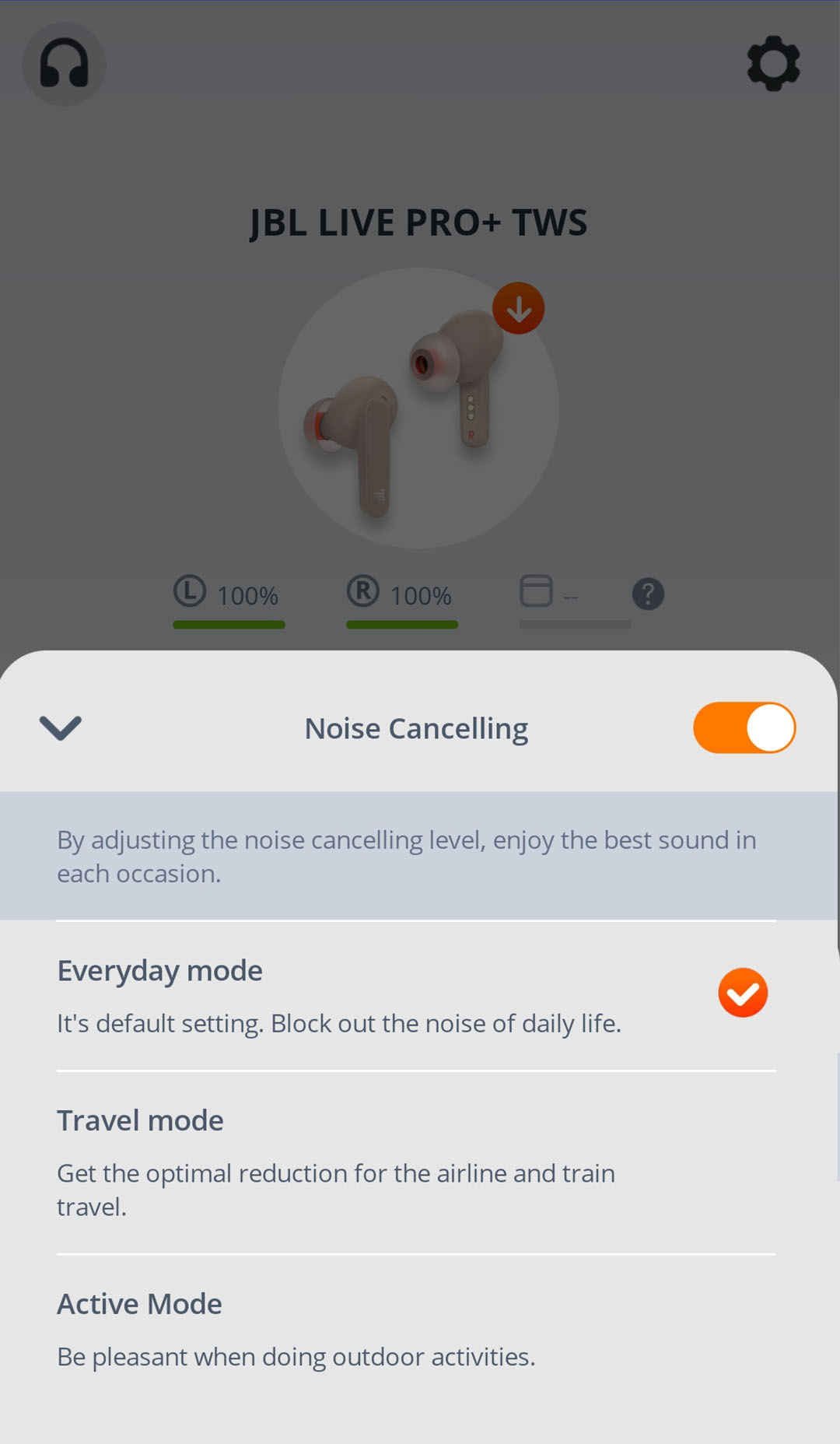
Many JBL models pair with the JBL Headphones app. The app may show status, battery, and firmware updates.
- Install the JBL app and sign in. Look for a device list and last-known status.
- Use “last connected” info in the app to narrow down the search area.
- Update firmware if connection issues are common. Updates fix bugs that make earbuds drop or fail to advertise.
- Note model limits. Not every JBL earbud supports precise location features. Check the app details for your model.
If your model supports a “locate” or “find” function, follow the app prompts. Otherwise, use the app for battery and status info as part of your how to find JBL earbuds when not connected strategy.

Physical search techniques and sound tests that work
Sometimes the best tool is patience and a methodical search. Use these low-tech tactics.
- Empty pockets, bags, and laundry baskets into a clean area. Spread items out so small earbuds don’t hide.
- Check under cushions with a flashlight. A small beam makes reflections and shapes easier to spot.
- If earbuds still have some battery, play a test sound from another paired device to trigger a beep. Pairing to a spare phone or laptop can sometimes cause a sound alert.
- Listen closely in quiet rooms. Earbuds resting in soft material often make faint sounds when you tap nearby surfaces.
I once found a pair of JBL earbuds inside a gym shoe using the Bluetooth signal method. The key was moving slowly and checking likely spots. That real-world trick often beats frantic searching.

Preventive measures to avoid future losses
Good habits cut the chance you’ll need to hunt for earbuds again. These steps are easy and effective.
- Always put earbuds in the case after use. Make it a one-motion habit.
- Keep the case charged so earbuds remain discoverable and safe.
- Name your earbuds plainly in Bluetooth settings to spot them quickly in lists.
- Use a small tracker on the case if you often misplace them. Trackers help find the case even when earbuds are in it.
- Set a consistent storage spot at home to reduce last-known location confusion.
Prevention is the best part of how to find JBL earbuds when not connected because it reduces panic and saves time.

When to contact JBL support or consider replacement
If you can’t find earbuds or they won’t power on, contact support. They can advise on warranty options, repairs, or battery issues.
- Gather purchase info and serial numbers if available. That speeds up service.
- Describe the troubleshooting you’ve done: app checks, charging attempts, and scans.
- Ask about battery replacements or repair programs. Some models have service paths for dead batteries or faulty pairs.
- Consider replacement if the earbuds are out of warranty and the cost to repair is high.
Be honest about what worked and what didn’t. Support can suggest model-specific tips beyond the general search steps for how to find JBL earbuds when not connected.
Frequently Asked Questions of how to find jbl earbuds when not connected
How can I locate JBL earbuds if the battery is dead?
If the battery is dead, Bluetooth scans won’t find them. Look physically in the last places you used them and check the charging case or charger first.
Can the JBL app show my earbuds’ last location?
Some JBL models show last-known status or connection details in the JBL app. Not all models provide precise location data, so check your specific app features.
Will factory reset help find lost earbuds?
A factory reset won’t locate earbuds. It may help fix pairing issues if you find them but can’t reconnect. Only use reset after you recover the earbuds.
Is a Bluetooth signal strength app safe to use?
Yes, reputable BLE scanner apps are safe. Use apps from trusted developers and avoid ones that request unnecessary permissions.
What if one earbud is missing but the other is in the case?
Search pockets, clothing, and nearby seating first. Single earbuds often fall out while moving. Also scan nearby with a BLE app in case the lost bud still has power.
Conclusion
You don’t need to panic when you learn how to find JBL earbuds when not connected. Start with simple checks, use phone scanning tools, tap the JBL app when available, and do a calm physical sweep. Make prevention a habit so you spend less time searching and more time listening. Try the steps today, subscribe for more tips, or leave a comment with your own recovery story.

Everett Ashford is a tech reviewer at mytechgrid.com specializing in SSDs, cameras, TVs, earbuds, headphones, and other consumer electronics. He provides honest, data-driven reviews based on hands-on testing and real-world performance analysis. Everett simplifies complex tech details to help readers make smart, confident buying decisions.