Use a thin hook or extraction tool, steady fingers, and gentle pull to avoid damaging the jack.
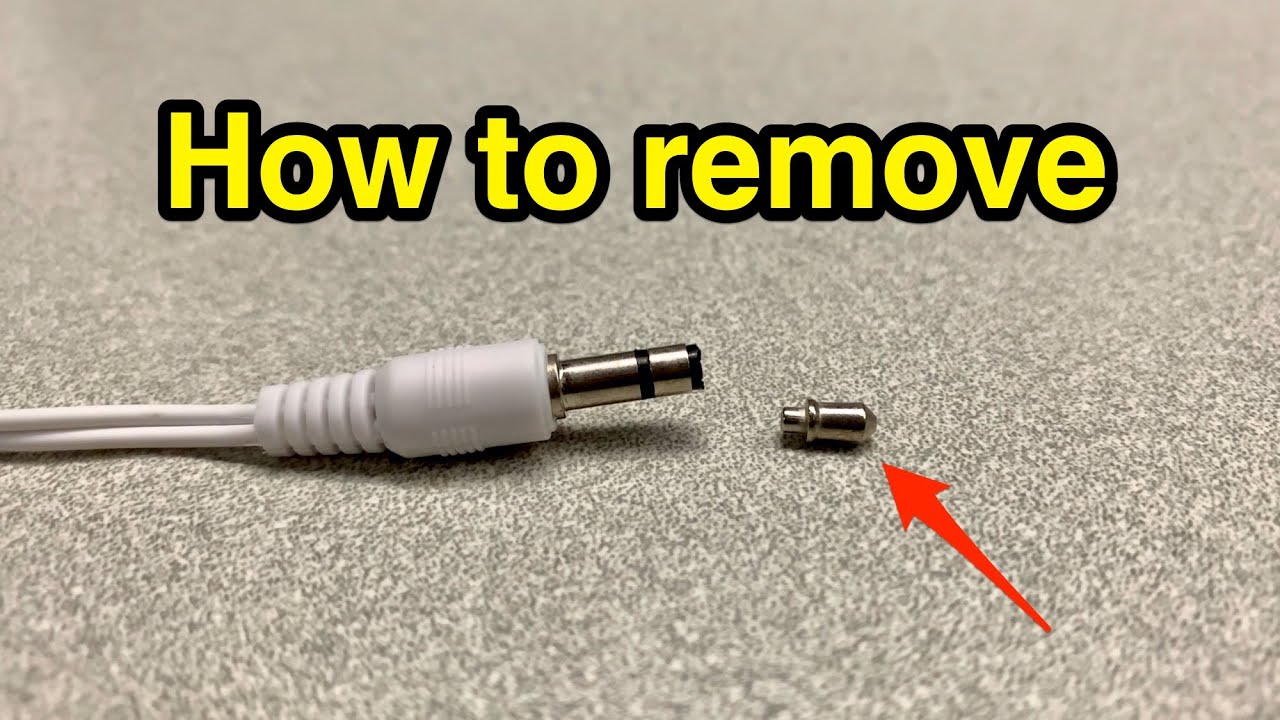
I’ve spent years fixing phones, laptops, and audio gear. I know how frustrating a broken headphone plug stuck in an audio jack can be. This guide explains safe, step-by-step ways to remove a broken headphone plug from audio jack. You’ll learn simple DIY tricks, what to avoid, when to call a pro, and how to prevent the problem in the future. Read on for clear, practical methods you can trust.

Tools and materials you’ll need
Keep tools simple and safe. Use items that fit the jack without forcing. Here are the most useful things to have.
- Small flashlight to inspect the jack.
- Tweezers or needle-nose pliers that fit the opening.
- Thin, stiff wire or a paperclip you can bend into a hook.
- Small flathead screwdriver or dental pick for careful prying.
- Superglue or instant adhesive and a wooden toothpick (use with caution).
- Compressed air or canned air to clear dust.
- Rubber-tipped precision tool or a headphone plug extractor, if available.
Safety first: protect the device and yourself
Safety matters. A wrong move can break the jack or the device. Follow these rules.
- Power off the device and remove batteries if possible.
- Work in good light and on a stable surface.
- Avoid metal tools that can short internal contacts when the device is powered.
- Don’t force parts. If something won’t move, stop and reassess.
- Use eye protection if you might snap metal or plastic fragments.

Step-by-step methods to remove a broken headphone plug from audio jack
Choose the method that fits what you see inside the jack. Start with the least invasive option. Each method below shows simple steps and tips.

Method 1 — Visual inspection and gentle pull
This is the safest first step when part of the plug is visible.
- Shine a light into the jack to see how much is stuck.
- If an outer ring or sleeve is exposed, grip it with tweezers or pliers.
- Pull straight out with steady force. Don’t twist too hard.
- If it moves, continue until it frees.
Method 2 — Hooking with a bent paperclip or thin wire
Good when the plug’s hole or edge is reachable.
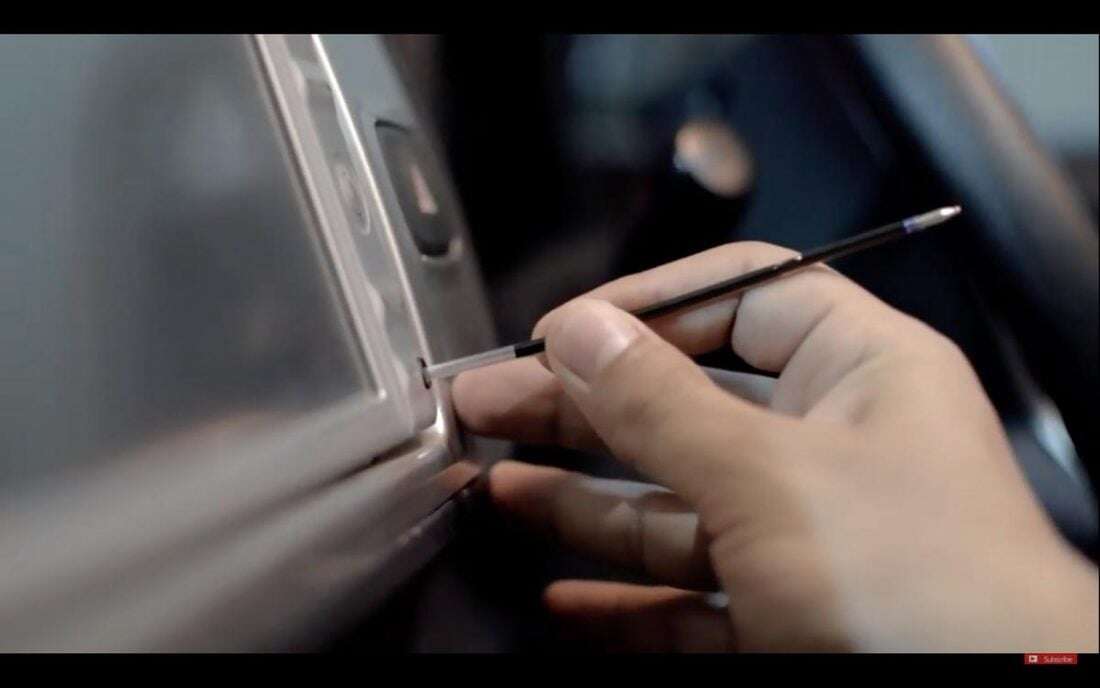
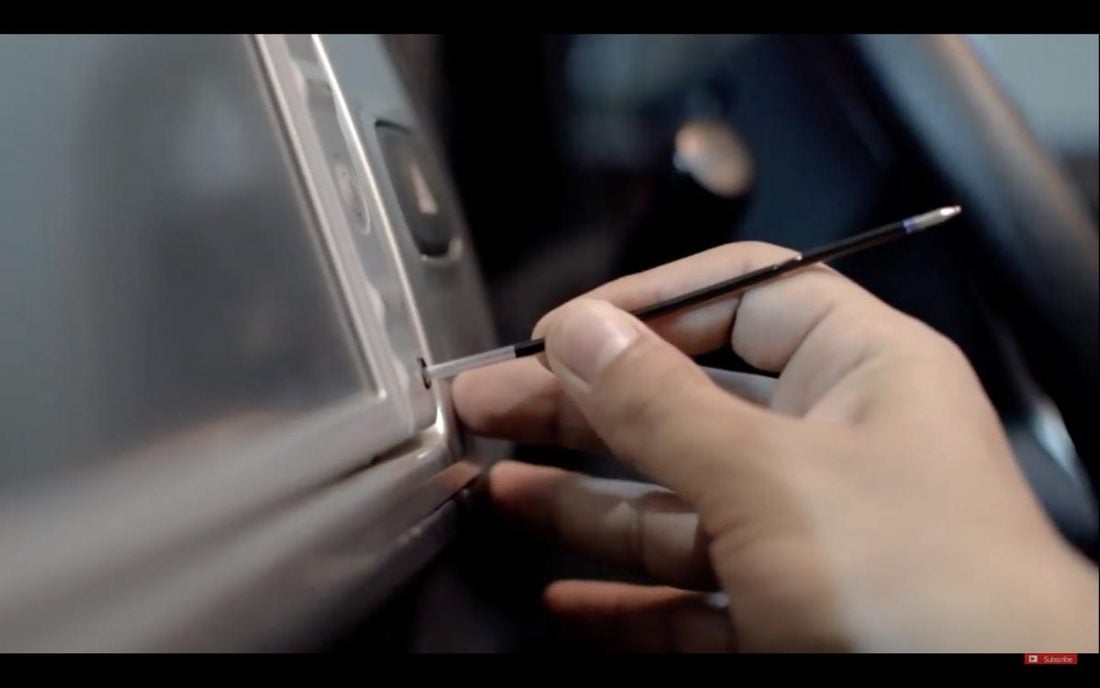
- Straighten a paperclip and form a small hook on the tip.
- Insert gently until you can hook the broken piece.
- Pull slowly while keeping the hook engaged.
- Work slowly to avoid pushing the piece deeper.
Method 3 — Toothpick and glue (use with caution)
This works when no metal contacts will be touched by glue.
- Use a wooden toothpick, not plastic.
- Put a very small drop of superglue on the toothpick tip.
- Lightly touch the exposed plug end. Wait a few seconds for a tack bond.
- Pull straight out with steady force. If it won’t budge, do not add more glue.
Method 4 — Insert a matching plug and twist
If the broken piece is hollow or the sleeve is intact, use another plug.
- Find a slightly larger plug or adapter.
- Insert it into the jack so it fits snugly against the broken piece.
- Twist and pull while keeping the new plug seated.
- This can pull the stuck part free.
Method 5 — Using a headphone jack extractor tool or vacuum
Tools designed for the job reduce risk.
- A dedicated extractor hooks the stuck sleeve.
- A small vacuum with a narrow tip may pull out light debris or loose pieces.
- Use the extractor per its instructions.
Method 6 — Disassembly and professional repair
When nothing else works or the jack is recessed.
- Some devices let you access the jack by opening a panel.
- If the jack is soldered to a board, replacement may be safer.
- Seek a technician if you’re not comfortable opening the device.

Common causes and how to avoid them
Knowing what causes stuck plugs helps stop it from happening again.
- Cheap or worn connectors break inside the jack.
- Poor alignment when inserting or removing plugs puts stress on the sleeve.
- Moisture and dirt can corrode the plug and jack.
- Using force or angled pulls increases the risk of breaking.

What not to do when you try to remove a broken headphone plug from audio jack
Some quick fixes make things worse. Avoid these moves.
- Don’t use a powered soldering iron to melt or push the plug.
- Don’t shove objects in the jack blindly. You can damage contacts.
- Don’t pour liquids or solvents into the jack. They can corrode parts.
- Don’t yank at odd angles or hammer the device.

When to seek professional help
Know the limits of DIY. Call a pro in these cases.
- The broken plug is deep and not accessible.
- You can see soldered connectors or internal electronics near the jack.
- You don’t have steady hands or the right tools.
- The device is expensive or still under warranty.
Preventing future breaks and prolonging jack life
Simple habits prevent most issues.
- Pull straight out and hold the plug by its body.
- Avoid twisting or bending the cable at the jack.
- Use a short extension or adapter for heavy use.
- Keep the jack covered when not in use.
- Replace worn cables early to avoid stuck metal sleeves.

Personal experience, tips, and lessons learned
I’ve removed many stuck plugs from phones and audio gear. Small mistakes can cost a jack. Here are real tips that work.
- A needle-nose tool and patience beat force every time.
- Glue-on-toothpick works, but use a tiny drop and test tackiness first.
- When a jack is soldered, replacing it is cheaper than risking a motherboard.
- Take photos as you disassemble. They help on reassembly.
PAA-style questions
How long does it take to remove a broken headphone plug from audio jack?
Most simple cases take 5 to 20 minutes. Complex cases or disassembly can take longer.
Will removing a broken headphone plug damage the jack?
If you use safe methods and go slowly, damage is unlikely. Forcible or blind actions raise the risk.
Is glue safe to use inside a jack?
Glue can work but it may flow into contacts. Use a tiny amount and a wooden stick. If unsure, avoid glue.
Frequently Asked Questions of how to remove a broken headphone plug from audio jack
How do I know if the plug is really stuck or just jammed?
If it won’t move with a gentle, straight pull, it’s stuck. Visual inspection with a light helps tell the difference.
Can I use a magnet to pull out the broken plug?
Most headphone plugs are not strongly magnetic. Magnets usually do not work and can harm other components.
What if the broken plug is plastic, not metal?
A plastic piece can often be hooked with a paperclip or removed with tweezers. Glue on a wooden stick can also help.
Should I force the plug out if it feels stuck?
No. Forcing risks bending the jack contacts or breaking the device. Try safer methods first.
Will a DIY attempt void my warranty?
Opening the device or using non-approved repairs can void warranties. Check your warranty before you start.
Conclusion
You can often remove a broken headphone plug from audio jack with patience, the right tools, and safe steps. Start with inspection, try gentle hook or pull methods, and avoid risky moves like strong force or uncontrolled glue. If the plug is deep or the jack is soldered, get professional help. Take small steps to prevent future breaks by handling cables correctly and replacing worn parts. Try one of the safe methods here today, and leave a comment with your experience or questions.

Jamie Lee is a seasoned tech analyst and writer at MyTechGrid.com, known for making the rapidly evolving world of technology accessible to all. Jamie’s work focuses on emerging technologies, product deep-dives, and industry trends—translating complex concepts into engaging, easy-to-understand content. When not researching the latest breakthroughs, Jamie enjoys exploring new tools, testing gadgets, and helping readers navigate the digital world with confidence.