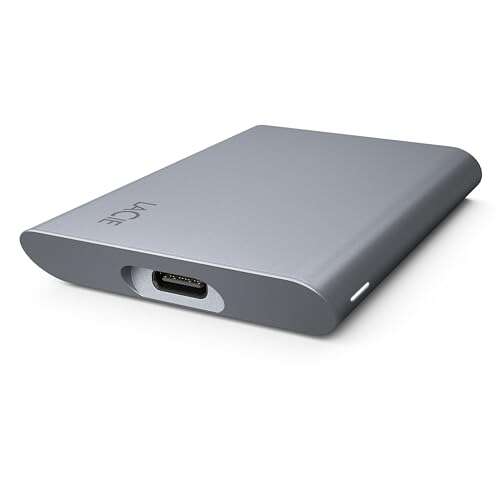
Most consumer SSDs last 5–10 years under normal use, with enterprise drives lasting longer.
I’ve worked with storage tech for years, testing drives and advising users on durability, failure signs, and real-world expectations. This guide fully answers how long do SSD drives last, explains the key metrics manufacturers use, shows common failure modes, and gives practical tips to extend life. Read on for clear, trusted advice you can use when buying, maintaining, or troubleshooting an SSD.
How SSDs work
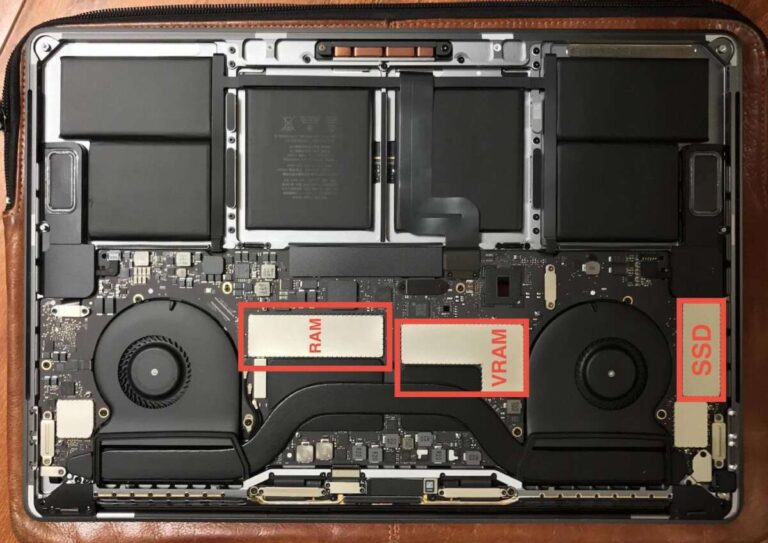
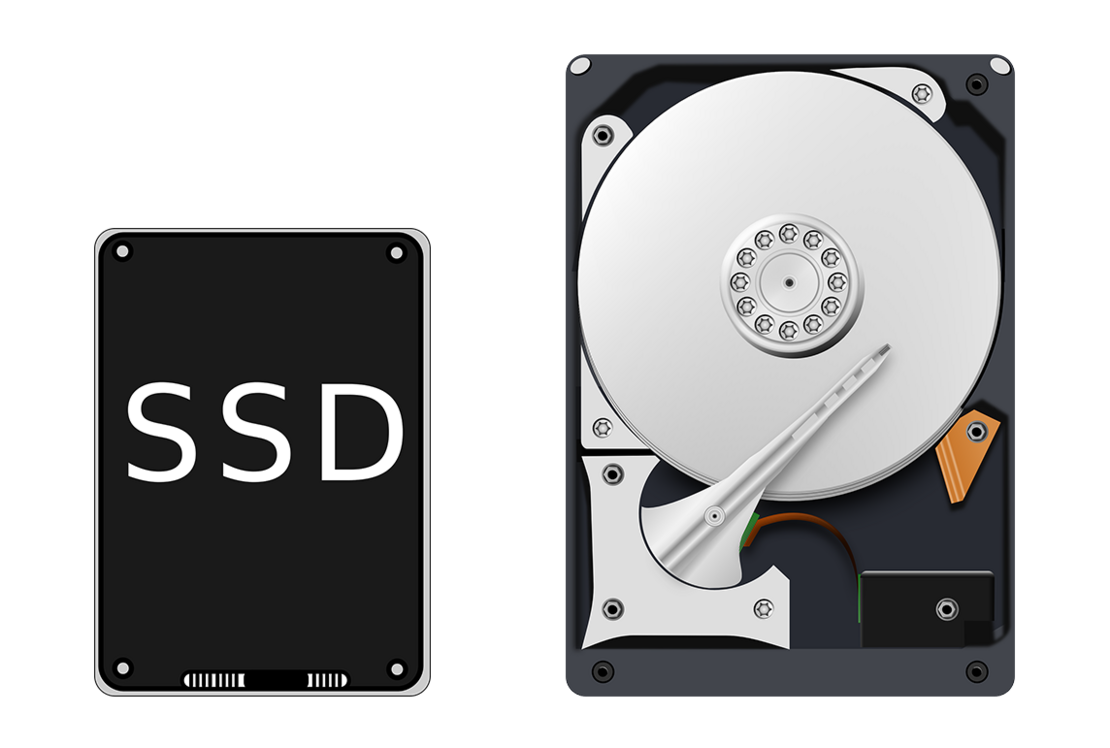
Solid state drives store data on flash memory chips. They have no moving parts, unlike hard drives. This makes them faster, quieter, and more shock-resistant.
SSDs use NAND flash cells to hold bits. Writing data wears those cells over time. Controllers and firmware manage wear leveling to spread writes evenly and prolong life.
Knowing how SSDs work helps explain why the main question — how long do SSD drives last — focuses on write endurance, not mechanical wear. Modern controllers and NAND types greatly affect lifespan.

Key factors that determine how long do ssd drives last
Several things shape SSD lifespan. Each factor changes how fast flash cells wear out or fail.
- NAND type Different NAND (SLC, MLC, TLC, QLC) has varying write endurance. SLC lasts longest, QLC shortest.
- Write volume More daily writes shorten life. Heavy write workloads wear cells faster.
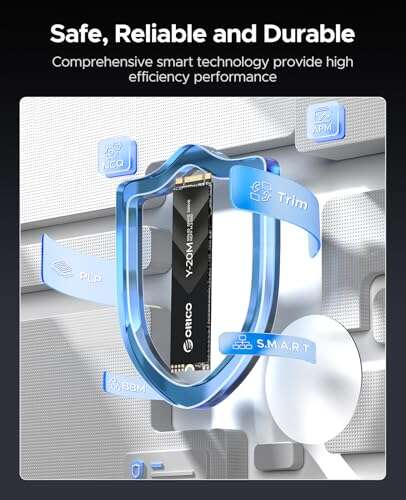
- Controller and firmware Good controllers use wear leveling, garbage collection, and error correction to extend life.
- Overprovisioning Extra reserved space helps the SSD manage writes and improves longevity.
- Temperature and power High heat and unstable power can reduce lifespan and cause sudden failures.
- Usage pattern Sequential writes are easier to manage than random, small writes that stress the drive.
These factors explain why the single question how long do ssd drives last does not have one universal number. It depends on the mix above.

Lifespan metrics: TBW, DWPD, and MTBF
Manufacturers use metrics to quantify endurance. Learn these to interpret specs.
- TBW (Terabytes Written) Total data you can write before the warranty threshold. If an SSD lists 300 TBW, that is the manufacturer’s endurance estimate.
- DWPD (Drive Writes Per Day) How many full-drive writes are allowed each day over the warranty period. Useful for comparing drives by workload.
- MTBF (Mean Time Between Failures) A statistical reliability measure in hours. It’s not a guaranteed lifetime but an industry reliability indicator.
When you ask how long do ssd drives last, convert TBW and your daily writes into years. For example, a 1 TB drive with 300 TBW and 50 GB/day of writes lasts roughly 16 years by simple math. Real world factors usually change that number.
Typical lifespan ranges and real examples
Here are practical ranges you can expect.
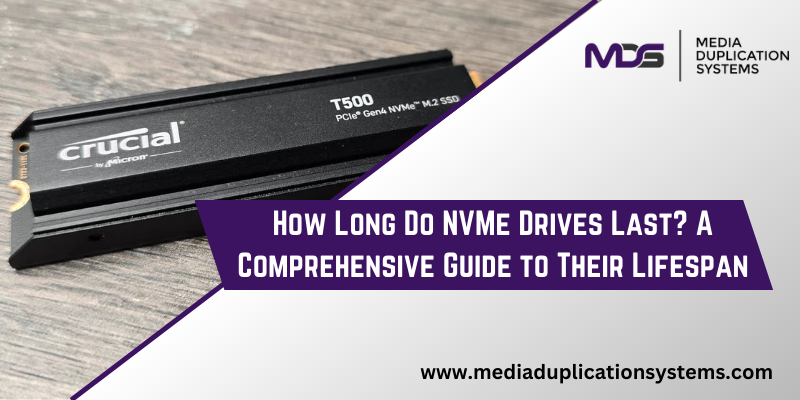
- Consumer SATA and NVMe SSDs Typically 3–7 years under moderate use. Many last 5–10 years for normal home users.
- High-end consumer and prosumer SSDs Often rated for higher TBW and can last 5–10+ years with heavier use.
- Enterprise SSDs Built for constant writes and can last 5–15 years depending on workload and redundancy.
Examples help:
- A typical 500 GB TLC SSD rated 150 TBW with 20 GB/day write pattern roughly equals 20 years by raw TBW math. Firmware and power events will affect that.
- A QLC laptop drive with 100 TBW under heavy write users might reach end of warranty in 2–4 years.
So the answer to how long do ssd drives last is often longer than people expect, but heavy workloads, poor cooling, and cheap controllers shorten life.
Signs your SSD is nearing end of life
Watch for these warning signs early to protect data.
- Performance drops Slow boot times and lagging file access can signal internal problems.
- Increasing bad blocks SMART tools report rising reallocated or pending sectors.
- Read-only mode Some SSDs switch to read-only to preserve data when failures occur.
- Frequent system crashes or file corruption This can be a sign of dying NAND or firmware problems.
Regularly monitoring SMART attributes helps you answer how long do ssd drives last in your system. Catching issues early means safer backups and less downtime.
How to extend SSD life — practical tips
Simple habits can stretch life by years.
- Enable TRIM This lets the OS tell the SSD which blocks are unused, improving garbage collection.
- Avoid full-disk operation Keep 10–20 percent free for overprovisioning and better performance.
- Reduce unnecessary writes Move cache-heavy tasks to RAM or another drive if possible.
- Use stable power A UPS or laptop battery reduces risk from sudden power loss.
- Update firmware Fixes and optimizations can improve longevity and stability.
- Monitor wear Use SMART tools and vendor utilities to watch TBW and health metrics.
Follow these tips and your answer to how long do ssd drives last will likely increase by years.
Personal experience and lessons learned
I’ve replaced and tested dozens of SSDs over the last decade. A few real observations:
- Cheap drives can fail early even with low writes. I learned to avoid unknown brands for important data.
- Drives with good monitoring tools outlived similar drives without them. Knowing TBW and health saved me from data loss.
- One NAS drive with heavy write caching reached warranty TBW in under three years. A slight change in settings cut write volume and extended life.
My advice: treat SSDs like important tools. Monitor them, back up often, and pick the right NAND and TBW for your workload.
Quick questions (PAA-style)
What affects SSD wear most?
- Write volume and NAND type are the biggest factors. High daily writes on QLC wear much faster than light writes on TLC.
Can firmware make a big difference?
- Yes. Firmware controls wear leveling and error correction. Good firmware noticeably improves lifespan and stability.
Is an SSD safe for long-term storage?
- SSDs are reliable for active use, but for long cold storage, periodic power and checks are better. Backups on separate media remain essential.
Frequently Asked Questions of how long do ssd drives last
How long do SSD drives last for typical laptop use?
Most consumer SSDs last 5–10 years for normal laptop use. Lighter users often see longer lifespans because they write less data daily.
Do SSDs wear out faster than HDDs?
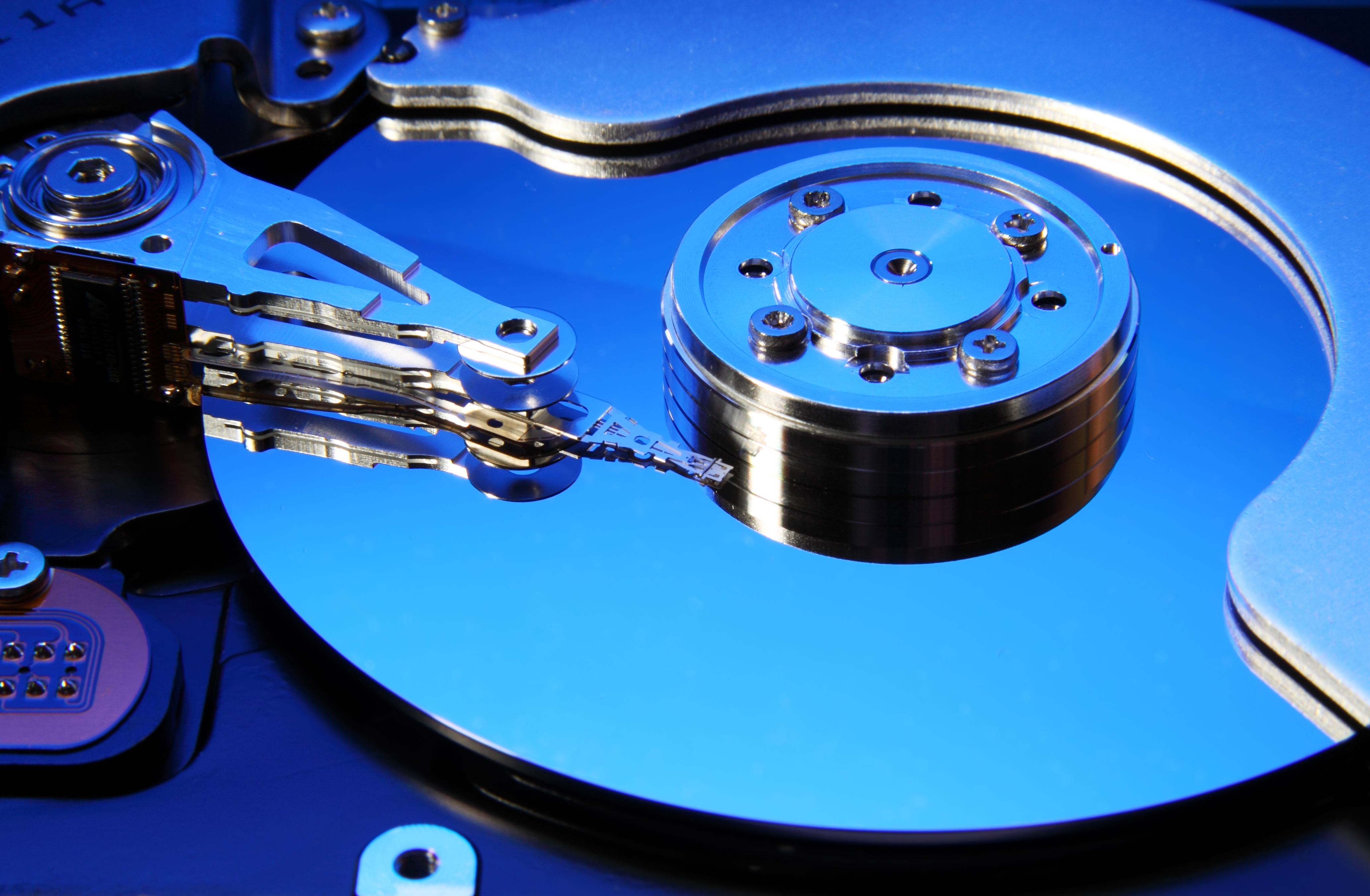
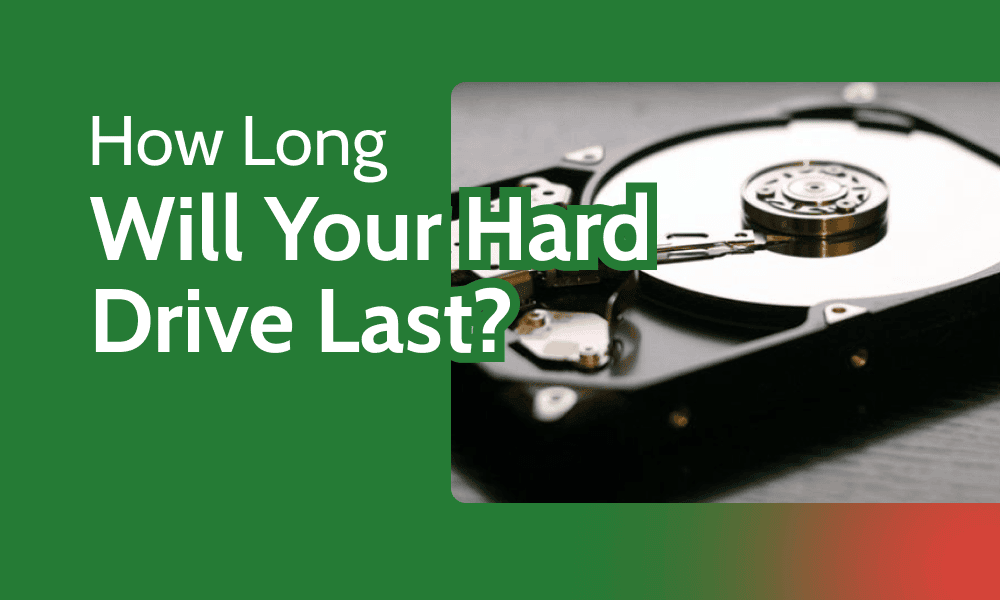
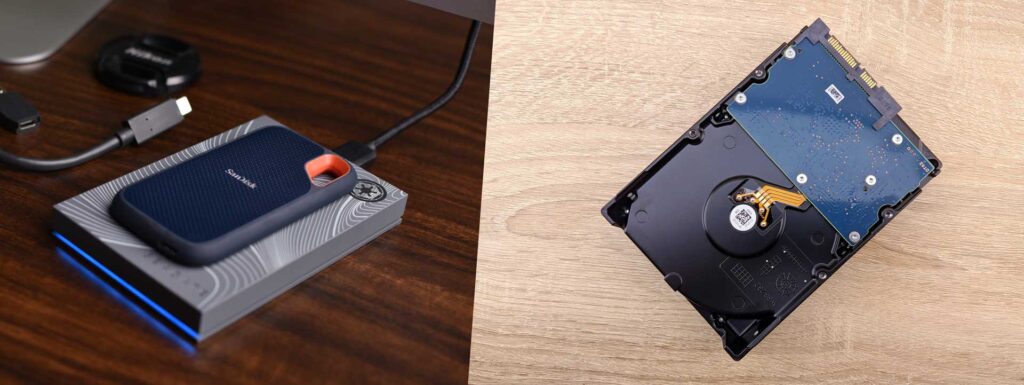
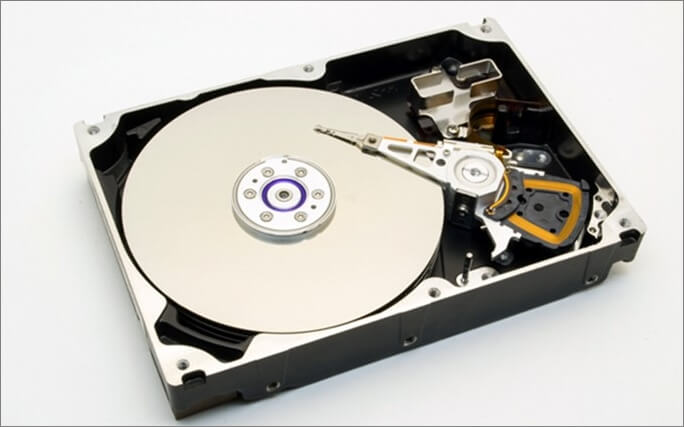
SSDs wear by write cycles while HDDs fail from mechanical wear. For many users, SSDs last as long or longer because they lack mechanical parts and have robust wear management.
How can I tell if an SSD is failing?
Check SMART attributes for increasing reallocated sectors, rising power-on hours with falling health, or sudden performance issues. Many vendor tools report health and TBW.
Should I replace an SSD after warranty ends?
Not automatically. Use health reports and backups to decide. Replace if TBW is near spec, SMART shows errors, or performance degrades significantly.
Will frequent file backups reduce SSD wear?
Backups themselves add writes, but using efficient backup tools and writing to external drives minimizes extra wear. The benefit of safe backups usually outweighs the small wear cost.
Conclusion
SSDs are durable, fast, and more reliable than many realize. How long do SSD drives last depends on NAND type, write volume, controller quality, and cooling. Monitor health, reduce unnecessary writes, and keep good backups to maximize life and avoid data loss. Take one action today: check your SSD’s health and record the TBW so you can plan replacements before trouble starts. Share your experience or questions below, and subscribe for more practical storage tips.

Jamie Lee is a seasoned tech analyst and writer at MyTechGrid.com, known for making the rapidly evolving world of technology accessible to all. Jamie’s work focuses on emerging technologies, product deep-dives, and industry trends—translating complex concepts into engaging, easy-to-understand content. When not researching the latest breakthroughs, Jamie enjoys exploring new tools, testing gadgets, and helping readers navigate the digital world with confidence.