Power on the earbuds, enable Bluetooth on your device, then select them in Bluetooth settings to pair.
I’ve helped dozens of people and tested multiple Altec Lansing models, so this guide covers exactly how to connect Altec Lansing earbuds step by step. Read on for simple pairing instructions, fixes for common problems, tips to keep the connection stable, and real-world troubleshooting I've used myself.
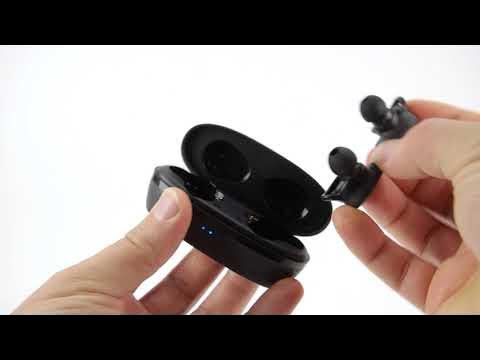
What are Altec Lansing earbuds?
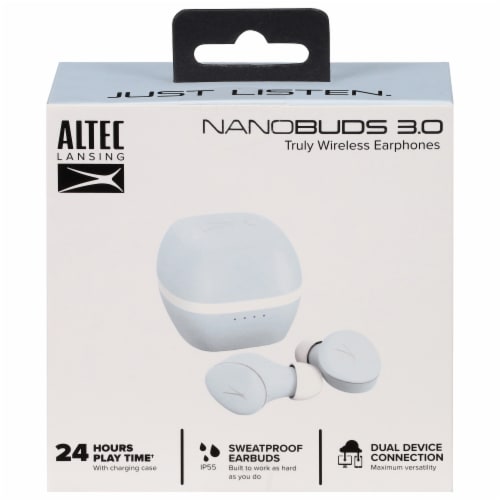
Altec Lansing earbuds are compact wireless or wired earphones made for music, calls, and workouts. They come in true wireless and neckband styles with Bluetooth. Models vary by battery life, water resistance, and codec support. Knowing your model helps when you learn how to connect Altec Lansing earbuds.

Before you start: quick checklist
Make these checks before pairing to avoid delays.
- Ensure the earbuds are charged and powered on.
- Put the earbuds in pairing mode following the manual.
- Turn on Bluetooth on your phone, tablet, or computer.
- Remove old or conflicting Bluetooth connections on your device.
These steps speed up pairing and reduce troubleshooting when learning how to connect Altec Lansing earbuds.

Step-by-step: how to connect altec lansing earbuds
Follow these concise steps for most Altec Lansing true wireless models.
- Charge the earbuds and case fully before first use.
- Remove both earbuds from the case. The earbuds usually auto-power on.
- Look for a flashing white or blue LED; that indicates pairing mode.
- On your phone, open Settings > Bluetooth and scan for devices.
- Select the Altec Lansing device name shown. Wait for “Connected” or similar.
- Test audio and calls. Reinsert in the case and close to power off.
If your model uses a power button to enter pairing: press and hold the button on each earbud for 3–6 seconds until the LED flashes. For single-ear use, pair the primary earbud first, then connect the second.
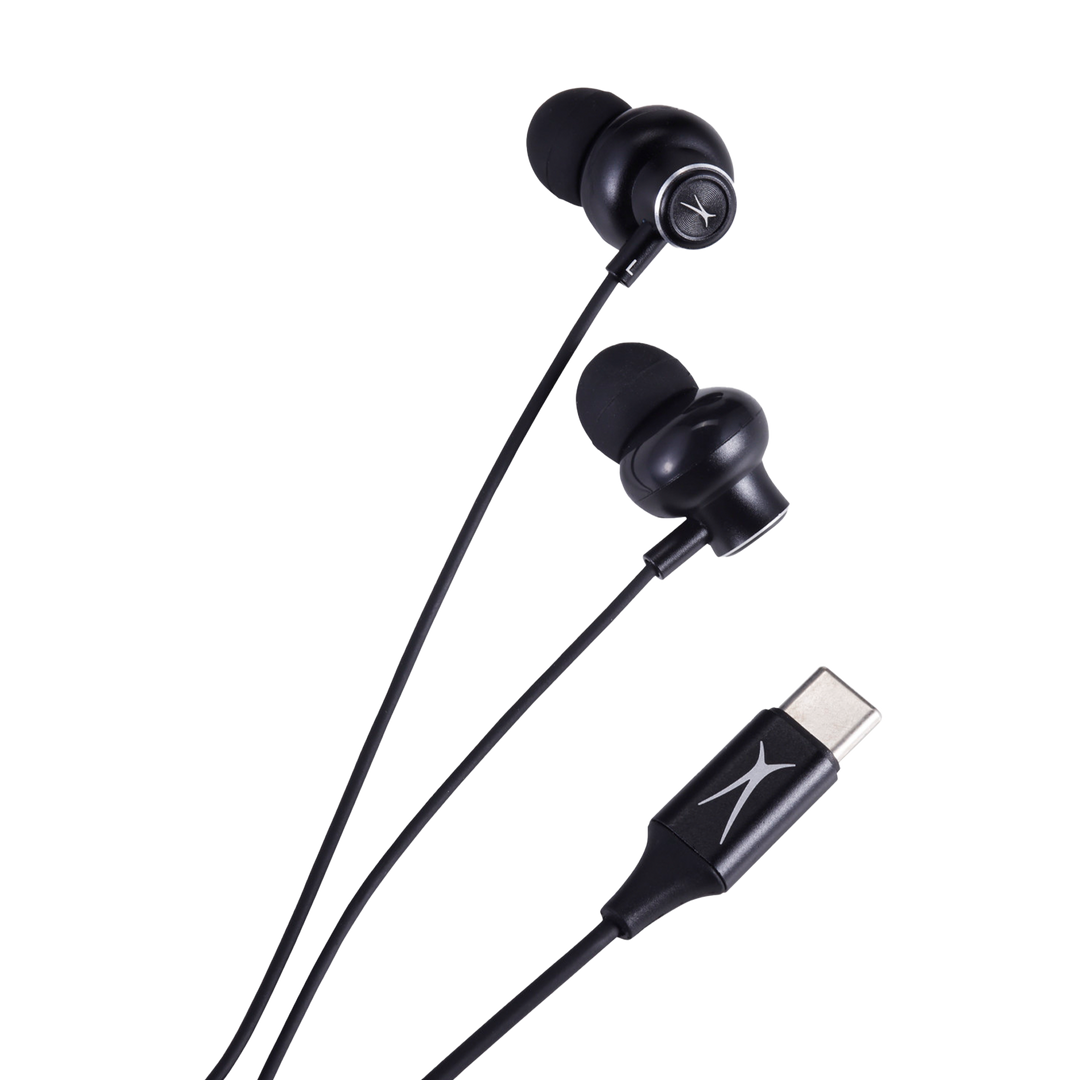
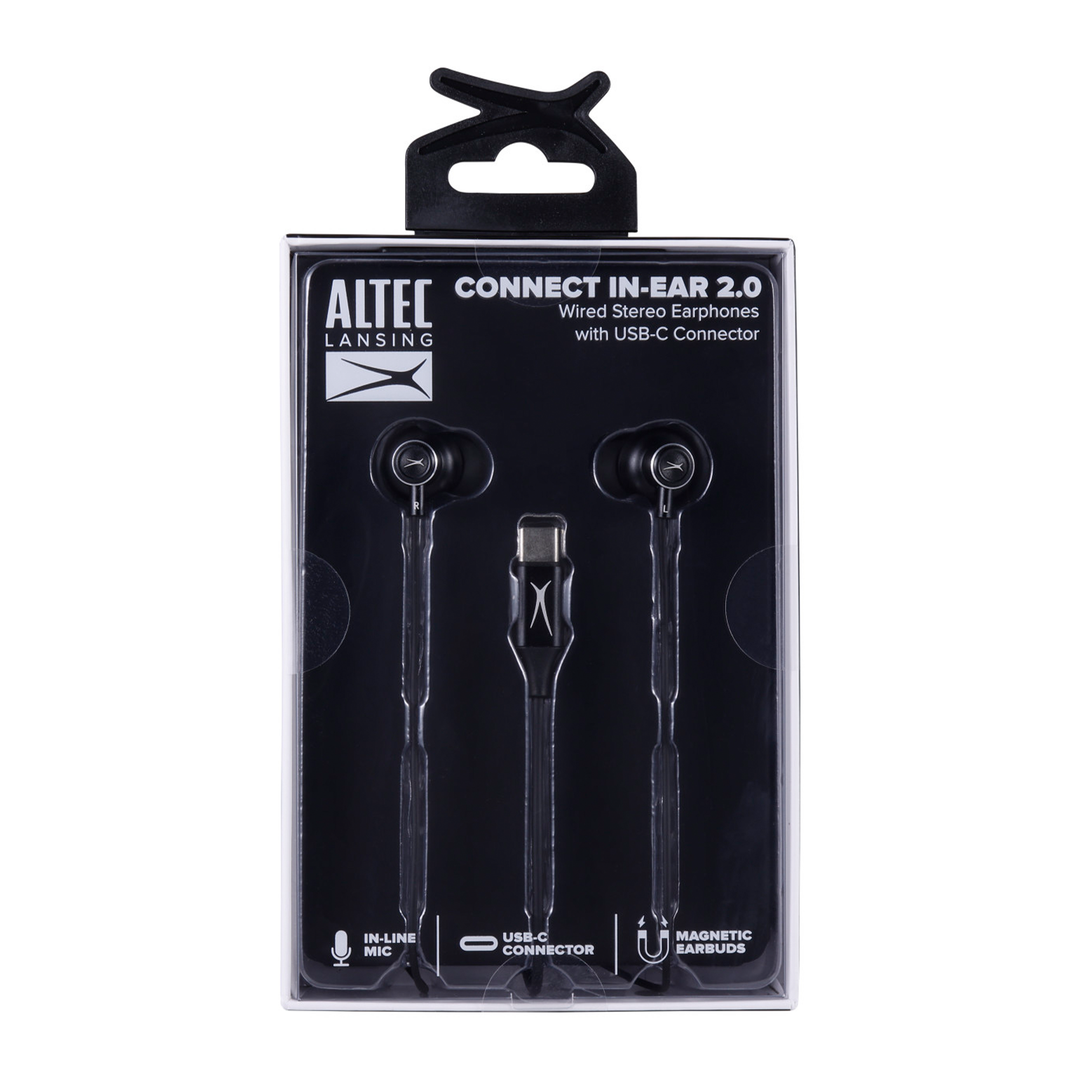
For wired or neckband models, plug the 3.5mm jack into the device or slide the magnetic earbuds apart to enable Bluetooth, depending on the design. Always consult the quick start guide for model-specific steps to connect altec lansing earbuds.
Common LED patterns to know
- Flashing blue/white – ready to pair.
- Solid light – connected or powered on.
- Red flash – low battery.
Factory reset (if pairing fails)
- Turn off the earbuds.
- Press and hold power/buttons as the manual directs (usually 10 seconds).
- Reboot both earbuds and repeat pairing steps.
These steps cover how to connect Altec Lansing earbuds for most users and models.
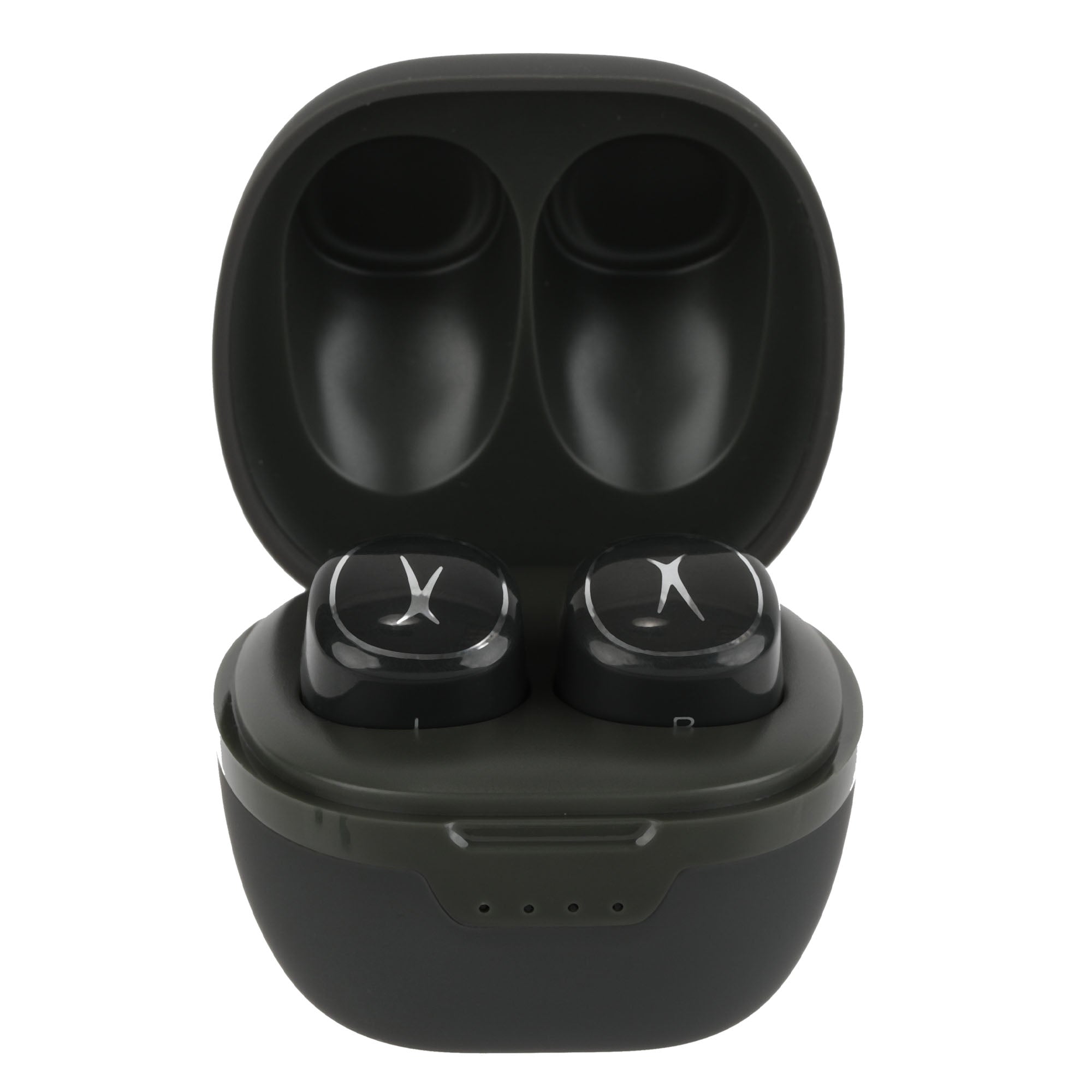
Troubleshooting common pairing problems
Why won’t my Altec Lansing earbuds pair?
Most failures come from incorrect pairing mode, low battery, or a device that needs a restart. Charge the buds, forget old pairings on your phone, and try again.
My device shows the earbuds but won’t connect
This often means the earbuds are already paired to another device. Turn Bluetooth off on other devices and retry. If that fails, reset the earbuds and start fresh.
Audio plays in one ear only
This can happen when the secondary earbud didn’t sync. Power both off, then power the primary earbud first and the secondary after a few seconds. If needed, reset both and pair again.
Bluetooth keeps dropping
Interference, distance, or low battery cause drops. Move closer to the device, remove obstacles, and ensure earbuds and source are charged. Updating firmware can help persistent issues.
Pairing with an old device that lacks modern Bluetooth
Older Bluetooth versions can cause instability. Try connecting to a newer device to confirm the earbuds work. Use a Bluetooth adapter for older computers if needed.
Two quick tips from experience
- I once fixed repeated disconnections by uninstalling the Bluetooth driver and letting the OS reinstall it.
- For gym users, tightening how earbuds sit in the ear reduced connection drops caused by motion.
These fixes resolve most real-world issues when trying to connect altec lansing earbuds.
Tips for a stable connection and better sound
Small habits make big differences for daily use.
- Keep firmware updated when the manufacturer offers updates.
- Stay within 10–30 feet of your device for best performance.
- Avoid large metal objects and crowded Wi-Fi/Bluetooth environments.
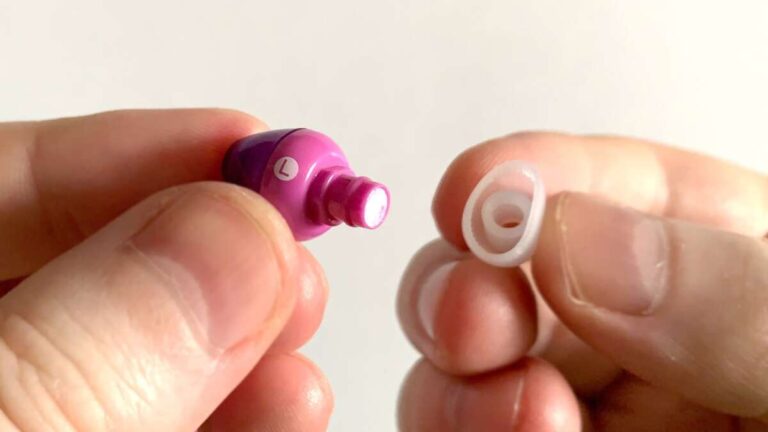
- Use the right ear tips for a snug seal to improve sound and mic performance.
- For calls, position the mic toward your mouth and speak clearly.
I learned to store the case near my phone to keep earbuds ready and paired instantly. That saved me time and reduced missed calls.
These tips help you get the most from how to connect altec lansing earbuds every day.
Maintenance, charging, and battery care
Care keeps the earbuds reliable and pairing smooth.
- Clean ear tips and charging contacts with a dry cloth every week.
- Avoid extreme heat and moisture beyond IP ratings.
- Charge regularly and avoid letting batteries drain fully too often.
- If you won’t use them for months, store them partially charged around 50%.
Proper care prevents contact issues and helps keep pairing reliable when you need it.
Compatibility and device-specific notes
iOS devices
Most Altec Lansing earbuds pair like any Bluetooth accessory. Use Settings > Bluetooth to connect and allow microphone access for calls.
Android devices
Android phones may show pairing prompts with permissions. Grant access to media and contacts for full functionality.
Windows and macOS
Use the system Bluetooth menu. On Windows, pair via Settings > Devices > Bluetooth & other devices. On Mac, open System Settings > Bluetooth. Remove stale pairings if problems occur.
Gaming consoles and smart TVs
Some consoles require a Bluetooth adapter or support only specific codecs. Smart TVs may need the earbuds in pairing mode during the TV’s Bluetooth scan.
Knowing these quirks makes it easier to connect altec lansing earbuds across devices.
Frequently Asked Questions of how to connect altec lansing earbuds
How do I enter pairing mode on Altec Lansing earbuds?
Most models enter pairing mode automatically when removed from the case. If not, press and hold the power button for several seconds until the LED flashes.
Can I pair Altec Lansing earbuds with two devices at once?
Some models support multipoint pairing. Check your model’s specs; if supported, you can connect to two devices but audio may prioritize one device at a time.
What do I do if the earbuds show up but won’t pair?
Forget the device on your phone, reset the earbuds, and then retry pairing. Also ensure the earbuds are fully charged and not already connected to another device.
How do I reset Altec Lansing earbuds?
Reset steps vary by model but usually involve holding power or multi-function buttons for 8–10 seconds. Refer to the quick start guide for exact button combinations.
Why is the sound low or distorted after pairing?
Low volume can be due to a poor fit, low battery, or codec mismatch. Replace ear tips, charge the earbuds, and check device audio settings for volume limits.
Conclusion
You now have clear, practical steps for how to connect Altec Lansing earbuds, plus troubleshooting, maintenance, and device-specific tips. Try the quick pairing steps first, then use the reset and interference fixes if needed. Start by charging and entering pairing mode, and keep firmware and device settings up to date for the best experience.
Take action: pair your earbuds following the step-by-step section right now, and leave a comment with your model if you hit a snag. I’ll help you troubleshoot it.

Everett Ashford is a tech reviewer at mytechgrid.com specializing in SSDs, cameras, TVs, earbuds, headphones, and other consumer electronics. He provides honest, data-driven reviews based on hands-on testing and real-world performance analysis. Everett simplifies complex tech details to help readers make smart, confident buying decisions.