Pair your earbuds in Apple Watch Settings, put them in pairing mode, and choose them as audio output.
I’ve spent years testing Apple Watch audio setups and helping friends fix pairing headaches, so I know what works and what trips people up. This guide walks you through how to connect earbuds to apple watch step by step, covers prerequisites, troubleshooting, and real-world tips so you can get music, calls, and workouts working smoothly from your wrist.
Why connect earbuds to Apple Watch
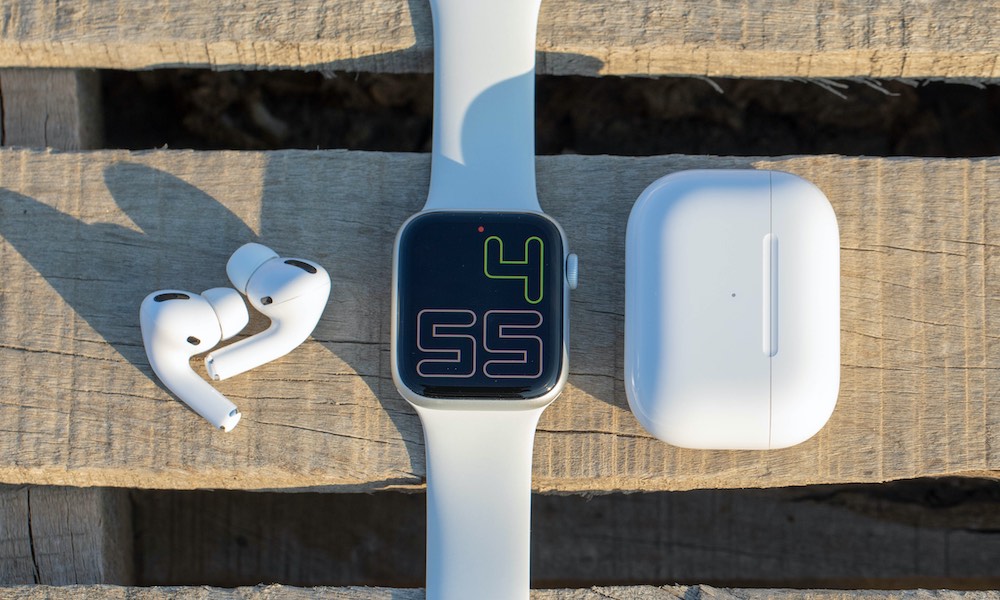
Connecting earbuds to your Apple Watch frees your iPhone from your pocket. You can leave your phone at home during runs, listen to offline playlists, or take calls using your watch and earbuds alone. Learning how to connect earbuds to apple watch also improves battery life and simplifies control, because the watch becomes the source for audio playback and phone calls.

What you need before pairing
- Apple Watch updated to a recent watchOS version for best compatibility.
- Earbuds that support Bluetooth audio and a pairing mode.
- iPhone nearby for initial setup if your earbuds are tied to your iPhone first.
- Sufficient battery on both the watch and the earbuds.
Make sure your earbuds are not actively connected to another device. If they are, put them in pairing mode or disconnect them first. These checks make it faster to learn how to connect earbuds to apple watch without extra fuss.
Step-by-step: How to connect earbuds to Apple Watch
If you’re wondering how to connect earbuds to apple watch, follow these clear steps. They work for most Bluetooth earbuds and AirPods alike.
- Put your earbuds into pairing mode.
- Most earbuds use a hold-button method or an open-case method for AirPods. Check the manual if unsure.
- On your Apple Watch, open Settings.
- Tap Bluetooth.
- Wait for your earbuds to appear under Devices.
- Tap the name of your earbuds to pair.
- Confirm any pairing prompts if required.
After pairing, the watch will show your earbuds as Connected. If you want to play music, open the Music or Now Playing app on the watch and select the earbuds as output. Practicing this sequence a couple of times will make how to connect earbuds to apple watch feel second nature.
Switching audio, playback control, and using multiple devices
You can change the audio output from your watch quickly.
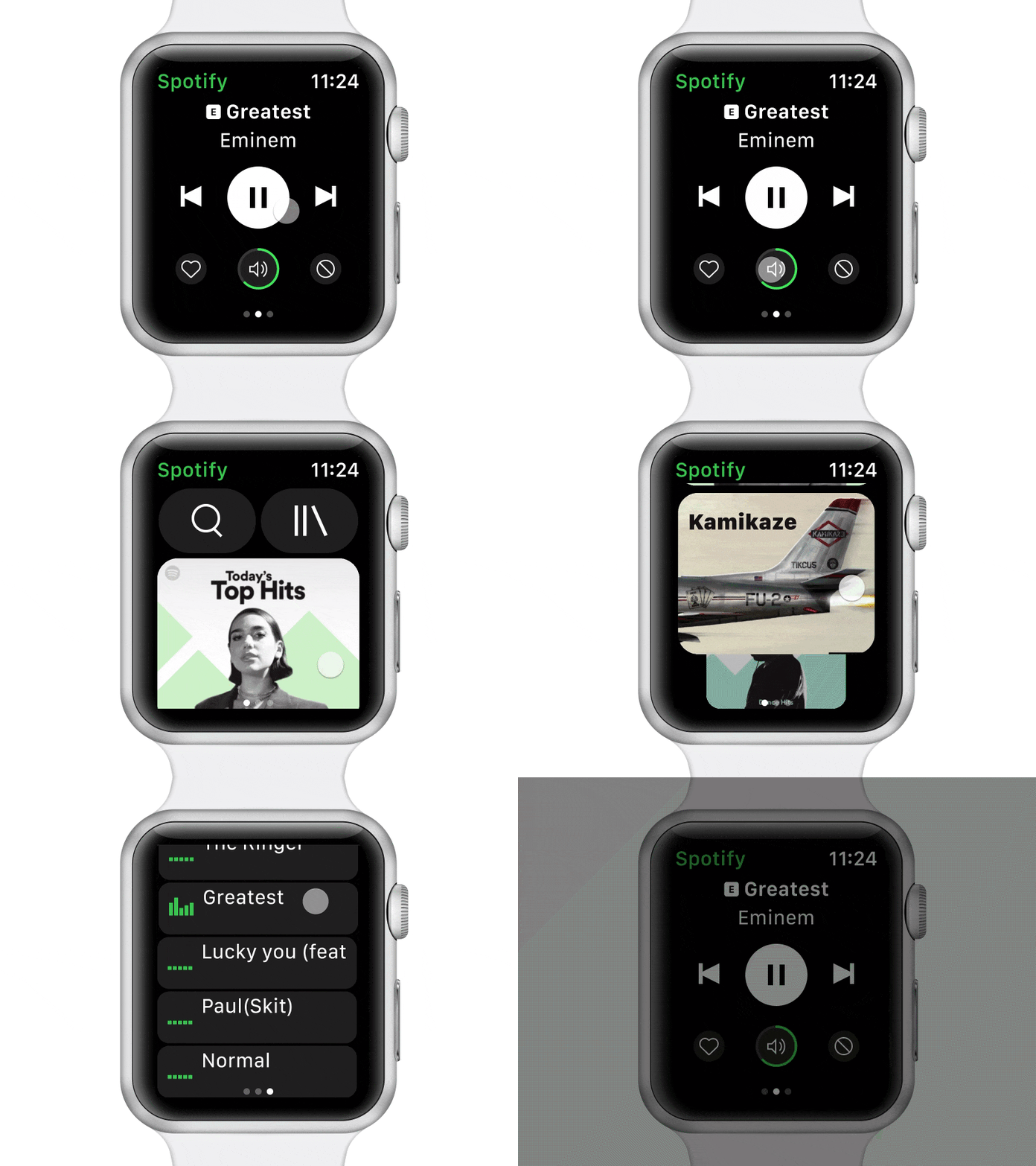
- Open Now Playing on the watch to switch output between watch speaker, earbuds, or a nearby iPhone.
- Use the Digital Crown for volume control during playback.
- For calls, select the audio source on the watch screen when a call is active.
If your earbuds are also paired to your iPhone, your watch may hand off audio to the phone automatically. Understanding how to connect earbuds to apple watch includes knowing how to switch manually when that handoff happens.

Troubleshooting common pairing issues
If pairing fails, try these fixes. They cover the problems I see most often when people ask how to connect earbuds to apple watch.
- Earbuds not discoverable
- Reset the earbuds into pairing mode and move them close to the watch.
- Watch won’t show earbuds
* Restart the watch and try Bluetooth toggling in Settings. - Earbuds pair to iPhone instead
- Turn off Bluetooth on the iPhone briefly, then pair from the watch.
- Intermittent audio dropouts
- Ensure no large metal objects between watch and earbuds and update firmware if available.
PAA-style quick questions:
What if my Apple Watch is too old? Many older watch models can pair with Bluetooth audio, but newer watchOS versions improve stability.
Do AirPods require the iPhone? AirPods can pair directly to the watch after initial setup, but the iPhone helps with some features.
These steps and checks should resolve most issues when you try to connect earbuds to apple watch. If problems persist, updating both devices often fixes obscure Bluetooth bugs.

Battery and performance tips
Bluetooth audio drains battery. Here’s how to make your setup last longer.
- Reduce volume to save energy.
- Close unnecessary apps on the watch when listening.
- Use a watch-only playlist (downloaded to the watch) to avoid streaming.
- Keep earbuds and watch updated to improve efficiency.
Good battery management is part of mastering how to connect earbuds to apple watch for long runs or travel. Small changes add up to significantly longer listening time.
My experience, mistakes to avoid, and practical tips
I once tried to connect earbuds to apple watch before updating the watchOS and the earbuds never appeared. Updating fixed it. From years of testing, here are practical lessons:
- Always update watchOS and earbud firmware first. It saves time.
- If earbuds pair to the iPhone automatically, temporarily turning off the iPhone’s Bluetooth helps the watch discover them.
- Keep earbuds in their case until you’re ready to pair; it avoids accidental auto-connections.
- Label generic-sounding earbuds in Bluetooth settings on your phone so you pick the right device during pairing.
- For workouts, test the connection at home to avoid interruptions during a run.
These tips come from repeated real-world use. They’ll help you avoid common pitfalls when you learn how to connect earbuds to apple watch.
Frequently Asked Questions of how to connect earbuds to apple watch
Can I connect AirPods directly to Apple Watch?
Yes. AirPods can pair directly to the Apple Watch once they have been associated with your Apple ID or placed in pairing mode. After pairing, the AirPods appear in the watch Bluetooth list for quick connection.
Why won’t my earbuds show up on my Apple Watch?
Often the earbuds are already connected to another device or not in pairing mode. Restart the watch, put the earbuds into pairing mode, and try again.
Will pairing earbuds to Apple Watch drain the watch battery faster?
Yes. Streaming audio over Bluetooth increases battery use, especially at higher volumes. Downloading music to the watch reduces streaming and saves battery.
Can I use multiple earbuds with one Apple Watch?
You can pair several Bluetooth audio devices, but the watch only plays to one output at a time. Switch output from Now Playing when needed.
Do all Bluetooth earbuds work with Apple Watch?
Most standard Bluetooth audio devices work, but some proprietary features may be limited. Check compatibility notes for advanced features like automatic ear detection.
Conclusion
You now have a clear, practical path to connect earbuds to apple watch, plus troubleshooting steps and real-life tips to avoid common mistakes. Try the step-by-step pairing, keep devices updated, and test your setup before relying on it for a workout or call. If this guide helped, leave a comment with your earbuds model or subscribe for more tips about Apple Watch audio and wearable tech.

Everett Ashford is a tech reviewer at mytechgrid.com specializing in SSDs, cameras, TVs, earbuds, headphones, and other consumer electronics. He provides honest, data-driven reviews based on hands-on testing and real-world performance analysis. Everett simplifies complex tech details to help readers make smart, confident buying decisions.