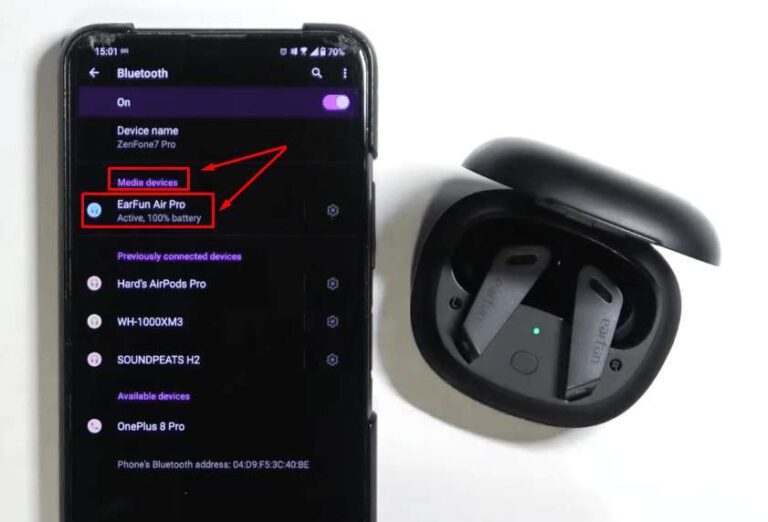
Ambient Aware on earbuds means outside sounds are mixed into your music so you can stay alert without removing the earbuds.
If you have ever wondered what does ambient aware mean on earbuds, the feature is simpler than its name suggests. It uses tiny microphones to pick up nearby sounds, then plays those sounds through the earbuds with your audio. This guide explains how ambient awareness works, when to use it, how it differs from transparency mode, and what limits you should know before relying on it.
What Does Ambient Aware Mean on Earbuds?
What does ambient aware mean on earbuds? It means the earbuds let you hear some sounds from your surroundings while you listen to music, podcasts, or calls. External microphones capture nearby sound, and built-in software blends it into the audio signal.
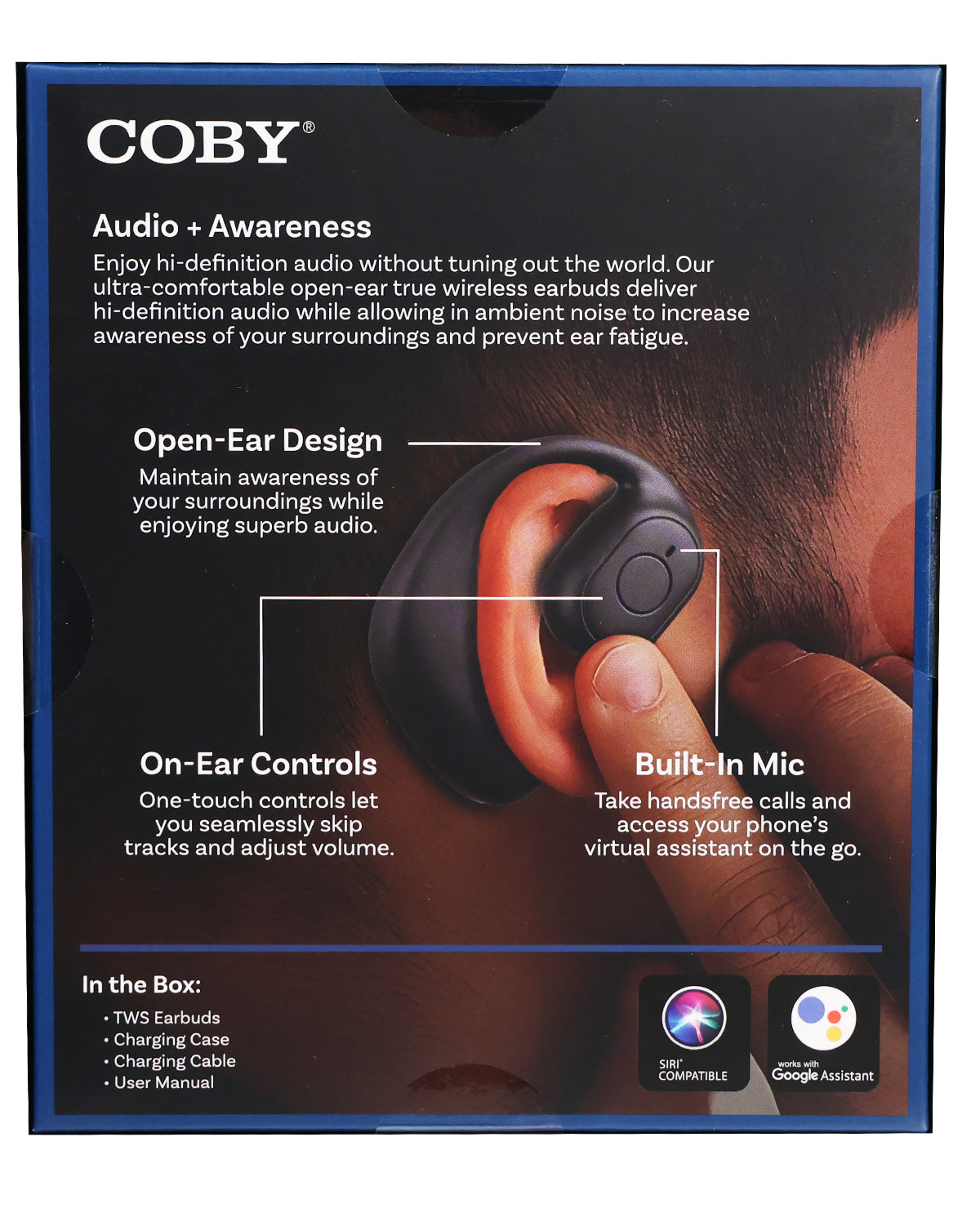
The feature acts like an open window. Your earbuds still sit in your ears, but they do not fully block the world around you. You may hear a coworker speak, a train announcement, or a car horn without taking the earbuds out.
Ambient Aware is a brand name used by some earbud makers. Other brands may call a similar feature:
• Ambient sound mode
• Awareness mode
• Transparency mode
• Hear-through mode
• Environmental sound control
• Social mode
The exact name and sound quality vary by model. However, the core idea remains the same: microphones bring outside sounds into your listening experience.
How Ambient Aware Works
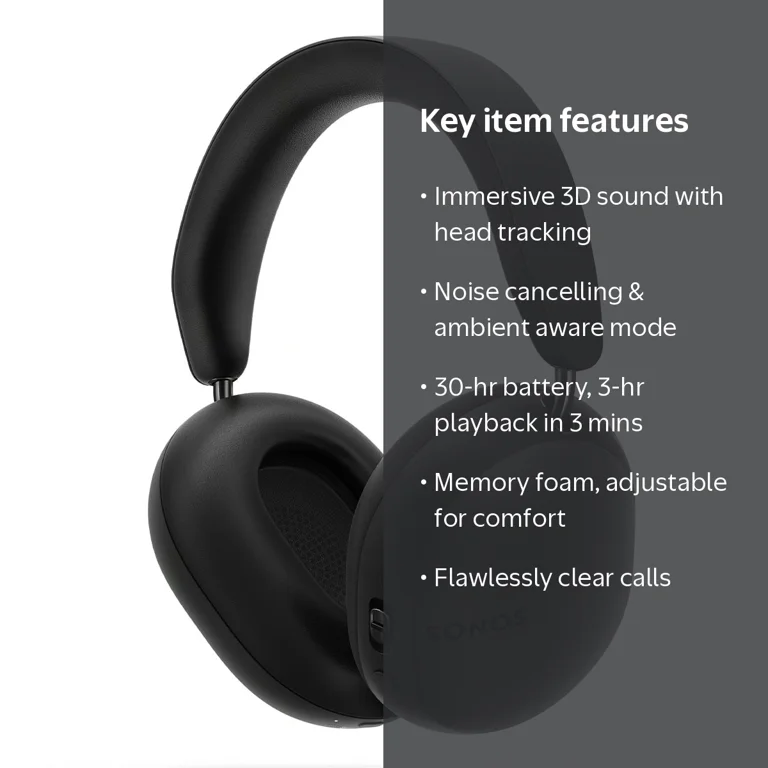
Ambient Aware earbuds use external microphones to collect sound around you. A digital signal processor then adjusts that sound and sends it through the earbud speakers. This process happens very quickly, so the outside sound feels almost live.
Most earbuds use a mix of hardware and software to create this effect. The main parts include:
• External microphones that capture voices, traffic, and other nearby sounds
• A digital signal processor that filters and adjusts the microphone feed
• Earbud speakers that play both your media and ambient sound
• Mobile apps or touch controls that adjust the awareness level
Some models also use internal microphones. These can help measure the sound inside your ear canal. The earbuds may then fine-tune the mix for comfort and balance.
A good ambient mode does more than raise every sound. It may reduce harsh wind noise, soften loud background noise, or make speech clearer. More advanced earbuds can focus on voices while keeping steady sounds, such as air conditioners, at a lower level.
This processing is not perfect. You may notice a slight change in music tone when ambient mode is active. Some earbuds can also produce a faint hiss, especially in a quiet room.
Ambient Aware vs. Noise Cancellation
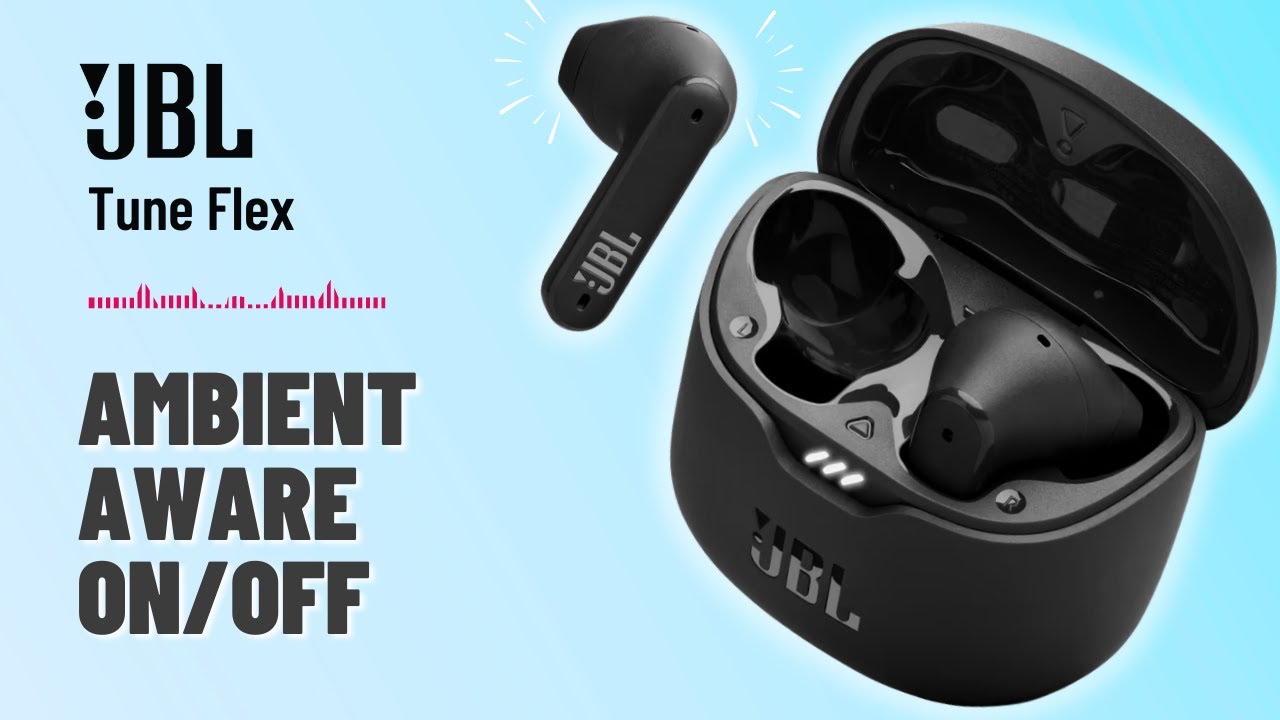
Ambient Aware and active noise cancellation do opposite jobs. Noise cancellation tries to reduce outside sound, while ambient awareness lets some outside sound in.
Active noise cancellation, or ANC, uses microphones to detect external noise. The earbuds then create an opposing sound wave to reduce that noise. ANC works best with steady sounds, such as airplane engines, bus noise, and office fans.
Ambient Aware uses microphones to make external sound easier to hear. This is useful when you need awareness instead of isolation.
Here is a simple comparison:
| Feature | Main purpose | Best use |
|---|---|---|
| Ambient Aware | Lets outside sounds in | Walking, office use, announcements |
| Noise cancellation | Reduces outside sounds | Flights, commuting, focused work |
| Off mode | Uses little or no sound processing | Natural listening and longer battery life |
| Adaptive mode | Changes automatically based on surroundings | Mixed environments |
Some earbuds allow ANC and Ambient Aware to switch with a tap. Others use an app slider to control how much outside sound enters. Adaptive systems may change modes on their own, but they can sometimes choose the wrong setting.
A practical rule is easy to remember: use ANC when you want peace, and use ambient awareness when you need to hear the world.
When Should You Use Ambient Aware?
Ambient Aware on earbuds can be helpful in many daily situations. It gives you awareness without forcing you to stop your audio.
Common uses include:
• Hearing a flight, train, or subway announcement
• Listening for a child, pet, or coworker
• Walking in a busy public area
• Staying alert in an office or shared workspace
• Ordering food or speaking with a cashier
• Hearing a doorbell or home alarm
• Riding a bicycle on a closed path or private area
• Monitoring background activity while working from home
For example, imagine walking through a busy airport. With noise cancellation, you may miss your gate announcement. With ambient awareness, you can keep a podcast playing while remaining more aware of announcements.
The same feature can help at work. You can listen to music at a low level and still notice when someone says your name. It is like keeping one ear open, even though both earbuds are in place.
Ambient awareness is not a replacement for attention. When crossing a road, driving, or working near machinery, remove the earbuds or follow your safety rules. Electronic processing can fail, and loud music can hide important warnings.

What Are the Benefits of Ambient Aware Earbuds?
Understanding what does ambient aware mean on earbuds also means understanding why people use the feature. Its main benefit is convenience, but it can also improve comfort and awareness.
Better awareness
You can hear voices, vehicles, alarms, and announcements more easily than with sealed earbuds in normal mode. This can make public spaces feel less isolating.
Fewer interruptions
You do not need to remove your earbuds every time someone speaks to you. A quick tap can let you hear the room while your phone stays in your pocket.
More natural conversations
Some ambient modes are designed to make speech sound clear. You can lower the media volume and speak with someone without ending your music or call.
Greater comfort
Long periods of strong noise cancellation can feel strange to some users. Ambient mode may feel more natural because it keeps your ears connected to the environment.
Flexible listening
Many earbuds let you move between ANC, ambient mode, and normal mode. This gives you more control as your surroundings change.
A useful tip is to lower your music before increasing ambient sound. Awareness works best when the audio mix is balanced. If your music is too loud, no awareness setting can make every outside sound clear.
What Are the Limitations of Ambient Awareness?
Ambient Aware does not give you perfect hearing. It adds microphone audio to your earbuds, but it cannot fully copy the experience of listening with no earbuds.
You may notice these limitations:
• Wind can create noise or rumbling in the microphones
• Loud music can still cover nearby sounds
• Speech may sound processed or slightly artificial
• Some sounds may arrive with a tiny delay
• Battery life may decrease when microphones stay active
• Cheap models may create hiss or uneven volume
• The feature may not work well with loose or poor-fitting earbuds
Earbud fit also matters. A tight seal can improve bass and ANC, but it may make ambient sound feel less natural. Some earbuds include a vent or special microphone design to reduce that blocked-ear feeling.
Volume is another major factor. Ambient mode does not make earbuds safe at any volume. Long exposure to loud sound can harm hearing, regardless of whether awareness mode is active. A widely used listening guideline is to keep volume moderate and take regular breaks.
In hands-on testing, one of the most common mistakes is judging ambient mode while music is too loud. Lower the media volume first, then compare the setting. This gives you a much clearer idea of how well the microphones work.

How to Turn On Ambient Aware Mode
The steps depend on the brand and model, but most earbuds use one of three methods.
Use the earbud controls
Many earbuds switch listening modes when you press and hold the touch panel or button. A voice prompt or tone may confirm the change.
Use the companion app
Open the earbud app on your phone and look for settings such as:
• Ambient Aware
• Ambient sound
• Transparency
• Listening modes
• Noise control
• Hear-through
Some apps let you adjust the level. A low setting may let in a small amount of sound, while a high setting may make voices and background noise more noticeable.
Use your phone settings
Some phones show earbud controls in Bluetooth settings. You may be able to select noise cancellation, ambient mode, or off mode without opening the brand’s app.
If the feature does not work, check that the earbuds have enough battery and that the microphones are not blocked by dust, skin oil, or debris. Also check whether the model supports ambient awareness on both earbuds. A few products limit certain listening modes when only one earbud is in use.

How to Get Better Results From Ambient Aware Earbuds
Small changes can make ambient mode sound much better. Start with the right fit, then adjust the software.
-
Clean the microphone openings gently. Use a dry, soft brush and avoid pushing debris into the holes.
-
Set your media volume lower than usual. Outside sound is easier to hear when music or podcasts are not competing with it.
-
Choose the right ear tip. A secure fit can improve sound quality, but an overly tight seal may make awareness feel less natural.
-
Adjust the ambient level in the companion app. Start in the middle and make small changes.
-
Turn off wind reduction if voices sound dull. On some models, strong wind filtering can affect speech clarity.
-
Keep the earbuds updated. Firmware updates may improve microphone processing, mode switching, and battery performance.
-
Test the setting in a quiet room first. Then try it in an office, outdoors, and on public transport.
-
Never depend on the feature for critical safety. Look around, pause your audio, or remove the earbuds when full awareness matters.
A simple real-world test works well. Ask someone to speak from different distances while you play audio at a comfortable level. This helps you learn what your earbuds can and cannot reveal.
Is Ambient Aware the Same as Transparency Mode?
In many cases, yes. Ambient Aware and transparency mode describe the same general function: using microphones to pass outside sounds into your ears.
The difference is often branding rather than technology. One company may call its feature Ambient Aware, while another calls it Transparency or Hear-Through. Still, performance can vary because each brand uses different microphones, software, and sound tuning.
Some transparency systems focus on natural speech. Others boost all outside sound. Premium earbuds may also use adaptive processing that changes the mix based on your surroundings.
When comparing models, do not judge them by the feature name alone. Look for independent reviews, microphone tests, battery data, and user feedback. The quality of the processing matters more than the label.
Does Ambient Aware Affect Battery Life?
Yes, ambient awareness can use more battery than a basic listening mode. The microphones must stay active, and the processor must continuously mix outside sound with your media.
The battery difference depends on the earbud design. Some models lose only a small amount of play time, while others use similar power to active noise cancellation. Features such as adaptive sound, spatial audio, and voice detection may also reduce battery life.
To save power:
• Use ambient mode only when you need it
• Disable automatic mode switching if it changes settings often
• Turn off extra sound features when they are not useful
• Keep the charging case topped up
• Lower volume instead of using heavy processing to overcome noise
Battery claims from manufacturers are usually measured under controlled conditions. Real use can vary with volume, calls, Bluetooth quality, temperature, and microphone features.
Is Ambient Aware Safe?
Ambient Aware can help you notice your surroundings, but it does not guarantee safety. It may improve awareness compared with sealed earbuds, yet it can still miss quiet, distant, or sudden sounds.
Do not use ambient mode as permission to ignore traffic, workplace rules, or local laws. Avoid wearing earbuds while driving. When cycling or walking near traffic, use extra caution and consider leaving both ears free.
Hearing safety also depends on volume and time. The World Health Organization warns that loud sound over time can damage hearing. If you notice ringing, muffled hearing, pain, or a need to raise the volume often, reduce your listening time and consider speaking with a hearing professional.
The safest approach is simple: treat Ambient Aware as a helpful listening tool, not as a safety device.
Frequently Asked Questions About What Does Ambient Aware Mean on Earbuds
What does ambient aware mean on earbuds?
What does ambient aware mean on earbuds? It means the earbuds use microphones to bring outside sounds into your listening experience. You can hear nearby voices and environmental sounds without removing the earbuds.
Is Ambient Aware better than noise cancellation?
Neither mode is always better. Ambient Aware is better when you need to hear your surroundings, while noise cancellation is better for reducing steady background noise.
Can I use Ambient Aware while talking to someone?
Yes. Ambient mode can make conversations easier because it allows the person’s voice to enter through the microphones. Lowering your music volume usually improves speech clarity.
Does Ambient Aware let me hear everything around me?
No. It improves awareness, but it may not reproduce every sound accurately. Loud music, wind, poor microphone quality, and background noise can still hide important sounds.
Does Ambient Aware drain the earbud battery?
It can reduce battery life because the microphones and audio processor remain active. The exact effect depends on the earbud model and the other features you use.
Is Ambient Aware the same as transparency mode?
They usually perform the same basic function. Different brands use different names, but the sound quality and controls may vary from one product to another.
Should I use Ambient Aware while driving?
No. Do not use earbuds while driving, even with ambient mode enabled. The feature cannot replace full visual and listening attention.
Conclusion
What does ambient aware mean on earbuds? It means your earbuds use microphones to mix outside sounds with your audio, helping you stay more connected to your surroundings. The feature is useful for travel, work, conversations, and everyday listening, but it has limits with wind, loud music, processing delay, and safety-critical sounds.
Try Ambient Aware at a moderate volume, test it in several places, and learn how your specific earbuds behave. Use the mode as a convenience feature, not as a substitute for attention. Explore your earbud app, adjust the awareness level, and share your experience or questions in the comments.

Everett Ashford is a tech reviewer at mytechgrid.com specializing in SSDs, cameras, TVs, earbuds, headphones, and other consumer electronics. He provides honest, data-driven reviews based on hands-on testing and real-world performance analysis. Everett simplifies complex tech details to help readers make smart, confident buying decisions.