You can get basic TV channels without cable by using an over-the-air antenna or free, ad-supported streaming services.
Learning how to get basic TV channels without cable is easier than it sounds. In most U.S. homes, a simple antenna can pick up local broadcast stations such as ABC, CBS, NBC, FOX, PBS, and The CW at no monthly cost. Free streaming apps can add news, movies, and older shows, while a low-cost streaming device makes the whole setup feel much like cable.
What “basic TV channels” means
Basic TV channels usually means local broadcast networks and common free channels. These stations send signals through the air, so you do not need a cable or satellite subscription to watch them.
Depending on your location, you may receive:
• ABC, CBS, NBC, and FOX
• PBS and local public television stations
• The CW and MyNetworkTV in some markets
• Local news, weather, sports, and public affairs channels
• Multicast channels such as MeTV, Antenna TV, Bounce, Comet, and Grit
The exact channel list depends on nearby broadcast towers, your antenna, local terrain, and your home’s construction. A city apartment may receive many stations with a small indoor antenna, while a rural home may need an outdoor antenna.
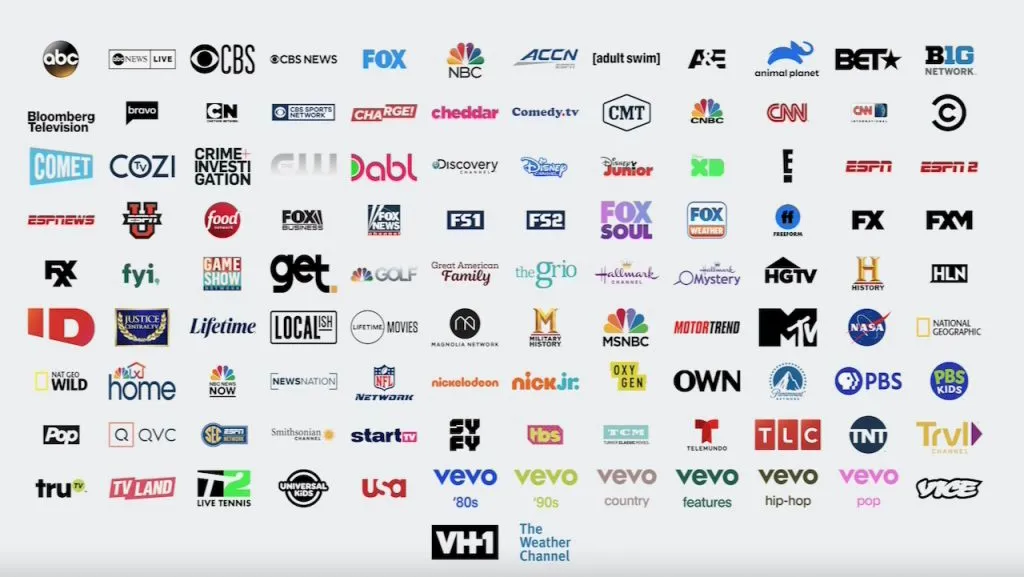
It is also important to separate broadcast channels from cable networks. An antenna can usually receive local ABC content, but it will not provide ESPN, CNN, HGTV, or the History Channel. Those networks normally require a paid streaming service or another legal subscription.
When people ask how to get basic TV channels without cable, they often want local news, live sports, network shows, and family programs. An antenna is usually the best first step because it has no monthly bill after purchase.
Use an over-the-air antenna
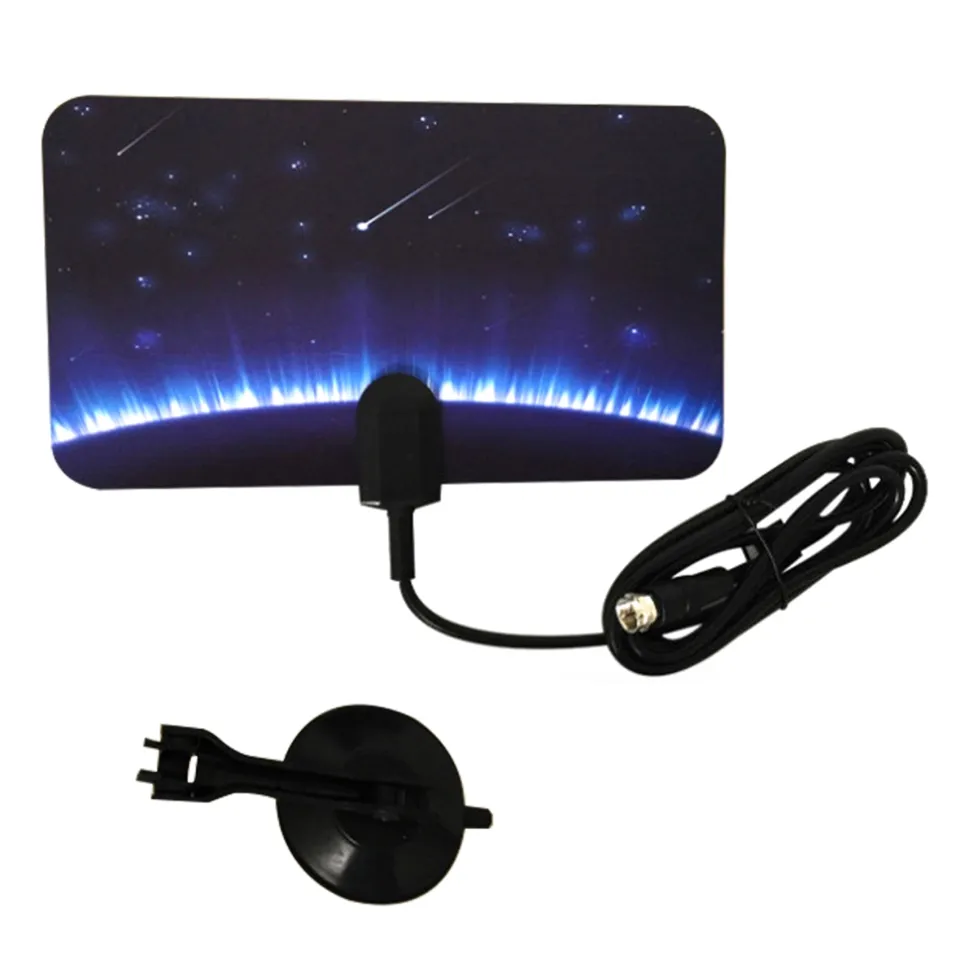
An over-the-air antenna, often called an OTA antenna, receives free digital television signals from local broadcast towers. Modern broadcast signals are digital, so the picture can look sharp when reception is strong.
You can buy an indoor antenna for a bedroom, apartment, or home near a city. An outdoor or attic antenna may work better when you live far from towers or have hills, trees, brick walls, or a metal roof nearby.
Before buying one, check your local broadcast coverage. Use a trusted signal map and enter your exact address or ZIP code. Look for the direction of nearby towers, the distance to each station, and the expected signal strength.
Choose the right antenna type
The best antenna depends on your home and distance from broadcast towers.
• Indoor antenna: Best for apartments and homes near city towers. It is simple to install but may be affected by walls and electronics.
• Attic antenna: Offers better height and protection from weather. It can be a good choice when an outdoor installation is not practical.
• Outdoor antenna: Usually provides the strongest reception. It works well in rural areas but may need a mast, grounding, and proper weather protection.
• Amplified antenna: Can help with long cable runs or weak signals. It cannot fix every reception problem and may make strong signals worse.
Many products advertise a range of 100 miles or more. Treat those numbers with caution. Real range depends on terrain, tower power, antenna height, interference, and weather. A well-placed 30-mile antenna can outperform a poorly placed “100-mile” model.
Install the antenna correctly
Place an indoor antenna near a window or on an outside-facing wall. Keep it as high as possible, and test more than one direction. Small changes can make a major difference.
After connecting the antenna to your TV, open the television’s settings menu and select “Channel Scan,” “Auto Program,” or “Auto Tuning.” The TV will search for available digital stations.
If a station is missing, try these steps:
- Move the antenna higher or closer to a window.
- Turn the antenna toward the broadcast towers.
- Run the channel scan again.
- Remove nearby electronic devices that may cause interference.
- Try an unamplified antenna if strong signals seem unstable.
- Use a better coaxial cable if the current one is damaged.
- Consider an attic or outdoor antenna.
A practical lesson from real antenna setups is that placement matters more than flashy marketing claims. People often buy a stronger amplifier when the real issue is a wall, a basement location, or the wrong direction.

Check whether your TV has a built-in tuner
Most modern televisions include a digital ATSC tuner. This tuner lets the TV process signals from an antenna without another box.
Look for a coaxial connector labeled “Antenna In,” “RF In,” or “Cable/Antenna.” Connect the antenna there, then select antenna or air mode before running a scan.
Some older televisions do not have a digital tuner. If your TV was made before the widespread transition to digital broadcasting, you may need a digital converter box. The antenna connects to the box, and the box connects to the TV through HDMI or another video cable.
A streaming-only television may still include an antenna tuner, but not every model does. Check the product manual or the manufacturer’s specifications before buying extra equipment.
You may also need:
• A coaxial cable
• An antenna stand or wall mount
• A signal splitter for more than one TV
• A distribution amplifier for long cable runs
• A digital converter box for an older TV
• A DVR if you want to record programs
A splitter divides the signal but also reduces its strength. If several TVs share one antenna, reception may improve with a properly installed distribution amplifier. However, adding equipment is not always better. Start with the simplest setup and add parts only when testing shows a need.
Add free streaming services
An antenna is the strongest answer to how to get basic TV channels without cable, but free streaming services can fill in the gaps. They work through an internet connection and usually show ads instead of charging a monthly fee.
Free services often include live channels and on-demand shows. The exact lineup changes, so check the current service menu before relying on one channel.
Common types of free streaming platforms include:
• Free ad-supported television services with live channel guides
• Network apps that offer selected news and recent episodes
• Local news apps from television stations
• Public media apps with documentaries and educational programs
• Free movie and classic television services
• Sports apps that show selected games, highlights, or local content
A free streaming service is not the same as a free version of a paid cable network. It may offer similar genres, but it may not include the exact channel or live event you want.
You will need a stable internet connection. A basic HD stream may use several gigabytes of data per hour, so households with data caps should monitor usage. Video quality can also drop during slow periods, while an antenna signal does not depend on internet speed.
For many homes, the best combination is simple: use an antenna for local live TV and free streaming apps for extra entertainment. This approach provides more variety without recreating a large cable bill.

Watch local news and live sports
Local news is one of the main reasons people want basic TV channels without cable. An antenna can often provide local morning news, evening news, weather alerts, and emergency broadcasts without an app or login.
Local sports are more complicated. Some NFL games, college events, and major network broadcasts may be available through an antenna. Other games may require a paid sports package, league service, or regional network.
Before choosing a setup, list the programs you watch most. Ask:
• Which local stations do I need?
• Do I watch live sports or mostly recorded shows?
• Do I need national cable networks?
• Can I watch programs later instead of live?
• Does my internet plan have a data limit?
This short list prevents a common mistake: buying several subscriptions before checking what an antenna already provides. It also helps you avoid paying for a large bundle when you mainly watch local news and a few network shows.
Remember that streaming rights change. A service that carries a team or event this season may not carry it next season. Check the official schedule and service details before making a long-term decision.
Use a TV tuner and DVR for more control
A DVR lets you record over-the-air programs and watch them later. This can make an antenna feel more like a traditional cable package.
Some televisions include basic recording features, but many require an external device. OTA DVR products may provide:
• Program recording
• Pause and rewind for live TV
• A channel guide
• Recording of multiple programs
• Commercial skipping on some models
• Access from more than one TV
Some DVRs require a subscription for guide data or advanced features. Others work with a one-time equipment purchase. Read the terms carefully so you know whether there is a continuing fee.
A networked TV tuner can send antenna channels to phones, tablets, or other televisions in your home. This is useful when the antenna is installed in one central location. It may require an app and a strong home network.
Do not assume every DVR records every streaming service. Many streaming apps block recording or use their own cloud DVR rules. An OTA DVR is mainly designed for antenna broadcasts.
Reduce reception problems
Poor reception is the most common challenge when learning how to get basic TV channels without cable. A weak or broken picture does not always mean the antenna is bad.
Digital TV has a sharp cutoff. With an old analog signal, a weak picture might look snowy. With digital TV, the picture may freeze, pixelate, or disappear when the signal falls below a certain level.
Try the following fixes:
• Move the antenna away from metal objects and large appliances.
• Place it higher, especially above furniture.
• Face it toward the main broadcast towers.
• Rescan after moving it.
• Check every coaxial connection.
• Replace damaged or very long cables.
• Test the antenna in another room.
• Use an attic or outdoor model when indoor reception remains poor.
• Avoid placing an amplifier before testing the antenna location.
Trees, mountains, tall buildings, and dense construction can block or reflect signals. Weather may affect some marginal signals, but a well-positioned antenna should work reliably most of the time.
If you live in a valley or behind a large hill, no indoor antenna may perform well. In that case, a higher outdoor antenna or a professional installation may be the more honest solution.
Understand the total cost
Getting basic TV channels without cable can be very inexpensive, but it is not always completely free on day one. You may need to buy equipment.
Typical costs may include:
• Indoor antenna: A low one-time cost
• Outdoor antenna: A higher one-time cost
• Mounting hardware: An extra installation cost
• Converter box: Needed for some older TVs
• DVR: Optional, with possible guide fees
• Internet service: Needed for streaming apps
The main financial benefit is the lack of a monthly cable charge. An antenna does not require a subscription for local broadcast channels. However, free streaming services still need internet access, and they may contain advertisements.
Compare the yearly cost, not just the monthly price. A small antenna purchase may pay for itself quickly if it replaces a large cable package. If you add several paid streaming services, the savings can shrink.
A good rule is to start with an antenna and free services. Add a paid subscription only when it gives you a specific channel or program that you truly watch.

Keep your setup legal and secure
Use legitimate antennas, network apps, and streaming platforms. Avoid websites or devices that promise every premium channel for one low payment. These services may violate copyright rules, expose your data, contain malware, or disappear without warning.
Keep streaming devices updated. Use strong passwords for your internet and streaming accounts. Download apps only from the official app store on your television or device.
Be careful with free trials. Mark the cancellation date on your calendar, especially when a trial changes into a paid plan automatically.
The safest setup is also the most predictable: a properly installed antenna, official apps, and subscriptions you understand. This gives you clear control over your channels and your budget.
A simple setup plan
Follow this process if you want a practical answer to how to get basic TV channels without cable.
- Check local broadcast coverage using your address or ZIP code.
- Start with an indoor antenna if you live near local towers.
- Connect it to the TV’s antenna input.
- Select “Air” or “Antenna” mode in the TV settings.
- Run a full channel scan.
- Move the antenna and scan again if channels are missing.
- Add official free streaming apps to your smart TV or streaming device.
- Test local news, network shows, and sports before canceling cable.
- Add a DVR only if recording is important.
- Keep a list of any paid services and their renewal dates.
Test the setup for several days before making a final decision. Watch at different times and in different weather. This helps reveal whether the problem is a one-time signal issue or a poor antenna location.
For renters, an indoor antenna is usually the easiest choice. For homeowners in rural areas, an attic or outdoor antenna may provide a much better result. Every home is different, so testing beats guessing.
Frequently Asked Questions About How to Get Basic TV Channels Without Cable
Can I get local TV channels without cable or internet?
Yes. An over-the-air antenna can receive many local broadcast channels without cable or internet. You only need a compatible TV or a digital converter box.
How many channels can an antenna receive?
The number varies by location, antenna placement, and nearby broadcast towers. Some homes receive only a few channels, while others receive dozens of local and multicast stations.
Do I need a smart TV to use an antenna?
No. A standard TV with a digital tuner can use an antenna. Older televisions may need a digital converter box.
Can I watch ESPN or CNN with an antenna?
Usually not. ESPN, CNN, and most national cable networks are not free over-the-air broadcasts, so they generally require a paid streaming or television service.
Does an antenna work during bad weather?
An antenna often works during normal weather, but heavy rain, storms, or strong winds can affect marginal reception. A secure outdoor installation and a strong signal can improve reliability.
Can I use one antenna for multiple TVs?
Yes. You can split the signal to serve multiple TVs. Long cable runs and several connected TVs may require a distribution amplifier to maintain signal strength.
Are free streaming services truly free?
Many are free to use but supported by advertisements. They may require an internet connection, and their channel lists and program rights can change over time.
Conclusion
The simplest way to get basic TV channels without cable is to start with an over-the-air antenna. It can provide local news, network shows, weather, public television, and selected sports with no monthly antenna fee. Free streaming services can then add movies, on-demand programs, and extra live channels.
Check your local signal coverage, place the antenna carefully, scan for channels, and test the setup before buying more equipment. Keep your plan focused on the programs you actually watch, and avoid paying for subscriptions that add little value. Explore your local options today, and share your antenna setup or questions in the comments.

Everett Ashford is a tech reviewer at mytechgrid.com specializing in SSDs, cameras, TVs, earbuds, headphones, and other consumer electronics. He provides honest, data-driven reviews based on hands-on testing and real-world performance analysis. Everett simplifies complex tech details to help readers make smart, confident buying decisions.