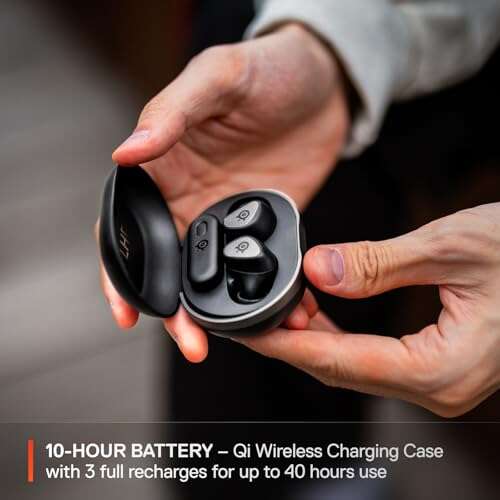
Across the United States, most wireless earbud charging cases can charge by themselves. The earbuds do not need to be inside the case for the case battery to recharge. Connect the case to a compatible USB charger, or place it on a supported wireless charging pad if the case has wireless charging.
The main exception is model design. Some cases support only wired charging, while others support USB-C, Lightning, Qi wireless charging, or a brand-specific charging system. Check the case manual if you are unsure.
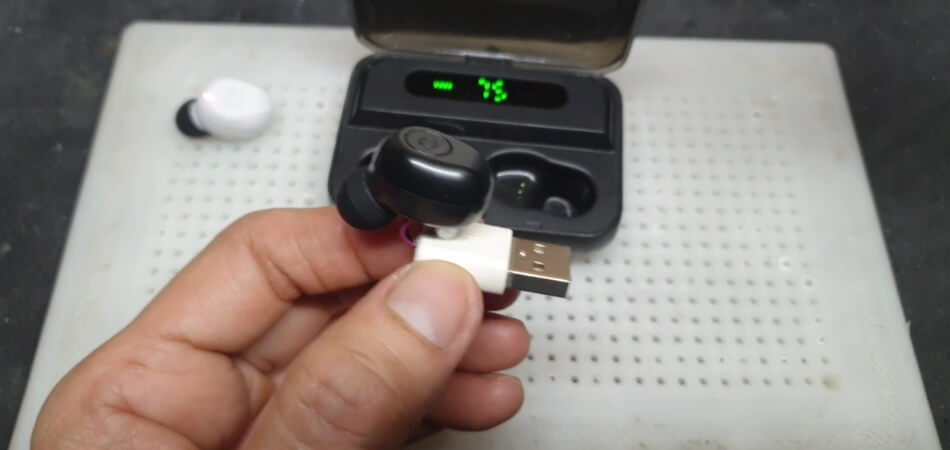
Yes, You Can Usually Charge the Case Alone
An earbud case is more than a storage box. It contains its own rechargeable battery and charging circuit. The case uses that battery to recharge the earbuds later.
Because the case has a separate battery, it normally charges whether the earbuds are inside or not. The earbuds only need to be in the case when you want to charge the earbuds themselves.
This applies to many popular products, including:
- Apple AirPods charging cases
- Samsung Galaxy Buds cases
- Google Pixel Buds cases
- Sony wireless earbud cases
- JBL and Jabra earbud cases
- Other Bluetooth earbud systems with rechargeable cases
Manufacturer support pages for Apple AirPods and Samsung Galaxy Buds describe charging the case with a cable or a supported wireless charger. The exact charging method depends on the model.
What happens when the earbuds are not inside?
When you charge an empty case:
- Power flows into the case battery.
- The case stores that power.
- The status light may show charging progress.
- The earbuds remain unchanged because they are not connected to the case.
Think of the case as a small power bank made for its own earbuds. It can fill its battery even when the “devices” it normally charges are elsewhere.
How to Charge an Earbuds Case Without Earbuds
You can charge most cases with a cable. Some models also support wireless charging. Use the method listed for your specific case.
Method 1: Charge the case with a USB cable
- Remove the earbuds from the case.
- Find the charging port on the case.
- Connect the correct cable.
- Plug the other end into a wall adapter, computer, or certified USB charging hub.
- Check the case light or the companion app for a charging signal.
- Leave the case connected until it reaches the desired charge level.
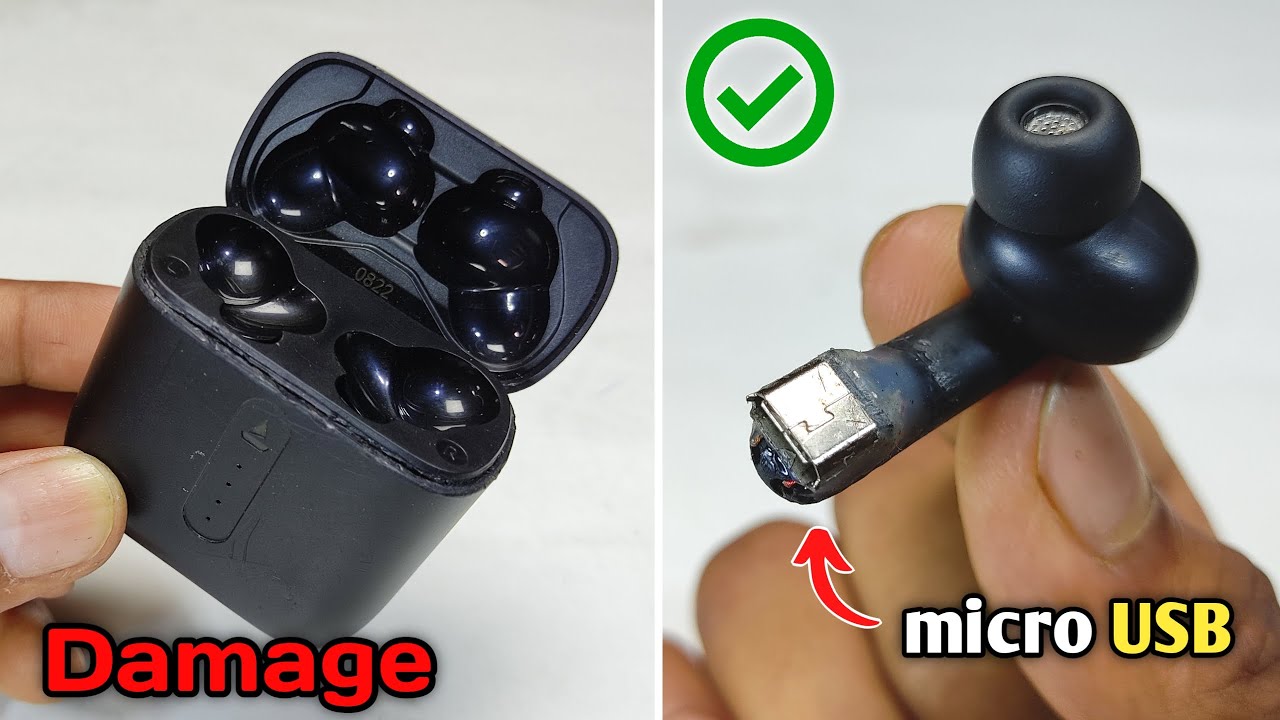
Most newer cases use USB-C. Older models may use a Lightning or micro-USB port. Do not force a connector into the port.
A wall adapter is usually more useful than a computer port because it is easy to identify and does not depend on the computer staying awake. However, a compatible USB power source is normally enough for a small earbud case.
Method 2: Charge the case wirelessly
Use wireless charging only if the case supports it. Depending on the model, the case may support Qi charging, MagSafe charging, or a proprietary wireless charger.
- Connect the wireless charging pad to power.
- Place the closed case on the center of the pad.
- Keep the charging port facing away from the pad unless the manual says otherwise.
- Look for the case status light.
- Move the case slightly if charging does not begin.
Wireless charging depends on coil alignment. A thick case cover, a metal object, or poor placement can block the charge. Some wireless pads also charge too slowly or fail to work with cases that do not support the right standard.
How to know that the case is charging
Common signs include:
- A status light turns on or pulses.
- A phone displays the case battery level.
- The brand’s app shows a rising battery percentage.
- The case feels slightly warm, but not hot.
- The indicator changes color when charging is complete.
Light colors differ by brand. For example, white, amber, green, red, and blue may mean different things on different models. Use the model’s manual rather than guessing from the color alone.

Why the Case May Not Charge
If the case does not charge without the earbuds, check the simple causes first. An empty case should not normally prevent charging, but a bad cable, blocked port, or damaged battery can.
The cable or power source is faulty
Try these checks:
- Use another cable that fits correctly.
- Try a different USB power adapter.
- Test the adapter with another device.
- Avoid loose or bent connectors.
- Check whether the cable is damaged near either end.
A cable may charge a phone but still fail with a worn or loose earbud-case port. A second cable is often the fastest test.
The charging port is dirty
Pocket lint can stop the plug from reaching the contacts. Turn off or unplug the case before checking the port.
Use a soft, dry brush or a wooden toothpick with care. Do not pour liquid into the port, and do not use a metal object that could short the contacts. If dirt is packed deep inside, professional cleaning is safer than forcing it out.
The case battery is fully empty
A case with a deeply discharged battery may show no light right away. Leave it connected to a known-good charger for 15 to 30 minutes, then check again.
If the case remains unresponsive after trying another cable and charger, the battery or charging circuit may have failed. Rechargeable lithium-ion batteries lose capacity over time. A very old case may no longer hold a useful charge.
The case is too hot, wet, or damaged
Stop charging if the case becomes unusually hot, smells odd, swells, cracks, or shows signs of liquid damage. Do not use a damaged battery.
Let a wet case dry fully in a safe, ventilated place. Do not heat it with a hair dryer, oven, or direct high heat. If the case is swollen or physically damaged, contact the manufacturer or an authorized repair service.
The wireless charger is not compatible
Wireless charging is not universal. A case may look similar to a wireless model but support cable charging only. Some cases also work only when placed in a specific position.
Use a cable to test the case. If wired charging works but wireless charging does not, check the model specifications and charger compatibility.

Does Charging the Empty Case Affect the Earbuds?
Charging an empty case does not harm the earbuds because they are not connected to it. It also does not charge the earbuds. The case simply stores energy for later use.
When you put the earbuds back inside, the case may begin charging them automatically. This can reduce the case battery level. For example, a full case may not remain full after it recharges earbuds several times.
The case and earbuds have separate battery readings. A phone may show:
- Left earbud percentage
- Right earbud percentage
- Charging case percentage
These values do not always update at the same time. The case may report its own battery level only when it is open, connected, or near the phone, depending on the brand and model.
Can you charge the case while using the earbuds?
Usually, yes. You can plug in the case while wearing the earbuds. The earbuds will continue using their own batteries, while the case recharges separately.
This is useful when you need the earbuds now but want the case ready for later. It will not extend the earbuds’ current battery life unless you place them back in the case.
Is it better to leave the earbuds in the case?
Leaving the earbuds in the case is normal. The case is designed to store and recharge them. You do not need to remove the earbuds to protect the case battery.
Remove them only when you need to use them, clean the charging contacts, or troubleshoot a charging problem. If one earbud does not charge, inspect the contact points and make sure the earbud sits correctly in its slot.
Wired Charging vs. Wireless Charging
Both methods can work, but they have different limits.
| Charging method | What you need | Main benefit | Common limitation |
|---|---|---|---|
| USB-C | Compatible USB-C cable and power source | Works with many modern devices | Cable or port may be damaged |
| Lightning | Lightning cable and power source | Common on some older Apple cases | Used on fewer new devices |
| Qi wireless | Compatible Qi charging pad | No cable in the case | Needs proper alignment |
| Magnetic wireless system | Compatible magnetic charger or pad | Easy placement on supported models | Not supported by every case |
The case’s charging standard matters more than the phone brand. An Android phone does not automatically make every earbud case wirelessly compatible, and an iPhone does not guarantee that every AirPods-style case supports MagSafe.
If you are buying a replacement case, match the exact earbud model. A similar-looking case may have different charging contacts, firmware, battery size, or wireless features.

Common Mistakes to Avoid
Avoid these mistakes when charging an earbud case:
- Using a cable that does not fit securely.
- Assuming every case supports wireless charging.
- Covering the status light and missing the charging signal.
- Charging a wet or damaged case.
- Scraping the port with a metal tool.
- Relying on an unreliable, damaged, or counterfeit charger.
- Expecting the earbuds to charge while they are outside the case.
- Replacing the case with one made for a different model.
- Ignoring swelling, strong heat, smoke, or a burning smell.
A normal case may become slightly warm during charging. It should not become painfully hot to touch. Unplug it and stop using it if the heat seems excessive or appears with swelling, odor, or visible damage.
For the safest result, follow the charging instructions from the manufacturer. Apple provides model-specific AirPods guidance, while Samsung, Google, Sony, Jabra, and other brands provide instructions for their own cases.
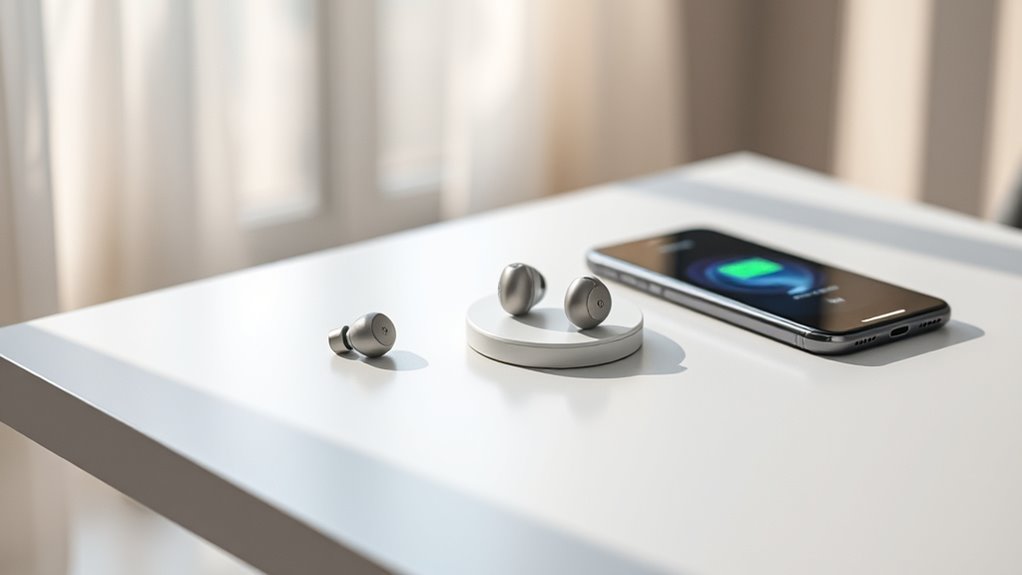
Quick Decision Table
Use this table to identify the most likely next step.
| What you see | Likely explanation | What to do |
|---|---|---|
| Light turns on with earbuds removed | The case is charging normally | Leave it connected |
| No light, but the case later gains power | The indicator may be off or delayed | Check the app or battery level |
| No response with one cable | Cable or adapter problem | Try another compatible set |
| Wired charging works, wireless does not | Wireless incompatibility or poor alignment | Check the case specifications |
| Case is very hot or swollen | Possible battery fault | Unplug it and seek service |
| Case charges but one earbud does not | Dirty contacts or poor seating | Clean and reseat the earbud |
| Case never holds power | Worn or failed battery | Contact the manufacturer or replace the case |

Frequently Asked Questions
Can I charge my AirPods case without the AirPods inside?
Yes. AirPods charging cases can generally charge with the AirPods removed. Use the correct Lightning or USB-C cable, or a supported wireless charger for the case model.
Can I charge a Samsung Galaxy Buds case without the earbuds?
Yes, in normal use. The Galaxy Buds case has its own battery and can charge by cable. Some models also support wireless charging. Check the exact model because features vary.
Will the case charge faster if the earbuds are removed?
Not necessarily. Removing the earbuds may prevent the case from sending power to them, but charging speed still depends on the case, cable, adapter, temperature, and charging method.
Can I use my earbuds while the case is charging?
Yes. The earbuds can usually stay in your ears while the empty case charges. The case will not recharge the earbuds until you put them back inside.
How long does an empty earbud case take to charge?
The time varies by model and charger. Many small cases take roughly one to two hours to reach a full charge, but this is not universal. Check the manufacturer’s specifications for the exact case.
Conclusion
Yes, you can usually charge an earbuds case without the earbuds inside. Connect the case to a compatible USB cable or place it on a supported wireless charger. The case battery charges on its own, while the earbuds keep their current battery level outside the case.
If nothing happens, test another cable and power source, inspect the port, confirm wireless compatibility, and stop using the case if it becomes hot, swollen, wet, or damaged. The best next step is to identify the exact earbud model and follow its official charging instructions.

Everett Ashford is a tech reviewer at mytechgrid.com specializing in SSDs, cameras, TVs, earbuds, headphones, and other consumer electronics. He provides honest, data-driven reviews based on hands-on testing and real-world performance analysis. Everett simplifies complex tech details to help readers make smart, confident buying decisions.