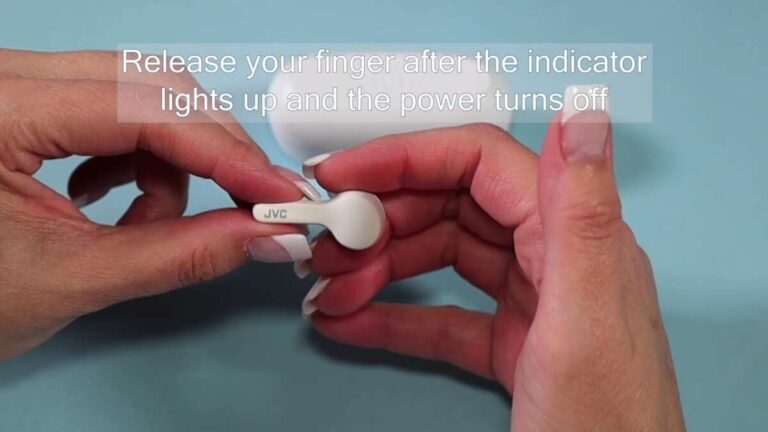
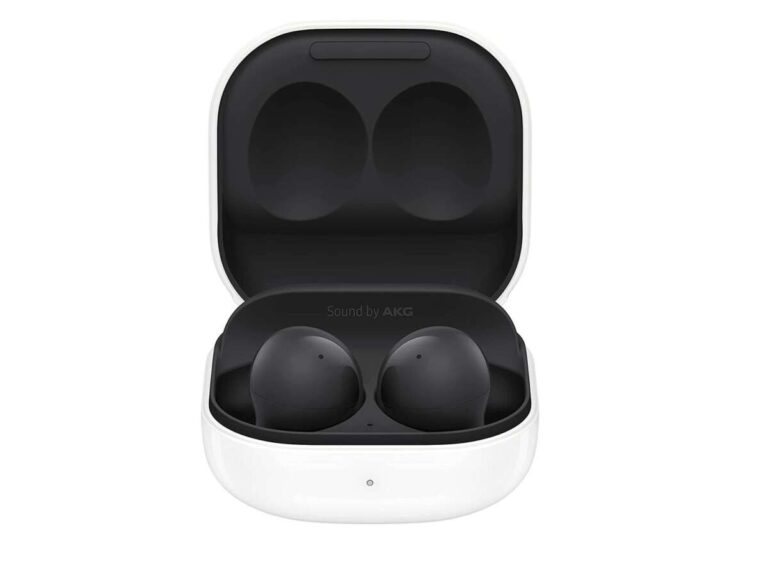
Yes. Most wireless earbuds charge inside their charging case when the case has enough battery and the earbuds sit correctly on their charging contacts. The case works like a small portable battery. It stores power, then sends that power to the earbuds when you place them inside.
This applies to popular earbuds sold in the United States, including Apple AirPods, Samsung Galaxy Buds, Google Pixel Buds, and many other true wireless models. The case itself must be charged from time to time through a cable or, on some models, a wireless charging pad.
Introduction
If your wireless earbuds stop playing after a few hours, placing them in the case is usually the first step. The earbuds should begin charging without a separate cable connected to each earbud.
A few conditions must be met. The case needs stored power, the earbuds must touch the metal charging pins or pads, and the case must support charging for that model. Dirt, moisture, a poor fit, or a worn battery can stop the process.


How Charging Earbuds in the Case Works
A wireless earbud case has two main jobs: it protects the earbuds and charges them. Inside the case is a rechargeable battery. Small metal contacts transfer power from that battery to the contacts on each earbud.
The process is simple:
- The case detects that an earbud is inside.
- The case connects to the earbud through the charging contacts.
- Power flows from the case battery to the earbud battery.
- A control circuit reduces or stops the flow when the earbud is full.
The earbuds do not usually charge through Bluetooth. Bluetooth sends audio and control signals. The physical contacts in the case provide the electrical connection.
Does the case need to be plugged in?
No. The case can charge the earbuds from its own internal battery while it is unplugged. You only need to connect the case to a charger when the case battery becomes low.
You can also charge the earbuds while the case is plugged in. In that situation, power from the wall charger or USB port can charge both the case and the earbuds, depending on the model.


Is the case a battery pack?
Yes, in a limited sense. A charging case is a small battery pack made for its matching earbuds. It is not a general-purpose USB power bank, and you should not use it to charge other devices unless the manufacturer specifically designed it to do so.
The case usually has its own battery level. This level may appear in the phone’s Bluetooth settings, the maker’s app, or through a light on the case.

How to Charge Wireless Earbuds in the Case
Use these steps when you want to charge your earbuds:
-
Check the case battery.
Look at the case light or the battery level on your phone. A case with no stored power cannot charge the earbuds. -
Place each earbud in its matching slot.
The left earbud goes in the left slot, and the right earbud goes in the right slot. Most cases are shaped so the earbuds fit only one way. -
Press each earbud down gently.
Make sure the earbud touches the charging pins or pads. Do not force it into place. -
Close the lid.
Many cases begin charging only when the earbuds are fully seated. Closing the lid also protects the contacts. -
Check the charging indicator.
A light, sound, phone notification, or companion app may confirm that charging has started. -
Leave the earbuds in the case.
Keep them inside until they reach the desired charge level. The exact time depends on the model and battery condition. -
Charge the case when needed.
Connect the correct cable or place the case on a compatible wireless charging pad.
A successful charge often shows as an amber, red, or pulsing light. The meaning varies by brand. Check the manual because a green or white light may mean full charge, while a flashing light may indicate an error or low battery.

How to Know Whether the Earbuds Are Charging
The easiest way to confirm charging is to check the earbud and case status together. A light alone may not tell you which component is charging.
Look for these signs:


- A charging symbol appears beside each earbud on your phone.
- The manufacturer’s app shows an increasing battery level.
- The case light changes when you insert the earbuds.
- The earbud becomes slightly warm, though it should never become hot.
- The case reports separate battery levels for the left earbud, right earbud, and case.
Some cases have one light for the case rather than separate lights for each earbud. In that design, the light may show only the case battery level. The phone or app may provide more detail.
Why does the case light turn on but the earbuds do not charge?
A light can show that the case has power without proving that the earbuds are charging. The earbuds may not be touching the contacts, or the case may be unable to recognize them.
Remove both earbuds and inspect the slots. Check for dust, earwax, pocket lint, or a silicone ear tip that prevents a proper fit. Then clean the contacts carefully and reinsert the earbuds.
What to Do If Wireless Earbuds Do Not Charge in the Case
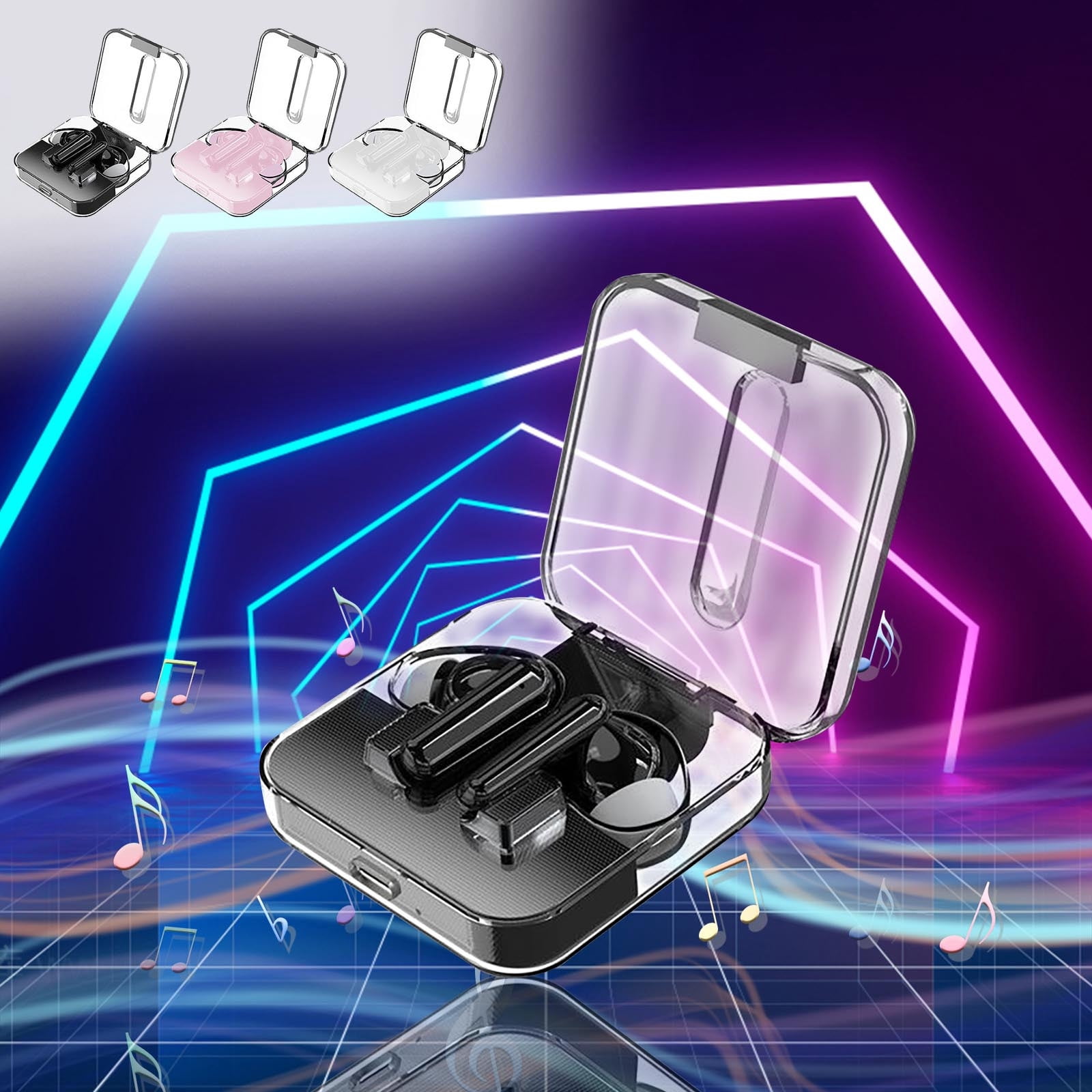
Try the checks below in order. Start with simple problems before assuming that the battery has failed.
1. Confirm that the case has power
Connect the case to its normal charger for at least a short period. If the case light does not turn on, try a different compatible cable and power adapter.
Some cases do not show a light when their battery is completely empty. Give the case time to recover before testing the earbuds again.
2. Clean the charging contacts
Use a dry, soft cotton swab or a clean, dry microfiber cloth. Wipe the metal contacts on the earbuds and inside the case.
Do not pour liquid into the case. Do not scrape the contacts with a pin, knife, or other metal object. If the maker allows a specific cleaning method, follow that manual.
3. Check the fit
Make sure each earbud sits all the way down. Oversized ear tips, dirt, or a damaged hinge can keep the contacts apart.
The earbud should stay in place when you gently turn the case over with the lid open. Do not shake the case, since that can damage the earbuds or case.
4. Check for moisture
Sweat and water can interfere with charging contacts. Dry the earbuds and case in a clean, ventilated place before charging them.
Do not use a hair dryer, oven, heater, or direct high heat. Heat can damage lithium-ion batteries and plastic parts.
5. Restart or reset the earbuds
Software can sometimes report the wrong battery level or fail to detect an earbud. Put both earbuds in the case, close the lid, wait briefly, and try again.
If that does not help, follow the maker’s official reset steps. A reset can erase pairing information, so you may need to connect the earbuds to your phone again.


6. Test the earbuds separately
If one earbud charges and the other does not, the problem may be limited to one contact, one slot, or one earbud battery. If neither earbud charges, the case battery or case electronics may be the cause.
7. Stop if the battery looks damaged
Do not use or charge an earbud or case that is swollen, cracked, leaking, smoking, unusually hot, or producing a strong chemical smell. Move away from the device and follow local battery disposal guidance.
For persistent problems, contact the manufacturer or an authorized service provider. Do not open a sealed earbud case yourself.

Common Reasons Earbuds Stop Charging in the Case
The most likely cause depends on the symptom.
| Symptom | Likely cause | Useful first check |
|---|---|---|
| Neither earbud charges | Empty case battery or case fault | Charge the case and check its light |
| Only one earbud charges | Dirty contact or poor fit | Clean and reseat the affected earbud |
| Charging starts and stops | Loose fit, dirt, or damaged contact | Check the slot and hinge |
| Phone shows the wrong level | Software or connection error | Reconnect or reset the earbuds |
| Case will not charge | Cable, adapter, port, or battery fault | Try a known-good compatible cable |
| Earbud becomes hot | Battery or charging fault | Stop charging and seek service |
| Earbuds drain quickly after charging | Aging battery or high power use | Compare battery life with the maker’s specifications |
Lithium-ion batteries lose capacity as they age. A case that once charged the earbuds several times may later provide fewer full charges. Heavy heat exposure, frequent deep discharges, and normal battery aging can all reduce runtime.
A battery percentage is also an estimate. It may remain at one level for a while and then drop quickly. That does not always mean the earbuds are failing, but a large change in battery life can justify service.

Can You Charge the Earbuds and the Case at the Same Time?
Yes, most charging cases support this. Plug the case into a compatible power source, then leave the earbuds inside.
The case may charge its own battery and the earbud batteries at the same time. Some models may prioritize the earbuds first, while others manage both charging tasks automatically. The exact behavior depends on the case design.
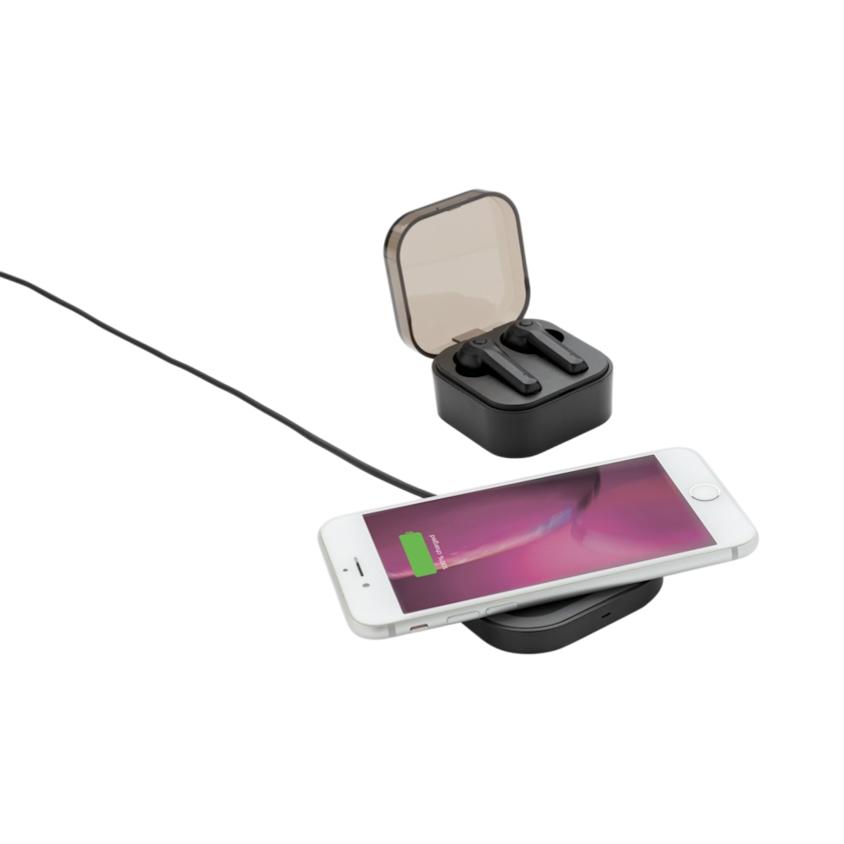
Wireless charging cases can work with a compatible Qi charger or another system named by the manufacturer. The case must be placed in the correct position. A thick, magnetic, or metal case cover can interfere with charging.
A wireless charging pad is not the same as a wireless earbud case. The earbuds usually charge from the case’s contacts, while the case receives power from a USB cable or wireless charging pad.

Can Earbuds Overcharge in the Case?
Modern earbuds and cases use charging controls to reduce or stop normal charging when the batteries are full. That means leaving the earbuds in the case is generally part of their intended use.
However, “protected from overcharging” does not mean “safe from every battery problem.” Heat, physical damage, water, poor-quality chargers, and an aging battery can still create risk.


For better battery care:
- Keep the case and earbuds away from high heat.
- Use the supplied cable or a reliable compatible charger.
- Keep charging contacts clean and dry.
- Avoid charging a wet device.
- Do not use a damaged case or swollen earbud.
- Follow the manufacturer’s instructions for storage and charging.
You do not need to remove the earbuds the moment they reach 100 percent. Normal charging control handles the end of the charge. Still, storing the case in a hot car or near a heater can shorten battery life.
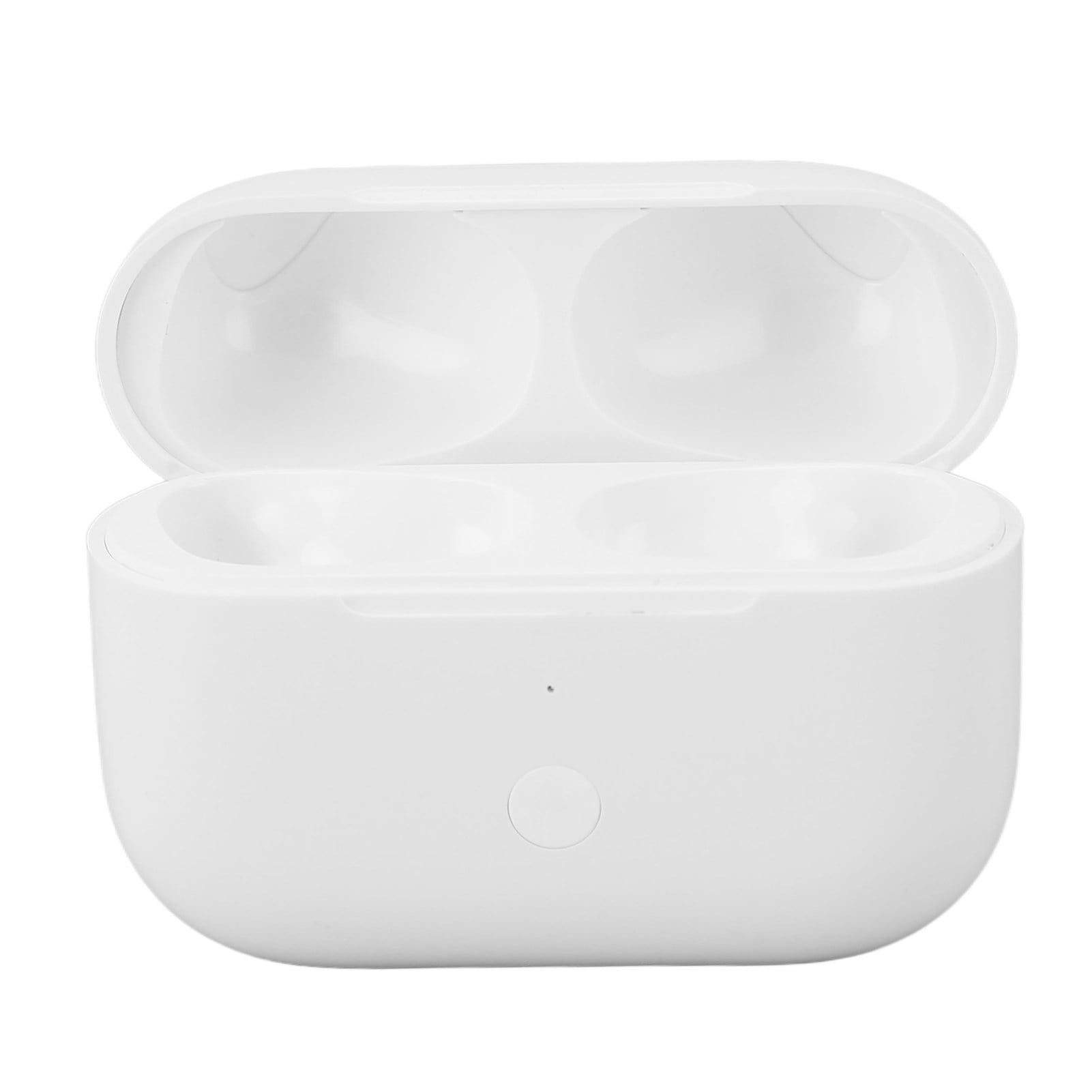
Do Wireless Earbuds Charge in the Case Without a Charger?
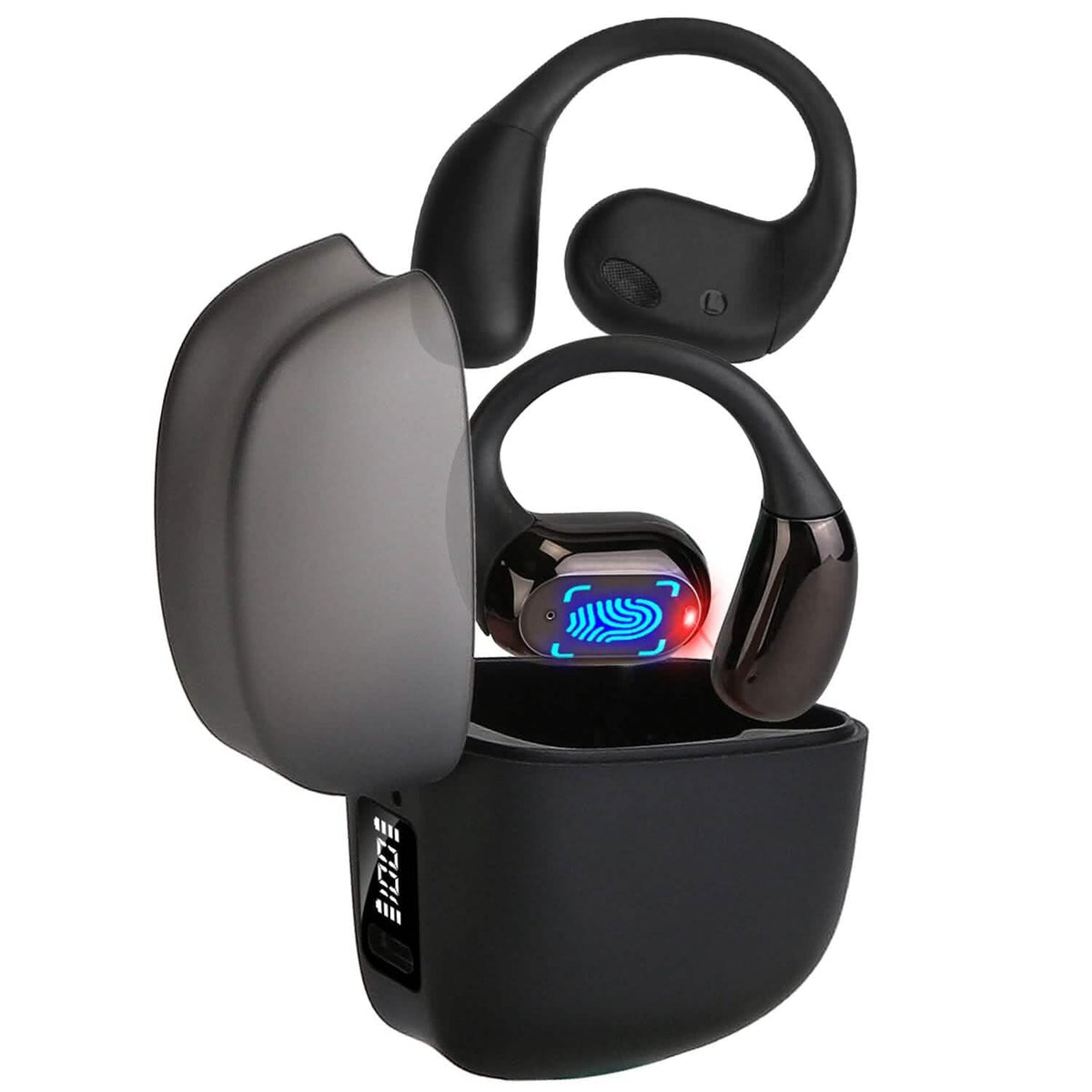
Yes, if the case has stored battery power. The case does not need to be connected to a wall charger while it charges the earbuds.
If the case battery is empty, it cannot send power to the earbuds. In that situation, connect the case to a USB charger or place it on a supported charging pad.
Think of the case as a small fuel tank. The earbuds draw from that tank, and the tank must be refilled later.
Do Earbuds Charge When the Case Is Open?
Usually, yes. Many cases begin charging as soon as the earbuds touch the contacts, whether the lid is open or closed.
Closing the lid is still useful because it helps keep the earbuds seated and protects them from falling out. Some models may also use the lid position to control Bluetooth pairing or status lights.
If charging works only when the lid is closed, follow the manufacturer’s instructions. If charging stops whenever the lid moves, the hinge or contact alignment may be damaged.

Can You Charge One Earbud at a Time?
Yes. Most true wireless earbuds can charge one at a time while the other earbud is in use.
Place the unused earbud into its matching slot. The case should charge it as long as the contact points connect. This can be useful when you want to keep listening with one earbud.
Charging one earbud may use less case power than charging both, but the exact difference depends on the model. If only one side charges, test the other slot and clean both sets of contacts before assuming the battery has failed.
How Long Do Wireless Earbuds Take to Charge in the Case?
Many wireless earbuds reach a useful charge in less than an hour, but charging time varies by model, battery level, temperature, and battery age. A full charge may take longer.
Some models support a quick-charge feature. The manufacturer may state that a short time in the case provides a certain amount of playback. Treat that number as a tested product claim under stated conditions, not a guarantee for every user.
Playback time can change with:
- Volume level
- Noise cancellation
- Phone calls
- Use of the microphone
- Bluetooth connection strength
- Temperature
- Battery age
- Features such as spatial audio or transparency mode
The best way to know the exact time is to check the manual or the official support page for your model.

Key Takeaways
- Yes, wireless earbuds normally charge inside their case.
- The case must have battery power, and the earbuds must touch the charging contacts.
- You can charge the earbuds while the case is plugged in.
- A case light may show that the case has power, not that both earbuds are charging.
- Clean contacts, correct fit, and a dry case are essential.
- Stop using any earbud or case that becomes very hot, swells, leaks, or smells unusual.
- If one earbud will not charge, inspect that earbud and its slot first.
Frequently Asked Questions
Do wireless earbuds charge in the case even when Bluetooth is off?
Yes. Bluetooth is not needed for the physical charging process. The earbuds charge through the metal contacts in the case. Bluetooth is only needed for wireless audio, settings, and some battery-status features.
Should I leave my earbuds in the case when I am not using them?
Yes. The case protects the earbuds and keeps them ready to use. It also prevents small earbuds from being lost. Keep the case in a cool, dry place and charge it when its battery becomes low.
Why does one earbud die faster than the other?
One earbud may use more power because it handles the main Bluetooth connection, microphone work, calls, or touch controls. A poor contact can also leave one earbud only partly charged. If the difference is large and continues after cleaning and resetting, the battery may be aging.
Can I use any USB-C charger for the case?
Use the cable and power requirements listed by the manufacturer. Many USB-C cases work with common USB power sources, but the connector shape alone does not confirm full compatibility. Avoid damaged cables, loose ports, and unknown low-quality chargers.
Can I charge earbuds without their original case?
Usually not. Most true wireless earbuds are designed to charge only through their matching case. A third-party case may not align with the contacts or may not include the correct charging controls. Use the original case or an officially approved replacement.
What should I do if my earbuds still do not charge?
Charge the case, clean and dry the contacts, reseat both earbuds, and check the battery status in the official app. Then try the maker’s reset procedure. If the problem continues, contact the manufacturer rather than opening the case.
Conclusion
Wireless earbuds are designed to charge in their case. The case stores power and transfers it through small contacts when the earbuds are seated correctly.
When charging fails, check the case battery, contact cleanliness, fit, moisture, and charging indicators first. If the device becomes hot or shows physical battery damage, stop using it and seek help from the manufacturer or an authorized service provider.

Everett Ashford is a tech reviewer at mytechgrid.com specializing in SSDs, cameras, TVs, earbuds, headphones, and other consumer electronics. He provides honest, data-driven reviews based on hands-on testing and real-world performance analysis. Everett simplifies complex tech details to help readers make smart, confident buying decisions.