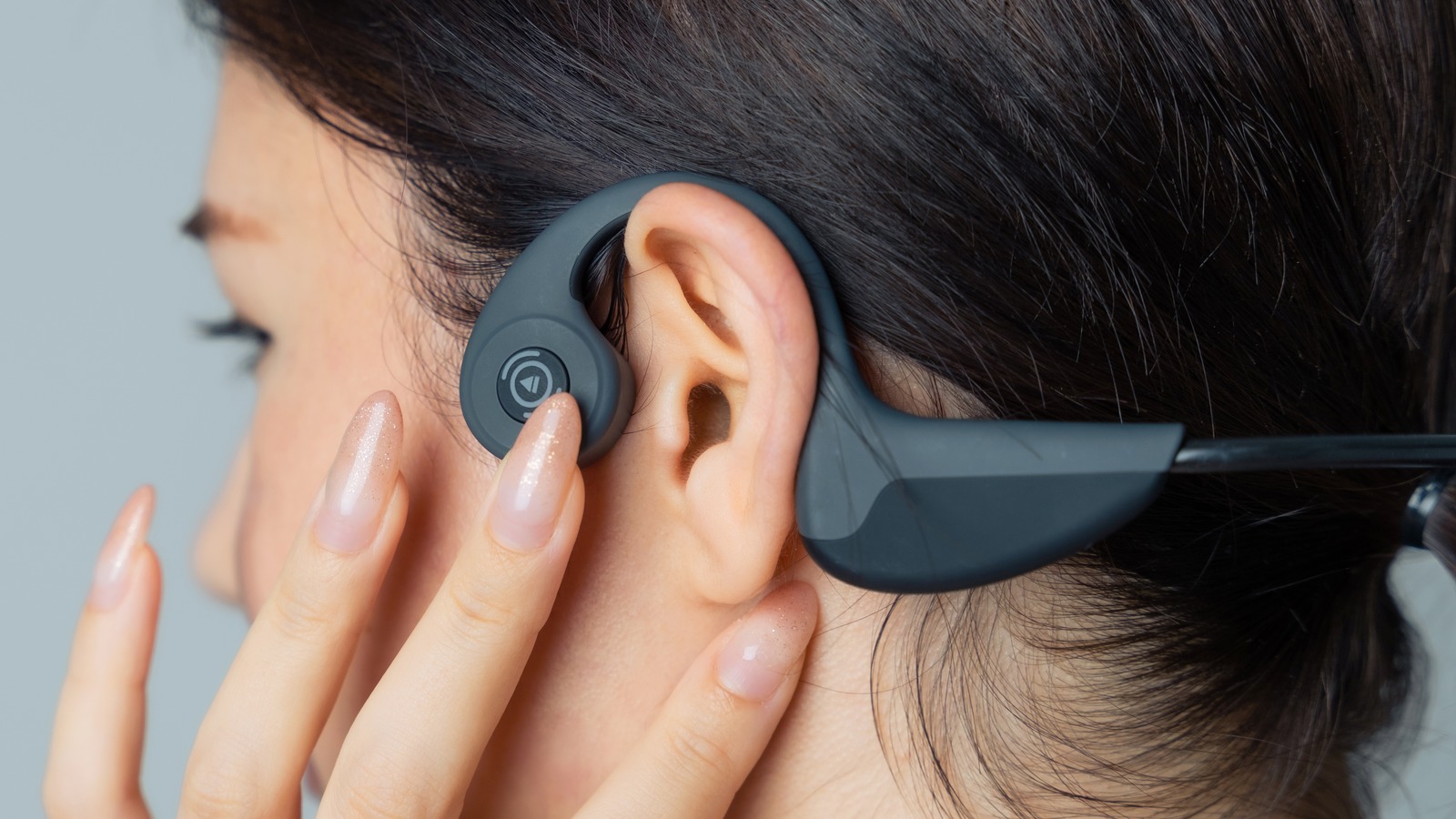
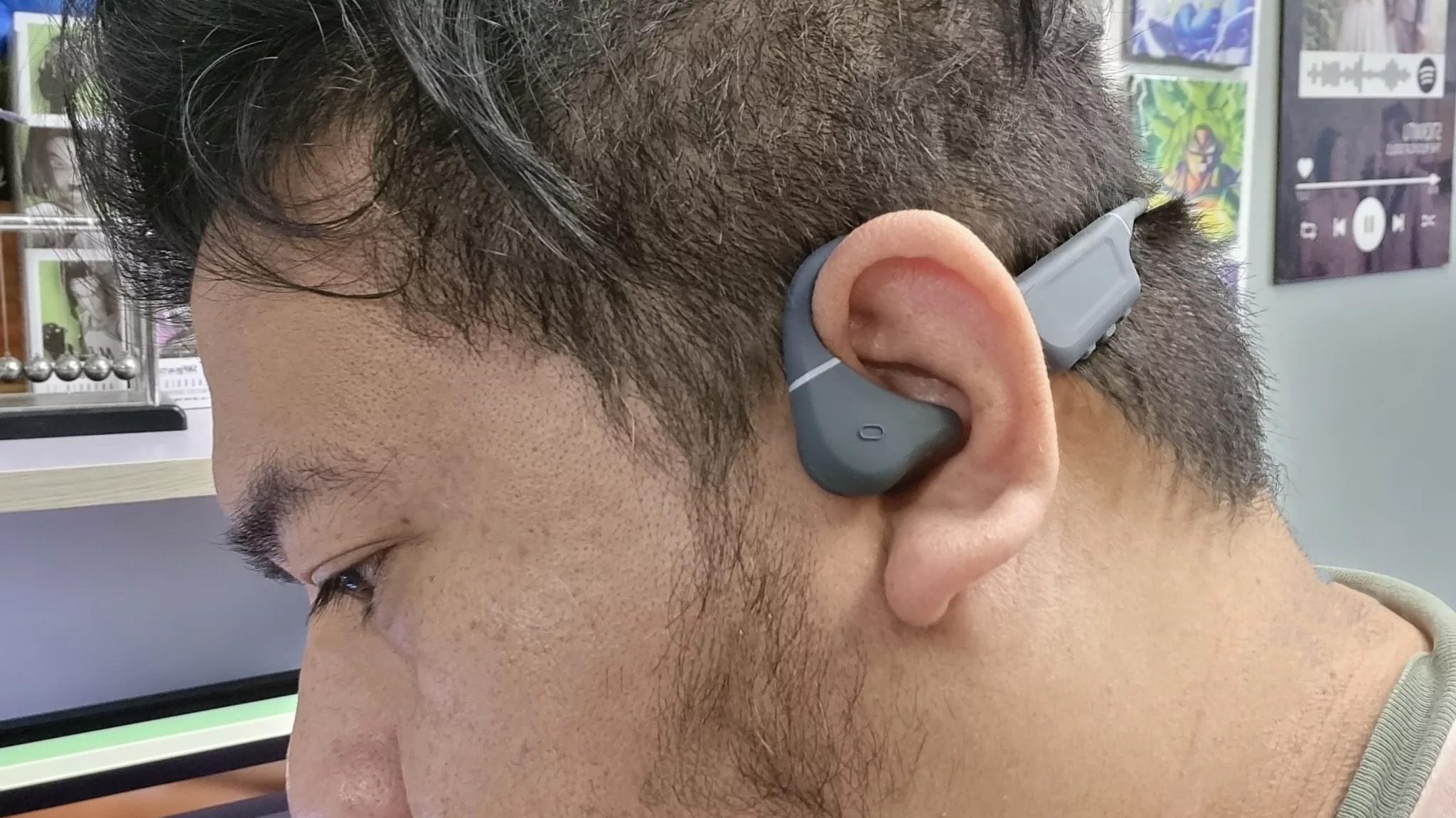
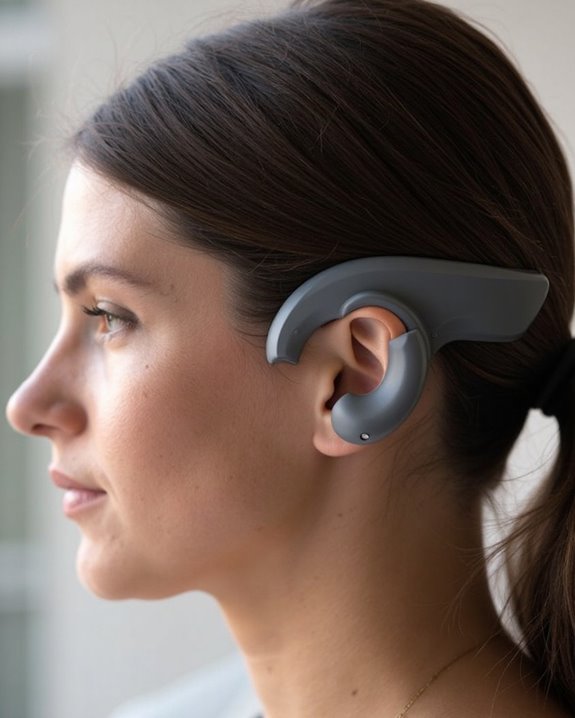
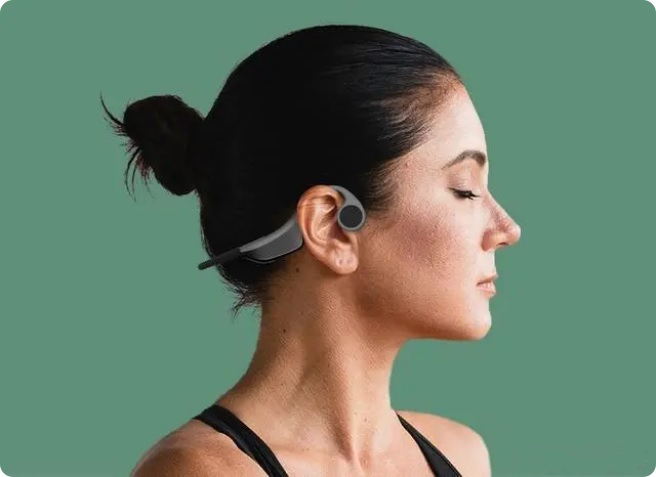
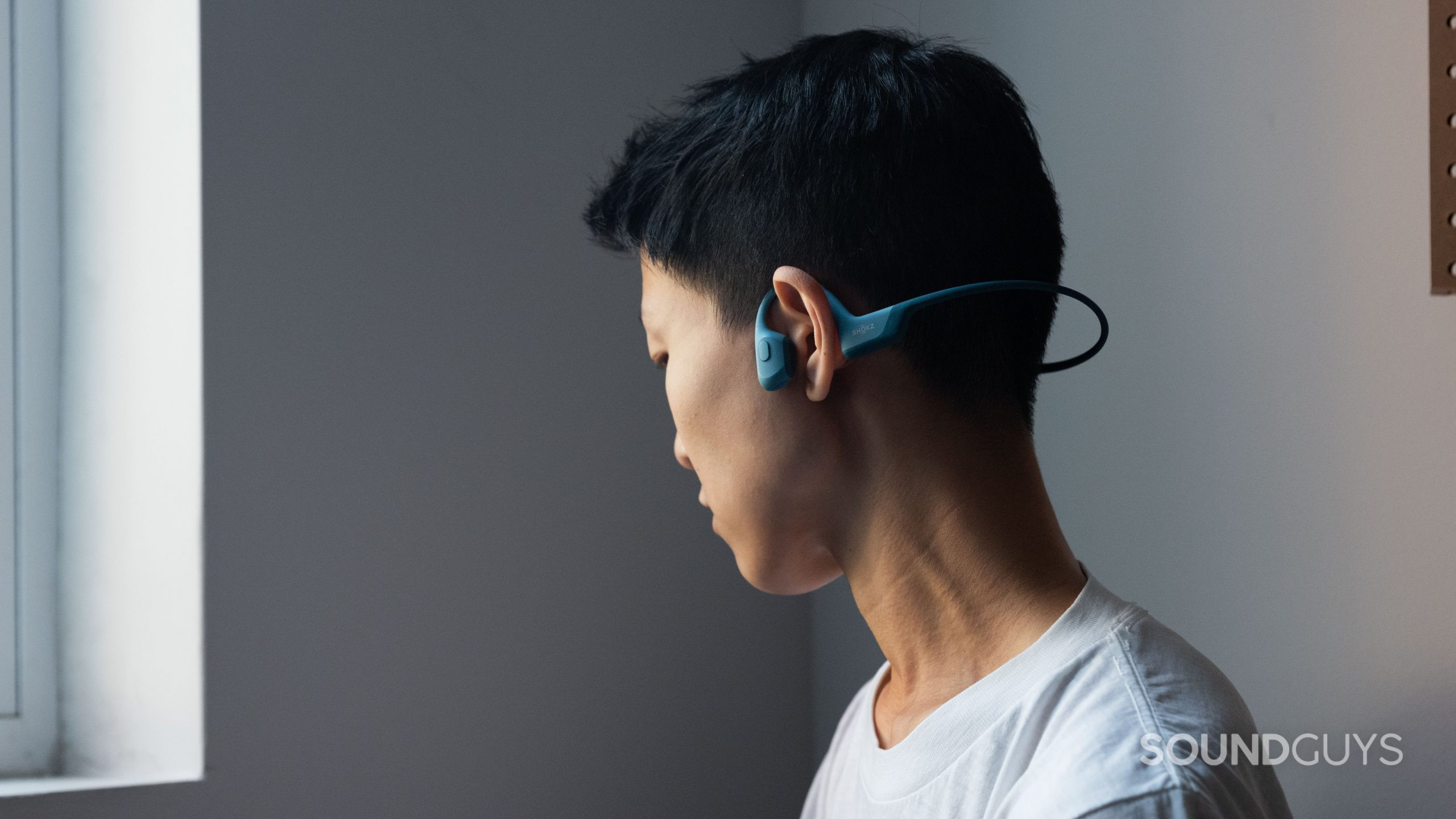
To wear bone conduction headphones, place the band behind your head, rest the transducers on the cheekbones just in front of your ears, and keep the ear canals open. The speakers should touch your skin with light, even pressure. They should not sit inside your ears.
This fit works well for people in the United States who want to hear music, calls, or podcasts while staying aware of nearby traffic, coworkers, cyclists, or outdoor sounds. Bone conduction headphones can be useful on a walk, at the gym, or on a run. They do not block outside noise as well as sealed earbuds, so your surroundings remain audible.

What Are Bone Conduction Headphones?
Bone conduction headphones use small transducers to send vibrations through the bones near your ears. These vibrations reach the inner ear without sending sound through the ear canal in the usual way.
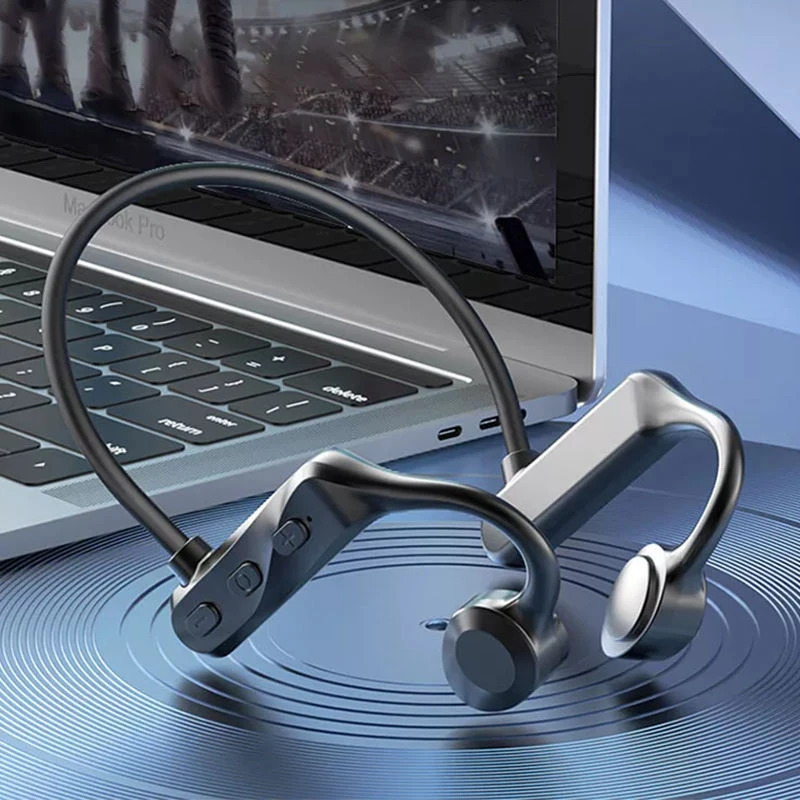
The transducers are the flat or rounded parts that sit against your cheekbones. On most models, they rest in front of the ears rather than directly over them. A flexible band connects both sides and goes behind your head.
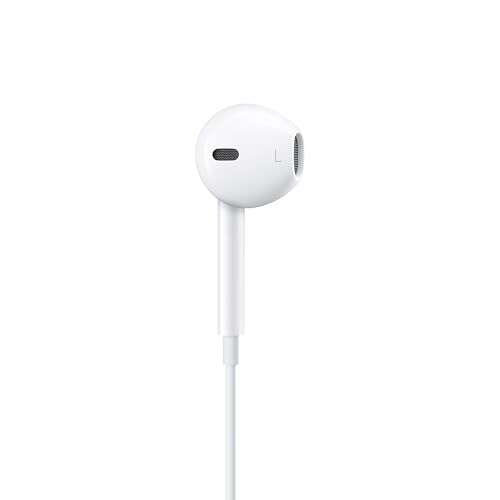
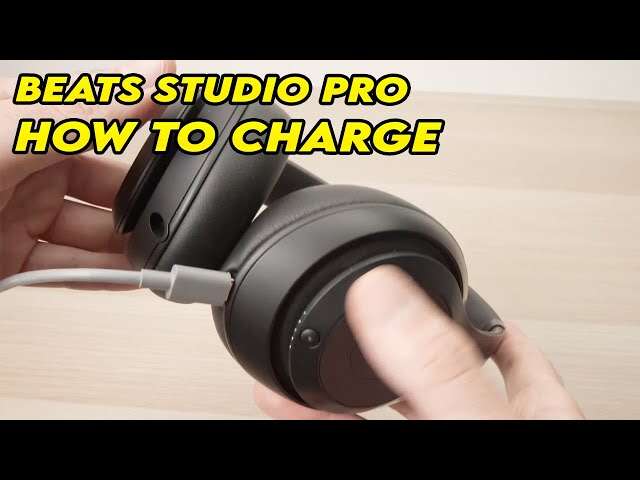
Bone conduction headphones are different from:
- In-ear earbuds: These sit inside the ear canal.
- On-ear headphones: These rest on the outer ear.
- Over-ear headphones: These surround the ear with padded cups.
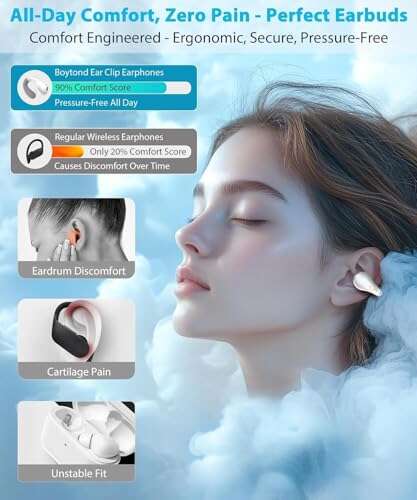
- Air-conduction open-ear headphones: These use small speakers near the ears but do not press against the skull.
The term “bone conduction” describes how the sound reaches the inner ear. It does not mean the headphones are placed inside the ear or deep against the skull.

How to Put on Bone Conduction Headphones
Follow these steps each time you wear them.
1. Find the left and right sides
Look for the markings on the frame. Most models show an L for the left side and an R for the right side.
The control buttons are often placed on one side. Before putting the headphones on, make sure the buttons will be easy to reach.
2. Place the band behind your head
Hold the headphones by the side pieces. Bring the band around the back of your head.
Do not place the band across your neck. Do not wear it over the top of your head unless the manufacturer specifically allows that position. The band should sit behind your head, near the area below the back of your skull.
3. Rest the transducers in front of your ears
Place each transducer on the hard area of your cheekbone, just in front of the ear.
A good starting point is the area between the outer ear and the temple. Move each side a little until the sound becomes clear and balanced.
The transducers should touch your skin. They should not press against the soft part of the ear, sit on your jaw joint, or float away from your face.
4. Check the angle
Keep the transducers flat against your skin. If one side points away from your face, the sound may seem weak or uneven.
Small angle changes can make a clear difference. Adjust one side at a time until both sides feel stable and the volume sounds similar.
5. Adjust the fit
the frame should feel secure but not tight. You should be able to turn your head, walk, and move your jaw without the headphones sliding.
If the band feels loose, check whether the headphones are sitting too far back or too high. If it feels tight, confirm that the model fits your head size. Do not bend the frame unless the product manual says it is designed for adjustment.
6. Turn them on and test the sound
Power on the headphones and play a short audio clip. Start at a low volume.
You should hear a centered sound image. Speech should be clear, and music should not sound much louder on one side. If the sound is faint, move the transducers slightly rather than raising the volume at once.

How Should Bone Conduction Headphones Fit?
Bone conduction headphones should sit firmly on the cheekbones without causing pain, pressure, or numbness. The transducers need steady contact with the skin, but they do not need to press hard.
Use these signs to check the fit:
| Sign | What it means |
|---|---|
| Clear sound at a modest volume | The transducers are likely in a good position |
| Both sides sound balanced | The left and right sides have similar contact |
| The frame stays in place while walking | The band has enough stability |
| No sharp pressure near the ears or jaw | The fit is not pressing on a sensitive area |
| You can hear nearby sounds | The ear canals remain open |
If the sound is weak, try moving the transducers slightly forward or back. The best position differs from person to person because head shape, hair, glasses, and frame design all affect contact.
Do not try to improve sound by forcing the headphones tightly against your face. Excess pressure can cause discomfort without fixing poor placement.
How to Wear Them With Glasses, Hats, and Helmets
Bone conduction headphones usually work with glasses, but the order can affect comfort.
Put on the headphones first, then place your glasses over or around the frame. If the glasses arms push the transducers away from your cheekbones, move the headphones slightly forward or adjust the glasses.
With a hat, place the headphones on your head before pulling the hat into position. A thick hat may shift the transducers or press the band against your head.
For cycling, construction, or other work that requires a helmet, check the helmet maker’s instructions and workplace rules. Do not use headphones if they interfere with the helmet’s fit, straps, seal, or protective function.
A helmet must remain correctly fitted. Headphones are never a reason to loosen a chin strap or alter protective equipment.
How to Wear Bone Conduction Headphones for Running and Walking
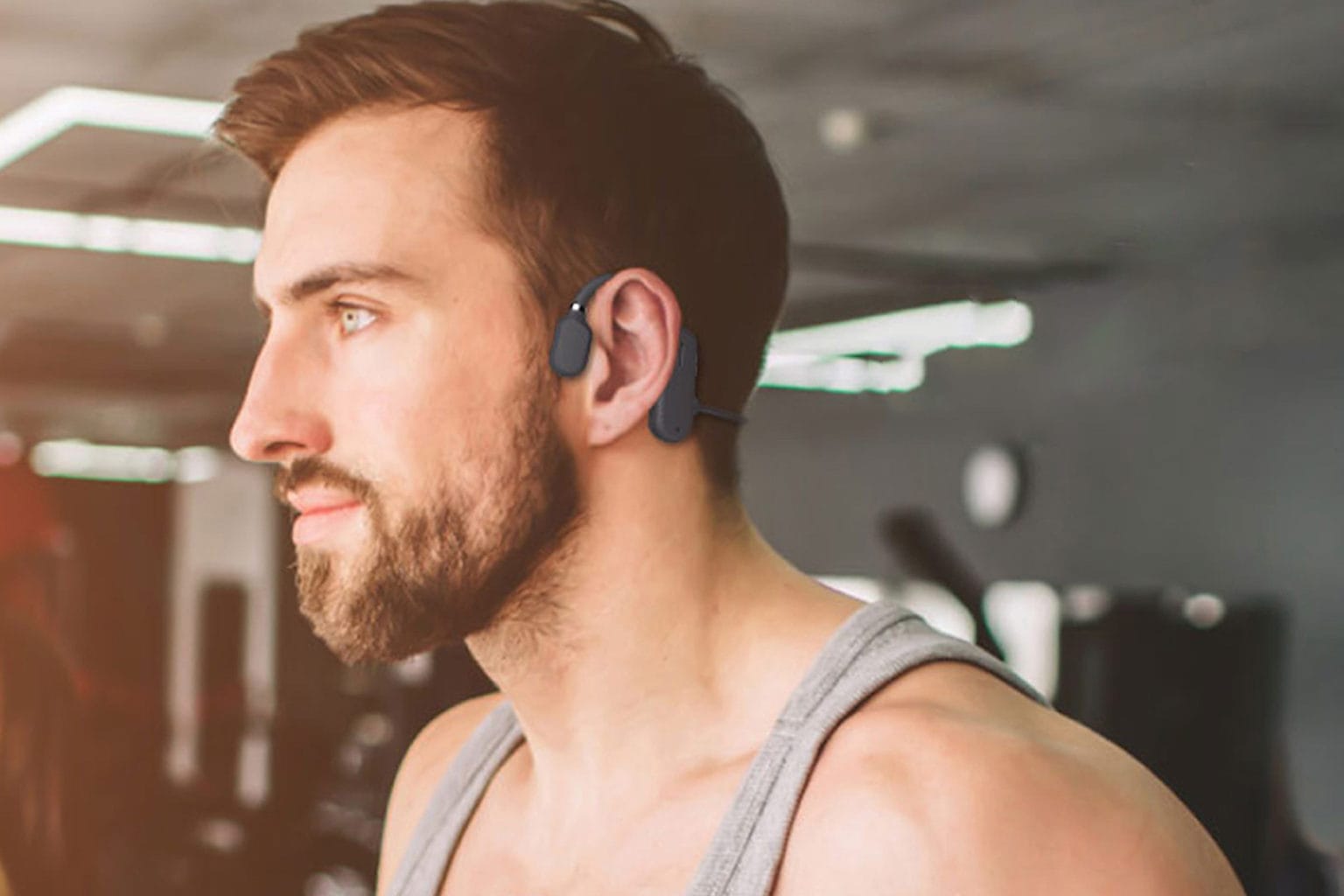
For running and walking, place the band behind your head and check the fit with a few head turns before you begin.
Keep the volume low enough to hear important sounds around you. Open ears can help you notice a car, bicycle bell, person, alarm, or spoken warning. They do not make you safe in traffic by themselves.
In the United States, pedestrian and traffic conditions vary by city, road, trail, and weather. Stay alert, use marked crossings, and avoid changing music or answering calls while crossing a road.
Sweat-resistant models may suit exercise, but water resistance has limits. A rating for sweat or rain does not always mean the headphones can be submerged. Follow the product’s care instructions and dry the charging contacts before charging.
How to Connect and Use the Controls
Most wireless bone conduction headphones pair with a phone, tablet, or computer through Bluetooth. The exact button sequence varies by model, so use the supplied manual when possible.
A typical setup looks like this:
- Charge the headphones.
- Turn them on or hold the power button until pairing mode starts.
- Open Bluetooth settings on your device.
- Select the headphone name.
- Play a short test clip.
- Adjust volume on the device and the headphones.
If the headphones connect but produce no sound, check the selected audio output. Your phone may still be sending sound to its speaker, a car system, or another Bluetooth device.
Many models use one or more buttons for play, pause, volume, calls, and voice assistants. Learn the controls before running or driving. Do not handle the device while crossing traffic or operating a vehicle.
What to Do If Bone Conduction Headphones Sound Bad
Most sound problems come from placement, contact, volume, or connection. Check them in that order.
The sound is too quiet
Try the following:
- Move the transducers closer to the front of the ears.
- Make sure they touch clean, dry skin.
- Remove hair trapped between the transducers and your face.
- Check the volume on both the headphones and the connected device.
- Test another audio file or app.
Do not keep raising the volume if the transducers are in the wrong place. Correct contact usually helps more than extra volume.
Music sounds thin or lacks bass
Bone conduction headphones often produce less low-end impact than sealed earbuds. They do not create the same enclosed ear-canal effect as in-ear headphones.
First, improve the fit. Then compare the sound at a moderate volume. If you need strong bass or isolation, an open-ear design may not meet your needs.
One side is louder
Check whether one transducer has shifted. Make sure hair, glasses, or a hat is not lifting one side.
Also check the audio balance setting on your phone. Accessibility settings can move sound toward the left or right channel.
The headphones keep slipping
Clean sweat from your skin and the transducers. Reposition the band so it sits securely behind your head.
If the frame still slips during exercise, the model may not match your head shape or activity. A different size or sport-focused design may fit better.
Bluetooth keeps disconnecting
Move the phone closer, turn off unused Bluetooth devices, and restart both devices. If the problem continues, remove the headphones from your Bluetooth list and pair them again.
Check for firmware updates only through the maker’s official app or support page. Do not install software from an unknown source.
Are Bone Conduction Headphones Safe to Wear?
Bone conduction headphones are designed to sit outside the ear, but safe use still depends on volume, time, surroundings, and the individual listener.
The National Institute on Deafness and Other Communication Disorders advises keeping personal audio volume at a safe level and taking steps to reduce excessive sound exposure. The World Health Organization also recommends reducing volume and limiting listening time to help lower the risk of hearing damage.
Use these habits:
- Start at the lowest comfortable volume.
- Lower the volume in quiet places.
- Take listening breaks.
- Stop if you notice ringing, muffled hearing, pain, or discomfort.
- Do not use them to block warning sounds near traffic or machinery.
- Follow hearing-protection rules in loud workplaces.
Open ears do not prevent hearing damage. Sound vibrations still reach the inner ear, and high sound levels can still harm hearing.
If you have hearing loss, ear pain, dizziness, persistent ringing, ear drainage, or a known ear condition, ask a licensed hearing professional whether this type of headphone is suitable. Bone conduction headphones are not a replacement for hearing aids or medical care.

Can You Wear Bone Conduction Headphones All Day?
You can wear them for long periods only if the fit remains comfortable and the volume stays safe. There is no single time limit that is safe for every person, because risk depends on sound level, listening time, personal sensitivity, and background noise.
Remove the headphones if your skin becomes sore or numb. Give your ears and skin a break if you notice discomfort, pressure, ringing, or muffled hearing.
Clean the transducers after exercise. Use the method in the manual, and avoid soaking the device unless it is specifically rated for submersion. Store it in a dry place and keep the charging port free of moisture.

Common Mistakes to Avoid
Avoid these mistakes when wearing bone conduction headphones:
-
Putting the transducers on the ears instead of the cheekbones
This can make the sound quiet or uneven. -
Wearing the band across the neck
This can make the frame unstable and change the transducer angle. -
Turning up the volume before fixing the fit
Poor contact often causes weak sound. More volume may create unnecessary exposure. -
Expecting earbud-level bass
The open design has different sound limits from sealed earbuds. -
Using them as hearing protection
They do not replace certified earplugs or earmuffs. -
Changing a helmet to fit the headphones
Protective equipment must remain correctly fitted. -
Ignoring pain or ringing
Remove the headphones and seek medical guidance if symptoms persist.
Bone Conduction Headphones vs. Open-Ear Headphones
Both designs leave the ear canal open, but they produce sound in different ways.
| Feature | Bone conduction headphones | Open-ear air-conduction headphones |
|---|---|---|
| Main contact point | Cheekbones | Near the outer ear |
| Sound path | Vibrations through bone and tissue | Sound through the air |
| Ear canal | Open | Open |
| Fit sensitivity | Depends on cheekbone contact | Depends on speaker angle and distance |
| Bass and sound character | Often lighter than sealed earbuds | Varies by model and placement |
| Pressure on the face | Usually present | Often lower, but not always |
Neither design is automatically best. Bone conduction headphones may suit people who dislike earbuds or need a secure frame. Open-ear speakers may suit people who prefer less contact on the cheekbones.
Choose based on comfort, stability, sound needs, and the environment where you will use them.
Frequently Asked Questions
Do bone conduction headphones go behind your ears?
No. The band usually goes behind your head, while the transducers rest in front of your ears on the cheekbones. They should not sit inside the ear canal.
Why can I still hear outside noise?
The ear canals remain open. Unlike sealed earbuds and over-ear headphones, bone conduction headphones do not cover or plug the ears. This allows outside sound to remain audible, although loud music can still mask nearby sounds.
Can I wear bone conduction headphones with hearing aids?
It depends on the hearing aid type, the headphone design, and your comfort. Behind-the-ear hearing aids may compete for space with the headphone frame. Ask an audiologist or hearing-care professional to check the combination if you notice feedback, pressure, or reduced hearing.
Can I sleep while wearing bone conduction headphones?
They are not usually designed for sleep. The band and transducers may cause pressure when you lie down, and buttons may activate when pressed against a pillow. Remove them before sleeping unless the manufacturer clearly approves that use.
Should the transducers touch my skin?
Yes. Light, even contact helps the vibrations reach the inner ear. Keep hair, glasses arms, and thick fabric from creating a gap between the transducers and your cheekbones.
Key Takeaways
- Place the band behind your head.
- Rest the transducers on your cheekbones in front of your ears.
- Keep the fit secure but gentle.
- Adjust position before raising the volume.
- Keep your volume low enough to hear important sounds.
- Do not use them as certified hearing protection.
- Stop use if you feel pain, ringing, or persistent discomfort.
Conclusion
The correct way to wear bone conduction headphones is simple: keep the band behind your head and place the transducers against the cheekbones just in front of your ears. Adjust their position until the sound is clear, balanced, and comfortable.
Test the fit before exercise, keep the volume moderate, and make sure the headphones do not interfere with glasses, helmets, or safety equipment. If the sound remains poor or the headphones cause pain, stop using them and check the manual or seek professional advice.
Sources
- National Institute on Deafness and Other Communication Disorders: Noise-Induced Hearing Loss
- World Health Organization: Make Listening Safe
- National Highway Traffic Safety Administration: Pedestrian Safety
- The user manual and safety instructions for the specific headphone model should take priority for fit, water resistance, charging, and approved use.

Everett Ashford is a tech reviewer at mytechgrid.com specializing in SSDs, cameras, TVs, earbuds, headphones, and other consumer electronics. He provides honest, data-driven reviews based on hands-on testing and real-world performance analysis. Everett simplifies complex tech details to help readers make smart, confident buying decisions.