For most people in the United States, bone conduction headphones are comfortable for short and moderate listening sessions, especially when regular earbuds cause ear pain, pressure, or irritation. They sit beside the ears instead of inside the ear canal.
Comfort still depends on fit, head shape, glasses, hair, skin sensitivity, and listening time. Some users feel mild pressure, vibration, or tingling near the cheekbones. Others may find the band tight or the sound less full than that of standard headphones.

What Are Bone Conduction Headphones?
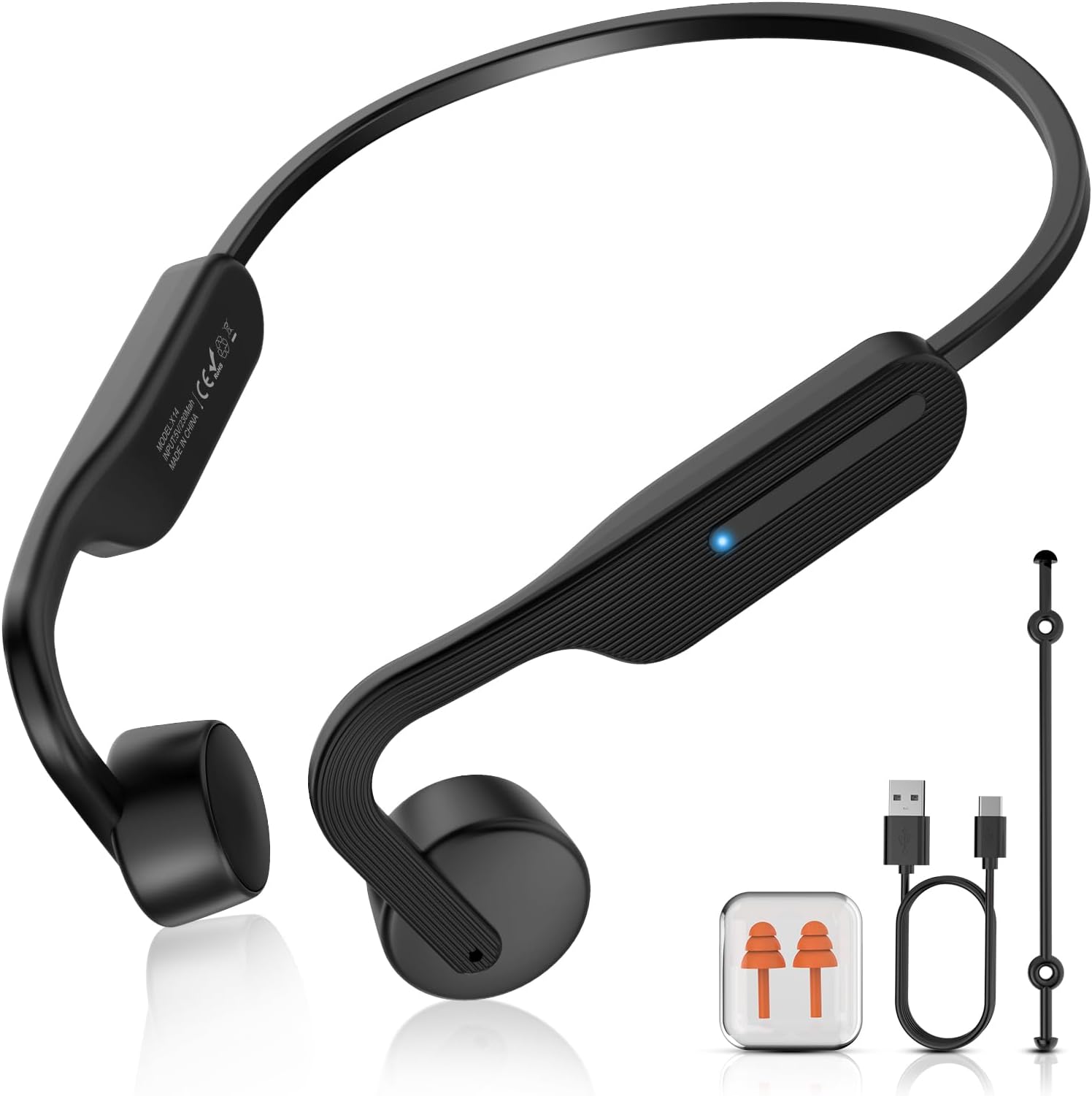
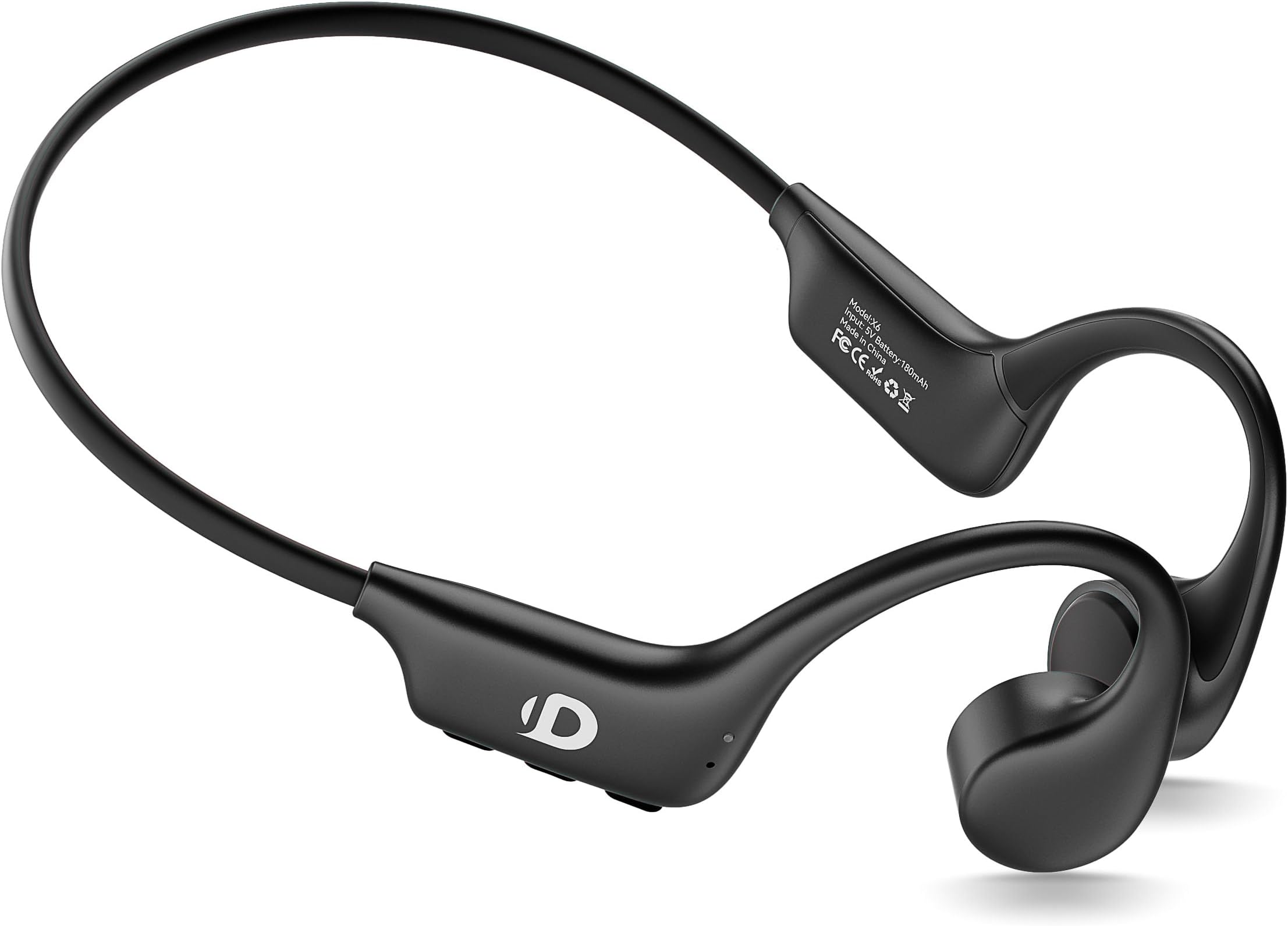
Bone conduction headphones send sound through small transducers that rest on the bones near the ears. These transducers create gentle vibrations. The vibrations travel through the skull to the inner ear, where the brain processes them as sound.
Traditional headphones send sound through the ear canal. Bone conduction models leave the ear openings uncovered. This design is often called open-ear audio, although not every open-ear headphone uses bone conduction.
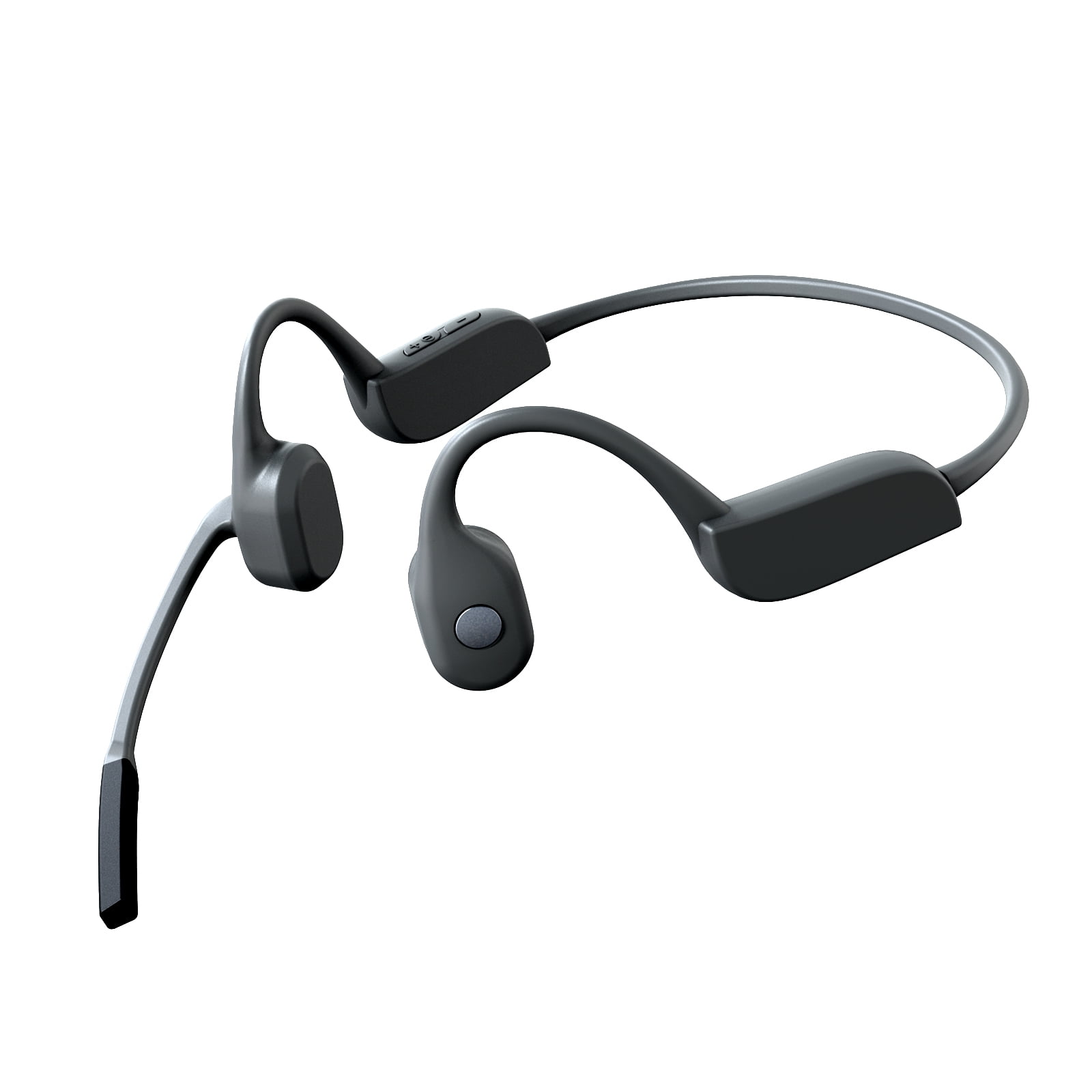
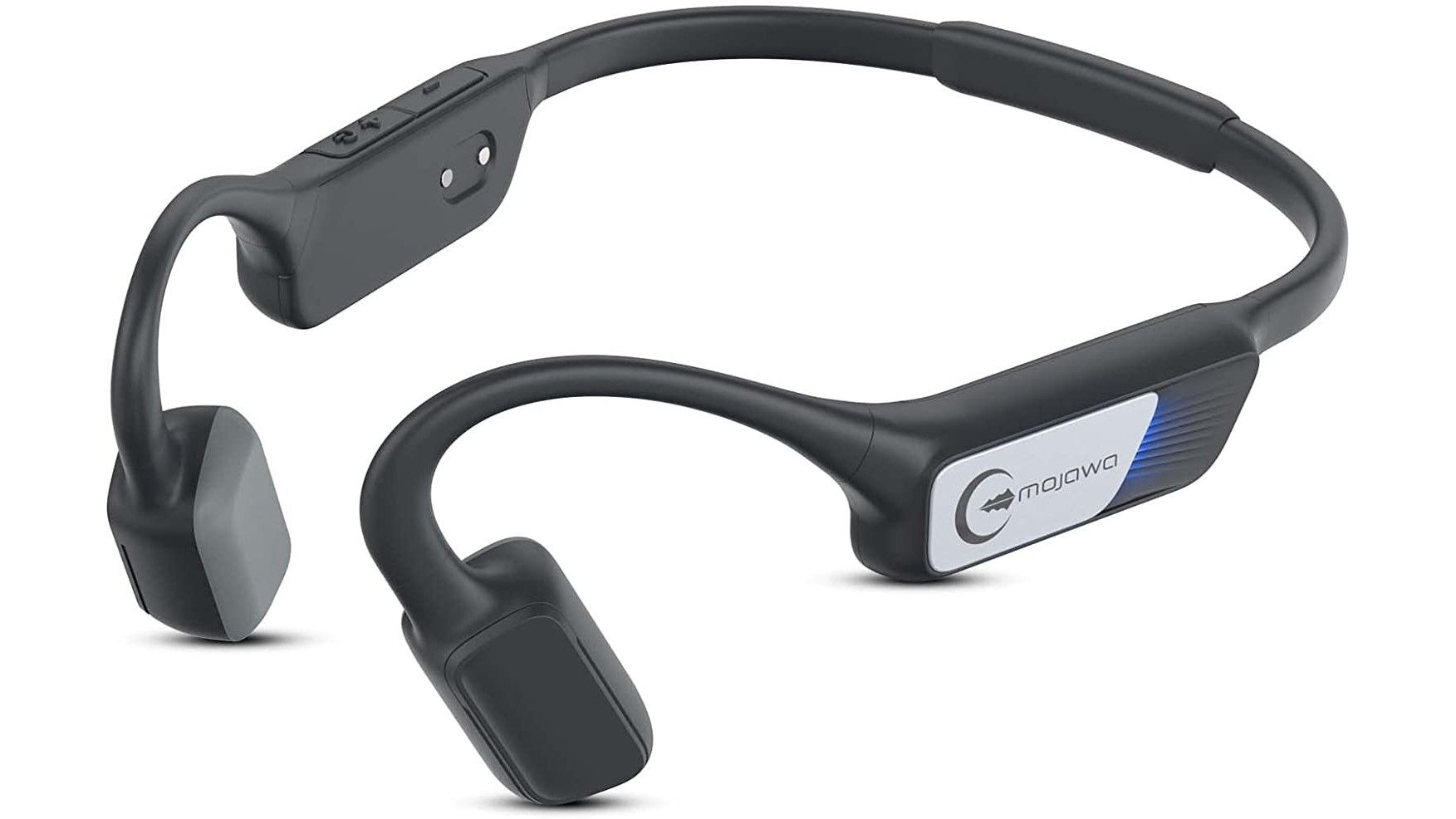
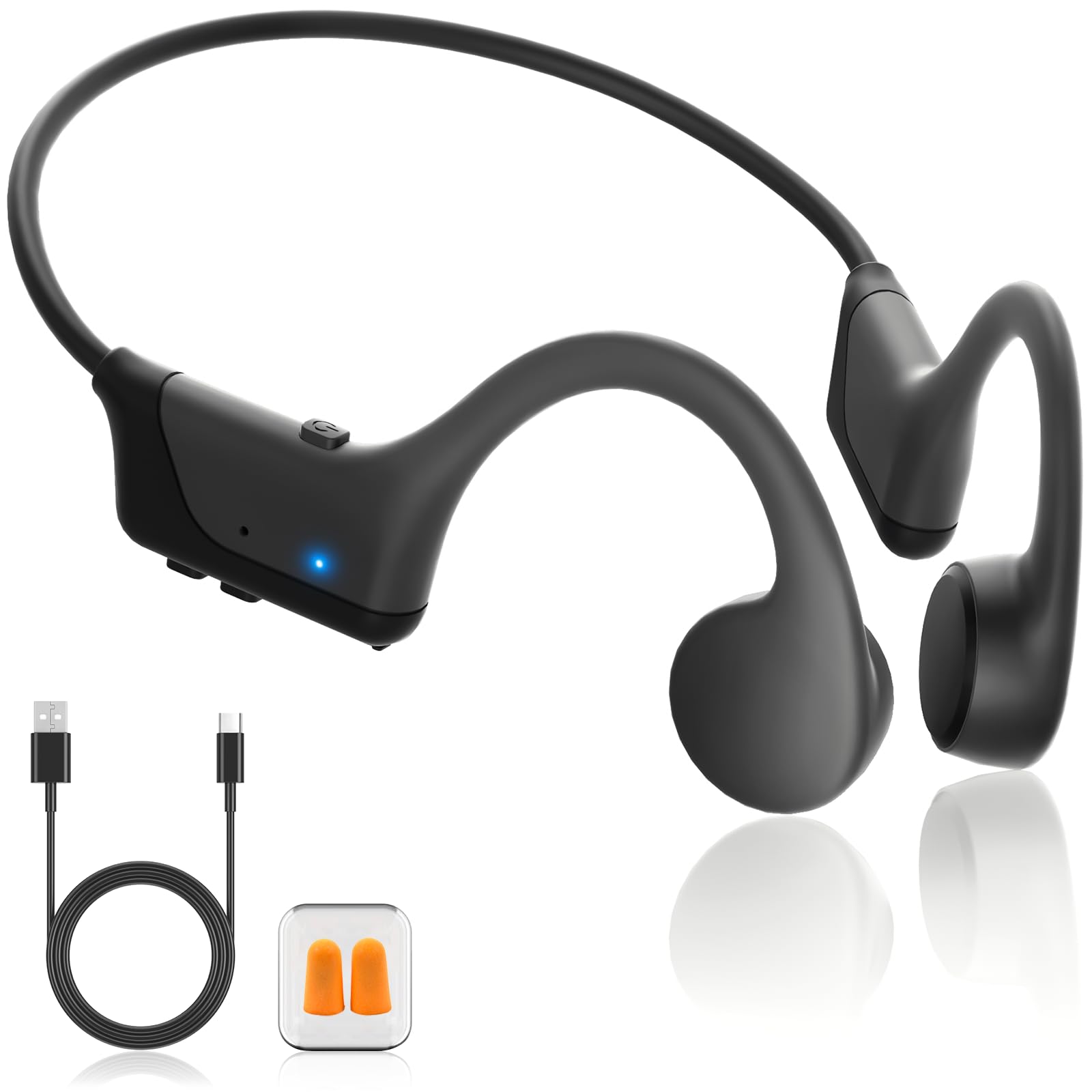
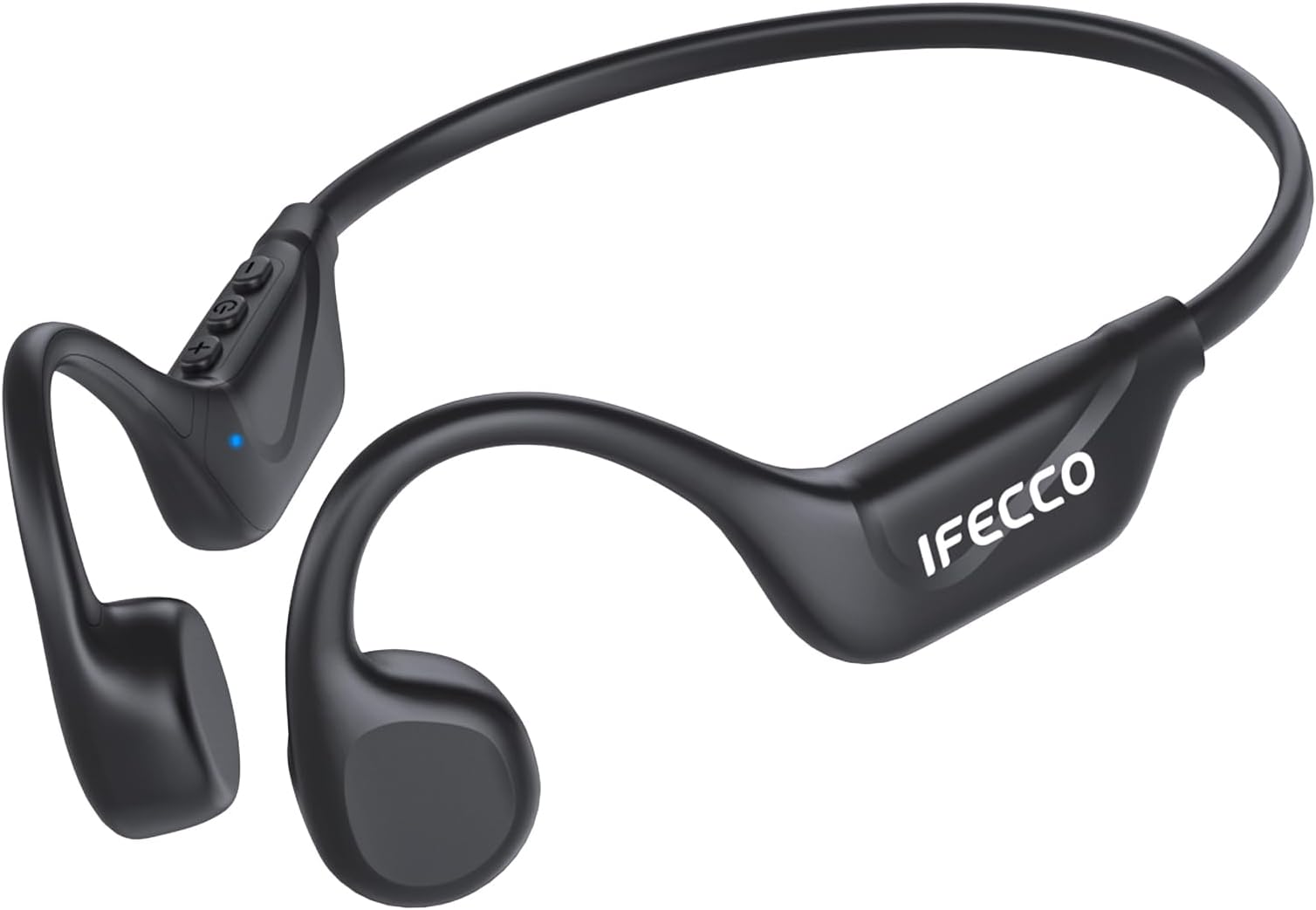
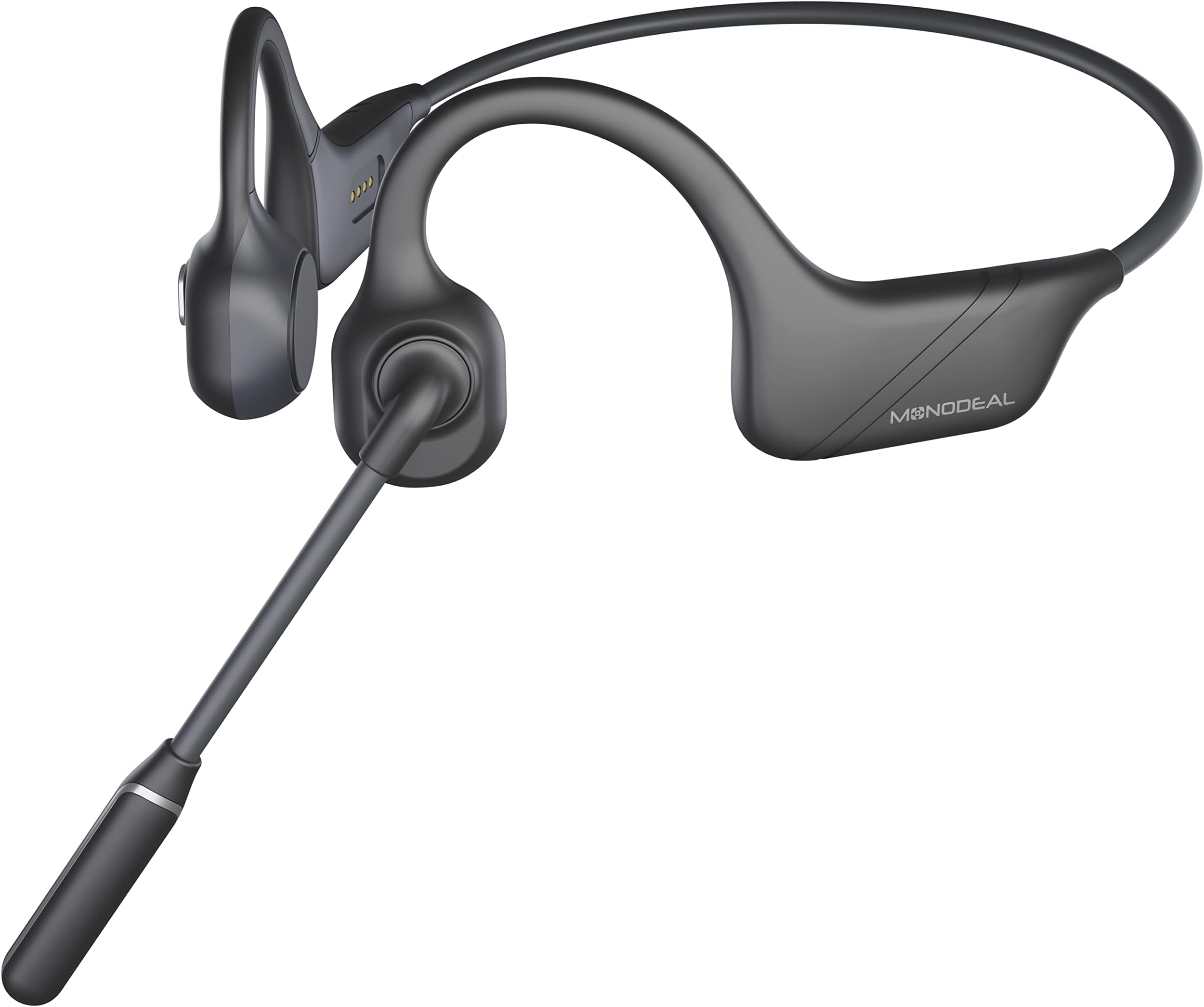
The main parts include:
- Transducers: The contact points that create vibrations.
- Ear hooks or side arms: Parts that help hold the headphones in place.
- Rear band: A band that usually rests behind the head.
- Charging and control buttons: Used for power, volume, calls, and playback.
Bone conduction headphones do not bypass the inner ear. They still depend on a working cochlea and auditory nerve. They are not a replacement for prescription hearing aids or medical treatment.
Bone conduction versus air conduction
Most earbuds and over-ear headphones use air conduction. They create sound waves that travel through the ear canal, eardrum, and middle ear.
Bone conduction headphones use a different path. They send vibrations through the bones of the head to the inner ear. This may help some people hear sound when the outer or middle ear does not work normally, but consumer headphones are not automatically medical devices.

Why Do Bone Conduction Headphones Feel Comfortable?
Bone conduction headphones can feel comfortable because they avoid several common sources of ear discomfort. They do not seal the ear canal, press an earbud against sensitive skin, or trap as much heat inside the ear.
This can help people who experience:
- Ear canal soreness from earbuds
- A plugged-up feeling from sealed ear tips
- Sweat or heat buildup
- Skin irritation from silicone tips
- Trouble keeping earbuds in place
- Discomfort from active noise cancellation pressure
- Ear fatigue after long calls or music sessions
The open design also lets you hear nearby sounds. That can be useful when walking in a neighborhood, working at home, or waiting for announcements.
Comfort is not the same as sound quality. A headphone can feel light but still sound thin. Bone conduction models often provide clear speech and useful background music, but they may not match sealed headphones for bass, detail, or noise isolation.
What Can Make Bone Conduction Headphones Uncomfortable?
The most common comfort problem is pressure where the transducers touch the skin. The devices need contact with the area in front of the ears. If the fit is too tight, that pressure can become noticeable.
Other possible problems include:
- A tight band around the back of the head
- Vibration or tingling on the cheekbones
- Soreness after several hours
- The band catching on long hair
- Conflict with eyeglass frames or helmet straps
- Movement during running or fast exercise
- Sweat under the contact points
- Sound leakage that bothers people nearby
Some users describe the vibration as strange during their first few sessions. This feeling may fade as they get used to the design. If the sensation becomes painful, causes numbness, or leaves lasting skin irritation, stop using the headphones.
Fit matters more than weight
A light headset can still feel uncomfortable if it presses on the wrong place. The transducers should sit on the bone in front of the ears, not directly on the ear itself.
A good fit should:
- Stay in place without squeezing
- Touch both sides evenly
- Leave the ears open
- Avoid pressing hard against glasses
- Remain stable when you turn your head
- Keep controls easy to reach
Do not bend the frame unless the manufacturer says that adjustment is allowed. Some frames contain wiring or materials that may break under repeated bending.

Are Bone Conduction Headphones Comfortable for Long Periods?
They can be, but long-term comfort varies widely. Many people tolerate bone conduction headphones for work calls, walks, and workouts. Wearing any headset for many hours without breaks may still cause pressure or skin discomfort.
Start with a short session of about 20 to 30 minutes. Check the skin and note any pressure near the cheekbones or behind the ears. If the headset feels fine, increase the session length gradually.
Use these habits for longer listening:
- Place the transducers evenly on both sides.
- Keep the volume low enough for clear speech.
- Take short breaks every hour.
- Wipe away sweat after exercise.
- Clean the contact points as directed by the manual.
- Stop if you feel pain, numbness, ringing, or unusual hearing changes.
A useful rule is simple: mild awareness of the headset may be normal; pain is not something to push through.
People with sensitive skin, frequent headaches, jaw pain, or pressure-related discomfort may need shorter sessions. A different frame shape or a conventional speaker-style open-ear headphone may work better.
Are Bone Conduction Headphones Comfortable With Glasses, Hearing Aids, or Helmets?
Compatibility depends on the shape of the headset and the other item. Bone conduction headphones often work with glasses because they rest in front of the ears rather than inside them. However, the side arms can compete for space near the temples.
Glasses
Try the glasses and headphones together before a long session. Check whether:
- The transducers sit flat
- The frame pushes the glasses outward
- The rear band catches on the glasses arms
- The headset shifts when you look down
Thin glasses may cause few problems. Thick arms or sports frames may create extra pressure.
Hearing aids
Bone conduction headphones may be easier to wear with some hearing aids because they leave the ear canal open. Still, the headset can rub against behind-the-ear devices or interfere with microphones.
If you use hearing aids, check the hearing-aid maker’s guidance. Turn off Bluetooth on one device if both products compete for the same phone connection.
Helmets
A helmet can press the rear band against the head. This is common with bike, ski, and construction helmets. A headset that feels comfortable by itself may become painful under a tight helmet.
Never use headphones in a way that weakens a helmet’s fit. If the headset changes how the helmet sits, use a different audio setup or skip the headphones.

Are Bone Conduction Headphones Comfortable for Running and Workouts?
They can be a strong fit for outdoor exercise because they leave the ear canals open. You can hear traffic, people, alarms, and other nearby sounds more easily than with sealed earbuds.
They may work well for:
- Walking
- Running
- Hiking
- Cycling in permitted and safe conditions
- Gym workouts
- Outdoor work
Their stability depends on the model and your movement. A loose frame may bounce during sprints. Sweat can also reduce skin comfort or cause the headset to shift.
Open-ear listening does not remove outdoor risk. Sound from cars, construction equipment, trains, and crowds can still be too loud. Hearing nearby traffic is useful, but it does not make a dangerous road safe.
Do not let audio distract you from traffic or instructions. Follow local laws and workplace rules. In the United States, some states and cities restrict headphone use while driving or cycling, and the rules vary by location.
Are Bone Conduction Headphones Safer for Your Hearing?
Not automatically. Bone conduction headphones leave the ear canal open, but they still deliver sound to the inner ear. Listening too loudly for too long can harm hearing regardless of the path the sound takes.
The National Institute for Occupational Safety and Health uses 85 dBA over an 8-hour workday as a recommended exposure limit, with exposure time becoming shorter as sound gets louder. That workplace limit is not a personal headphone setting, because the actual sound level at the listener’s ear varies by device, fit, music, and environment.
The World Health Organization also advises safe listening habits, including lower volume, shorter sessions, and breaks. The practical lesson is:
- Keep the volume as low as needed.
- Avoid raising it to overcome traffic or machinery.
- Take regular quiet breaks.
- Watch for ringing or muffled hearing.
- Use hearing protection in loud areas.
Bone conduction headphones are not hearing protection. They should not replace earplugs or earmuffs around firearms, power tools, concerts, aircraft, or industrial noise.
If you have repeated ringing, ear pain, sudden hearing loss, drainage, dizziness, or muffled hearing that does not clear, stop listening and contact a qualified health professional. Sudden hearing loss needs prompt medical attention.

How Do Bone Conduction Headphones Compare With Earbuds?
The better choice depends on what causes your discomfort and what you need from the sound.
| Feature | Bone conduction headphones | In-ear earbuds | Over-ear headphones |
|---|---|---|---|
| Ear canal contact | None | Yes | None |
| Outside sound | Easy to hear | Often reduced | Often reduced |
| Bass response | Usually lighter | Often stronger | Often strongest |
| Sweat comfort | Often good | Varies by seal | Can feel warm |
| Ear pressure | Usually low in the canal | Possible | Possible around the ears |
| Sound isolation | Little or none | Moderate to strong | Moderate to strong |
| Exercise awareness | Usually high | Depends on mode and fit | Usually lower |
| Best for | Calls, walks, awareness | Private listening, rich sound | Immersive music and travel |
Bone conduction is often more comfortable when the ear canal is the problem. Earbuds may be better when you want strong bass, privacy, or noise reduction. Over-ear headphones may be better for long music sessions if their cushions fit without clamping.
A separate type called open-ear directional headphones places tiny speakers near the ears without touching the ear canal. These do not send vibrations through the skull. They may offer a different balance of comfort, sound quality, and sound leakage.
How to Test Comfort Before Keeping a Pair
A short, careful test can reveal most fit problems. If you are buying online, use the return policy and check whether the product must be unopened for a return.
Follow this test:
-
Wear the headset without audio for 10 minutes.
Check for pressure, pinching, and contact with glasses or hair. -
Play speech at a low volume.
Make sure both sides sound even. You should not need high volume for normal speech. -
Move your head.
Look up, down, and side to side. Walk for a few minutes. The headset should stay in place. -
Try your usual accessories.
Wear glasses, a hat, a helmet, or hearing aids if you normally use them. -
Extend the session slowly.
Try 30 to 60 minutes before wearing the headset for several hours. -
Inspect your skin.
Red marks that fade quickly may result from contact. Persistent redness, swelling, or soreness means the fit needs to change.
Do not judge comfort only by the first five minutes. Some pressure builds slowly. Also, do not judge sound in a very noisy place because you may raise the volume without noticing.
Common Comfort Problems and Fixes
| Problem | Likely cause | What to try |
|---|---|---|
| Cheekbone soreness | Contact pressure or tight fit | Reposition the transducers or use a different size |
| Tingling or strong vibration | High volume or sensitivity to vibration | Lower the volume and shorten the session |
| Headache | Tight band, poor fit, or loud sound | Remove the headset, rest, and check the fit |
| Headset slips | Sweat, loose frame, or wrong placement | Dry the skin and reposition the headset |
| Skin irritation | Sweat, dirt, or material sensitivity | Clean the contact points and stop if irritation continues |
| Glasses feel tight | Shared space near the temples | Try another frame or a different headset design |
| Sound seems weak | Open design or poor placement | Place the transducers directly in front of the ears |
| Too much outside noise | Open-ear design | Move to a quieter place; do not raise volume excessively |
If adjusting the headset does not solve the problem, the model may simply be a poor match for your head shape. Comfort is not a feature that can be judged from specifications alone.
Who Should Consider Bone Conduction Headphones?
Bone conduction headphones may suit people who:
- Dislike earbuds inside the ear canal
- Want to hear conversations and surroundings
- Need an open design for walks or workouts
- Wear earbuds for calls and experience ear fatigue
- Prefer a lightweight headset
- Use glasses and want to avoid large ear cups
They may not suit people who:
- Want deep bass and strong isolation
- Need privacy in a quiet office
- Work around loud machinery
- Find facial vibration unpleasant
- Need reliable protection from outside noise
- Experience pain from pressure near the ears or temples
If you have a diagnosed hearing condition, ask an audiologist whether this type of consumer device fits your needs. Bone conduction technology has medical uses, but a consumer headset is not the same as an implanted or non-implanted bone-conduction hearing device.
Frequently Asked Questions
Can bone conduction headphones hurt your ears?
They usually do not press inside the ear canal, but they can cause soreness near the cheekbones, temples, or back of the head. Lower the volume, adjust the position, and take a break. Stop using them if pain continues.
Do bone conduction headphones cause headaches?
They can cause headaches if the frame is too tight, the transducers press too hard, or the volume is too high. Headaches may also have another cause. Remove the headset and seek medical advice if headaches are severe, repeated, or linked with other symptoms.
Can you sleep while wearing bone conduction headphones?
They are generally not designed for sleep. The band and transducers can create pressure when you lie down, and cables or charging parts may present hazards. Use a sleep-specific audio product only if it is designed for that purpose.
Do bone conduction headphones leak sound?
Yes. Because the ears remain open, nearby people may hear some sound, especially at high volume. Leakage depends on the model, fit, volume, and surrounding noise.
Are bone conduction headphones good for people with hearing loss?
They may help some people hear sound when the outer or middle ear has a problem, but they are not a general treatment for hearing loss. An audiologist can identify the type of hearing loss and recommend suitable technology.
Research Basis and Safety Sources
The safety guidance in this article is based on information from US and international public-health sources, including:
- CDC: About Hearing Loss
- NIOSH: Occupational Noise Exposure
- National Institute on Deafness and Other Communication Disorders: Hearing, Ear Infections, and Deafness
- World Health Organization: Safe Listening
These sources explain noise exposure and hearing health. They do not establish that every bone conduction model has the same comfort, volume, or sound performance.

Bottom Line
Bone conduction headphones can be comfortable, especially if earbuds hurt or you want to keep your ears open. Their main trade-off is that pressure moves from the ear canal to the skin and bones near the ears.
Choose them if open awareness and ear-canal comfort matter most. Choose earbuds or over-ear headphones if you need strong bass, privacy, or noise isolation. Whichever design you use, keep the volume moderate, take breaks, and treat pain or hearing symptoms as a reason to stop.

Everett Ashford is a tech reviewer at mytechgrid.com specializing in SSDs, cameras, TVs, earbuds, headphones, and other consumer electronics. He provides honest, data-driven reviews based on hands-on testing and real-world performance analysis. Everett simplifies complex tech details to help readers make smart, confident buying decisions.