Introduction
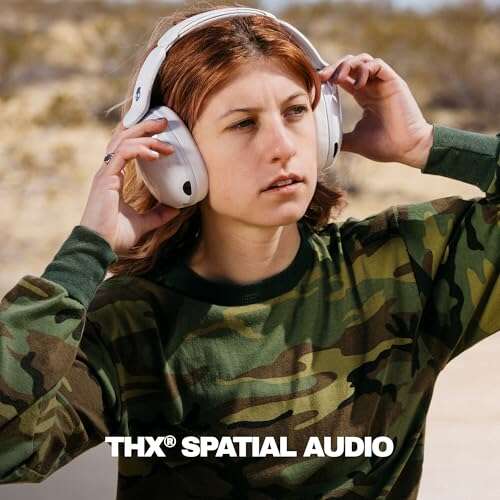
For listeners in the United States, 3D audio headphones are headphones that use software to make sound seem to come from around you—not just from the left and right sides. They can make voices feel centered, footsteps seem to come from behind, or music appear to fill a wider space.
The headphones still use two ear cups and two main drivers. The 3D effect comes from audio processing, surround-sound formats, and sometimes head tracking. The result can feel more natural in movies, games, music, and virtual reality.
The term is broad, though. Some brands use “3D audio” to mean virtual surround sound. Others mean object-based audio, such as Dolby Atmos, or head-tracked spatial audio. This guide explains the differences, how the technology works, and what to check before you buy or enable it.


How Do 3D Audio Headphones Work?
3D audio headphones work by changing the timing, volume, and tone of sounds before they reach your ears. Your brain uses these small clues to judge where a sound is located.
For example, a sound from your right side may reach your right ear slightly sooner and louder than your left ear. A sound above you may have a different tone because your outer ear changes the sound before it enters the ear canal.
Audio engineers model these clues with a process called binaural rendering. The process often uses a head-related transfer function, or HRTF. An HRTF describes how the head, ears, and body affect sound from a given direction.
The main parts of the effect
- Left and right channel timing: Tiny delays can make sound seem to move.
- Volume differences: A sound may be louder in the ear closer to its source.
- Tone shaping: Filters imitate the way your ears change sound.
- Room simulation: Software can add the sound of a room, hall, theater, or game space.
- Head tracking: Sensors can change the sound field when you turn your head.
A basic 3D mode may only widen stereo sound. A more advanced system may place separate sound objects in front, behind, above, or beside you.
The effect depends on your ears, the software, the content, and the fit of the headphones. One HRTF may sound precise to one person but less convincing to another.


What Types of 3D Audio Are Available?
“3D audio” can describe several different systems. Knowing the type helps you understand what you are actually getting.
Virtual surround sound
Virtual surround sound takes a stereo signal and processes it to imitate speakers around you. It is common in gaming headsets and movie apps.
This can help you sense direction, but it does not always use separate audio objects. Some modes mainly add room echo or widen the sound. That may sound spacious, but it can also make voices less clear.
Object-based spatial audio
Object-based audio treats sounds as separate elements with location data. A movie may define a voice, car, or helicopter as an object. The playback system then places those objects around you.
Dolby Atmos is one well-known example. It can include sounds above the listener, not only at ear level. A compatible app, game, operating system, and headphone mode may all be needed.
Head-tracked spatial audio
Head tracking adds motion sensors to the experience. When you turn your head, the sound field stays in place instead of moving with your headphones.
For example, if a singer seems to be in front of you, turning your head left may make the singer seem to remain in front of the room. This can create a stronger speaker-like effect.
Head tracking is most useful for movies, music, and virtual reality. It may be less useful for fast competitive games if it adds delay or distracts you.
Personalized spatial audio
Some systems use a scan of your ears or head to create a personal audio profile. The goal is to improve the match between the software model and your anatomy.
Personalization may help, but it is not a guarantee. The quality of the scan, the content, the headphones, and the software all affect the result.

3D Audio vs. Stereo and 7.1 Surround Sound
The key difference is how the system represents sound.
| Format | Main idea | Typical use |
|---|---|---|
| Stereo | Sound comes from left and right channels | Music, podcasts, general listening |
| Virtual surround | Software imitates speakers around you | Games and movies |
| 5.1 or 7.1 surround | Uses several speaker channels | Home theater and gaming |
| Object-based audio | Places individual sounds in a 3D space | Movies, games, and immersive music |
| Head-tracked audio | Keeps the sound field fixed as you move | Movies, music, and VR |
A 7.1 headset does not usually contain seven physical speakers in each ear cup. In most cases, software creates the surround effect through two headphone drivers.
Stereo is not automatically worse. Many music recordings are mixed for stereo, and extra processing can change the intended sound. For music, a clean stereo mode may sound more natural than a strong surround effect.
For games and films, spatial processing can make direction easier to judge. The benefit is greatest when the content supports the format and the processing is tuned well.


What Are 3D Audio Headphones Used For?
3D audio headphones can improve several listening tasks, but the benefit varies by content.
Gaming
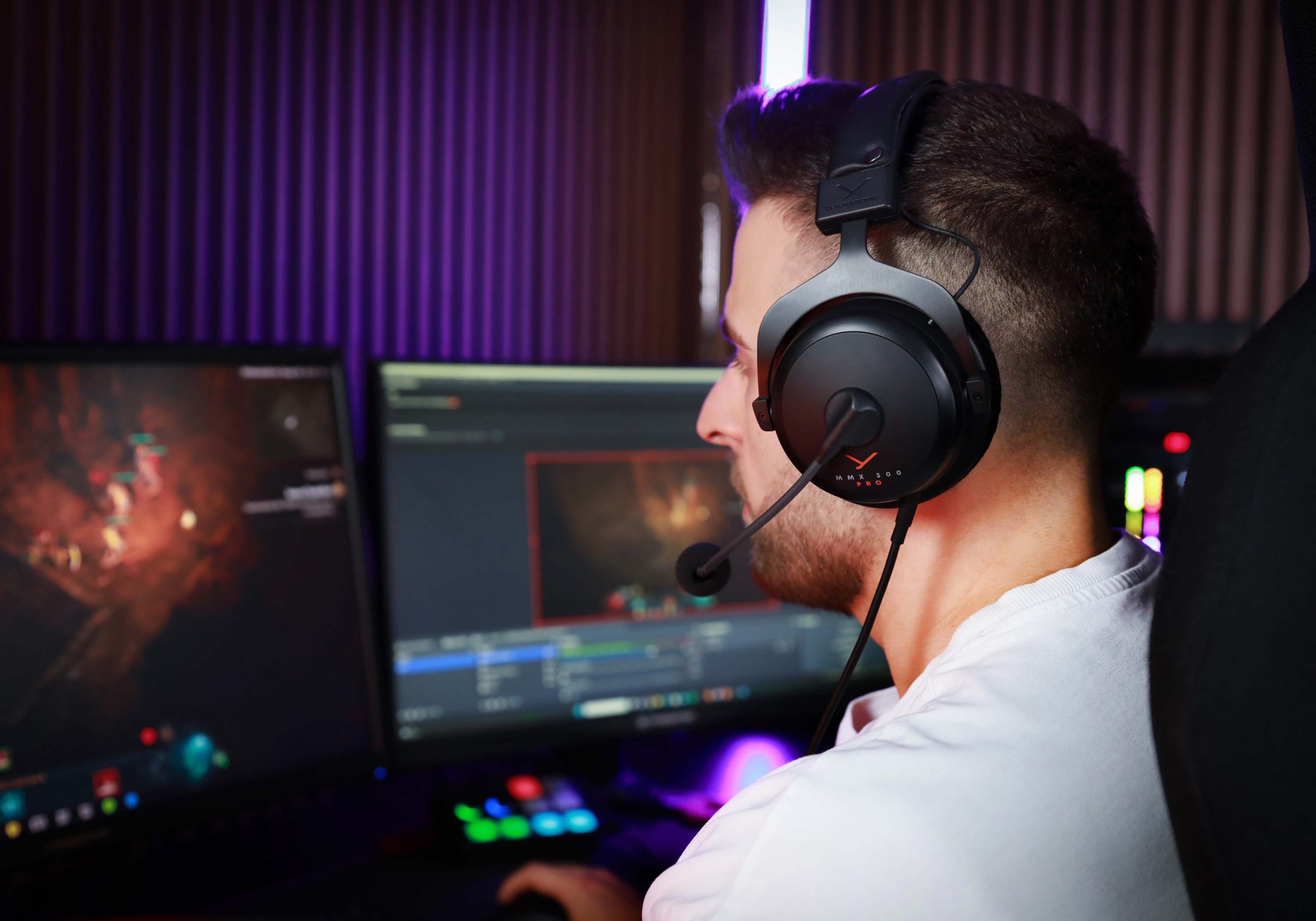
Spatial sound can help you hear footsteps, vehicles, gunfire, and environmental effects. It may make it easier to estimate whether a sound is in front of you, beside you, or behind you.
Do not assume that a 3D mode always improves competitive play. A poor preset can add echo, reduce detail, or make front and rear sounds harder to separate. Test the mode in the game you play most.
Movies and TV
Spatial audio can make a soundtrack feel wider and more like a home theater. Dialogue may seem to stay in front while music and effects spread around the listener.
You need compatible content and playback support for the strongest result. If the movie is only stereo, a headphone mode may simulate space, but it cannot recover surround information that was never included.
Music
Some music services offer immersive or spatial versions of selected tracks. These mixes may place instruments around or above you.
Results are highly personal. A good mix can feel open and engaging. A poor mix can make vocals seem distant or cause instruments to lose focus. Many services let you switch between spatial and standard versions, which makes comparison easy.
Virtual reality
3D audio is central to VR. If a sound does not change correctly as you look around, the virtual world can feel less believable.
VR systems often combine spatial audio with head tracking. The headset, VR software, and game must work together for accurate results.

How to Turn On 3D Audio
The exact steps depend on your device and operating system. Start by checking whether the app, game, or console supports spatial audio.
On a Windows PC
- Connect your headphones.
- Open Settings and select System.
- Choose Sound and select your output device.
- Find the spatial sound setting.
- Choose an available option, such as Windows Sonic for Headphones or a supported Dolby option.
- Test the setting in the game or app.
Some programs have their own 3D audio control. If both the operating system and the game apply strong processing, the sound may become muddy. Try one mode at a time.
On an iPhone, iPad, or Apple device
Compatible Apple devices, headphones, and content may offer Spatial Audio. Open the audio controls while content is playing and look for the Spatial Audio setting.
Some Apple systems also offer head tracking. The available options depend on the device, headphones, software version, and content.


On a game console
Look in the console’s audio settings and the game’s sound menu. Some consoles support platform-level spatial audio, while some games use their own audio engine.
Use the headphone setting rather than a speaker setting when you are wearing headphones. Also check whether the game has a headphone, stereo, surround, or 3D audio option.
Signs that the setup is working
You may notice:
- Sounds appear outside your head.
- Voices stay centered.
- Effects move smoothly from side to side.
- You can identify front, rear, and side sounds.
- Head movement changes the sound when tracking is enabled.
If the sound becomes hollow, harsh, or echo-heavy, turn the effect off and compare it with normal stereo.

How to Choose 3D Audio Headphones
Choose based on the content and device you use most. The “3D” label alone does not tell you how good the experience will be.
Check compatibility first
Look for support for the devices you own:
- Windows PC, Mac, PlayStation, Xbox, Nintendo Switch, phone, or tablet
- Wired USB, 3.5-millimeter, Bluetooth, or a wireless USB receiver
- Dolby Atmos, Windows Sonic, DTS Headphone:X, or another named format
- The games, apps, or streaming services you use
A headset may support a feature on one platform but not another. Some features also require an app, firmware update, or paid license.
Consider head tracking separately
Head tracking is not required for all 3D audio. It adds sensors and can increase cost, weight, battery use, or setup time.
It makes the most sense if you watch films, listen to immersive music, or use VR. For ordinary podcasts or calls, it usually adds little.
Favor clear sound over a strong effect
A good headset should still sound clear with spatial processing turned off. Check for:
- Clear speech
- Balanced bass
- Low background hiss
- Comfortable ear pads
- Stable wireless performance
- A microphone that fits your use
- Easy controls for switching spatial audio on and off
Spatial processing cannot fix weak headphone tuning. It may even make poor sound more noticeable.

Common Problems With 3D Audio
3D audio may sound wrong for several reasons. Check the simple causes first.
The sound is too echo-heavy
The mode may be adding a large virtual room. Lower the room effect, choose a different preset, or use stereo.


Front and rear sounds are hard to tell apart
Your HRTF may not match the preset well. Try another spatial mode or the game’s own headphone profile.
The sound is quiet or distorted
Check whether more than one surround effect is active. Disable extra processing in the headset app, operating system, game, or streaming device.
Head tracking feels delayed
Wireless delay, sensor calibration, or software limits may be responsible. Recalibrate the headset, update its firmware, or compare it with a wired connection if supported.
The feature does not appear
The device, app, content, or operating system may not support the format. Check the manufacturer’s support page for the exact model and platform.
Is 3D Audio Safe for Your Hearing?
The 3D effect itself is not the main hearing risk. Loud sound and long listening time are the bigger concerns.
The CDC and the World Health Organization advise reducing exposure to loud sound. Keep the volume as low as practical, take breaks, and stop if you notice ringing, muffled hearing, pain, or discomfort.
Spatial audio can make a sound feel farther away without making it quieter. Do not raise the volume simply because the effect feels less direct. Noise cancellation may help you listen at a lower level in a loud place, but it does not make high volume harmless.
If symptoms continue after you stop listening, contact a qualified health professional.

Key Takeaways
- 3D audio headphones use software to create the sense of sound around you.
- Most still use two physical headphone drivers.
- Virtual surround, object-based audio, and head tracking are different features.
- Compatibility matters more than the “3D” label.
- Stereo may be better for some music and podcasts.
- Compare spatial audio with normal stereo before deciding which sounds best.
- Keep volume moderate and take listening breaks.
Frequently Asked Questions
Do 3D audio headphones have extra speakers?
Usually, no. Most use two drivers and software processing. Some gaming headsets advertise multiple drivers, but the number of drivers alone does not prove that the 3D effect will be accurate.
Do regular headphones support 3D audio?
Often, yes. Many spatial audio systems work with standard wired or wireless headphones. The device or app creates the effect, although head tracking requires compatible sensors.
Is 3D audio the same as Dolby Atmos?
No. Dolby Atmos is a specific audio format and playback system. “3D audio” is a broad term that can include Dolby Atmos, virtual surround, binaural audio, and other methods.
Is 3D audio better for music?
Not always. Spatial music can sound wider and more immersive, but the mix may not suit every listener. Use the standard stereo version when it sounds clearer or more natural.
Does 3D audio help in every game?
No. The game must support useful spatial information, and the processing must be well matched to the game. Compare the game’s 3D mode with stereo before using it in competitive play.
Conclusion
3D audio headphones create a sense of space by modeling the way sound reaches your ears. They can improve direction cues in games, add room to movie soundtracks, and make compatible music or VR content feel more immersive.
The best choice depends on your device, content, comfort, and preference. Start with a headset that sounds clear in normal stereo, confirm format support, and test spatial audio with familiar content. If the effect adds echo or reduces detail, turning it off may give you the better experience.
For further reading, consult documentation from Dolby, Microsoft, Apple, the CDC, and the World Health Organization.

Everett Ashford is a tech reviewer at mytechgrid.com specializing in SSDs, cameras, TVs, earbuds, headphones, and other consumer electronics. He provides honest, data-driven reviews based on hands-on testing and real-world performance analysis. Everett simplifies complex tech details to help readers make smart, confident buying decisions.