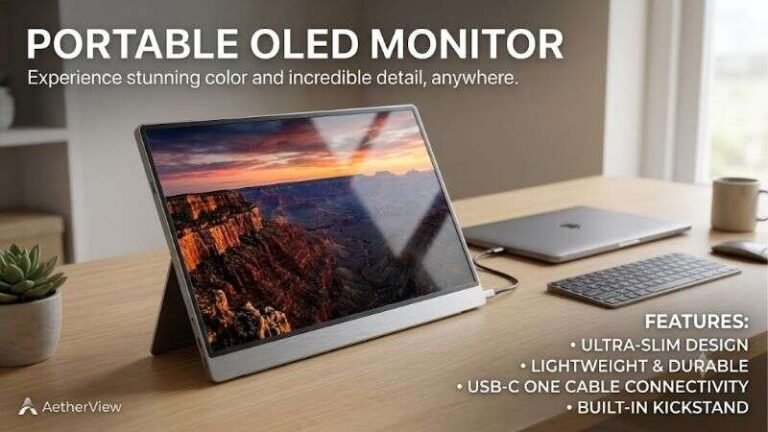
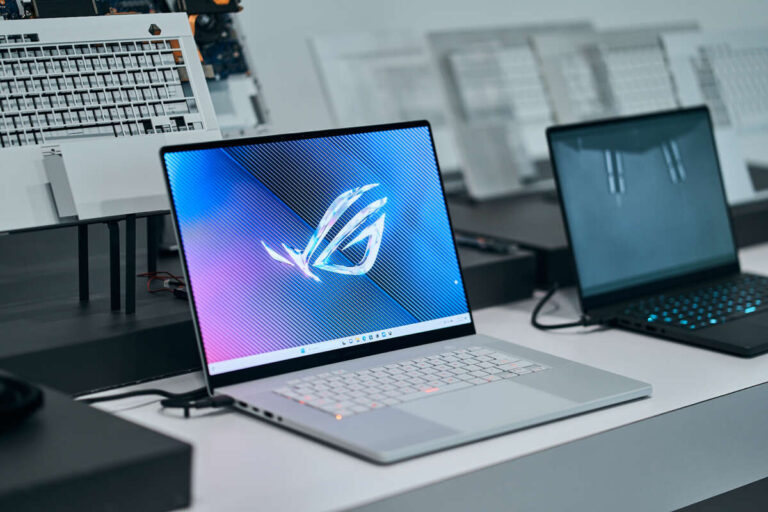
For shoppers in the United States, the Lenovo Legion Pro 7i with its 240Hz OLED display is one of the best high-refresh-rate laptops for most serious gamers. It combines a fast screen with strong gaming hardware, a sharp 16:10 panel, and enough power for modern AAA games.
That said, the best choice depends on your games, budget, screen size, and whether you also need the laptop for school or work. A 240Hz display is useful for competitive games, but it will not make a slow graphics card produce 240 frames per second.
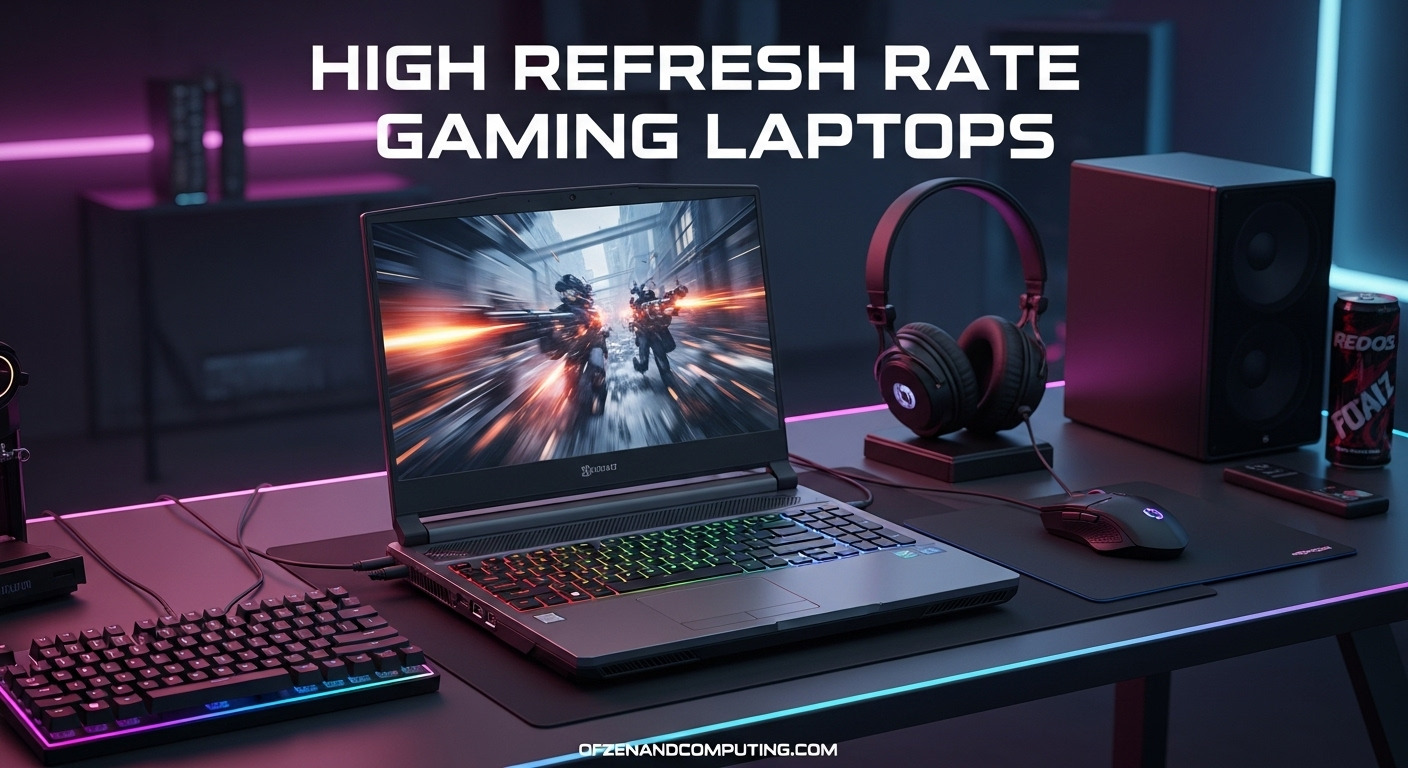
Quick answer: Which high-refresh-rate laptop is best?
The best high-refresh-rate laptop for most buyers is the Lenovo Legion Pro 7i with a 240Hz OLED display, provided you choose a configuration with a suitable NVIDIA GeForce RTX GPU.
It is a strong fit because it offers:
- A 240Hz refresh rate
- A sharp 16-inch display
- OLED contrast and fast pixel response
- Powerful Intel Core processors
- Dedicated NVIDIA GeForce RTX graphics
- Good support for high-frame-rate gaming
- A larger screen than most 15-inch gaming laptops
The ASUS ROG Strix SCAR 16 is another excellent choice. It may be better if you want a bright Mini LED screen, strong HDR, and a more aggressive gaming design.
The Razer Blade 16 is a better fit for buyers who want a premium metal build and a less flashy look. Some versions offer a 240Hz OLED panel, although pricing is usually high.
For competitive esports, a laptop with a 240Hz or 360Hz display can be worthwhile. For story-based games, a high-quality 165Hz or 240Hz screen is often the better value.

What does a high refresh rate mean?
A refresh rate is the number of times a display updates its image each second. It is measured in hertz, or Hz.
A 60Hz display refreshes 60 times per second. A 144Hz display refreshes 144 times per second. A 240Hz display refreshes 240 times per second.
Higher refresh rates can make:
- Mouse movement look smoother
- Fast camera turns look clearer
- Scrolling feel more fluid
- Competitive games feel more responsive
- Motion appear less blurry when the panel has a fast response time
A high refresh rate does not automatically improve image quality. It also does not increase game performance by itself. Your laptop must render enough frames to use the extra refresh rate.
Refresh rate versus frame rate
Refresh rate and frame rate are related but different.
- Refresh rate is a feature of the screen.
- Frame rate is the number of images your laptop creates each second.
For example, a 240Hz screen can display up to 240 refreshes per second. But if your game runs at 90 frames per second, the laptop cannot show 240 unique game frames each second.
This is why the graphics card matters as much as the display. A powerful GPU can make better use of a 240Hz panel in games such as:
- Counter-Strike 2
- Valorant
- Overwatch 2
- Rainbow Six Siege
- Fortnite
- Rocket League
- Apex Legends
Demanding games such as Cyberpunk 2077, Starfield, and Alan Wake 2 may run below 240 frames per second at native resolution and high settings.
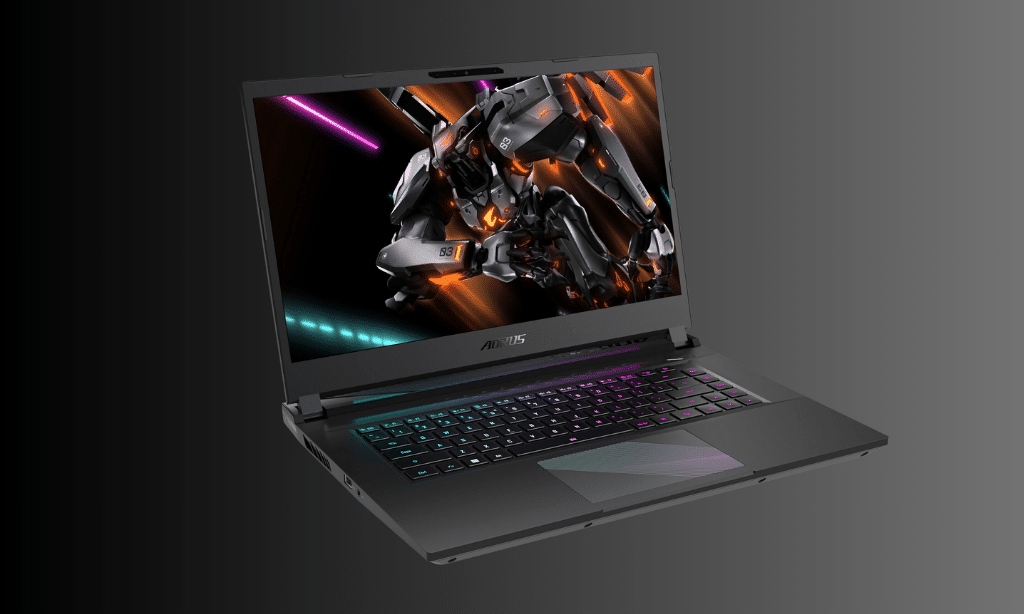
How we chose the best high-refresh-rate laptops
a useful recommendation must look beyond the largest Hz number. We considered the parts that affect the real gaming experience.
Display response time
Refresh rate tells you how often the screen can update. Response time tells you how quickly a pixel can change color.
A 240Hz screen refreshes every 4.17 milliseconds. If its pixels change much more slowly than that, motion may still show ghosting.
OLED panels usually have extremely fast pixel response. Fast IPS panels can also perform well, but their response varies by model and overdrive setting.
Graphics performance
A 240Hz laptop needs a graphics processor that can produce high frame rates. NVIDIA GeForce RTX 4060, RTX 4070, RTX 4080, and RTX 4090 laptop GPUs can all be suitable, but performance depends on:
- The laptop’s GPU power limit
- Cooling design
- Game settings
- Screen resolution
- Ray tracing
- Upscaling settings
- The laptop’s power mode
Two laptops with the same GPU name may perform differently because one allows the GPU to use more power.
Resolution
Many high-refresh-rate gaming laptops use a 2560 × 1600 display. This resolution is sharper than 1920 × 1200 but requires more graphics power.
A 1920 × 1080 or 1920 × 1200 screen is easier to drive at very high frame rates. A 2560 × 1600 screen provides more detail and workspace, but games may run at lower frame rates.
Adaptive sync
Adaptive sync helps the display match its refresh cycle to the GPU’s frame output. This can reduce screen tearing and make uneven frame rates feel smoother.
Depending on the laptop, you may see:
- NVIDIA G-SYNC
- G-SYNC Compatible
- AMD FreeSync
- A manufacturer-specific adaptive sync mode
Check the exact model specification. A laptop series may have different display options.
Battery life and fan noise
High refresh rates can use more power than lower refresh modes. Gaming laptops also use more energy when the dedicated GPU is active.
Some laptops let you switch between 60Hz, 120Hz, 165Hz, and 240Hz. Using a lower refresh rate for office work can help reduce power use, although battery life also depends on the CPU, screen brightness, software, and battery size.

Best high-refresh-rate laptops compared
The table below compares common choices for different types of buyers. Specifications can vary by configuration, seller, and U.S. market availability, so confirm the exact product page before buying.
| Laptop | Typical high-refresh display | Best for | Main advantage | Main limitation |
|---|---|---|---|---|
| Lenovo Legion Pro 7i | 240Hz OLED | Best overall gaming | Strong balance of speed, image quality, and performance | Heavy and power-hungry |
| ASUS ROG Strix SCAR 16 | 240Hz Mini LED | HDR gaming | Bright display with strong contrast | Large, expensive, and gaming-focused |
| Razer Blade 16 | 240Hz OLED on select models | Premium design | Metal build and fast OLED screen | High price and limited upgrade value |
| Alienware m16 or m18 | 240Hz or higher on select models | Large-screen gaming | Powerful cooling and big display options | Bulky and less portable |
| ASUS ROG Zephyrus G16 | High-refresh OLED options | Gaming and school or work | Slimmer design with a more refined look | Usually less raw GPU power than larger models |
| Lenovo Legion 5i | Up to 240Hz on select models | Better value | Good performance without the highest price | Build and display options vary |
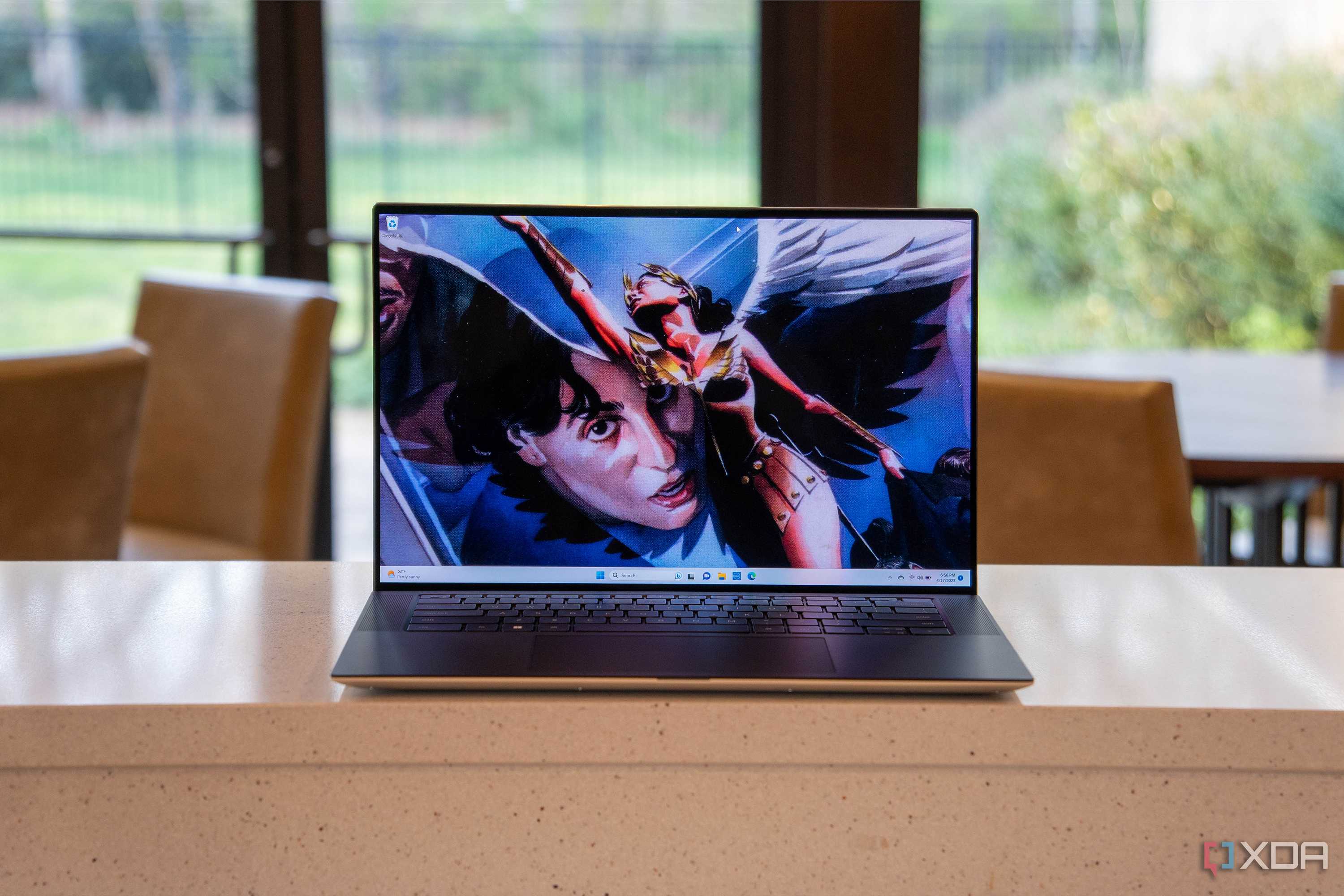
Best overall: Lenovo Legion Pro 7i
The Lenovo Legion Pro 7i is the best high-refresh-rate laptop for buyers who want strong gaming performance without focusing only on appearance.
A 240Hz OLED configuration gives it three useful strengths:
- Smooth motion: The high refresh rate suits competitive games.
- Fast pixel response: OLED can reduce visible ghosting during rapid movement.
- Strong contrast: Each OLED pixel can turn off for deep black levels.
The 16-inch 16:10 format also gives you more vertical screen space than a typical 16:9 laptop. That helps with web pages, documents, and creative apps when you are not gaming.
Choose an RTX 4070 configuration if you want a more balanced system. Choose an RTX 4080 or RTX 4090 configuration if you plan to play demanding games at the display’s native resolution and want more headroom.
Limits to consider
The Legion Pro 7i is not a lightweight travel laptop. Its powerful components need a large cooling system and a substantial power adapter.
OLED panels can also use more power when showing bright content. Like other OLED displays, the panel may have a long-term image-retention risk under certain use patterns. Modern laptops may include pixel-shifting and panel-care features, but you should still avoid leaving static bright images on screen for long periods.
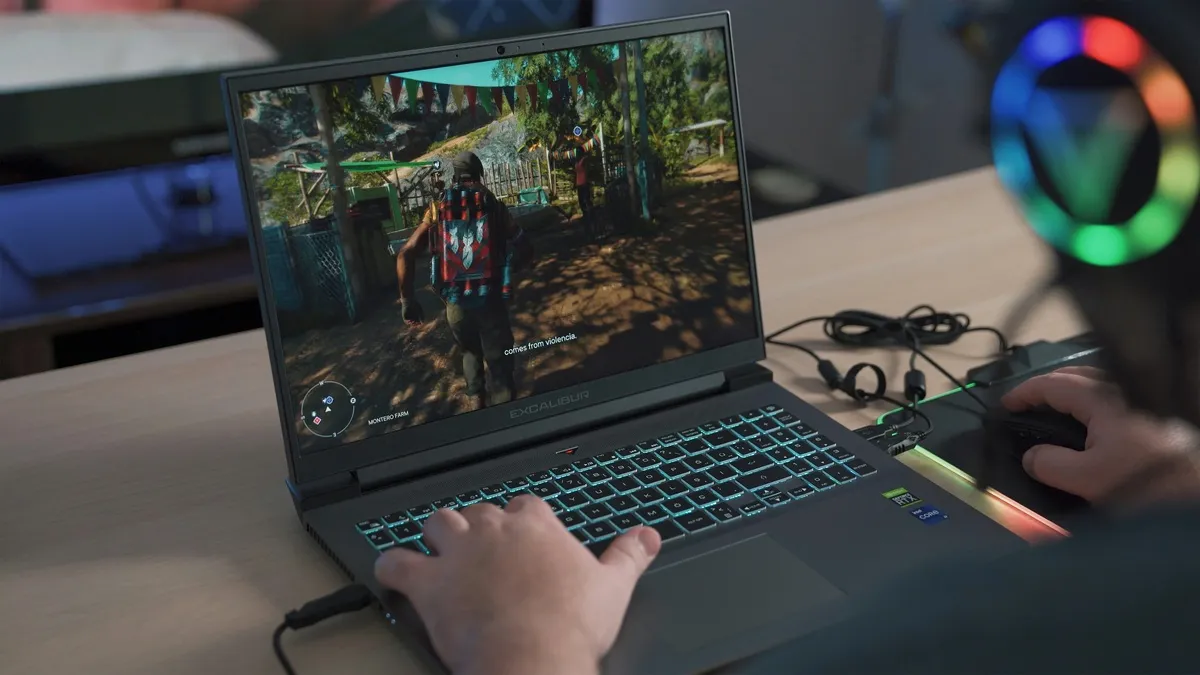
Best Mini LED option: ASUS ROG Strix SCAR 16
The ASUS ROG Strix SCAR 16 is a strong choice if you care about HDR brightness as much as refresh rate.
Select versions use a Mini LED display with local dimming. Mini LED screens use many small backlights behind an LCD panel. These backlights can dim in zones to improve contrast.
Compared with OLED, Mini LED can offer higher full-screen brightness in some scenes. That can help HDR games and movies look more vivid, especially in a bright room.
The SCAR 16 also targets high-end gaming. Configurations may include high-power Intel processors and NVIDIA GeForce RTX graphics.
Limits to consider
Mini LED local dimming is not the same as pixel-level control. Bright objects on a dark background may show a glow around the object, known as blooming.
The SCAR 16 is also large and visibly designed for gaming. It is a better choice for a desk than for daily travel.

Best premium design: Razer Blade 16
The Razer Blade 16 is worth considering if you want a high-refresh-rate gaming laptop that looks more restrained than many large gaming models.
Its aluminum chassis, glass touchpad, and clean design appeal to people who use one laptop for gaming, work, and creative tasks. Select configurations include a 240Hz OLED display, while other versions may use different panel technology or refresh rates.
The Blade 16 can also be configured with powerful NVIDIA graphics. This makes it suitable for high frame rates in esports and demanding games.
Limits to consider
The Razer Blade 16 usually costs more than similarly powerful competitors. That premium pays for design, materials, and size rather than a guaranteed increase in game performance.
Check the exact display before ordering. Razer sells different configurations, and not every Blade 16 has the same refresh rate or resolution.

Best for a thinner laptop: ASUS ROG Zephyrus G16
The ASUS ROG Zephyrus G16 is a good choice for someone who wants a gaming laptop that is easier to carry.
It is slimmer and more understated than many full-size gaming laptops. High-refresh OLED configurations can provide smooth motion, strong contrast, and fast pixel response.
The G16 may be a better daily laptop for:
- College students
- Remote workers
- Content creators
- Frequent travelers
- Gamers who do not want a bulky chassis
The trade-off
A thinner laptop has less room for cooling than a large performance laptop. Depending on the model, it may use a lower-power GPU or run louder under sustained load.
It may not deliver the same gaming performance as a thicker Legion Pro 7i or ROG Strix SCAR 16 with a similar GPU class. Its value comes from the balance between portability and gaming power.

Is 240Hz better than 144Hz or 165Hz?
A 240Hz display is better than a 144Hz or 165Hz display for motion smoothness and potential responsiveness, but the difference is smaller than the jump from 60Hz to 144Hz.
The refresh intervals are approximately:
| Refresh rate | Time between refreshes |
|---|---|
| 60Hz | 16.67 milliseconds |
| 120Hz | 8.33 milliseconds |
| 144Hz | 6.94 milliseconds |
| 165Hz | 6.06 milliseconds |
| 240Hz | 4.17 milliseconds |
| 360Hz | 2.78 milliseconds |
The move from 60Hz to 144Hz is easy to notice. The move from 144Hz to 240Hz is more subtle, but competitive players may value it.
A 240Hz screen makes the most sense when:
- Your games often run above 165 frames per second.
- You play competitive games.
- You notice motion blur or input delay.
- The price increase is reasonable.
- The laptop has a GPU strong enough to support it.
A 165Hz screen may be the smarter choice when you mostly play single-player games or want better battery life and lower cost.
What GPU do you need for a 240Hz laptop?
The right GPU depends on the game and resolution. There is no universal GPU that guarantees 240 frames per second in every title.
For esports at 1080p or 1200p
An RTX 4060 or RTX 4070 laptop GPU may be enough for high frame rates in many competitive games. CPU performance also matters, especially in games that rely heavily on the processor.
For high-resolution gaming
An RTX 4070, RTX 4080, or RTX 4090 laptop GPU is more suitable for 2560 × 1600 gaming. Even then, the most demanding games may need:
- DLSS or another upscaling mode
- Reduced ray tracing
- Lower shadows
- Lower crowd or view-distance settings
- A frame-rate target below 240 frames per second
A simple performance example
Suppose a laptop produces 180 frames per second in a game. A 240Hz screen can refresh more often than the GPU can create new frames, but you still receive the benefit of 180 unique frames per second rather than being limited to 60 or 120.
If the same game runs at 55 frames per second, the 240Hz panel has little practical advantage over a good 120Hz panel. The GPU and game settings become the limiting factors.

Does a high refresh rate improve input lag?
A higher refresh rate can reduce the display’s contribution to input delay, but it does not remove all latency.
Total gaming latency can include:
- Mouse or controller input
- Game processing
- CPU work
- GPU rendering
- The display’s scan and response time
- Network delay in online games
A 240Hz display has a shorter refresh interval than a 60Hz display. However, your system must also produce frames quickly, and the panel must have good response behavior.
For competitive play, use a wired network connection when possible, keep graphics settings appropriate for your target frame rate, and enable the laptop’s correct performance mode. Avoid assuming that the highest Hz number alone will make you a better player.
What should you check before buying?
Check the full configuration, not just the laptop series name.
Confirm the exact display
Look for:
- Refresh rate
- Resolution
- Panel type
- Response-time claim
- Adaptive-sync support
- Brightness
- Color coverage
- HDR support
- Whether the display runs at its maximum refresh rate on battery
A product family may include both a 165Hz IPS panel and a 240Hz OLED panel.
Check GPU power limits
The same RTX GPU can perform differently in different laptops. Look for the manufacturer’s listed graphics power or total graphics power when available.
Independent tests can help, but results depend on the game, driver, power mode, and resolution. Treat one benchmark as a data point, not a universal result.
Check ports and external display support
If you plan to use a separate monitor, confirm:
- HDMI version
- USB-C DisplayPort support
- Thunderbolt support, if needed
- Whether a port connects directly to the dedicated GPU
- The maximum supported refresh rate at your chosen resolution
A laptop may support a high refresh rate internally but have different limits through its external ports.
Check memory and storage
For current gaming, 16GB of RAM is a practical starting point. A 32GB configuration is more comfortable for new games, streaming, editing, and heavy multitasking.
A 1TB solid-state drive is also more useful than a small drive if you install large modern games. Confirm whether the laptop allows RAM or SSD upgrades before buying.

Common mistakes when choosing a high-refresh-rate laptop
Buying the highest Hz number
A 360Hz panel is not automatically better than a 240Hz OLED panel. Image quality, response time, GPU power, and price all matter.
Ignoring screen resolution
A 240Hz 2560 × 1600 screen places more demand on the GPU than a 240Hz 1920 × 1200 screen. Compare resolution and refresh rate together.
Confusing response time with refresh rate
A screen can refresh 240 times per second and still show ghosting if its pixels change slowly. Look for credible response testing when available.
Forgetting power limits
Laptop GPU names do not tell the whole story. Cooling and power limits can have a noticeable effect on sustained gaming performance.
Expecting maximum refresh rate on battery
Many gaming laptops reduce performance away from the charger. Some also switch display modes to save power. For the best gaming performance, use the supplied power adapter unless the manufacturer documents another supported setup.
Choosing OLED without considering your habits
OLED provides excellent contrast and fast response, but buyers who leave static windows open for many hours should use the panel-care tools and follow the manufacturer’s guidance.

Frequently asked questions
Is a 240Hz laptop worth it?
A 240Hz laptop is worth it if you play competitive games at high frame rates and the price is close to a good 165Hz alternative. It is less valuable for games that usually run below 100 frames per second.
Is OLED better than IPS for a high-refresh-rate laptop?
OLED usually offers better contrast and faster pixel response. IPS displays can be brighter in some models, may cost less, and avoid the same type of long-term image-retention concern. The better choice depends on your use and the exact panel.
Can an RTX 4060 laptop run 240Hz?
An RTX 4060 laptop can make good use of a 240Hz display in less demanding competitive games, especially at 1080p or 1200p. It will not consistently reach 240 frames per second in every modern AAA game.
Does a 240Hz screen use more battery?
It can. A higher refresh mode may require more display power, and gaming at high frame rates uses more CPU and GPU power. Switching to a lower refresh mode for office work may help, but battery results vary by laptop.
Is a 360Hz laptop better for gaming?
A 360Hz laptop can benefit highly competitive players who consistently reach very high frame rates. For most buyers, a good 240Hz panel offers a better balance of image quality, performance, and price.
Final recommendation
The Lenovo Legion Pro 7i with a 240Hz OLED display is the best overall high-refresh-rate laptop for most U.S. gaming buyers who want strong performance and excellent motion quality.
Choose the ASUS ROG Strix SCAR 16 if you prefer Mini LED brightness and HDR. Choose the Razer Blade 16 if premium design matters more than value. Choose the ASUS ROG Zephyrus G16 if you need a thinner laptop for school, work, and travel.
Before buying, confirm the exact U.S. configuration, GPU power limit, display resolution, refresh rate, ports, and upgrade options. The right laptop is not the one with the biggest Hz number. It is the one whose screen, GPU, cooling, and price work well together.

Everett Ashford is a tech reviewer at mytechgrid.com specializing in SSDs, cameras, TVs, earbuds, headphones, and other consumer electronics. He provides honest, data-driven reviews based on hands-on testing and real-world performance analysis. Everett simplifies complex tech details to help readers make smart, confident buying decisions.