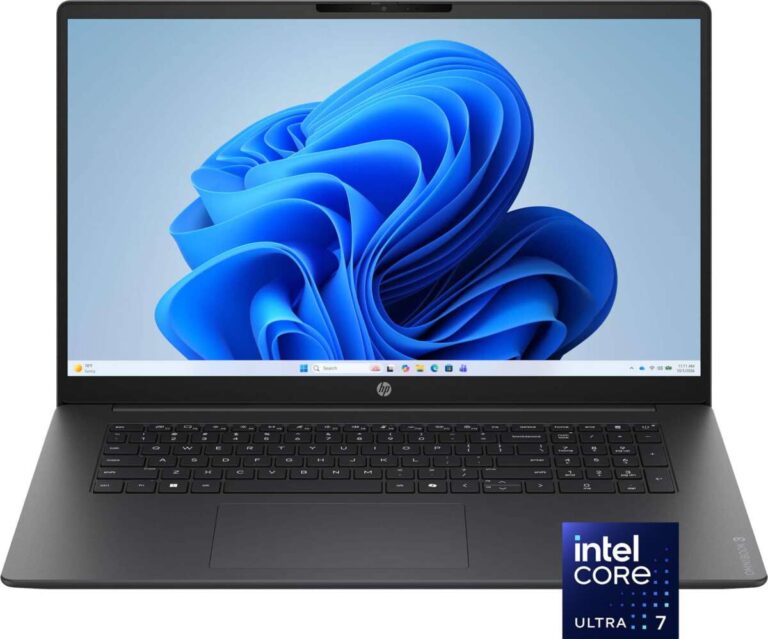
For shoppers in the United States, the main difference between Arm and x86 laptops is how their processors run software. Arm laptops usually use less power and offer long battery life, while x86 laptops offer broader support for older Windows apps, games, and hardware.
Arm laptops include Apple MacBooks with Apple silicon, Windows laptops with Qualcomm Snapdragon chips, and some Chromebook models. x86 laptops use processors from Intel or AMD and run most traditional Windows programs without translation.
The right choice depends on your apps, battery needs, gaming plans, and tolerance for compatibility limits.


Arm and x86: The quick comparison
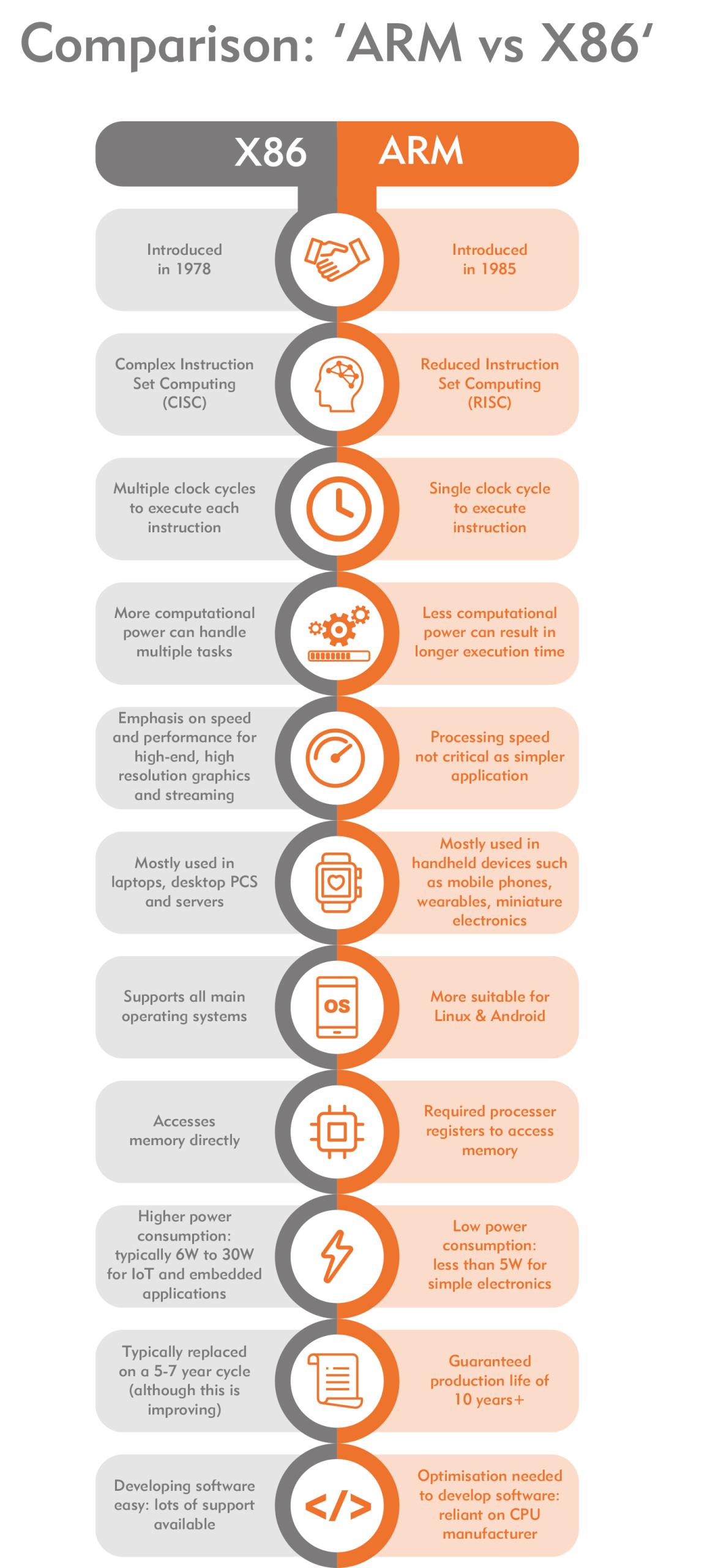
| Feature | Arm laptops | x86 laptops |
|---|---|---|
| Common processors | Apple M-series, Qualcomm Snapdragon, MediaTek chips | Intel Core, AMD Ryzen |
| Main strength | Low power use and long battery life | Broad software and hardware support |
| Windows app support | Many native apps; some x86 apps run through emulation | Most Windows apps run natively |
| Battery life | Often very strong, but varies by model | Ranges from modest to very good |
| Fan noise | Often silent or quiet | Can be quiet, but high-power models need fans |
| Gaming | Good for supported games; compatibility varies | Best overall support for PC games |
| Professional software | Strong on macOS; improving on Windows Arm | Widest support on Windows |
| Cellular internet | More common on some Arm models | Available, but less common |
| Upgrade options | Usually limited | Also limited in thin laptops; better in some business models |
| Best for | Travel, school, web work, office tasks, macOS users | Compatibility, gaming, specialized Windows software |
This table describes broad platform behavior. A specific laptop can change the result. A well-designed x86 laptop may last longer than a poorly tuned Arm model, and an Arm laptop may run some tasks faster than a cheaper x86 laptop.
What is an Arm laptop?
An Arm laptop uses a processor based on the Arm instruction set architecture, or ISA. An ISA is the basic set of commands that software sends to a processor.
Arm chips are common in phones and tablets because they can deliver useful performance with low power use. Laptop versions add more CPU cores, stronger graphics, larger memory systems, and features such as video encoding and artificial intelligence acceleration.
Apple uses Arm-based Apple silicon in current Mac computers. Qualcomm makes Arm chips for Windows laptops, including Snapdragon X processors. Microsoft documents this platform as Windows on Arm, while Apple supports macOS on its own Arm-based chips.
Arm laptops often use a system-on-a-chip, or SoC. An SoC places several parts on one package, such as:
- CPU cores
- Graphics processing
- Memory controllers
- Video encoders and decoders
- Security hardware
- Neural or AI acceleration
This design can reduce power use and improve communication between parts. It can also make upgrades harder because memory and storage may be built into the system or difficult to replace.


What does “Arm” mean in a MacBook?
A MacBook with an Apple M-series chip is an Arm laptop. macOS is built to run directly on Apple silicon, so most current Mac apps run natively.
Apple also includes Rosetta 2, which translates many older Intel Mac apps for Apple silicon. This lets users run much older software, but translated apps may not match native apps in speed, battery use, or compatibility.
Rosetta 2 does not make every old tool work. Low-level system extensions, older drivers, and some virtualization tools may need updates from their developers.
What is an x86 laptop?
An x86 laptop uses the x86 instruction set family. Intel and AMD make the processors found in most Windows laptops, and both companies support the modern 64-bit version often called x86-64 or x64.
x86 has been used in personal computers for decades. That long history gives it a major advantage: software makers, game studios, accessory companies, and business IT teams have had many years to support it.
Most Windows programs made for Intel or AMD processors run natively on an x86 laptop. This includes many older desktop applications, plug-ins, drivers, utilities, and games.
x86 processors can use more power than Arm chips, especially in high-performance laptops. However, modern Intel Core Ultra and AMD Ryzen processors can be very efficient. Processor design, screen brightness, battery size, cooling, and software settings often matter as much as the instruction set.
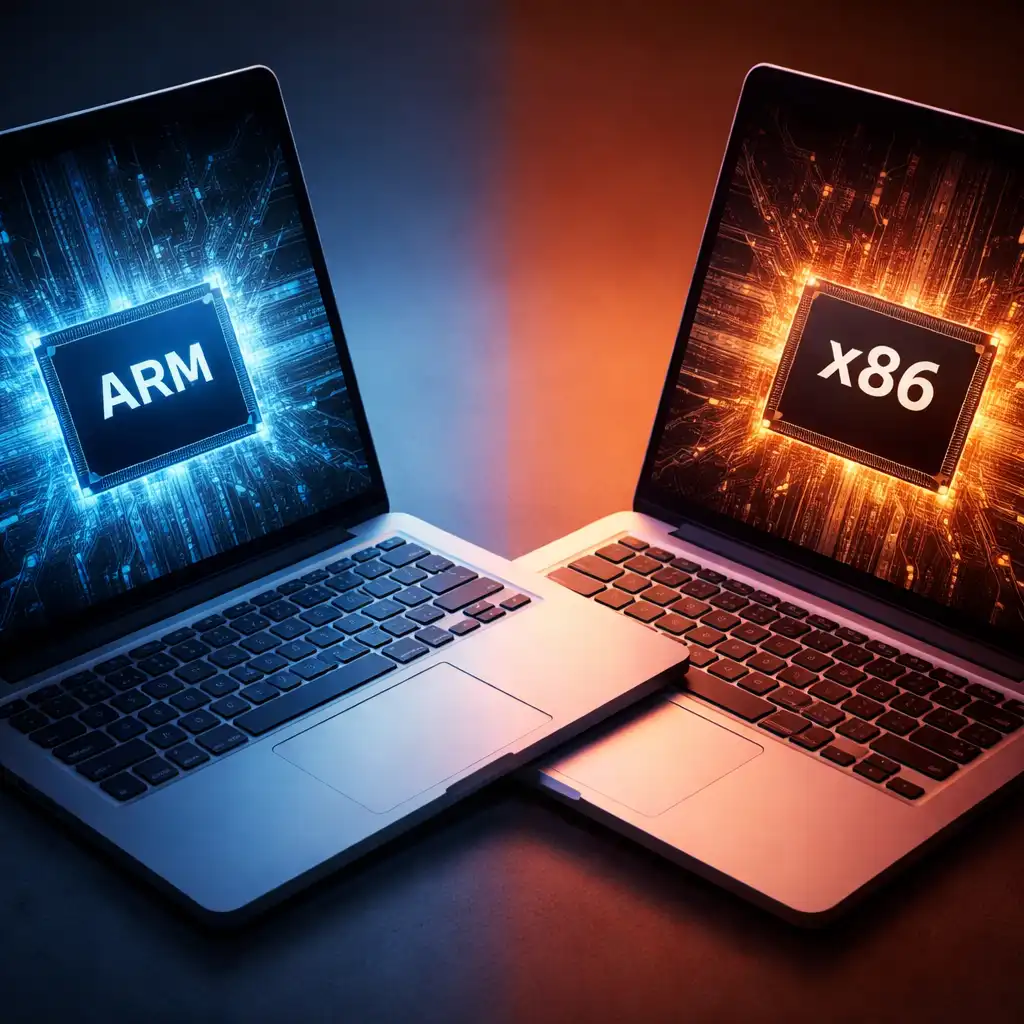
The biggest difference is software compatibility
For many buyers, software compatibility matters more than the processor name.
On an x86 Windows laptop, a traditional x86 or x64 Windows program normally runs directly on the processor. On a Windows Arm laptop, the same program may be:
- Compiled for Arm and run natively.
- Translated from x86 or x64 code while it runs.
- Unable to run because it needs unsupported drivers or system components.
Windows 11 on Arm includes emulation for many x86 and x64 applications. Microsoft has also introduced the Prism translation system to improve the experience on newer Windows Arm devices. Emulation is much better than it once was, but it is not the same as native support.
Apps that usually work well on Arm
Arm laptops are often a good fit for:
- Web browsers
- Microsoft 365
- Email and messaging apps
- Video calls
- Streaming services
- Cloud-based work tools
- Common photo and video apps with native Arm versions
- Modern development tools that support Arm
- School and office software
The best result comes when the app has a native Arm build. Native software avoids translation and may use less battery.
Apps that may need checking
Check carefully before buying if you use:


- Older accounting or business software
- Specialized engineering programs
- Professional audio tools
- Older printer or scanner software
- Virtual private network clients
- Antivirus or endpoint security tools
- Hardware control panels
- Custom workplace software
- Older game launchers
- Programs that install kernel-level drivers
A normal application may run through emulation, while its driver does not. This is a common source of trouble. A printer may work as a basic printer but lose scanning or advanced features if the maker does not provide an Arm-compatible driver.
Microsoft maintains guidance for app compatibility on Windows on Arm. The software maker remains the best source for a specific program.

Arm versus x86 performance
Neither architecture is always faster. Performance depends on the processor model, cooling system, memory, app design, and workload.
An Arm laptop may feel fast during web browsing, document work, video calls, and media playback. Its low power use can also help it maintain performance without generating much heat.
An x86 laptop may be faster for software that is highly optimized for Intel or AMD processors. It also avoids the translation cost that an Arm laptop may face with older x86 programs.
Native performance versus translated performance
A native Arm app speaks the processor’s language directly. A translated x86 app needs an extra software layer to convert instructions.
That translation can cause:
- Lower performance in some tasks
- Higher battery use
- More heat
- Longer app startup times
- Problems with plug-ins or add-ons
The effect varies widely. A well-optimized translation layer may handle an ordinary office app with little visible trouble. A demanding engineering program or game may show a larger loss.
Do not assume that an Arm laptop is slow because it uses emulation. Do not assume it is fast simply because it uses Arm. Check reviews or tests for the exact laptop and the exact app.
CPU speed is not the whole story
A processor can have a high benchmark score and still feel wrong for your work. For example:
- A student may value long battery life and instant wake more than rendering speed.
- A video editor may need native support for a particular plug-in.
- A gamer may care more about graphics drivers than CPU performance.
- A business user may need a VPN client that only supports x86.
The useful question is not “Which architecture is faster?” It is “Which architecture runs my workload well, with fewer compromises?”
Battery life, heat, and fan noise
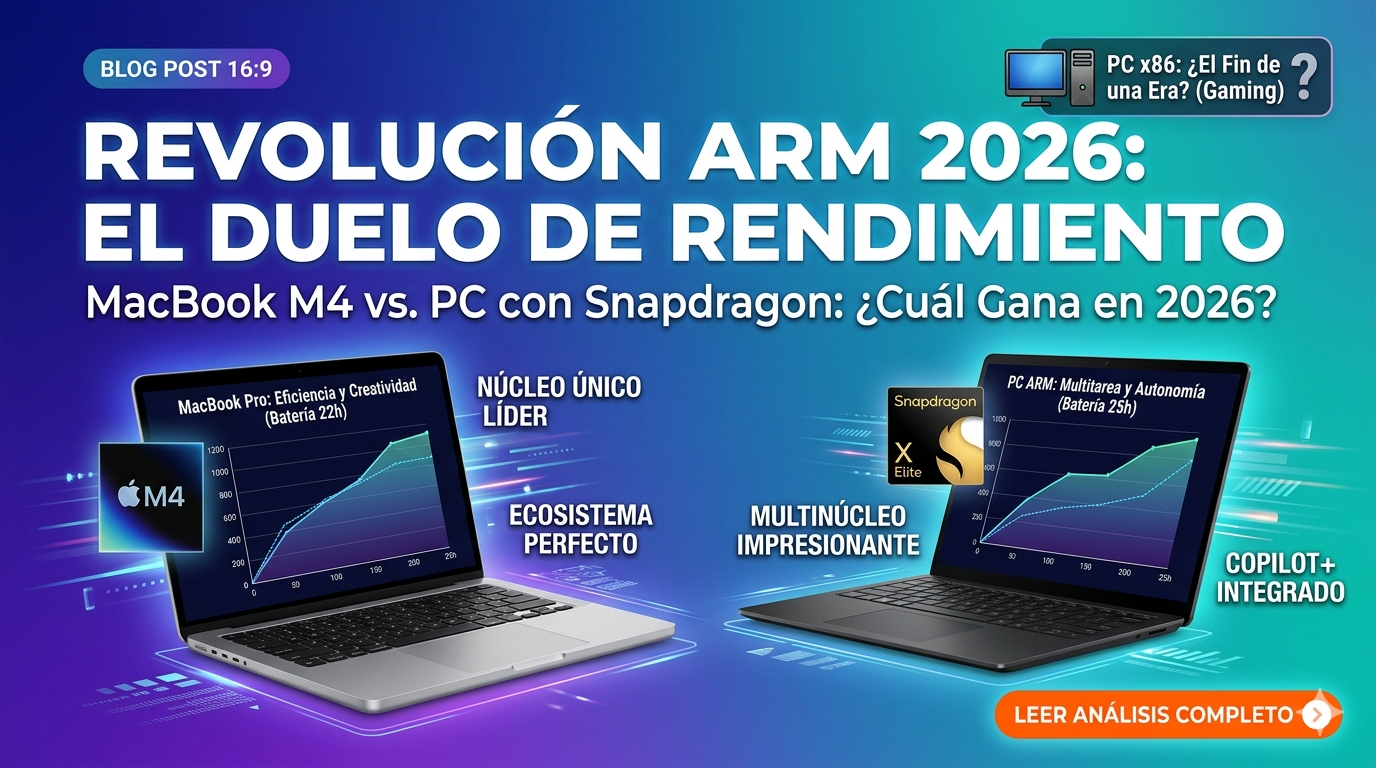
Arm laptops often have an advantage in battery efficiency. This comes from the chip design, power management, integrated components, and the type of work being done.
That advantage is not guaranteed. A bright high-resolution screen, a small battery, weak cooling, poor software support, or constant background activity can reduce battery life on any laptop.


An Arm laptop may be especially efficient for:
- Reading and writing
- Web browsing
- Video playback
- Light coding
- Video calls
- Cloud applications
Heavy work can narrow the gap. Compiling code, exporting video, running virtual machines, or playing demanding games places much more load on the processor and graphics system.
Battery tests should be compared only when the conditions are similar. Screen brightness, browser choice, wireless settings, battery size, and test workload can change the result.
Gaming on Arm and x86 laptops
x86 remains the safer choice for PC gaming because Windows games, anti-cheat systems, graphics drivers, and game tools have long been built for Intel and AMD systems.
An Arm Windows laptop can still play games, but support varies. A game may fail because of:
- x86-only code
- An unsupported anti-cheat driver
- Missing Arm graphics support
- An incompatible launcher
- Poor performance after translation
- A game engine that expects a traditional PC environment
Cloud gaming can reduce some of these limits because the game runs on a remote server. Local gaming still depends on the laptop’s processor, graphics hardware, drivers, and operating system.
Apple silicon MacBooks are also capable gaming machines for selected Mac-native games. However, macOS has a smaller game library than Windows, and Windows game compatibility tools do not guarantee that every title will work.
Choose x86 if gaming is a central reason for buying the laptop. Choose Arm only after checking each important game and its anti-cheat requirements.

Arm and x86 for work, school, and creative tasks
Office and school work
Arm is usually a strong fit for common school and office tasks. Browsers, documents, spreadsheets, presentations, email, and video calls often work well, especially when the apps have native Arm versions.
An x86 laptop is the safer choice if a school or employer requires a specific older app. Ask the school or IT department before buying. A web version may not provide every function found in the desktop version.
Programming and development
Both platforms can work well for programmers.
Arm may be attractive for developers who build for mobile, web, Linux, or modern cross-platform systems. Many development tools now support Arm, and cloud development can reduce local compatibility concerns.
x86 may be easier for developers who need:
- Older development tools
- x86-only containers
- Legacy virtual machines
- Specialized hardware tools
- Older game engines
- Proprietary enterprise software
Container images and virtual machines must support the processor architecture. Many tools can use emulation, but builds may run more slowly or behave differently.


Photo and video editing
Arm laptops can perform very well in photo and video work when the application and media tools are native. Apple silicon systems are popular in this area because the chips combine CPU, GPU, media engines, and shared memory.
The deciding factor is often the plug-in list. Confirm support for your camera files, effects, fonts, audio tools, external displays, and third-party plug-ins.
x86 laptops provide a broader range of Windows creative software and hardware support. They may also offer more choices for dedicated graphics processors.

Ports, accessories, repairs, and upgrades
The processor architecture does not decide every hardware feature, but it can affect driver support.
Before buying, check compatibility for:
- Printers and scanners
- USB audio devices
- Docking stations
- External monitors
- Drawing tablets
- Cameras
- Security keys
- Specialized lab equipment
- Virtual private network hardware
- Older Wi-Fi adapters
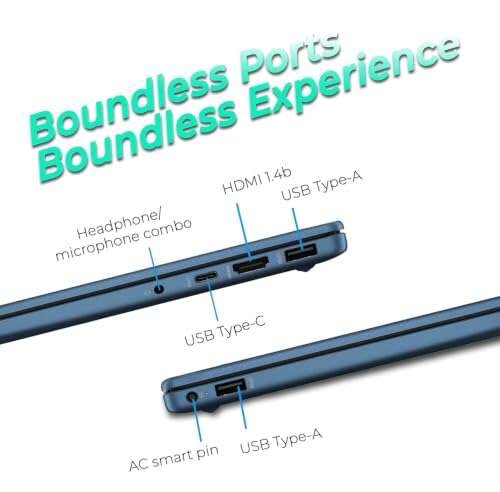
Thin Arm and x86 laptops often have soldered memory and storage. Neither architecture guarantees easy upgrades. Some larger x86 laptops and business models provide better access to storage or memory, but you must check the exact model.
A repair shop may also have more experience with common x86 Windows laptops. Apple silicon MacBooks and many Arm Windows laptops use tightly integrated parts, which can limit component replacement.
Think of the processor as the engine, but treat drivers and ports as the road system. A powerful engine is not useful if your key accessory cannot connect.
Which laptop should you buy?
Use this decision guide:
Choose an Arm laptop if you:
- Want long battery life and low heat.
- Mainly use a web browser, office apps, or streaming services.
- Prefer macOS and are buying a current MacBook.
- Use software with a native Arm version.
- Travel often and value quiet operation.
- Do not depend on old drivers or specialized Windows programs.
- Want built-in cellular connectivity on models that offer it.
Choose an x86 laptop if you:
- Need the widest Windows app support.
- Play many PC games.
- Use older business or professional software.
- Depend on specialized drivers or accessories.
- Run x86 virtual machines or development tools.
- Need a wide choice of dedicated graphics hardware.
- Want to reduce compatibility risk.
A simple buying check
Before ordering, write down:
- The five apps you use most.
- Any games you play.
- Every printer, dock, monitor, and accessory you connect.
- Any VPN, security, engineering, audio, or accounting tool you need.
- Whether your work requires Windows, macOS, or a specific version.
Then check each item on the software or hardware maker’s support page. Do not rely only on the phrase “runs on Windows.” Confirm whether the app supports Windows on Arm and whether its drivers work on Arm.

Common mistakes to avoid
Mistake 1: Treating Arm as a brand
Arm is not a laptop brand. It is a processor architecture. Apple, Qualcomm, MediaTek, and other companies make Arm-based chips or systems.
Mistake 2: Assuming all Arm laptops have the same compatibility
An Apple silicon MacBook runs macOS. A Snapdragon Windows laptop runs Windows on Arm. Their apps, drivers, and translation systems are different.
Mistake 3: Comparing chip families instead of laptop models
A processor does not operate alone. Cooling, RAM, storage, screen, battery size, and software tuning all affect the experience.
Mistake 4: Ignoring drivers
An app may run while a connected device does not. Check drivers for printers, scanners, security tools, audio interfaces, and specialized hardware.
Mistake 5: Using battery claims without checking the test
Manufacturers and reviewers may use different brightness levels, apps, network settings, and battery modes. Treat battery life as a model-specific result, not a guaranteed architecture-wide number.

Frequently asked questions
Is Arm better than x86 for laptops?
Neither is always better. Arm often offers strong efficiency and battery life. x86 offers broader compatibility, especially for Windows software, games, and older hardware.
Can an Arm laptop run Windows programs?
Many can. Native Arm apps run directly, while many x86 and x64 apps run through Windows emulation. Apps that require unsupported drivers or system components may not work correctly.
Are Arm laptops good for college students?
They can be a good choice for browsing, writing, research, video calls, and common office work. Students should check course requirements first, especially for engineering, science, computer-aided design, business, and testing software.
Can Arm laptops run Steam games?
Some can, but the result depends on the operating system, game, launcher, graphics support, and anti-cheat system. x86 Windows laptops remain the safer choice for a large PC game library.
Is Apple silicon Arm or x86?
Apple silicon, including the M1, M2, M3, and M4 families, uses the Arm instruction set. Older Intel-based Mac computers use x86-64 processors.
Can I install any operating system on an Arm laptop?
No. Operating system support depends on the laptop maker, firmware, drivers, and processor platform. A version made for x86 cannot automatically run natively on Arm.
Conclusion
The difference between Arm and x86 laptops comes down to efficiency versus compatibility, although the gap is not absolute.
Arm is often the better fit for travel, office work, school tasks, streaming, and users who want quiet laptops with long battery life. x86 is usually the safer choice for Windows compatibility, PC gaming, older software, special accessories, and demanding professional tools.
For a confident purchase, start with your required apps and devices. Then check the exact laptop model, operating system, and driver support. The best architecture is the one that runs your daily work without forcing costly compromises.

Everett Ashford is a tech reviewer at mytechgrid.com specializing in SSDs, cameras, TVs, earbuds, headphones, and other consumer electronics. He provides honest, data-driven reviews based on hands-on testing and real-world performance analysis. Everett simplifies complex tech details to help readers make smart, confident buying decisions.