
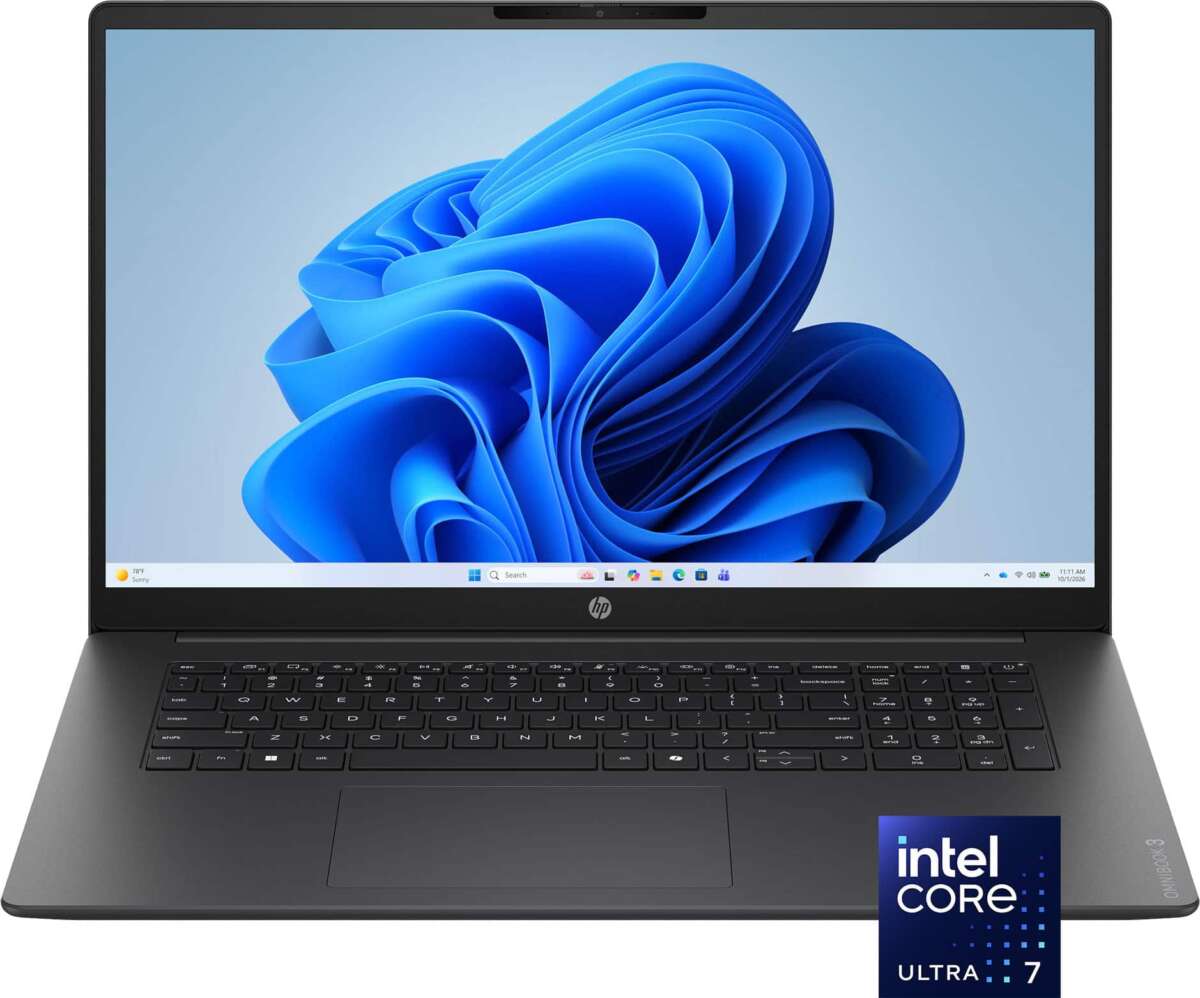
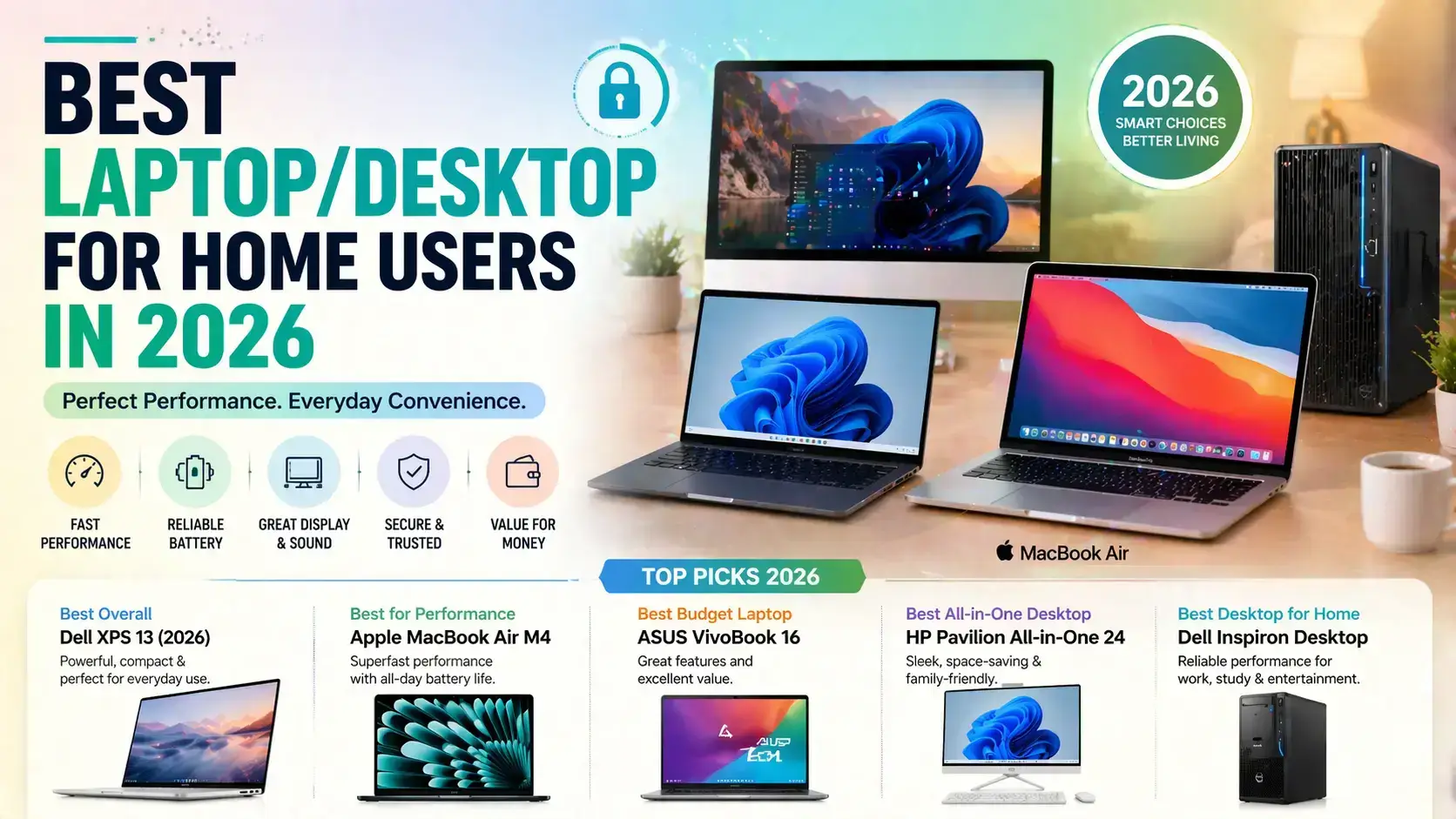
The best laptop for home use is the MacBook Air M4 for most everyday users.
Choosing the best laptop for home use depends on how you spend your time. Web browsing, video calls, schoolwork, streaming, photo editing, and light gaming all need different levels of power. After comparing performance, battery life, comfort, software, ports, price, and long-term value, this guide will help you choose with confidence.
What makes a laptop good for home use?
The best laptop for home use should feel simple, fast, and comfortable every day. It should wake quickly, handle many browser tabs, support clear video calls, and last through a normal work or study session without constant charging.
Home users often need one computer for many tasks. You may check email in the morning, join a Zoom call at lunch, stream a movie at night, and edit family photos on the weekend. A good laptop should handle this mix without feeling slow or fragile.
Look for these key features:
- A modern processor, such as an Apple M-series chip, Intel Core Ultra chip, or AMD Ryzen 5 processor
- At least 8GB of memory, with 16GB preferred for better multitasking
- A 512GB solid-state drive for faster startup and useful storage
- A Full HD display or sharper screen
- A comfortable keyboard and precise trackpad
- Reliable Wi-Fi 6 or Wi-Fi 7 support
- A battery that can last through several hours of normal use
- A webcam with clear image quality for calls
- A weight that feels comfortable to carry around the house
Screen quality also matters more than many buyers expect. A bright display with good viewing angles makes reading, watching videos, and working near a window much easier. A 14-inch laptop is often the best balance between screen space and portability.
The best laptops for home use
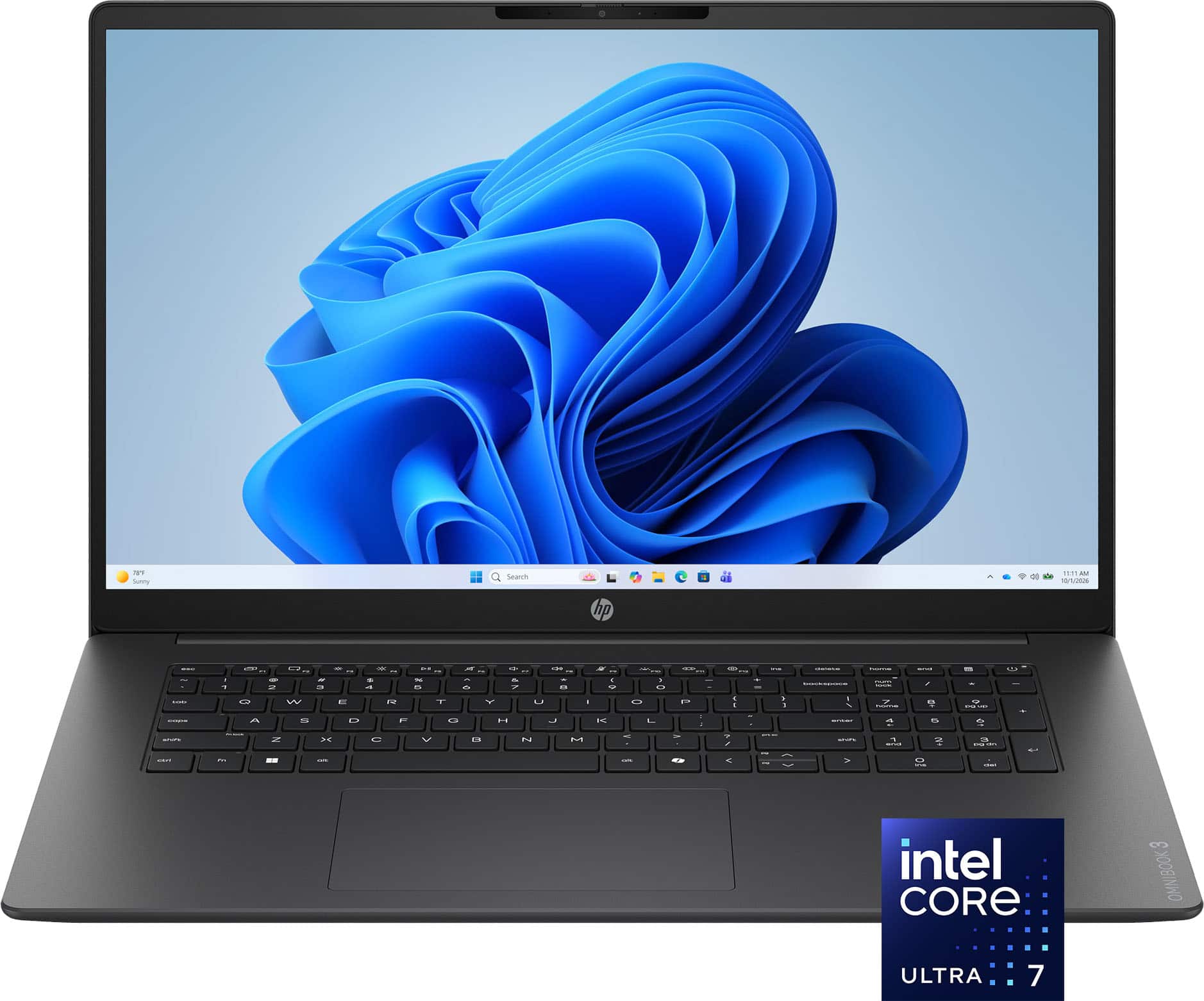
There is no single model that suits every household. The best laptop for home use for one person may be too expensive, too large, or too limited for another. These are the strongest choices for common needs.
Apple MacBook Air M4: Best overall
The MacBook Air M4 is an excellent choice for most home users. It is fast, quiet, light, and easy to use. The fanless design means it runs silently during everyday tasks such as browsing, writing, streaming, and video calls.
Its strengths include:
- Strong performance for work, school, and creative tasks
- Excellent battery life
- A sharp and bright display
- A high-quality keyboard and trackpad
- A slim and light design
- Long software support
- Strong performance for photo and video editing
The main limitation is macOS. Some Windows-only programs, older games, and specialist work tools may not run well without extra software. The MacBook Air also has fewer built-in ports than many Windows laptops.
For people already using an iPhone, iPad, or Apple Watch, the MacBook Air becomes even more useful. Features such as AirDrop, iCloud, and easy device sharing can make home computing feel smooth and connected.
Lenovo IdeaPad Slim 5: Best value
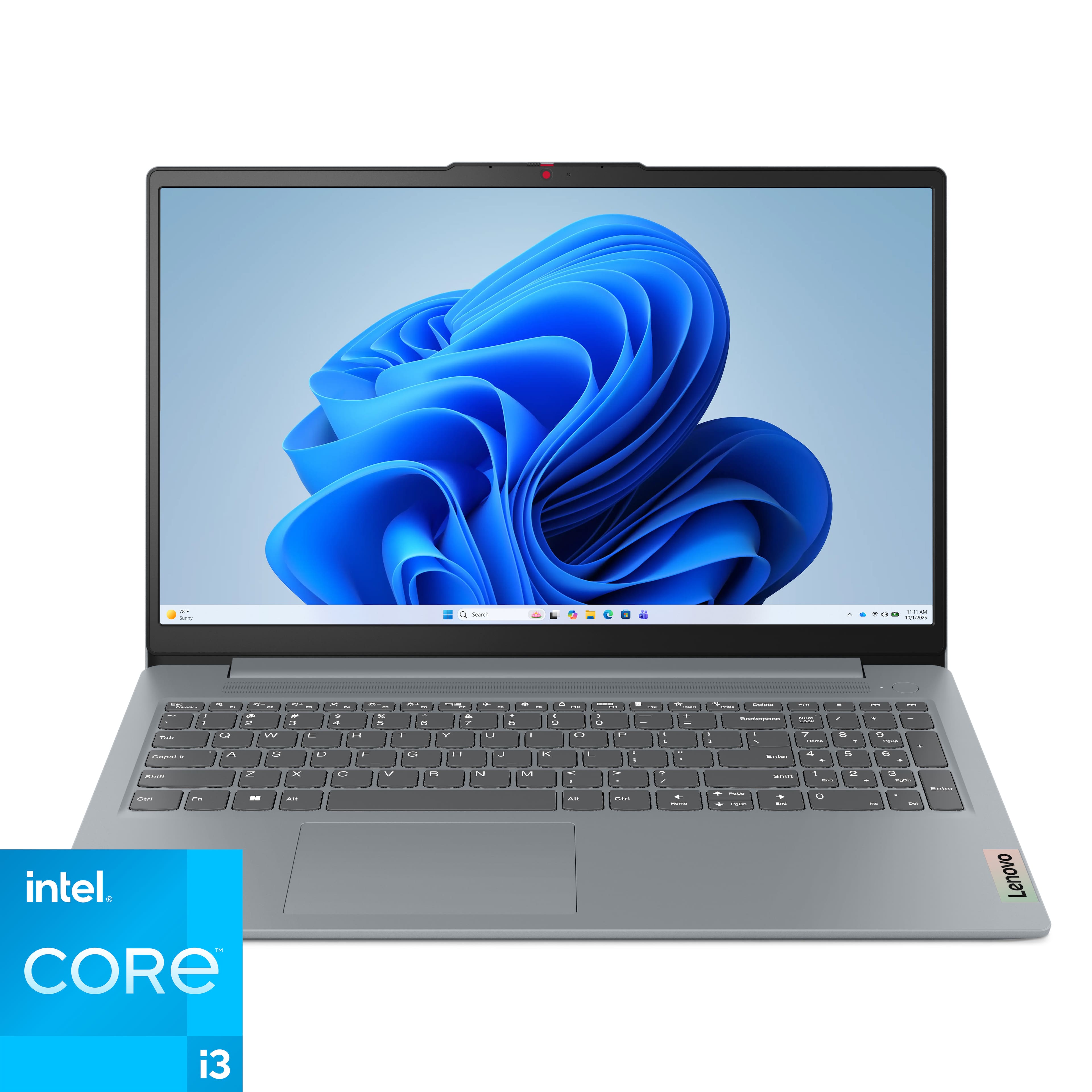
The Lenovo IdeaPad Slim 5 is often a strong value choice for home users. Depending on the configuration, it can include a modern AMD Ryzen or Intel processor, enough memory for daily tasks, and a comfortable keyboard.
It is a good fit for:
- Web browsing
- Microsoft Office
- Online learning
- Video calls
- Streaming
- Basic photo editing
- Household budgeting
- General family use
The display quality can vary between versions, so check the exact model before buying. Choose a configuration with 16GB of memory and a 512GB SSD when possible.
ASUS Zenbook 14 OLED: Best Windows option
The ASUS Zenbook 14 OLED is a polished Windows laptop for people who want a premium screen and portable design. Its OLED display can make movies, photos, and text look rich and sharp.
It is especially appealing to users who want:
- A compact design
- A high-quality display
- Good performance for office work
- A comfortable keyboard
- A modern Windows experience
- Easy connection to common accessories
OLED screens can use more power when showing bright content, and some users may prefer a traditional LCD for long office sessions. Still, the Zenbook 14 OLED is one of the best laptop for home use choices for people who value screen quality.
Microsoft Surface Laptop: Best for simple Windows use
The Microsoft Surface Laptop offers a clean design, a sharp screen, and a comfortable keyboard. It is a good option for users who want a refined Windows experience without a bulky body.
It works well for:
- Documents
- Browsing
- Video calls
- Streaming
- Schoolwork
- Light creative work
Before buying, check whether the processor version supports every program you use. Some newer Windows laptops use ARM-based chips, which can have compatibility limits with older applications, drivers, or specialized tools.
Acer Aspire 5: Best affordable choice
The Acer Aspire 5 is a practical option for buyers on a tighter budget. It may not feel as premium as a MacBook Air or Surface Laptop, but it can handle common home tasks when configured correctly.
Look for:
- An Intel Core i5, Core Ultra 5, or AMD Ryzen 5 processor
- At least 8GB of memory
- A 512GB SSD
- A Full HD screen
- A backlit keyboard if you work at night
Avoid very cheap models with only 4GB of memory or 64GB of storage. They may seem affordable at first, but they can become frustrating after a few months.
Which laptop is best for different home users?
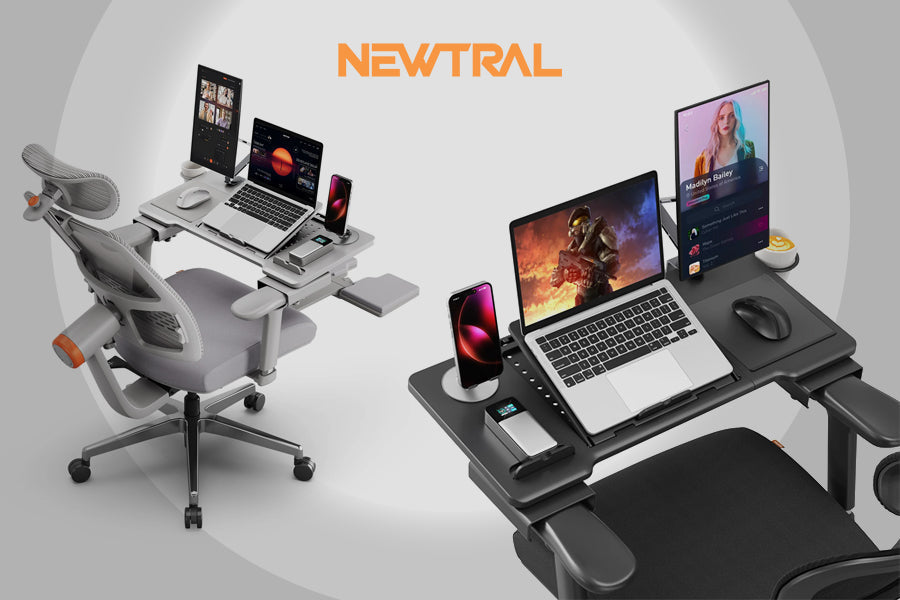
The best laptop for home use changes based on your daily habits. Start with your real tasks, not just the brand name or the lowest sale price.
Best laptop for browsing and streaming
For web browsing, Netflix, YouTube, email, and social media, you do not need a high-end laptop. A modern Core i3, Ryzen 3, Apple M-series, or similar processor should be enough.
A good basic setup includes:
- 8GB of memory
- A 256GB or 512GB SSD
- A Full HD screen
- A reliable webcam
- Wi-Fi 6 support
Choose 16GB of memory if you keep many browser tabs open. Browser tabs can use more memory than expected, especially when they include video, music, or web apps.
Best laptop for remote work
Remote work requires more than basic speed. Look for a comfortable keyboard, a clear webcam, strong Wi-Fi, and a battery that can support long meetings.
The best laptop for home use for remote work should also have:
- A good microphone
- A bright screen
- A USB-C port
- A stable wireless connection
- Enough power for video calls and office apps
- A design that stays comfortable during long sessions
A laptop stand and external keyboard can also improve comfort. The built-in webcam may be fine for casual calls, but an external webcam can help if you meet clients or coworkers often.
Best laptop for students
Students need a laptop that is easy to carry and dependable. Battery life, keyboard comfort, and durability often matter more than extreme performance.
A student-friendly laptop should have:
- 16GB of memory when possible
- At least 512GB of storage
- A 13-inch, 14-inch, or light 15-inch design
- Good battery life
- A strong hinge
- A comfortable keyboard
- Support for school websites and required software
Chromebooks can work well for students who mainly use browser-based tools. However, Windows or macOS may be a better choice if the student needs full desktop apps for engineering, design, coding, or advanced research.
Best laptop for older adults
For older adults, ease of use is often the most important feature. A bright 15-inch screen, clear speakers, a simple login process, and a comfortable keyboard can make a major difference.
Choose a laptop with:
- Large, clear text options
- A bright screen
- Strong Wi-Fi
- Good speakers
- Simple security features
- A dependable support system
Avoid very small screens if the user has trouble reading text. A slightly larger laptop can be easier to use, even if it is not as portable.
Best laptop for light gaming
Light gaming needs more graphics power than office work. Look for a modern processor with strong integrated graphics or a dedicated graphics card.
Games such as Minecraft, The Sims, indie titles, and many older games can run well on midrange laptops. Newer, demanding games may require a dedicated graphics processor, better cooling, and a larger power adapter.
Gaming laptops can be noisy and heavy. They are not always the best laptop for home use if you mainly browse, work, and stream video.
How much should you spend on a home laptop?
The right budget depends on how long you want the laptop to last and what you need it to do. A very cheap laptop can work for basic tasks, but low-cost hardware often has weaker screens, slower storage, and less memory.
Under $500
This range can cover simple browsing, streaming, email, and schoolwork. Focus on finding an SSD, at least 8GB of memory, and a modern processor.
Be careful with models that include:
- 4GB of memory
- 64GB of storage
- Very old processors
- Low-resolution screens
- Slow eMMC storage
$500 to $900
This is the best value range for many families. You can often find a laptop with 16GB of memory, a 512GB SSD, a better display, and stronger build quality.
For many buyers, this range offers the best balance between price and useful life. A well-chosen midrange laptop can serve for several years without feeling outdated.
$900 to $1,500
This range includes premium Windows laptops, MacBook Air models, better displays, and stronger processors. It makes sense for professionals, creators, and users who want a lighter design with better materials.
Over $1,500
High-end laptops are useful for serious video editing, 3D work, software development, gaming, and professional design. For normal home use, spending this much is usually unnecessary unless you have a specific performance need.

Important laptop specifications explained
Laptop specifications can sound like a foreign language. The key is to understand how each part affects daily use.
Processor
The processor handles instructions and runs programs. Newer processors generally offer better speed and efficiency.
For home use, consider:
- Apple M-series chips for macOS
- Intel Core Ultra 5 or better
- AMD Ryzen 5 or better
- Intel Core i5 from a recent generation
Do not judge a laptop by processor name alone. The generation, cooling system, memory, and software also affect real-world performance.
Memory
Memory, often called RAM, helps the laptop manage open apps. More memory is useful when you switch between documents, browser tabs, video calls, and music.
Choose:
- 8GB for basic tasks
- 16GB for comfortable everyday multitasking
- 32GB for advanced creative work and heavy professional use
For the best laptop for home use, 16GB is the safest choice if your budget allows it.
Storage
An SSD makes a laptop start faster and open apps more quickly than an older hard drive. It also has no moving parts, which makes it quieter and more resistant to bumps.
Choose:
- 256GB for basic use
- 512GB for most people
- 1TB for large photo, video, and game libraries
Cloud storage helps, but it should not replace local storage completely. Internet access may not always be available, and cloud plans can add monthly costs.
Display
A Full HD display is the minimum sensible choice for most buyers. A higher-resolution screen can make photos and text look sharper, but it may cost more and use more battery.
Consider:
- A 13-inch or 14-inch screen for portability
- A 15-inch or 16-inch screen for comfort
- An IPS display for balanced quality
- An OLED display for rich contrast and deep blacks
- A matte finish to reduce reflections
Ports
Ports matter when you connect a monitor, printer, external drive, camera, or wired network adapter.
Useful ports include:
- USB-C
- USB-A
- HDMI
- Headphone jack
- SD or microSD card slot
Some thin laptops remove older ports. That is not always a problem, but you may need a USB-C hub.
Windows, macOS, or ChromeOS?
The operating system affects how a laptop works, what programs it supports, and how easy it is to connect other devices.
Windows
Windows offers the widest choice of laptops and software. It is a strong option for home users who need Microsoft Office, PC games, business tools, printers, or specialist programs.
Windows laptops also come in many sizes and prices. The tradeoff is that quality varies widely, so you must check the exact specifications.
macOS
macOS is known for a clean interface, strong security features, and smooth integration with Apple devices. The MacBook Air is often the best laptop for home use for people who value quiet operation, long battery life, and simple everyday performance.
The main limitation is software compatibility. Check your important programs before switching from Windows.
ChromeOS
ChromeOS is simple, secure, and built around web apps. Chromebooks can be excellent for email, browsing, schoolwork, and streaming.
They may not suit users who need full desktop versions of Adobe apps, advanced games, engineering tools, or professional software. Always confirm what your school or workplace requires.
Mistakes to avoid when buying a home laptop
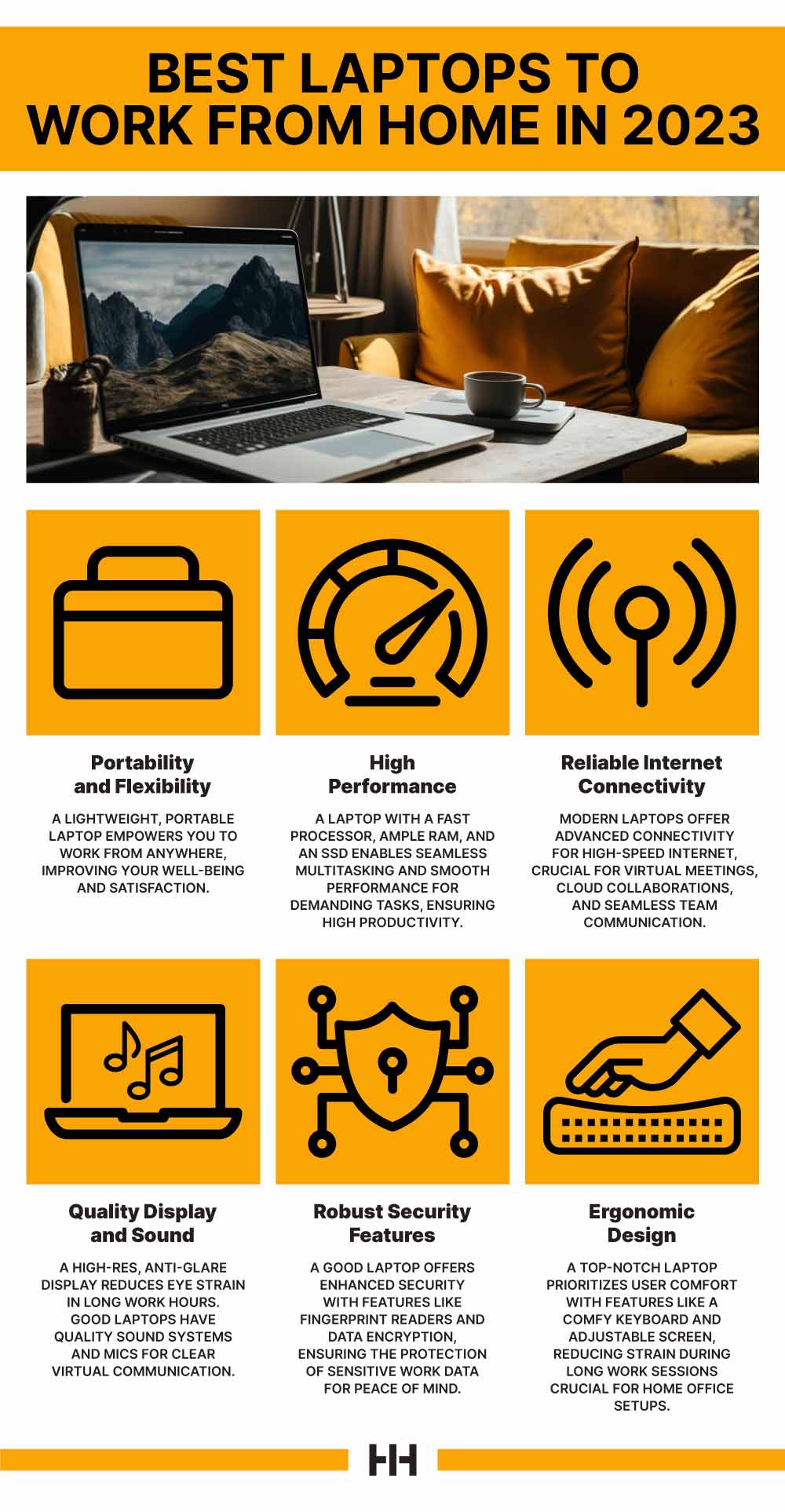
A laptop can look like a bargain and still become expensive if it does not meet your needs. Avoid these common mistakes.
Buying based only on price
The cheapest model may have weak storage, little memory, and a poor display. Compare the full specification, not just the sale sticker.
Ignoring the keyboard and trackpad
You may use the keyboard and trackpad for thousands of hours. A laptop with a beautiful design can still feel unpleasant if the keys are cramped or the trackpad is unreliable.
Choosing too little memory
Eight gigabytes can work, but 16GB gives you more room for the future. This is especially important if you keep many browser tabs open.
Forgetting software compatibility
Before buying a MacBook or ARM-based Windows laptop, confirm that your printer, work tools, games, and school apps will run correctly.
Paying for power you do not need
A powerful gaming laptop can be expensive, heavy, and noisy. If you only browse and stream, a quiet ultrabook is usually a better fit.
Overlooking support and warranty
A good warranty can reduce stress when something goes wrong. Check the return period, repair options, and customer support before placing an order.

Practical setup tips for a home laptop
The best laptop for home use becomes even better with a few simple habits.
Improve comfort
Place the top of the screen near eye level. If you use the laptop for many hours, connect an external keyboard and mouse. This helps reduce neck and wrist strain.
Protect your files
Use automatic backups for important documents and photos. A cloud backup plus an external drive gives you better protection than keeping one copy on the laptop.
Improve security
Use a strong password or passkey. Turn on automatic updates and built-in security tools. Avoid downloading unknown programs from unofficial websites.
Keep the laptop cool
Do not use the laptop on a bed or soft blanket for long periods. Soft surfaces can block air vents. A hard desk or laptop stand helps the system stay cool.
Extend battery life
Lower screen brightness when practical. Close apps you do not need, keep software updated, and use battery-saving mode when away from a charger.
In helping people choose laptops, one lesson appears again and again: buyers often focus on processor speed and forget comfort. A laptop that is slightly slower but has a better screen, keyboard, and battery can be much more enjoyable for daily home use.

Frequently Asked Questions About the Best Laptop for Home Use
What is the best laptop for home use overall?
The MacBook Air M4 is one of the best overall choices for many people because it is fast, quiet, portable, and energy efficient. A Windows laptop such as the ASUS Zenbook 14 OLED or Lenovo IdeaPad Slim 5 may be better if you need Windows-only software.
Is 8GB of RAM enough for a home laptop?
Eight gigabytes is enough for browsing, email, streaming, and light office work. Choose 16GB if you use many browser tabs, edit photos, attend frequent video calls, or want the laptop to remain comfortable for several years.
What screen size is best for home use?
A 14-inch screen is the best balance for most people because it offers useful space without adding much weight. Choose 15 or 16 inches if you work mainly at a desk or prefer larger text.
Is a Chromebook good for home use?
A Chromebook is good for web browsing, streaming, email, online documents, and many school tasks. It may not be suitable if you need desktop software, advanced games, or professional programs that require Windows or macOS.
How much storage does a home laptop need?
A 512GB SSD is a good target for most home users. A 256GB SSD can work for basic tasks, while 1TB is better for large photo, video, and game collections.
Should I buy a laptop or a desktop for home use?
A laptop is better if you want flexibility, portability, and a built-in screen and battery. A desktop can offer more power, easier upgrades, and a larger display for the same budget, but it stays in one place.
How long should the best laptop for home use last?
A good midrange laptop can remain useful for about four to seven years, depending on its hardware, care, and software needs. Models with 16GB of memory, an SSD, and strong manufacturer support usually age more comfortably.
Conclusion
The best laptop for home use should match your real daily tasks, not just a flashy specification sheet. For many people, the MacBook Air M4 offers the best mix of speed, battery life, quiet operation, and ease of use. Strong Windows alternatives include the ASUS Zenbook 14 OLED, Lenovo IdeaPad Slim 5, Microsoft Surface Laptop, and Acer Aspire 5.
Before buying, prioritize 16GB of memory, a 512GB SSD, a comfortable keyboard, a clear display, and software compatibility. Compare the exact configuration, check the warranty, and choose a laptop that feels pleasant to use every day. Explore current models carefully, then share your experience or questions in the comments.

Everett Ashford is a tech reviewer at mytechgrid.com specializing in SSDs, cameras, TVs, earbuds, headphones, and other consumer electronics. He provides honest, data-driven reviews based on hands-on testing and real-world performance analysis. Everett simplifies complex tech details to help readers make smart, confident buying decisions.


