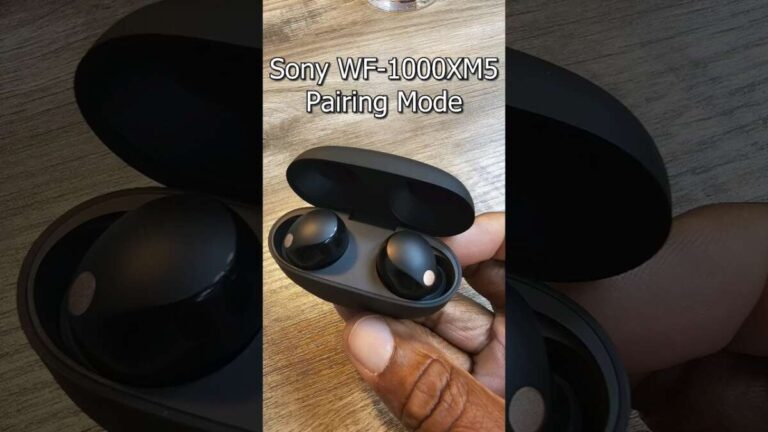
Hold a power or Bluetooth button until the LED flashes and the voice prompt says “Ready to pair.”
I’ve spent years setting up and troubleshooting Bose earbuds for friends, family, and clients. This guide explains exactly how to put Bose earbuds in pairing mode for the most common models, what the lights and voice prompts mean, how to use the Bose Music app, and quick fixes when pairing fails. Read on to get step-by-step instructions, model-specific tips, and practical troubleshooting so you can connect reliably every time.

Fast universal method to put Bose earbuds in pairing mode
These short steps cover how to put Bose earbuds in pairing mode for most models. Use them first before trying model-specific methods.
- Charge the earbuds and case for at least 15 minutes.
- Remove both earbuds from the case and make sure they power on.
- If the earbuds power on automatically, listen for the voice prompt or watch the LED.
- Press and hold the multi-function or touch control on the primary earbud for 3–5 seconds.
- Look for a flashing blue or white LED and a voice prompt like “Ready to pair.”
- On your phone, open Bluetooth settings and select the Bose earbuds from the device list.
Notes:
- If your model has a Bluetooth button on the case, press and hold that button until the LED flashes instead of holding the earbud.
- If the earbuds are already paired to another device, turn Bluetooth off on that device before pairing.
Model-specific steps for how to put Bose earbuds in pairing mode
Different Bose models use different controls. Below are the most common models and clear steps that match typical behavior.
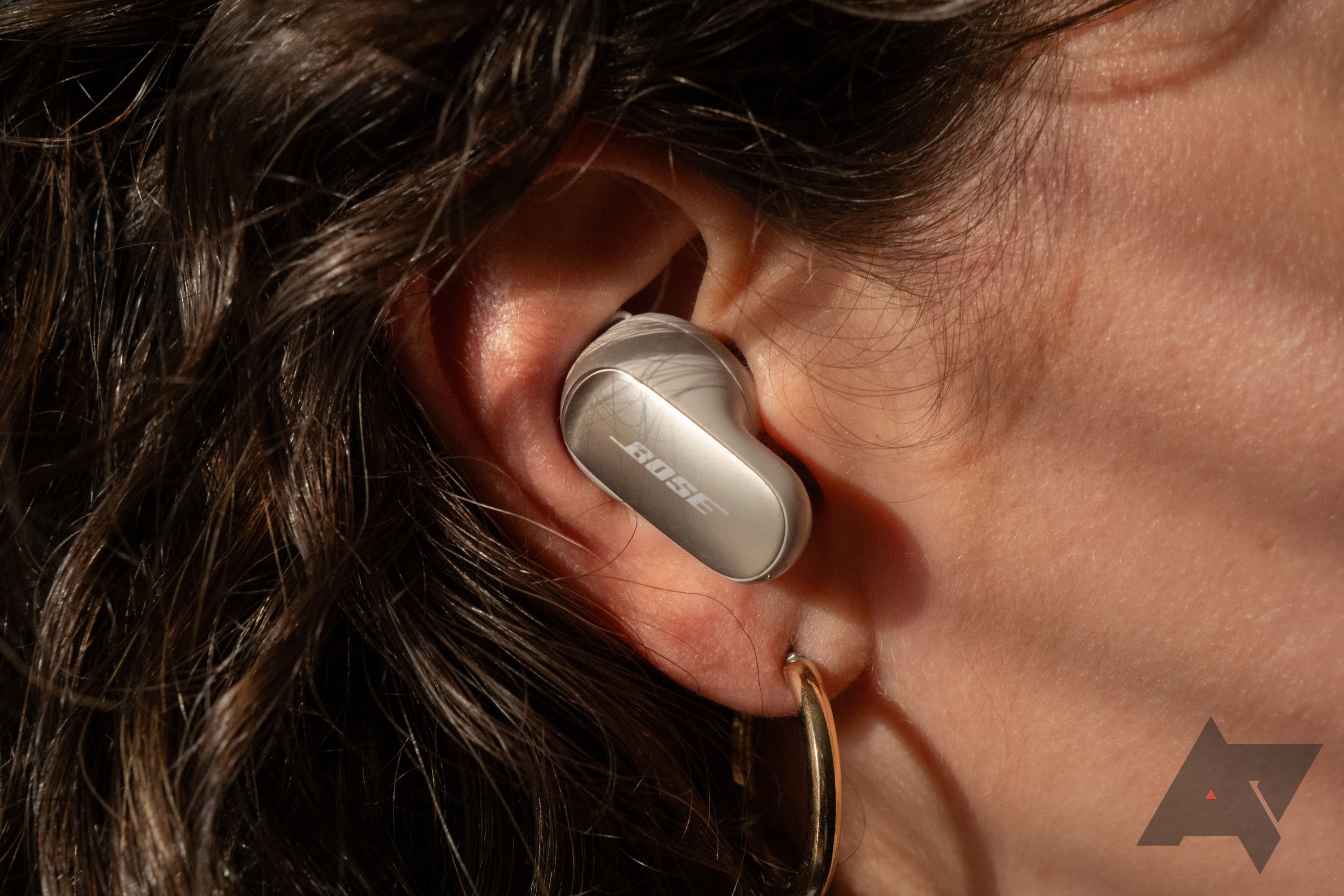
Bose QuietComfort Earbuds II
- Place earbuds in your ears or remove them from the case to power on.
- Press and hold the touch control on either earbud for about 5 seconds.
- Wait for the voice prompt “Ready to pair” and a flashing white or blue LED.
- Open Bluetooth on your device and select the listing that begins with “Bose.”
Bose QuietComfort Earbuds (original)
- Remove earbuds from the charging case to turn them on.
- Press and hold the Bluetooth button on the charging case for 3–5 seconds until you see the LED flash.
- If your case lacks a button, press and hold the touch control on the right earbud until the LED flashes and you hear “Ready to pair.”
- Connect from your device’s Bluetooth menu.
Bose Sport Earbuds
- Take earbuds out of the case to power them up.
- Press and hold the multifunction button on either earbud for 3–5 seconds.
- Wait for the flashing LED and voice cue, then pair via your phone.
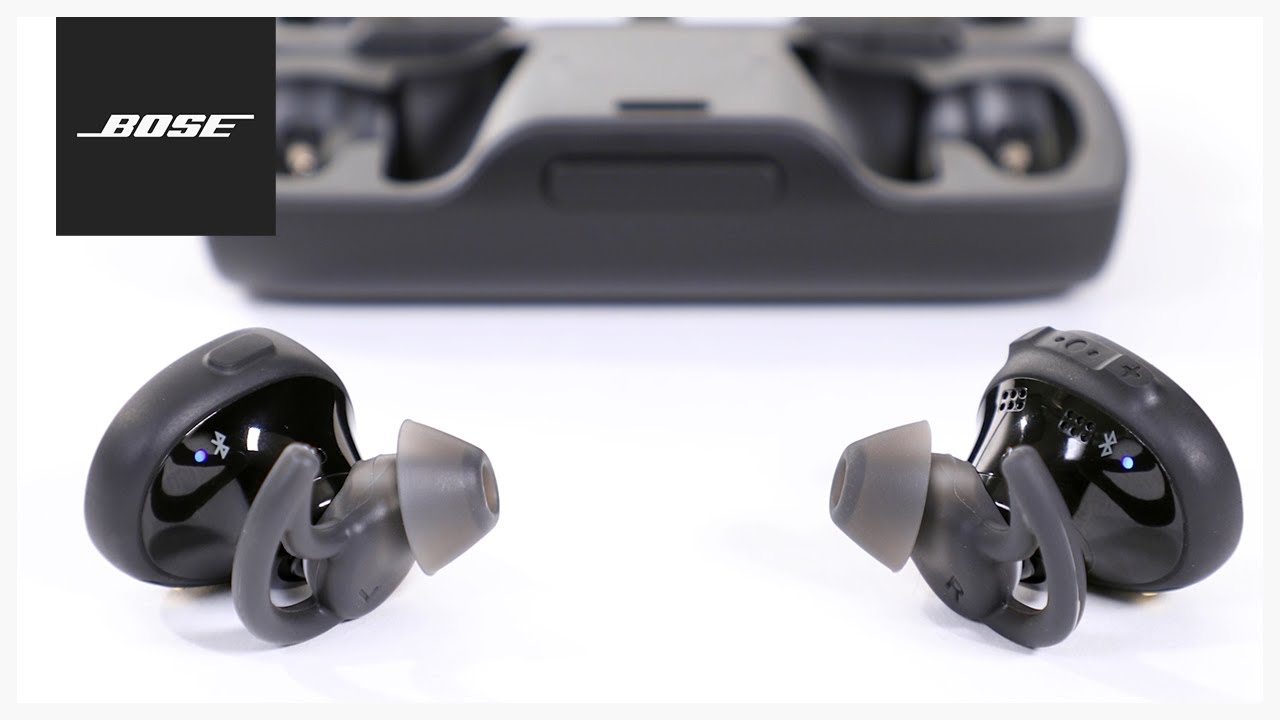
Bose SoundSport Free (older true wireless model)
- Remove both earbuds from the case; they should power on.
- Press and hold the right earbud’s button for 5–10 seconds until you hear “Ready to pair.”
- Choose the earbuds in your Bluetooth list.
Tips for all models:
- If you don’t hear a voice prompt, look for a steady or flashing LED that indicates pairing mode.
- Use the Bose Music app for guided pairing on supported models; the app often triggers pairing automatically.

Troubleshooting common issues when trying to put Bose earbuds in pairing mode
If pairing doesn’t start or the earbuds don’t show up, try these quick fixes.
- Restart both the earbuds and your phone. A fresh restart clears temporary glitches.
- Forget or remove the earbuds from your device’s Bluetooth list, then attempt pairing again.
- Fully charge earbuds and case. Low battery may block pairing mode.
- Move away from other Bluetooth devices and Wi‑Fi routers to reduce interference.
- Update firmware in the Bose Music app. Outdated firmware can cause pairing problems.
- Try a factory reset if nothing works. For many Bose models, this means placing earbuds in the case, closing and opening the lid, and holding down the case Bluetooth button or touch sensors for 10–30 seconds until LEDs flash.
If you still can’t pair, try pairing with a different phone or computer to isolate whether the earbuds or the device is the problem.
Best practices and expert tips for how to put Bose earbuds in pairing mode
Use these habits to avoid pairing headaches in the future.
- Keep firmware current by checking the Bose Music app regularly.
- When switching devices often, use the app to manage connections rather than relying on system Bluetooth menus.
- Store earbuds in the case when not in use to maintain battery and reduce accidental pairing events.
- If you travel with multiple devices, temporarily disable Bluetooth on devices you are not using to speed up pairing.
- Label the earbuds in your device’s Bluetooth list if possible, so you pick the correct device quickly.
Personal note: I once spent 20 minutes troubleshooting a pair that wouldn’t enter pairing mode. The fix was simple — the earbuds were still connected to a tablet in a different room. Turning off that tablet’s Bluetooth cleared the conflict instantly. That taught me to always check nearby devices first.
Frequently Asked Questions of how to put bose earbuds in pairing mode
How long does it take to put Bose earbuds in pairing mode?
Most Bose earbuds enter pairing mode within 3–10 seconds after holding the required button or touch control. If the LED or voice prompt does not appear, try a restart or check the battery.
What color LED shows pairing mode on Bose earbuds?
Pairing mode usually shows a flashing blue or white LED, though exact colors vary by model. If you don’t see a light, listen for the “Ready to pair” voice prompt.
Can I use the Bose Music app to put my earbuds in pairing mode?
Yes. For supported models, the Bose Music app guides you through pairing and can trigger pairing mode automatically. Open the app and follow the on-screen steps for best results.
My earbuds won’t enter pairing mode—what should I reset?
Try removing the earbuds from your Bluetooth list, fully charging them, and then performing a reset via the case or touch controls. If unsure, consult the model’s manual for exact reset steps.
Do Bose earbuds automatically enter pairing mode when out of the case?
Many Bose models will power on when removed from the case and will enter pairing mode if they are not already connected. If they do not, use the manual press-and-hold method described above.
Conclusion
You now have clear, model-aware steps for how to put Bose earbuds in pairing mode, plus practical fixes when pairing fails. Start with the universal method, try the model-specific instructions, and use the troubleshooting checklist if needed. Take action: update firmware, label your earbuds in Bluetooth settings, and practice the quick-reset routine so pairing becomes fast and reliable. If this helped, subscribe or leave a comment with your model and issue so I can offer model-specific advice.

Everett Ashford is a tech reviewer at mytechgrid.com specializing in SSDs, cameras, TVs, earbuds, headphones, and other consumer electronics. He provides honest, data-driven reviews based on hands-on testing and real-world performance analysis. Everett simplifies complex tech details to help readers make smart, confident buying decisions.