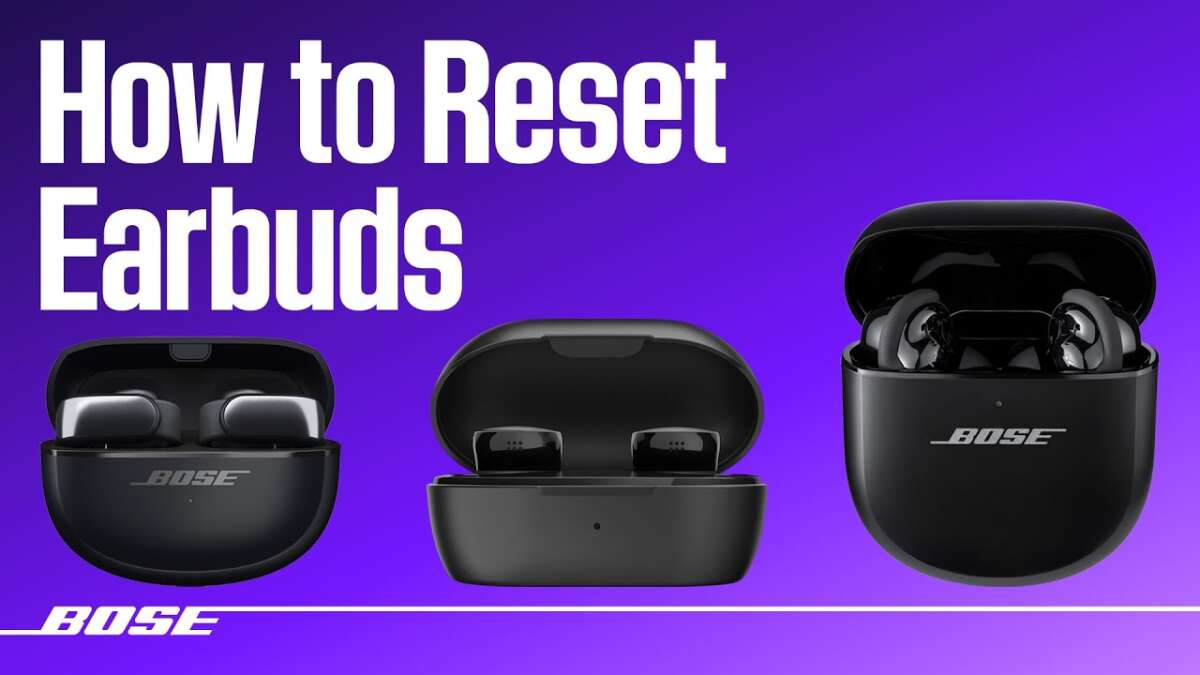
Place both earbuds in the case, then press and hold the case button for ten seconds to reset.
I’ve worked with Bose QuietComfort models for years and helped dozens of readers troubleshoot audio gear. This guide explains how to reset bose quietcomfort earbuds clearly and simply. You’ll get step-by-step resets, app and factory methods, troubleshooting tips, and real-world advice so you can fix pairing, audio, or firmware issues fast. Read on to learn practical, tested steps for how to reset bose quietcomfort earbuds and restore reliable performance.
Why reset your Bose QuietComfort earbuds?
Resetting fixes many common issues. A reset clears pairing errors, audio glitches, and control problems. It can also restore stable Bluetooth connections when your phone won’t pair. Knowing how to reset bose quietcomfort earbuds saves time and avoids unnecessary service visits.
Types of resets and when to use them
There are a few reset types. Use the right one for the problem.
- Soft reset
- Power-cycle each earbud or close the case to refresh connections.
- Factory reset
- Clears settings and pairing history. Use when soft reset fails.
- App-based reset
- Use the Bose Music app to update firmware or trigger guided fixes.
- Bluetooth “forget” and re-pair
- Remove the earbuds from your device list and pair again to clear device-level issues.
These methods cover most cases where you need to know how to reset bose quietcomfort earbuds.

Step-by-step: How to reset bose quietcomfort earbuds (soft reset)
A soft reset is quick and low-risk. Try this first.
- Place both earbuds in the charging case.
- Close the lid and wait 30 seconds.
- Open the lid and remove the earbuds.
- Let each earbud power on and auto-pair to each other.
- Try pairing to your phone or device again.
If audio or controls still act up after this soft reset, move on to a factory reset. This soft method is usually the best first step for how to reset bose quietcomfort earbuds without losing settings.
Step-by-step: How to reset bose quietcomfort earbuds (factory reset)
Use a factory reset when problems persist or when you give the earbuds away.
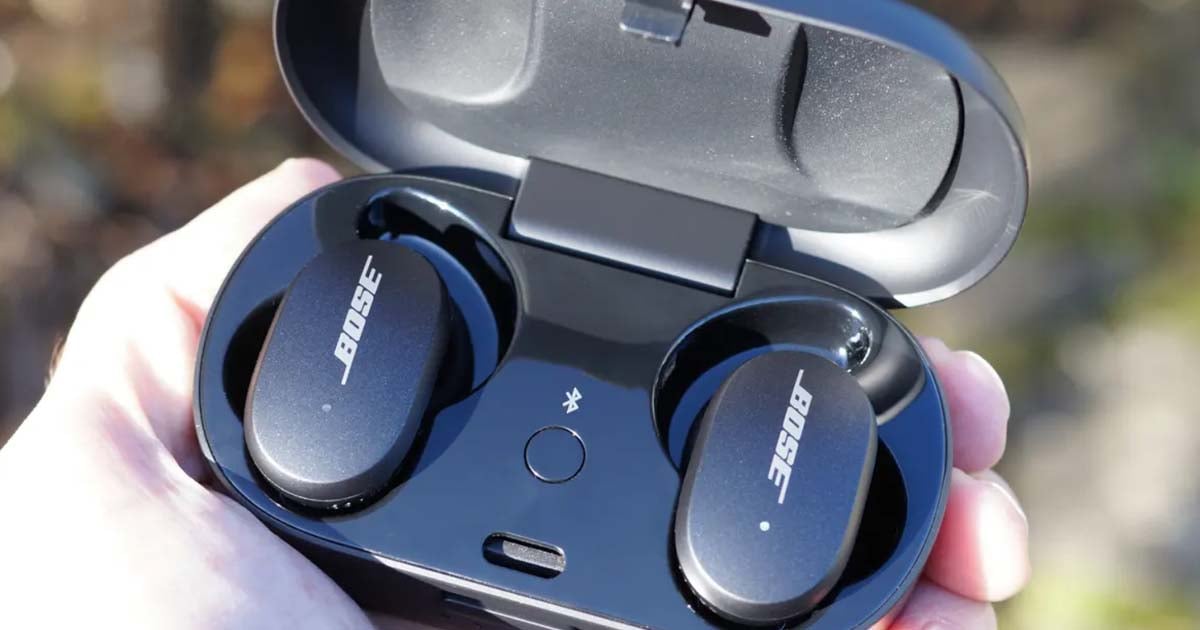
- Place both earbuds in the charging case and keep the lid open.
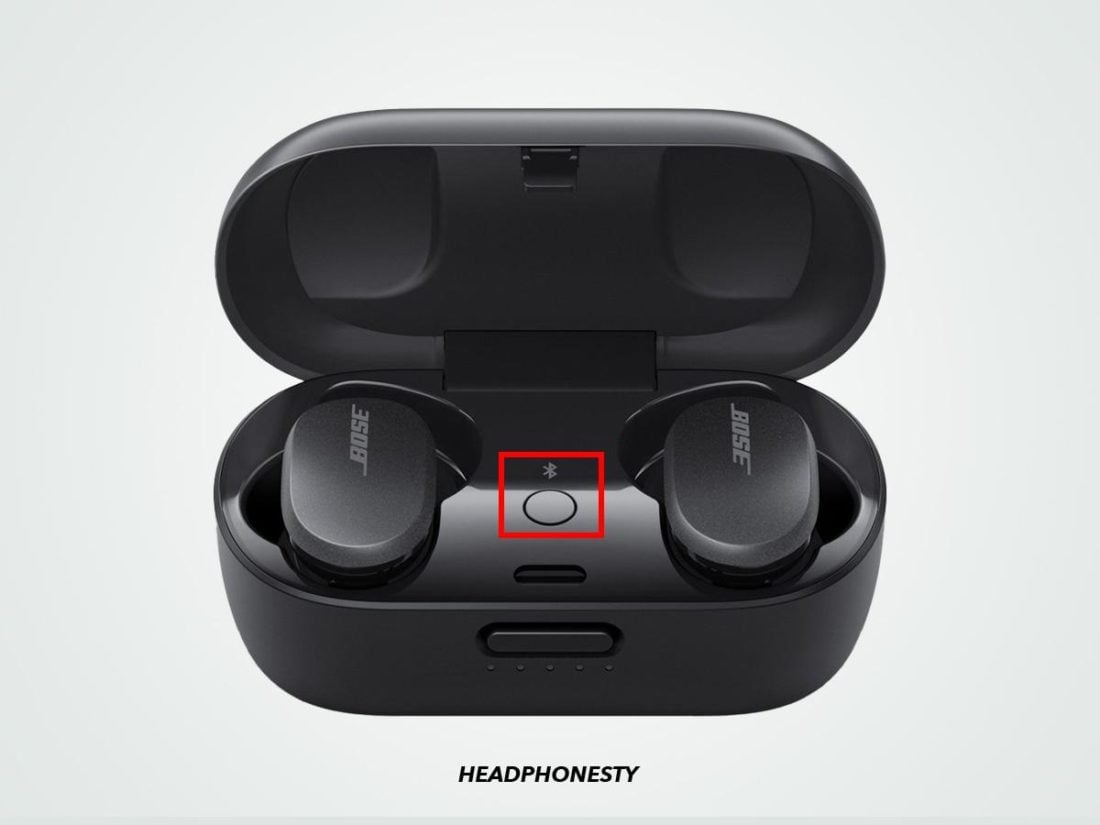
- Locate the Bluetooth or pairing button on the case. If your model has no visible button, check the app for instructions.
- Press and hold the case button for about 10 seconds.
- Watch for the Bluetooth light to blink or hear a voice prompt indicating the reset.
- Close the lid for 30 seconds, then reopen and remove the earbuds.
- On your phone, forget the Bose device in Bluetooth settings, then re-pair.
A factory reset erases past pairings. This is the most reliable way to fully restore function and a core step in how to reset bose quietcomfort earbuds.

Reset using the Bose Music app and re-pairing
The Bose Music app can help when physical resets don’t fix the issue.
- Open the Bose Music app and connect the earbuds.
- Check for a firmware update and install it.
- Use the app’s device settings to run any reset option offered.
- After the app reset, remove the earbuds from your phone’s Bluetooth list.
- Re-pair from the phone or app following prompts.
Using the app ensures firmware is up to date and gives guided support for how to reset bose quietcomfort earbuds in tricky cases.
Troubleshooting tips after reset
After any reset, check these quick items to avoid repeat issues.
- Charge both earbuds and the case fully before testing.
- Clean the charging contacts with a dry cloth to ensure good contact.
- Make sure only one device is connected during testing to avoid confusion.
- Update firmware via the Bose Music app right after reset.
- Try pairing with another phone to rule out device-specific Bluetooth problems.
These checks often fix lingering problems after you learn how to reset bose quietcomfort earbuds.
My experience and common mistakes to avoid
I once helped a friend who thought a reset failed. The earbuds had low charge and one bud would not seat in the case. We fixed both by fully charging and repeating the factory reset. Common mistakes I’ve seen:
- Trying a reset on low battery
- Not removing the device from the phone’s Bluetooth list
- Holding the wrong button or not waiting long enough
Learning how to reset bose quietcomfort earbuds taught me to always charge first and then follow steps slowly. That small habit saved hours of troubleshooting.
Advanced situations: firmware, support, and warranty
If resets and app updates don’t help, consider these steps.
- Contact Bose support for guided diagnostics or repair options.
- Check warranty status before paying for repairs.
- If your earbuds are older, confirm firmware compatibility with the app.
- Keep serial numbers and purchase info handy for service.
When you know how to reset bose quietcomfort earbuds and have tried all steps, support can run deeper diagnostics or arrange warranty repair.
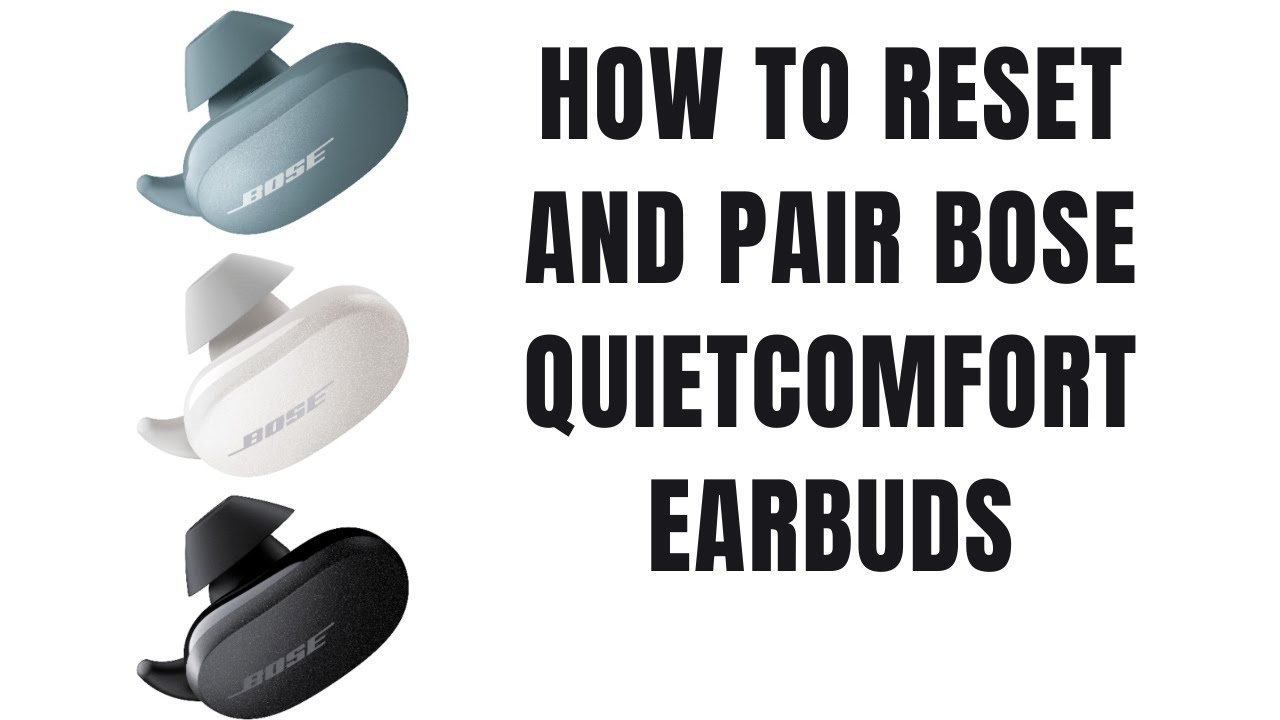
Frequently Asked Questions of how to reset bose quietcomfort earbuds
How long should I hold the case button for a factory reset?
Hold the case button for about 10 seconds until the Bluetooth light blinks or you hear a voice prompt. If nothing happens, ensure the earbuds are seated and charged.
Will resetting erase my settings and EQ profiles?
A factory reset will remove pairing data and some device settings, but EQ profiles stored in the app may persist after you reconnect. Back up custom settings in the app if possible.
My phone still won’t pair after reset. What next?
Forget the earbuds in your phone’s Bluetooth settings, restart the phone, and try pairing again. Also try pairing with a second device to isolate the issue.
Can I reset if one earbud is dead or won’t charge?
Charge the case and both earbuds first. If one bud won’t charge, clean the contacts and reseat it. If it still won’t charge, contact support for repair options.
Does a reset fix audio dropouts and latency issues?
A reset often fixes simple dropouts caused by pairing conflicts or firmware bugs. For persistent latency, check device Bluetooth codecs, app updates, or interference from nearby Wi-Fi or devices.
Conclusion
Resetting your Bose QuietComfort earbuds is often fast and effective. Start with a soft reset, move to a factory reset if needed, and use the Bose Music app for firmware checks and guided fixes. My advice: charge fully first, follow steps slowly, and keep the app updated to avoid repeat issues. Try these methods now and leave a comment about what worked for you — or subscribe for more device guides and troubleshooting tips.

Everett Ashford is a tech reviewer at mytechgrid.com specializing in SSDs, cameras, TVs, earbuds, headphones, and other consumer electronics. He provides honest, data-driven reviews based on hands-on testing and real-world performance analysis. Everett simplifies complex tech details to help readers make smart, confident buying decisions.