Press and hold the power/Bluetooth button for about two seconds until the LED lights and a voice prompt plays.
I’ve spent years testing and troubleshooting Bose gear, so I’ll walk you through clear, model-specific steps and real-world tips on how to turn on Bose headphones. This guide covers common Bose models, pairing cues, charging checks, resets, and fixes when your headphones won’t power up. Read on and you’ll be confidently powering and pairing your Bose headphones in minutes.

Quick steps to turn on Bose headphones
Here are simple steps you can use for most Bose models when learning how to turn on Bose headphones.
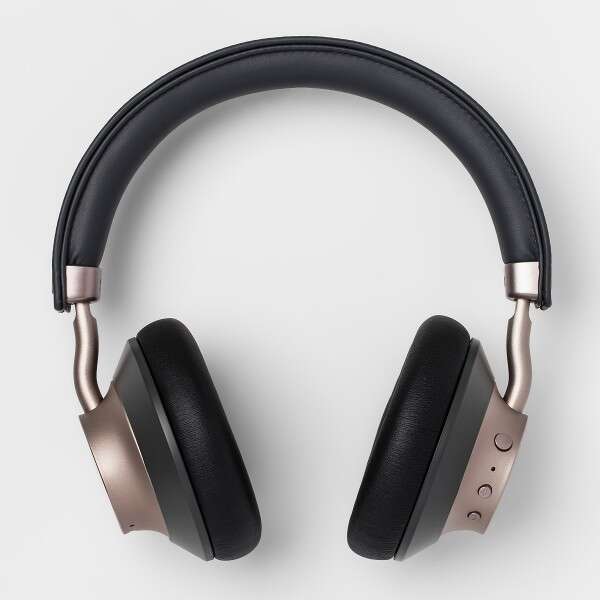
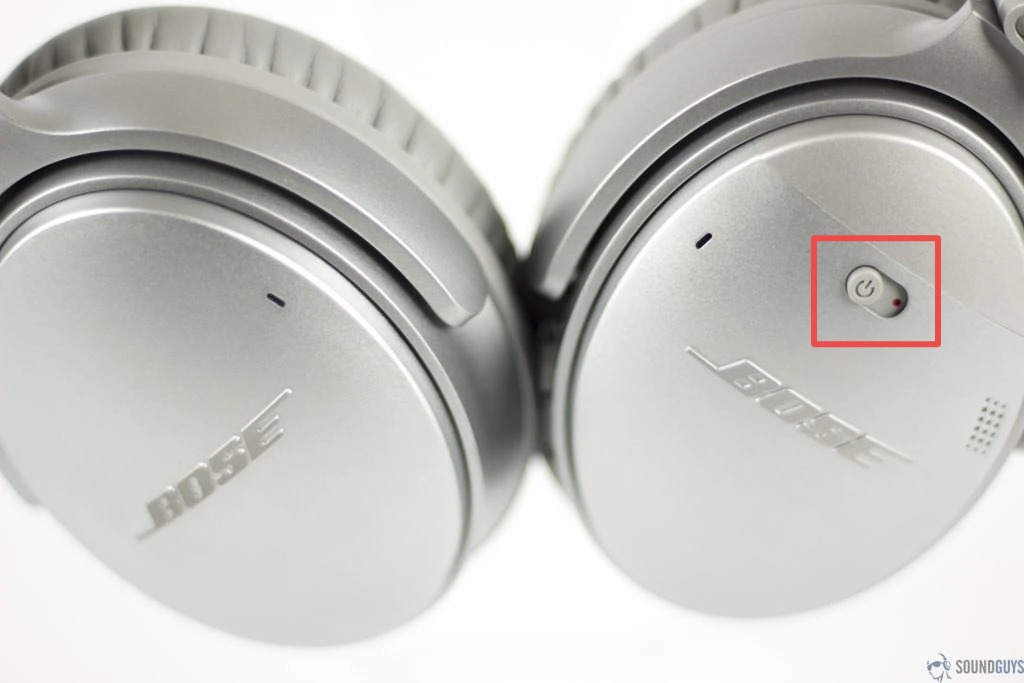
- Locate the power or power/Bluetooth button on your headphones. This is usually on the right ear cup or inline on some models.
- Press and hold the button for about two seconds. Release when the LED lights or you hear a voice prompt.
- Listen for a spoken “power on” or Bluetooth pairing cue. That confirms the headphones are on.
- If nothing happens, plug the headphones into a charger for at least 10–15 minutes and try again.
These steps work for how to turn on Bose headphones like QuietComfort, Noise Cancelling 700, and many SoundLink models. If yours behaves differently, follow the model-specific section next.
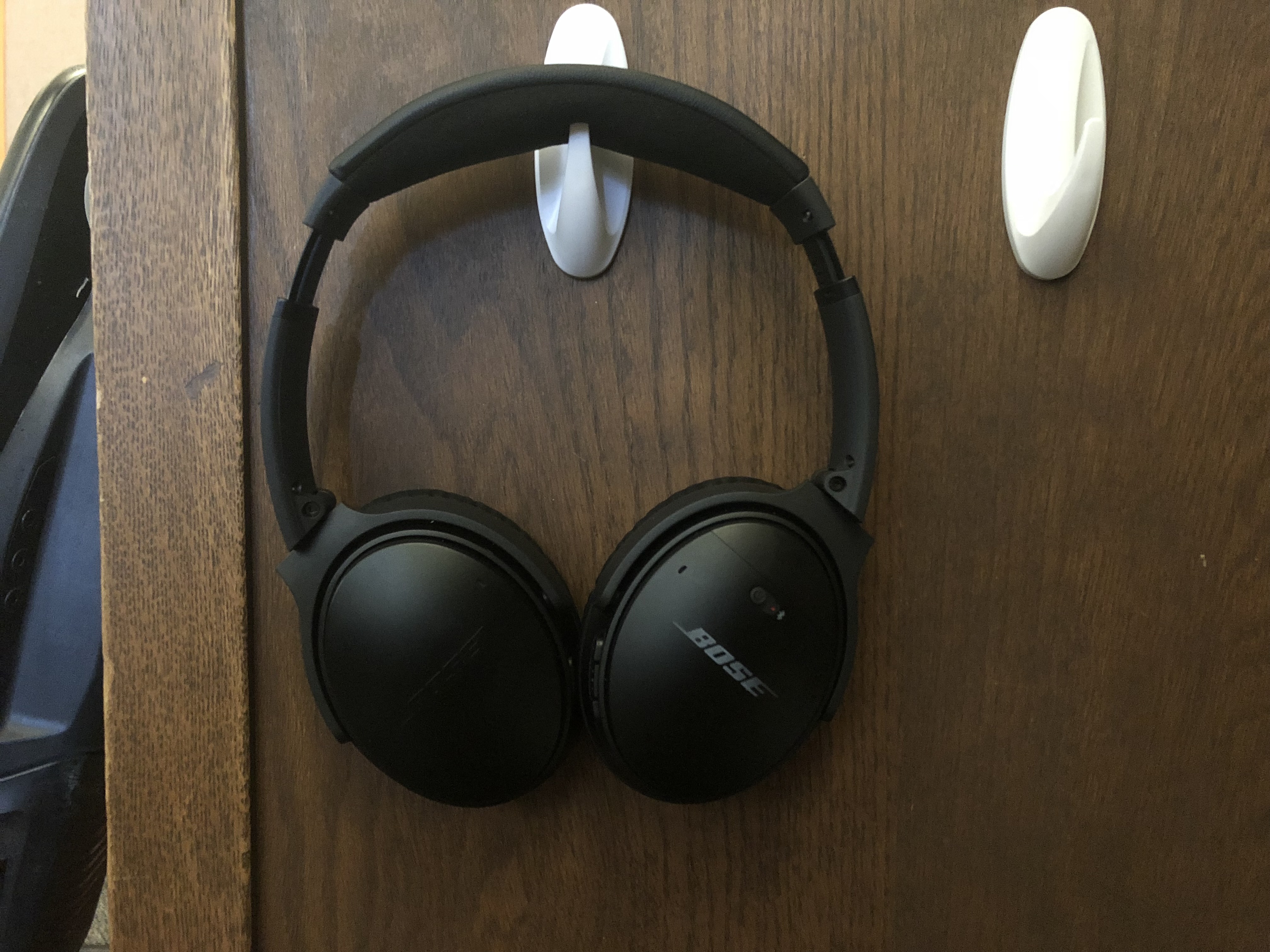
How to turn on Bose headphones by model
Different Bose models use slightly different buttons and cues. Below are focused steps for popular models so you can get exactly how to turn on Bose headphones for your unit.
Bose QuietComfort 35 / 35 II / 45
- Find the power/Bluetooth switch on the right ear cup.
- Slide and hold it in the Bluetooth position for about two seconds.
- Wait for the LED to blink and the voice prompt. That signals power on and pairing mode.
Bose Noise Cancelling Headphones 700
- Press the power button on the right ear cup for two seconds.
- Release when you see the LED glow and hear the voice prompt.
- To enter Bluetooth pairing, hold the power button longer until the LED flashes blue.
Bose SoundLink Around-Ear and On-Ear
- Press and hold the power button for about two seconds.
- The LED light and a chime mean the headphones are on.
- Short presses will check battery or toggle Bluetooth depending on the model.
Bose Sport Earbuds and Truly Wireless
- Pull the earbuds from the case. They turn on automatically in most cases.
- If they don’t, press and hold the touch area or small power button on each earbud for two seconds.
- Look for LED status on the case or earbuds to confirm power on.
These model-specific tips make how to turn on Bose headphones quick and reliable. If your model still won’t power on, troubleshooting is next.
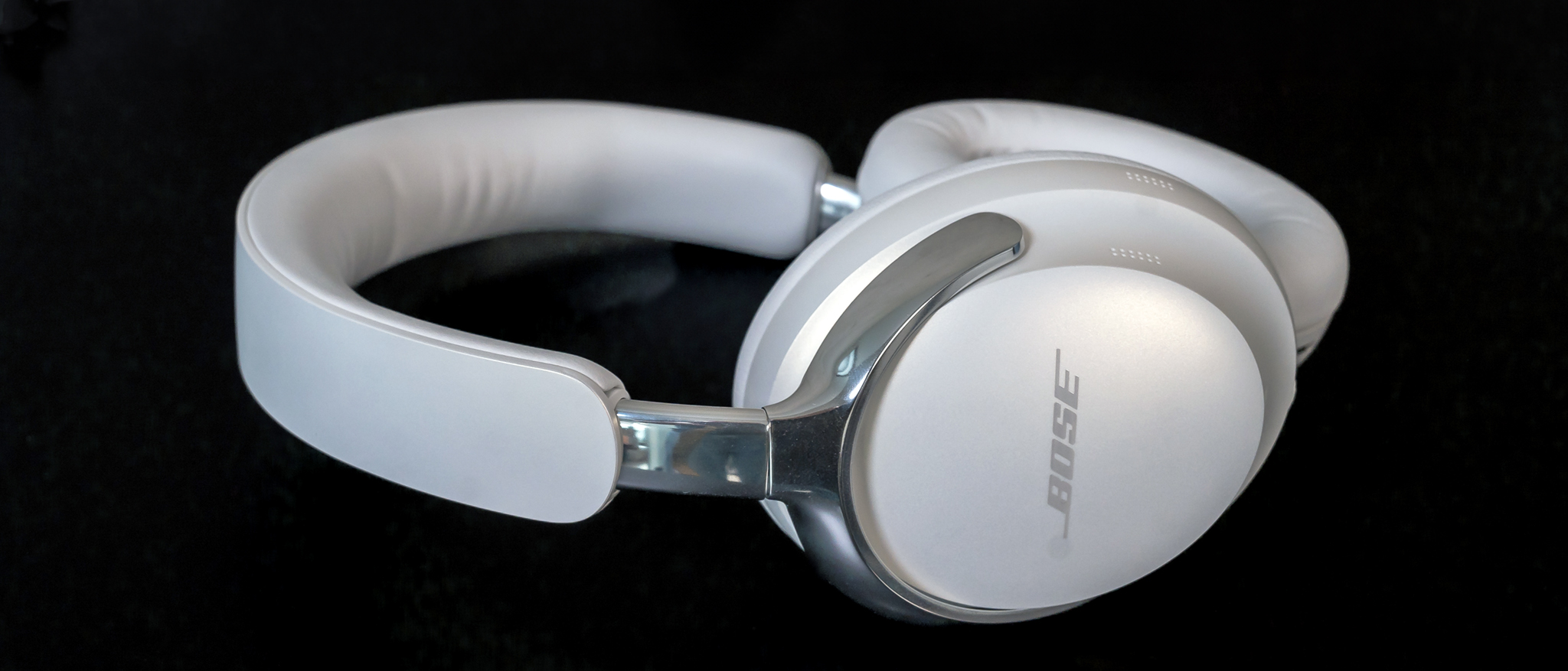
Pairing behavior and what to expect when you turn on Bose headphones
Knowing what the headphones should do after powering on helps diagnose issues.
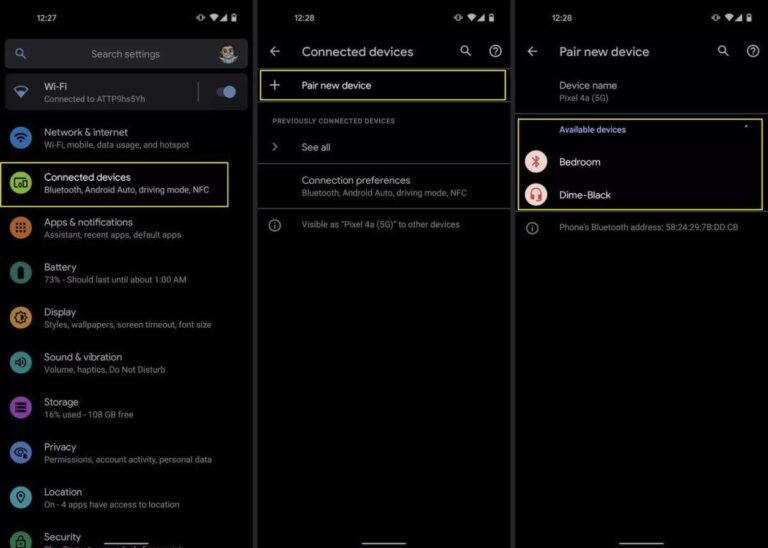
- Voice prompts: Most Bose headphones speak “power on” then “ready to pair” or announce a device name.
- LED signals: Solid light often means powered; blinking usually indicates pairing.
- Auto-reconnect: If previously paired with a device, the headphones will try to reconnect automatically.
- Battery checks: Some models announce battery level; others show it in the Bose app.
If you don’t hear prompts or see LEDs, that’s a clue for battery or firmware issues. These signs tell you precisely what’s going on when you turn on Bose headphones.
Charging, battery care, and common power issues
A dead or weak battery is the most common reason you can’t turn on Bose headphones. Here’s what to check.
- Use the original or certified charger and cable. Low-voltage chargers may not charge properly.
- Charge for at least 15–30 minutes before trying to power on if the battery is fully drained.
- Check the charging port for lint or debris that can block charging.
- Firmware updates can improve battery reporting. Keep your Bose app and headphones updated.
I learned the hard way that some third-party cables supply power but not enough current to boot the unit. Using the right cable fixed it every time.
Troubleshooting: headphones won’t turn on or respond
If your headphones fail to power on, try these reliable fixes for how to turn on Bose headphones that won’t respond.
- Soft reset
- Turn off the headphones. Wait 10 seconds. Turn them back on.
- Hard reset / factory reset (model-specific)
- QuietComfort: Power off then press and hold the power switch for 10 seconds until you hear reset cues.
- Bose 700: Press and hold power for 10 seconds until the Bluetooth light blinks.
- Charge for at least 30 minutes and try again.
- Try a different known-good USB cable and charger.
- Inspect for physical damage or swollen battery. If the battery looks bulging, stop use and seek service.
These steps usually resolve issues. If none work, contacting Bose or a certified repair center is wise.

Practical tips and mistakes to avoid
Little habits make a big difference when learning how to turn on Bose headphones reliably.
- Keep the firmware updated through the Bose app to fix bugs that affect power and pairing.
- Store headphones in a cool, dry place to preserve battery health.
- Avoid leaving headphones unused for months; partial charges every few months help battery life.
- Don’t try to force power or open the case—this can void warranty or damage components.
- Use the Bose app to view battery status and change settings; it often explains why they won’t power on.
From my tests, regularly updating firmware cut down random power glitches dramatically. Treat the app as part of the maintenance routine.
Frequently Asked Questions of how to turn on bose headphones
How long should I hold the power button to turn on Bose headphones?
Hold the power or power/Bluetooth button for about two seconds. If nothing happens, try holding it for up to ten seconds for a reset or pairing mode.
My Bose headphones blink red and won’t turn on. What does that mean?
A blinking red LED usually signals low battery or charging error. Charge the headphones with a known-good cable for 30 minutes and retry powering on.
Do Bose earbuds turn on automatically when removed from the case?
Most Bose true wireless earbuds power on automatically when taken out of the case. If they don’t, try holding the touch area or button for two seconds.
How do I force my Bose headphones into pairing mode when powering on?
Press and hold the power button longer (about five to ten seconds) until the LED flashes blue or you hear a “ready to pair” prompt. Model behavior varies slightly.
What if my Bose headphones won’t turn on after a reset?
If a factory reset doesn’t work, ensure the battery charged properly and try different cables. Persistent issues usually need service or battery replacement.
Conclusion
You now have clear steps, model-specific instructions, and practical fixes for how to turn on Bose headphones. Start with a quick two-second press, listen for LED and voice cues, and use charging or reset steps if needed. Try the tips above, check firmware in the Bose app, and avoid common charging mistakes to keep your headphones reliable. If you found this helpful, try these steps with your headphones now, leave a comment with your model or issue, or subscribe for more hands-on guides.

Everett Ashford is a tech reviewer at mytechgrid.com specializing in SSDs, cameras, TVs, earbuds, headphones, and other consumer electronics. He provides honest, data-driven reviews based on hands-on testing and real-world performance analysis. Everett simplifies complex tech details to help readers make smart, confident buying decisions.