Yes — most airlines allow Bluetooth headphones; enable airplane mode and pair via the inflight device or a personal transmitter.
I’ve spent years testing gadgets and flying with gear, so I know exactly how to use Bluetooth headphones on a plane safely and smoothly. This guide explains rules, pairing steps, battery tips, troubleshooting, and real-life tricks I use to get the best sound at 35,000 feet. Read on to master how to use Bluetooth headphones on a plane with confidence and zero guesswork.
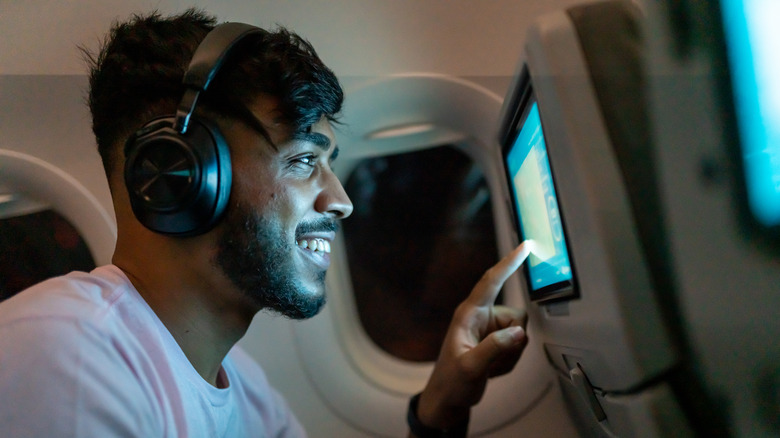
Can you use Bluetooth headphones on a plane?
Yes. Many airlines now allow Bluetooth audio after takeoff. Airline rules vary by carrier and flight phase, but most permit Bluetooth devices while in cruise. How to use Bluetooth headphones on a plane mainly involves enabling airplane mode and pairing when allowed.

Airline rules, regulations, and what “airplane mode” really means
Airline policies differ, but the basics are common. Put your phone or tablet into airplane mode. Then enable Bluetooth only if the crew or the airline’s rules allow it during the flight phase. Flight attendants may ask you to turn off wireless transmissions during taxi, takeoff, or landing.
Airplane mode disables cellular radios but usually allows Bluetooth. Most regulators treat Bluetooth as low-power. Still, follow crew instructions and the airline’s guidance for your specific flight.
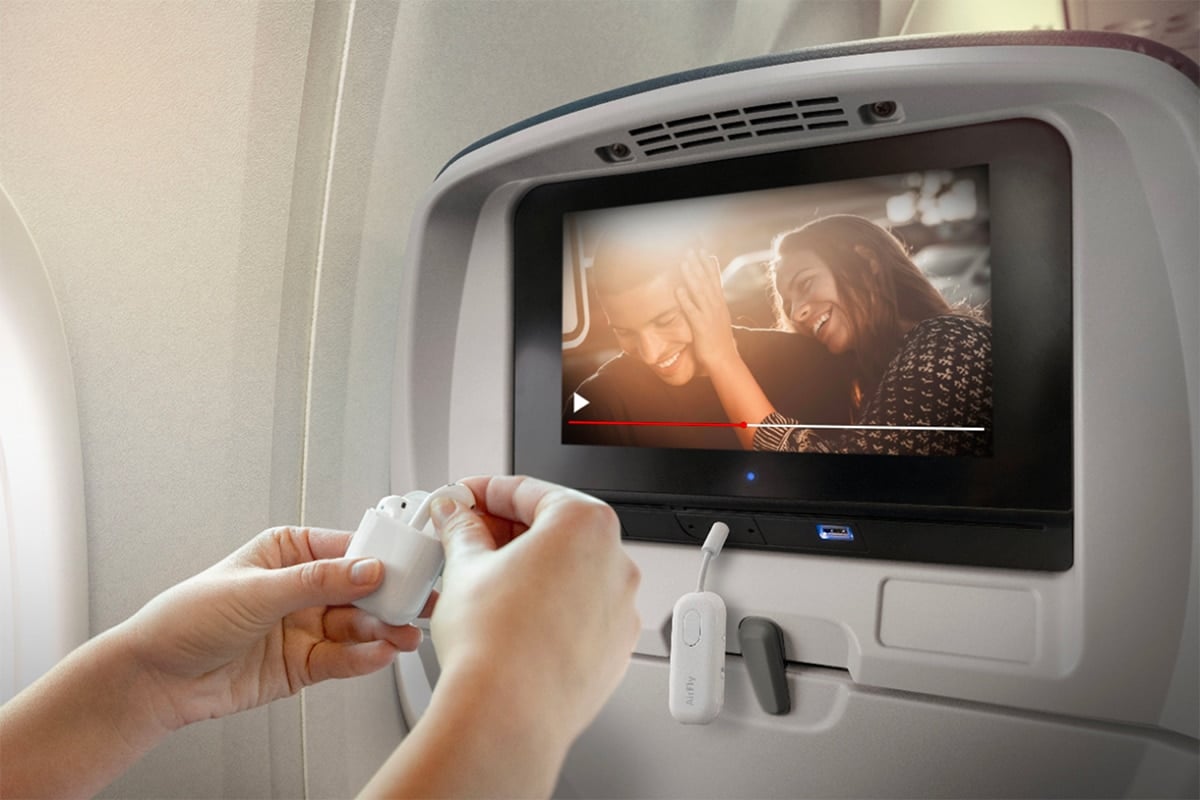
Step-by-step: How to use Bluetooth headphones on a plane
Follow these steps to pair and use Bluetooth headphones on a plane quickly.
- Before boarding, fully charge headphones and the source device. Battery life matters at cruising altitude.
- Turn your phone or tablet to airplane mode after boarding or when instructed. Airplane mode keeps cellular off.
- If permitted, turn Bluetooth back on in settings. Wait until the crew says wireless is allowed.
- Put headphones in pairing mode. Most models use a long press on the power button. Check your manual.
- On your device, select your headphones from the Bluetooth list. Confirm pairing and test audio quietly.
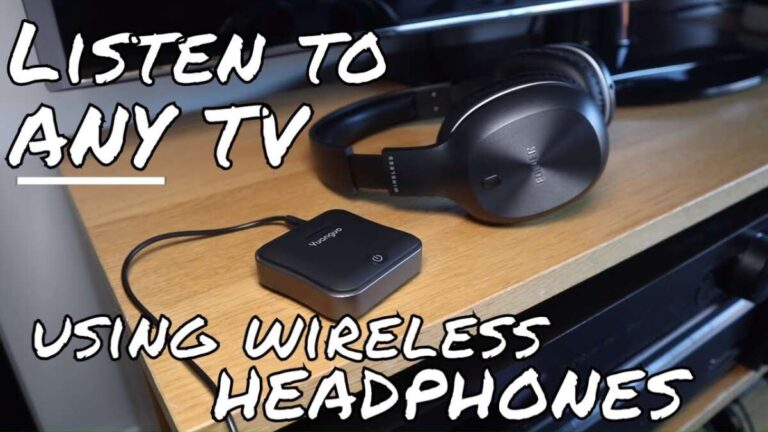
- If using in-flight entertainment, check if the plane has a Bluetooth transmitter or offers a dongle. Connect the dongle to the seat jack and pair the headphones.
- Lower volume for takeoff and landing if crew requests. Re-enable Bluetooth only when allowed.
These steps show how to use Bluetooth headphones on a plane with minimal fuss and clear safety steps.

Using Bluetooth headphones with in-flight entertainment (IFE)
Not all IFE systems support Bluetooth. Older IFE systems use wired jacks. Newer planes may offer built-in Bluetooth transmitters, or the airline provides a Bluetooth dongle.
- If the plane offers a Bluetooth option, follow crew instructions and pair directly.
- If only a wired jack exists, use a Bluetooth transmitter dongle. Plug it into the headphone jack or USB port and pair your headphones.
- Check latency. A low-latency codec (aptX Low Latency or AAC) gives better audio sync for movies. If your headphones and dongle support low-latency codecs, you’ll get a better experience.
Knowing how to use Bluetooth headphones on a plane includes checking whether the flight has Bluetooth IFE or if you need your own transmitter.

Battery management, safety, and airplane etiquette
Battery care keeps audio uninterrupted and compliant.
- Charge devices before the flight to avoid using power cords during takeoff and landing.
- Carry a compact power bank that complies with airline rules for lithium batteries.
- Keep volume moderate to avoid disturbing others. Use noise-cancelling features to listen quieter.
- Stow bulky gear during taxi, takeoff, and landing if crew asks.
Following these tips shows respect for safety and other passengers while you learn how to use Bluetooth headphones on a plane.

Troubleshooting common issues
Short, clear fixes you can try onboard.
- No sound after pairing: Confirm the plane allows Bluetooth and ensure the device audio output is set to your headphones.
- Connection drops: Move the source device closer. Turn off other Bluetooth devices to avoid interference.
- Latency or audio lag: Use a low-latency transmitter or headphones that support aptX Low Latency. If not available, rely on wired audio for movies.
- Headphones not pairing: Restart both devices and retry. Put the headphones into fresh pairing mode and delete old Bluetooth profiles if needed.
PAA-style question 1: Can Bluetooth work while phone is in airplane mode?
Yes. Airplane mode typically disables cellular radios but lets you re-enable Bluetooth if allowed by the airline and crew.
PAA-style question 2: Do I need a special adapter to use Bluetooth with seat audio?
Often yes. A Bluetooth transmitter dongle connects to the seat jack. Some airlines provide one; otherwise bring a compact dongle.
PAA-style question 3: Will Bluetooth interfere with airplane systems?
Modern Bluetooth uses very low power and is usually safe. Airlines and regulators permit it during cruise, but always follow crew instructions.
Personal tips and real-life examples
I travel weekly and use Bluetooth headphones on dozens of flights a year. Here’s what I learned.
- Pack a tiny Bluetooth transmitter. I keep one in my carry-on. It saved me on a long flight with only wired IFE.
- Test pairing at the gate. Pairing in the cabin can be harder when space is tight. Pairing early saved me time on one tight connection.
- Carry a short wired adapter for emergencies. A wired fallback avoids missing the movie when pairing fails.
- Use a case that protects buttons so you don’t accidentally switch modes in your bag. I once drained a battery by accidentally turning headphones on in my luggage. That taught me to lock controls when possible.
These practical tips reflect how to use Bluetooth headphones on a plane in real life and avoid common travel blunders.
Best Bluetooth headphones and accessories for flying
Choose gear that makes flying easier.
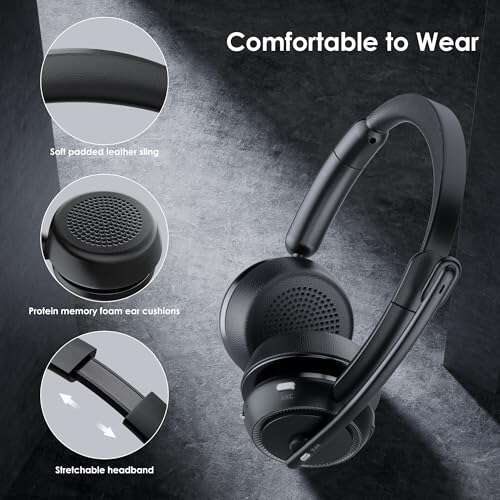
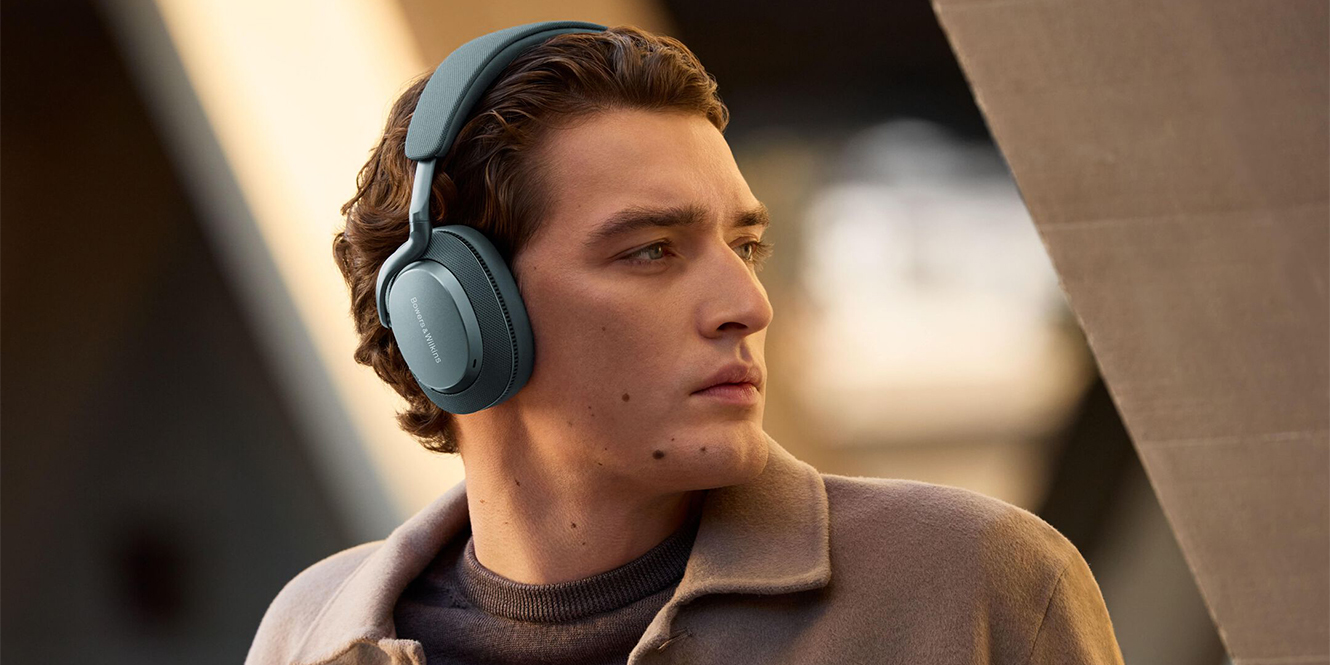
- Noise-cancelling over-ear headphones: Best for comfort and passive quiet. Look for long battery life.
- True wireless earbuds with long-case battery: Good for short hops and convenience. Prefer models with good call quality.
- Compact Bluetooth transmitter dongle: Look for low-latency support and a small form factor.
- Short wired adapter and 3.5mm splitter: A simple backup when Bluetooth won’t connect.
Picking the right tools helps you master how to use Bluetooth headphones on a plane and enjoy the flight.
 bluetooth headphones on a plane”
style=”max-width: 100%; height: auto; border: 2px solid black; border-radius: 10px; display: block; margin: 0 auto;”
loading=”lazy”
/>
Frequently Asked Questions of how to use bluetooth headphones on a plane
Are Bluetooth headphones allowed on all flights?
Most airlines allow Bluetooth headphones, especially during cruise. Follow crew instructions and airline policy for each flight.
Do I need to put my phone in airplane mode to use Bluetooth?
Yes. Put your device into airplane mode, then re-enable Bluetooth if the airline allows it during the flight.
Can I use Bluetooth headphones with the seat entertainment system?
Sometimes. If the plane has a Bluetooth transmitter or the airline provides a dongle, you can pair your headphones; otherwise use a personal transmitter.
What if my Bluetooth audio lags during a movie?
Latency can cause lip-sync issues. Use a low-latency transmitter or wired headphones for the best sync with video.
Should I turn off Bluetooth during takeoff and landing?
Follow crew instructions. Some airlines ask passengers to disable wireless transmissions during critical phases, but many now allow Bluetooth after takeoff.
Conclusion
You can reliably use Bluetooth headphones on most flights by following airline rules, using airplane mode, and preparing the right gear. Charge devices, bring a small transmitter or wired backup, and pair early to avoid stress. Try these steps on your next trip and enjoy quieter, clearer audio at altitude. If this guide helped, try one tip on your next flight, share your experience in the comments, or subscribe for more travel-tech tips.

Everett Ashford is a tech reviewer at mytechgrid.com specializing in SSDs, cameras, TVs, earbuds, headphones, and other consumer electronics. He provides honest, data-driven reviews based on hands-on testing and real-world performance analysis. Everett simplifies complex tech details to help readers make smart, confident buying decisions.