Charge Bose headphones via USB-C or their charging case using the supplied cable and a 5V/1A or higher adapter.
I’ve spent years testing headphones and helping people troubleshoot audio gear, so you’ll get clear, practical steps on how to charge Bose headphones the right way. This guide covers every common Bose model, charging times, troubleshooting tips, safety pointers, and real-world fixes I’ve learned from hands-on use. Read on to make charging simple, fast, and safe.

Why correct charging matters for your Bose headphones
Charging correctly keeps battery health high and sound quality stable. Bose uses lithium-ion batteries in most models. Those batteries last longer when charged right.
Proper charging helps avoid swelling, short run times, or sudden shutdowns. If you know how to charge Bose headphones properly, you get better battery life and fewer surprises. I’ve seen batteries last years when owners followed basic charging best practices.
Quick checklist: what you need before charging
Use this short list to prepare. These items solve most charging hiccups.
- The original USB cable or a high-quality USB-C cable for newer models.
- A wall adapter rated 5V/1A or higher. Fast chargers are OK for USB-C models.
- Clean charging ports and a soft brush or canned air.
- The Bose charging case, if you own earbuds or true wireless models.
Having these ready speeds up the process and reduces errors when learning how to charge Bose headphones.

Step-by-step: how to charge Bose headphones (over-ear and on-ear)
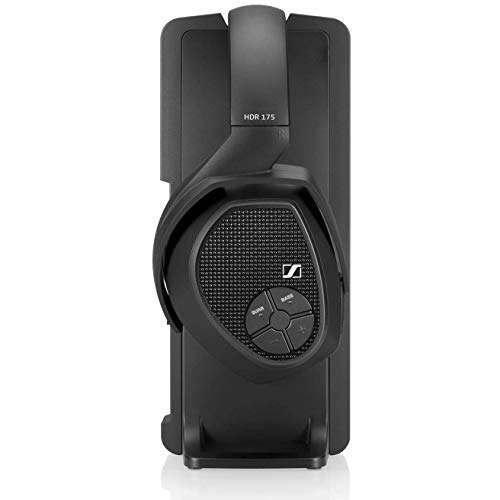
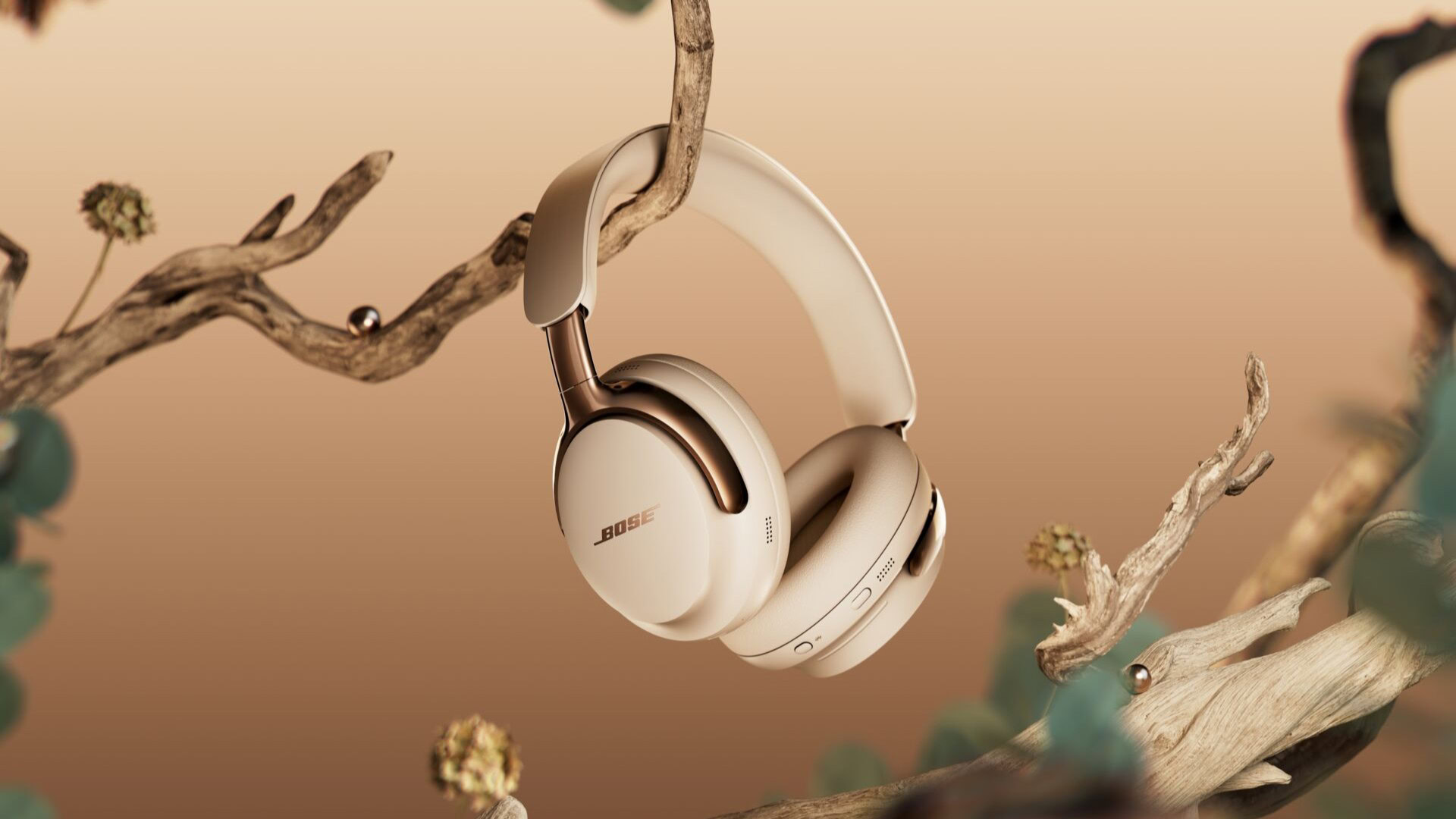
Follow these simple steps for headphones like Bose QuietComfort, Noise Cancelling Headphones, and others.
- Power off your headphones. A powered-down battery charges more predictably.
- Locate the charging port. Most modern Bose over-ear models use USB-C. Older models may use micro-USB.
- Plug the cable into the headphones. Then plug the other end into a wall adapter or a powered USB port.
- Watch the LED indicator. A solid or blinking LED shows charging status depending on model.
- Leave them to charge until the LED shows full. Typical full charge takes 2–3 hours.
If you want faster results, use a quality wall adapter. I often use a 2A USB charger for quicker top-ups. This is a safe approach for how to charge Bose headphones with USB-C.
Step-by-step: how to charge Bose earbuds and true wireless models
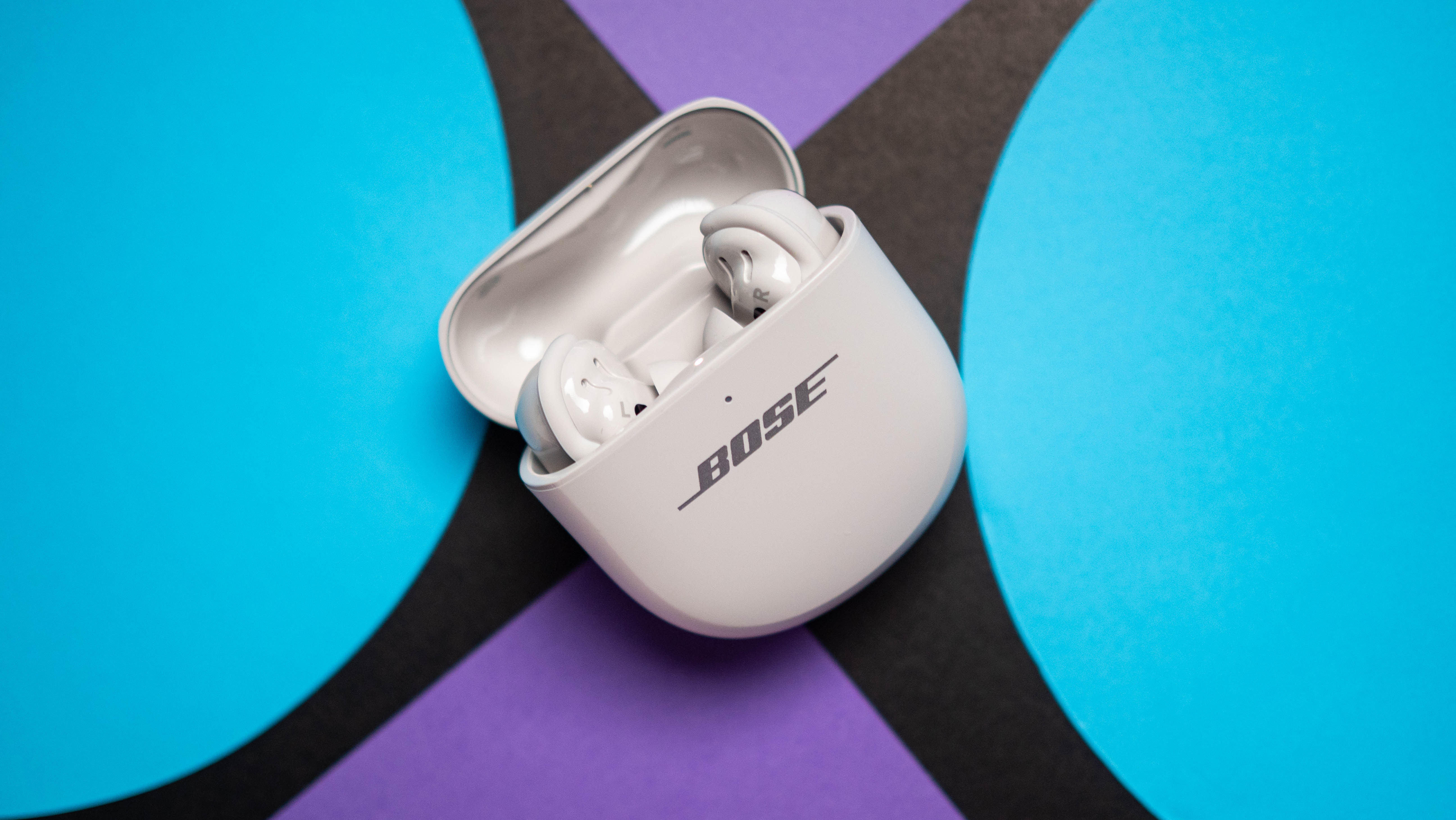
Bose earbuds usually charge inside their case. This method is slightly different but simple.
- Place earbuds into the charging case. Make sure contacts align and the earbuds sit flush.
- Close the case if required. Some cases only charge when closed.
- Plug the case into power using the supplied cable. Many newer cases use USB-C.
- Check the case LED. It shows both case and earbud charge levels.
- Wait until both earbuds and case are fully charged. Typical full cycle is 2 hours for earbuds and 2–3 hours for the case.
I once fixed a pair of earbuds that wouldn’t charge by reseating them in the case and cleaning the contacts. Small steps like that make a big difference when you learn how to charge Bose headphones with a case.
 expectations”
style=”max-width: 100%; height: auto; border: 2px solid black; border-radius: 10px; display: block; margin: 0 auto;”
loading=”lazy”
/>
Charging times and battery life expectations
Charging times vary by model. Keep expectations realistic.
- Over-ear headphones: 2–3 hours to full charge. Some offer quick-charge features that give hours of play in 15–20 minutes.
- True wireless earbuds: 1.5–2 hours for earbuds. Case may take 2–3 hours to top up.
- Battery life: Over-ear models often deliver 15–40 hours per charge. Earbuds usually last 4–8 hours per earbud depending on the model and noise cancellation settings.
Knowing these numbers helps you plan and understand how to charge Bose headphones for daily use and travel.

Troubleshooting common charging problems
If your Bose headphones won’t charge, try these fixes. They work for most users.
- Check the cable and adapter. Swap with a known-good USB cable and charger.
- Inspect ports and contacts. Clean with a soft brush or cloth. Dirt can block charging.
- Reset or restart the headphones. Some models have a reset sequence in the manual.
- Let the battery sit disconnected for a few minutes. Then try charging again.
- Update firmware via the Bose app. Software can affect charging behavior.
I once replaced a frayed cable and saw instant recovery. Small, low-cost fixes usually solve most issues related to how to charge Bose headphones.
Safety tips and battery care
Safe charging preserves battery health. Follow these simple rules.
- Use quality chargers. Cheap adapters can damage batteries.
- Avoid extreme temperatures. Don’t charge in direct sun or freezing cold.
- Don’t leave headphones plugged in for weeks. Stop charging after full.
- If the battery swells or gets very hot, stop using the device and contact support.
These practices help you manage long-term battery health and master how to charge Bose headphones safely.
Best practices and habits I recommend
From personal use and testing, these tips save time and extend battery life.
- Top up regularly instead of deep-cycling the battery. Short charges are kinder to lithium cells.
- Use the Bose app to check battery percentage. It helps plan charging.
- Carry a spare cable in your bag. I do this for travel and it has saved me more than once.
- Keep contacts clean. I make it part of my monthly gear maintenance routine.
These small habits make charging easier and extend the life of Bose headphones.
Compatibility: cables, adapters, and fast charge
Not all chargers are the same. Match the cable to your model.
- USB-C models: Use USB-C cables and high-quality wall adapters. Fast charging is supported on many newer Bose units.
- Micro-USB models: Use a good micro-USB cable and a steady 5V adapter.
- Battery packs: You can charge on power banks. Ensure the power bank can supply stable current.
Using the right accessories ensures you know exactly how to charge Bose headphones without risking damage.
Real-life mistakes and lessons learned
I’ll share a few mistakes I’ve seen and how to avoid them.
- Mistake: Using a phone charger that doesn’t supply steady current. Lesson: Use a reliable wall adapter.
- Mistake: Ignoring the LED indicators. Lesson: Learn your model’s LED codes from the manual.
- Mistake: Rushing to charge in extreme heat. Lesson: Charge at room temperature for best results.
These are practical lessons I learned the hard way. They make learning how to charge Bose headphones simple and safe.
Frequently Asked Questions of how to charge bose headphones
How long does it take to fully charge Bose headphones?
Most over-ear Bose headphones take about 2–3 hours to reach a full charge. Earbuds and charging cases typically finish in 1.5–3 hours depending on the model.
Can I use any USB-C charger to charge Bose headphones?
Yes, you can use most USB-C chargers, but choose a high-quality adapter that provides stable 5V power. Fast chargers are fine for newer models but avoid low-quality or damaged chargers.
What do the LED lights mean while charging?
LED behavior varies by model, but generally blinking means charging and a steady light means full or nearly full. Check your model’s manual for exact LED codes.
Why won’t my Bose headphones charge even when plugged in?
Common causes include a bad cable, dirty ports, or firmware issues. Try a different cable, clean contacts, and reset or update the headphones.
Is it bad to leave Bose headphones plugged in overnight?
Occasionally leaving them plugged in is fine because modern devices stop charging when full. However, avoid making it a daily habit to preserve long-term battery health.
Conclusion
You now have clear, practical steps on how to charge Bose headphones for every common scenario. Use the right cable, keep contacts clean, and follow safe charging habits to extend battery life. Try the quick troubleshooting tips before replacing parts, and adopt the small routines I shared to avoid future problems. If this guide helped you, leave a comment, subscribe for more tips, or check your model’s manual to learn model-specific LED meanings and reset steps.

Everett Ashford is a tech reviewer at mytechgrid.com specializing in SSDs, cameras, TVs, earbuds, headphones, and other consumer electronics. He provides honest, data-driven reviews based on hands-on testing and real-world performance analysis. Everett simplifies complex tech details to help readers make smart, confident buying decisions.