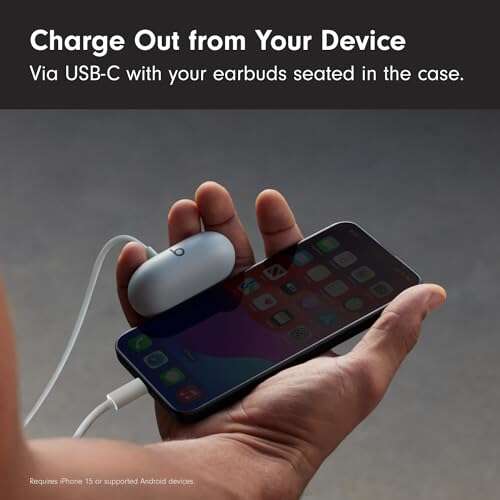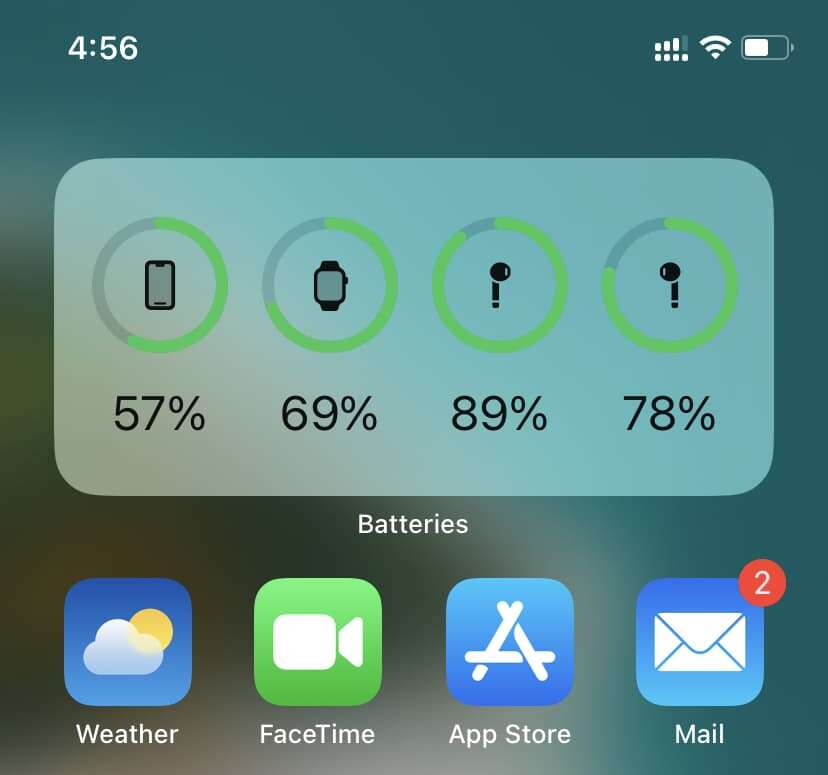
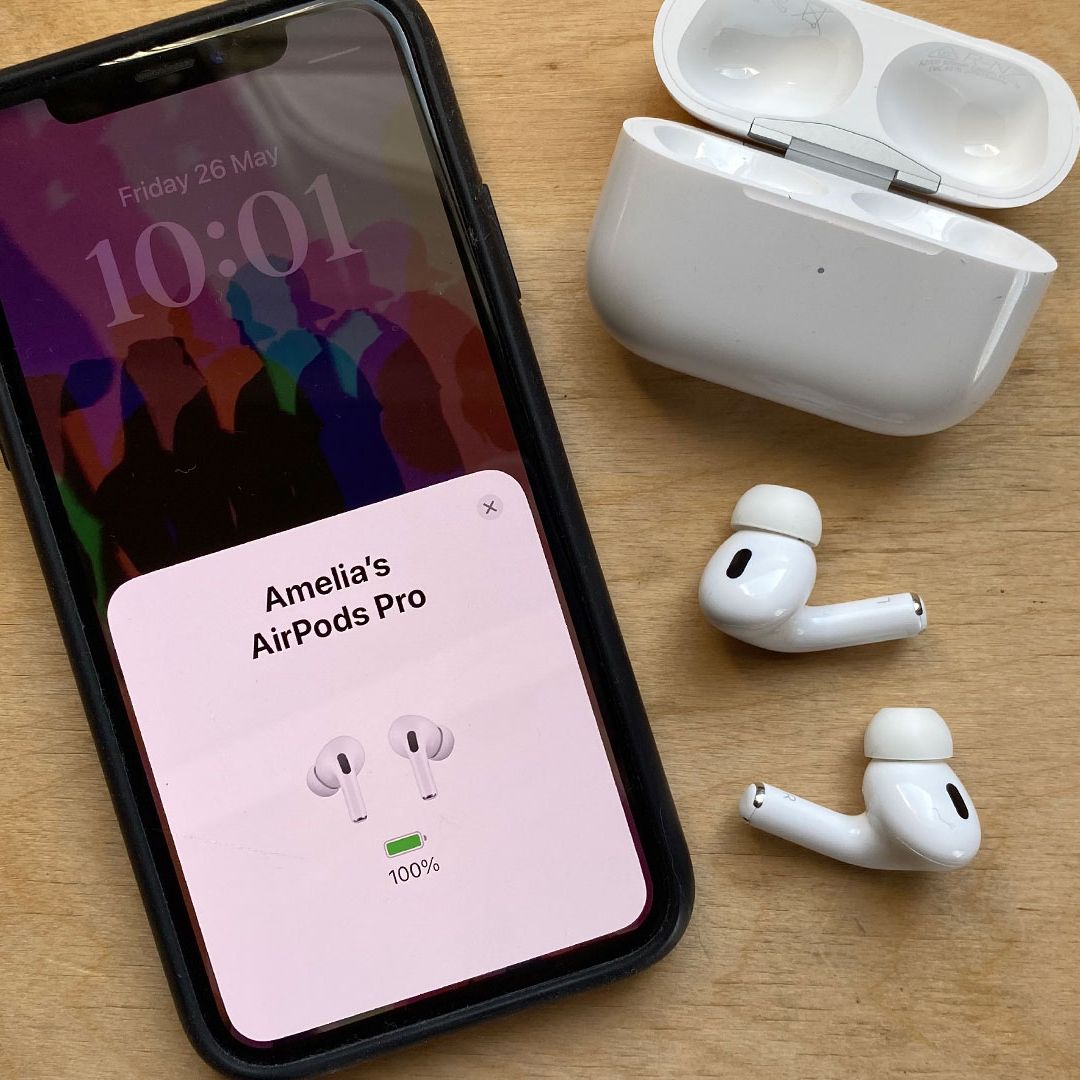
Open your iPhone near the earbuds; look for the popup or check the Battery widget.
I’ve spent years helping people get the most from their Apple devices, and I know how frustrating it is when you can’t tell if your earbuds have enough charge. This guide explains how to check earbuds battery on iphone step by step, covers AirPods and third‑party buds, fixes common problems, and shares real tips I learned from daily use. Read on and you’ll always know when to recharge.

Methods to check earbuds battery on iPhone
There are several ways to see battery levels on iPhone. The exact method depends on the earbuds you use. AirPods offer the smoothest experience. Many third‑party buds use an app or the Bluetooth battery service.
Common methods:
- Automatic popup when you open an AirPods case next to your iPhone.
- Batteries widget on the Today View or Home Screen.
- Bluetooth > device name in Settings for some earbuds.
- Manufacturer app (for Beats, Sony, Bose, Samsung).
- Asking Siri for the battery level.
Each method answers the same question: how to check earbuds battery on iphone. Pick the one that matches your earbuds and routine.
Checking AirPods battery — step-by-step
AirPods are the easiest case. Follow these steps to see battery levels fast.
Steps to see AirPods battery:
- Unlock your iPhone and wake the screen.
- Open the AirPods case near the iPhone. Wait for the popup that shows case and earbud percentages.
- If the popup doesn’t appear, place one AirPod in your ear and open the case again.
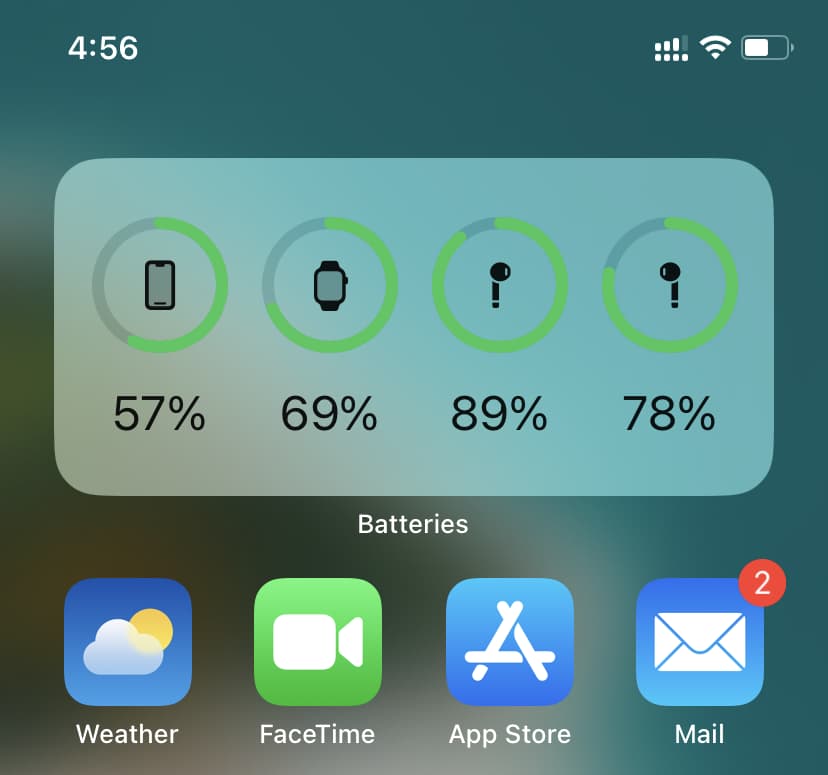
- Add the Batteries widget: long‑press the Home Screen, tap +, search Batteries, and add it. This shows your AirPods each time they’re connected.
- Check Settings > Bluetooth and tap the i icon next to AirPods for firmware and connection info.
If you use how to check earbuds battery on iphone as a daily task, the Batteries widget will save time. It keeps things visible without extra taps.

Checking third-party earbuds battery on iPhone
Not all earbuds behave like AirPods. Here’s what to try for popular brands and generic buds.
Beats and some Apple-owned brands
- Many Beats models show their battery in the Batteries widget when connected.
- If not, use the Beats app for detailed levels and firmware updates.
Sony, Bose, Jabra, and others
- Most require the brand’s app for full battery readouts.
- Some support the iOS Bluetooth Battery Service and will show a percent in Settings > Bluetooth.
Samsung Galaxy Buds and similar
- Often use the manufacturer’s app for battery status.
- Some models show a brief popup when pairing with iPhone.
Generic Bluetooth earbuds
- If they implement the standard BLE Battery Service, iPhone may show a battery percent under Settings > Bluetooth.
- If not, rely on the vendor app or the charging case LED indicators.
When you learn how to check earbuds battery on iphone for non‑AirPods, you often end up using the maker’s app. Apps can also push firmware updates that fix battery reporting.
Troubleshooting: earbuds battery not showing
If battery levels don’t appear, try these fixes. I’ve done these steps many times and they work in nearly every case.
Quick fixes
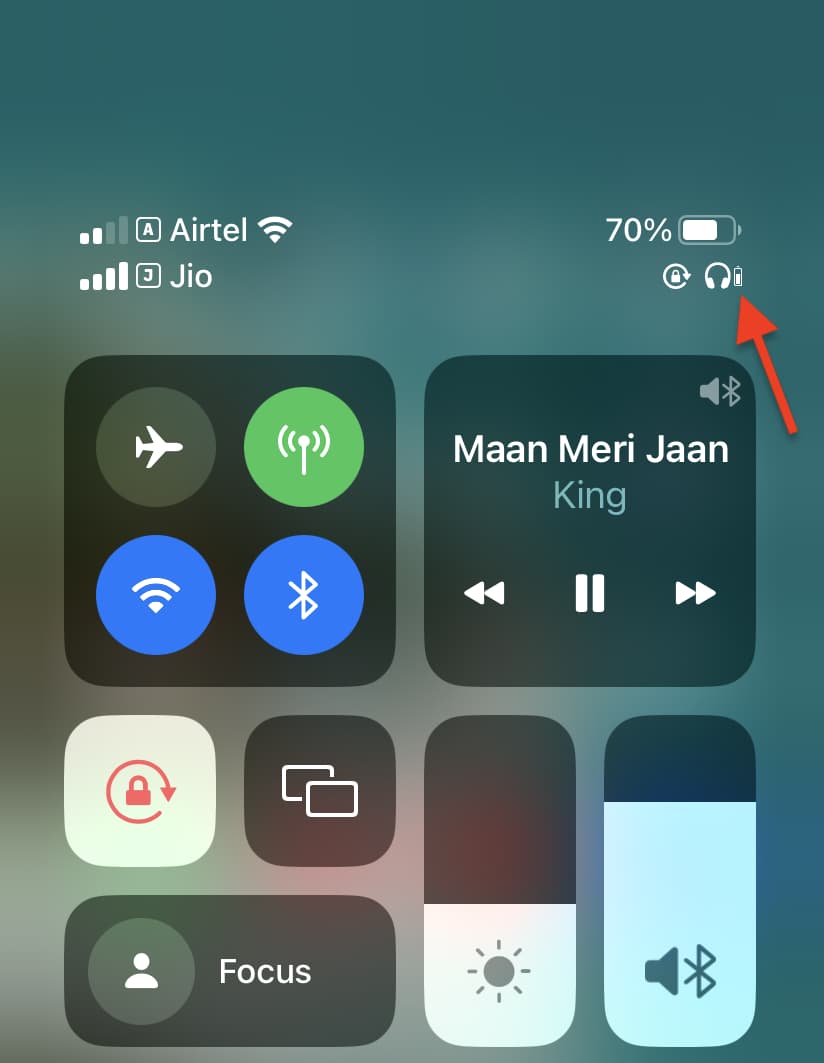
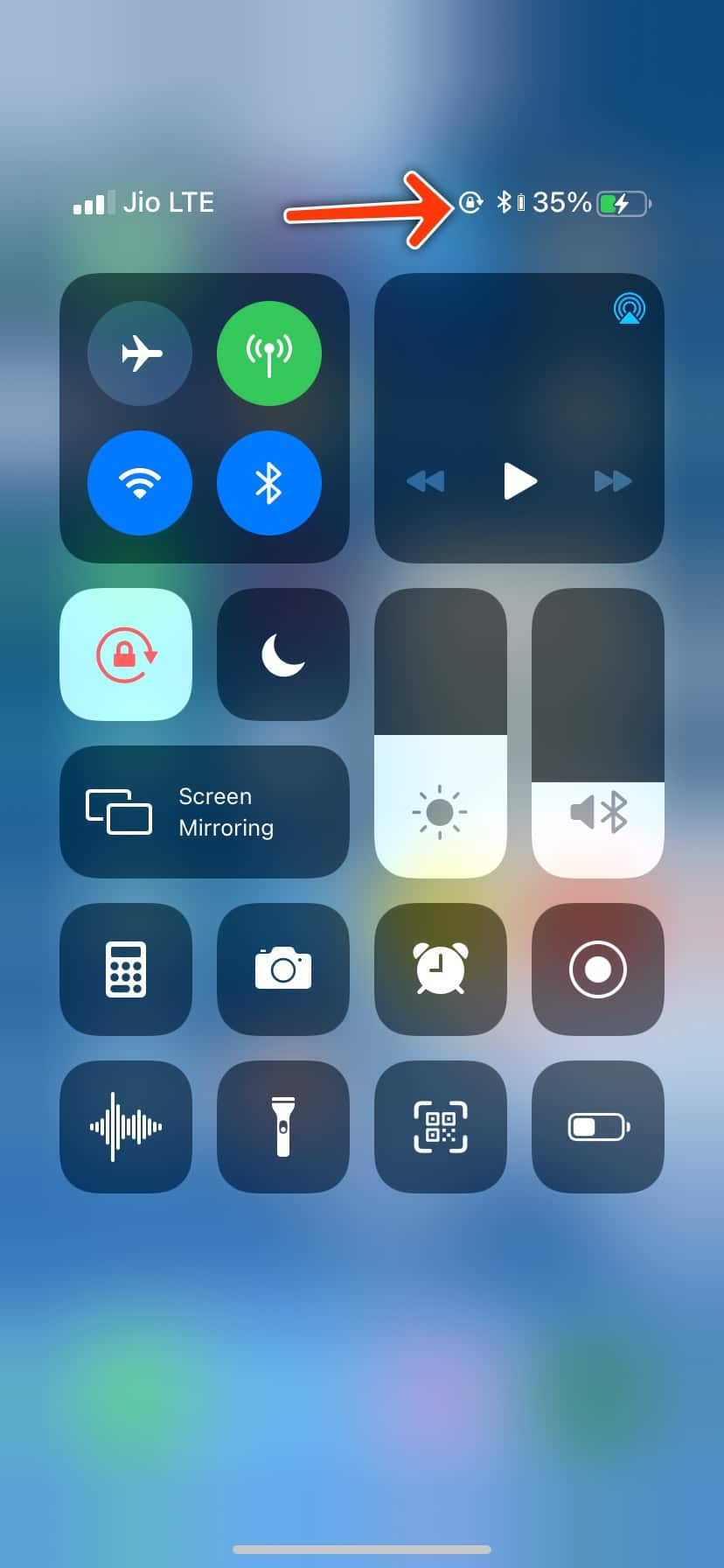
- Toggle Bluetooth off and on in Control Center.
- Close the case, wait 10 seconds, then open it near your iPhone.
- Restart your iPhone and reconnect the earbuds.
Reset and update
- Forget the earbuds in Settings > Bluetooth, then pair again.
- Update iOS to the latest version and update earbuds firmware via their app.
Check compatibility
- Some earbuds don’t expose battery info to iOS. Confirm the model supports iOS battery reporting.
- If the Batteries widget shows stale data, remove and re‑add the widget.
If you still can’t see the battery, remember to test with another phone or app to rule out a hardware issue. This helps when learning how to check earbuds battery on iphone across different devices.

Tips to preserve earbuds battery and get accurate readings
Good habits extend life and keep battery readouts accurate. These simple tips come from testing earbuds over months.
Daily habits
- Store earbuds in their case when not in use to avoid deep discharge.
- Charge the case regularly so earbuds get full charges.
- Avoid extreme heat or cold which skews battery life.
Calibration and firmware
- Occasionally let the earbuds drain then fully charge to help the battery meter stay accurate.
- Keep earbuds’ firmware up to date through the manufacturer’s app.
Practical tips
- Use one earbud at a time when safe to extend total use time.
- Disable always‑on features or high‑power codecs if you need longer life.
These steps not only help you learn how to check earbuds battery on iphone, they make the numbers you see more reliable.
Personal experience and lessons learned
I once thought an AirPods battery was faulty because the widget showed 40% and the buds died in 20 minutes. After firmware updates and a reset, the numbers matched real life again. Lesson: the reading is only as good as the connection and firmware.
What I recommend from experience:
- Always update firmware after buying new earbuds.
- Use the Batteries widget as your quick check.
- Keep a small charging cable in your bag for sudden low battery moments.
I learned to never rely solely on the case LEDs. A quick iPhone check is faster and clearer. Knowing how to check earbuds battery on iphone saved me from a dead pair on a long commute more than once.
Frequently Asked Questions of how to check earbuds battery on iphone
How do I see my AirPods battery on my iPhone?
Open the AirPods case near your iPhone and wait for the popup. You can also add the Batteries widget to view levels anytime when connected.
Why don’t my earbuds show a battery percentage on iPhone?
Some earbuds don’t expose battery data to iOS. Check the manufacturer app or confirm the model supports the iOS battery service.
Can Siri tell me my earbuds battery level?
Yes, you can ask Siri “What’s my AirPods battery?” for AirPods. For third‑party buds, Siri may not have access unless the maker integrates with Siri.
Is the iPhone battery reading accurate?
It is usually accurate for modern earbuds, but readings can be off if firmware is out of date or connection is unstable. Calibrating the battery and updating firmware improves accuracy.
How do I add the Batteries widget to check earbuds battery on iPhone?
Long‑press the Home Screen, tap the + icon, find Batteries, and add it to your widgets. It shows connected earbuds and other device levels.
What if the Batteries widget shows wrong numbers?
Remove and re‑add the widget, restart your iPhone, and check for firmware updates in the earbuds’ app. If problems persist, forget and re‑pair the device in Settings.
Conclusion
You now know multiple ways to check earbuds battery on iphone, how to fix common display problems, and how to keep readings accurate. Use the Batteries widget for fast checks, rely on the maker’s app for non‑Apple buds, and keep firmware up to date. Try these steps today to avoid surprises and extend your listening time. If this helped, leave a comment, subscribe for more tips, or test these steps with your earbuds and report back.

Everett Ashford is a tech reviewer at mytechgrid.com specializing in SSDs, cameras, TVs, earbuds, headphones, and other consumer electronics. He provides honest, data-driven reviews based on hands-on testing and real-world performance analysis. Everett simplifies complex tech details to help readers make smart, confident buying decisions.