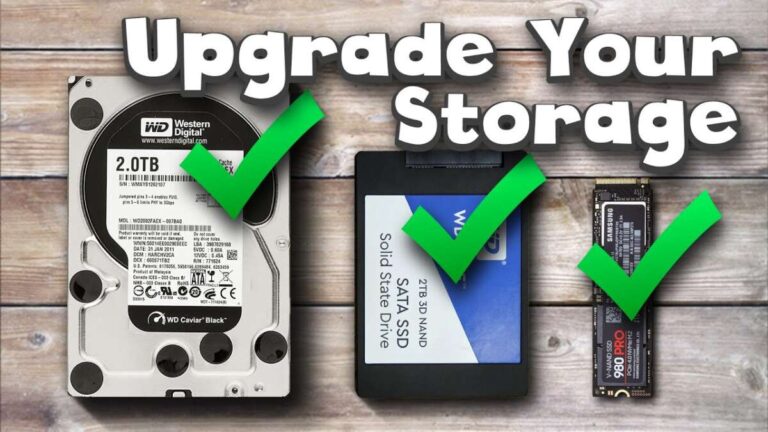
Choose an NVMe SSD with the right PCIe generation, capacity, and endurance for smooth gaming.
I’ve built and tested many gaming PCs. I know how to choose the right nvme ssd for gaming pc so you get fast load times, reliable storage, and the best price for your needs. This guide walks you through specs, real-world impact, compatibility checks, budget picks, and mistakes I’ve learned from. Read on and you’ll feel confident selecting the NVMe drive that fits your exact gaming PC build.
Understanding NVMe SSDs: what they are and why they matter
NVMe is a protocol. It talks directly to your CPU over PCIe lanes. That gives much faster speeds and lower latency than SATA drives. Knowing how to choose the right nvme ssd for gaming pc starts with this basic fact: NVMe handles many more parallel tasks than older drives.
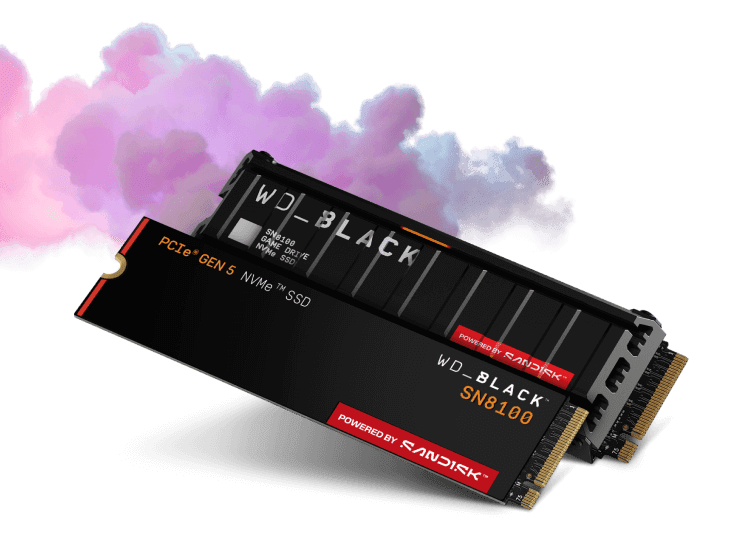
NVMe drives come in different PCIe generations. PCIe 3.0 is common and solid for most gamers. PCIe 4.0 and 5.0 offer higher peak speeds but need compatible motherboards and CPUs. Choose the generation that matches your system to avoid bottlenecks.
Key specs to consider when choosing an NVMe for gaming
When you learn how to choose the right nvme ssd for gaming pc, focus on a few core specs. These tell you how the drive will behave in gaming and everyday use.
- Interface and PCIe generation. Pick a drive that matches your motherboard slots and lanes. PCIe 4.0 gives faster peak speeds than PCIe 3.0.
- Sequential read/write. These matter for big file transfers and game installs. Higher numbers mean faster copies and shorter installs.
- Random IOPS and latency. These affect game loading and texture streaming. Higher IOPS and lower latency help reduce stutter.
- Endurance (TBW) and warranty. Games and updates can write lots of data over time. Look at TBW and length of warranty.
- NAND type and controller. TLC or QLC NAND and the controller impact durability and sustained speeds.
- DRAM or DRAM-less design. DRAM helps maintain consistent speed under load. For heavy gaming, drives with DRAM are preferable.
Form factor and physical compatibility
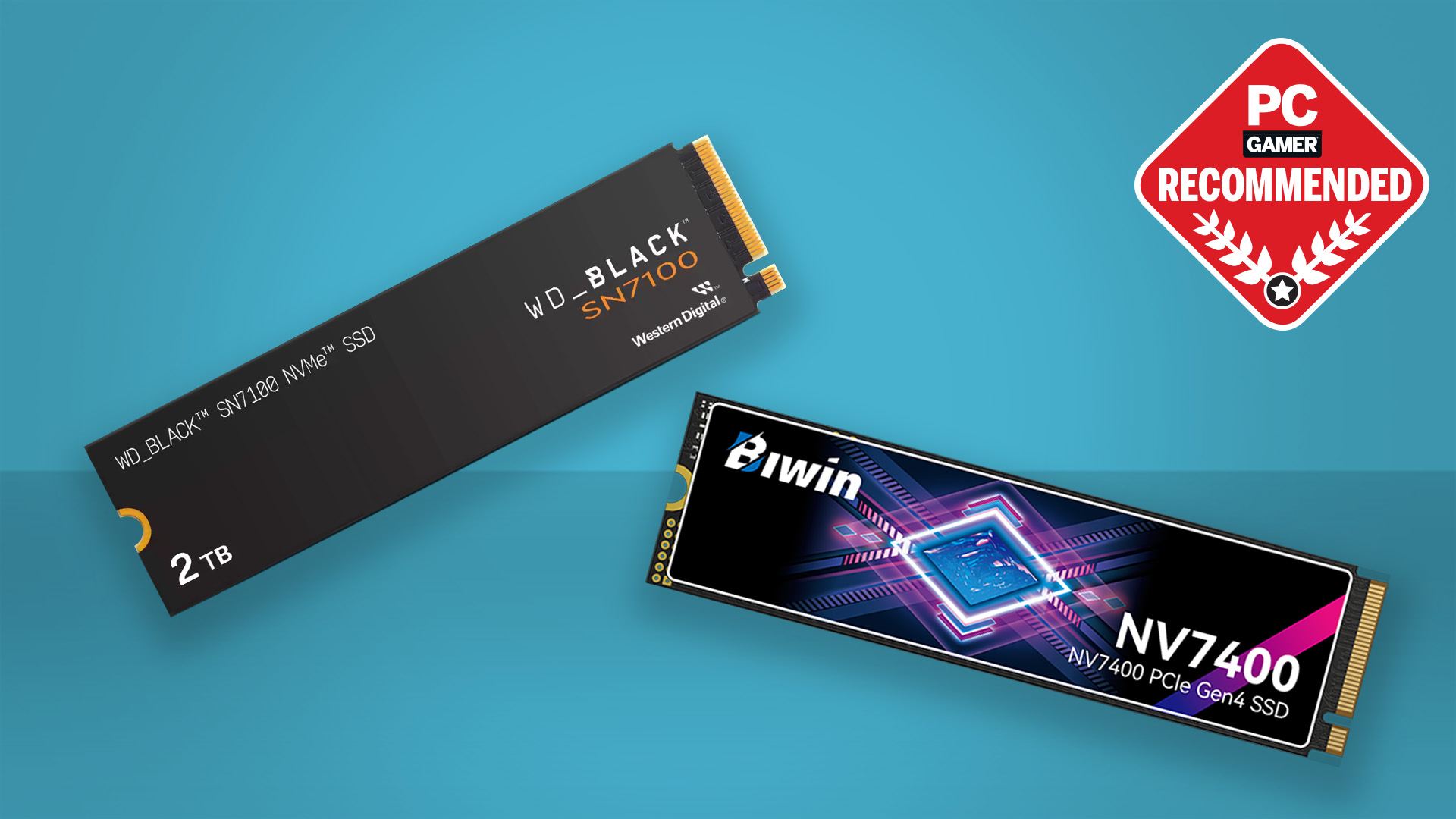
Most PC gamers use M.2 2280 NVMe drives. They plug directly into the motherboard. Some high-end rigs use PCIe add-in cards or U.2, but M.2 is the usual choice.
Before you buy, check these points to know how to choose the right nvme ssd for gaming pc:
- Does your motherboard have an M.2 slot that supports NVMe? Some M.2 slots only support SATA.
- Which PCIe generation does that slot support? Match PCIe 3.0, 4.0, or 5.0 for best results.
- Is there enough physical space and clearance for an M.2 heatsink? Heat affects performance.

Capacity and price: how much storage do you need?
Games keep getting bigger. AAA titles can be 50–150 GB each. How to choose the right nvme ssd for gaming pc means balancing space and price.
- 500 GB: Budget-friendly. Good for a few big games plus OS. You may need external or secondary storage.
- 1 TB: Sweet spot for most gamers. Room for several large titles and tools.
- 2 TB and up: For heavy libraries or streamers. Higher cost but fewer trade-offs.
Buy the largest fast NVMe you can afford. Use slower SATA or external drives for archived or rarely played titles.
Performance metrics explained and their impact on gaming
Raw speed numbers can be confusing. Here’s what matters when you choose an NVMe for gaming.
- Sequential read/write: Shows peak transfer speed. Helpful for installs and copying big files.
- Random read/write (IOPS): More important for gaming. It shows how many small requests the drive can handle per second.
- Latency: Lower is better. It shortens the time each read/write takes.
- Sustained performance and thermal throttling: Some drives slow down under long load. That affects long play sessions or heavy installs.
Real-world: fast sequential speed shaves seconds off loading screens. High IOPS reduces micro-stutters. When you think how to choose the right nvme ssd for gaming pc, focus on balanced specs rather than only top sequential numbers.
Endurance, warranty, and reliability
Endurance is measured in TBW (terabytes written). Warranty terms also show manufacturer confidence. When deciding how to choose the right nvme ssd for gaming pc, check TBW and warranty length.
- Higher TBW means the drive lasts longer under heavy writes.
- Longer warranties (5 years common) offer peace of mind.
- Drives with proven controller technology and good firmware are more reliable.
Note that real gaming workloads typically write far less than TBW limits. Still, choose a drive with reasonable endurance for heavy patching and content creation.
Compatibility and installation checklist
Use this checklist to avoid surprises when you install your NVMe SSD. It helps you truly know how to choose the right nvme ssd for gaming pc.
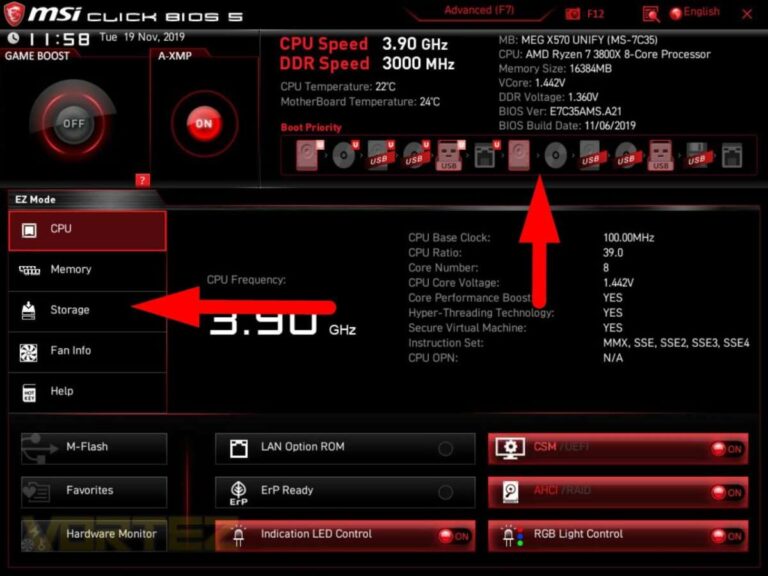
- Confirm your motherboard M.2 slot supports NVMe and the PCIe generation.
- Check BIOS versions. Sometimes a BIOS update unlocks NVMe support.
- Verify lane allocation. Some M.2 slots share lanes with SATA ports or GPUs.
- Plan cooling. Add a heatsink if the drive or board lacks one.
- Backup before cloning or installing the OS.
Follow this checklist. It saves time and prevents wasted purchases.
Real-world benchmarks and gaming impact
Benchmarks show numbers. Real games show feel. When testing how to choose the right nvme ssd for gaming pc, I run games with different drives to compare load times and stutter.
- Load times: NVMe vs SATA often cuts load times by 20–60%. Faster drives mean faster maps and less waiting between scenes.
- In-game streaming: Open-world games stream assets. A faster NVMe can reduce texture pop-in and micro-pauses.
- Gameplay FPS: NVMe rarely changes average FPS. CPU and GPU matter more for frame rates.
If you want the best gaming feel, focus on a drive with good random IOPS and consistent sustained performance.
How to choose the right NVMe SSD for gaming PC by budget
Different budgets need different advice on how to choose the right nvme ssd for gaming pc. Here are clear picks by price tier.
- Budget builds (under $70): Aim for 500 GB PCIe 3.0 NVMe with TLC NAND. Accept lower TBW.
- Mid-range builds ($70–$150): Aim for 1 TB PCIe 3.0 or 4.0 NVMe with DRAM. Good balance of speed and endurance.
- High-end builds ($150+): Choose 1–2 TB PCIe 4.0 NVMe with high IOPS, strong TBW, and heat management.
- Consoles and PS5-style needs: Use drives officially validated for the platform. Match the required speed class and heatsink rules.
Match your choice to your system and library. That is the practical way to choose the right nvme ssd for gaming pc.
Personal experience, mistakes to avoid, and practical tips
I once bought the fastest PCIe 4.0 drive for an older motherboard. It was wasted. Lesson learned: match the drive to the system. Here are short tips from my builds and tests.
- Don’t overpay for PCIe 5.0 if your board is PCIe 3.0. It won’t help.
- Avoid tiny DRAM-less NVMe drives for heavy installs. They can slow down under load.
- Use a heatsink for long sessions. Thermal throttling kills peak performance.
- Keep games you play often on the NVMe. Archive the rest on cheaper drives.
These are real, tested lessons. They’ll help you choose the right nvme ssd for gaming pc without guesswork.
PAA-style questions to cover extra intent
How to choose the right nvme ssd for gaming pc if I have an older motherboard?
If your motherboard supports PCIe 3.0, pick a quality PCIe 3.0 NVMe with good IOPS and TBW. A high-end PCIe 4.0 drive won’t reach its peak.
Do I need a heatsink for my NVMe SSD?
If your drive lists high sustained speeds or you plan long installs and play sessions, a heatsink helps. Many motherboards include M.2 heatsinks; if not, add one.
Will NVMe boost my FPS?
NVMe improves load times and asset streaming, not average FPS. Your GPU and CPU determine frame rates more than storage.
Frequently Asked Questions of how to choose the right nvme ssd for gaming pc
What PCIe generation should I choose for a gaming PC?
Choose the fastest generation your motherboard supports. PCIe 3.0 is fine for most gamers, while PCIe 4.0 offers higher peak speeds if your board and CPU support it.
Is a DRAM-less NVMe SSD okay for gaming?
DRAM-less drives work for light use, but for heavy gaming and constant installs, a drive with DRAM gives more consistent performance and less slow-down.
How much capacity do I really need for games?
Aim for at least 1 TB for a smooth experience. 500 GB works if you play only a few titles; 2 TB suits large libraries and creators.
How important is TBW and warranty?
TBW and warranty signal drive longevity. Higher TBW and longer warranties offer better protection for frequent writes and long-term use.
Can I use an NVMe SSD as my boot drive?
Yes. NVMe drives are excellent boot drives. They make OS boot and app start times much faster than SATA drives.
Conclusion
You can make a smart choice about how to choose the right nvme ssd for gaming pc by focusing on compatibility, PCIe generation, capacity, endurance, and real-world IOPS. Match the drive to your motherboard and budget. Avoid overspending on features you cannot use.
Take action now: check your motherboard specs, set your budget, and pick an NVMe that balances speed, capacity, and endurance. If you found this guide useful, share your build or ask a question below so I can help you pick the best drive.

Everett Ashford is a tech reviewer at mytechgrid.com specializing in SSDs, cameras, TVs, earbuds, headphones, and other consumer electronics. He provides honest, data-driven reviews based on hands-on testing and real-world performance analysis. Everett simplifies complex tech details to help readers make smart, confident buying decisions.