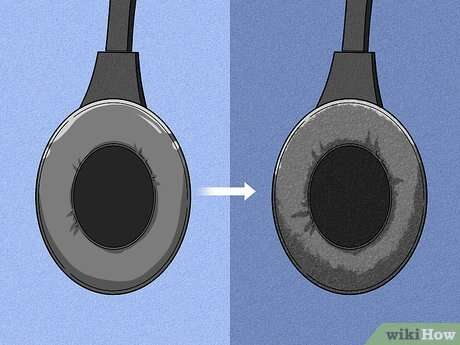
Adjust sizing, swap pads, and add soft padding — small fixes that boost comfort fast.
I’ve spent years testing gear and fixing fit for friends and clients, so I know what makes a good pair of headphones feel great for hours. This guide explains how to make headphones more comfortable with clear steps, simple mods, and buying tips you can use today. You’ll get easy fixes, upgrade options, and real-world advice based on hands-on experience so you stop shifting, sweating, or dreading long listening sessions.

Why comfort matters for listening, work, and health
Comfort affects focus, posture, and hearing health. Uncomfortable headphones make you fidget, reduce productivity, and can cause soreness or headaches after long use.
Good comfort also protects your ears. Proper fit improves passive isolation so you can listen at lower volumes. That lowers long-term risk to hearing while making sessions more enjoyable.
Comfortable headphones let you stay relaxed for long periods, whether you’re gaming, working, or commuting. Small changes often yield big results.

Common causes of headphone discomfort
- Poor fit: Earcups sit at the wrong angle or are too small for your ears. This creates pressure points.
- Excess clamp force: Headband squeezes the sides of your head, causing aching temples.
- Thin or hard padding: Low-quality foam transfers pressure to your skin and bone.
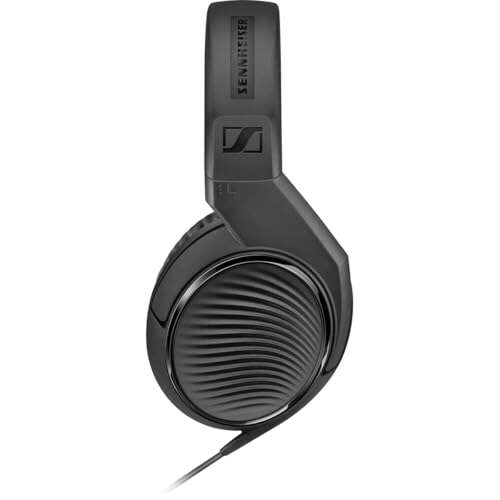
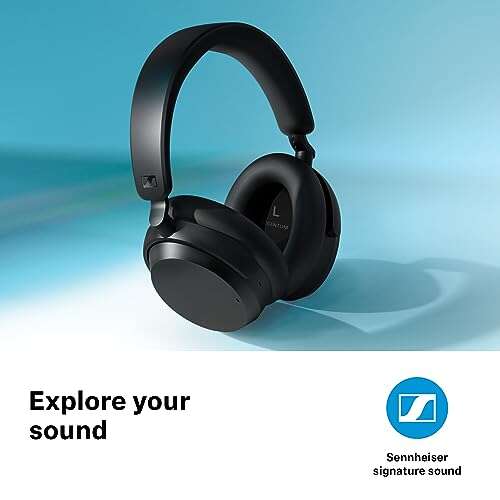
- Wrong size/type: On-ear models press the ear; over-ear models may be too large or heavy.
- Heat and sweat: Non-breathable pads trap heat and increase irritation.
- Weight and balance: Heavy drivers or uneven weight pull headset forward or down.
Understanding these causes helps you target fixes faster. Most problems are mechanical and easy to correct.

How to make headphones more comfortable — practical adjustments
Start with simple adjustments. These often solve 70% of comfort issues.
- Adjust the headband height: Slide cups until they sit squarely over your ear center. Small moves matter.
- Rotate and tilt earcups: Angle the cup so it follows your ear’s natural tilt. This removes pressure points.
- Change clamping force: Wear your headphones for 10–20 minutes. If pain appears, gently stretch the headband over a rounded object for several hours to reduce clamp. Do this slowly to avoid damage.
- Reposition cable: If a cable pulls, route it behind your shoulder or use a clip to keep tension off the cups.
- Lower volume and reposition: Sometimes moving the cup slightly reduces the need to increase volume to hear details.
Will changing ear pads make headphones more comfortable?
Yes. New pads often add more foam, softer surfaces, and better sealing. Replacing thin or hard pads usually improves comfort and sound isolation.
Can stretching the headband break headphones?
Stretching gently over a wide object is low risk, but avoid forced bends or heat. Test slowly and check for cracks around joints.

Accessories and upgrades that help
Small accessories can transform fit and comfort.
- Aftermarket ear pads: Memory foam or velour pads reduce pressure and heat. They can change sound a bit but usually improve comfort.
- Headband cushions and wraps: Gel or foam wraps distribute weight and stop headband soreness.
- Ear pad covers: Breathable fabric covers reduce sweat for long sessions.
- Counterweights and cable clips: For heavy headsets, add counterweights or use clips to balance and reduce forward pull.
- DIY padding: Soft cloth or thin foam placed under the headband can be a quick fix.
Examples from experience: Replacing stock pleather pads with thick memory foam velour on an older pair cut heat and pressure dramatically, letting me wear them for hours.
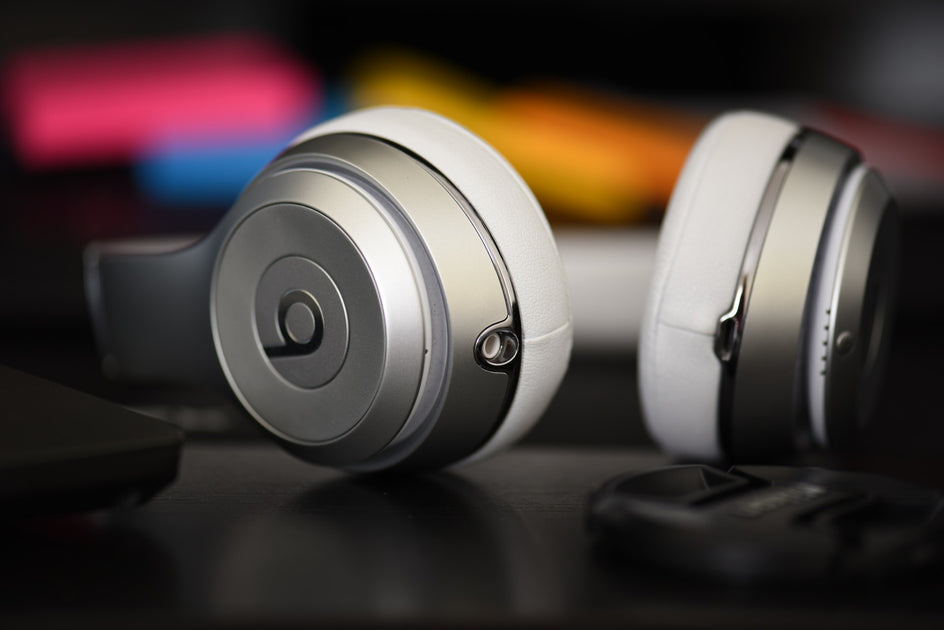
Materials, cleaning, and maintenance for lasting comfort
Good care keeps pads soft and hygienic.
- Clean pads regularly: Wipe pleather with mild soap and water; launder cloth covers per instructions. This keeps material pliable.
- Replace foam inserts every 1–3 years depending on use: Foam compresses over time and loses cushioning.
- Let headphones air out: After intense use, let them dry to prevent odors and breakdown.
- Avoid high heat: Heat deforms pads and adhesives; store in a cool case.
Limitations: Some older models use glued pads that are hard to replace. If comfort remains poor after mods, consider a new pair.

Choosing comfortable headphones: what to look for
When buying, prioritize comfort metrics, not just specs.
- Type matters: Over-ear generally offers better long-term comfort than on-ear for long sessions. In-ear comfort varies widely with tip shape.
- Padding quality: Thick memory foam and breathable fabric are best for long wear.
- Clamp force: Try headbands in-store or check reviews for notes on squeeze.
- Weight and balance: Lighter models and even weight distribution reduce fatigue.
- Adjustability: Multiple detents and swivel cups allow better customization.
- Return policy: A flexible return window lets you test long-term comfort.
Quick checklist when testing: wear for at least 15–30 minutes; walk and simulate movements; listen at typical volume. If you feel pressure after short time, it won’t improve. These steps also help determine how to make headphones more comfortable after purchase.
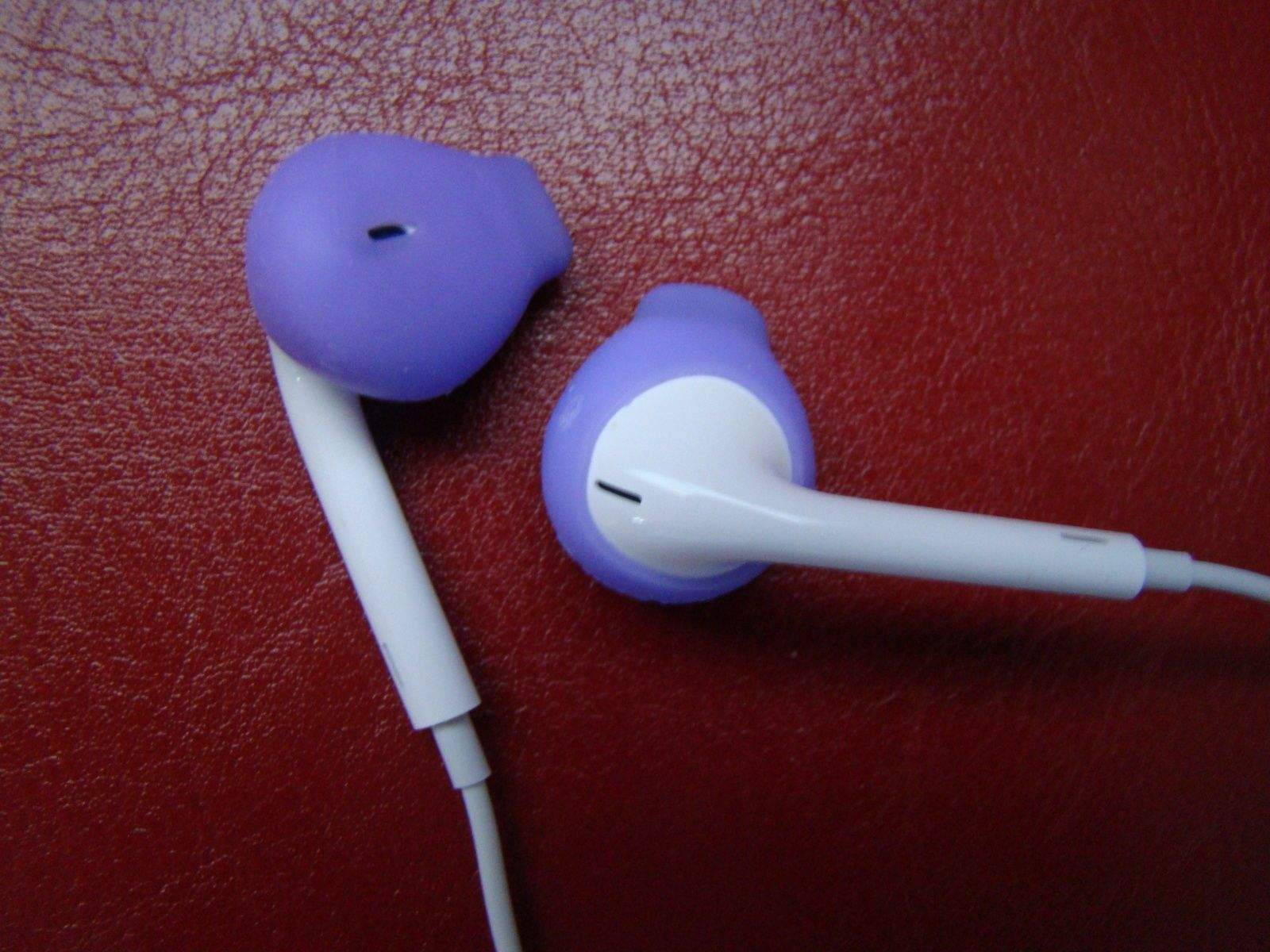
Personal experience, mistakes to avoid, and expert tips
I once bought a pricey pair that sounded great but had thin pads. I tried wearing them less, then replaced the pads and wrapped the headband — comfort improved dramatically. Lesson: sound alone doesn’t equal comfort.
Tips I rely on:
- Start with pads: Changing pads is low cost and high impact.
- Test during real tasks: Music in a quiet store is not the same as a noisy commute.
- Don’t overtighten mods: Overstuffing pads can warp cups and ruin sound.
- Balance comfort and seal: If you make pads too soft, isolation may drop. Adjust incrementally.
These real-world fixes are how to make headphones more comfortable without breaking the bank.
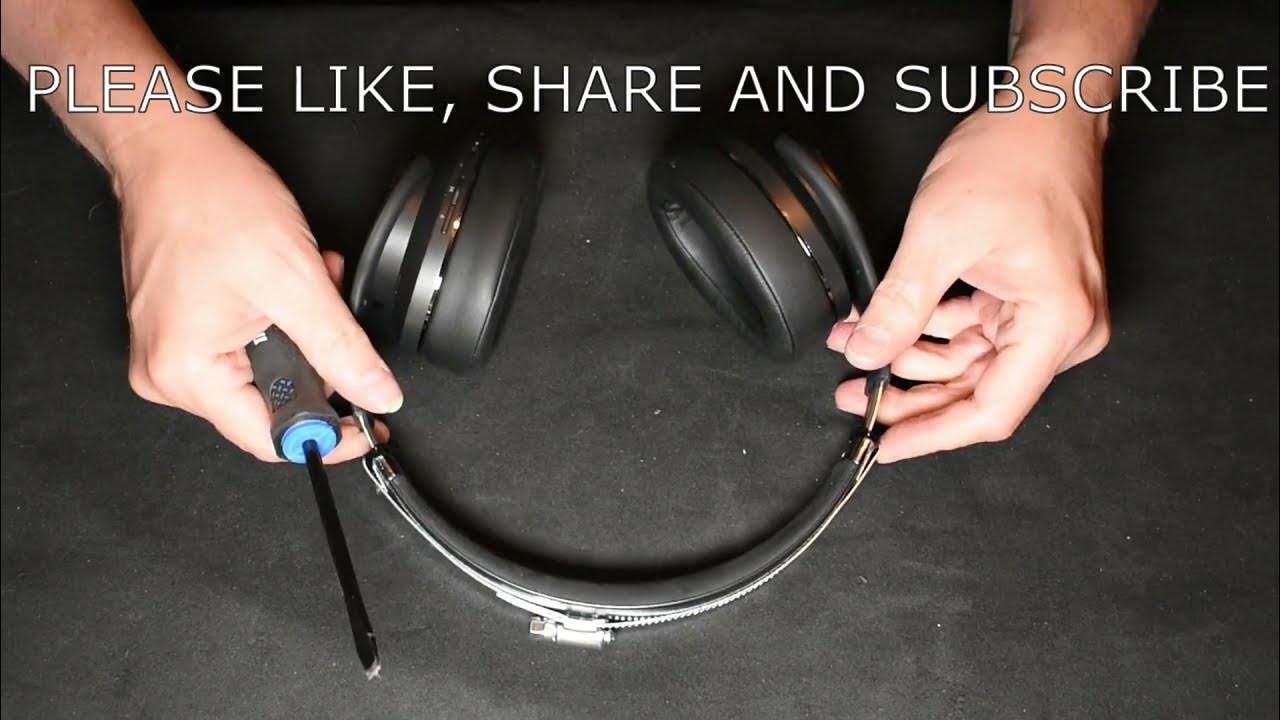
Frequently Asked Questions of how to make headphones more comfortable
How often should I replace ear pads?
Replace ear pads every 1–3 years depending on use, sweat, and material. If pads feel flat, cracked, or lose seal, it’s time to replace them.
Are third-party pads safe to use?
Yes, quality third-party pads are safe and often more comfortable. Choose pads made for your model and avoid extremely dense foam that can deform cups.
Can I reduce clamp force myself?
You can gently stretch the headband over a wide rounded surface for several hours to reduce clamp force. Do this slowly and check fit to avoid stressing joints.
Do gel headband pads help?
Gel pads distribute pressure and reduce soreness, especially for heavy headphones. They also add weight, so balance the change if your cups feel loose.
Are on-ear headphones fixable for long sessions?
On-ear models are harder to make comfortable for long use because they press directly on the ear. Switching to larger over-ear pads or one of the tips above can help some models.
Will thicker pads change sound quality?
Thicker pads can change bass response and stage width by altering ear-to-driver distance. Usually the comfort gain offsets small sound changes, especially for casual listening.
Conclusion
Small changes often yield big comfort gains: adjust fit, swap pads, add headband padding, and choose breathable materials. Use the steps above to test, modify, and improve your set-up so you can enjoy longer, healthier listening sessions. Try one or two low-cost fixes first — then move to upgrades if needed. Share your experience, ask questions, or subscribe for more gear tips and walk-throughs designed to make your listening life better.

Everett Ashford is a tech reviewer at mytechgrid.com specializing in SSDs, cameras, TVs, earbuds, headphones, and other consumer electronics. He provides honest, data-driven reviews based on hands-on testing and real-world performance analysis. Everett simplifies complex tech details to help readers make smart, confident buying decisions.