Fix static in headphones by cleaning jacks, swapping cables, updating drivers, and checking wireless interference.
As an audio technician and avid listener, I will walk you through exactly how to fix static in headphones with clear steps and proven tips. This guide explains why static happens, simple fixes you can try right away, advanced troubleshooting, prevention, and when to seek repair — all written from real experience and practical testing to help you hear clean sound again.
Common causes of static in headphones
Static in headphones comes from several common sources. Loose or dirty connections cause crackling when contacts lose continuity. Damaged cables, worn jacks, and broken driver elements can produce noise as you move the cable. Interference from nearby electronics, bad grounding, and software or driver issues are also frequent culprits when learning how to fix static in headphones.

Quick fixes you can try now
These fast checks often clear static in minutes.
- Inspect the cable and connectors visually for bends, kinks, or corrosion. Gently wiggle the plug and listen for changes.
- Clean the headphone jack and plug with compressed air and a cotton swab lightly dampened with isopropyl alcohol. Let it dry fully before testing.
- Disconnect and reconnect devices, then restart the phone, tablet, or computer. Rebooting can clear driver glitches that cause static.
- Try another cable, adapter, or a different audio source to isolate the problem. Swapping parts tells you if the headphones, cable, or device is at fault.
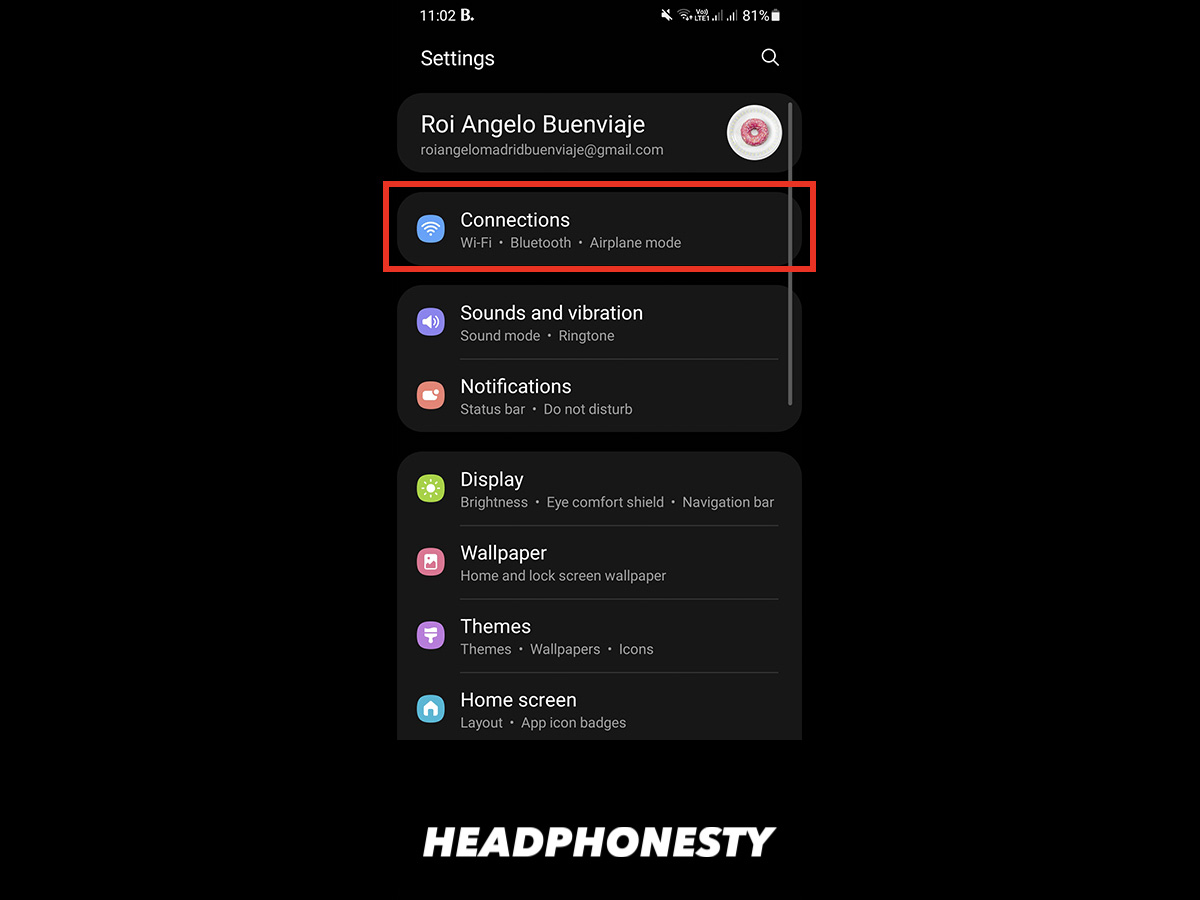
- For wireless headphones, turn off nearby Bluetooth devices, move closer to the source, and toggle airplane mode on the phone briefly. This reduces interference and can show you how to fix static in headphones caused by RF noise.
Source: ab-servette.net
Advanced troubleshooting and repairs
If quick fixes fail, take deeper steps to diagnose and repair.
- Test each earcup separately with a stereo splitter or swap left/right channels in software to see if only one driver is noisy. This helps find a bad driver.
- Inspect solder joints at the jack or driver if you're comfortable opening the headphones. Cold or cracked solder often causes intermittent static. Resoldering can restore a clean signal.
- Replace damaged cables or jacks. Many models use detachable cables that you can buy and swap. For fixed cables, consider professional cable replacement.
- Check grounding on desktop setups. Poor ground or a ground loop with multiple plugged devices can create persistent hum and static. Use a ground loop isolator or plug everything into the same power strip.
- For interference issues, change Wi-Fi channels, move away from microwave ovens, and disable nearby wireless transmitters. For USB audio, try a different port or a powered USB hub. These steps show practical ways to learn how to fix static in headphones from complex sources.

Source: iwantek.com
Preventive care to stop static from returning
Small habits keep headphones silent and reliable.
- Store headphones properly in a case. Avoid sharp bends in the cable and wrap gently.
- Clean connectors every few months. Dirt and oil buildup lead to poor contact and static.
- Use strain relief for the cable where it meets the jack or earcup. Heat-shrink tubing and glued sleeves reduce stress on solder joints.
- Keep wireless firmware and computer audio drivers updated to avoid software-related static. Regular updates can prevent many issues.
- Avoid high electrical-noise environments while using sensitive gear. Simple moves like switching outlets or rearranging gear cut down interference.

Source: iwantek.com
Tools and materials you'll need
A few simple tools make diagnosis and repair easy.
- Isopropyl alcohol (90%+) and cotton swabs for cleaning contacts.
- Compressed air to blow dust from jacks and ports.
- Multimeter to test cable continuity and measure grounding issues.
- Soldering iron, solder, and small tools for opening cases and repairing joints.
- Replacement cables, adapters, and a spare audio source for swaps.

Source: youtube.com
My real-world experience fixing static in headphones
I’ve fixed dozens of noisy headphones in both studio and home settings. One pair of studio cans developed static in one cup after a touring gig. Visual inspection showed a frayed internal wire near the headband. After re-soldering the connection and adding heat-shrink, the static vanished. The big lessons I learned are to always isolate parts, start with the simplest fix, and never force a plug into a jack. These practical tips underline how to fix static in headphones without needless expense.
When to replace or seek professional repair
Some problems need a pro or replacement.
- If drivers are physically damaged or sound distorted even with perfect connections, replacement may be cheaper than repair.
- If you lack tools or confidence with soldering, a certified repair service is safer.
- For newer and warranty-covered models, contact the manufacturer first to avoid voiding coverage. Knowing when to stop DIY is part of learning how to fix static in headphones wisely.

Source: youtube.com
Troubleshooting checklist (step-by-step)
Follow this order to find the cause fast.
- Restart your device and reconnect headphones.
- Try a different audio source and cable.
- Clean plugs and jacks with alcohol and air.
- Test each channel separately to find which side is noisy.
- Check for wireless interference and toggle Bluetooth/Wi‑Fi.
- Use a multimeter to test cable continuity and ground.
- Open and inspect solder joints if comfortable; resolder if needed.
- Replace cable or seek professional repair if problem persists.
Frequently Asked Questions of how to fix static in headphones
Why do my headphones make static only when I move the cable?
Movement often reveals broken wires or loose solder joints. A damaged conductor or poor contact inside the plug or cable creates intermittent connections that sound like static.
Can cleaning the jack really stop static in headphones?
Yes. Dirt, lint, and oxidation block good contact between the plug and jack. Gentle cleaning with isopropyl alcohol and compressed air often eliminates static.
Does Bluetooth interference cause static in headphones?
Yes. Nearby routers, microwaves, or many paired devices can create RF noise and dropouts. Moving closer to the source or reducing nearby wireless devices can clear static.
Is it safe to open headphones to fix static?
It is safe if you have basic tools and experience, but many models are delicate. If you’re unsure, seek a professional to avoid further damage or voiding warranty.
How can I tell if the problem is the headphone or the audio source?
Try the headphones with a different device and use another set of headphones on the original device. If the noise follows the headphones, they’re the cause; if it follows the device, the source is at fault.
Conclusion
You can fix most static in headphones with a few smart checks: clean contacts, swap cables, isolate sources, and perform simple repairs when needed. Start with the easiest steps and move to advanced fixes only if required. Try these tips today, share what worked for you in the comments, and subscribe or bookmark this guide for quick reference next time you need to know how to fix static in headphones.

Everett Ashford is a tech reviewer at mytechgrid.com specializing in SSDs, cameras, TVs, earbuds, headphones, and other consumer electronics. He provides honest, data-driven reviews based on hands-on testing and real-world performance analysis. Everett simplifies complex tech details to help readers make smart, confident buying decisions.