You can track Bose earbuds through the Bose app, Bluetooth history, or a compatible phone locator.
Losing a small earbud can feel like losing a tiny piece of your day. The best method for how to track Bose earbuds depends on your model, phone, app settings, and whether the earbuds still have battery power. This guide explains the safest and most reliable steps, including what to do when the earbuds are offline, out of range, or inside their charging case.
How to track Bose earbuds with the Bose app
The Bose app is the first place to check. Some Bose earbuds support a built-in feature that can show their last known location or help you play a sound. Feature support can vary by model and app version, so you may not see the same tools on every pair.
Before you begin, install the current Bose app for your earbuds. Older products may use Bose Music, while newer models may use the Bose app. Sign in if the app asks you to do so.
Follow these steps:
- Open the Bose app on your iPhone or Android phone.
- Turn on Bluetooth.
- Keep your phone near the place where you last used the earbuds.
- Select your earbuds from the product list.
- Look for an option such as Find My Buds, Find, or Locate.
- Review the last known location, if the app provides one.
- Use the sound option if it is available and the earbuds are connected.
The sound feature is most useful when an earbud is under a couch cushion, inside a jacket pocket, or near a bedside table. Start with a quiet room because the alert may be hard to hear in a busy space.
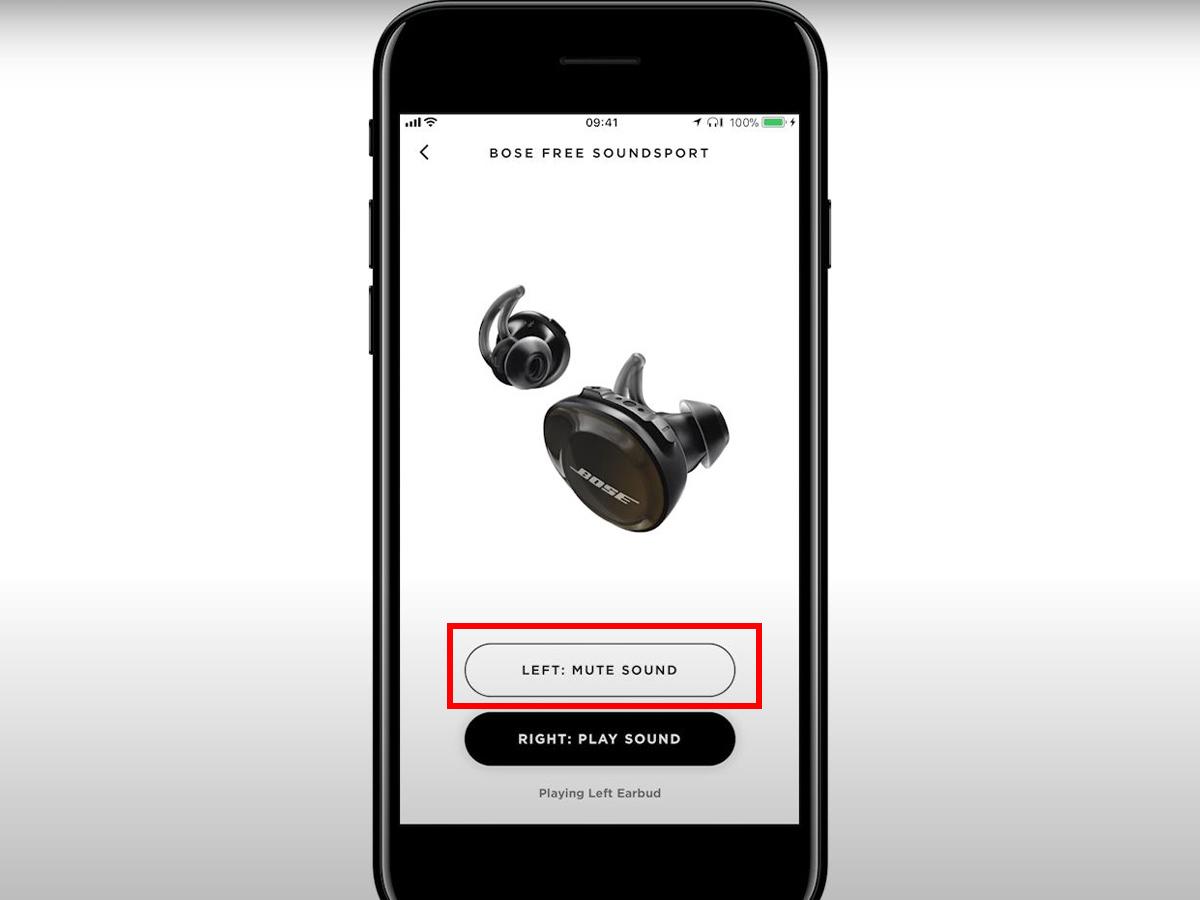
What the Bose Find My Buds feature can and cannot do
A tracking feature may sound like GPS, but most wireless earbuds do not contain a dedicated GPS chip. Instead, the Bose app may save the last place where your earbuds were connected to your phone.
This means the app can often point you toward the last known area. It cannot always show the earbuds moving in real time.
The Bose app may help you when:
• The earbuds were connected to your phone recently
• Location permission was enabled
• The earbuds still have battery power
• Bluetooth is active
• Your phone is close enough to reconnect
The feature may not work when:
• The earbuds are inside a closed charging case
• The battery is fully drained
• The earbuds were never paired with the phone
• The earbuds are far outside Bluetooth range
• The app was deleted or location access was turned off
• Your Bose model does not support the feature
Think of the last known location as a breadcrumb, not a live map. It tells you where the earbuds were seen last, but not where they are now.

How to track Bose earbuds on an iPhone
If you use an iPhone, begin with the Bose app. Do not assume that every Bose product appears in Apple Find My. Apple Find My works best with accessories that are officially designed to support the Find My network.
Check these steps:
- Open the Bose app and check the earbuds’ product page.
- Confirm that Bluetooth is enabled in Settings.
- Go to Settings, Privacy & Security, and Location Services.
- Make sure location access is allowed for the Bose app.
- Return to the app and check the last known location or Find My Buds tool.
- Walk slowly around the location while watching for a Bluetooth connection.
- Play a sound if the app offers that function.
If your Bose earbuds were added to Apple Find My as a supported accessory, open the Find My app and select Items. If they do not appear there, use the Bose app instead. This distinction matters because Bluetooth pairing alone does not automatically add earbuds to Apple Find My.
A useful habit is to check Find My immediately after noticing the earbuds are missing. The longer you wait, the more likely the battery will run down or the last location will become less useful.
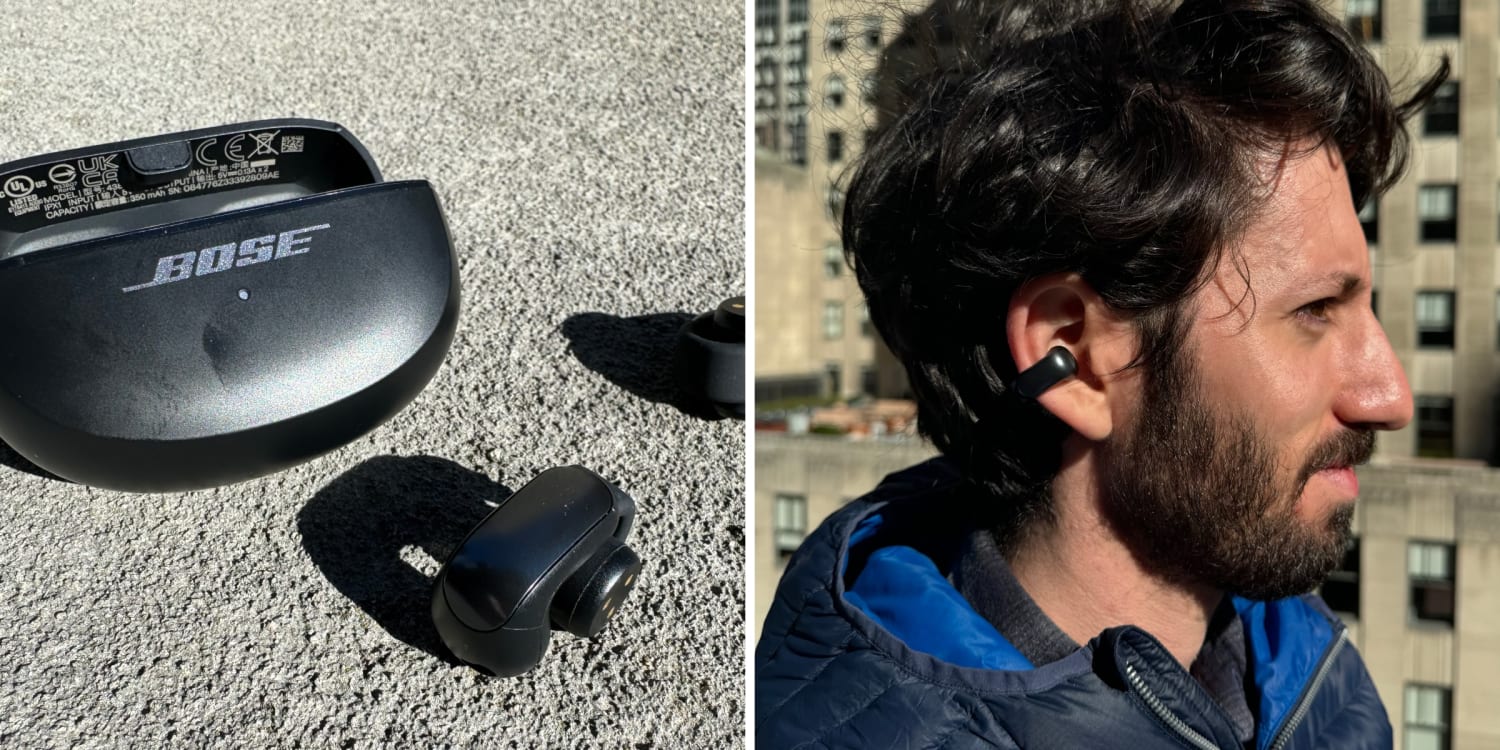
How to track Bose earbuds on Android
Android users should also start with the Bose app. Some Android phones may show recently connected Bluetooth devices, but this does not create a precise tracking map.
Try this process:
- Open the Bose app.
- Select your earbuds.
- Check for a Find My Buds or location option.
- Turn on Location and Bluetooth.
- Give the app permission to use location while the app is active.
- Return to the last place where you used the earbuds.
- Try to reconnect and play a sound.
Google Find My Device is not a universal tracker for every Bluetooth earbud. It works with compatible devices and accessories that meet Google’s tracking requirements. If your Bose model is not supported, it may not appear in the Google Find My Device app.
Android phone brands also use different menus. On a Samsung phone, for example, Galaxy Wearable features are intended for Samsung products and do not automatically track Bose earbuds. The Bose app remains the most relevant tool for Bose devices.
How to find Bose earbuds when they are connected
If the earbuds still connect, finding them is usually much easier. A live Bluetooth connection means your phone can communicate with the earbuds.
Use these steps:
- Open the Bose app.
- Check the battery level of each earbud.
- Select the sound or locate option.
- Remove nearby noise, such as a television or fan.
- Search common hiding places while listening carefully.
- Check bags, coat pockets, car seats, desk drawers, and bedding.
- Move around slowly to see whether the connection becomes stronger.
Bluetooth range is often limited by walls, furniture, and other wireless signals. A connection may work in one room but disappear after you walk down a hallway.
If only one earbud is missing, place the earbud you still have in the charging case. Then try to connect and locate the missing side. Some models let you identify the left or right earbud, while others only offer general connection information.

How to find Bose earbuds when they are offline
Offline earbuds cannot receive a sound command. They may be offline because they are too far away, inside the charging case, switched off, or out of battery.
Start with the last place shown in the Bose app. Then retrace your steps in reverse order. Most people search where they first noticed the loss, but the earbuds may have fallen earlier.
Check these places carefully:
• The car, including the space between the seat and center console
• Coat and pants pockets
• Backpacks, gym bags, and laptop cases
• Under sofas, beds, and rugs
• Bathroom counters and kitchen surfaces
• Office desks and shared work areas
• Charging stations and bedside tables
• Laundry baskets and bedding
If the last known location is a public place, contact the business quickly. Ask whether staff found a small black or white earbud. Avoid sharing sensitive personal details, and do not enter restricted areas to search.
When testing how to track Bose earbuds, one common lesson stands out: the last known location is only useful if you act on it soon. A dead battery can turn a searchable earbud into an ordinary lost object.
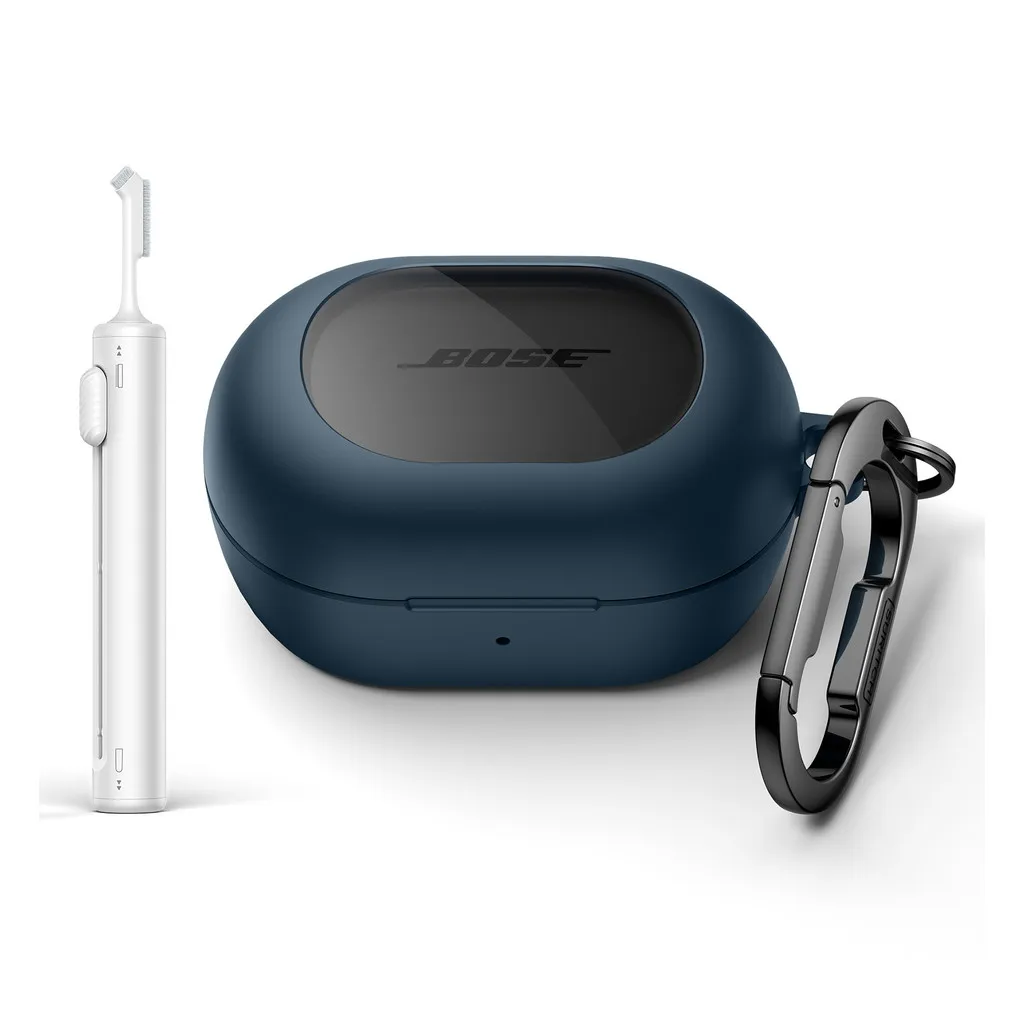
What to do if the Bose earbuds are inside the case
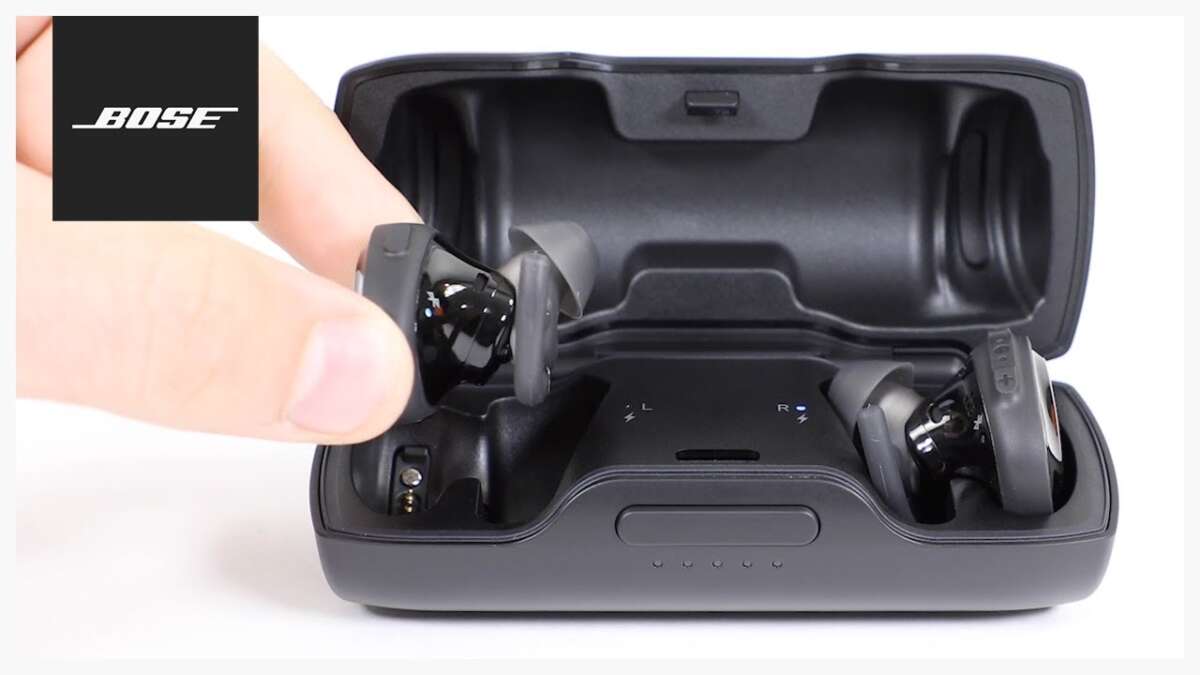
A charging case creates a major limit. When both earbuds are inside the case, they may stop communicating with your phone. The app may only show the last location from before the case was closed.
Search for the case as well as the earbuds. Many people find one earbud and assume the case is nearby, but the case may have been left in another bag or room.
Retrace your routine:
- Where did you remove the earbuds?
- Where did you place the case?
- Did you change clothes?
- Did you ride in a car or use public transit?
- Did you visit a gym, café, office, or store?
- Did someone move items from the area?
For future protection, choose one storage spot at home. A small tray near your desk or entryway works well. The goal is to make the case part of a fixed routine instead of a loose object that travels from room to room.
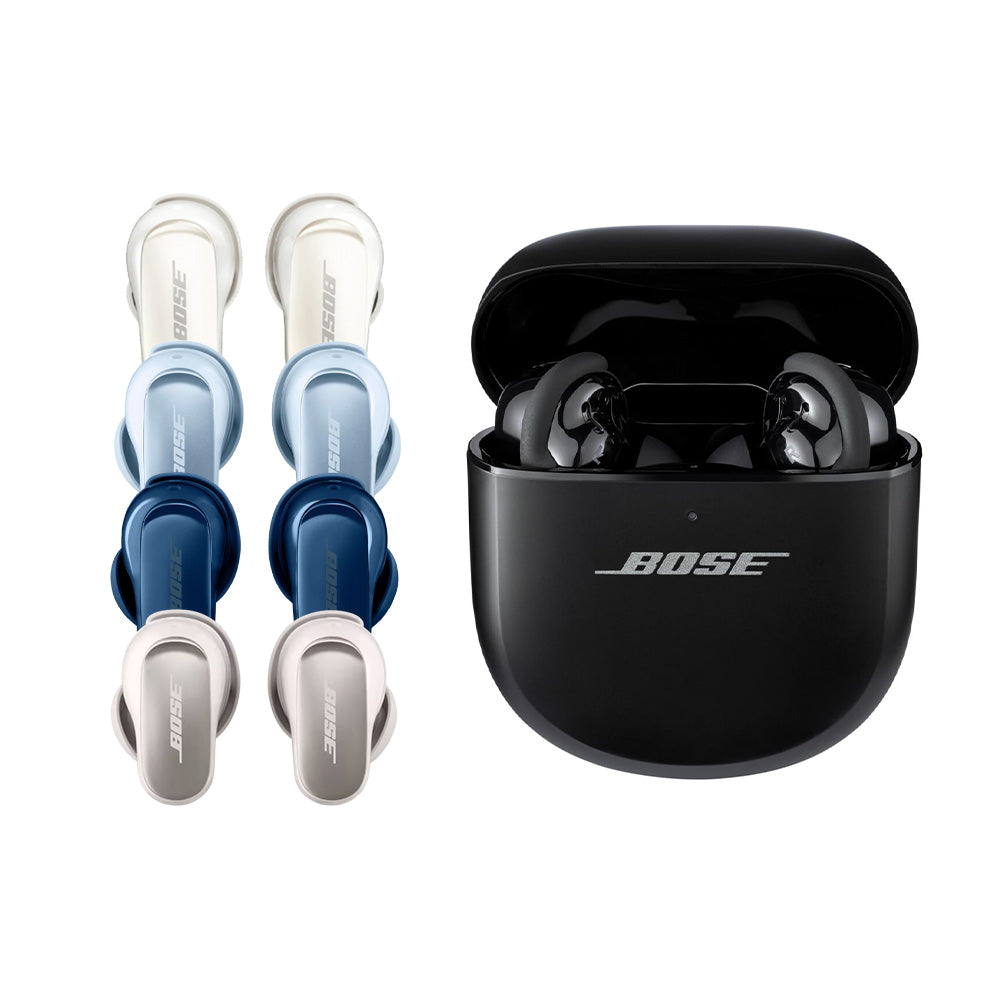
How to improve Bose earbud tracking before they go missing
The best way to track Bose earbuds is to prepare before a loss happens. A few settings can make the last known location much more helpful.
Use this checklist:
• Keep the Bose app installed and updated.
• Allow the app to use location services.
• Keep Bluetooth enabled when using the earbuds.
• Sign in to the app when required.
• Learn whether your exact model supports a locate feature.
• Keep the earbuds charged.
• Store them in the case when they are not in use.
• Add a small label or contact card to the case.
• Use a separate Bluetooth tracker on the case if you need broader coverage.
A tracker attached to the charging case can be useful, but it may not locate each earbud after it leaves the case. Choose a tracker that fits securely and does not prevent the lid from closing.
Avoid attaching bulky items directly to an earbud. They can affect comfort, fit, charging, or sound quality.

Common mistakes when trying to track Bose earbuds
Several mistakes can waste time during a search. The most common is assuming that the earbuds have GPS. In most cases, they rely on Bluetooth and a saved connection location.
Another mistake is turning off location access to save battery. This may limit the app’s ability to record where the earbuds were last connected. Battery savings are usually small compared with the convenience of a useful last known location.
People also forget to check both earbuds. One may be in the case while the other is under furniture. Check the case, each earbud, and any ear tips that may have separated.
Do not reset or remove the earbuds from the Bose app while searching. Resetting can erase useful pairing information and make the process harder. If you suspect theft, do not confront anyone. Record the last known location and contact the relevant venue or local authorities.
/cdn.vox-cdn.com/uploads/chorus_asset/file/24024005/DSCF9291_3.jpg)
Privacy and safety limits
Tracking tools protect property, but they also have limits. A last known location may be inaccurate if your phone’s location data is weak, if the earbuds connected in a nearby room, or if the app saved an older connection.
Do not use tracking information to monitor another person. Bose earbuds are designed for listening, not covert surveillance. If the earbuds appear to be at a private home or an unsafe place, prioritize your safety and ask authorities for help.
App menus and features can change after software updates. For the most accurate instructions, check the support guide for your exact Bose model. Product instructions are more reliable than a general guide when model features differ.
Frequently Asked Questions About How to Track Bose Earbuds
Can Bose earbuds be tracked if they are turned off?
Usually, no. If the earbuds are off or have no battery, the app cannot play a sound or show a live location, but it may still show the last known location.
Does Bose have a GPS tracker in its earbuds?
Most Bose earbuds do not use built-in GPS. Tracking usually depends on Bluetooth, the Bose app, location permissions, and the last place where the earbuds connected.
Can I track Bose earbuds with Apple Find My?
Only compatible accessories can use Apple Find My features. If your Bose earbuds do not appear in the Find My app, use the Bose app and check its available locate tools instead.
Can I track Bose earbuds with Google Find My Device?
Google Find My Device does not automatically support every Bose earbud. Your model must support the required tracking features, so check the Bose app and the product’s official support information.
Can I make lost Bose earbuds play a sound?
Some Bose models and app versions may offer a sound or locate feature. It generally works only when the earbuds have power and can connect to your phone.
Can I track Bose earbuds inside the charging case?
Often, no. The case may block communication or place the earbuds into a low-power state, leaving only the last known location available.
What should I do if I find only one Bose earbud?
Keep the earbud you found in the charging case and search for the other one using the Bose app. Retrace your steps and check pockets, bags, furniture, and the vehicle.
Conclusion
The most practical answer to how to track Bose earbuds is to open the Bose app first, check the last known location, and try a sound alert when the earbuds are still connected. Apple Find My and Google Find My Device may help only when your exact Bose model supports those systems.
Tracking is not magic, and most earbuds are not GPS devices. Still, updated apps, location access, regular charging, and a fixed storage habit can greatly improve your chances of finding them. Check your Bose model’s support guide today, and share your best earbud-finding tip in the comments.

Everett Ashford is a tech reviewer at mytechgrid.com specializing in SSDs, cameras, TVs, earbuds, headphones, and other consumer electronics. He provides honest, data-driven reviews based on hands-on testing and real-world performance analysis. Everett simplifies complex tech details to help readers make smart, confident buying decisions.