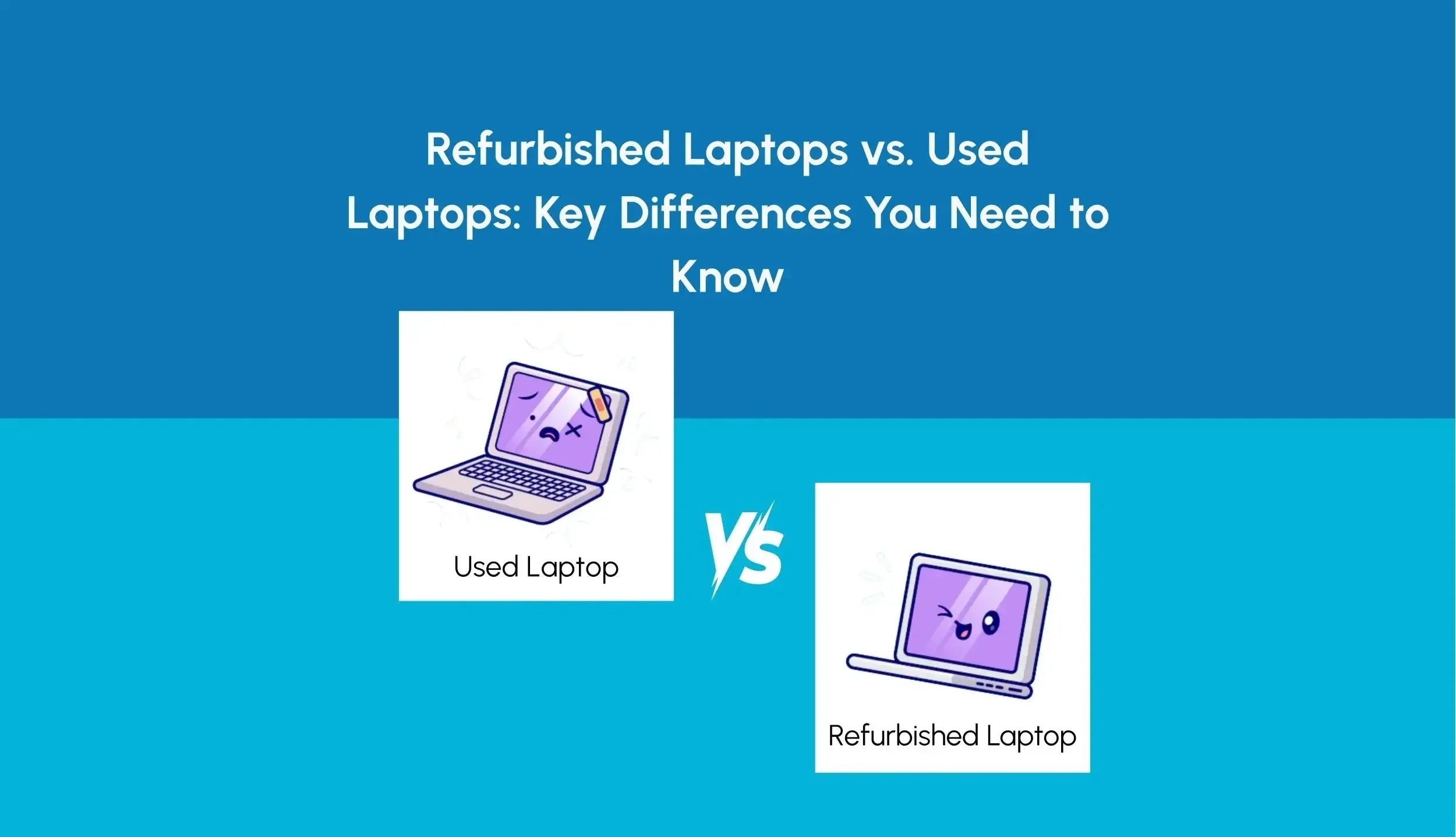
For shoppers in the United States, the main difference is what happened before the laptop was sold again. A used laptop is usually sold in its existing condition, with no promise that anyone tested or repaired it. A refurbished laptop has typically been inspected, cleaned, tested, and possibly repaired before resale.
The word refurbished does not guarantee one fixed level of quality. A laptop refurbished by the original manufacturer may go through a more controlled process than one refurbished by an independent seller. Always check the warranty, return policy, battery condition, and exact refurbishment steps.

Refurbished vs. Used Laptop: The Short Answer
A used laptop is a pre-owned computer sold as-is or with limited checks. It may work well, but its condition depends heavily on the previous owner and the seller.
A refurbished laptop is a pre-owned computer that a seller, repair shop, or manufacturer has examined and prepared for resale. The process may include:
- Testing the screen, keyboard, ports, webcam, speakers, and wireless connection
- Removing the previous owner’s data
- Reinstalling the operating system
- Replacing a failed component
- Cleaning the laptop
- Checking the battery
- Grading cosmetic wear
- Providing a limited warranty or return period
These terms can overlap. A refurbished laptop is still used in the broad sense because someone owned it before. However, not every used laptop has been refurbished.
A simple example
Suppose two 2021 laptops have the same processor and storage:
- Used laptop: A seller receives it, turns it on, and lists it for sale. The battery may be weak, and the seller may not know whether every port works.
- Refurbished laptop: A seller tests the ports, resets the system, checks the battery, replaces a damaged charger, and offers a 90-day warranty.
The refurbished laptop may cost more, but it may also reduce the risk of an immediate repair.
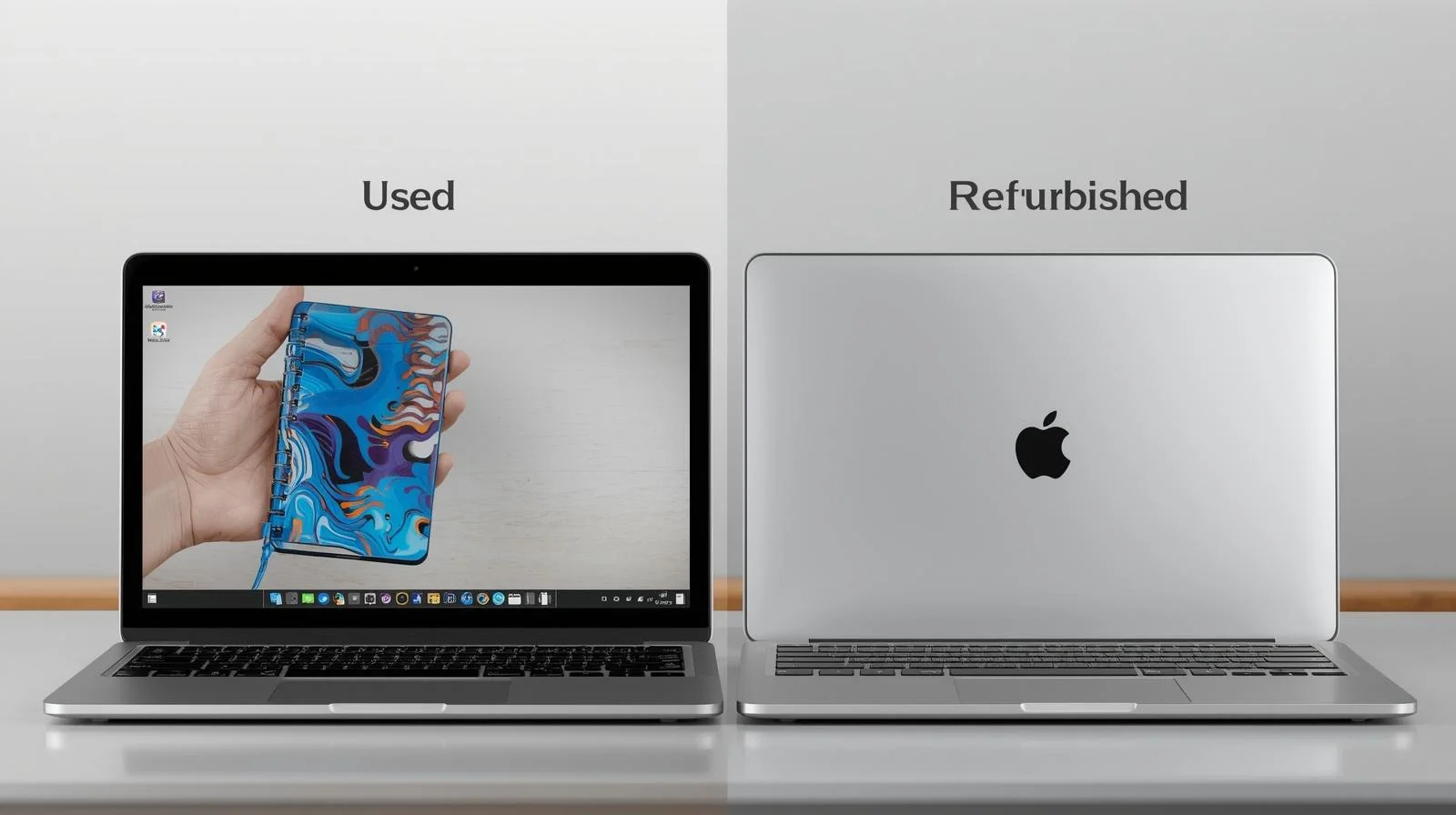
What Does “Refurbished” Mean?
“Refurbished” generally means a pre-owned or returned laptop that has been prepared for resale. The exact process varies because the term does not describe one universal inspection standard for every seller in the US.
A manufacturer-refurbished laptop is usually handled by the company that made the laptop or by an approved service partner. A seller-refurbished laptop may be repaired and tested by a retailer, repair shop, or individual business.
Common refurbishment grades
Sellers may use different labels, including:
- Manufacturer refurbished: Prepared by the original manufacturer or an approved partner.
- Certified refurbished: Reviewed under a seller’s stated certification program.
- Seller refurbished: Inspected or repaired by the retailer or another service provider.
- Renewed or renewed premium: A marketplace label with rules set by that marketplace or seller.
- Grade A, B, or C: A cosmetic condition score. These grades are not identical across sellers.
A grade usually describes appearance, not performance. A Grade A laptop may have very little visible wear but still have an older battery. A Grade B laptop may work just as well while showing more scratches.
What refurbishment may include
A proper refurbishment process can involve hardware and software checks. It may also include component replacement. For example, a seller might replace a damaged keyboard or install a new solid-state drive.
That does not mean every refurbished laptop has a new battery, new screen, or new internal parts. Read the listing for specific details. If it only says “fully tested,” ask what was tested and whether the battery was measured.

What Does “Used” Mean?
A used laptop is a previously owned laptop that is being sold again. The seller may provide a basic power-on check, or the seller may complete a more detailed inspection. The term itself does not tell you which one happened.
Used laptops can come from many sources:
- A private seller
- A local computer shop
- A business fleet replacement
- A school or government surplus sale
- An online marketplace
- A trade-in program
- A retail return
Some used laptops are excellent values. A business laptop that was carefully maintained may be more reliable than a poorly refurbished laptop from an unknown seller.
The biggest issue is limited information. A used listing may not state the battery’s health, repair history, BIOS status, or remaining warranty. You need to inspect those details yourself or choose a seller with a clear return policy.
Refurbished Laptop vs. Used Laptop: Key Differences
The table below shows the usual differences. These are general patterns, not guarantees for every listing.
| Factor | Refurbished laptop | Used laptop |
|---|---|---|
| Testing | Usually tested under a seller’s process | May receive only a basic check |
| Repairs | Failed or worn parts may be replaced | Repairs may not have been made |
| Data removal | Usually reset before resale | Must be verified |
| Battery information | May include a health standard or estimate | Often not provided |
| Warranty | Often includes a limited warranty | May have no warranty |
| Return policy | Usually stated by the retailer | Depends on the seller |
| Cosmetic condition | Often graded | May be described loosely |
| Price | Often higher than a similar used model | Often lower |
| Buyer risk | Usually lower, but seller-dependent | Usually higher |
| Product history | May be partly documented | May be unknown |
The practical difference is risk management. Refurbishment can reduce the chance of receiving a laptop with an obvious fault, but it cannot make an older laptop new.
A refurbished laptop with a 90-day warranty may be safer than a cheaper used laptop with no returns. On the other hand, a clean, well-tested used laptop from a trustworthy seller may offer better value than an expensive “refurbished” model with vague descriptions.

Which One Is More Reliable?
A refurbished laptop is usually the safer choice when the seller explains the process and backs the product with a meaningful return period or warranty. Reliability depends on the laptop’s age, design, prior use, repair quality, and remaining parts life.
The label alone is not enough. Check these details:
-
Who refurbished it?
Manufacturer refurbishment generally gives you clearer service channels. Independent refurbishment may still be good, but the seller should explain its testing and repair policy. -
What does the warranty cover?
Look for the length of coverage, covered parts, labor rules, shipping costs, and exclusions. A warranty that covers only the motherboard may not cover the battery or screen. -
Can you return it?
A return window gives you time to test the laptop at home. Check whether the seller charges a restocking fee. -
What is the battery policy?
Batteries wear out. A seller may guarantee that the battery holds a certain charge, or may sell the laptop with no battery guarantee. -
Are replacement parts available?
Older laptops can be difficult or expensive to repair. Check the exact model, not just the brand.
A used laptop can be reliable when it has a known history, clean condition, and recent maintenance. However, you usually carry more of the inspection burden.
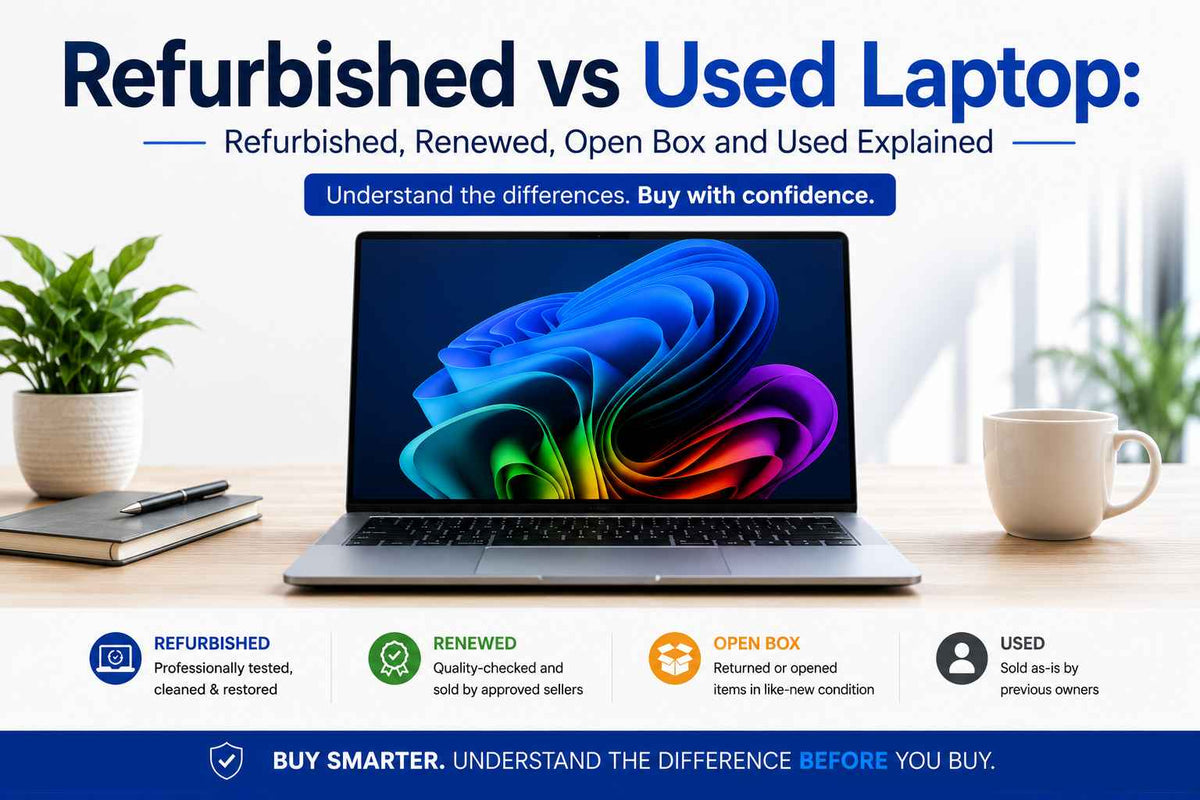
Which Is Cheaper?
Used laptops usually have the lower purchase price. Refurbished laptops may cost more because the seller has paid for testing, labor, replacement parts, customer support, and warranty coverage.
The cheapest listing is not always the lowest-cost option. Consider the total cost:
Total cost = purchase price + required repairs + needed accessories + possible shipping or return costs
Hypothetical example
- Used laptop: $250
- New charger: $35
- Battery replacement: $90
- Possible repair: $75
Estimated total: $450
A refurbished version may cost $375 and include a tested charger, a limited warranty, and a return period. In that case, the refurbished laptop may offer better value even though its listed price is higher.
This calculation is only an example. Actual repair prices depend on the model, parts, and labor in your area.

What to Check Before Buying a Refurbished or Used Laptop
Use this checklist before you pay.
1. Confirm the exact model
Do not rely on a broad name such as “Dell laptop” or “MacBook Pro.” Find the model number, release year, processor, memory, storage, screen size, and operating system.
Two laptops with similar names may have very different ports, screens, batteries, and upgrade options.
2. Check the processor and memory
For basic tasks such as email, web browsing, and documents, many modern laptops with 8 GB of memory can work well. More demanding work may need 16 GB or more.
The processor model matters more than a vague phrase such as “fast Intel processor.” Check the exact chip and compare it with the software you plan to use.
3. Ask about battery health
Battery capacity falls with age and use. Ask for one of these details:
- Battery health percentage
- Full-charge capacity
- Cycle count
- Minimum battery runtime
- Battery replacement policy
A laptop can operate normally while its battery lasts only a short time. If you need all-day mobile use, battery information is especially important.
4. Inspect the screen and body
Look for:
- Bright or dark spots
- Flicker
- Cracks
- Loose hinges
- Deep dents
- Missing rubber feet
- Keyboard wear
- Trackpad problems
Minor scratches are cosmetic. A cracked hinge or swollen battery is a functional and safety concern.
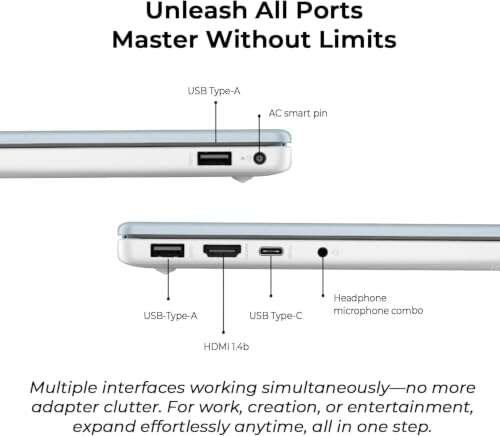
5. Test every port
If you can inspect the laptop in person, test the USB ports, headphone jack, charging port, HDMI or DisplayPort connection, memory-card slot, and wireless connection.
For an online purchase, confirm that the return policy covers ports that do not work.
6. Verify the charger
The charger should match the laptop’s required voltage and connector. A low-quality or incorrect charger may cause charging problems or damage.
For USB-C laptops, confirm that the included charger provides enough power. Not every USB-C charger can properly charge every USB-C laptop.
7. Check the operating system and license
A Windows laptop should activate properly after setup. Microsoft provides activation guidance for Windows through its official support pages.
For a Mac, confirm that the previous owner removed the device from their Apple Account and disabled Activation Lock. Apple explains this requirement in its support documentation. If Activation Lock remains enabled, the buyer may not be able to set up the Mac.
8. Confirm that the laptop is not managed by an organization
A former business or school laptop may still be enrolled in device management. Ask whether it has been removed from the organization’s management system.
A factory reset alone may not remove business management. If the device still belongs to an organization’s system, the new owner may face setup restrictions.
9. Review the return and warranty terms
Save a copy of the listing and warranty before buying. Check:
- Return length
- Refund method
- Restocking fees
- Who pays return shipping
- Warranty start date
- Battery coverage
- Accidental damage exclusions
- Repair or replacement process
10. Protect your data
If you are selling your own laptop, back up your files, sign out of accounts, remove the device from account services, and perform a secure reset. For sensitive business or personal data, follow your organization’s approved data-erasure process.
If you are buying a used laptop, perform your own clean operating-system installation when practical. Do not enter personal passwords into a system you do not trust until it has been reset.
Pros and Cons of Refurbished Laptops
Advantages
- More likely to receive a basic inspection
- May include repaired or replaced parts
- Often includes a warranty
- Usually has a clearer return process
- Can offer strong value compared with a new laptop
- May reduce the chance of receiving an obvious defect
Disadvantages
- Quality varies by seller
- The battery may still be old
- Cosmetic grading may be inconsistent
- Some parts may be third-party replacements
- Warranty coverage may be limited
- “Refurbished” does not mean factory-new
Pros and Cons of Used Laptops
Advantages
- Often costs less
- More models may be available
- A local inspection may be possible
- Private sellers may provide useful ownership history
- Good options can be found among business-class laptops
Disadvantages
- May have no warranty
- Battery health may be unknown
- Previous repairs may not be documented
- The laptop may have hidden faults
- Returns may be difficult or impossible
- Account locks or organization management may remain
Should You Buy a Refurbished or Used Laptop?
Choose a refurbished laptop when you want lower risk, a return period, and some warranty protection. It is often the better choice for school, remote work, and everyday use when you cannot afford a surprise repair.
Choose a used laptop when the lower price matters most and you can inspect the device or verify the seller. A used laptop can be a smart buy if it has a clear history, strong condition, and a fair return policy.
Choose refurbished if:
- You are buying online without seeing the laptop first.
- You need a working computer for school or work.
- You want warranty protection.
- You do not know how to diagnose hardware problems.
- The price difference is reasonable.
Choose used if:
- You can test the laptop before buying.
- The seller has a strong reputation.
- You understand the model’s common problems.
- You can afford or perform minor repairs.
- The listing includes clear battery and condition details.
Avoid either listing when:
- The seller refuses to provide the exact model number.
- The price is far below similar listings without a clear reason.
- The laptop has an account lock.
- The warranty or return policy is unclear.
- The listing uses “refurbished” but gives no testing details.
- The seller asks for payment outside a protected checkout system.

Frequently Asked Questions
Is a refurbished laptop better than a used laptop?
Often, but not always. Refurbished laptops usually involve more testing and may include warranty coverage. The seller’s process matters more than the word “refurbished.” A carefully maintained used laptop can be better than a poorly refurbished one.
Are refurbished laptops safe to buy?
They can be safe to buy from a reputable seller with a clear return policy, warranty, and testing description. Before purchase, verify the battery policy, operating-system status, account locks, and seller contact information.
Does refurbished mean the laptop has a new battery?
No. Refurbished does not automatically mean that every part is new. Ask whether the battery was replaced and what minimum health or runtime the seller guarantees.
How long will a refurbished laptop last?
Its remaining life depends on the model, age, build quality, battery, cooling system, and workload. A refurbished laptop may last for years, but no seller can guarantee a fixed lifespan without knowing how the device will be used and maintained.
Can a refurbished laptop have scratches?
Yes. Refurbished describes preparation for resale, not perfect appearance. Check the cosmetic grade and product photos. Scratches are usually less important than cracked hinges, screen defects, liquid damage, or a swollen battery.
Can I return a used laptop if it does not work?
Only if the seller or marketplace offers a return policy, or if local law gives you a specific remedy. Private sales may provide little protection. Read the terms before paying and keep the original listing.

Final Takeaway
The difference between a refurbished laptop and a used laptop is mainly the level of inspection, repair, and support provided before resale. A used laptop may be cheaper, but its condition can be uncertain. A refurbished laptop may cost more, but a reliable seller can reduce the risk with testing, repairs, a warranty, and returns.
For most US buyers, compare the exact model, battery condition, seller reputation, warranty, return policy, and account status rather than relying on the label alone. If the seller cannot explain what was tested, treat “refurbished” as a marketing term—not proof of quality.

Everett Ashford is a tech reviewer at mytechgrid.com specializing in SSDs, cameras, TVs, earbuds, headphones, and other consumer electronics. He provides honest, data-driven reviews based on hands-on testing and real-world performance analysis. Everett simplifies complex tech details to help readers make smart, confident buying decisions.