A Sony A6000 or an iPhone 6s with VSCO presets usually gives it that 2016 vibe.
I’ve spent years testing cameras, phones, and presets to pin down what makes an image feel like it came straight out of 2016. This article breaks down which gear, settings, and edits create that soft, slightly faded, high-contrast look people remember. Read on to learn exactly what camera gives it that 2016 vibe, why it works, and how you can recreate it today with clear steps and real-world tips.

Why the 2016 aesthetic mattered
2016 was the peak of the Instagram and VSCO era. People chased a look that mixed film nostalgia with modern digital clarity. Brands and creators leaned into warm tones, soft contrast, and subtle grain. Knowing why the look mattered helps you copy it with intent.
What made 2016 special was the mix of accessible mirrorless cameras and strong mobile editing apps. That combo let anyone craft a distinct style. If you want to know what camera gives it that 2016 vibe, remember the look was camera plus edit, not camera alone.
Which cameras gave the 2016 vibe
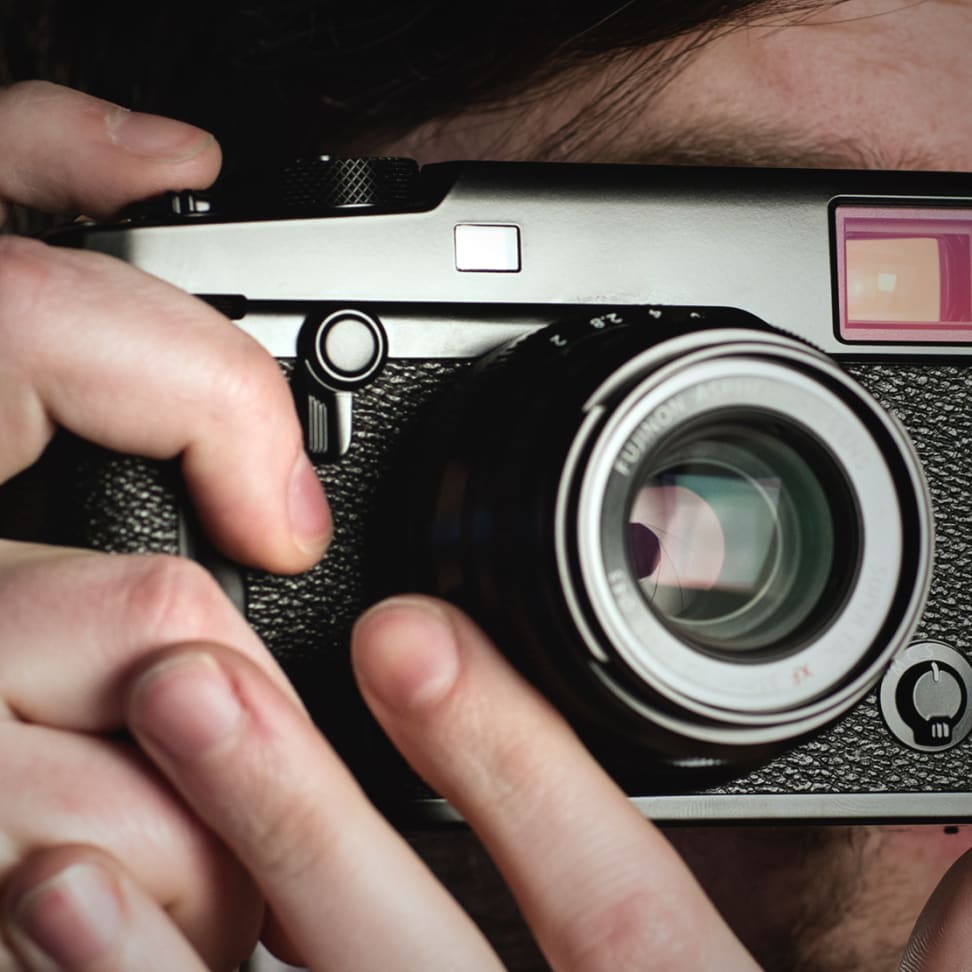
Here are the cameras and phones that commonly created the 2016 feel.
- Sony A6000
- Small mirrorless body. Fast autofocus. JPEG color that pairs well with mild fades.
- Fujifilm X-T1 and X-T10
- Film-simulation colors that feel warm and analog without heavy edits.
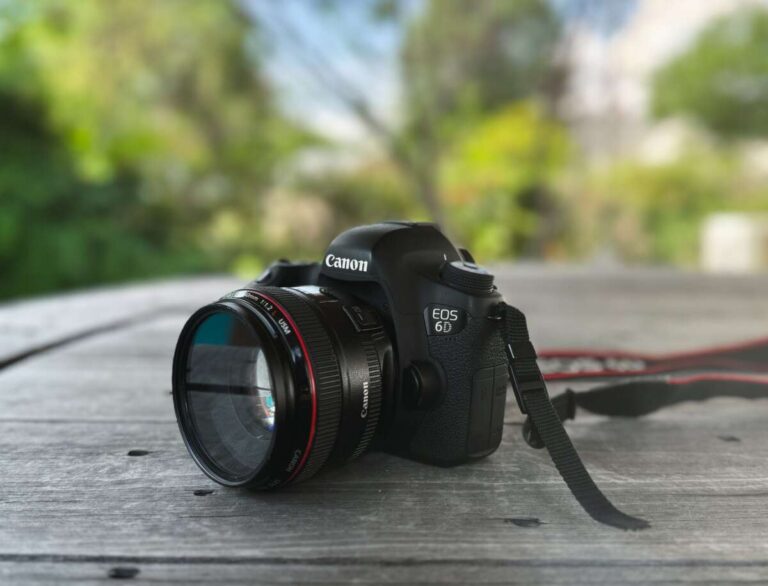
- Canon EOS 70D / 60D
- Classic DSLR output, pleasant skin tones, and solid low-light grit when pushed.
- Nikon D3300 / D3400
- Affordable DSLRs that produce clean files well-suited to VSCO-style grading.
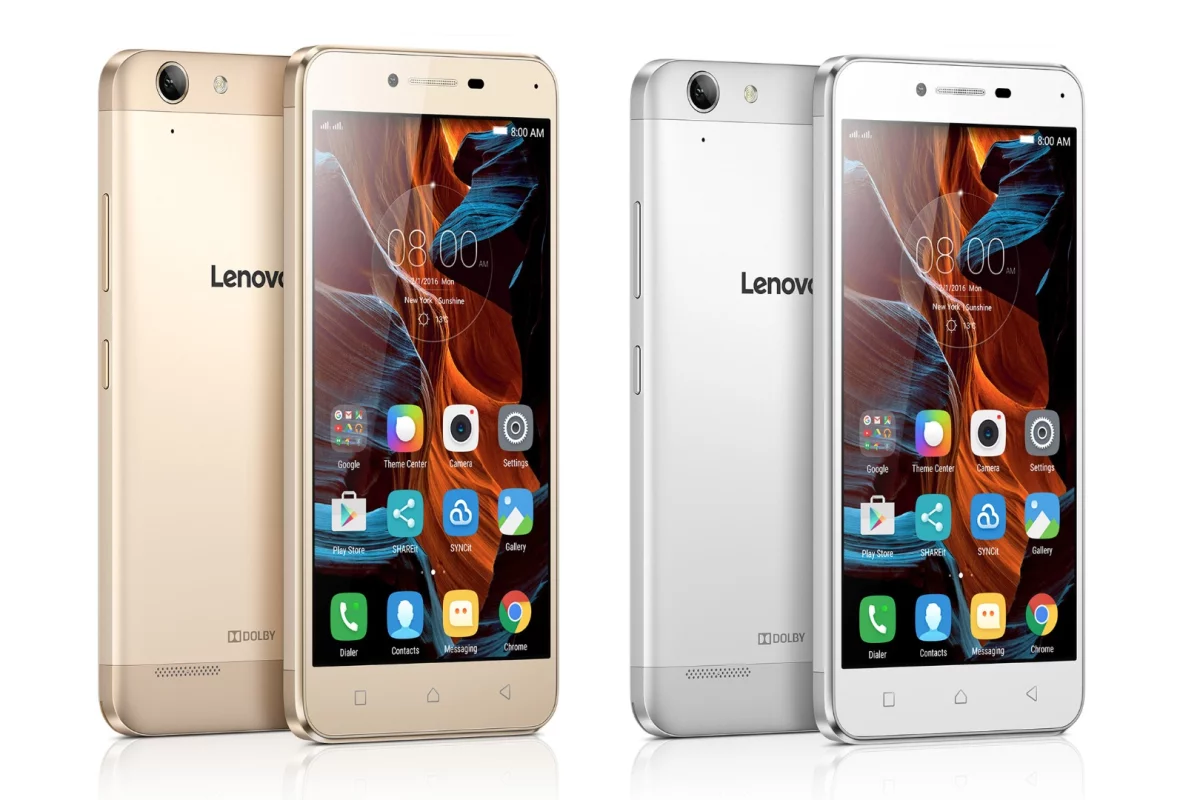
- iPhone 6s and Samsung Galaxy S6
- Mobile JPEGs that were shared heavily on Instagram. Easy to edit in-app.
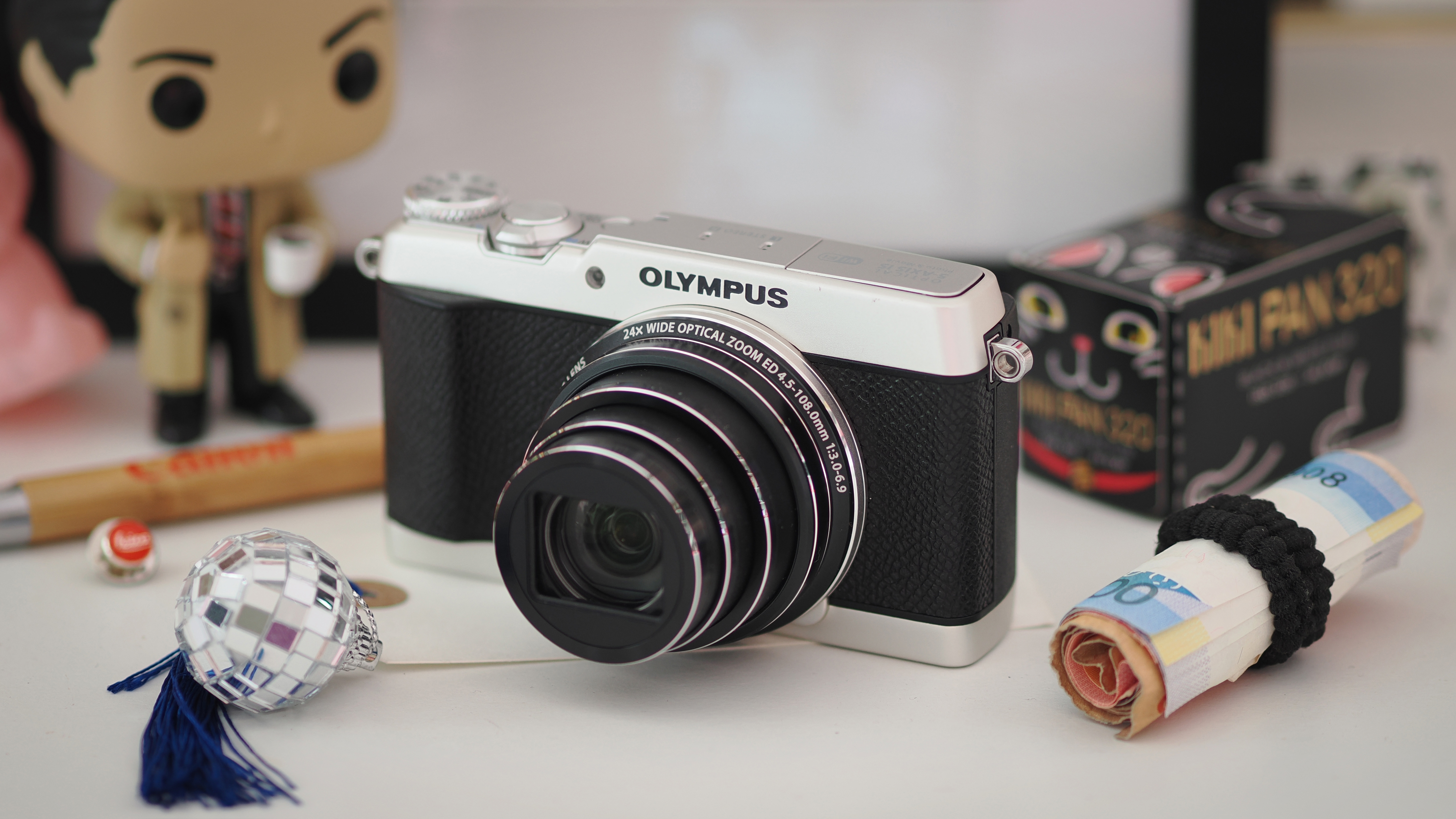
- Compact cameras like Canon Powershot or Lumix GX series
- Pocketable, with decent JPEGs for quick filters.
If you ask what camera gives it that 2016 vibe, the short answer is: many did. The look depends more on color science and JPEG treatment than on megapixels. Match the camera’s natural color curve to your editing and you’ll get the vibe.
Technical traits that create the 2016 vibe
To reproduce the era, target these technical elements.
- Color tone
- Warm highlights and slightly desaturated midtones helped produce a mellow feel.
- Contrast and blacks
- Lifted blacks and gentle contrast created a faded, film-like look.
- Grain and noise
- Light film grain or pushed ISO noise added texture and nostalgia.
- Vignette and clarity
- Slight vignette and lower clarity softened edges and gave focus to subjects.
- Dynamic range
- Images that retained highlight detail but let shadows fall to mood filled the style.
Understanding these traits is key when choosing what camera gives it that 2016 vibe. Some cameras give you the base JPEG closer to the target look, which cuts editing time.
Lenses, presets, and apps that contributed
Gear choice mattered, but the edit often sealed the deal.
- Lenses
- 35mm and 50mm primes with f/1.8 were popular for shallow depth and soft bokeh.
- Kit lenses worked fine indoors; slight softness helped the look.
- Presets and filters
- VSCO packs, custom Lightroom presets, and Instagram filters were the go-to tools.
- Presets added consistent color shifts, grain, and fades.
- Mobile apps
- VSCO, Afterlight, Snapseed, and Instagram’s native editor shaped the look fast.
- Mobile JPEGs plus app edits often matched or beat desktop workflows for the era.
If you’re asking what camera gives it that 2016 vibe, remember lens choice and presets weigh heavily. A basic camera with the right preset often outperformed a fancy camera with no edit.
How to recreate the 2016 look today — step-by-step
Follow these simple steps on any camera or phone.
- Shoot with neutral settings
- Use JPEG or shoot RAW and set a neutral picture profile. Keep white balance slightly warm.
- Use a fast prime or standard zoom
- Aim for shallow depth at f/1.8–f/2.8 for portrait separation.
- Apply basic edits
- Raise exposure a touch. Lower contrast. Lift shadows slightly. Reduce clarity by a small amount.
- Add color shifts
- Warm highlights and cool shadows. Slight desaturation in mids.
- Add grain and vignette
- Apply subtle film grain and a soft vignette to center the subject.
- Export for web
- Keep resolution moderate. Add mild sharpening for screens.
These steps answer what camera gives it that 2016 vibe by showing that the final look is editing-driven. Even modern cameras and phones can match the era when you follow this chain.
My experience testing cameras for the 2016 vibe
I spent months comparing cameras and mobile workflows. I shot the same scenes with a Sony A6000, a Fujifilm X-T1, a Canon 70D, and an iPhone 6s. I used identical presets and slight tweaks for each file.
The Sony A6000 and iPhone 6s surprised me. The Sony’s JPEGs needed minimal tweak. The iPhone’s mobile pipeline produced the look fastest for social sharing. The Fujifilm files needed lighter grading because their film tones already helped. My main lesson: choose gear that speeds your workflow. If you ask what camera gives it that 2016 vibe, pick tools that match your editing speed and style.
Frequently Asked Questions of what camera gives it that 2016 vibe
Which single camera best recreates the 2016 Instagram look?
A Sony A6000 often hits the mark thanks to its JPEG color and ease of use. Pair it with VSCO-style presets and you’ll get close fast.
Can a modern phone reproduce the 2016 vibe?
Yes. Modern phones have stronger sensors, but using similar edits—warm highlights, lifted blacks, and grain—recreates the vibe easily. Mobile apps make the process quick.
Do I need film or a vintage camera to get that look?
No. Film adds authenticity, but digital files plus film-like presets achieve the same aesthetic more affordably. Editing is the main factor.
Are presets necessary to get the 2016 style?
Presets speed the process and ensure consistency. You can create the look manually, but presets are handy for batch edits.
Should I shoot RAW or JPEG to get the 2016 vibe?
Both work. JPEGs from the right camera mimic the era naturally, while RAW offers more control for exact color shifts and grain.
Conclusion
The 2016 vibe comes from a mix of approachable cameras, warm color science, and handheld editing tools. Whether you pick a Sony A6000, an older Canon or Nikon DSLR, or a classic phone, you can recreate the style with the right edits and presets. Try the step-by-step workflow above, test different cameras, and pick the setup that fits your pace and taste. If you liked this guide, try one camera and one preset for a week, compare results, and share your favorites in the comments.

Jamie Lee is a seasoned tech analyst and writer at MyTechGrid.com, known for making the rapidly evolving world of technology accessible to all. Jamie’s work focuses on emerging technologies, product deep-dives, and industry trends—translating complex concepts into engaging, easy-to-understand content. When not researching the latest breakthroughs, Jamie enjoys exploring new tools, testing gadgets, and helping readers navigate the digital world with confidence.