A mirror front camera shows a flipped preview of your selfie, like looking into a mirror.
I’ve worked with phone cameras and tested camera apps for years, so I can explain exactly what a mirror front camera means and why it matters. This guide breaks down the technical details, real-world uses, settings, pros and cons, and practical tips so you can control how your front-facing images look. Read on to learn how mirror front camera behavior affects selfies, video calls, and saved photos, and how to get the results you want.

What does mirror front camera mean?
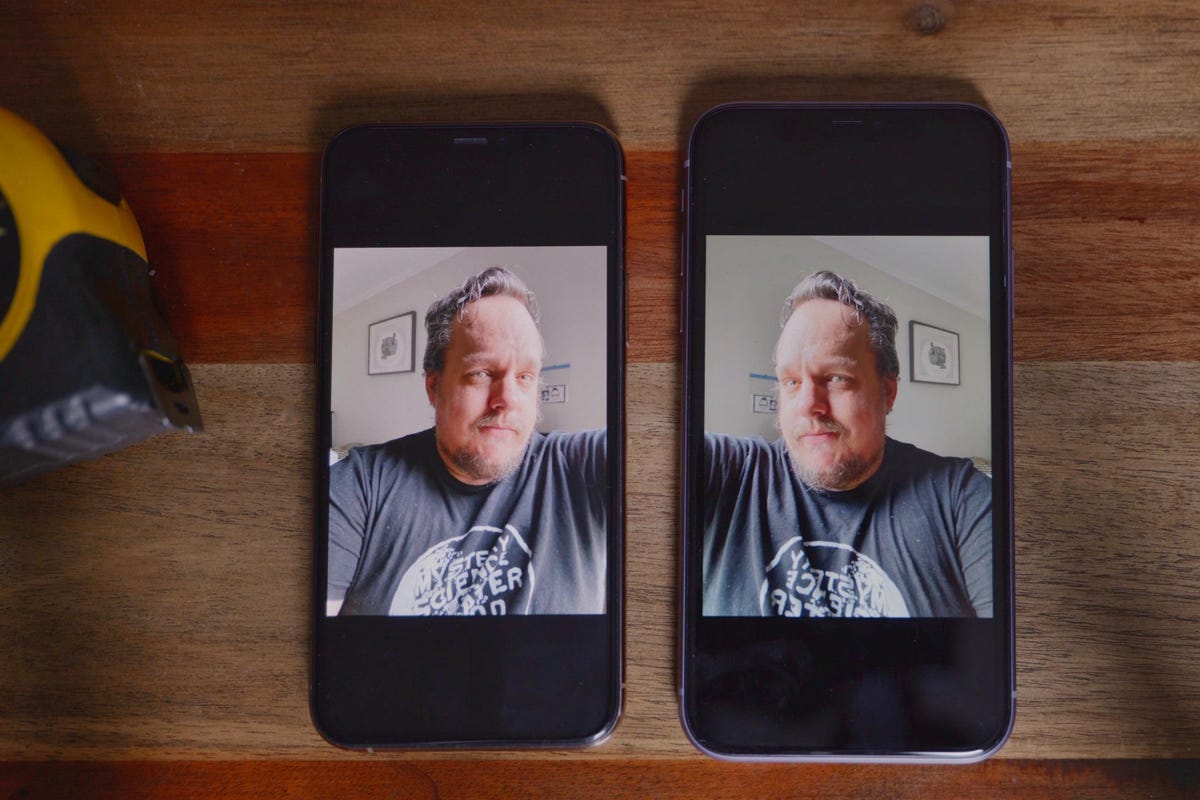
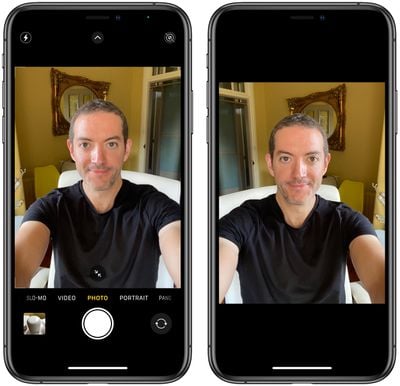
A mirror front camera refers to the preview behavior of a phone’s front-facing camera. When mirror front camera mode is active, the live preview shows a horizontally flipped image. This makes the preview look like what you see in a physical mirror. The actual saved photo may be flipped back or remain mirrored depending on the phone or app settings. Knowing this helps you predict how text, hair parting, and asymmetry will appear in the final image.
How mirror front camera works
The mirror front camera effect is a software choice. The camera sensor captures a normal image. The app then flips the live preview horizontally so the screen resembles a mirror. Some apps flip the final saved photo back to normal, while others save the mirrored version. This difference causes confusion for many users. Settings in the camera app or system can often change this behavior.

Benefits of using a mirror front camera
- Familiar preview
- Seeing yourself mirrored feels natural and matches how you check your reflection.
- Easier framing
- You move left and right, and the preview moves in the intuitive direction.
- Makeup and grooming
- Mirror preview helps with symmetry and small adjustments in real time.
- Live communication
- During video calls, a mirrored preview reduces disorientation for users.
Source: setapp.com
- During video calls, a mirrored preview reduces disorientation for users.
Limitations and common issues
- Text reads backwards
- If you take a mirrored selfie, printed text and logos may appear reversed.
- Inconsistent saves
- Some phones show a mirrored preview but save a non-mirrored file, causing surprises.
- Editing confusion
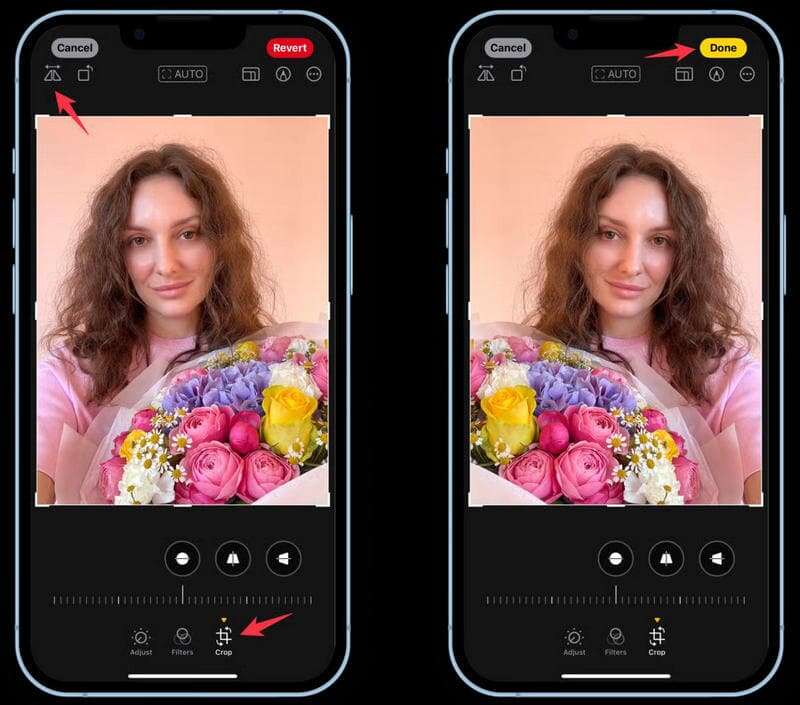
- Cropping or retouching a mirrored image can lead to unexpected results later.
- App and platform differences
- Social apps and phone software treat mirror front camera behavior differently, which can be confusing.
Source: macrumors.com
- Social apps and phone software treat mirror front camera behavior differently, which can be confusing.
Practical examples and use cases
- Selfies for social media
- Many people prefer the mirror front camera preview to compose a familiar-looking selfie.
- Makeup tutorials
- Instructors use the mirrored preview to demonstrate moves that match viewers’ expectations.
- Video calls
- Mirrored preview makes gestures and head turns feel more natural for the caller.
- Reverse scanning and ID photos
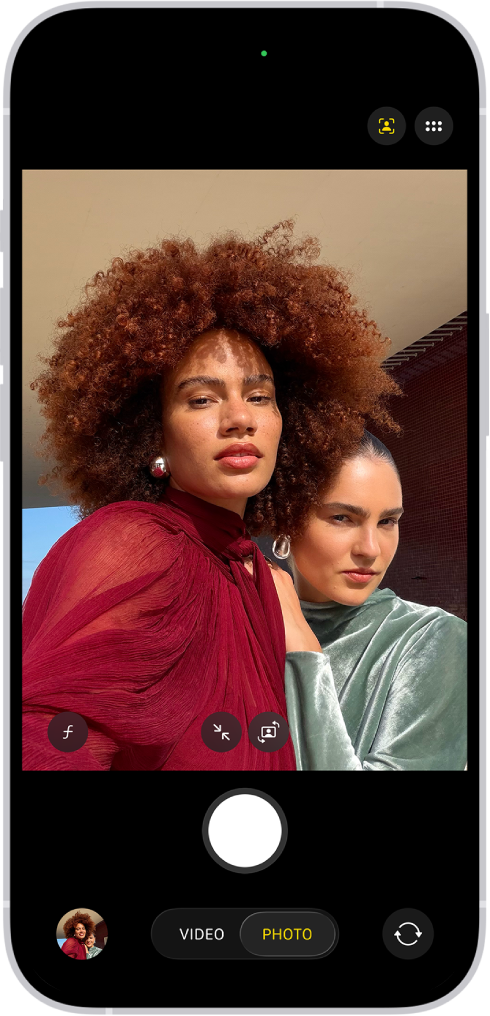
- For official photos or text capture, you usually want non-mirrored images to keep text readable.
Source: apple.com
- For official photos or text capture, you usually want non-mirrored images to keep text readable.
How to enable, disable, and test mirror front camera
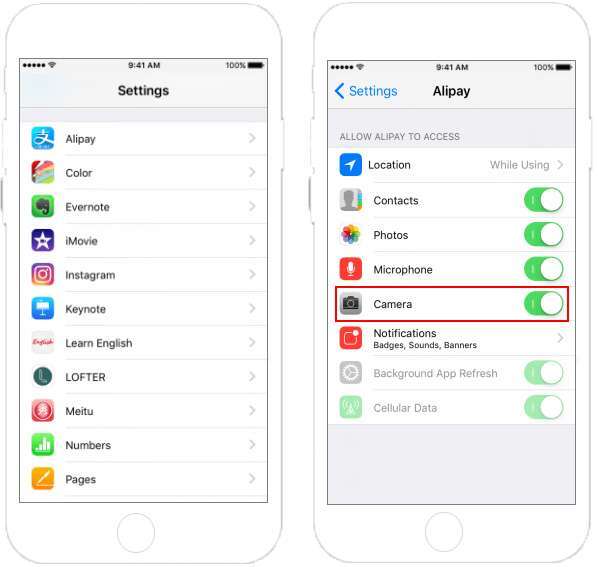
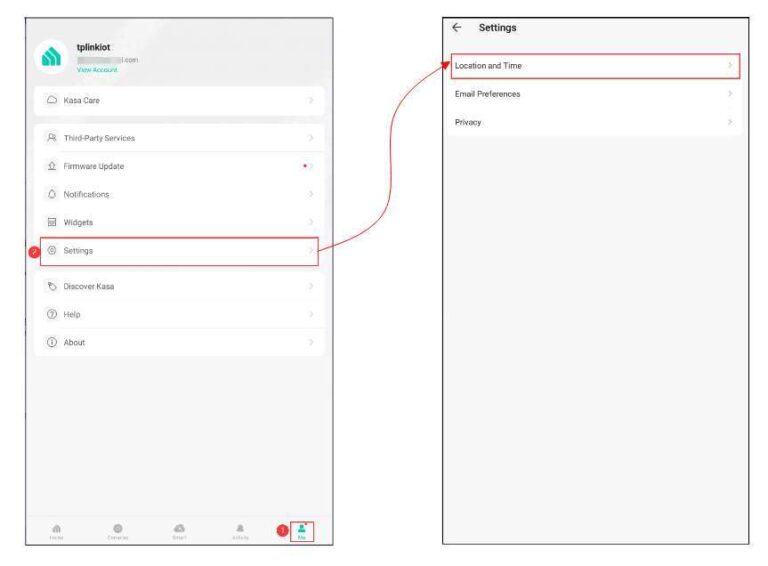
- Check camera app settings
- Open your camera app settings and look for "mirror front camera," "mirror selfie," or "save mirrored photo."
- System or manufacturer options
- Some phones hide the option under advanced or selfie settings in system menus.
- Third-party apps
- If your default camera lacks control, many selfie apps let you choose mirrored preview and save behavior.
- Quick test
- Hold up a piece of printed text while using the front camera. Take a photo and check if the saved file shows readable text. If text is backwards, you saved a mirrored image.
Source: epochascent.com
- Hold up a piece of printed text while using the front camera. Take a photo and check if the saved file shows readable text. If text is backwards, you saved a mirrored image.
Common quick questions
Does a mirror front camera change the saved photo?
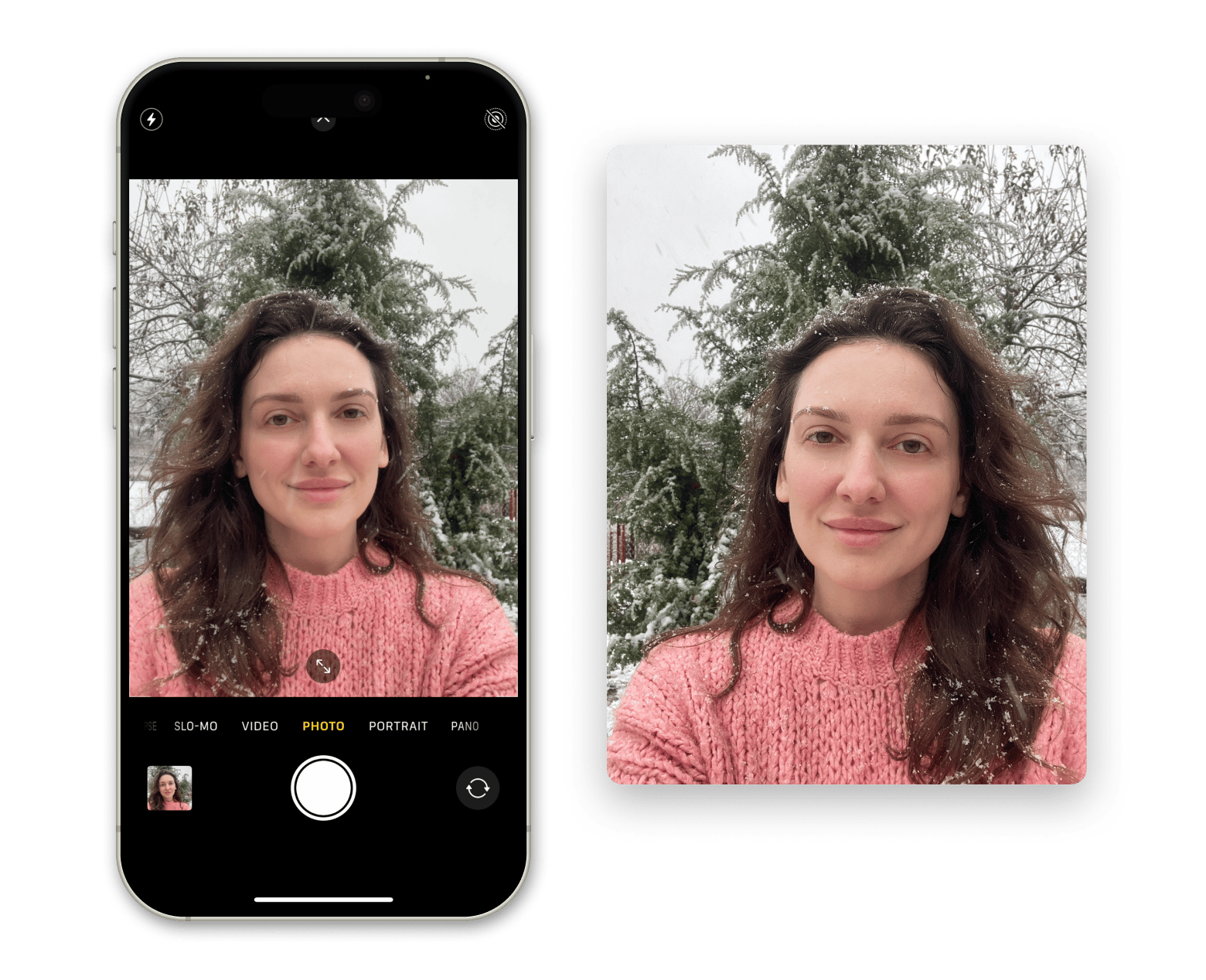
It depends on the device and app. Some save a flipped image, others save a corrected image that reads normally.
Will mirrored selfies look wrong on social apps?
If the saved photo is mirrored, text and logos will look reversed. Many social apps accept mirrored files, but visual details may be off.
Can I change a saved mirrored photo back?
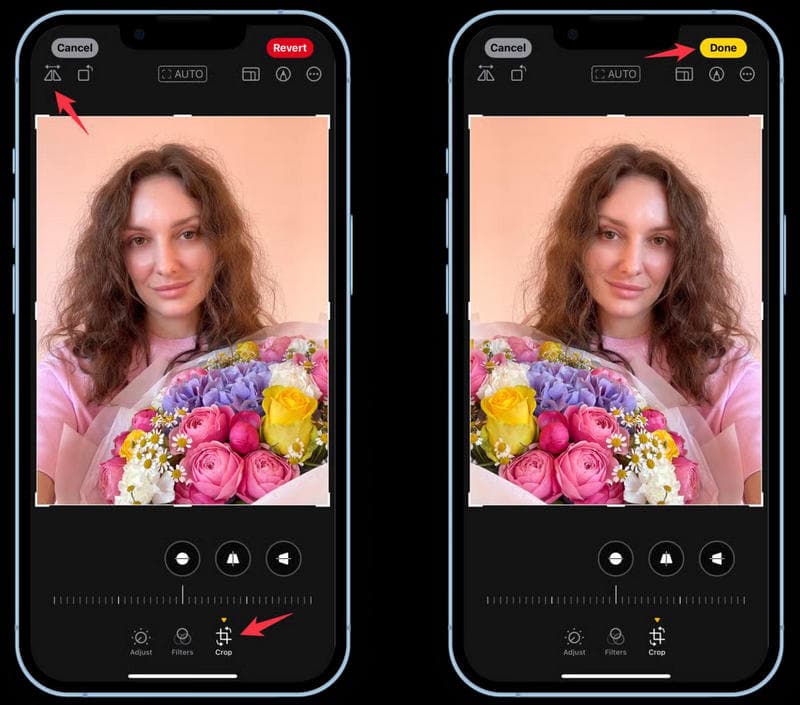
Yes. Most photo editors can flip the image horizontally. This corrects text and orientation issues quickly.
Personal experience and practical tips
I tested mirror front camera settings on several phones and apps. I learned to always test with printed text before shooting important photos. When doing makeup demos, I used mirrored preview for comfort but saved non-mirrored files for sharing. My tip: set a consistent workflow—choose whether you want previews mirrored and make sure your saved photos follow the same rule. This avoids surprises and saves editing time.
PAA-style quick answers
-
Why does my front camera show a mirrored image?
- Many camera apps mirror the preview to match how you see yourself in a mirror. It’s a design choice to help composition and comfort.
-
Is mirrored preview the same as mirrored saved photo?
- Not always. Preview can be mirrored while the saved photo is corrected. Check your camera settings to confirm.
-
Does mirroring affect photo quality?
- No. Mirroring only flips pixels horizontally and does not change resolution or image quality.
Frequently Asked Questions of what does mirror front camera mean
What is the difference between mirrored preview and mirrored photo?
Mirrored preview is what you see live on screen. Mirrored photo is what is stored after capture. Phones may mirror the preview but save a corrected image or save the mirrored one depending on settings.
Why do some apps show a mirrored selfie in preview but not in saved photos?
Apps often mirror previews for user comfort. Developers may choose to save the original, non-mirrored capture to preserve correct text and orientation. This behavior varies by app.
Does mirroring affect facial symmetry in photos?
Mirroring changes left-right orientation but not actual facial structure. People may notice differences because we are used to our mirror image, not our camera image.
How can I fix reversed text in a selfie?
Open the photo in any editor and flip it horizontally. This restores readable text and corrects logos or writing.
Should I use mirrored preview for professional photos?
For professional or ID photos, avoid mirrored images. Use a non-mirrored final file so text, asymmetries, and official requirements are accurate.
Conclusion
Understanding what mirror front camera means helps you control how your selfies and video calls look. You now know the difference between mirrored preview and saved photos, how to change settings, and practical tips to avoid mistakes. Try the printed-text test and set a consistent workflow for preview and save behavior. If you found this helpful, try changing your camera settings, leave a comment about your phone model, or subscribe for more camera tips.

Everett Ashford is a tech reviewer at mytechgrid.com specializing in SSDs, cameras, TVs, earbuds, headphones, and other consumer electronics. He provides honest, data-driven reviews based on hands-on testing and real-world performance analysis. Everett simplifies complex tech details to help readers make smart, confident buying decisions.