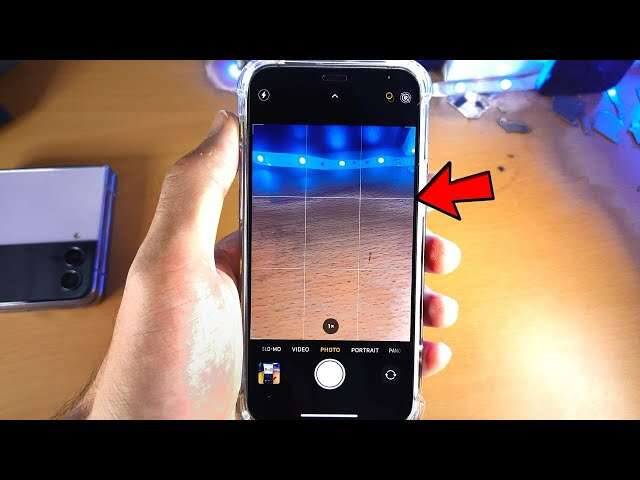
Most front cameras fail because of software permission issues, app conflicts, or physical damage.
I’ve spent years fixing phones and guiding users through camera problems, so I know how frustrating it is to ask, "why is my front camera not working" and not get a clear answer. This guide walks you through the likely causes, practical diagnostics, step-by-step software fixes, hardware checks, and when to seek repair—so you can quickly find and fix the reason your front camera not working issue is happening.

Why front cameras stop working: common causes
When you wonder why is my front camera not working, the reason usually falls into one of a few clear categories. Software glitches are common after system updates or app installs. Permissions and app conflicts can block access to the camera, or an app may crash the camera process.
Hardware issues are another major cause. Drops, moisture, or a loose connector inside the phone can physically stop the front camera from functioning. Less common causes include firmware bugs, corrupted camera driver files, or power supply problems on the logic board.
Understanding these broad groups helps you target the fix. Start with software checks because they’re fast and free, then move to hardware diagnostics if the problem persists.
How to diagnose the problem: quick checks
A structured diagnosis saves time and avoids unnecessary repairs. Follow this checklist when asking why is my front camera not working.
-
Restart the device
-
Close all apps and restart your phone. A reboot clears temporary glitches that often stop the front camera from initializing.
-
Test in the native camera app
-
Open the built-in camera app and switch to the front camera. If it works here, the issue is likely an app conflict.
-
Try a different camera app
-
Install a trusted third-party camera app and test the front camera. If it works, the original app has a problem.
-
Check app permissions
-
Go to Settings > Apps > [offending app] > Permissions and ensure Camera permission is allowed. Denied permissions are a common reason your front camera not working.
-
Boot into safe mode
-
Safe mode disables third-party apps. If the front camera works in safe mode, a third-party app is the culprit.
-
Check software updates
-
Install any pending OS or app updates. Patch releases often fix camera-related bugs.
Use these steps in order, and you’ll often resolve why is my front camera not working without needing tools or a repair shop.

Software fixes: step-by-step troubleshooting
If diagnosis points to software, try these fixes before assuming hardware failure. These are low-risk and often resolve why is my front camera not working.
-
Clear camera app cache and data
-
On Android, go to Settings > Apps > Camera > Storage > Clear Cache and Clear Data. On iOS, you may need to offload or reinstall the camera-using app.
-
Force stop and relaunch the camera app
-
Force stopping resets the process. After forcing stop, reopen the app and test the front camera again.
-
Update or reinstall the problem app
-
If only one app fails to access the front camera, update it or uninstall and reinstall to replace corrupted files.
-
Reset app permissions
-
Reset all permissions to defaults (Settings > Apps > Reset app preferences) and re-grant camera access to the apps you trust.
-
Perform a soft reset or factory reset as last resort
-
Back up your data before a factory reset. This clears deep software corruption that might make your front camera not working.
Experience note: I once fixed a client’s front camera not working by uninstalling a recent social app update that had a camera bug. A rollback saved a trip to the repair shop.

Quick questions users ask
Will restarting fix my front camera not working?
A restart solves many temporary crashes and can make the front camera work again within seconds. It’s always the first and fastest step.
Can app updates cause the front camera not working?
Yes. App updates sometimes introduce bugs or require new permissions that block camera access, making the front camera not working in specific apps.
Hardware issues and how to spot them
When software steps fail, hardware is often the remaining cause. Here’s how to spot physical problems that lead to why is my front camera not working.
-
Visible damage or cracked glass near the front camera
-
Drops or pressure often damage the lens, sensor, or housing. Even hairline cracks can misalign optics.
-
Moisture and corrosion signs
-
Fogging, water residue, or oxidation near the front camera may indicate liquid damage that disrupts connections.
-
Intermittent behavior
-
If the front camera works occasionally or after a tap, a loose connector or flex cable is likely the cause.
-
No image, black screen, or camera app crash
-
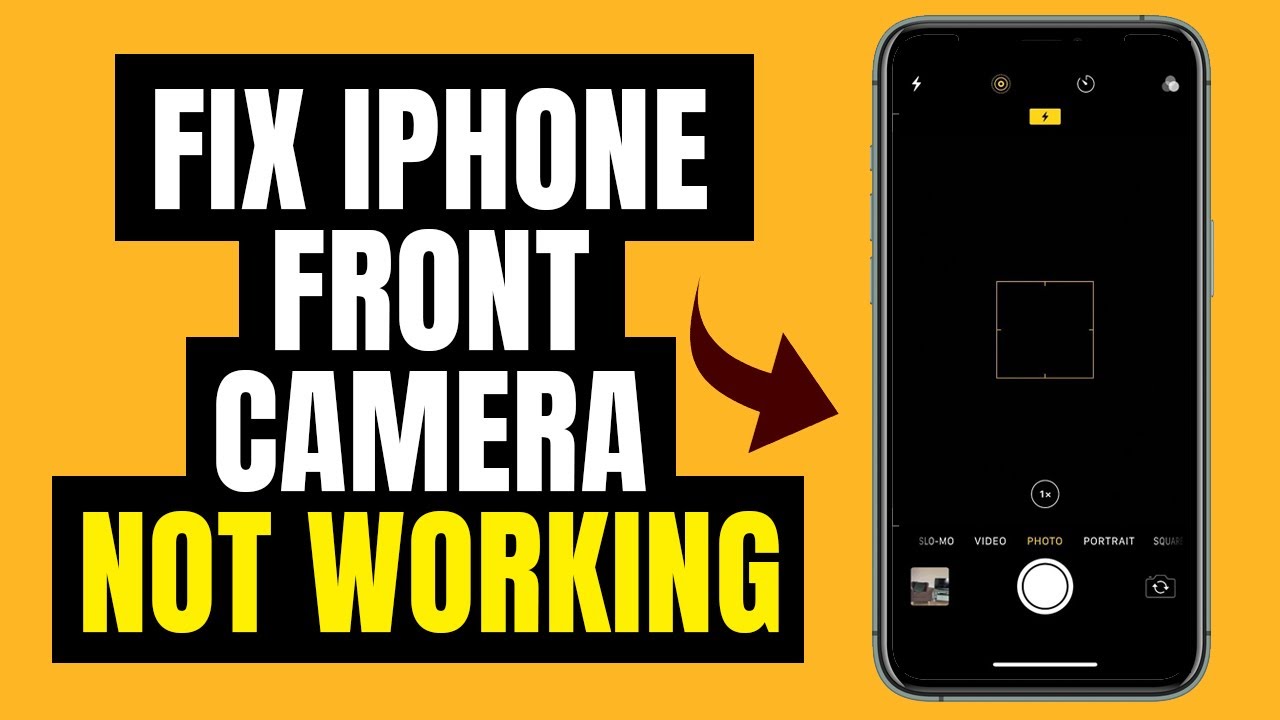
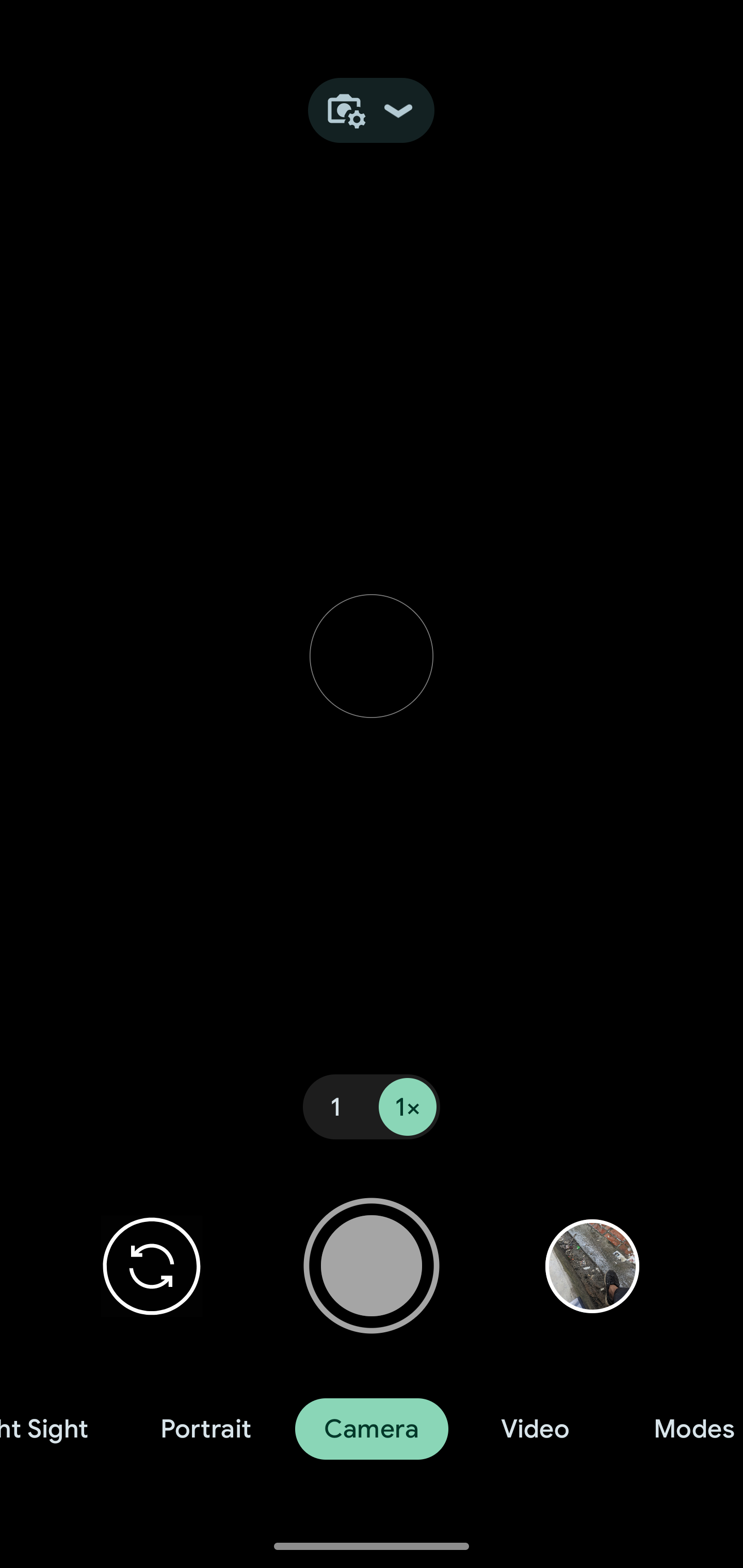
A completely black preview while the rear camera works often points to a failed front camera module or sensor.
Diagnostic tips:
- Gently press around the front camera area and test—do not pry or force anything.
- Run a hardware diagnostic app (manufacturer diagnostics or third-party) to check camera sensor responses.
- If you’re comfortable opening devices, inspect the flex cable and connector; otherwise, seek a technician.
Hardware issues usually require part replacement. Understanding these symptoms will help you explain the problem to a repair shop.
When to seek professional repair or replacement
You should seek professional help when your own troubleshooting fails or when hardware faults are likely. Here’s how to decide if it’s time to repair.
-
Warranty or manufacturer support is available
-
If your device is under warranty or you have a manufacturer service plan, contact official support. They can confirm whether a repair or replacement is covered.
-
Signs of physical or liquid damage
-
Visible damage and corrosion need professional attention to prevent further harm to the device.
-
Complex board-level faults
-
If diagnostics point to the logic board or power circuits, experienced technicians with proper tools should handle the repair.
-
Cost vs. value
-
Compare repair cost to device value. For older phones, replacement might be more economical than a high-cost repair.
Personal tip: I’ve seen users spend more on unofficial repairs than the device resale value. Get a clear estimate and ask about warranties on the repair work before authorizing service.

Preventive tips to avoid front camera problems
Simple habits reduce the chance you’ll ever ask why is my front camera not working again. Adopt these easy steps.
- Use a protective case and screen protector to minimize impact near the front camera.
- Avoid exposing the phone to moisture or extreme humidity, and use water-resistant cases if needed.
- Keep apps updated and avoid installing camera-related apps from untrusted sources.
- Periodically review app permissions so a rogue app can’t block camera access.
- Back up your data regularly to prepare for possible factory resets or replacements.
These preventative steps are low-effort and high-payoff for camera longevity.

Frequently Asked Questions of why is my front camera not working
Why is my front camera not working after an update?
Updates can change drivers or app behavior, causing incompatibilities. Try clearing camera cache, updating apps, and rebooting; if that fails, consider rolling back or a factory reset after backup.
Why is my front camera black but the rear camera works?
A black front camera preview often indicates a failed front sensor or disconnected flex cable. Test with another app and safe mode; if still black, hardware repair is likely needed.
Can a case or screen protector block the front camera?
Yes. Ill-fitting cases or thick screen protectors may cover or push on the front camera lens, causing dark edges or focus issues. Remove them to test.
Why does my front camera work sometimes and then stop?
Intermittent function usually points to loose hardware connections, overheating, or software conflicts. Check for apps running in the background and consider a hardware inspection.
Is liquid damage to the front camera repairable?
Often yes, if caught early. Cleaning and replacing corroded parts can restore function, but deep board damage may be irreversible or costly.
How much does replacing a front camera module cost?
Costs vary by model and region; OEM replacements through authorized service are pricier but safer. Seek quotes from official and reputable third-party shops to compare.
Conclusion
You now have a clear roadmap for answering why is my front camera not working. Start with simple software steps like restarting, checking permissions, and testing in safe mode. If the issue persists, look for hardware signs such as cracks, moisture, or intermittent behavior, and weigh repair costs versus replacement.
Takeaway: follow the diagnostic checklist first, apply the low-risk software fixes, and only then consider professional repair. If this guide helped, try the steps on your device, share your results in the comments, or subscribe for more practical troubleshooting tips.

Everett Ashford is a tech reviewer at mytechgrid.com specializing in SSDs, cameras, TVs, earbuds, headphones, and other consumer electronics. He provides honest, data-driven reviews based on hands-on testing and real-world performance analysis. Everett simplifies complex tech details to help readers make smart, confident buying decisions.