Reset Onn wireless earbuds by powering off, clearing pairing, and holding the earbuds or case buttons for 10 seconds.
I’ve helped dozens of people fix tricky earbud glitches, and I’ll walk you step-by-step through how to reset onn wireless earbuds so they reconnect cleanly, stop random dropouts, and return to factory defaults when needed. This guide combines clear instructions, practical troubleshooting, and real-world tips so you can fix pairing, audio, and charging problems quickly and confidently.

Why reset your Onn wireless earbuds?
Resetting your earbuds clears pairing data, refreshes firmware connections, and resolves common audio or charging glitches. When earbuds misbehave—one bud won’t connect, audio stutters, or the case won’t charge—a reset often solves it without service visits.
Common symptoms that point to a reset:
- One earbud connects but the other stays silent.
- Bluetooth pairing fails repeatedly.
- Volume or playback controls don’t respond.
- Charging or LED indicators act inconsistently.
A reset is a fast, low-risk first step before warranty claims or replacements. It’s like rebooting a computer: many transient issues vanish. Knowing how to reset onn wireless earbuds is a smart basic skill to save time and money.
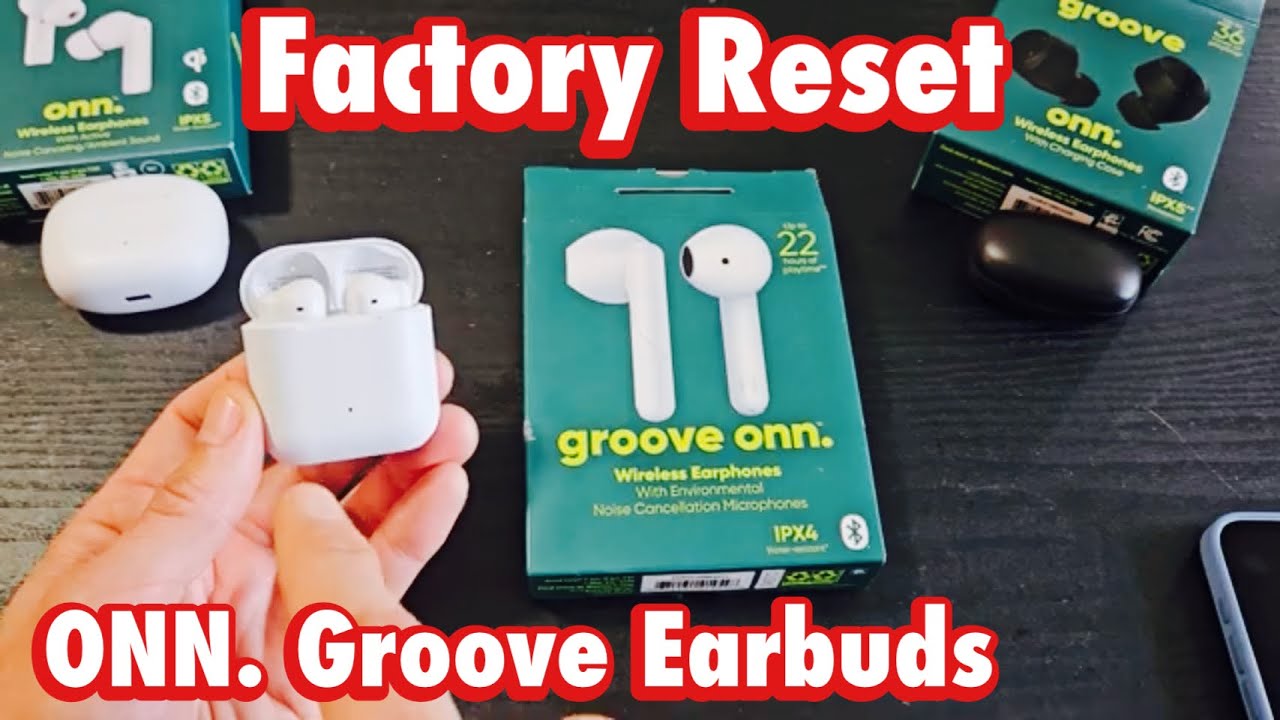
How to reset onn wireless earbuds — Quick step-by-step
There are a few variations of resets depending on your Onn model. Try these in order from simple to full factory reset.
Basic restart (first try)
- Place both earbuds in the charging case.
- Close the lid for 10 seconds, then open and remove the buds.
- Re-pair to your device.
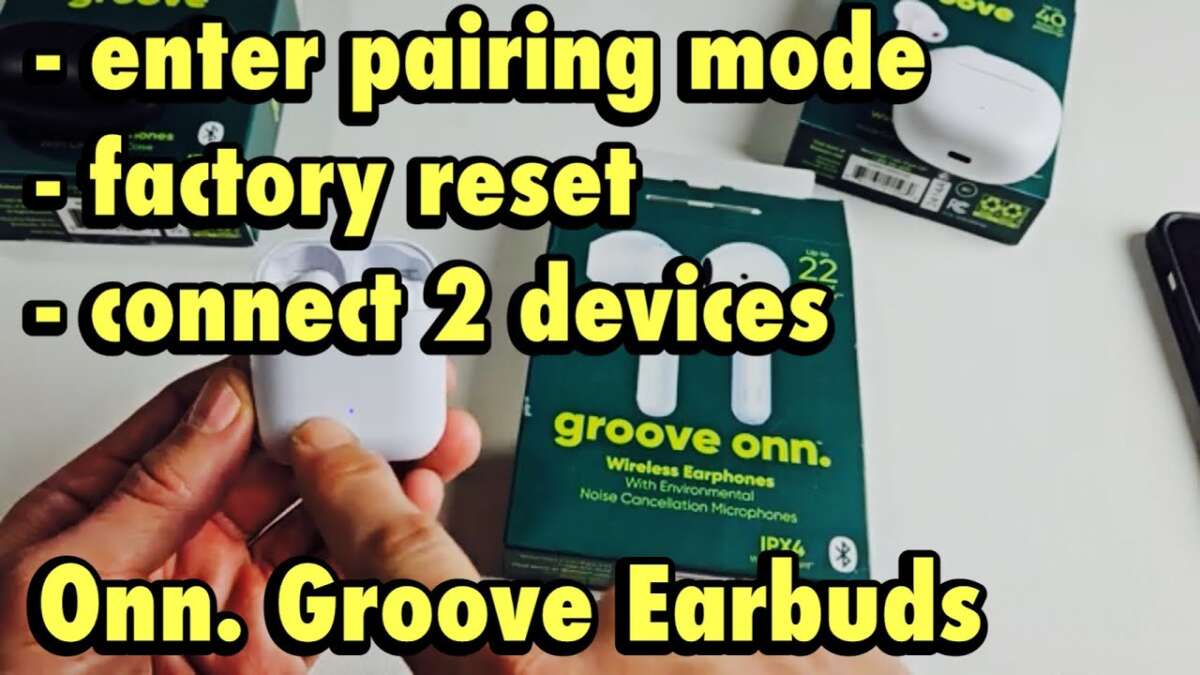
Full reset (most Onn models)
- Remove the earbuds from any paired device’s Bluetooth list.
- Put both earbuds into the charging case.
- With the case open, press and hold the touch zone or button on both earbuds for about 10 seconds until LEDs flash red/white or turn off then on.
- Close the case, wait 5 seconds, then open it and follow pairing prompts on your phone.
Reset via single-earbud (if one bud is unresponsive)
- Place both earbuds in the case and remove the working bud only.
- Press and hold the working bud’s button for 10 seconds to force a reconnect.
- If the other bud doesn’t pair, remove both and perform a full reset above.
Resetting Bluetooth on your phone or tablet
- Forget the Onn earbuds from your device’s Bluetooth list.
- Turn Bluetooth off and on again.
- Perform the earbuds’ full reset then re-pair.
If a model-specific method exists, check the small user manual inside the box or the quick start card. But in most cases, these steps cover how to reset onn wireless earbuds successfully.
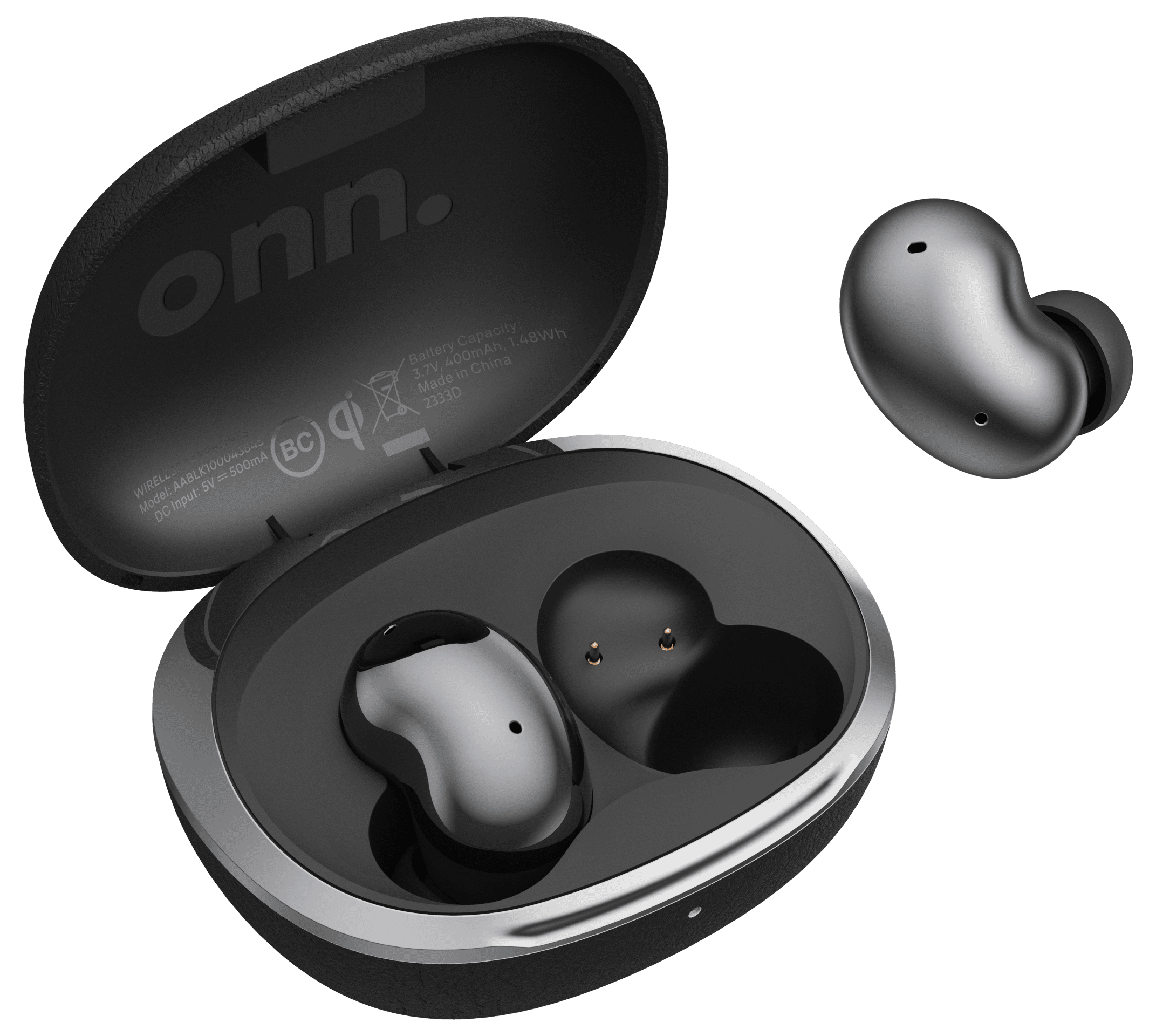
Advanced reset and troubleshooting
If the basic resets don’t fix the issue, try these deeper checks and fixes.
Charge and battery health
- Fully charge both the case and the earbuds. Low battery can prevent resets.
- Clean contacts on earbuds and case with a soft, dry cloth or a cotton swab dipped lightly in isopropyl alcohol.
Firmware and compatibility
- Some Onn earbuds receive firmware updates through a companion app or during pairing; check the app if available.
- Make sure your phone’s Bluetooth version is compatible and the device software is up to date.
Hard reset and manual recovery
* Some units require holding a specific sequence: hold button for 10 seconds, release, then hold again for 5 seconds. Try repeats if not responsive.
- If one earbud stays stuck in master mode, power-cycle the case: remove power (drain battery), charge fully, then perform reset.
When to contact support
- If earbuds won’t turn on after charging, LEDs never light, or a full reset fails repeatedly, contact retailer support or the manufacturer. Document steps you tried and any LED patterns to speed diagnosis.
I once spent an hour troubleshooting a pair that never left mono mode. A deep charge cycle, cleaning the contacts, and one final full reset brought them back to normal. Small details like dirty metal contacts often hide as big problems.
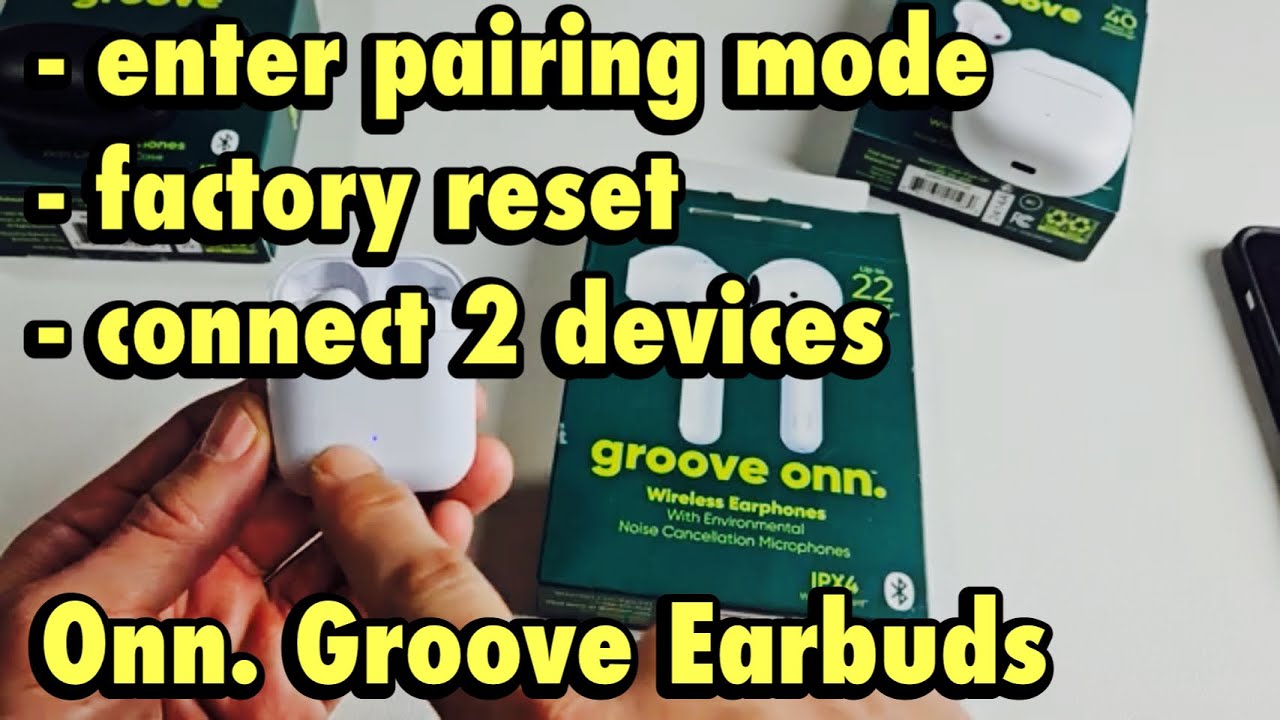
Common causes and how to avoid them
Understanding why you need to reset helps prevent repeat issues.
Typical causes
- Bluetooth cache corruption on your phone.
- Low battery interfering with pairing.
- Dirt or debris on charging contacts.
- Firmware mismatches after phone OS updates.
- Accidental touch-combinations that change pairing mode.
Preventive habits
- Keep the case and contacts clean.
- Store earbuds in the case when not in use.
- Update companion apps and device firmware regularly.
- Remove old Bluetooth devices from your phone’s list to avoid conflicts.
These steps reduce the frequency you’ll need to know how to reset onn wireless earbuds.
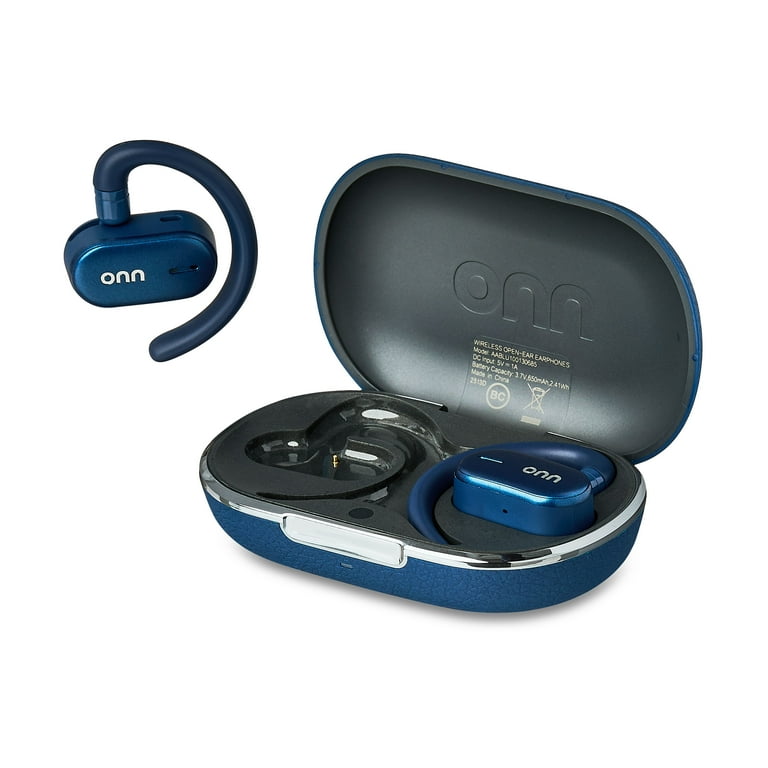
Related concepts and quick answers
Pairing vs. resetting
- Pairing creates a link between device and earbuds; resetting clears stored pairing info and returns settings to default. You’ll need to re-pair after a reset.
Factory reset meaning
- A factory reset removes personalized settings and pairing lists. It’s useful before gifting or troubleshooting persistent bugs.
PAA-style questions
Q: Will resetting delete firmware updates?
A: Resetting won’t remove firmware; it only clears pairing and internal settings. Firmware stays until you manually downgrade or unless a device-specific process changes it.
Q: How long does a reset take?
A: Most resets finish in under a minute; full charge cycles and re-pairing add a few minutes more.
These short explanations help when you need fast clarity on how to reset onn wireless earbuds.

Tips from personal experience
I regularly teach friends how to fix earbuds. Here are practical tips I learned the hard way:
- Try the simplest restart first. I once factory-reset a pair only to find a simple lid-close fixed them.
- Use a consistent order: forget device, charge, reset earbuds, then re-pair. It saves time.
- Take note of LED patterns. A quick photo helps when contacting support.
Mistakes to avoid
- Don’t assume the earbud is dead—fully charge the case first.
- Don’t use liquids to clean contacts—lightly moistened swabs only.
- Avoid relying on thumbnail-sized manuals; model guidance can vary slightly.
These tips make the process smoother and prevent repeat visits to customer service.

Frequently Asked Questions of how to reset onn wireless earbuds
How long should I hold the button to reset Onn earbuds?
Hold the earbud or case button for about 10 seconds until LEDs flash or turn off, then restart the pairing process. Different models vary slightly, so repeat if needed.
Will resetting delete saved equalizer or settings?
Resetting clears pairing and basic settings but usually doesn’t remove firmware-level features. Custom app settings may reset depending on the companion app.
My earbuds won’t show up in Bluetooth after resetting — what do I do?
Make sure both earbuds are charged and in pairing mode after the reset. Turn Bluetooth off and on on the device, forget previous pairings, and try re-pairing.
Can a reset fix only one earbud being silent?
Yes. A full reset often restores stereo pairing by clearing master-slave roles and forcing a fresh sync between the buds.
Does resetting void the warranty?
Resetting is a normal troubleshooting step and does not void warranty; document the steps taken when contacting support for warranty claims.
What if the earbuds still won’t charge after a reset?
Check charging contacts, use a different cable and power source, and fully drain and recharge the case. If the issue persists, contact support for hardware diagnosis.
Conclusion
Resetting your earbuds is a quick, effective first line of defense for Bluetooth, audio, and charging problems. By following step-by-step resets, checking battery health, cleaning contacts, and applying simple preventative habits, you’ll resolve most issues yourself and avoid unnecessary replacements. Try the methods here, note any LED behaviors, and re-pair carefully—your earbuds will likely be back to normal in minutes. If this guide helped, share your experience, subscribe for more troubleshooting guides, or leave a comment about your model so others can benefit.

Everett Ashford is a tech reviewer at mytechgrid.com specializing in SSDs, cameras, TVs, earbuds, headphones, and other consumer electronics. He provides honest, data-driven reviews based on hands-on testing and real-world performance analysis. Everett simplifies complex tech details to help readers make smart, confident buying decisions.