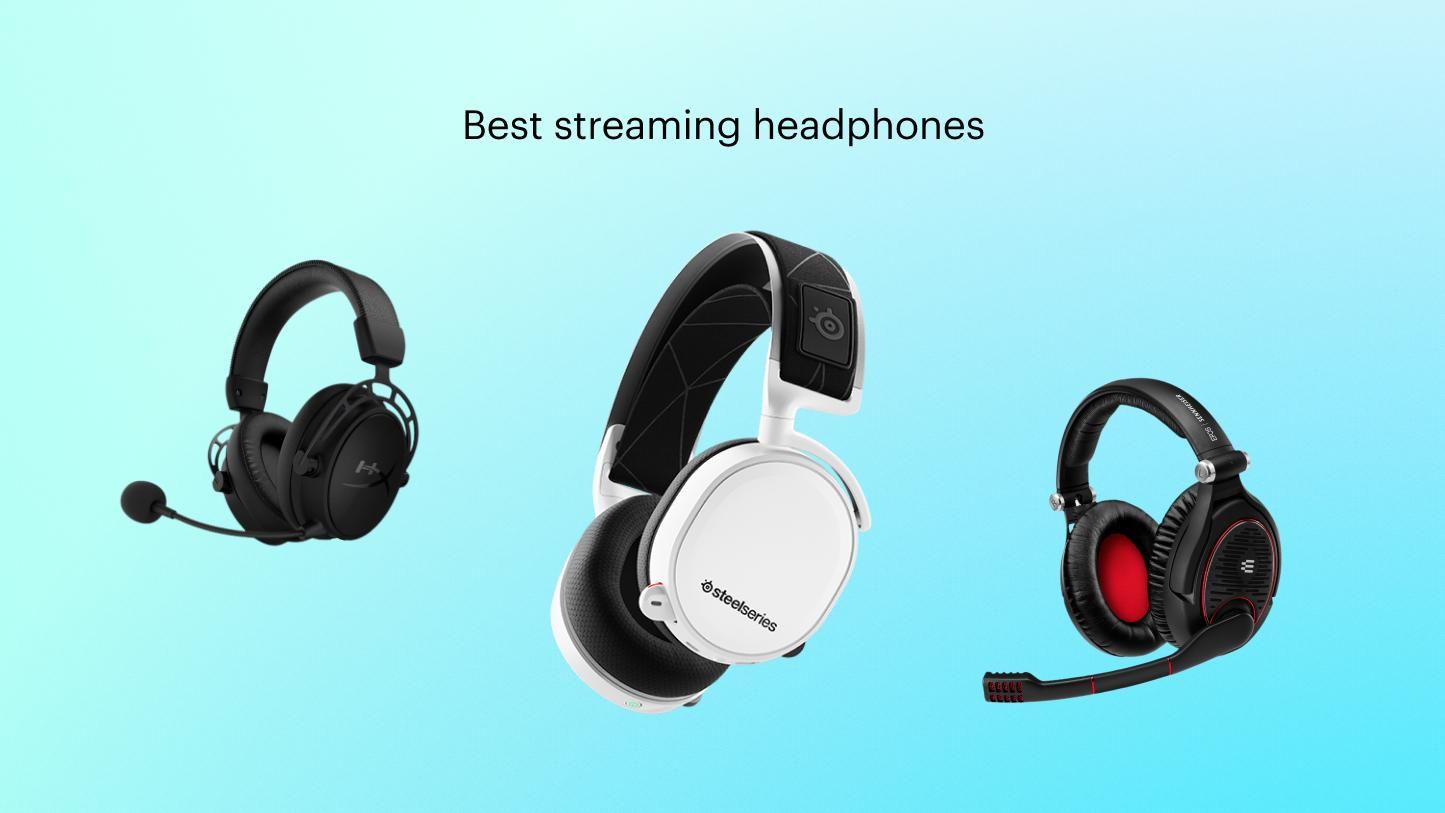
Most streamers choose closed-back gaming headsets or studio headphones with clear sound, comfort, and reliable microphones.
Knowing what headphones do streamers use can help you avoid costly guesswork. Popular creators pick gear that supports long sessions, clear voice chat, strong game audio, and a clean setup on camera. The best choice is not always the most expensive model. It depends on your games, room noise, microphone setup, and comfort needs.
What headphones do streamers use most often?
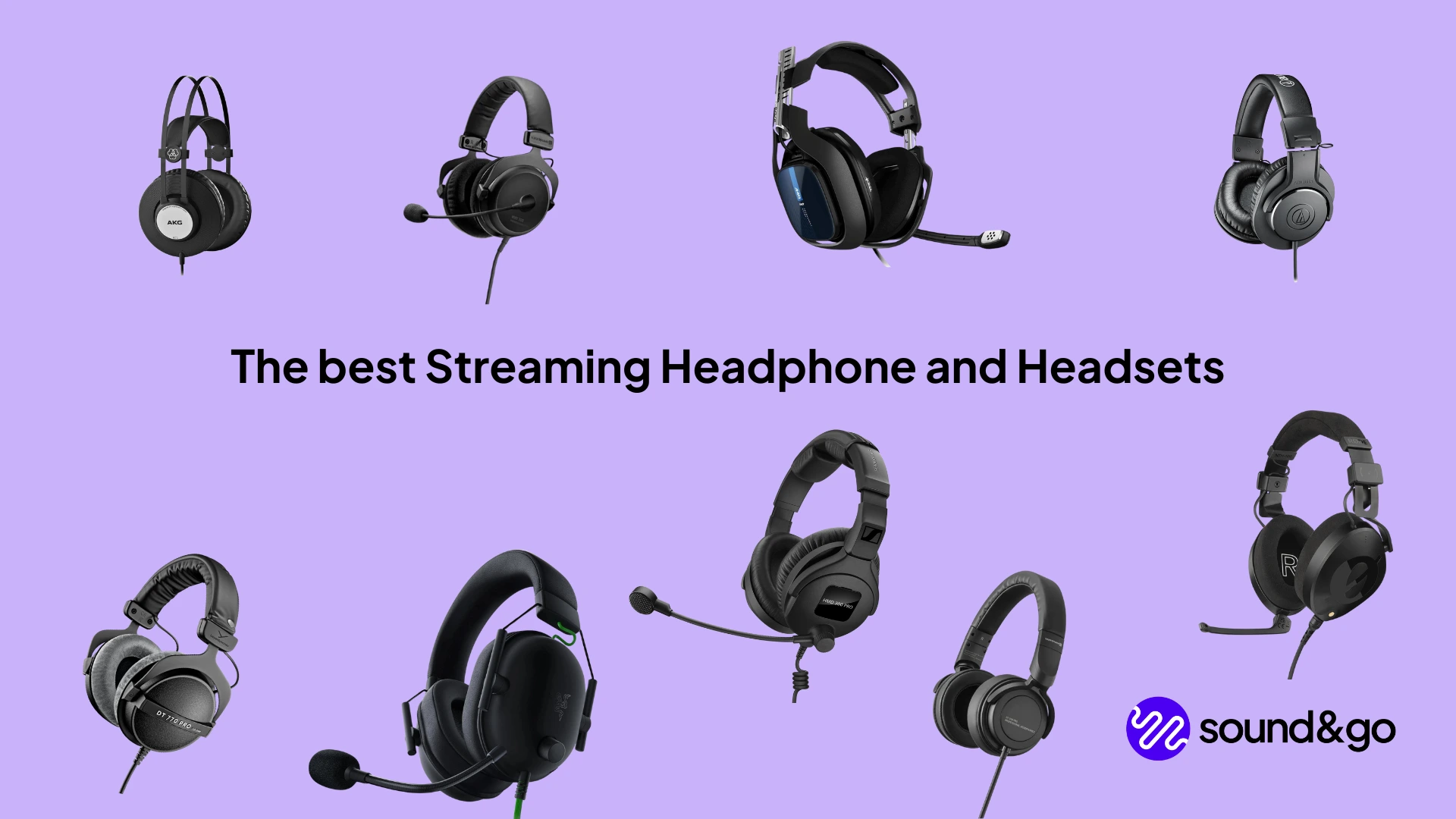
When people ask what headphones do streamers use, they usually mean two types of gear: gaming headsets and professional headphones. A gaming headset includes headphones and a built-in microphone. Professional headphones focus more on sound quality and often need a separate microphone.
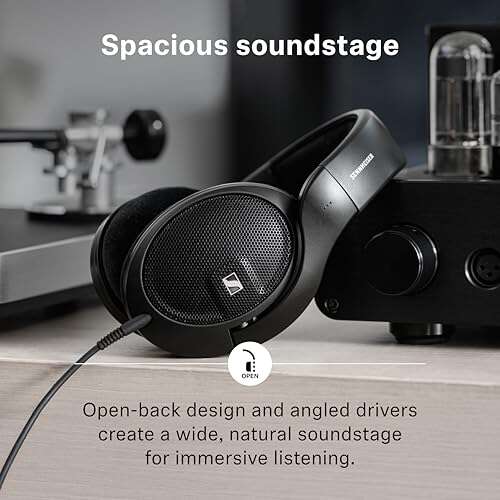
Many well-known streamers use closed-back headphones. This design blocks outside noise and helps stop game audio from leaking into the microphone. Others use open-back headphones because they sound wide and natural, but they work best in quiet rooms.
Common streamer choices include:
• Audio-Technica ATH-M50x for detailed closed-back sound
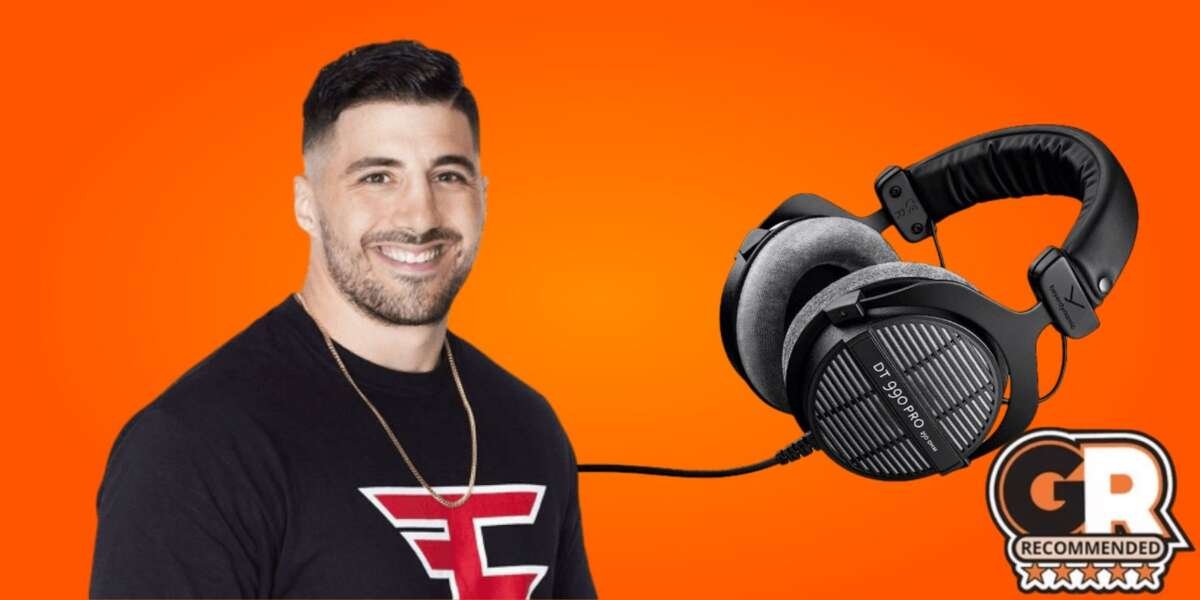
• Beyerdynamic DT 770 Pro for comfort and strong noise isolation
• Sennheiser HD 600 or HD 650 for natural open-back audio
• HyperX Cloud III for a simple gaming headset setup
• SteelSeries Arctis Nova Pro Wireless for wireless features and mixing
• Logitech G Pro X 2 LIGHTSPEED for gaming-focused wireless use
• Audeze Maxwell for strong wireless sound and battery life
The right model depends on the complete setup. A streamer who uses a broadcast microphone may prefer simple studio headphones. Someone who wants fewer cables may choose a wireless gaming headset with a built-in mic.
Why do streamers wear headphones while live?
Streamers wear headphones for more than style. Headphones let them hear game sounds, alerts, music, teammates, and their own voice without relying on speakers. This creates better control during a live broadcast.
Headphones also protect the stream from audio problems. If game sound plays through speakers, the microphone may pick it up and send an echo to viewers. Closed-back headphones reduce this risk.
The main benefits include:
• Clear game audio: Footsteps, reload sounds, and distant movement become easier to hear.
• Better voice chat: Streamers can hear teammates without raising speaker volume.
• Less microphone bleed: Headphones keep game audio away from the microphone.
• Better viewer experience: Clean audio feels more professional than sharp echoes or room noise.
• Real-time monitoring: A streamer can hear alerts and program audio as they happen.
For competitive games, sound can act like a second screen. A soft footstep may give a player useful information before an enemy appears. This is why many esports players and gaming creators value accurate headphones over flashy lighting.
A practical lesson is simple: good headphones cannot fix poor audio settings. Streamers still need to balance game volume, voice chat, music, alerts, and microphone gain. Think of the headset as the steering wheel, not the whole car.
Gaming headsets versus studio headphones
The best answer to what headphones do streamers use depends on whether the creator wants convenience or audio flexibility. Gaming headsets are easy to use. Studio headphones often offer better sound detail but need extra equipment.
Gaming headsets
gaming headsets combine headphones, a microphone, controls, and sometimes wireless connectivity. They are a strong choice for new streamers and players who want a clean setup.
Advantages include:
• Built-in microphone
• Simple USB or wireless connection
• Easy volume and mute controls
• Console and PC compatibility
• Surround sound or spatial audio features
The main limitation is the microphone. A built-in mic can sound good, but a separate USB or XLR microphone usually gives a fuller and clearer voice.
Studio headphones
Studio headphones are made for listening and sound work. Many use a separate microphone, audio interface, or mixer. Streamers who care about voice quality often choose this path.
Advantages include:
• More detailed sound
• Better separation between audio layers
• Strong comfort during long sessions
• Replaceable cables or ear pads on some models
• Greater control over the full audio chain
The limits are also clear. Some studio headphones need an amplifier. Open-back models can leak sound. They also offer less isolation in noisy homes.
In my experience, beginners often buy expensive studio headphones before checking whether their computer can power them well. A basic headset with a good fit may sound better in daily use than a difficult-to-drive headphone connected to a weak audio port.

Top headphones and headsets streamers use
No single model works for every creator. The following options cover different budgets and needs.
HyperX Cloud III
The HyperX Cloud III is popular with gamers who want a comfortable wired headset. It has a detachable microphone, memory foam ear cushions, and broad device support.
It suits new streamers because setup is simple. It also works well for gaming, voice chat, and casual content. Its closed-back design helps reduce outside noise.
SteelSeries Arctis Nova Pro Wireless
The Arctis Nova Pro Wireless targets streamers who want wireless freedom and advanced control. It includes a base station that can manage audio sources and support quick device switching.
This type of system works well for a creator who needs game audio, chat audio, and stream audio at the same time. It costs more than basic models, so it may be excessive for someone who streams only once a week.
Logitech G Pro X 2 LIGHTSPEED
This headset is designed for competitive gaming and wireless use. It offers low-latency wireless audio, a detachable microphone, and a lightweight design.
It is a practical choice for creators who move between a gaming desk and a console setup. Wireless performance can vary with room layout and interference, so wired backup support is useful.
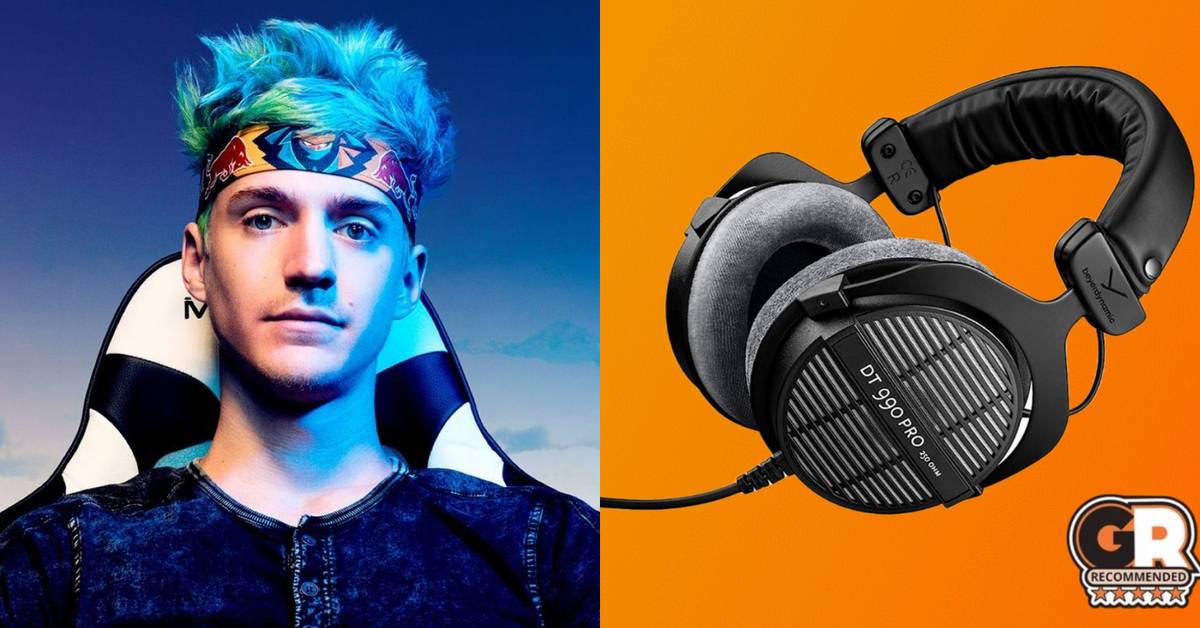
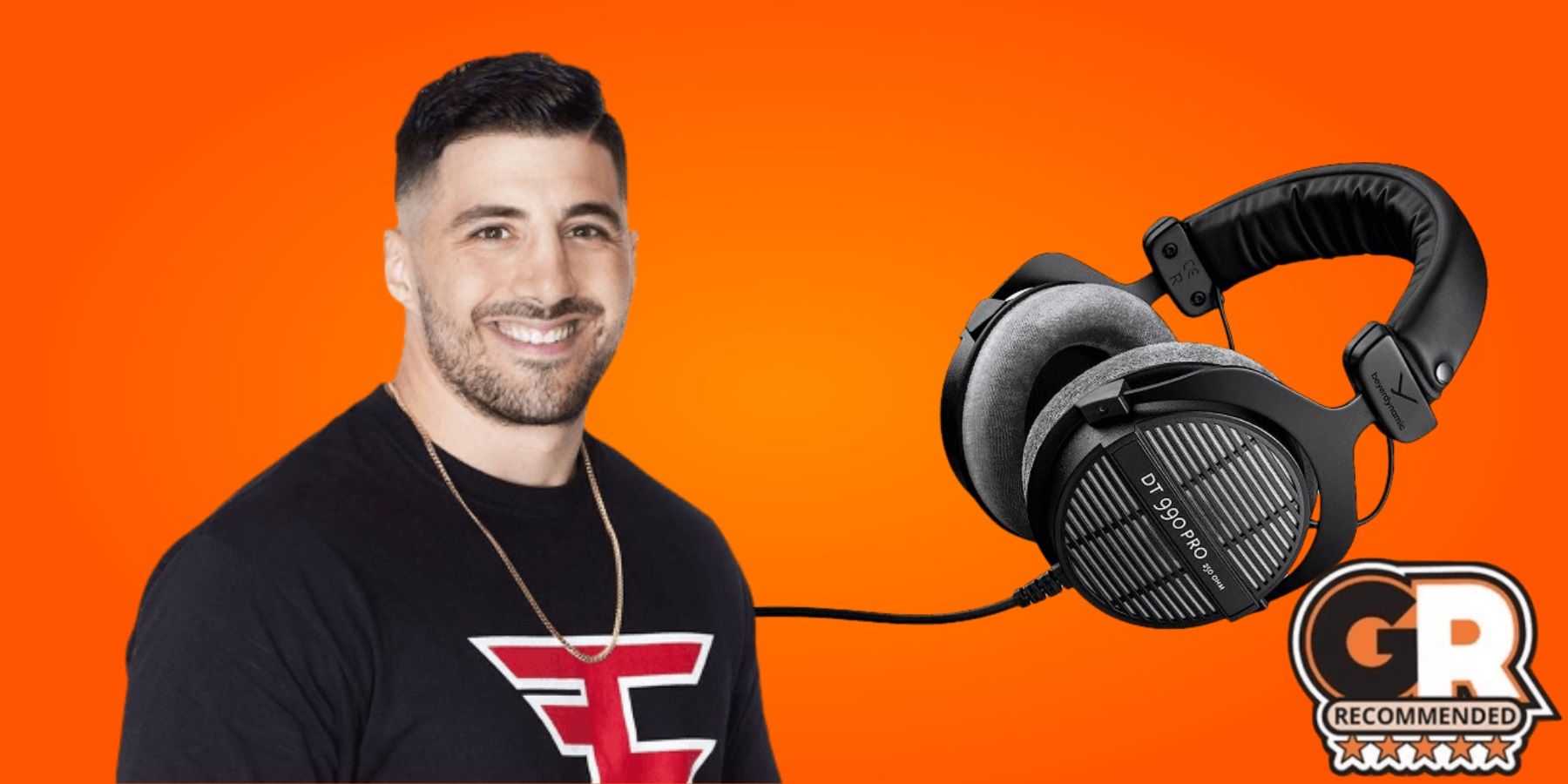
Beyerdynamic DT 770 Pro
The DT 770 Pro is a closed-back studio headphone known for comfort and strong isolation. It comes in different impedance versions, and that detail matters.
A lower-impedance version is easier for many computers and controllers to power. Higher-impedance versions may need a proper audio interface or headphone amplifier. This is a common detail people miss when researching what headphones do streamers use.
Sennheiser HD 600
The HD 600 is an open-back headphone with a natural sound profile. It is valued for music, editing, and careful listening.
It is less suitable for a loud room because sound can enter and leave the ear cups. It also does not include a microphone. Pairing it with a quality USB or XLR microphone can create a very clean streaming setup.
Audio-Technica ATH-M50x
The ATH-M50x is a closed-back headphone with strong detail and useful isolation. It includes replaceable cables and folds for easier storage.
It is a popular middle ground. It can support gaming, editing, music, and general computer use without requiring a complex setup.
Audeze Maxwell
The Maxwell is a premium wireless gaming headset known for detailed audio and long battery life. It is heavier than some competing models, so comfort depends on head shape and personal preference.
For streamers who want one headset for gaming, music, and voice chat, it offers a capable all-in-one design. Still, weight should be checked before buying.
How to choose headphones for streaming
The best answer to what headphones do streamers use should begin with your own needs. A famous creator’s headset may not suit your room, computer, or head shape.
Use these factors before you buy:
1. Choose the right ear cup design
Closed-back headphones block more outside sound. They are usually better for shared rooms, loud fans, and microphones placed close to the mouth.
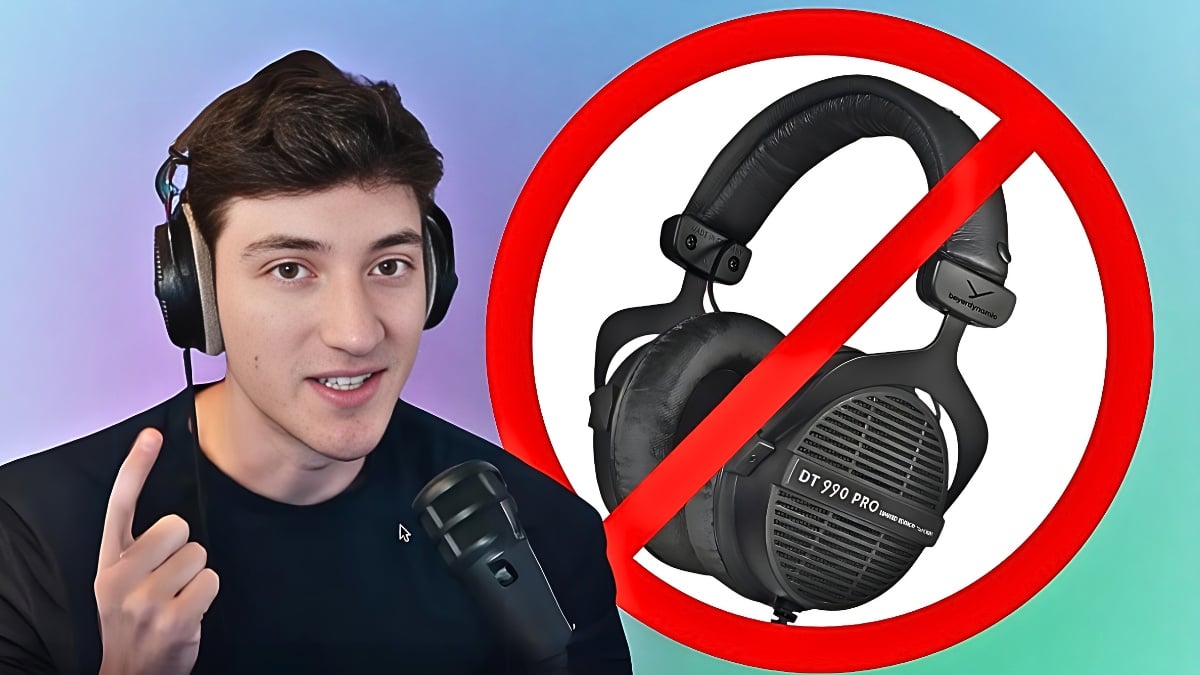
Open-back headphones sound more natural and spacious. They are better for quiet rooms, music, and long editing sessions. They are not ideal when people are talking nearby.
2. Check comfort
Comfort matters more than many buyers expect. Streamers may wear headphones for four, six, or even ten hours.
Look for:
• Soft ear pads
• Moderate clamping force
• A padded headband
• Low heat buildup
• A weight that feels balanced
A headset can sound amazing for 20 minutes and become painful after three hours. Try to judge long-session comfort, not just first impressions.
3. Consider the microphone
A built-in microphone is convenient. A separate microphone usually gives better control and clarity.
If you use an XLR microphone, you may also need an audio interface. USB microphones are easier because they connect directly to the computer. In both cases, microphone placement and room treatment can matter more than the headphone brand.
4. Check connection type
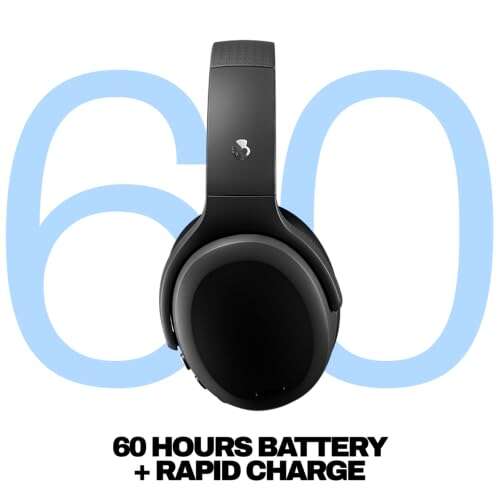
Wired headphones offer a stable connection and no battery concerns. Wireless headphones reduce desk clutter and allow more movement.
Wireless models can bring problems such as charging, signal interference, and software issues. A headset with both wireless and wired modes gives you more flexibility.
5. Match impedance to your device
Impedance is measured in ohms. High-impedance headphones can need more power than a laptop, controller, or basic motherboard output can provide.
A weak source may produce low volume or a flat sound. Before buying, check the manufacturer’s power guidance and your audio interface specifications.
6. Avoid confusing virtual surround with accuracy
Virtual surround can make games feel wider. It does not always improve competitive performance. Some modes add effects that make sounds less natural.
Test stereo mode first. Then compare any surround setting with the same game, volume, and sound mix.
Do streamers use noise-canceling headphones?
Some streamers use active noise cancellation, but it is not always the best choice. Active noise cancellation uses microphones and electronic processing to reduce steady sounds such as fans, air conditioners, and traffic.
It works less effectively against voices, keyboard clicks, and sudden sounds. It can also change the sound character or add a small amount of processing delay.
Many streamers prefer closed-back headphones instead. They provide passive isolation without needing a battery or electronic processing. A creator in a quiet room may not need noise cancellation at all.
Noise control should start with the room:
• Move the microphone closer to your mouth.
• Lower the microphone gain.
• Keep fans and noisy devices farther away.
• Use curtains, rugs, or soft furniture to reduce reflections.
• Test noise suppression before adding aggressive filters.
A common mistake is using strong noise suppression to hide a loud room. That can make a voice sound thin or robotic. Better headphone isolation and microphone placement often solve the problem more naturally.
Do streamers use wired or wireless headphones?
Both types are common. Wired headphones remain popular because they offer steady sound, low delay, and no battery management. Wireless headphones are popular because they create a cleaner desk and allow easy movement.
For live streaming, delay is important. Modern wireless gaming headsets often use a dedicated 2.4 GHz receiver instead of standard Bluetooth. This usually provides lower latency and better gaming performance.
Bluetooth can still work for music or casual viewing. It may not be ideal for competitive games because audio delay can affect timing.
Choose wired headphones if you:
• Want the lowest risk of connection problems
• Use a separate audio interface
• Stream from one fixed desk
• Prefer not to charge devices
Choose wireless headphones if you:
• Move around while streaming
• Want fewer cables
• Need quick switching between devices
• Accept regular charging
One useful habit is keeping a wired cable nearby. It can save a stream when the battery is empty or wireless software fails.

Headphone settings that improve a stream
Buying what headphones do streamers use is only one part of good audio. Correct settings can make an affordable headset sound much better.
Start with a comfortable volume. Loud audio can cause listening fatigue and may harm hearing over time. The World Health Organization recommends managing both sound level and listening duration.
Then adjust your setup in this order:
-
Set the computer volume to a moderate level.
-
Play a familiar game or music track.
-
Raise the headphone volume until details are clear.
-
Lower the game audio if your voice becomes hard to hear.
-
Balance chat, alerts, music, and game sound separately.
-
Record a short test before going live.
Avoid changing many settings at once. If you adjust equalization, surround sound, and compression together, you may not know what helped.
For voice monitoring, use a small amount of sidetone if available. Hearing your own voice can prevent shouting, but too much sidetone becomes distracting.
Common mistakes when buying streamer headphones
Research into what headphones do streamers use can lead to poor choices if you focus only on brand names. Streamers may receive sponsorships, use custom audio chains, or have sound engineers helping them. Their setup may not match your needs.
Avoid these mistakes:
• Buying based only on a streamer’s recommendation
• Ignoring comfort and headband pressure
• Choosing high impedance without checking your device
• Assuming a higher price guarantees better sound
• Using open-back headphones in a noisy room
• Forgetting the cost of a microphone or audio interface
• Trusting virtual surround without testing stereo mode
• Setting the volume too loud to hear small details
Another mistake is buying a headset with too much bass for competitive games. Strong bass can make explosions exciting, but it may cover quieter details such as footsteps or reload sounds.
Personal taste also matters. Two people can test the same headset and prefer different sound profiles. Use technical reviews for facts, but use your own ears and comfort needs for the final decision.

A simple streamer headphone setup by budget
You do not need a professional studio to begin streaming. A sensible setup can grow with your channel.
Starter setup
• Closed-back gaming headset
• Basic microphone controls
• Wired USB connection
• Simple software noise suppression
This setup is affordable and easy to manage. It works well for new creators who are still learning audio mixing.
Mid-range setup
• Better wired or wireless headset
• Separate USB microphone
• Basic boom arm
• Software for equalization and audio routing
This setup improves voice clarity and gives you more control over game and chat audio.
Advanced setup
• Studio headphones
• Dynamic XLR microphone
• Audio interface
• Boom arm and pop filter
• Acoustic improvements for the room
This setup can sound highly polished, but it also requires more knowledge. More equipment means more points of failure, so label cables and save your audio settings.
The smartest upgrade is often the microphone, not the headphones. Viewers may forgive average game audio, but they usually leave when speech is harsh, muddy, or difficult to understand.
Frequently Asked Questions about what headphones do streamers use
What headphones do most streamers use?
Many streamers use closed-back gaming headsets or studio headphones with a separate microphone. Popular choices include the HyperX Cloud series, SteelSeries Arctis Nova Pro Wireless, Beyerdynamic DT 770 Pro, and Audio-Technica ATH-M50x.
Do streamers use earbuds instead of headphones?
Some streamers use wired or wireless earbuds, especially in competitive gaming or simple mobile setups. Earbuds are light and discreet, but full-size headphones often provide better comfort, isolation, and low-end sound.
Are open-back headphones good for streaming?
Open-back headphones can sound wide and natural, which helps with music and editing. They work best in quiet rooms because sound leaks from the ear cups and nearby noise can enter.
Do streamers need a separate microphone?
No, a separate microphone is not required. A gaming headset with a good built-in mic is enough to start, but a USB or XLR microphone usually provides clearer speech and more control.
Are wireless headphones good for live streaming?
Modern 2.4 GHz wireless headsets can work very well for streaming and gaming. Check battery life, connection stability, software support, and whether the headset also offers a wired backup.
What is the best headset for a beginner streamer?
A comfortable closed-back gaming headset with a clear microphone is usually the best starting point. Choose a model that works with your computer or console and does not require extra audio equipment.
Conclusion
The answer to what headphones do streamers use is not one single model. Most choose gear that balances comfort, sound detail, microphone performance, isolation, and connection reliability.
Closed-back gaming headsets are simple and practical. Studio headphones can deliver more accurate sound when paired with the right microphone and audio equipment. Before buying, consider your room, device, budget, and how long you wear headphones each day.
Start with comfort and clear voice audio. Then improve your setup one step at a time. Test your sound before each stream, protect your hearing, and explore trusted reviews before making your choice.

Everett Ashford is a tech reviewer at mytechgrid.com specializing in SSDs, cameras, TVs, earbuds, headphones, and other consumer electronics. He provides honest, data-driven reviews based on hands-on testing and real-world performance analysis. Everett simplifies complex tech details to help readers make smart, confident buying decisions.