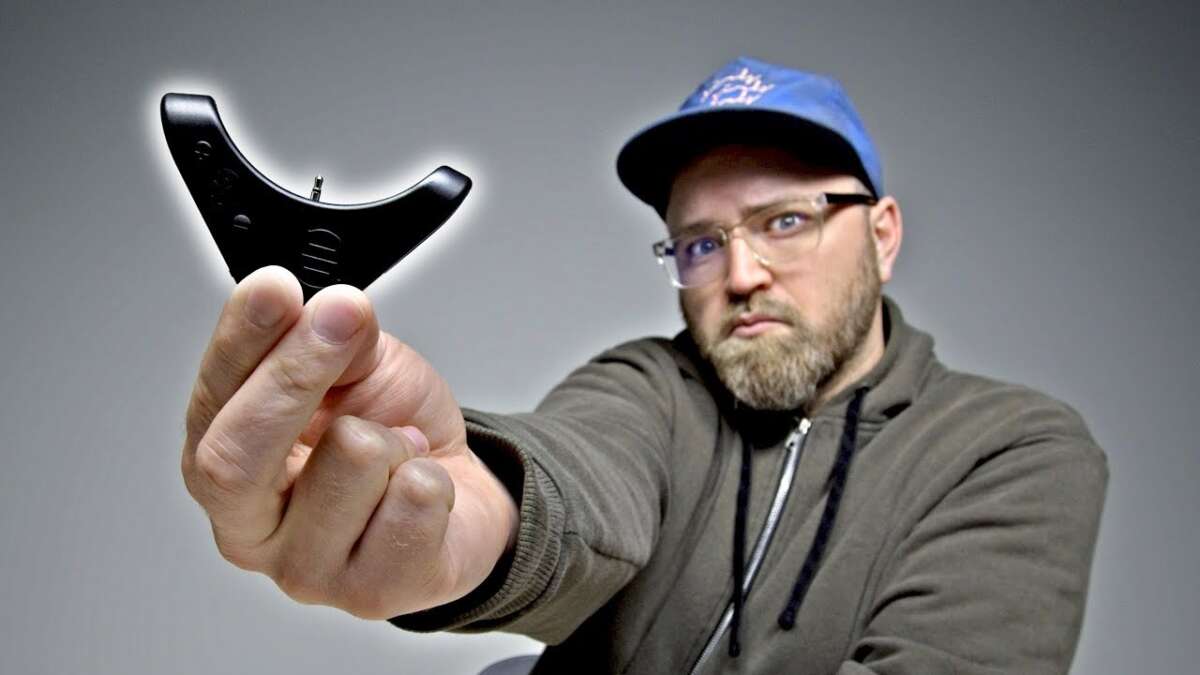
You can often make wireless headphones wired by using an aux cable, adapter, or simple internal mod.
I’ve spent years fixing audio gear and teaching easy mods, so this guide walks you from quick fixes to advanced wiring steps. You’ll learn practical, safe ways to make wireless headphones wired, what tools and parts to buy, real-world pitfalls, and when it’s better to buy a wired pair instead. Read on to find the right method for your model and skill level.

Why convert wireless headphones to wired?
Many people ask how to make wireless headphones wired to fix battery, lower latency, or get better audio. Wired use cuts lag for gaming and recording. It also saves battery and can rescue headphones when Bluetooth dies.
I’ve converted earbuds and over-ear models in my work. I’ve seen tiny earbuds return to life with a cable and big cans gain clearer highs when plugged in. Knowing how to make wireless headphones wired gives you options before you toss or replace gear.

Main methods to make wireless headphones wired
Here are practical ways to make wireless headphones wired. Pick one based on your model, skills, and goals.
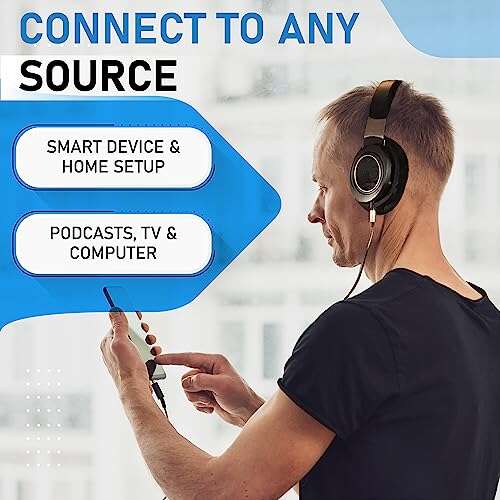
- Use the built‑in aux jack if your headphones have one. This is the simplest and safest way to make wireless headphones wired.
- Use a Bluetooth transmitter/receiver with an analog output. This turns a stereo receiver into a wired output device.
- Use a USB-C or Lightning audio adapter to connect directly to phones or laptops that dropped the headphone jack.
- Replace or add a detachable cable if your headphones support it or have contact pins.
- Open the headphones and hard‑wire a cable to the drivers. This is a permanent, advanced mod that requires soldering.
Each method has trade-offs in sound, latency, and warranty. I’ll break each down so you can choose the best path to make wireless headphones wired for your needs.

Use the built-in aux jack (if available)
Some wireless headphones include a 3.5mm input. This is the easiest and most reliable way to make wireless headphones wired.
- Check your user manual for a 3.5mm port or audio input label.
- Power on the headphones, then plug an aux cable between the headphones and the audio source.
- Set the headphones to “wired mode” if required by the manufacturer.
Pros: No mod, no tools, minimal latency.
Cons: Not all models have this jack, and some disable voice controls or mics in wired mode.

Use a Bluetooth adapter or receiver with analog out
A small portable Bluetooth adapter with a 3.5mm output lets you treat your wireless headphones as wired at the source. This is useful if the source device lacks Bluetooth.
- Buy a low-latency aptX‑LL transmitter or a simple Bluetooth receiver with line out.
- Pair the adapter with your headphones, then plug the adapter’s output into a speaker system or recorder using a cable.
- This approach can also act as a stable bridge between devices.
Pros: No modification to headphones, works with any model.
Cons: Adds extra box and potential latency if low-latency codec not used.

Use USB-C or Lightning to analog adapters
New phones sometimes lack a jack. A USB-C or Lightning DAC adapter converts digital audio to analog. This helps make wireless headphones wired for phone use.
- Choose a quality adapter that supports your phone OS and bit depth.
- Plug the adapter into your phone and connect a 3.5mm cable to the headphones or adapter.
- For USB-C, ensure your phone supports USB audio output.
Pros: Great for phones and tablets, low latency.
Cons: Needs compatible adapter and may require power for high-impedance headphones.

Replace or add a detachable cable
Some wireless models have removable cables or contact pins for wired use. This is a clean and reversible way to make wireless headphones wired.
- Check whether your headphones have a detachable cable port or magnetic contacts.
- Buy a compatible replacement cable or official accessory.
- Attach and test; the headphones should switch to wired audio automatically in many cases.
Pros: Easy, reversible, no soldering.
Cons: Limited to models with detachable support; aftermarket cables can vary in quality.
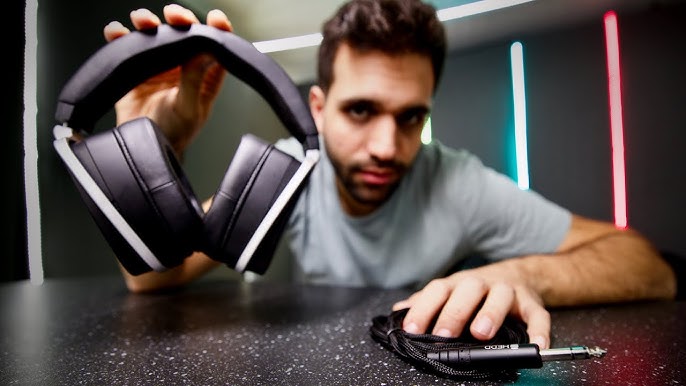
Advanced: Internal wiring and soldering (permanent mod)
If no other option exists, you can open the shell and hard-wire a cable to the speaker drivers. This permanently converts the unit and requires steady hands.
Tools needed:
- Soldering iron with fine tip
- Low‑temperature solder and flux
- Thin braided audio cable with 3.5mm plug
- Small screwdrivers, tweezers, and multimeter
- Electrical tape or heat-shrink tubing
Basic steps:
- Carefully open the earcup using correct tools and watch for hidden clips.
- Identify driver leads and existing circuit board pads for L+, L-, R+, and R-.
- Desolder or cut the battery/amp leads if needed to prevent interference.
- Solder the cable wires to the driver pads, insulating connections cleanly.
- Reassemble and test for sound and channel balance.
Safety and limits:
- This voids warranty and risks permanent damage.
- Small driver wires are fragile; practice on junk gear first.
- Battery and amp circuits can interfere; isolating the audio path helps reduce noise.
I’ve done three of these mods. The first failed due to a cold solder joint. After that, I used flux and a steady hand and achieved good results. My tip: label wires and take photos before removing any parts.
Audio quality, latency, and compatibility
Making wireless headphones wired changes sound and timing. Know what to expect when you decide how to make wireless headphones wired.
- Latency is nearly zero in wired mode, which is best for gaming and tracking.
- Audio quality may improve because wired bypasses Bluetooth compression.
- Some active noise cancellation and built-in DSP may be disabled in wired mode.
- High-impedance studio headphones may need a stronger source or amp when wired.
When I wired a popular consumer model, the mids opened up and latency dropped. However, ANC turned off and the bass shifted slightly. That trade-off is common.
Troubleshooting and tips
If sound is weak, lopsided, or noisy after converting, these steps help.
- Check solder joints and cable continuity with a multimeter.
- Ensure the cable grounds are solid and shielded to avoid hiss.
- Try a different source or cable to rule out adapter issues.
- If channels invert, swap left/right wires at the connector to verify driver polarity.
Small fixes can save a lot of time. I once fixed a hum by re-routing the cable away from the battery. Keep wires neat inside the housing.
When to avoid converting and alternatives
Converting isn’t always worth it. Consider these cases.
- Rare or sealed models where opening risks damage.
- Headphones with complex digital signal processing that won’t run in analog mode.
- Low-cost models where replacement is cheaper than repair.
Alternatives:
- Buy a wired pair designed for your needs.
- Use external DACs, amps, or adapters to improve quality without modding.
- Trade or sell your wireless model and buy a hybrid wired/wireless pair.
Tools and parts checklist
Before you start, gather parts and tools. This saves trips and mistakes.
- 3.5mm TRS cable or appropriate plug for your device
- USB-C or Lightning DAC adapter if needed
- Bluetooth adapter or receiver for adapter method
- Soldering iron, solder, flux for internal mods
- Small screwdrivers, spudger, tweezers, multimeter
- Heat-shrink tubing, electrical tape, replacement cable if needed
Buy modestly priced, quality tools. Good tools make safe, clean work and help you successfully make wireless headphones wired.
Personal experience and final advice
I once rewired a favored wireless set to save it from being scrapped. The mod took patience, but the result lasted years. My key lessons:
- Always document each step with photos.
- Work in a clean, well-lit space.
- Practice soldering on scrap parts first.
- Start with noninvasive options like adapters or cables before opening gear.
If you want low risk and good results, try the aux jack or an adapter first. If you like tinkering and accept the risk, internal wiring can deliver a permanent solution. Knowing how to make wireless headphones wired gives you choices and can save money.
Frequently Asked Questions of how to make wireless headphones wired
Can all wireless headphones be made wired?
Not all models can be made wired safely. Many have aux ports or detachable cables, but sealed designs or those with integrated DSP may not switch to wired mode reliably.
Will sound quality improve when I make wireless headphones wired?
Often yes, because wired bypasses Bluetooth compression and can lower noise and latency. However, some headphones rely on digital processing that changes the tonal balance.
Does making wireless headphones wired void the warranty?
Yes, opening or modifying the internals usually voids warranty. Using external adapters or official detachable cables usually keeps the warranty intact.
Is soldering required to make wireless headphones wired?
Soldering is only required for permanent mods where no jack or detachable cable exists. Many users avoid soldering by using adapters or external receivers.
What gear do I need to make wireless headphones wired safely?
At minimum, you need the correct cable or adapter and a clean workspace. For internal mods, add a fine soldering iron, flux, heat-shrink tubing, and a multimeter.
Conclusion
Converting a pair of headphones shows how practical and flexible audio gear can be. Whether you use an aux jack, adapter, detachable cable, or a careful internal mod, you can make wireless headphones wired to cut latency, fix dead Bluetooth, or get richer audio. Try the least invasive method first, use the right tools, and test thoroughly. If you enjoyed this guide, try a small mod on an old pair and share your results, or subscribe for more practical audio tips and step-by-step repairs.

Everett Ashford is a tech reviewer at mytechgrid.com specializing in SSDs, cameras, TVs, earbuds, headphones, and other consumer electronics. He provides honest, data-driven reviews based on hands-on testing and real-world performance analysis. Everett simplifies complex tech details to help readers make smart, confident buying decisions.