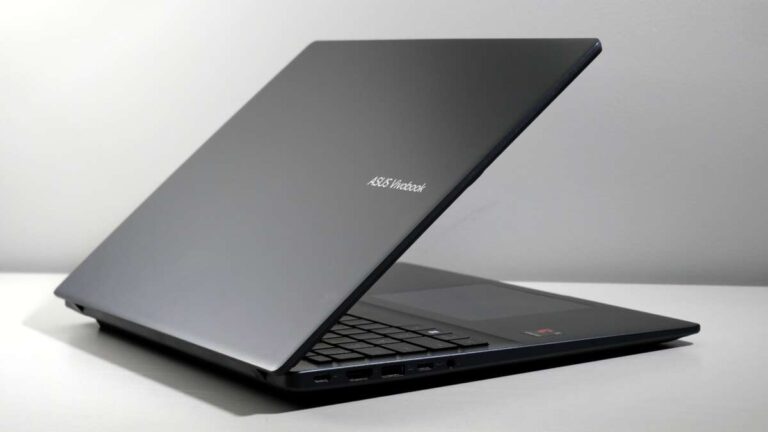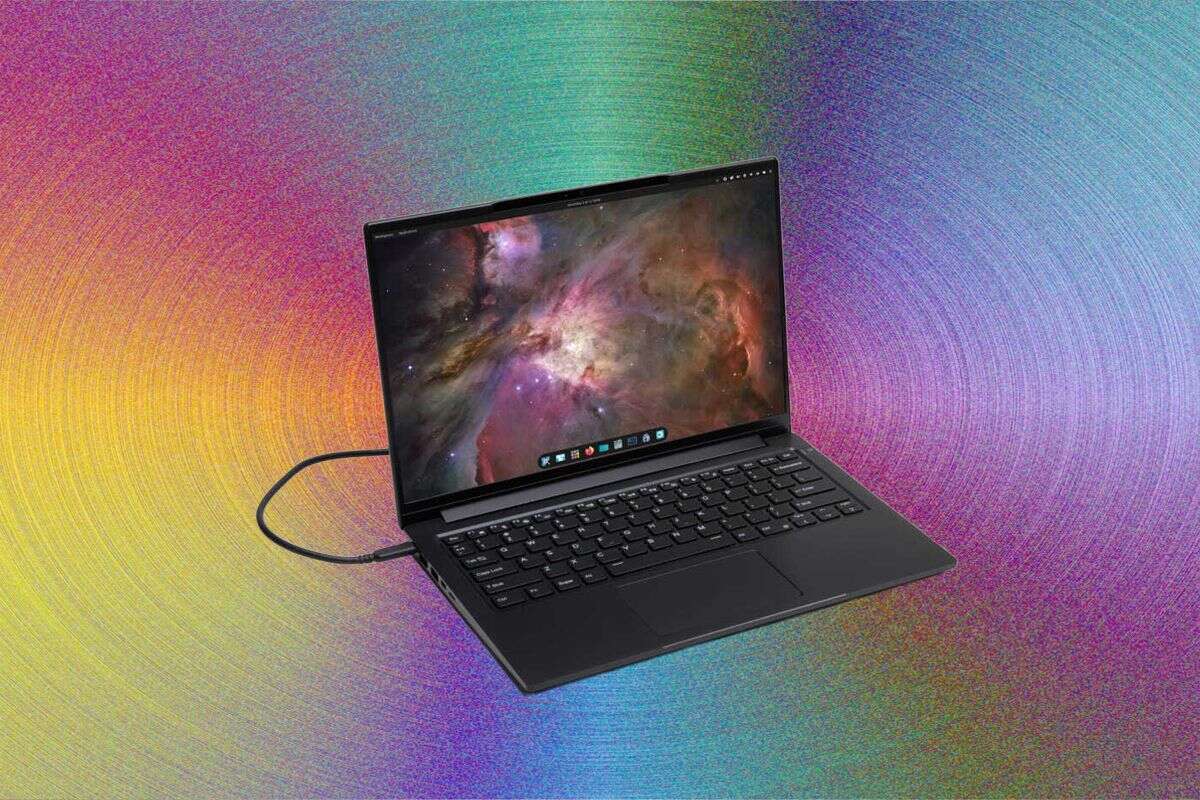
A good PC laptop balances speed, battery life, screen quality, comfort, durability, and price for your daily needs.
Knowing what is a good PC laptop depends on how you plan to use it. A student, remote worker, gamer, creator, and frequent traveler may all need different features. This guide explains the key parts to check, common mistakes to avoid, and how to choose a Windows laptop that feels fast, reliable, and worth your money.
What Is a Good PC Laptop?
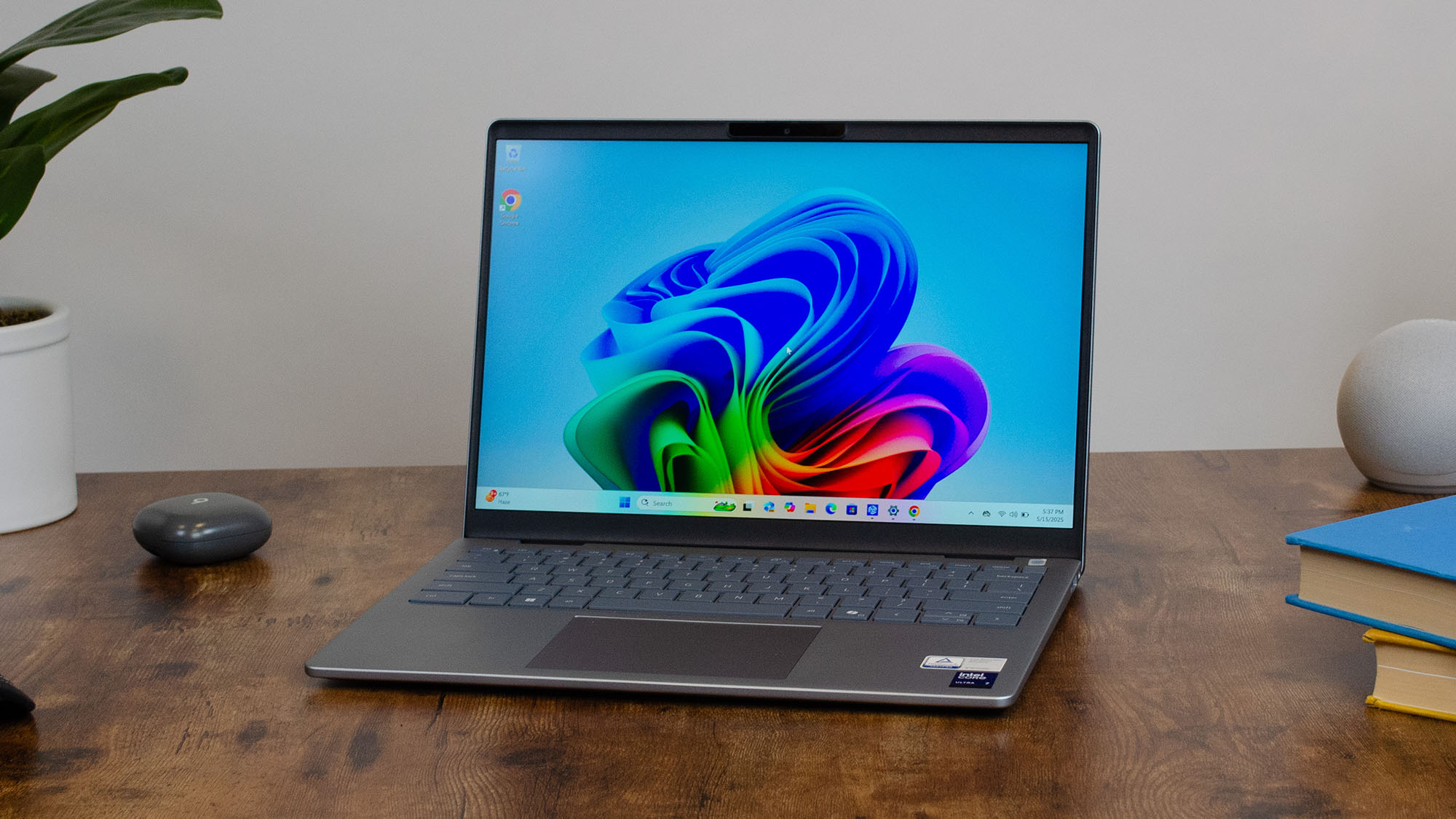
A good PC laptop is a portable computer that performs your main tasks smoothly, lasts for several years, and offers useful features at a fair price. It should start quickly, run your apps without constant delays, and feel comfortable during long work sessions.
The best laptop is not always the one with the highest specifications. A powerful gaming laptop may be a poor choice for someone who wants a light device for travel. In the same way, a thin budget laptop may struggle with video editing or 3D games.
When people ask what is a good PC laptop, they are often asking about a balance of six things:
• Reliable performance
• Strong battery life
• A clear and comfortable display
• A durable keyboard and body
• Enough storage and memory
• Fair long-term value
A good PC laptop should also match your habits. Think of it like a pair of shoes. The most expensive pair is not automatically the best pair for your feet. The right fit matters more.
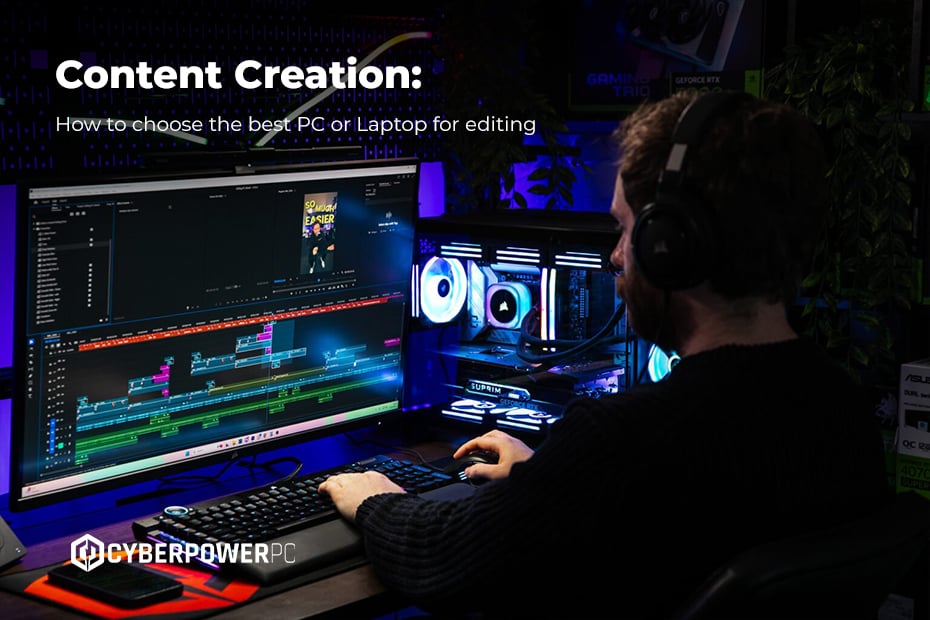
How to Choose a Good PC Laptop
Start with your real workload. Write down the apps, games, and tasks you use most often. This simple step can prevent you from paying for power you will never use.
For most people, a good PC laptop should include at least:
• An Intel Core i5, Intel Core Ultra 5, AMD Ryzen 5, or similar modern processor
• 16 GB of RAM for comfortable multitasking
• A 512 GB solid-state drive
• A Full HD display with good brightness
• Wi-Fi 6 or newer
• USB-C charging or a useful selection of modern ports
• Windows 11 support and regular security updates
These are practical targets, not strict rules. A basic laptop with 8 GB of RAM may work for email, web browsing, and light schoolwork. However, 16 GB gives you more room for browser tabs, video calls, office apps, and background tools.
The best way to judge a laptop is to look beyond one specification. A fast processor cannot make up for a poor screen, weak battery, or uncomfortable keyboard. A large storage drive cannot fix a laptop that overheats every afternoon.
Match the laptop to your needs
Consider these common use cases:
• Basic home use: Choose a budget laptop with a modern Core i3, Ryzen 3, or similar chip, 8 GB of RAM, and a 256 GB or larger SSD.
• School and office work: Choose 16 GB of RAM, a Core i5 or Ryzen 5 class processor, a comfortable keyboard, and strong battery life.
• Programming: Look for 16 GB or 32 GB of RAM, a fast processor, a sharp display, and enough ports for testing devices.
• Photo and video editing: Choose a powerful processor, 16 GB or more RAM, a color-accurate screen, and a larger SSD.
• Gaming: Focus on a dedicated graphics card, good cooling, a fast display, and upgradeable storage when possible.
• Travel: Pick a light laptop with a durable build, a bright screen, and a battery that can last through long periods away from an outlet.

Processor: The Laptop’s Main Engine
The processor, or CPU, handles many of the instructions your laptop needs. It affects app loading, multitasking, file exports, and general system speed.
Current processor families from Intel, AMD, and Qualcomm can all power good PC laptops. Do not judge a processor only by its model number. Generation, power use, cooling, and the laptop’s design also matter.
For normal work, a midrange processor is often the sweet spot. It can handle documents, large spreadsheets, video calls, web apps, and light creative tasks without the cost or heat of a high-end chip.
A high-end processor makes more sense when you regularly:
• Edit 4K video
• Compile large software projects
• Run virtual machines
• Work with complex spreadsheets
• Create 3D designs
• Stream games while playing
One lesson I have seen repeatedly when comparing laptops is that buyers often overvalue CPU names. They choose a premium chip but overlook a dim display or a weak cooling system. In daily use, a balanced laptop often feels better than a powerful laptop with poor design.
CPU cores and performance
More cores can help with demanding work, but more cores do not guarantee a faster experience in every app. Many everyday tasks rely on quick single-core performance, while editing and rendering tools may use several cores at once.
Look for independent performance tests when comparing two models. Manufacturer claims can show potential, but real testing reveals fan noise, heat, battery use, and sustained speed.
.jpg)
RAM and Storage: Speed You Feel Every Day
RAM holds the information your laptop is actively using. More RAM helps when you keep many browser tabs and apps open at once.
For most buyers, 16 GB is the best target in 2025 and beyond. Eight gigabytes can still work for light use, but it offers less comfort as websites and apps become more demanding.
Choose 32 GB if you:
• Edit large video files
• Use professional design software
• Run virtual machines
• Work with large data sets
• Keep many demanding apps open together
Storage is where your files and programs remain after you turn off the laptop. A solid-state drive, or SSD, is much faster and quieter than an older hard disk drive.
A 512 GB SSD is a strong starting point. A 256 GB drive may fill quickly after installing office tools, games, photos, and system updates. If you store videos, games, or creative projects locally, consider 1 TB or more.
Cloud storage can help, but it should not be your only plan. You still need enough local space for apps, temporary files, and work when the internet is unavailable.

Display, Keyboard, and Comfort
You may look at your laptop screen for hours each day. Display quality is not a luxury; it affects comfort, focus, and the way photos or text appear.
A good PC laptop should usually have:
• At least a 1920 by 1080 resolution
• A screen size between 13 and 16 inches
• Around 300 nits of brightness or more for indoor use
• A matte or low-glare finish when possible
• Good viewing angles
• Strong color coverage for creative work
A 16:10 aspect ratio gives you more vertical space than a traditional 16:9 screen. This can help when reading documents, writing code, or browsing long pages.
Refresh rate matters most for gaming and smooth motion. A 60 Hz display is fine for office work. A 120 Hz or faster display can make games and scrolling feel smoother, but it may use more battery.
The keyboard also deserves careful attention. Look for firm keys, clear spacing, and useful travel. A keyboard that feels fine for five minutes may become tiring after several hours.
Trackpad quality matters too. A large, accurate trackpad makes daily use easier. Windows Precision drivers usually provide smoother gestures and better control.
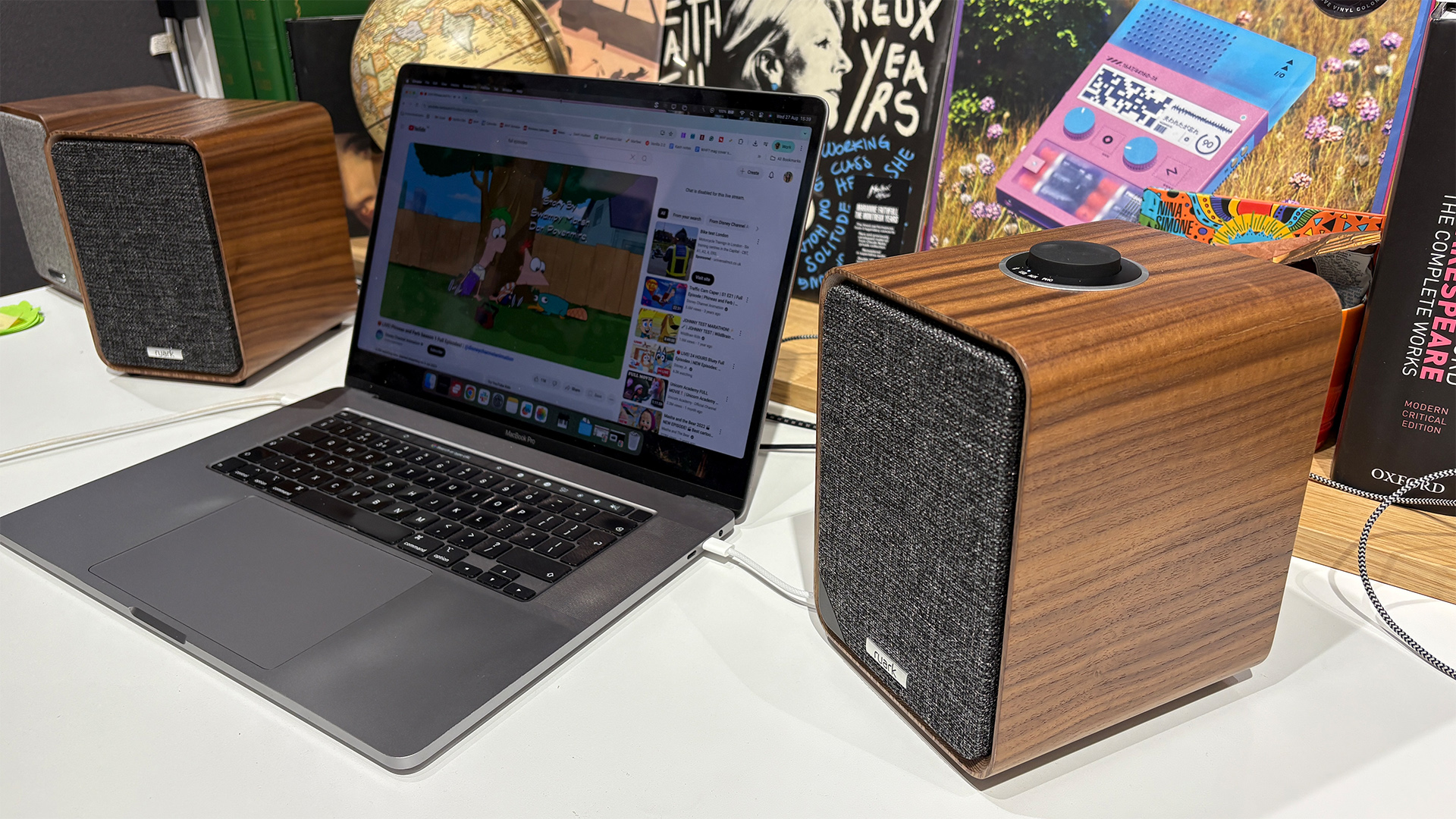
Battery Life, Build Quality, and Port Selection
Battery life depends on the processor, screen, battery size, software, and your workload. A laptop may last many hours during light web browsing but far less during gaming or video editing.
Treat advertised battery numbers as estimates. Independent tests are more useful because they measure real browsing, video playback, and productivity tasks.
For everyday use, aim for a laptop that can handle most of a work or school day. A fast USB-C charger can also reduce stress when you need a quick power boost.
Build quality affects how long your laptop remains pleasant to use. Aluminum can feel sturdy, while high-quality plastic can reduce weight and cost. Neither material guarantees durability on its own.
Check the hinges, keyboard deck, lid, and bottom panel. A small amount of flex may be normal, but excessive movement can suggest weak construction.
Ports are easy to overlook. Depending on your work, you may need:
• USB-C
• USB-A
• HDMI
• A headphone jack
• An SD or microSD card slot
• Ethernet through a built-in port or adapter
I once saw a buyer choose an extremely thin laptop and later spend extra money on a dock, card reader, and display adapter. Thin designs can be attractive, but removing useful ports may add cost and inconvenience.
Graphics: Integrated or Dedicated?
Graphics hardware creates images, video, and game visuals. Most laptops use integrated graphics built into the processor. These are usually enough for office work, streaming, photo organization, and casual games.
A dedicated graphics processing unit, or GPU, has its own memory and cooling needs. It is useful for demanding games, 3D modeling, animation, and some creative software.
Choose dedicated graphics if you want to:
• Play modern games at higher settings
• Edit complex video projects
• Use 3D modeling tools
• Work with animation or visual effects
• Train certain machine learning models locally
Dedicated graphics can also bring disadvantages. These laptops are often heavier, louder, warmer, and more expensive. Their battery life may be shorter during demanding work.
For most home and office users, integrated graphics are enough. This is one reason why what is a good PC laptop cannot be answered with one universal model.
Windows Features, Security, and Repairability
Windows laptops offer a wide range of software and hardware choices. Before buying, check that the laptop supports current Windows updates and includes modern security features.
Useful features may include:
• A fingerprint reader
• An infrared camera for face login
• A physical webcam privacy shutter
• Trusted Platform Module support
• Regular firmware updates
• A strong warranty
Security also depends on your habits. Use automatic updates, strong passwords, multifactor authentication, and regular backups. Even the best PC laptop cannot protect data if the user ignores basic security.
Repairability varies greatly. Some laptops allow you to replace the SSD or battery. Others have memory soldered to the motherboard, which limits future upgrades.
If you plan to keep a laptop for five years, upgradeable storage and memory can be valuable. Review repair guides and warranty terms before opening any device, since self-repair may affect coverage in some cases.

What Price Range Offers the Best Value?
Laptop prices change often, so focus on features rather than a fixed number. Discounts can make a midrange laptop a better deal than a cheaper model with older hardware.
A rough buying guide looks like this:
• Under $500: Suitable for basic browsing, school tasks, and simple office work. Expect trade-offs in display quality, storage, or build.
• $500 to $900: Often the best range for students, home users, and office workers. You can usually find 16 GB of RAM, an SSD, and a modern processor.
• $900 to $1,500: Offers better displays, stronger construction, improved battery life, and more power for professional work.
• Above $1,500: Makes sense for gaming, engineering, design, video production, premium business laptops, or specialized needs.
Do not buy the cheapest laptop if replacing it in two years will cost more than buying a better model today. At the same time, do not spend hundreds extra for a feature you will never use.
Check the total cost. Include a charger, dock, protective case, warranty, and storage upgrades. A laptop that looks cheap at checkout may not remain cheap after accessories.
Common Laptop Buying Mistakes
Many disappointing purchases come from small details that buyers skip during research.
Avoid these mistakes:
• Buying based only on processor branding
• Choosing 8 GB of RAM for demanding long-term use
• Selecting a low-resolution display to save a small amount
• Ignoring battery tests
• Assuming every USB-C port supports charging or video output
• Forgetting to check the laptop’s weight
• Buying a gaming laptop for simple office work
• Choosing a very cheap laptop with slow storage
• Ignoring the return policy
• Failing to check keyboard layout and warranty coverage
Read professional reviews and customer feedback together. Professional testing can measure performance and battery life, while long-term customer comments may reveal hinge, fan, or support problems.
Also check the exact model number. Laptop product lines often include several versions that look identical but have different processors, screens, memory, and storage.
A Simple Laptop Buying Checklist
Use this process before you buy:
-
List your main tasks and most-used apps.
-
Set a realistic budget, including accessories.
-
Choose the right screen size and weight.
-
Target 16 GB of RAM unless your needs are very light.
-
Choose at least a 512 GB SSD when possible.
-
Compare real battery tests.
-
Confirm the ports you need.
-
Check the keyboard, webcam, and trackpad.
-
Review upgrade options and warranty terms.
-
Compare the exact model number before placing an order.
This method makes the question what is a good PC laptop much easier. Instead of chasing the newest product, you identify the features that will improve your own day.
If possible, test the keyboard and trackpad in a store. Type a full paragraph, open several windows, and check screen reflections. Five minutes of hands-on testing can reveal more than a polished product page.
Frequently Asked Questions About What Is a Good PC Laptop
What is a good PC laptop for everyday use?
A good PC laptop for everyday use usually has a modern midrange processor, 16 GB of RAM, a 512 GB SSD, and a clear Full HD screen. Strong battery life, a comfortable keyboard, and a good warranty are also important.
Is 8 GB of RAM enough for a PC laptop?
Eight gigabytes can handle light browsing, email, streaming, and basic documents. For multitasking, school, work, or long-term use, 16 GB is a safer choice.
Is a laptop with an SSD better than one with a hard drive?
Yes, an SSD usually makes Windows start faster and helps apps open more quickly. SSDs also run quietly and are more resistant to movement than traditional hard drives.
How much should I spend on a good PC laptop?
Many buyers can find a good PC laptop between $500 and $900, depending on sales and needs. Gaming, professional design, engineering, and premium business features may require a larger budget.
Should I buy a laptop with integrated or dedicated graphics?
Integrated graphics are enough for office work, streaming, browsing, and casual games. Choose dedicated graphics for modern gaming, 3D work, advanced video editing, or other graphics-heavy tasks.
How long should a good PC laptop last?
A well-built laptop can remain useful for four to six years, although battery capacity may decline sooner. Choosing enough RAM, a fast SSD, a durable body, and a good warranty can extend its useful life.
Conclusion
A good PC laptop gives you the right mix of speed, comfort, battery life, durability, and value. For many people, the best starting point is a modern midrange processor, 16 GB of RAM, a 512 GB SSD, a bright Full HD display, and a strong keyboard.
Your ideal choice depends on your work, budget, travel habits, and preferred features. Compare real tests, check the exact configuration, and avoid paying for power you do not need. Use this guide as your checklist, then explore trusted laptop reviews before making your purchase.

Everett Ashford is a tech reviewer at mytechgrid.com specializing in SSDs, cameras, TVs, earbuds, headphones, and other consumer electronics. He provides honest, data-driven reviews based on hands-on testing and real-world performance analysis. Everett simplifies complex tech details to help readers make smart, confident buying decisions.