For people in the United States, a camera may be part of a phone, laptop, doorbell, dashcam, security system, or professional photo kit. No matter the size, its main job is the same: a camera captures light and turns it into a photo, video, or data file.
Modern cameras can do much more than take pictures. They can record sound and motion, scan documents, measure distance, detect faces, read barcodes, support video calls, and help machines understand the world. What a camera can do depends on its lens, sensor, software, storage, and intended use.

What Is a Camera?
A camera is a device that records an image by collecting light. The lens directs light toward a sensor in a digital camera. The sensor then changes that light into electrical signals, which software saves as an image or video.


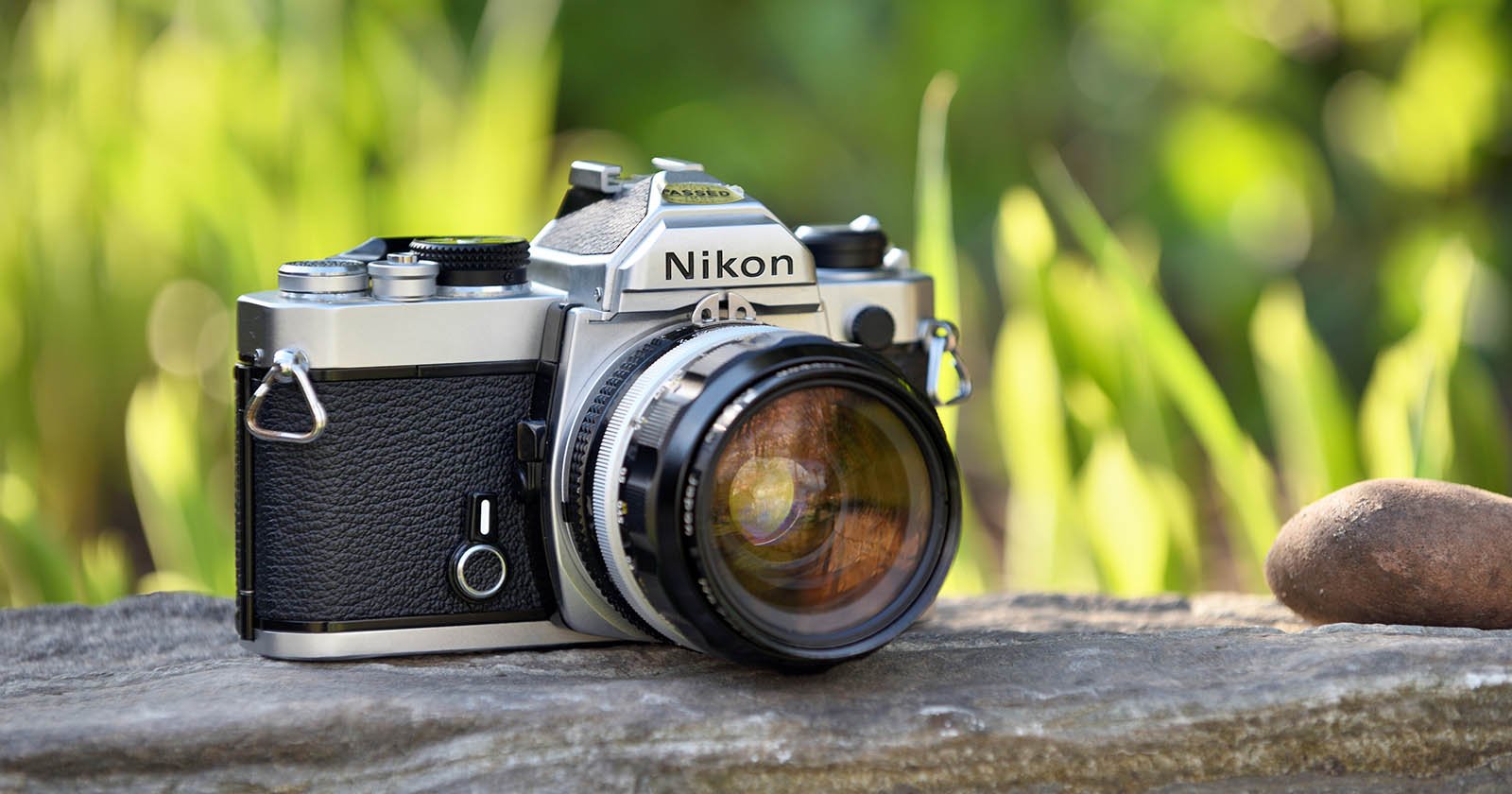
Film cameras use light-sensitive film instead of a digital sensor. The basic process is still similar: light enters through the lens and creates a lasting image.
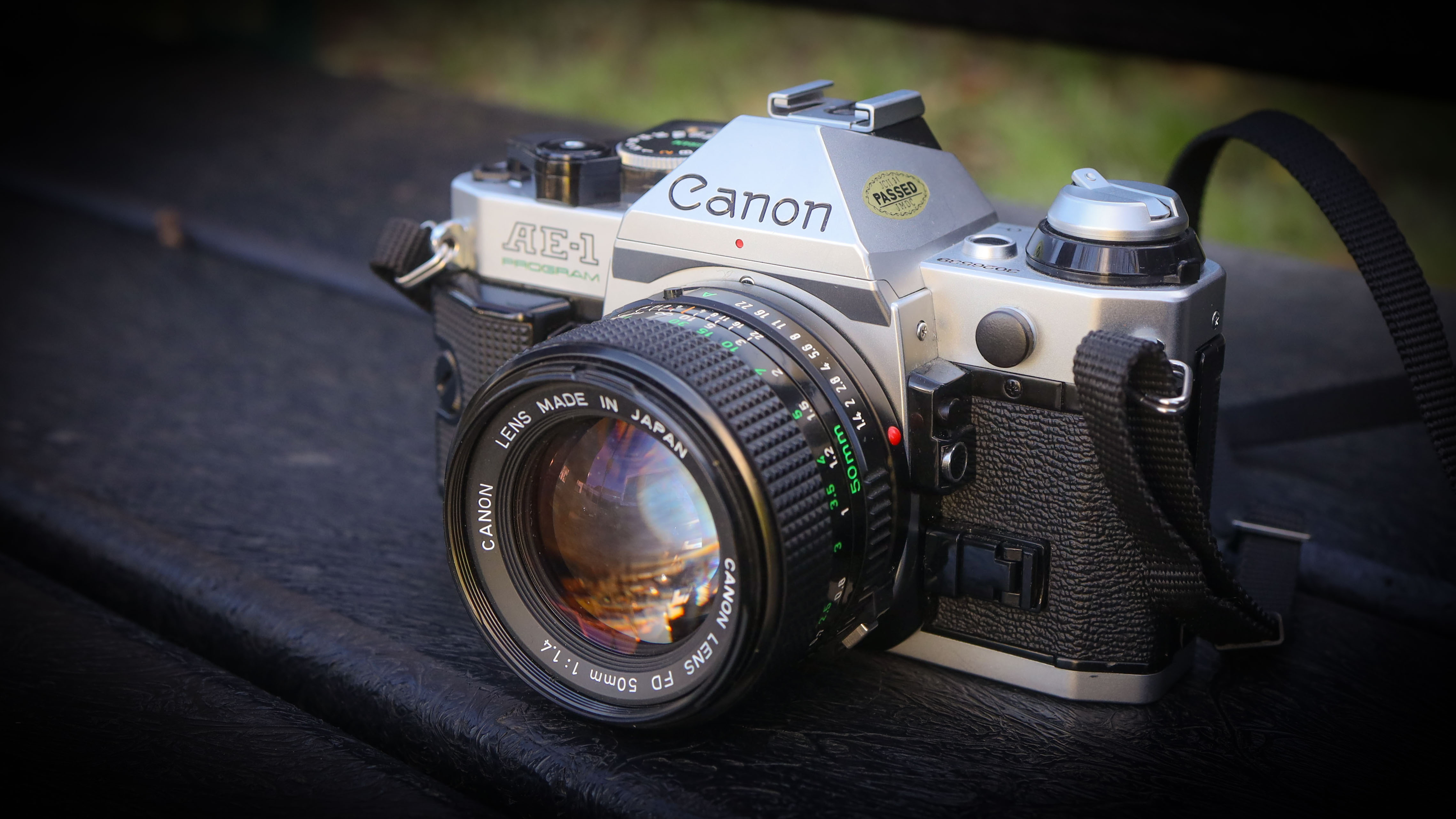
A camera usually has these main parts:
- Lens: Focuses light and controls the view.
- Image sensor: Captures light in a digital camera.
- Shutter: Controls how long light reaches the sensor.
- Aperture: Controls the size of the lens opening.
- Processor: Converts sensor data into an image file.
- Storage: Saves photos and videos on internal memory, a memory card, or cloud storage.
- Display or viewfinder: Shows the scene and camera settings.
- Battery or power source: Supplies energy to the camera.
The lens and sensor work as a team. A high-resolution sensor cannot fully make up for a poor lens, and a sharp lens cannot create a clear image if the sensor receives too little light.
What Can a Camera Do?
A camera can capture still images, record video, show live views, and collect visual information for people or software. Its exact functions vary by camera type.
Here are the most common things cameras can do:
- Take photographs
- Record video
- Capture slow-motion footage
- Record time-lapse sequences
- Zoom in on distant subjects
- Focus on people, animals, or objects
- Adjust brightness and color
- Detect faces, eyes, and movement
- Scan documents, codes, and text
- Support video calls and live streams
- Monitor homes, businesses, roads, and public spaces
- Help vehicles and machines detect obstacles
- Create images in low light or darkness
- Measure or estimate depth in some systems
- Store, send, print, or edit visual files
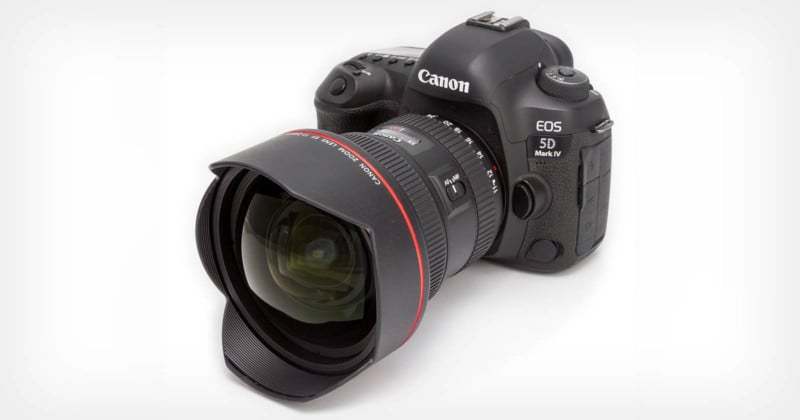
A basic webcam may only capture a live video feed. A professional mirrorless camera may also offer interchangeable lenses, manual exposure control, high-speed shooting, and advanced autofocus.


How Does a Camera Take a Picture?
A camera takes a picture by controlling light and recording the result on film or a digital sensor.
The process usually follows these steps:
-
Light enters the lens.
The lens gathers light from the scene. -
The lens focuses the light.
Focus places the subject in sharp detail on the sensor or film. -
The aperture sets the opening.
A wider opening lets in more light. A smaller opening lets in less. -
The shutter controls exposure time.
A fast shutter captures a brief moment. A slow shutter records light for longer. -
The sensor records the light.
Each pixel measures part of the light pattern. -
The processor creates the image.
The camera applies settings such as color, contrast, noise reduction, and sharpening. -
The camera saves the file.
Common file types include JPEG, HEIF, and RAW for still photos. Video may use formats such as MP4 or MOV.
This process is called exposure. Exposure controls how bright or dark the final image looks.
The Exposure Triangle
Three settings control most camera exposure:
| Setting | Main effect | Common trade-off |
|---|---|---|
| Aperture | Controls light and background blur | A wide aperture gives less depth of field |
| Shutter speed | Controls motion and light | A slow speed can cause blur |
| ISO | Controls sensor sensitivity or image brightness | High ISO can add digital noise |
For example, a photographer photographing a child running indoors may need a fast shutter speed. If the image becomes too dark, the camera can use a wider aperture or higher ISO.
Automatic modes let the camera select these settings. Manual mode lets the photographer control them directly.


What Types of Cameras Are There?
Different cameras are built for different jobs. The best type depends on the subject, environment, image quality, and level of control needed.
Smartphone Cameras
Smartphone cameras are small and convenient. They often use software to combine several exposures, sharpen detail, remove noise, and improve color.
They are useful for:
- Everyday photos
- Social media
- Scanning documents
- Video calls
- Quick videos
- Travel and family moments
Their limits may include small sensors, limited optical zoom, short battery life during video use, and reduced quality in very dark scenes.
Webcams
A webcam captures video for a computer or other device. It is commonly used for:
- Zoom and Microsoft Teams calls
- Online classes
- Telehealth visits
- Streaming
- Remote work
- Security monitoring
A webcam may not have the same image quality as a dedicated camera, but it is simple to use.
Point-and-Shoot Cameras
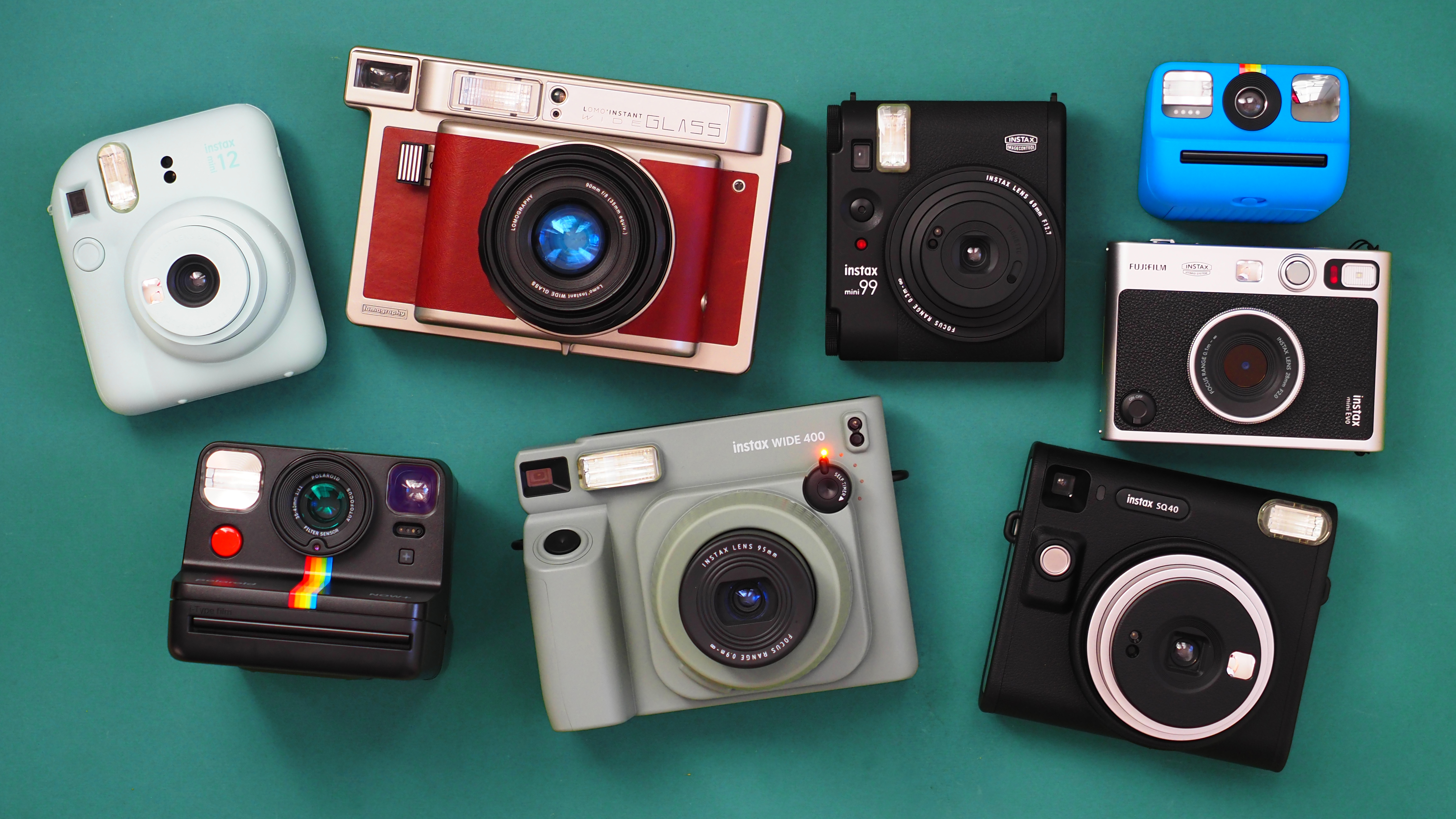
A point-and-shoot camera has a built-in lens and automatic controls. It can provide more optical zoom than many phones while staying small.
This type may suit travelers, families, and people who want a dedicated camera without changing lenses.
DSLR Cameras
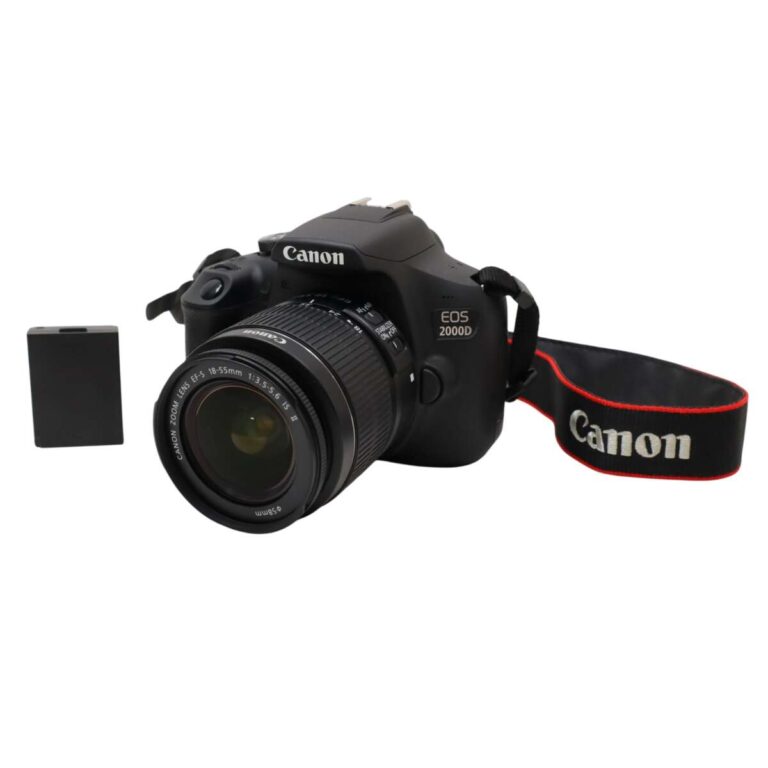
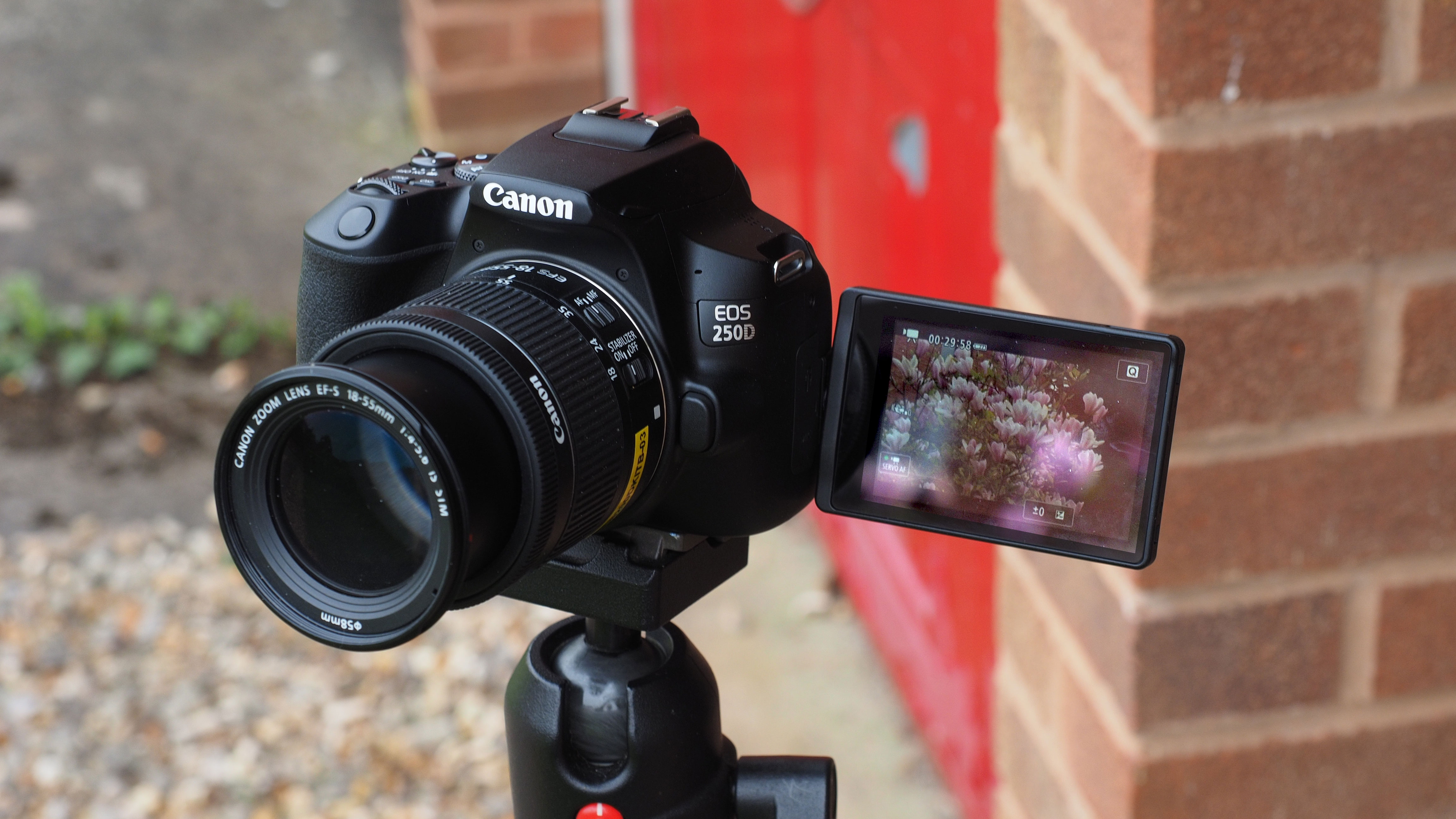
A DSLR uses a mirror and optical viewfinder. Many DSLR cameras support interchangeable lenses, manual controls, and large sensors.
They remain useful for photography, although many buyers now compare them with mirrorless cameras.
Mirrorless Cameras
A mirrorless camera has no reflex mirror. It shows the scene through an electronic viewfinder or screen.
Mirrorless cameras often offer:
- Interchangeable lenses
- Manual exposure control
- Fast electronic displays
- Subject tracking
- High-quality video
- Large sensors
They can be a strong fit for serious photography and video work, but the camera body and lenses may cost more than basic consumer models.
Action Cameras
Action cameras are small cameras designed for movement and outdoor use. Many include wide-angle lenses and protective cases.
They are often used for:


- Cycling
- Skiing
- Hiking
- Water sports
- Motorsports
- Travel videos
Wide lenses can make nearby objects look larger and may bend straight lines near the edges.
Security and Doorbell Cameras
Security cameras provide live viewing and may record when they detect movement. Depending on the model, they can offer night vision, two-way audio, cloud storage, or local recording.
A security camera is not the same as a complete security system. Its usefulness also depends on placement, lighting, network access, data storage, and privacy settings.
Specialty Cameras
Some cameras are made for special conditions. Examples include:
- Thermal cameras: Show heat patterns rather than normal visible color.
- Infrared cameras: Record light outside the range people can see.
- 360-degree cameras: Capture views in many directions.
- Microscope cameras: Record very small objects.
- Trail cameras: Monitor wildlife or remote areas.
- Industrial cameras: Inspect products and equipment.
- Depth cameras: Estimate distance from the camera to objects.
What Can a Camera Do Besides Take Photos?
A camera can act as a visual sensor. In many devices, software studies the camera feed and produces useful information.
Record Video and Sound
A camera can capture a series of images many times per second to create video. A separate microphone records sound in many consumer devices.
Video quality depends on resolution, frame rate, lighting, lens quality, stabilization, and file compression.
A higher resolution can show more detail, but it also creates larger files. A higher frame rate can make movement look smoother, while a lower frame rate may use less storage.
Create Time-Lapse Videos
A time-lapse camera takes pictures at set intervals. Software then plays them in sequence.
This can show slow changes, such as:
- A sunset
- A construction project
- Plant growth
- Traffic patterns
- Cloud movement
A tripod or stable mount helps prevent unwanted movement between frames.
Capture Slow Motion
Slow-motion video records more frames per second than standard video. When played back at a normal speed, movement appears slower.
The camera may need strong light because high frame rates often require a faster shutter speed. Slow motion also uses more storage and may reduce image resolution on some cameras.
Scan Documents and Text
A phone camera can scan receipts, forms, books, and notes. Software can correct perspective, improve contrast, and use optical character recognition to turn visible text into editable text.


For a better scan:
- Place the document on a flat surface.
- Use even light.
- Avoid shadows.
- Keep the camera parallel to the page.
- Check the text before relying on it.
OCR can misread small print, handwriting, unusual fonts, or low-quality images.
Read Barcodes and QR Codes
Cameras can recognize one-dimensional barcodes and QR codes. A phone may use this function for tickets, website links, product details, restaurant menus, or payments.
Only scan codes from trusted sources. A QR code can lead to a harmful or misleading website just as a typed link can.
Detect Faces and Subjects
Many cameras use software to detect faces, eyes, people, animals, vehicles, or other subjects. Autofocus can then follow the selected subject.
Detection is not the same as understanding. A camera may identify a shape or pattern incorrectly, especially in poor light, crowded scenes, or unusual conditions.
Measure Depth and Distance
Some cameras use two lenses, special sensors, or software to estimate depth. This can support portrait blur, augmented reality, autofocus, and obstacle detection.
Depth estimates can fail with reflective surfaces, transparent objects, very low light, or subjects that blend into the background.
Support Accessibility
Camera-based tools can help some users read printed text, identify objects, recognize colors, or describe a scene. These tools can improve access, but they are not always accurate.
Users should confirm important information rather than rely on an automated description for medical, legal, financial, or safety decisions.

How Do Cameras Work in Low Light?
A camera can take pictures in low light by collecting more light, increasing electronic gain, combining several frames, or using an added light source.
Common low-light tools include:
- A wider aperture
- A slower shutter speed
- A higher ISO setting
- A flash
- A tripod
- Optical or electronic image stabilization
- Night-mode software
- Infrared lighting on some security cameras
Each method has a cost. A slow shutter can blur moving subjects. A high ISO can create grain or color noise. A flash can make a scene look harsh. Night-mode software may fail if the camera or subject moves.
For a still subject, use a stable surface or tripod and a slower shutter speed. For a moving subject, keep the shutter fast and add light when possible.
A camera cannot see detail that does not reach the sensor. Software can improve an image, but it cannot always recreate missing information.
Can a Camera See Through Walls or in Complete Darkness?
A normal camera cannot see through solid walls. It records light that reaches its lens.
Some specialized systems can detect heat, radio signals, or other forms of energy. A thermal camera can show heat patterns, but it does not provide ordinary X-ray vision. Thermal images can also be affected by distance, weather, surface material, and heat sources.
In darkness, a regular camera needs some light. A security camera may use infrared light, but the result can look black and white. Infrared night vision is not the same as seeing through objects.
Claims that ordinary cameras can see through clothing, walls, or other solid materials should be treated with caution. The camera type and test conditions matter.
What Affects Camera Quality?
Camera quality depends on the entire system, not just megapixels.
The main factors are:
- Sensor size: Larger sensors can collect more light under similar conditions.
- Lens quality: A sharp lens can preserve fine detail.
- Lighting: Good light often improves results more than a higher pixel count.
- Autofocus: Fast, accurate focus helps with moving subjects.
- Stabilization: Reduces blur from hand movement.
- Image processing: Controls color, sharpness, contrast, and noise.
- Dynamic range: Describes how well the camera records bright and dark areas in one scene.
- Compression: Smaller files may lose fine detail.
- Operator skill: Framing, focus, timing, and light still matter.
Megapixels describe the number of pixels in an image. More megapixels can help with cropping or large prints, but they do not guarantee better photos.
A 12-megapixel image made in good light may look better than a higher-resolution image made with poor focus or heavy compression.

What Are the Limits of a Camera?
A camera records information, but it does not automatically prove what happened. Images can be blurred, cropped, edited, misread, or taken out of context.
Important limits include:
- A camera may miss events outside its view.
- A lens may distort size, distance, or shape.
- Low light can hide detail.
- Fast motion can cause blur.
- Digital zoom may reduce quality.
- Autofocus can select the wrong subject.
- Face and object detection can make errors.
- Weather can block or scatter light.
- Storage and battery power can run out.
- Video compression can remove detail.
- A timestamp may be wrong if the device clock is wrong.
A camera also cannot replace human judgment in every situation. For example, a security camera may show a person entering a room, but it may not explain why the person was there or what happened outside the frame.
Camera Privacy and Safety in the United States
Cameras can collect personal information, including faces, voices, locations, license plates, and activity patterns. Use them with care.
Before recording people:
- Check federal, state, and local privacy rules.
- Learn whether consent is required for audio recording.
- Avoid pointing cameras into private spaces.
- Use strong passwords and multi-factor authentication.
- Install firmware and app updates.
- Limit who can view or download footage.
- Review cloud storage and retention settings.
- Tell visitors when recording is taking place when appropriate.
Audio rules can differ by state. Some states require consent from all parties in certain conversations, while others use different standards. Public and private settings also matter. For a specific situation, consult a qualified attorney rather than relying on a general camera guide.
A camera should not be used to harass, stalk, trespass, or invade someone’s privacy. The Federal Trade Commission provides consumer information about connected-device security and privacy at consumer.ftc.gov.

How Should You Choose a Camera?
Choose a camera based on the job, not the longest feature list.
| Main need | Useful camera type | Features to prioritize |
|---|---|---|
| Everyday photos | Smartphone or point-and-shoot | Easy controls, good automatic mode |
| Travel | Smartphone, compact, or mirrorless | Size, battery life, stabilization |
| Sports | Mirrorless, DSLR, or action camera | Fast autofocus, high frame rate |
| Wildlife | Interchangeable-lens camera | Long lens support, subject tracking |
| Video calls | Webcam or smartphone | Clear image, microphone, privacy cover |
| Home monitoring | Security or doorbell camera | Night view, alerts, secure storage |
| Outdoor action | Action camera | Stabilization, rugged design, water protection |
| Professional video | Mirrorless, cinema, or production camera | Audio, lens options, recording controls |
Also consider the full cost. A camera may require lenses, batteries, memory cards, a tripod, lights, a microphone, software, or a cloud subscription.
Check compatibility before buying accessories. A lens mount, battery, memory card, or microphone may work only with certain camera systems.
Common Camera Mistakes
Many poor images result from simple errors rather than a weak camera.
Dirty Lens
A fingerprint or smudge can reduce contrast and create haze. Clean the lens with a suitable microfiber cloth. Do not use rough fabric or household glass cleaner unless the manufacturer allows it.
Wrong Focus Point
The camera may focus on a nearby object, background, or fence instead of the intended subject. Tap or select the subject when the camera supports that feature.
Shaky Photos
Hold the camera with both hands, brace your arms, or use a stable surface. For long exposures, use a tripod and a timer or remote trigger.
Harsh Backlight
A bright window or sun behind the subject can make the subject look dark. Change position, add light to the subject, or use exposure compensation.
Full Storage
Video fills storage quickly. Review files, back up important images, and use a memory card that matches the camera’s requirements.
No Backup
Memory cards and devices can fail. Keep at least one separate backup of important photos and videos.
Frequently Asked Questions
What is the main purpose of a camera?
The main purpose of a camera is to capture light and record a visual image. Depending on its design, it may save still photos, video, thermal patterns, depth data, or live footage.
Can a camera record sound?
Many cameras can record sound through a built-in or external microphone. Some cameras record only video, and some security systems let users disable audio. Audio laws may apply when people are recorded.
Can a camera work without Wi-Fi?
Many cameras can take photos and record video without Wi-Fi. Wi-Fi is often needed for cloud backup, remote viewing, live streaming, or app control. A camera with local storage may continue recording when the internet is down.
Can cameras work in rain or extreme heat?
Only cameras rated for those conditions should be used outdoors or in harsh environments. Check the manufacturer’s weather, temperature, water, and dust limits. A weather-resistant rating does not always mean the camera can be submerged.
Are more megapixels always better?
No. More megapixels can help with cropping and large prints, but light, lens quality, focus, sensor size, stabilization, and image processing also affect results.
Conclusion: What Can a Camera Do?
A camera can capture photos, record video, detect movement, scan text, read codes, support communication, monitor spaces, and provide data for software. Its abilities depend on the lens, sensor, controls, processing system, power, storage, and environment.
For everyday use, start with the camera you already have. Improve the result by using better light, steady support, clean lenses, careful framing, and regular backups. If you need more control, longer zoom, stronger low-light performance, or specialized detection, compare camera types based on that specific need rather than on specifications alone.

Everett Ashford is a tech reviewer at mytechgrid.com specializing in SSDs, cameras, TVs, earbuds, headphones, and other consumer electronics. He provides honest, data-driven reviews based on hands-on testing and real-world performance analysis. Everett simplifies complex tech details to help readers make smart, confident buying decisions.