Introduction
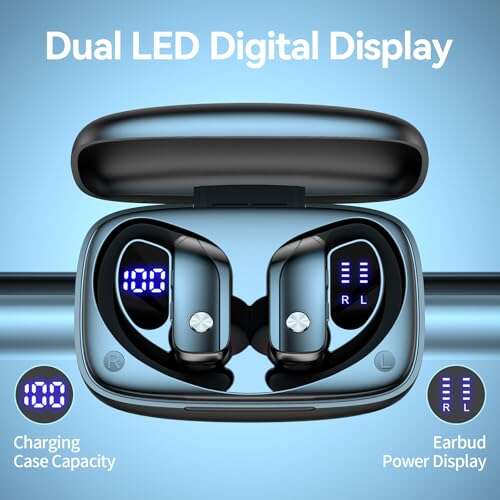
Yes. You can usually charge your earbuds case with the earbuds inside it. This is the normal way most true wireless earbuds are designed to work in the United States. When you connect the case to a USB-C or Lightning cable, or place it on a compatible wireless charging pad, the case charges its own battery and sends power to the earbuds through the small metal contacts.
You do not need to remove the earbuds first. In fact, leaving them in the case is often the easiest way to charge both items at once. The main exceptions are a dirty charging contact, a poor fit, liquid damage, a damaged cable, or a case that does not support wireless charging.

How charging the case with earbuds inside works
The charging case has a larger battery than either earbud. It also has small charging pins or contact points that touch the earbuds when they sit in their slots.
The process works like this:
- Power enters the case through its USB port or wireless charging coil.
- The case stores that power in its internal battery.
- The case sends a small current to each earbud.
- The earbuds stop drawing power when their batteries are full.
The case acts like a small battery pack. It does not need to be fully charged before it can charge the earbuds. If the case has enough power, it may charge the earbuds even when no cable or charging pad is connected.
Apple documents this setup for AirPods, and similar charging methods are used by Samsung Galaxy Buds, Google Pixel Buds, and many other wireless earbuds. The exact light colors, charge levels, and charging speeds depend on the model.

How to charge earbuds and the case at the same time
Use the method your case supports. Most cases use a USB cable, while some also support wireless charging.
Method 1: Charge with a USB cable
- Put both earbuds into the case.
- Close the lid, if the manufacturer recommends doing so.
- Plug the correct cable into the case.
- Connect the other end to a wall charger, computer, or approved power source.
- Check the case light or the phone app to confirm charging.
- Leave the case and earbuds connected until they reach the desired charge.
A USB-C case needs a USB-C cable. Older models may use Lightning or another connector. Do not force a plug into the port.
A wall adapter with a standard USB output is usually the simplest option. The case controls how much power it accepts, so using a modern USB power adapter does not normally force too much power into the case. Still, use a sound cable and a reputable charger. Avoid damaged cords or loose adapters.
Method 2: Use a wireless charging pad
If the case supports wireless charging:
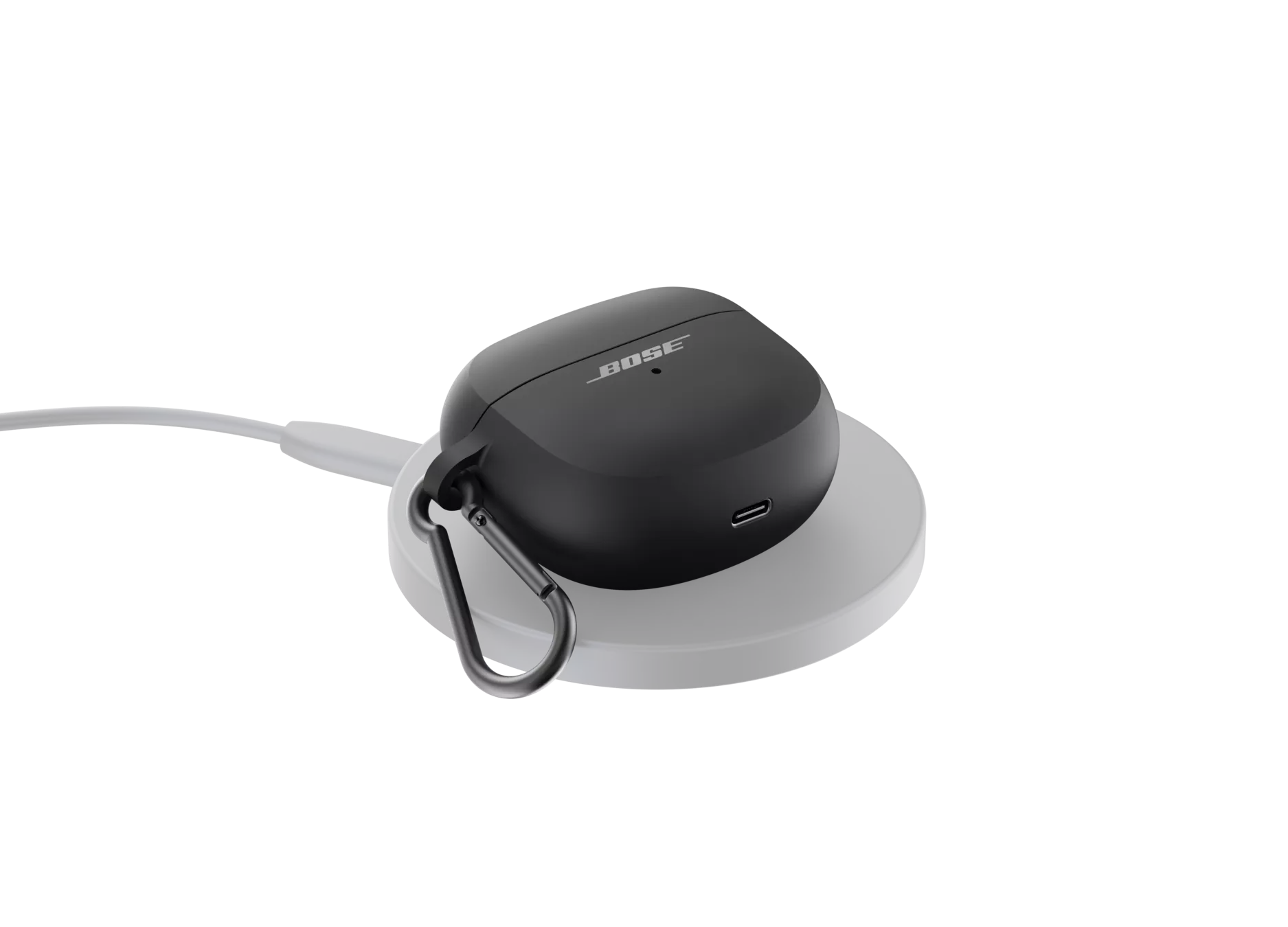
- Place the case on the center of the charging pad.
- Keep the earbuds inside the case.
- Make sure the case sits flat.
- Look for the charging light or check the phone app.
- Move the case slightly if charging does not begin.
Wireless charging may not work with every case. Some versions of the same earbud line support it, while cheaper or older versions may only support cable charging.
A thick, metal, or poorly fitted protective cover can also block wireless charging. Remove the cover as a test if the pad does not detect the case.
Method 3: Use a phone with reverse wireless charging
Some Android phones can share power through a feature such as Wireless PowerShare or reverse wireless charging. Place the earbud case on the phone in the position shown by the phone maker.
This only works when:
- The phone supports reverse wireless charging.
- The earbud case accepts wireless charging.
- The phone has enough battery.
- The case is aligned with the phone’s charging coil.
An iPhone can charge some accessories through newer USB-C models and cables, but support varies by device and accessory. Check the phone and earbud manuals before relying on this method.
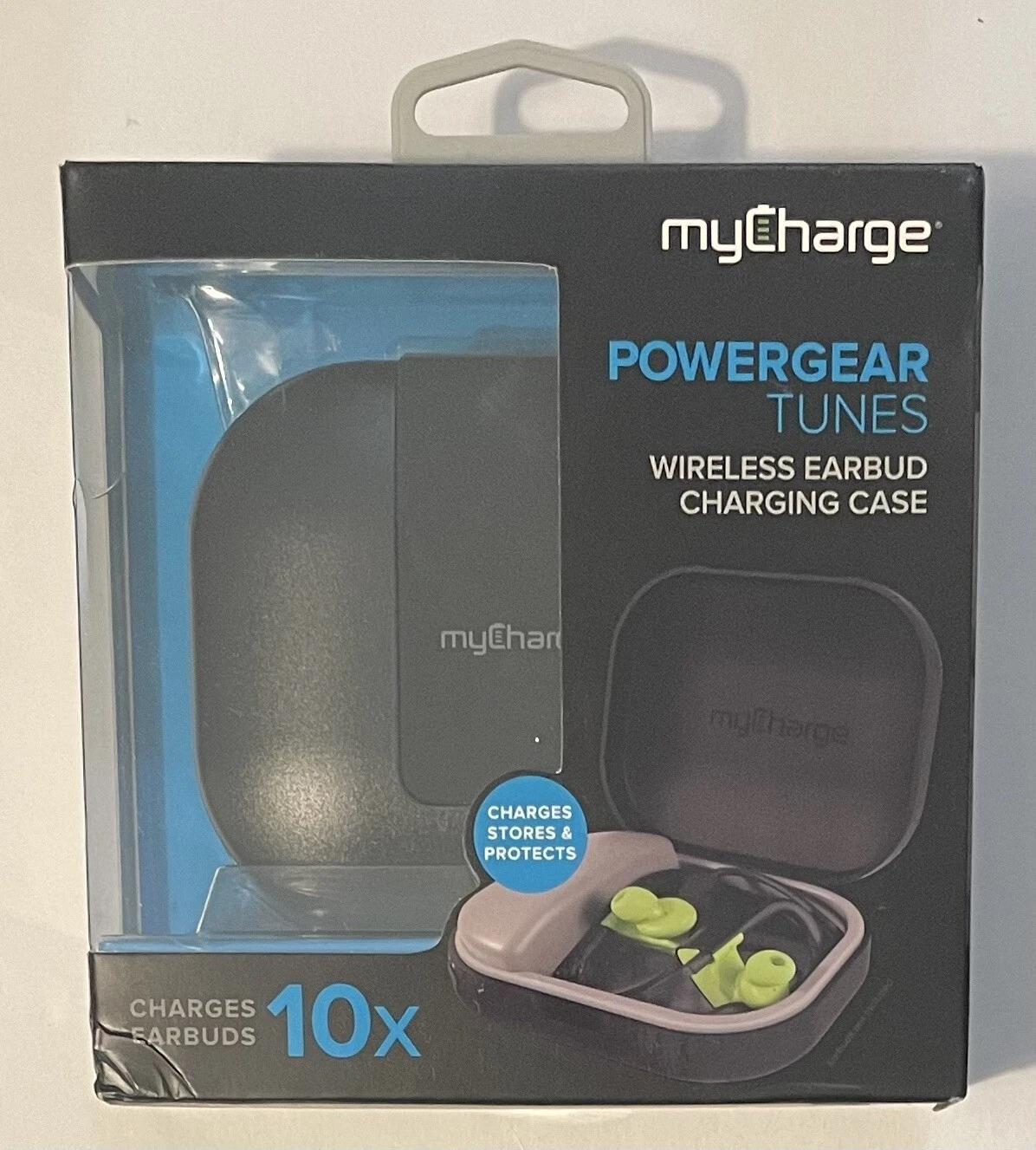
How to tell whether the case is charging
The clearest sign is a charging light, but the meaning of the light varies by brand and model.
Common signs include:
- A light that turns on when the cable is connected.
- A pulsing or blinking light during charging.
- A solid light when the case or earbuds are full.
- A battery icon in the phone’s Bluetooth or earbud app.
- A charging sound or on-screen alert.
Do not assume that one color means the same thing on every product. For example, white, amber, orange, green, and red can have different meanings across Apple, Samsung, Google, and other brands.
If the case shows one battery level and the earbuds show another, that is normal. The case battery and the left and right earbuds have separate charge levels.
What to do if the earbuds do not charge inside the case
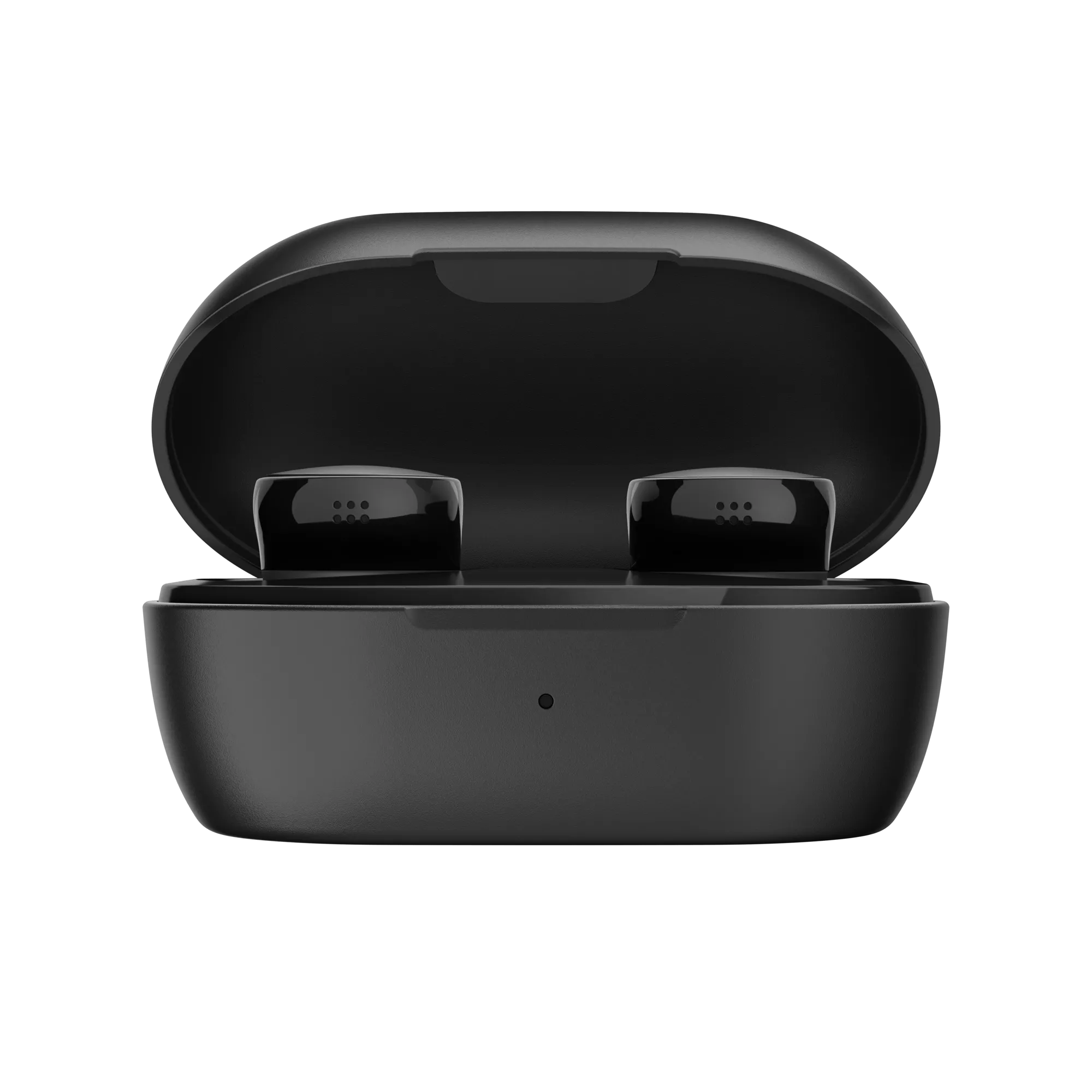
If the case charges but one or both earbuds do not, check the physical connection first. The earbud must sit correctly in its slot so the charging contacts can touch.
Try these steps in order:
- Remove both earbuds from the case.
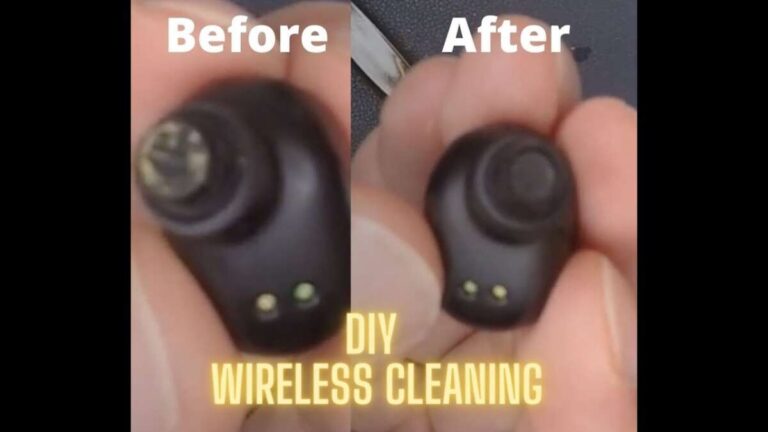
- Check the metal contacts on the earbuds and inside the case.
- Wipe away dust, wax, or moisture with a dry, soft cloth or cotton swab.
- Put each earbud back into the correct slot.
- Press each earbud down gently until it sits firmly.
- Check whether the charging light or app shows a charge.
- Charge the case for at least a few minutes.
- Restart or reset the earbuds only if the manufacturer recommends it.
Do not use water, household cleaner, or a sharp metal tool on the charging contacts. Moisture and scratches can make the problem worse.
If only one earbud fails to charge, the issue is more likely to involve that earbud, its contact, or its slot. If neither earbud charges, the case battery, cable, port, or charging system may be the cause.

Can you charge the case without the earbuds inside?
Yes. The case can usually charge by itself. The earbuds do not need to be inside for the case battery to fill.
Charging the empty case can be useful when:
- You want to use the earbuds before the case is full.
- You are cleaning or drying the earbuds.
- The earbuds are already fully charged.
- You are troubleshooting a charging problem.
- You want to reduce the time the earbuds remain in a warm case.
When the earbuds are inside, the case may divide its available power between its own battery and the earbuds. This can make the case appear to charge more slowly. That behavior is normal for many models.

Can the earbuds charge the case?
Usually, no. The normal power flow goes from the charger to the case and then from the case to the earbuds.
Most earbuds do not have a feature that sends their stored energy back into the case. The case battery is designed to recharge the earbuds, not the other way around. Even if the earbuds are full, they generally cannot refill an empty case.
A phone with reverse wireless charging may power the case, but that is different from the earbuds charging the case. It uses the phone as the power source.

USB charging versus wireless charging
Both methods can charge the case with the earbuds inside, but they have different practical limits.
| Charging method | Can charge earbuds inside? | Main benefit | Common limitation |
|---|---|---|---|
| USB-C cable | Usually yes | Often faster and more reliable | Requires a cable |
| Lightning cable | Usually yes on supported cases | Works with older Apple accessories | Limited to compatible models |
| Wireless charging pad | Yes, if the case supports it | Convenient and cable-free | Alignment and case thickness matter |
| Reverse wireless charging from a phone | Sometimes | Useful when no outlet is nearby | Uses phone battery and needs compatible devices |
A cable is usually the best choice when the case battery is very low or wireless charging fails. Wireless charging is useful for convenience, but it may produce more heat or take longer on some models.

Safety tips for charging earbuds in the case
Earbuds and their cases use small lithium-ion batteries. They are generally safe when used as directed, but basic care matters.
Follow these precautions:
- Use the cable and charger recommended by the manufacturer.
- Keep the case and earbuds dry before charging.
- Do not charge a case that is swollen, cracked, leaking, or unusually hot.
- Stop using the case if it smells burnt or shows signs of melting.
- Keep charging equipment away from beds, sofas, and other areas that trap heat.
- Do not cover a wireless charging pad while it is in use.
- Keep metal objects away from a wireless charging pad.
- Do not leave the case in a hot car or in direct sun while charging.
A little warmth can be normal, especially during wireless charging. Excessive heat is not. Unplug the case and let it cool if it becomes too hot to hold comfortably.
If the case is damaged or its battery appears swollen, do not puncture, open, or throw it in household trash. Contact the manufacturer, an electronics repair service, or a local battery recycling program for safe handling.

Common mistakes that prevent charging
The most common problem is not the battery itself. It is poor contact or an incompatible charging method.
The earbuds are not seated correctly
Earbuds can look like they are in the case while sitting slightly above the charging pins. Remove them and place them back carefully.
The contacts are dirty
Earwax, pocket lint, and dust can block the metal contacts. Clean them gently with a dry tool made for electronics or a soft, dry cotton swab.
The case has no stored power
If the case battery is empty, it cannot charge the earbuds. Connect the case to a cable for several minutes before checking the earbuds.
The cable or adapter is faulty
Try another compatible cable and power source. If a second cable works, replace the damaged one.
The case does not support wireless charging
A wireless pad cannot charge a case that lacks a wireless charging receiver. Check the product manual or model specifications.
The case or earbuds are wet
Charging wet electronics can cause corrosion or a short. Let them dry fully according to the manufacturer’s instructions before connecting power.
The software or pairing status is confusing
The earbuds may be charging even if the phone does not update the battery display at once. Check the case light, close and reopen the lid, or refresh the manufacturer’s app.
How long does it take to charge earbuds in the case?
There is no single charging time for all earbuds. It depends on the model, battery level, charger, temperature, and whether you use a cable or wireless pad.
Many earbuds can gain useful playback time after a short charge, but the exact amount must come from the manufacturer’s specifications. Do not treat a time listed for one model as a rule for all earbuds.
For the most reliable result:
- Use the correct charger.
- Keep the earbuds seated in the case.
- Avoid using the earbuds while they charge.
- Allow extra time when using a wireless pad.
- Check the app or indicator for the final battery level.
Charging may slow near full capacity. This helps manage heat and battery stress.
Frequently asked questions
Should I leave the earbuds in the case while the case charges?
Yes. This is normally safe and allows the case to charge the earbuds at the same time. Remove them only if the manufacturer says otherwise, the case becomes very hot, or you are troubleshooting a contact problem.
Does charging the case with the earbuds inside damage the earbuds?
Normal charging should not damage them. The case is designed to regulate the power sent to the earbuds. Heat, moisture, physical damage, and poor-quality charging equipment create more concern than the normal charging process.
Why does the case charge but the earbuds stay at the same battery level?
The earbuds may not touch the charging pins. Dirty contacts, a poor fit, an empty case battery, or a damaged earbud can also cause this problem. Clean the contacts and reseat the earbuds first.
Can I use any USB-C charger for my earbuds case?
A standard, undamaged USB-C charger is usually suitable when the case uses USB-C. The port shape alone does not prove full compatibility, however. Follow the earbud maker’s charging guidance and avoid damaged or counterfeit accessories.
Is wireless charging better than cable charging?
Neither method is automatically better. Cable charging is often more dependable and may be faster. Wireless charging is more convenient but requires a compatible case and proper alignment.
Key takeaways
- Yes, you can usually charge the earbuds case with the earbuds inside.
- The case can charge its own battery and the earbuds at the same time.
- You can also charge the empty case by itself.
- Most earbuds cannot charge the case.
- Check the contacts, cable, charger, fit, and moisture if charging fails.
- Stop charging if the case becomes unusually hot, swollen, cracked, or damaged.
Conclusion
For most wireless earbuds sold in the United States, charging the case with the earbuds inside is the intended method. Put the earbuds in their slots, connect the case to a compatible cable or wireless pad, and confirm the charging light or battery display.
If the earbuds do not charge, start with the simple checks: clean and dry the contacts, reseat both earbuds, try another cable, and confirm that the case supports your chosen charging method. For persistent faults or signs of battery damage, stop using the case and contact the manufacturer.
Sources for model-specific guidance:
- Apple: Charge your AirPods
- Google Pixel Buds Help: Charge your Pixel Buds
- Samsung Support: Galaxy Buds charging guidance

Everett Ashford is a tech reviewer at mytechgrid.com specializing in SSDs, cameras, TVs, earbuds, headphones, and other consumer electronics. He provides honest, data-driven reviews based on hands-on testing and real-world performance analysis. Everett simplifies complex tech details to help readers make smart, confident buying decisions.