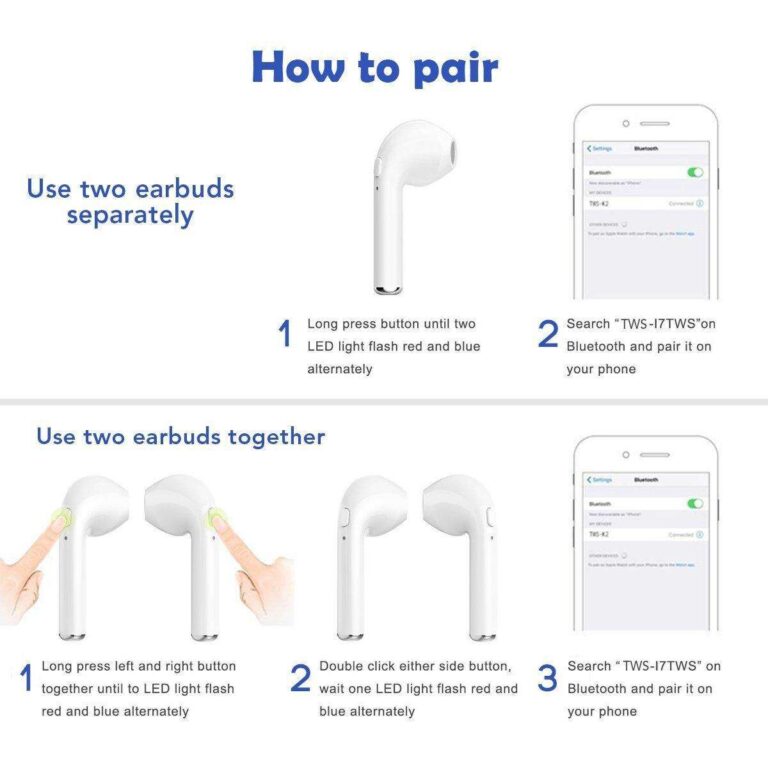
Hold the earbud, choose the right tip, insert gently, twist to lock, and test for a tight seal.
I’ve spent years testing earbuds and helping friends get a perfect fit, so this guide on how to wear skullcandy earbuds walks you through every step. You’ll learn model differences, picking ear tips, insertion technique, troubleshooting, and care. Read on to get a secure, comfy fit that delivers the best sound and keeps your Skullcandy earbuds stable during work, workouts, and travel.
Why proper fit matters for Skullcandy earbuds
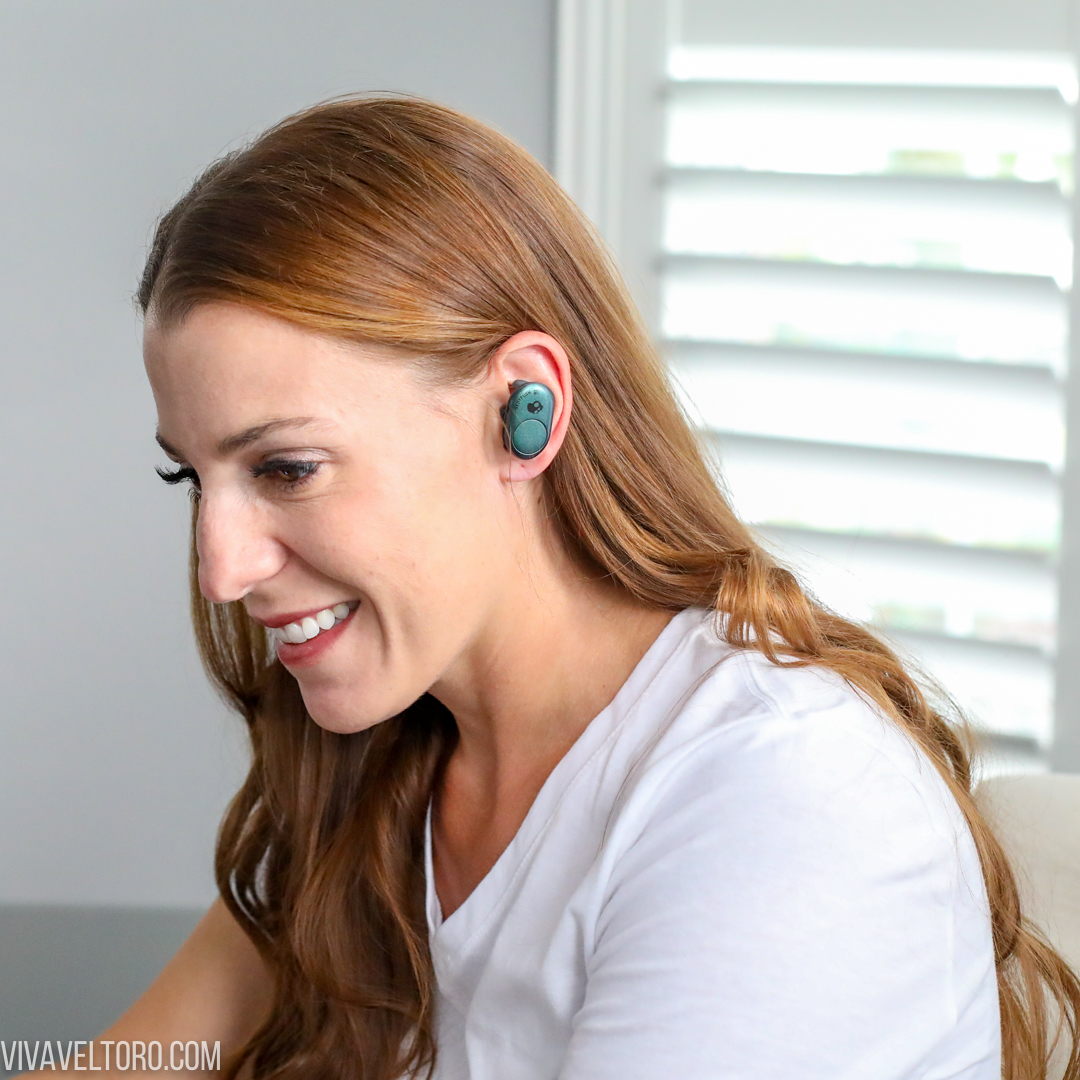
A good fit changes everything. Proper fit improves bass, clears mids and highs, and keeps noise out. It also prevents the earbuds from falling out during walks or workouts.
Fit also affects hearing safety. When earbuds seal well, you can listen at lower volume and still hear detail. That lowers long-term risk to your ears. I’ve seen people crank volume because of a bad seal. Fixing the fit solved the problem every time.

Know your Skullcandy model and ear tip options
Skullcandy makes many styles. Each uses different tips and fit systems.
- True wireless buds like Sesh, Indy, and Dime use small silicone or foam tips that fit in the ear canal.
- Sport models add ear fins or hooks for extra hold.
- Wired earbuds often come with multiple silicone tip sizes.
Ear tip types to try:
- Silicone tips: durable, easy to clean, good seal for many ears.
- Foam tips: expand to fill your ear canal and boost bass and isolation.
- Winged fins: sit in the ear ridge and stop rotation and fall-out.
From my tests, foam tips often give the best seal for deeper bass. Silicone is more comfortable long term and cleaner. Try both to see which fits your ears best.
Step-by-step guide to wearing Skullcandy earbuds
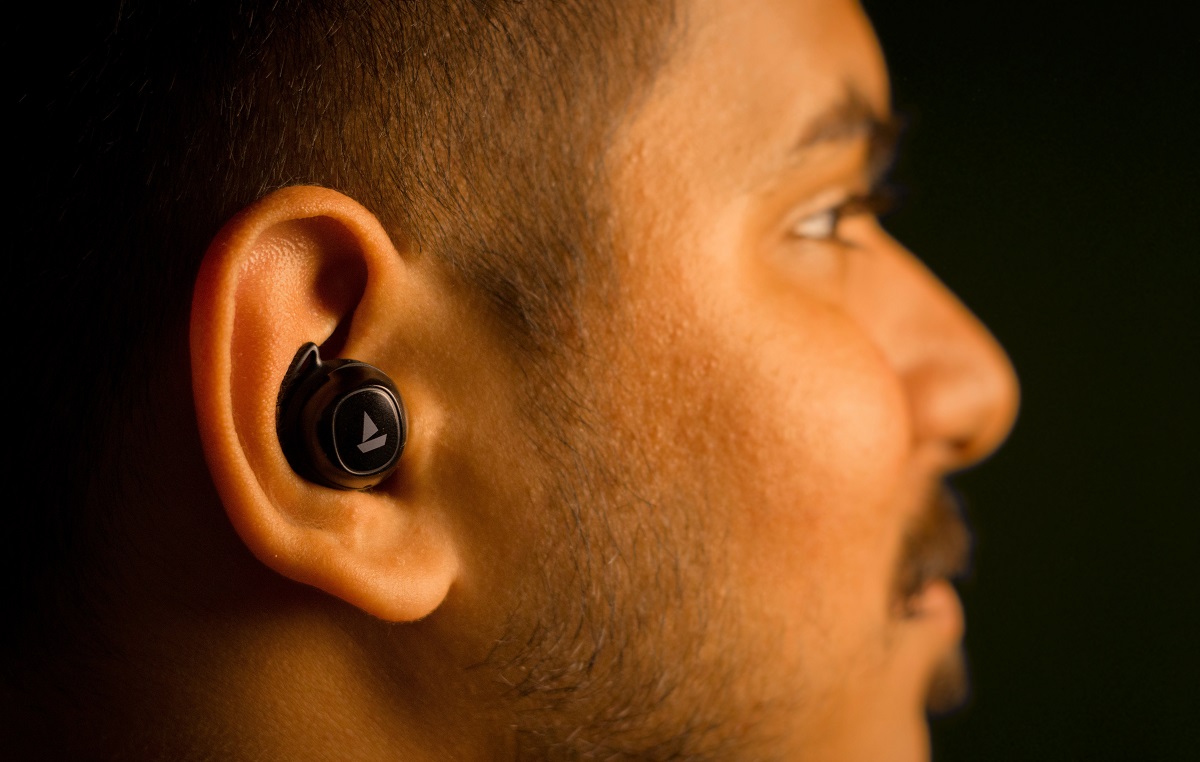
Follow these steps to learn how to wear skullcandy earbuds correctly.
- Choose the right tip size
- Try small, medium, then large. The tip should fill your ear channel without pain.
- Clean tips and ears
- Wipe earwax off tips. Dry ears help the seal.
- Insert gently
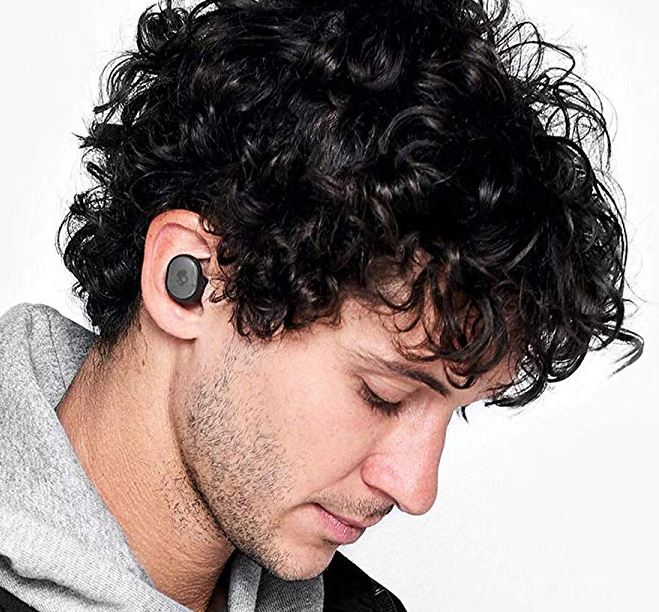
- Pull your ear back slightly with the opposite hand to open the canal. Place the bud in and push gently.
- Twist to lock
- Rotate the earbud slightly backward or forward until it feels stable. Many Skullcandy buds sit best with a small twist inward.
- Add fins or wings if available
- Place the wing into the ear’s upper ridge for extra hold.
- Perform a quick fit test
- Play bass-heavy audio and adjust until you feel low frequencies and minimal outside noise.
If you’re using true wireless buds, pair them first to test sound while fitting. For sport models, try movement tests after fitting to ensure stability.

Adjusting and testing fit for best sound and comfort
Tiny adjustments give big gains. Start with the seal test.
- Seal test: Play a song with a steady bass tone. If bass is weak, change tip size or switch to foam.
- Movement test: Jog in place or shake your head. If earbuds slip, use wings, try a different tip, or swap to a sport-fit model.
- Comfort check: Wear for 15 minutes. Slight pressure is okay, sharp pain is not. Switch sizes or brands if pain persists.
Will foam tips work better than silicone?
Foam tips often create a stronger seal and fuller bass. They can feel warmer and need replacement more often than silicone.
How tight should the earbud sit?
Tight enough to stay without constant pressure. You should feel a gentle seal, not pain. If it hurts, choose a smaller tip or reposition.
Troubleshooting common fit and connection issues
Here are common problems and quick fixes based on hands-on experience.
- Earbuds fall out
- Try a larger tip or add a wing. Clean your ear to remove oils.
- Muffled or weak sound
- Check the seal. Replace tips or clean earwax from the mesh.
- Pain after long use
- Swap to softer tips or take breaks every 30–45 minutes.
- One bud sounds quieter
- Re-seat the bud, check Bluetooth balance, and clean the mesh.
- Connectivity drops
- Keep the case handy and update firmware. Move your phone away from heavy interference.
I once fixed a friend’s constant drop issue by replacing worn tips and moving the phone from a pocket behind a laptop. Small changes often solve big headaches.
Care, maintenance, and accessories to improve fit
Taking care of earbuds keeps fit consistent and sound clear. Small upgrades help too.
Daily care tips:
- Wipe earbuds and tips after use to remove sweat and oils.
- Replace foam tips every 3–6 months if used often.
- Use the charging case to avoid loss and keep firmware current.
Accessories to consider:
- Third-party foam tips for improved seal and bass.
- Sport ear hooks or stabilizers for long runs.
- A small cleaning brush to remove earwax from the mesh.
I recommend keeping spare tips in your gym bag. Replacing old tips improved seal and sound quality on several older Skullcandy pairs I tested.

Frequently Asked Questions
What is the best way to insert Skullcandy earbuds?
Gently pull your ear back with the opposite hand, insert the earbud, and twist to lock. Use the tip size that creates a snug but comfortable seal.
How do I stop my Skullcandy earbuds from falling out?
Try a larger tip, add winged stabilizers, or use a sport model. Cleaning the earbuds and your ears can also improve grip.
Should I use foam or silicone tips with Skullcandy earbuds?
Foam tips usually give a better seal and stronger bass. Silicone tips offer long-term comfort and easier cleaning.
Can I use Skullcandy earbuds while exercising?
Yes. Use sport-fit models or add wings for stability, and choose sweat-resistant options. Test fit before your workout.
How often should I replace ear tips on Skullcandy earbuds?
Replace foam tips every 3–6 months with frequent use. Silicone tips last longer but replace them if they become stiff or dirty.
Conclusion
Wearing Skullcandy earbuds the right way is simple: choose the correct tip, insert gently, twist to lock, and test the seal. A small tip change or a tiny twist can transform sound, comfort, and stability. Try the steps and tests here, and you’ll hear the difference right away. If you liked this guide, try a quick fit experiment with your buds, share what worked, or ask a question below to get personalized tips.

Everett Ashford is a tech reviewer at mytechgrid.com specializing in SSDs, cameras, TVs, earbuds, headphones, and other consumer electronics. He provides honest, data-driven reviews based on hands-on testing and real-world performance analysis. Everett simplifies complex tech details to help readers make smart, confident buying decisions.