Introduction: If you live in the United States, you can usually charge wireless earbuds or their charging case with a fast USB charger, including a USB-C Power Delivery (PD) charger. The charger does not force its full power into the earbuds. The case draws only the voltage and current it is designed to accept.
A fast charger may charge the case at its normal speed, but it will not always make the earbuds charge faster. The key factors are the case’s input rating, the cable, the charging standard, and the quality of the charger.
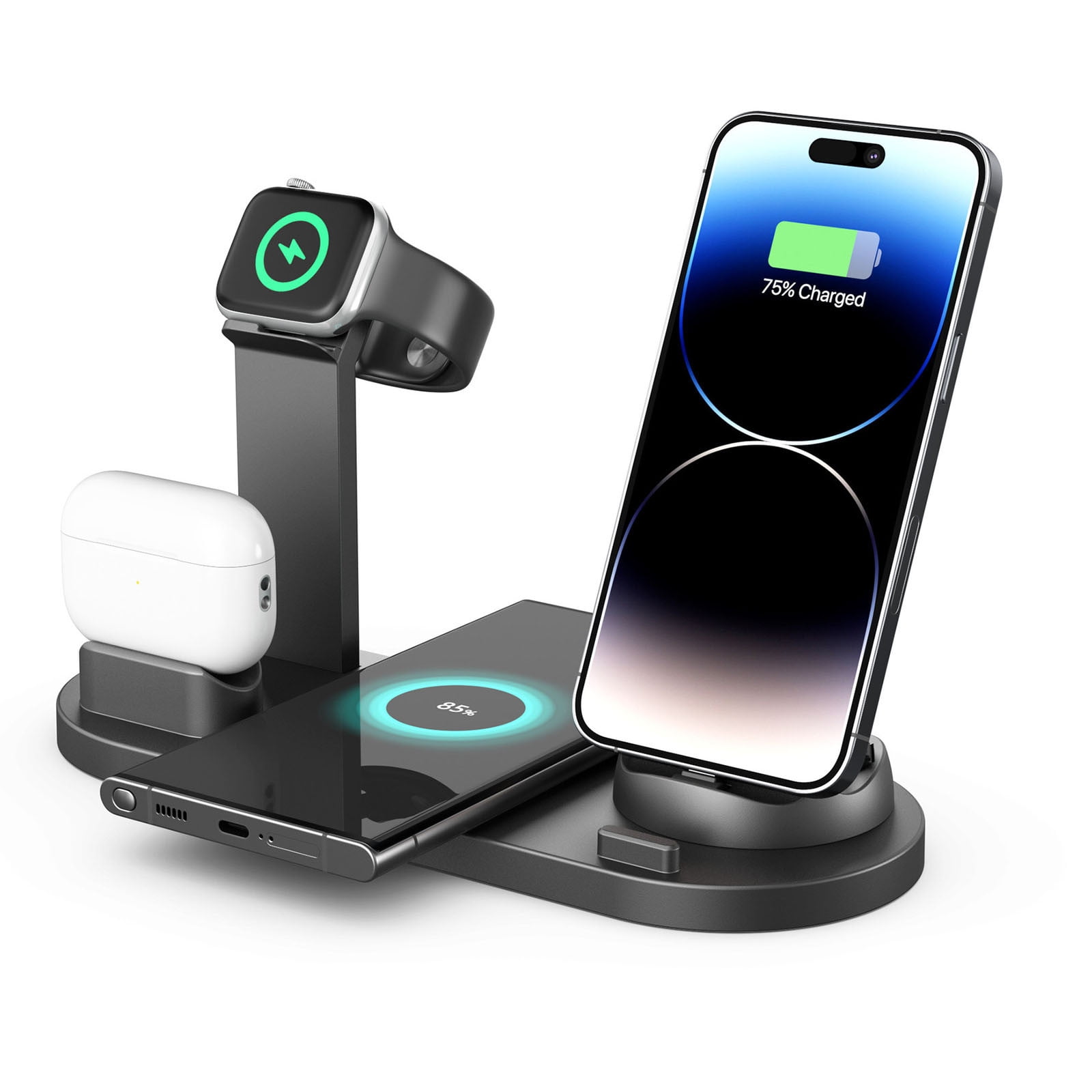
Quick answer: Is it safe to use a fast charger for earbuds?
Yes, a fast charger is generally safe for earbuds when the charger, cable, and charging case are in good condition and compatible.
Modern USB chargers are designed to work with many devices. A USB Power Delivery charger first communicates with a compatible device before supplying higher voltage levels. If the earbud case does not request those levels, the charger normally provides basic USB power instead.
Most earbud cases use a small amount of power. A fast phone or laptop charger may be able to supply 20 watts, 30 watts, or more, while the case may draw only a few watts.
The safest rule is simple:
Use a reputable charger that matches the charging case’s port and input requirements. Do not use a damaged cable, wet case, counterfeit adapter, or charger that becomes unusually hot.
How fast chargers work with wireless earbud cases
A fast charger describes the charger’s maximum output. It does not mean the charger pushes that maximum output into every device.
For example, a charger rated at 30 watts can supply up to 30 watts under the right conditions. A small earbud case may request far less. The case controls how much power it receives through its charging circuit.
Voltage, current, and power
These three terms explain most charging questions:
- Voltage, measured in volts (V), is the electrical pressure.
- Current, measured in amps (A), is the flow of electricity.
- Power, measured in watts (W), is calculated as voltage multiplied by current.
A basic example:
- 5 volts × 1 amp = 5 watts
- 5 volts × 2 amps = 10 watts
This does not mean a 10-watt charger forces 10 watts into an earbud case. It means the charger can provide up to that amount if the device requests it and the charging system supports it.
USB Power Delivery and other fast-charge standards
USB-C Power Delivery, often called USB PD, allows a charger and device to negotiate a suitable power level. Some chargers also support standards such as Qualcomm Quick Charge or programmable power supply, known as PPS.
An earbud case may not support any special fast-charge system. In that situation, it usually charges at its standard rate even when connected to a high-power phone charger.
This is why a fast charger can be safe without making earbuds charge quickly. The charger’s maximum rating and the earbud case’s actual charging rate are different things.

How to charge earbuds with a fast charger
Follow these steps to charge earbuds safely in the United States or elsewhere.
1. Check the charging case
Look at the case, its manual, or the manufacturer’s support page. Check:
- The charging port, such as USB-C or Lightning
- The required cable type
- The input rating, if listed
- Whether the case supports wireless charging
- Any warning about chargers or charging temperature
A label such as “Input: 5V ⎓ 1A” means the case is designed to receive 5 volts at up to 1 amp under that stated condition.
2. Use a suitable cable
Use a cable that fits the case and is not frayed, bent, cracked, or loose.
For a USB-C case, use a reliable USB-C cable. For a Lightning case, use a compatible Lightning cable. A cable with a different connector may not fit or may not provide a dependable connection.
A high-power USB-C charger does not make a poor cable safe. If charging starts and stops, inspect the cable before assuming the fast charger is the problem.
3. Connect the charger to a normal outlet
Plug the charger into a working wall outlet or a trusted power strip. In the U.S., use a charger designed for standard household power and certified by a recognized safety testing organization, such as UL or ETL, when applicable.
Avoid unbranded adapters with unclear specifications. Low-cost counterfeit chargers may lack proper safeguards against overheating, short circuits, and excess voltage.
4. Connect the case and check the indicator
Connect the cable to the charging case. Look for a charging light, battery icon, or charging status in the companion app.
If the case has no indicator, leave it connected for a few minutes and then check the battery level on the phone.
5. Place the case on a compatible wireless charger, if supported
If the case supports Qi or another documented wireless standard, place it on a compatible wireless charging pad.
A wireless charging pad may need to support the case’s required standard. A phone charging pad can work, but compatibility is not guaranteed for every earbud case.
Do not place metal objects, coins, or other items between the case and the charging pad.

Will a fast charger make earbuds charge faster?
Usually, no. A fast charger only reduces charging time when the earbud case supports a faster charging mode and the charger provides that mode.
Many earbud cases charge at a modest rate. The case may accept basic 5-volt USB power and ignore higher-power charging profiles. In that case, a 65-watt laptop charger may charge the case at about the same speed as a basic phone charger.
Some earbuds support quick top-ups. For those models, the manufacturer may state that a short charge provides a certain amount of listening time. Treat that claim as model-specific. It may depend on the earbuds, case battery level, codec, volume, call use, and other conditions.
A simple comparison
| Charger type | Maximum output | Likely result with standard earbuds |
|---|---|---|
| Basic USB charger | 5W | Normal charging |
| Phone fast charger | 18W to 30W | Usually normal charging unless the case supports fast charging |
| Laptop USB-C PD charger | 45W to 100W or more | Usually safe when compatible; the case still draws what it needs |
| Wireless charging pad | Varies | Charging speed depends on the case and pad standard |
The wattage in the table is the charger’s possible output, not the power the earbuds must receive.
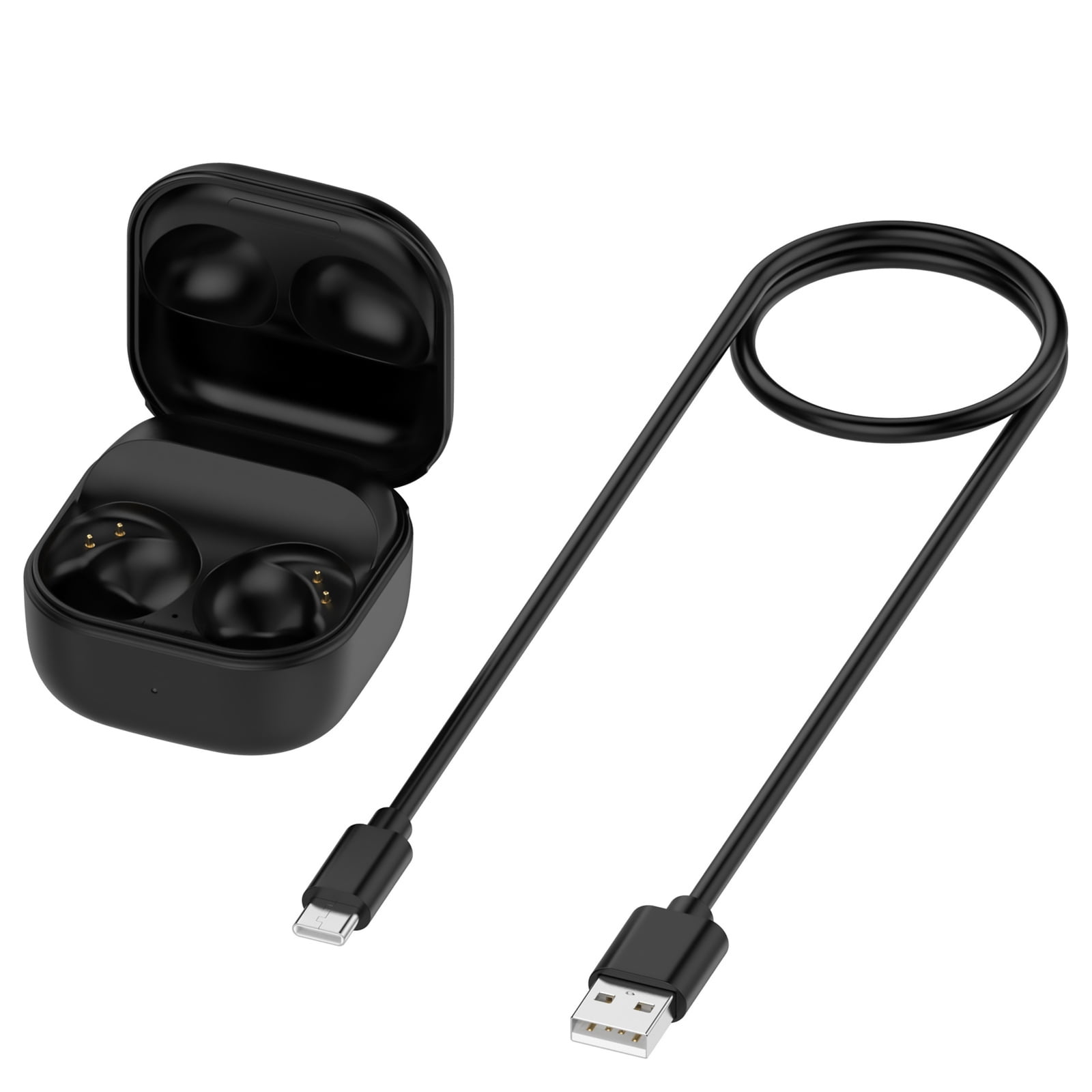
Which fast chargers are suitable for earbuds?
The best charger is not necessarily the one with the highest wattage. Choose one that meets these conditions:
- It comes from a known manufacturer.
- It has clear voltage and power ratings.
- It uses the correct port and cable.
- It supports the charging standard required by the case.
- It has no physical damage.
- It stays reasonably cool during normal use.
A USB-C PD charger is often a practical choice for people who already charge a phone, tablet, or laptop. It can power several devices, but the earbud case still controls its own charging demand.
A USB-A charger can also work if the cable and case support the connection. However, some modern chargers have only USB-C ports, so the cable may need USB-C on one end and the earbud case’s required connector on the other.
Avoid assuming that every USB-C product supports the same features. USB-C describes the connector shape. It does not, by itself, prove support for USB PD, fast charging, high wattage, or every charging mode.
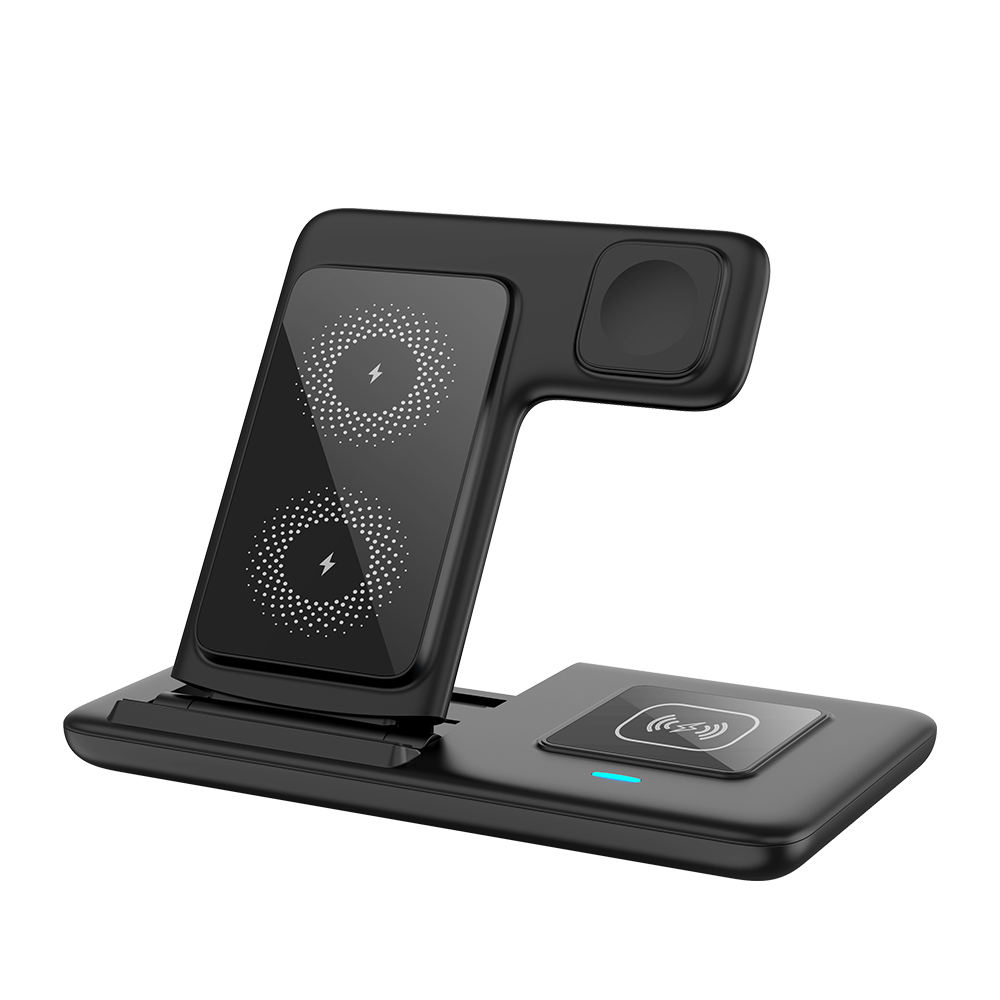
What should you do if the earbuds do not charge?
If the case does not charge with a fast charger, check the simple and low-risk causes first.
The case shows no charging light
Try these checks:
- Disconnect and reconnect the cable.
- Try a different compatible cable.
- Try another wall outlet.
- Remove dust from the port without using metal tools.
- Check whether the case has enough battery to display an indicator.
- Test the case with the original charger, if available.
If the case works with one charger but not another, the issue may involve the cable, charger port, or charging protocol.
Charging starts and stops
Intermittent charging may result from:
- A loose cable
- Dirt inside the port
- A worn charging port
- A damaged cable
- A low-quality power adapter
- Excess heat
- A case that is not seated correctly on a wireless pad
Try a different cable and charger. If the port feels loose or the case becomes hot, stop using it and contact the manufacturer.
The case charges slowly
Slow charging can be normal. It may occur when:
- The case does not support fast charging.
- The charger uses a low-power USB port.
- The case is being used while charging.
- The battery is near full.
- The case is hot or cold.
- Wireless charging is being used.
- The cable has high resistance or damage.
Lithium-ion batteries often reduce charging speed as they approach full charge. A slower final portion does not automatically indicate a fault.
The case becomes very hot
Unplug the case if it becomes unusually hot, smells strange, swells, leaks, makes noise, or shows signs of damage. Do not place a damaged lithium-ion battery in a drawer, car, or enclosed space.
Do not continue charging a case that is swollen or cracked. Contact the manufacturer or a local electronics recycling service for safe handling instructions.
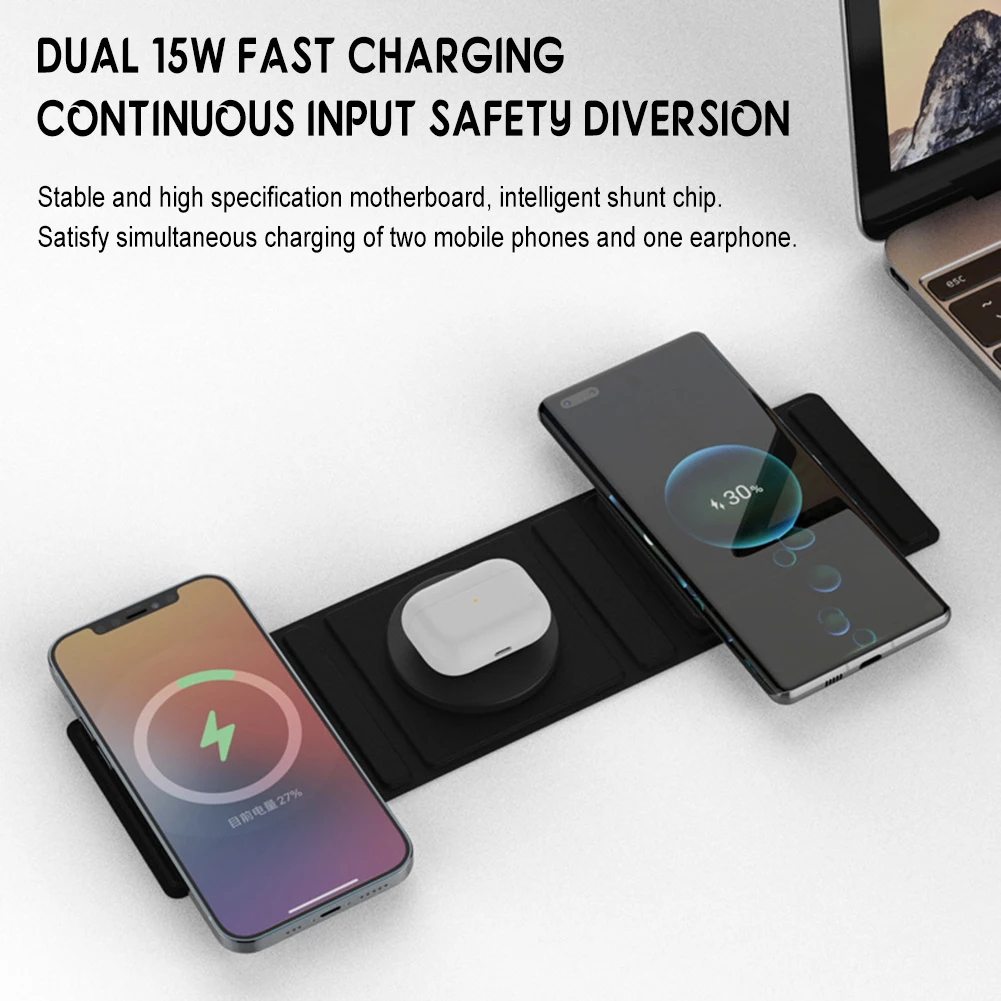
Can you charge earbuds with a laptop or phone charger?
Yes, in most cases. A laptop USB-C charger can usually charge a compatible earbud case if the connector and charging standards match.
A phone charger can also work. The important detail is not whether the charger is labeled “fast,” but whether it supplies power in a way the case can use.
Charging from a laptop may be slower than charging from a wall adapter, especially if the laptop is asleep or the USB port has limited output. Charging from a phone through a reverse-charging feature may also be slow and may drain the phone quickly.
Use the manufacturer’s charger when the case has an unusual connector, a special dock, or a documented charging requirement.

Are fast chargers safe for AirPods, Galaxy Buds, and other earbuds?
Fast chargers are generally safe for major earbud brands when used with the correct cable or compatible wireless pad. The exact charging behavior depends on the model.
For example:
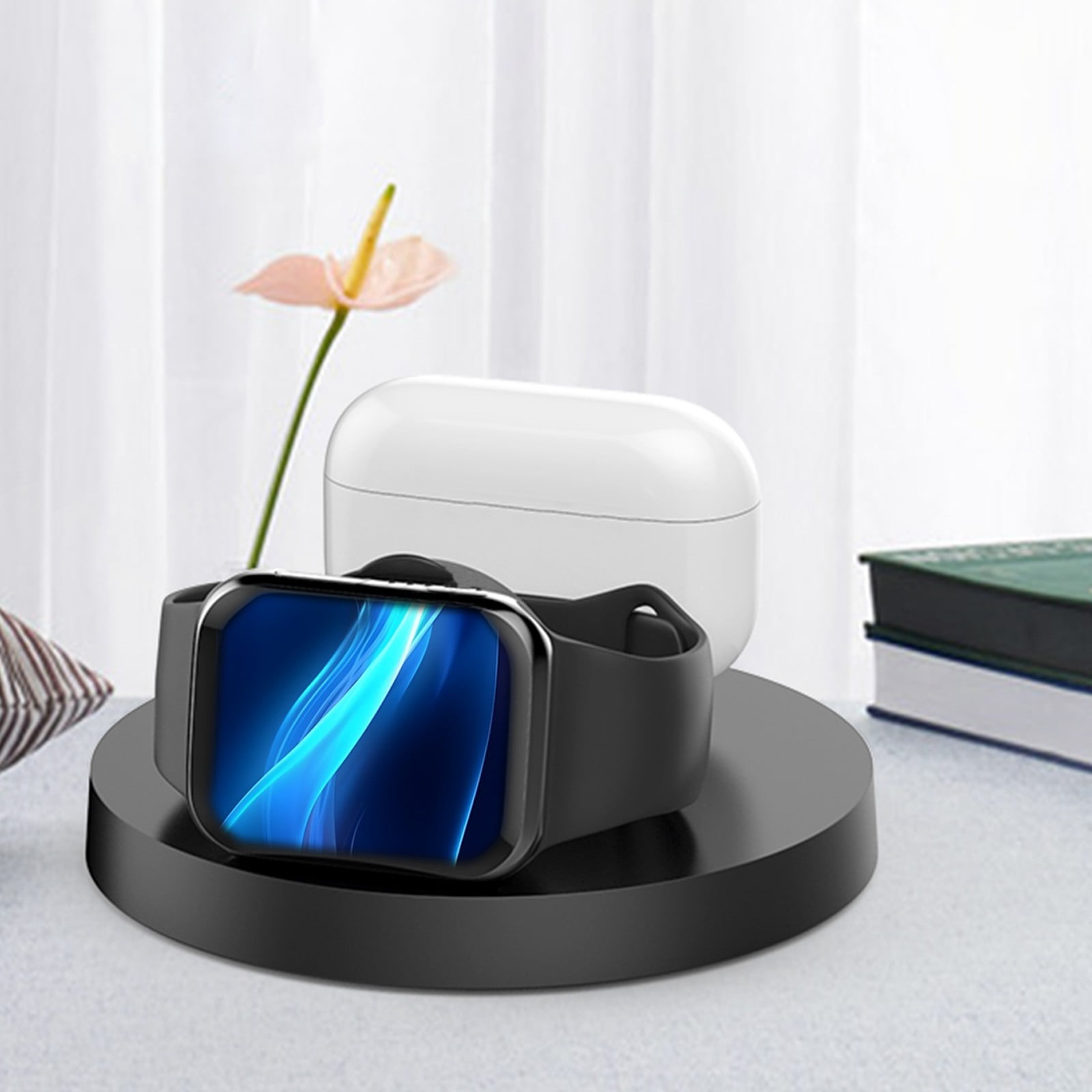
- An AirPods case may charge through its supported wired connector or a compatible wireless system, depending on the model.
- Samsung Galaxy Buds cases may use USB-C and may support wireless charging on selected models.
- Other brands may use USB-C, Lightning, micro-USB, or a model-specific charging dock.
Do not infer compatibility from the earbud brand alone. Check the exact case model and its manual. Two cases from the same brand can have different ports, wireless features, or charging limits.
If a manufacturer supplies a special dock, use that dock unless the manual confirms another charging method.

Common mistakes to avoid
Several charging habits can cause poor performance or safety problems.
Mistake 1: Assuming higher wattage means faster charging
A 100-watt charger does not make a case charge at 100 watts. The case decides how much power it accepts.
Mistake 2: Using a damaged cable
A cable can look almost normal while having broken internal wires. Replace cables that are frayed, crushed, loose, or hot at the connector.
Mistake 3: Charging a wet case
Water near a charging port can cause corrosion or a short circuit. Let the case dry fully and follow the manufacturer’s moisture guidance before connecting a charger.
Mistake 4: Cleaning the port with metal
Pins, paper clips, and other metal objects can damage contacts or cause a short. Use gentle, dry cleaning methods recommended by the manufacturer.
Mistake 5: Leaving damaged batteries connected
Stop using a case that is swollen, cracked, leaking, smoking, or producing a strong chemical smell. Do not attempt to repair or puncture the battery.
Mistake 6: Trusting a very cheap counterfeit charger
A charger without clear markings or safety controls may pose a greater risk than a standard charger from a reputable source. Price alone does not prove quality, but missing specifications are a warning sign.
Does fast charging reduce earbud battery life?
Using a compatible fast charger does not automatically damage the battery. The charging system inside the case controls the battery’s charging process.
Battery aging is affected by many factors, including heat, charge cycles, storage conditions, and the battery’s design. A charger that causes excess heat is more concerning than the word “fast” on the packaging.
To reduce stress on the battery:
- Keep the case away from high heat and direct sun.
- Do not charge it under bedding or inside a closed vehicle.
- Use a reliable cable and adapter.
- Keep the charging port clean and dry.
- Follow the manufacturer’s charging instructions.
- Replace the case if its battery becomes swollen or damaged.
A case may feel slightly warm during charging. It should not become painfully hot or show physical changes.

Fast charger decision guide
Use this quick guide before connecting a charger:
| Situation | Recommended action |
|---|---|
| The charger is reputable and the cable fits | Use it normally |
| The charger has a higher wattage than the case | Usually safe; the case draws what it needs |
| The case manual lists only 5V input | Use a charger that provides standard 5V USB power |
| The charger or cable is damaged | Do not use it |
| The case is wet | Let it dry fully before charging |
| The case is swollen or unusually hot | Unplug it and stop using it |
| The case uses wireless charging | Confirm that the pad supports the case |
| Charging is intermittent | Try another cable, outlet, and compatible charger |
| The charger has no clear brand or ratings | Choose a better-documented charger |
When the manual and the general rule differ, follow the manual for that exact model.

Frequently asked questions
Can I charge earbuds with a 65W laptop charger?
Usually, yes, if the charger and cable are compatible with the charging case. The 65-watt rating is the charger’s maximum capacity. The earbuds should draw only the power they need.
Can a fast charger overcharge earbuds?
A working charging case is designed to manage its battery charge. A reputable, compatible charger should not force excess power into the case. Do not use a damaged or counterfeit charger.
Is a phone fast charger better than the earbud charger?
Not always. A phone fast charger may be more powerful, but the earbud case may still charge at its normal rate. The original charger is a good choice when you are unsure about compatibility.
Can I charge earbuds overnight?
Many modern cases are designed to remain connected after reaching full charge, but charging overnight still exposes the battery to heat and repeated top-off cycles. Use a sound charger, keep the case uncovered, and follow the manufacturer’s instructions.
Why do earbuds charge but the case does not?
The case may have a dirty port, a damaged cable, a worn battery, a poor wireless connection, or a charging fault. Try another cable and charger first. If the problem remains, check the manufacturer’s support options.
Final answer
You can usually charge earbuds with a fast charger. The charger’s higher wattage does not force unsafe power into the case; the case normally controls how much power it accepts.
Use a reputable adapter, the correct cable, and a compatible charging method. Stop charging if the case becomes unusually hot, swollen, wet, cracked, or damaged. If you want the safest choice, check the exact earbud model’s manual and use a charger with clear USB power ratings.

Everett Ashford is a tech reviewer at mytechgrid.com specializing in SSDs, cameras, TVs, earbuds, headphones, and other consumer electronics. He provides honest, data-driven reviews based on hands-on testing and real-world performance analysis. Everett simplifies complex tech details to help readers make smart, confident buying decisions.