You can find JLab GO Air POP earbuds by checking Bluetooth, retracing your steps, and using a sound or scanner test.
Losing small earbuds is frustrating, especially when the charging case can hide under a seat or slip between cushions. This guide explains how to find JLab GO Air POP earbuds with reliable steps, including what to do when the earbuds are offline, out of battery, or still inside the case. You will also learn how to prevent the same problem next time.

Check Whether the JLab GO Air POP Earbuds Are Still Connected
The first step in learning how to find JLab GO Air POP earbuds is checking your phone’s Bluetooth screen. If one or both earbuds are still connected, they are likely nearby and powered on.
Open your device settings and look for the earbuds under Bluetooth devices. They may appear as “JLab GO Air POP” or a similar name.
Try the following:
- Keep your phone close to the area where you think the earbuds are located.
- Play music or a loud podcast.
- Raise the volume carefully.
- Listen under furniture, inside bags, and between cushions.
- Walk slowly around the room and watch for the connection to drop.
The JLab GO Air POP earbuds use Bluetooth with a typical open-area range of about 30 feet. Walls, furniture, metal surfaces, and other wireless devices can reduce this range.
If the earbuds remain connected while you move around, that is a useful clue. Walk toward the strongest connection area. Bluetooth is not a perfect compass, but it can help narrow the search.
Retrace Your Steps in the Right Order
When Bluetooth does not help, physical searching becomes more important. The best way to find JLab GO Air POP earbuds is to retrace your movements in reverse order.
Think of the last time you used them. Did you remove them at your desk, in the car, at the gym, or beside your bed? Small earbuds often end up in places where people naturally place keys, phones, or wallets.
Search these areas first:
• Couch cushions and the space beneath the couch
• Bed sheets, blankets, pillows, and nightstands
• Jacket, hoodie, jeans, and coat pockets
• Backpacks, purses, laptop bags, and gym bags
• Car seats, cup holders, floor mats, and door pockets
• Desk drawers and areas near charging cables
• Bathroom counters and kitchen surfaces
• Under tables, chairs, and other low furniture
Use a flashlight held close to the floor. The light can reflect off the plastic earbuds and make them easier to see. Search one small area at a time instead of looking everywhere at once.
A common mistake is checking only eye level. Earbuds often fall downward, roll under furniture, or become covered by fabric.
Look for the Charging Case First
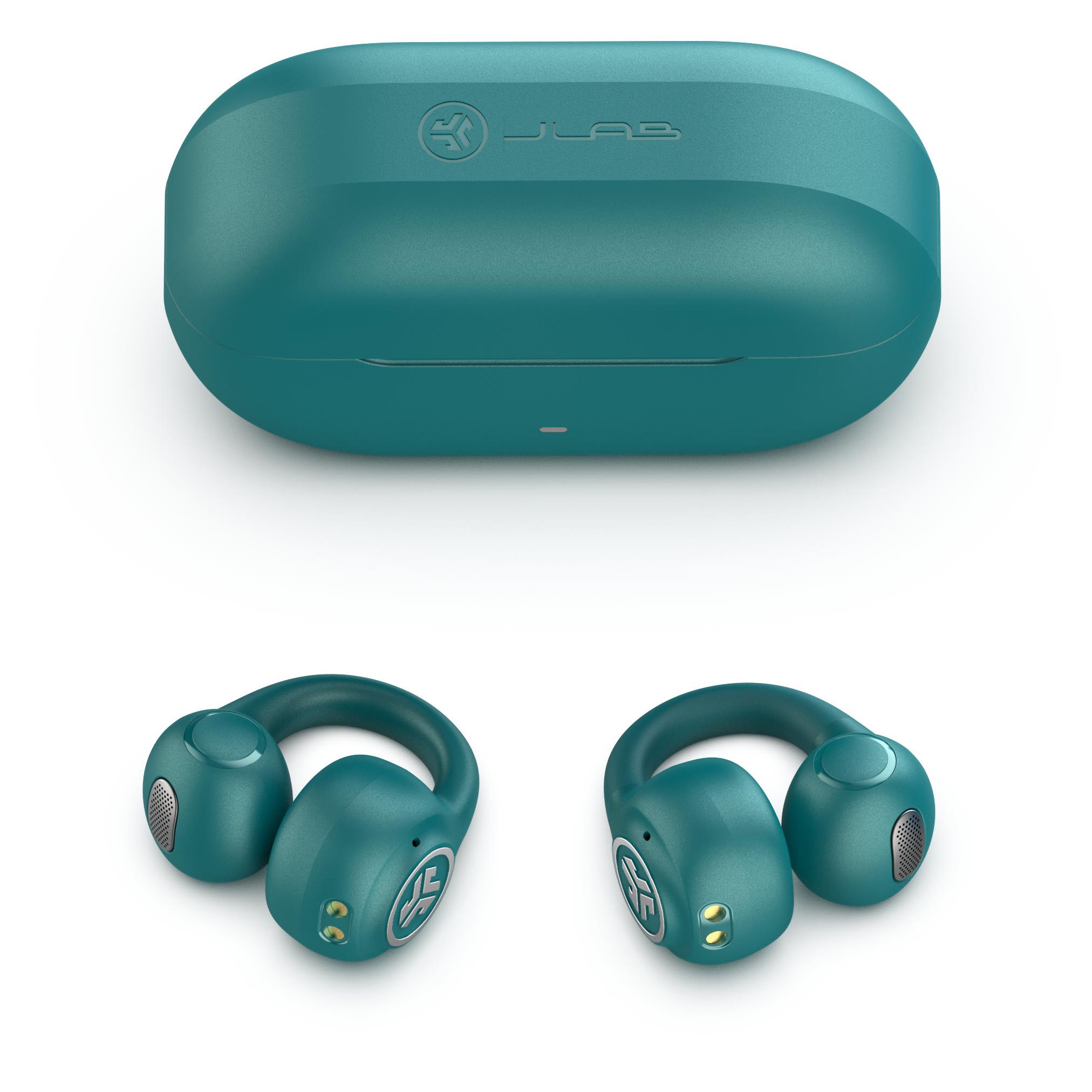
Many people trying to find JLab GO Air POP earbuds focus on the earbuds and forget the charging case. The case is larger, easier to spot, and may help you find the earbuds quickly.
If the earbuds were placed in the case before they went missing, finding the case solves the problem. If the case is open or empty, it can also show where you last handled the earbuds.
Check:
• The spot where you normally charge the case
• Near your phone charger or computer
• Inside the pocket of the bag you used that day
• In the car or beside your bed
• Under furniture and near wall outlets
• On shelves, counters, and tables
The GO Air POP case has a compact shape, so it can slide into narrow gaps. Run your hand along the sides of sofa cushions and check behind nightstands. Do this slowly to avoid pushing the case farther away.
If you find the case but not the earbuds, inspect nearby clothing and surfaces. You may have removed the earbuds just before placing the case down.
Use Bluetooth Near the Last Known Location
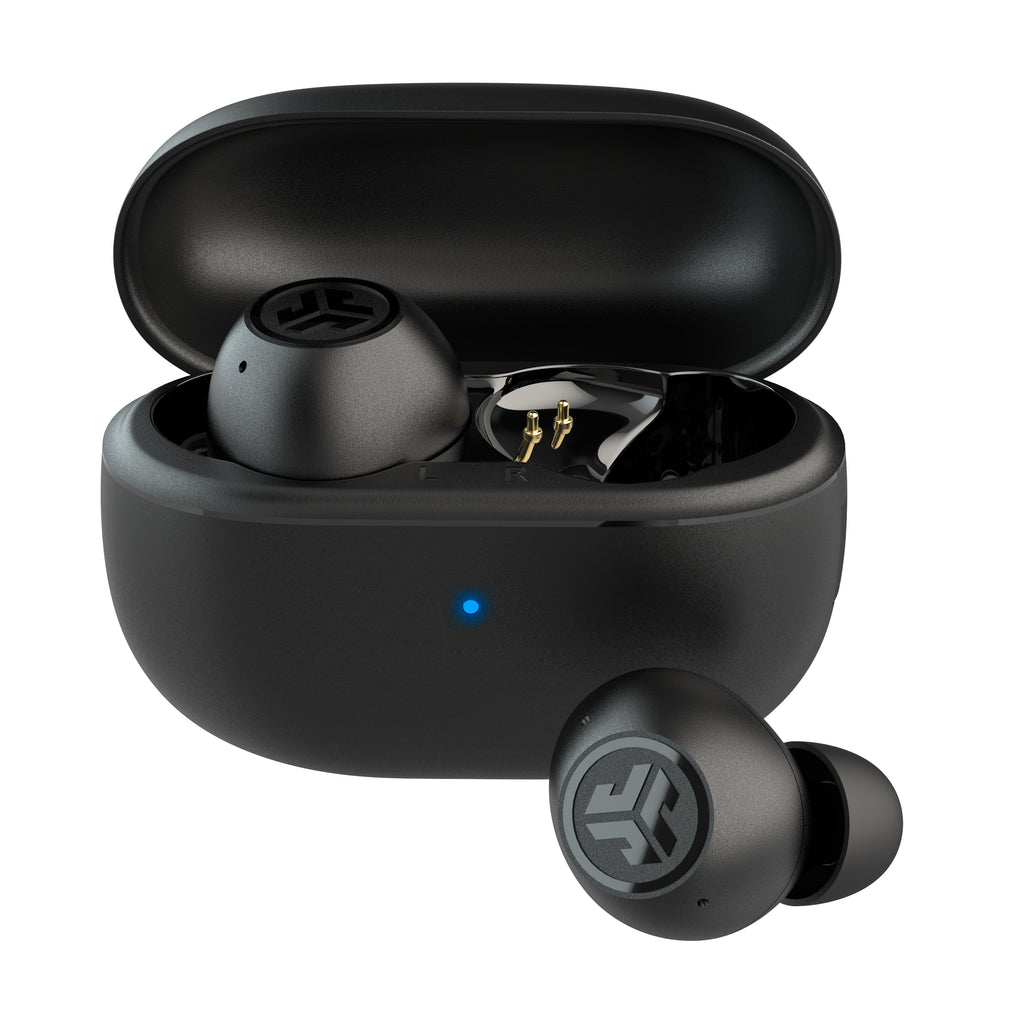
Bluetooth can help you find JLab GO Air POP earbuds, but it works best as a short-range search tool. It does not provide a map or exact GPS location.
Follow these steps:
- Turn on Bluetooth on your phone.
- Open the Bluetooth device list.
- Look for the JLab earbuds.
- Move around the last known area.
- Check whether the earbuds connect or disconnect.
- Search the area where the connection is strongest.
If the earbuds connect, play a sound. The GO Air POP earbuds do not have a special built-in “find my earbuds” alarm, so music, a ringtone, or a loud video is usually the simplest option.
Keep the volume at a safe level. Do not place the earbuds directly beside your ears while playing a loud sound.
If the earbuds disconnect as soon as you walk away, the range has probably been exceeded. Return to the last place where they connected and search outward in small circles.

Try a Bluetooth Scanner App
A Bluetooth scanner may help you find JLab GO Air POP earbuds when the normal Bluetooth menu is not clear. These apps estimate proximity by reading the strength of the Bluetooth signal.
A stronger signal usually means you are closer. A weaker signal may mean you are moving away.
For better results:
• Stand still for several seconds at each location
• Keep your phone in the same hand
• Search one room at a time
• Move away from routers, computers, and other Bluetooth devices
• Check signal changes instead of trusting one reading
Bluetooth scanner apps have limits. They cannot find earbuds that are inside a closed charging case, switched off, too far away, or out of battery. Some apps also detect nearby devices that do not belong to you.
Before using a scanner, confirm the device name and compare it with the earbuds you own. Avoid installing unknown apps that request unnecessary access to contacts, messages, or files.
Understand When Tracking Will Not Work
Knowing the limits of the JLab GO Air POP earbuds can save you time. These earbuds do not function like GPS trackers, and they generally do not offer the same built-in location network found on some premium earbuds.
You may not be able to track them when:
• Both earbuds are inside the closed charging case
• The earbuds are powered off
• The battery is empty
• Bluetooth is disabled
• The earbuds are outside Bluetooth range
• They were reset or paired with another device
The charging case can also prevent a phone from detecting the earbuds. In that situation, a Bluetooth scanner will not create a location signal.
This is one of the most important facts about how to find JLab GO Air POP earbuds. A phone can help locate active earbuds nearby, but it cannot reveal the exact location of inactive earbuds.

What to Do If You Lost Only One Earbud
Finding one missing earbud is slightly different from finding the full set. Start by placing the earbud you still have in the charging case. This prevents it from connecting while you search for the missing one.
Then check the phone’s Bluetooth connection. If the missing earbud is active, it may still connect or produce audio.
Search carefully around:
• The side of the bed where you sleep
• The arm of a chair or couch
• The floor near your desk
• Clothing worn during the last use
• The area where you removed your earbuds
• The space beneath car seats
Use your phone’s flashlight and search from a low angle. A single earbud can blend into dark floors, carpets, and clothing.
Do not vacuum the area until you finish searching. If you must clean, place a thin sock over the vacuum nozzle. The sock can catch the earbud before it enters the vacuum.
Find JLab GO Air POP Earbuds in a Car
Cars are common places to lose wireless earbuds. They can slide beneath a seat, fall into a door pocket, or become hidden beside the center console.
To find JLab GO Air POP earbuds in a car, park safely and turn on the interior lights. Use a flashlight and search from several angles.
Check these locations:
• Between the seat and center console
• Under the front seats
• Seat-back pockets
• Door compartments
• Cup holders
• Floor mats
• Beneath child safety seats
• Inside the center console
If the earbuds still have power, sit in the car with Bluetooth enabled. Play audio and listen closely. Avoid driving while searching or holding your phone.
A soft case or small storage pouch can help prevent earbuds from sliding into hard-to-reach areas. It also makes the earbuds easier to spot in a dark vehicle.

Find JLab GO Air POP Earbuds Outside Your Home
Outdoor searches require a more organized approach. Return to the location as soon as possible, especially if you dropped the earbuds in grass, gravel, or a busy public area.
Use this method:
- Identify the exact path you walked.
- Divide the path into short sections.
- Search each section from left to right.
- Check benches, tables, pockets, and bags.
- Look for the charging case separately.
- Use Bluetooth only when you are near the suspected area.
Bright daylight helps, but a flashlight can still reveal the earbuds’ plastic surface. In grass, search by touch only after checking carefully with your eyes.
If you lost the earbuds at a store, gym, workplace, or school, contact the lost-and-found desk. Give a clear description of the earbuds and case. Include the color, approximate time, and location.
Reset and Reconnect Only After the Search
Resetting the earbuds too early can make the search harder. If you reset them, your phone may lose the previous Bluetooth connection, removing one useful clue.
First, try to locate them with the original pairing. Reset only when:
• You have found the earbuds
• The earbuds connect but do not play sound
• One earbud will not pair correctly
• You are preparing to use them with a new device
The exact reset process can vary by model and production version. Check the current JLab product instructions before following button combinations.
After you find JLab GO Air POP earbuds, place both earbuds in the case, charge them, and remove them together. Then pair them again through your phone’s Bluetooth settings if needed.
Common Mistakes That Make Earbuds Harder to Find
Small mistakes can turn a five-minute search into a lost-earbud mystery. Avoid changing too many settings while you are still trying to locate the earbuds.
Common mistakes include:
• Turning Bluetooth off before checking the connection
• Resetting the earbuds too soon
• Searching only at eye level
• Assuming the case and earbuds are in the same place
• Playing audio at an unsafe volume
• Checking one room without searching nearby rooms
• Using a scanner app without confirming the device name
• Vacuuming before checking the floor
• Forgetting jackets, laundry baskets, and bags
When I review common earbud problems, the same lesson appears again and again: people search the place where they think the earbuds should be, not the place where they last used them. Start with memory, then use Bluetooth as a clue.
Prevent Future Earbud Losses
The easiest way to find JLab GO Air POP earbuds is to avoid losing them in the first place. Create one storage habit and use it every time.
Try these simple steps:
• Keep the charging case in one dedicated pocket
• Return both earbuds to the case after every use
• Charge the case in the same place
• Use a bright silicone case cover
• Avoid placing earbuds on beds or soft furniture
• Check your pockets before washing clothes
• Keep a small pouch in your work or gym bag
• Avoid leaving earbuds loose in a car
You can also write your phone number on a small label inside the storage pouch. Do not place personal information directly on the earbuds.
A consistent routine works better than memory. Think of the charging case as the earbuds’ home. When they are not in your ears, they should be there.
How to Find JLab GO Air POP Earbuds: A Fast Checklist
Use this checklist when you need to find JLab GO Air POP earbuds quickly:
- Check the phone’s Bluetooth menu.
- Play a loud but safe audio track.
- Search the last room where you used them.
- Look under cushions, beds, and furniture.
- Check pockets, bags, and laundry.
- Find the charging case.
- Search the car if you traveled.
- Try a trusted Bluetooth scanner nearby.
- Contact lost-and-found locations.
- Accept that offline or dead earbuds may not be trackable.
This order moves from the fastest digital test to the most practical physical search. It also prevents you from wasting time on tools that cannot detect inactive earbuds.
Frequently Asked Questions About How to Find JLab GO Air POP Earbuds
Can I track JLab GO Air POP earbuds with GPS?
No. JLab GO Air POP earbuds do not have built-in GPS. You can use Bluetooth to check whether powered-on earbuds are nearby, but Bluetooth cannot provide a precise map location.
Can I use an iPhone or Android phone to find JLab GO Air POP earbuds?
Yes, your phone can help if the earbuds are powered on and within Bluetooth range. Open Bluetooth settings, connect to the earbuds, and play audio while searching nearby.
Will JLab GO Air POP earbuds make a sound when they are lost?
They do not normally include a dedicated lost-earbud alarm. If they are connected, you can play music, a ringtone, or another loud audio file to help locate them.
Can I find the earbuds if they are inside the charging case?
Usually, no. When the earbuds are inside the closed case, they may not transmit a Bluetooth signal that your phone can detect, especially if the case is closed or the earbuds are not active.
What if one JLab GO Air POP earbud is missing?
Place the earbud you still have inside the case, then check Bluetooth for the missing earbud. Search low areas, pockets, bedding, car seats, and places where you recently removed the earbuds.
Does a Bluetooth scanner guarantee that I will find the earbuds?
No. A scanner can show a nearby Bluetooth signal, but it cannot detect earbuds that are dead, switched off, inside a case, or out of range. Treat the signal as a clue, not an exact location.
How far away can I find JLab GO Air POP earbuds?
Bluetooth often works within about 30 feet in open space, but walls and objects can reduce that distance. Stay near the last known location for the best chance of reconnecting.
Conclusion
The best way to find JLab GO Air POP earbuds is to combine Bluetooth with a careful physical search. Check your phone, play safe audio, retrace your steps, inspect the charging case, and search low or hidden areas. Remember that dead, offline, or enclosed earbuds may not be detectable.
Once you find them, give the charging case a permanent home and return the earbuds there after every use. Use this checklist the next time they disappear, and share your own locating tip or experience in the comments.

Everett Ashford is a tech reviewer at mytechgrid.com specializing in SSDs, cameras, TVs, earbuds, headphones, and other consumer electronics. He provides honest, data-driven reviews based on hands-on testing and real-world performance analysis. Everett simplifies complex tech details to help readers make smart, confident buying decisions.