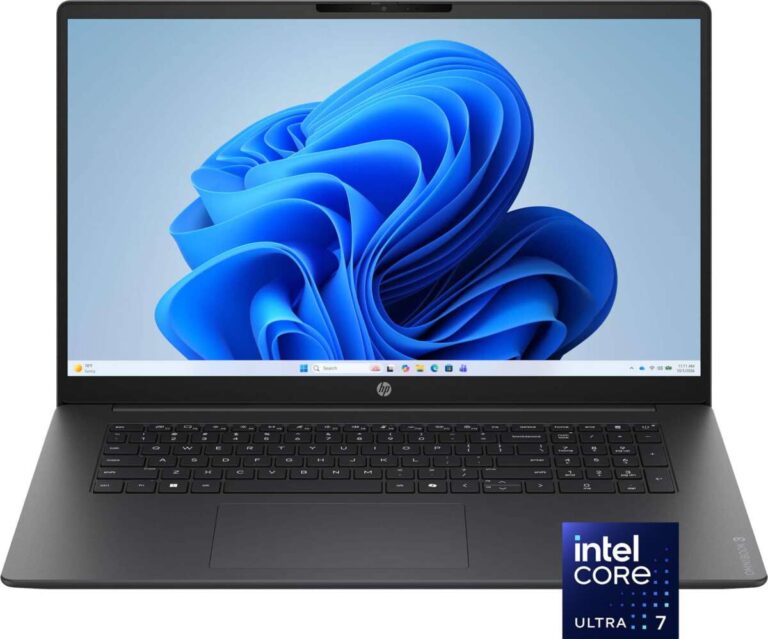
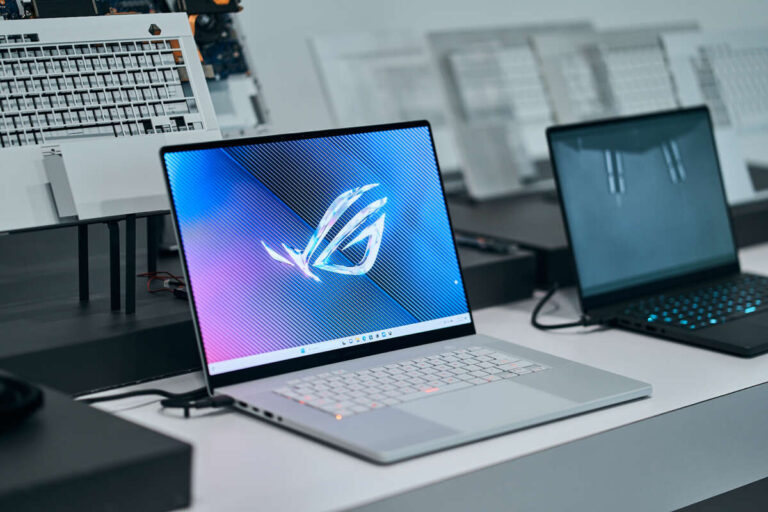
For shoppers in the United States, the terms convertible laptop and 2-in-1 laptop often describe the same kind of computer. Both can work as a laptop and a touch-screen tablet. The key difference is scope: a convertible laptop usually has a fixed keyboard and a 360-degree hinge, while 2-in-1 laptop is a broader term that can include both convertible models and detachable models with removable keyboards.
In short, every convertible laptop may be called a 2-in-1, but not every 2-in-1 laptop is a convertible.
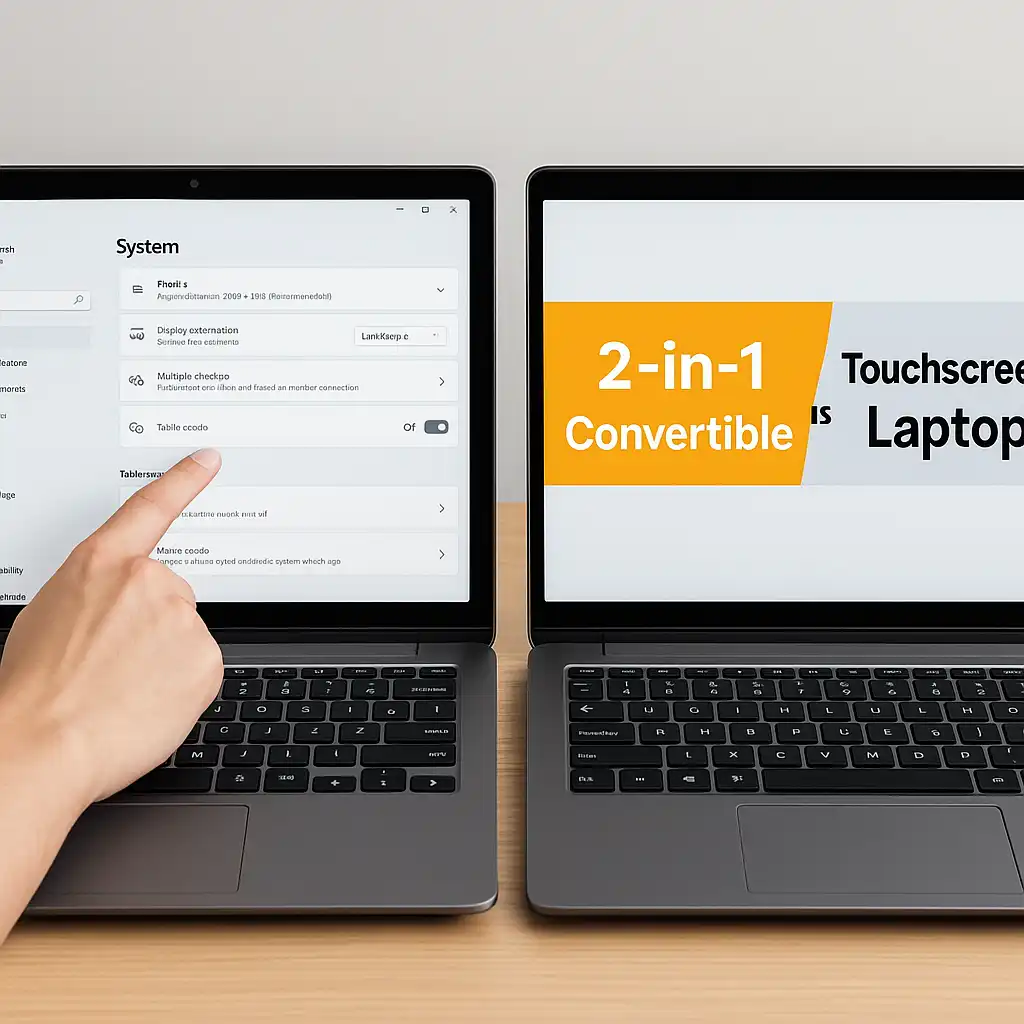
Convertible Laptop vs. 2-in-1 Laptop: The Short Answer
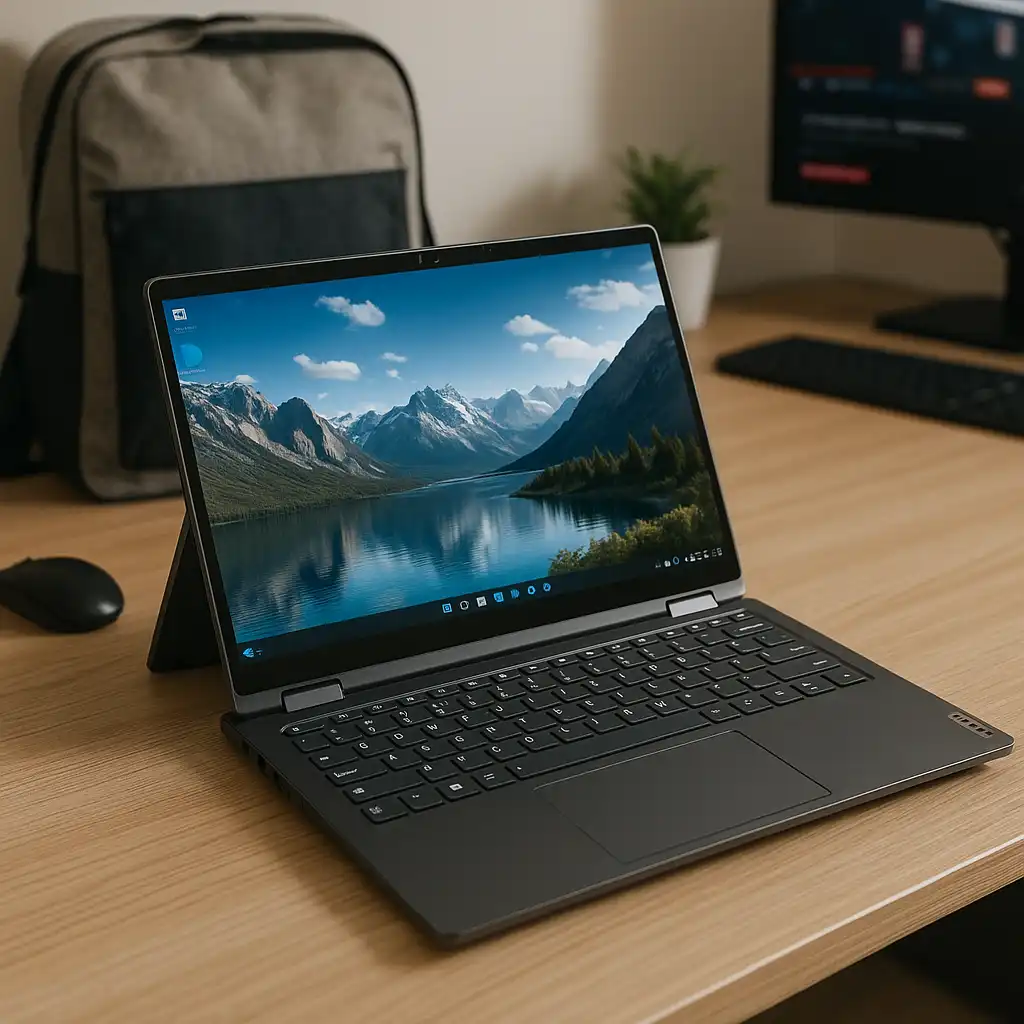
A convertible laptop changes shape by folding its screen backward on a built-in hinge. The keyboard stays attached at all times. You can use it as a standard laptop, tablet, tent, or stand.
A 2-in-1 laptop combines two device roles in one product. It may use a 360-degree hinge, or it may have a screen that separates from a removable keyboard.
| Feature | Convertible laptop | 2-in-1 laptop |
|---|---|---|
| Basic meaning | A laptop with a folding hinge | A device that works as both a laptop and a tablet |
| Keyboard | Usually fixed in place | Fixed or removable |
| Main designs | 360-degree hinge | Convertible or detachable |
| Tablet mode | Screen folds behind the keyboard | Screen folds back or separates |
| Stability on a desk | Usually strong | Depends on the kickstand and keyboard |
| Ease of carrying as a tablet | Good, but the keyboard adds weight | Often better with a detachable design |
| Common use | Work, school, media, drawing | Work, school, travel, reading, drawing |
| Typical buying concern | Weight and hinge design | Keyboard quality, stand, ports, and battery life |
The terms are not fully standardized. One brand may use “2-in-1” as a product category, while another may use “convertible laptop” as the main name for the same design.

What Is a Convertible Laptop?
A convertible laptop is a notebook computer with a hinge that lets the display rotate through a wide range of positions. Many models use a 360-degree hinge, which allows the screen to fold against the underside of the laptop.
The keyboard remains attached. In tablet mode, the keys face the back of the device and normally do not type. The computer may disable the keyboard and touchpad automatically when the screen moves into a folded position.
Common modes include:
- Laptop mode: The normal setup for typing, work, and school.
- Tablet mode: The screen folds flat against the keyboard.
- Tent mode: The laptop forms an upside-down “V” for video calls or viewing content.
- Stand mode: The keyboard rests behind the display as a support.
A convertible laptop still uses laptop parts. It normally has a built-in keyboard, touchpad, laptop-style ports, and an operating system such as Windows or ChromeOS. Many models also support a digital pen, but pen support is not automatic. Check the exact model before buying a stylus.
Strengths of a convertible laptop
A convertible laptop can be a strong fit when you want one device for several tasks:
- Type reports or email in laptop mode.
- Read or sketch in tablet mode.
- Watch video in stand mode.
- Use tent mode in a small space.
- Keep the keyboard attached so it is less likely to be lost.
The fixed keyboard also gives the device a more stable base than many detachable designs. This can help when typing on a desk, lap, or classroom table.
Limits of a convertible laptop
The main trade-off is weight. When you hold the device as a tablet, you are also holding the keyboard, trackpad, and part of the laptop frame.
The hinge can also add thickness and weight. A folding design may be less comfortable than a true tablet for long reading sessions. It also needs enough room to fold safely, so avoid forcing the screen past its designed range.

What Is a 2-in-1 Laptop?
A 2-in-1 laptop is a computer designed to serve as both a laptop and a tablet. The term describes the function, not one specific hinge design.
There are two main types:
- Convertible 2-in-1: The screen folds backward on a permanent hinge.
- Detachable 2-in-1: The screen separates from the keyboard and works as a stand-alone tablet.
This means a convertible laptop is one type of 2-in-1 laptop.
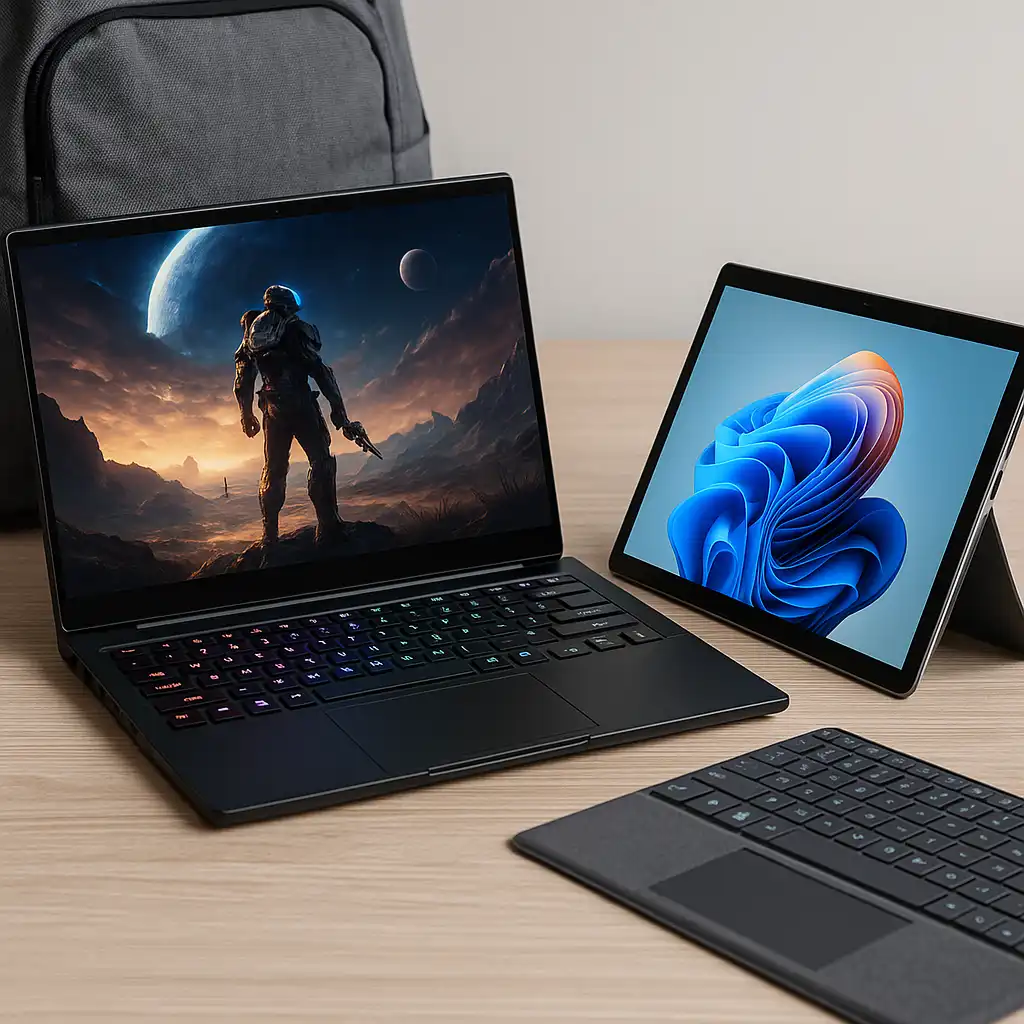
A detachable 2-in-1 may use a kickstand on the back of the screen. Its keyboard may attach with magnets, a connector, or a case. When you remove the keyboard, the screen becomes lighter and easier to hold.
Strengths of a detachable 2-in-1
A detachable model can make more sense if tablet use is your top priority. You can leave the keyboard behind while reading, drawing, or moving around the house.
Other possible benefits include:
- Lower weight in tablet mode.
- A screen that feels more like a tablet.
- Easier use with a pen.
- A removable keyboard for travel.
- A compact shape for reading and note-taking.
Some detachable models use mobile-style processors. Others use laptop-class processors. Performance, ports, battery life, and software support can vary widely, so the name “2-in-1” does not tell you how powerful the device is.
Limits of a detachable 2-in-1
The keyboard may feel less firm than the keyboard on a standard laptop. A kickstand can also take more desk space and may be awkward to use on your lap.
The keyboard is sometimes sold separately. The same can be true for a pen. Include those accessories in the total price before comparing models.
A detachable design may also provide fewer built-in ports. You may need a USB-C hub for devices such as a full-size monitor, wired network adapter, camera, or external storage.
The Main Difference: Hinge Design and Keyboard Connection
The clearest way to compare these devices is to inspect how the screen and keyboard connect.
Convertible design
A convertible has a permanent hinge. The screen rotates, but it does not separate from the base.
This design usually provides:
- A firm typing surface.
- A built-in keyboard.
- A simple change between laptop and tablet modes.
- Better support for lap use.
- No separate keyboard to pack or charge.
The cost is extra weight in tablet mode.
Detachable design
A detachable 2-in-1 has a screen that can disconnect from the keyboard. The display contains most or all of the computer hardware.
This design usually provides:
- A lighter tablet mode.
- Greater freedom when reading or drawing.
- A keyboard that can be removed.
- A more tablet-like feel.
The cost may include a weaker typing base, a separate kickstand, fewer ports, and extra accessory costs.
Why the labels can cause confusion
Retail listings may call a 360-degree convertible a “2-in-1.” They may also call a detachable tablet with a keyboard a “2-in-1 laptop.” Both labels can be correct.
The product details matter more than the headline. Look for terms such as:
- “360-degree hinge”
- “fold-back hinge”
- “detachable keyboard”
- “removable keyboard”
- “kickstand”
- “keyboard included”
- “pen included”
This approach is more reliable than comparing category names alone.

Which One Should You Buy?
Choose a convertible laptop if you want a laptop first and a tablet second. Its fixed keyboard is usually better for daily typing, office work, school assignments, and long writing sessions.
Choose a detachable 2-in-1 if you want a tablet first and only need a keyboard at times. It may be better for reading, drawing, travel, and light note-taking.
Use this guide:
| Your main need | Better fit |
|---|---|
| Frequent typing | Convertible laptop |
| Tablet use for several hours | Detachable 2-in-1 |
| Use on your lap | Convertible laptop |
| Drawing with a pen | Either; check pen support and screen feel |
| Reading while standing | Detachable 2-in-1 |
| Video calls at a desk | Either |
| Heavy software | A powerful convertible or standard laptop |
| Lowest travel weight | Detachable 2-in-1 |
| Built-in ports | Usually a convertible |
| One-piece setup | Convertible laptop |
| Shared family tablet use | Detachable 2-in-1 may be easier |
The operating system also matters. Windows supports a broad range of desktop apps. ChromeOS can work well for web apps, school work, and cloud tools, but some Windows programs may not run natively. Check the software requirements for work, school, or creative tasks before choosing the hardware.

Performance, Battery Life, and Screen Factors
The 2-in-1 label does not guarantee a certain level of speed. A small entry-level model and a premium workstation can both be marketed as 2-in-1 devices.
Check these specifications:
Processor
The processor affects app speed, multitasking, and battery use. Basic web work and documents need less power than video editing, software development, or 3D work.
For demanding tasks, check the processor family, memory, cooling design, and independent reviews of the exact model. Do not judge performance by the “2-in-1” label.
Memory
More memory helps when many browser tabs and apps are open. A low-memory device may slow down during multitasking. Also check whether the memory is upgradeable. Many thin 2-in-1 computers use memory that cannot be replaced later.
Storage
A solid-state drive, or SSD, usually gives faster start-up and app loading than an older hard disk drive. Check the storage size if you keep photos, videos, games, or large work files on the device.
Battery
Battery life depends on screen brightness, app use, wireless activity, processor load, and power settings. Manufacturer battery figures are measured under set conditions and may not match your daily use.
A detachable model may use less power in tablet mode because it leaves the keyboard hardware behind. That is not a rule, though. Compare the exact device and test method.
Display
A touch screen is central to both designs. Look at:
- Screen size.
- Resolution.
- Brightness.
- Glare and finish.
- Color coverage.
- Refresh rate.
- Pen support.
- Touch response.
A glossy touch display can show more glare near windows or outdoors. A bright screen may improve visibility, but it can also use more battery.
Keyboard, Pen, Ports, and Repair Questions
The best design depends on how you work with the device after purchase.
Keyboard quality
A fixed convertible keyboard is ready whenever you open the lid. A detachable keyboard may be thinner and easier to remove, but it may flex more while you type.
If possible, test:
- Key travel.
- Key spacing.
- Touchpad size.
- Backlighting.
- Palm rest comfort.
- How firmly the keyboard connects.
Pen support
Do not assume that every touch-screen laptop supports an active pen. Confirm:
- Whether pen input is supported.
- Which pen standard is required.
- Whether the pen comes in the box.
- Where the pen is stored or charged.
- Whether pressure sensitivity works in your chosen apps.
A pen can help with handwritten notes and art, but the screen surface and software matter as much as the pen itself.
Ports and wireless features
A thin detachable may rely on USB-C ports. A convertible may offer a wider mix of ports, but this varies by model.
Check for the ports you actually need:
- USB-A.
- USB-C.
- Display output.
- Headphone jack.
- MicroSD or SD card slot.
- Charging port.
- Docking support.
Also confirm Wi-Fi and Bluetooth versions if they matter for your setup. A port that looks like USB-C may support different features, such as charging, video output, or high-speed data.
Repair and long-term use
A fixed hinge is not automatically more durable, and a detachable screen is not automatically fragile. Build quality depends on the specific model.
Before buying, review the manufacturer’s warranty, repair options, replacement keyboard cost, and parts availability in the United States. A low purchase price may be less attractive if a lost keyboard or damaged charger is expensive to replace.

Common Mistakes to Avoid
The most common mistake is assuming that all 2-in-1 laptops work the same way. They do not. Some are full laptops with folding screens, while others are tablets with optional keyboards.
Avoid these errors:
- Buying by the label alone: Read the hinge and keyboard details.
- Forgetting accessory costs: Add the keyboard, pen, charger, and dock when needed.
- Ignoring lap use: Kickstands can be less comfortable on a lap.
- Assuming pen support: Verify the supported pen and included accessories.
- Overlooking ports: A thin device may need adapters.
- Choosing too little performance: Match the processor and memory to your apps.
- Ignoring weight in tablet mode: A full convertible may feel heavy in your hands.
- Assuming tablet mode replaces every tablet: Desktop software and battery demands can change the experience.
- Skipping the warranty check: Hinge, screen, and keyboard repairs can be costly outside warranty.
A device that works well in a store may feel different after an hour of typing or holding it. Consider the longest task you will perform, not only the most attractive mode.

A Simple Buying Checklist
Use this checklist before you choose between a convertible and a detachable 2-in-1:
- Decide whether you are buying a laptop first or a tablet first.
- List the apps you must run.
- Check the operating system requirements.
- Confirm the exact hinge or detachable design.
- Check the weight with the keyboard attached.
- Confirm whether the keyboard is included.
- Confirm whether the pen is included.
- Review ports and charging needs.
- Compare screen brightness and glare.
- Check memory and storage for your expected use.
- Review battery claims and test conditions.
- Read the warranty and repair terms.
- Check return rules before purchase.
If you type for hours each day, prioritize the keyboard, touchpad, screen angle, and desk stability. If you mostly read, draw, or watch video, prioritize tablet weight, pen response, screen quality, and battery life.

Frequently Asked Questions
Is a convertible laptop the same as a 2-in-1?
Not exactly. A convertible laptop is a type of 2-in-1. It uses a fixed hinge that folds the screen backward. The broader 2-in-1 category also includes detachable laptops with removable keyboards.
Is a 2-in-1 laptop better than a regular laptop?
It depends on how often you will use tablet mode. A 2-in-1 can save space by combining two devices, but it may cost more or weigh more than a standard laptop with similar performance.
Can a convertible laptop replace a tablet?
It can for many tasks, such as web browsing, reading, streaming, and handwriting. A convertible may feel less comfortable than a tablet during long handheld use because the keyboard remains attached.
Do all 2-in-1 laptops include a keyboard?
No. Some detachable models include the keyboard, while others sell it as an optional accessory. Check the full product package and total price.
Are 2-in-1 laptops good for gaming?
Some are, but the category alone says little about gaming performance. Check the processor, graphics hardware, cooling system, screen refresh rate, and game requirements. Thin models may prioritize low weight over sustained performance.
Key Takeaways
- A convertible laptop has a fixed keyboard and a folding hinge.
- A 2-in-1 laptop is a wider category that includes convertibles and detachables.
- Choose a convertible for stronger laptop use and better desk or lap typing.
- Choose a detachable 2-in-1 for lighter tablet use and easier portability.
- Check the exact keyboard, pen, ports, software support, battery claims, and warranty before buying.
Conclusion
The difference between a convertible laptop and a 2-in-1 laptop is mainly the design category. A convertible folds on a permanent hinge. A 2-in-1 may fold like a convertible or separate like a tablet.
For most people who type often, a convertible offers the simpler and steadier setup. For people who want a lighter tablet with a keyboard only when needed, a detachable 2-in-1 may be the better fit. The right choice comes from your daily tasks, not the product label.
Start by deciding which mode you will use most. Then compare the exact keyboard connection, weight, screen, performance, ports, accessories, and warranty.

Everett Ashford is a tech reviewer at mytechgrid.com specializing in SSDs, cameras, TVs, earbuds, headphones, and other consumer electronics. He provides honest, data-driven reviews based on hands-on testing and real-world performance analysis. Everett simplifies complex tech details to help readers make smart, confident buying decisions.