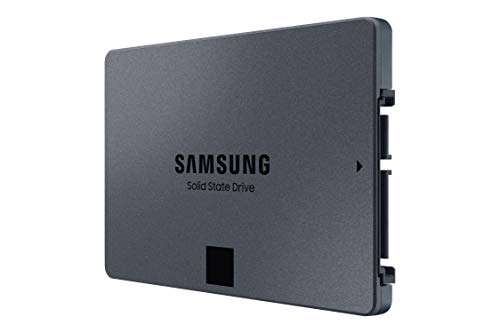
Big-capacity SATA upgrade with steady speeds, easy install, and trusted Samsung reliability.
Your boot times are slow. Games and photos are stuck on old hard drives. You want more space without tearing your PC apart. That is where the SAMSUNG 870 QVO SATA III 2TB SSD makes life easier. It drops into almost any laptop or desktop with a 2.5-inch bay. You get quiet operation, fast load times, and room to breathe for projects and games. If you need a big, affordable upgrade on a SATA system, this SSD aims to be the sweet spot.
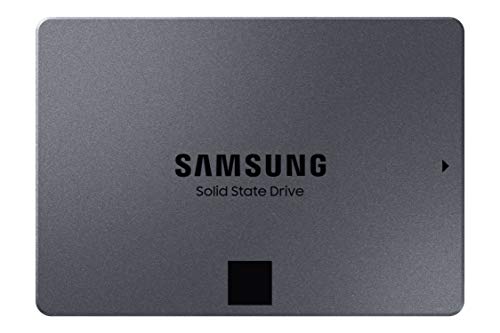
Is SAMSUNG 870 QVO SATA III 2TB SSD Good?
Yes, for most users it is a smart buy. The SAMSUNG 870 QVO SATA III 2TB SSD shines when you want a large, simple storage boost with solid speed. It suits everyday users, creators with big libraries, and gamers who need space without going NVMe. If you write huge files all day, it depends. The QLC NAND can slow after the cache fills, so heavy-duty editors may want the EVO line or NVMe.
I dropped this drive into a 2014 laptop. The change felt instant. Boot times fell, apps opened fast, and the fan stayed quiet. I also moved my Steam library to the SAMSUNG 870 QVO SATA III 2TB SSD in a desktop. Load times improved, and the extra headroom kept updates painless. It is not the fastest SSD on earth, but on SATA, it is balanced and reliable.

My First Impression for SAMSUNG 870 QVO SATA III 2TB SSD
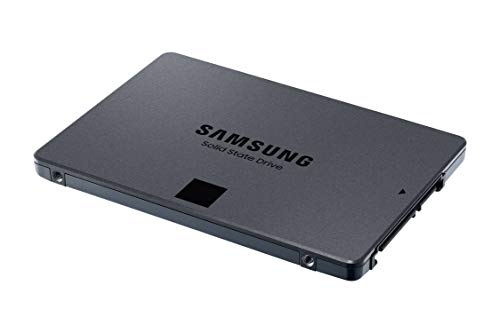
It arrived in a clean, compact box with the usual Samsung polish. The 2.5-inch drive is slim and sturdy with a matte shell that resists smudges. It feels tight and well made. Installation was easy: connect SATA data and power, slide it into the bay, and you are set. Cloning with Samsung Magician was smooth and took less than an hour for my data.
On first boot, I could feel the speed. Apps launched fast. File copies were quick for normal tasks. I was excited by how quiet and cool it ran. My only pause came when moving a very large 4K archive. After the cache, writes slowed a bit, as expected with QLC. Still, it met my expectations for a big SATA upgrade.
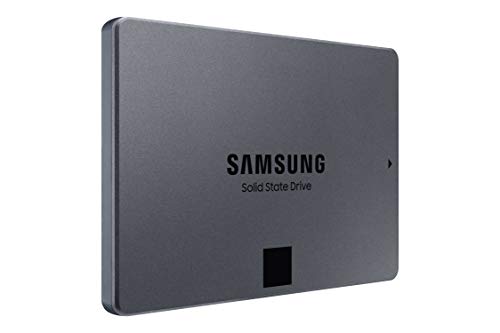
What Makes It Stand Out / Key Features
- 2TB capacity in a slim 2.5-inch, 7mm form factor
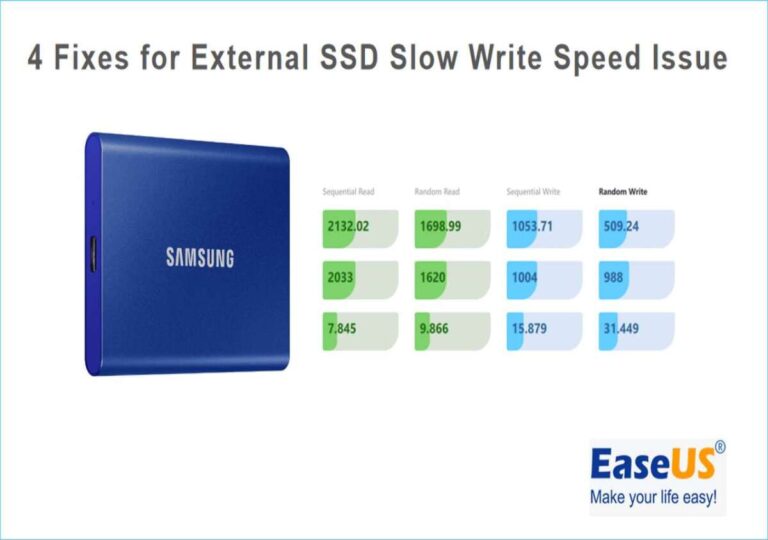
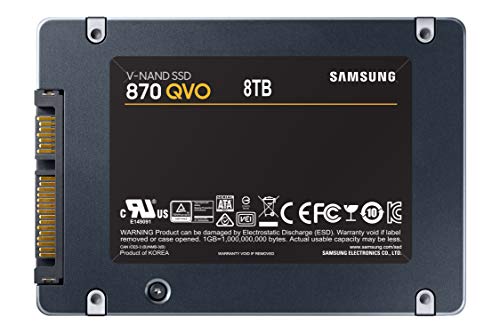
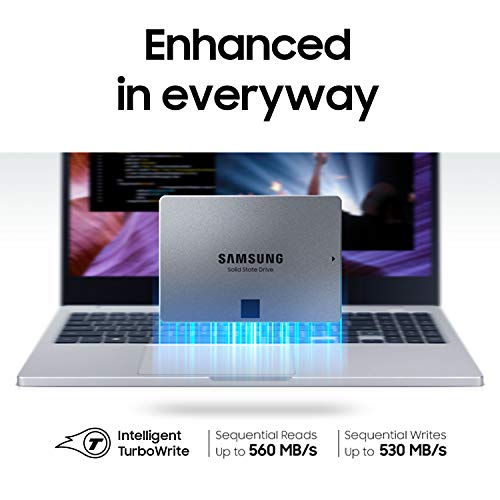
- Up to 560 MB/s read and 530 MB/s write on SATA III
- Samsung V-NAND (QLC) for strong value per terabyte
- Intelligent TurboWrite cache for faster burst writes
- Samsung Magician software for cloning, updates, and health checks
- Quiet, cool operation; zero moving parts
- Rated endurance suited for home and office workloads
- Backward compatible with SATA II (at lower speeds)

What I Like
- Great price per terabyte for a trusted brand
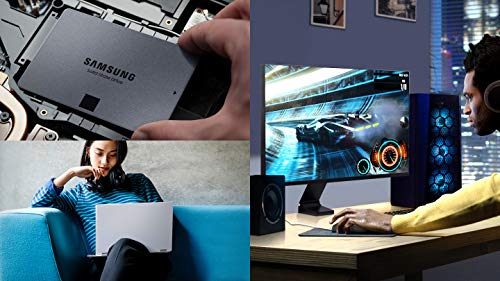
- Easy drop-in upgrade for most laptops and desktops
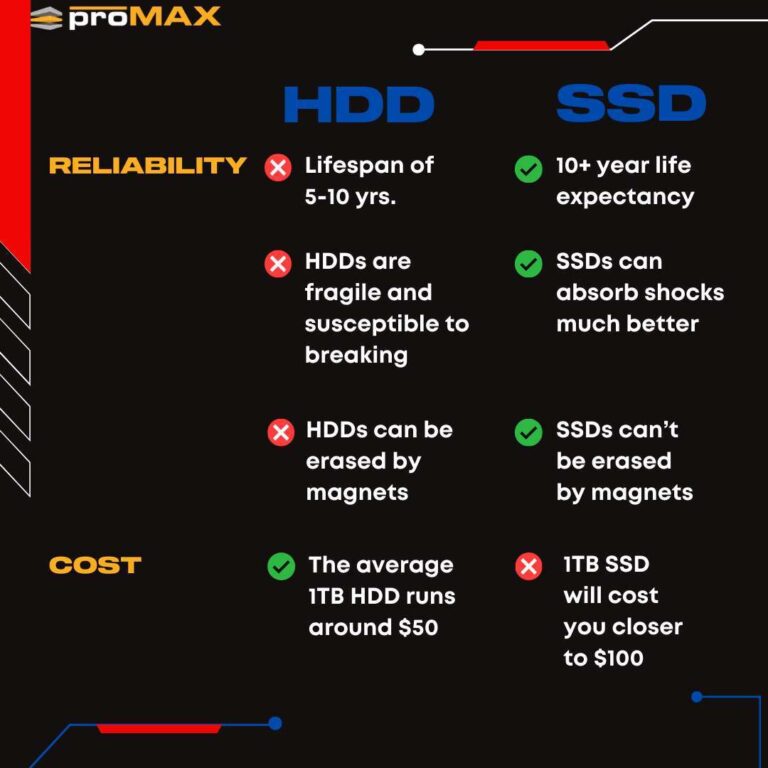
- Noticeably faster boots and app loads over HDDs
- Runs cool and silent; perfect for tight cases
- Samsung Magician makes cloning and upkeep simple
- Plenty of space for games, photos, and raw footage
- Stable read speeds for editing and media playback
What Could Be Better
- Sustained writes can dip after the cache on very large transfers
- Not ideal for heavy 24/7 write workloads or scratch disk abuse
- SATA speeds cap out below any modern NVMe drive
My Recommendation
If you have a SATA-only system and want a big, smooth upgrade, the SAMSUNG 870 QVO SATA III 2TB SSD is easy to recommend. It is best for everyday users, casual gamers, and creators who value space and steady reads over peak write endurance. It is a quiet, cool, and simple win. If you edit huge files all day or need more endurance, consider the EVO line or NVMe. For most homes and offices, this drive hits the sweet spot of price and capacity.
| Best for | Why |
|---|---|
| Upgrading older laptops/desktops | Drop-in SATA fit, huge boost over HDDs with no extra parts |
| Creators with big photo/video libraries | 2TB room, stable reads, quiet and cool for long sessions |
| Casual and mid-core gamers | Fast loads and space for many titles at a fair price |
| External USB 3.0 enclosures | Portable, silent, and far faster than portable HDDs |
Alternative Products You Can Consider
Samsung 870 EVO 2TB — This is the TLC version with higher endurance and more stable sustained writes. It is great for frequent large file edits and light pro work. It runs at the same SATA limits but holds speed better after the cache. If your budget allows, the EVO is a safer pick for heavy use than the SAMSUNG 870 QVO SATA III 2TB SSD.
Crucial MX500 2TB — A long-time favorite for balanced SATA upgrades. TLC NAND, strong real-world speed, and solid software support. Often priced well and backed by a competitive warranty. It compares closely with the 870 EVO, and it can be a great value option versus the SAMSUNG 870 QVO SATA III 2TB SSD if you find a sale.
WD Blue SA510 2TB — A reliable everyday SATA SSD with a light footprint and WD Dashboard tools. It targets general users and office PCs. Speeds match typical SATA limits. Pick it if you want a non-Samsung option with simple tools and good availability at promo prices, while the SAMSUNG 870 QVO SATA III 2TB SSD may still win on capacity value deals.
| Product | Best For | Key Difference |
|---|---|---|
| SAMSUNG 870 QVO SATA III 2TB SSD | Big capacity value on SATA | QLC NAND; great price per TB; slower on very large writes |
| Samsung 870 EVO 2TB | Heavier writes and light pro editing | TLC NAND; higher endurance; steadier sustained speed |
| Crucial MX500 2TB | Balanced all-around upgrades | TLC, often lower price; strong warranty and software |
| WD Blue SA510 2TB | Everyday use and office PCs | WD tools; similar SATA speeds; watch for promo pricing |
Final Verdict: Which Should You Buy?
If you want the most storage for the money on a SATA system, the SAMSUNG 870 QVO SATA III 2TB SSD is a strong pick. It is quiet, cool, and easy to install. It suits daily use, light editing, and big game libraries. If you often write large files or want higher endurance, the Samsung 870 EVO 2TB or Crucial MX500 2TB will serve you better. For simple upgrades and tight budgets, the QVO offers excellent value without drama.
FAQs Of SAMSUNG 870 QVO SATA III 2TB SSD Review
Will it work in my laptop or desktop?
Yes, if you have a 2.5-inch SATA bay and a SATA port. It also works in most 2.5-inch USB enclosures. Check your device manual for 7mm drive support.
Is it faster than a hard drive?
Yes, much faster. Boots, app loads, and game loads are many times quicker than HDDs. It is slower than NVMe, but it is great for SATA systems.
Is the SAMSUNG 870 QVO SATA III 2TB SSD good for video editing?
For light to medium editing, yes. Reads are steady, and the cache helps short bursts. For huge projects or heavy writes, pick a TLC drive or NVMe.
How do I install and clone my data?
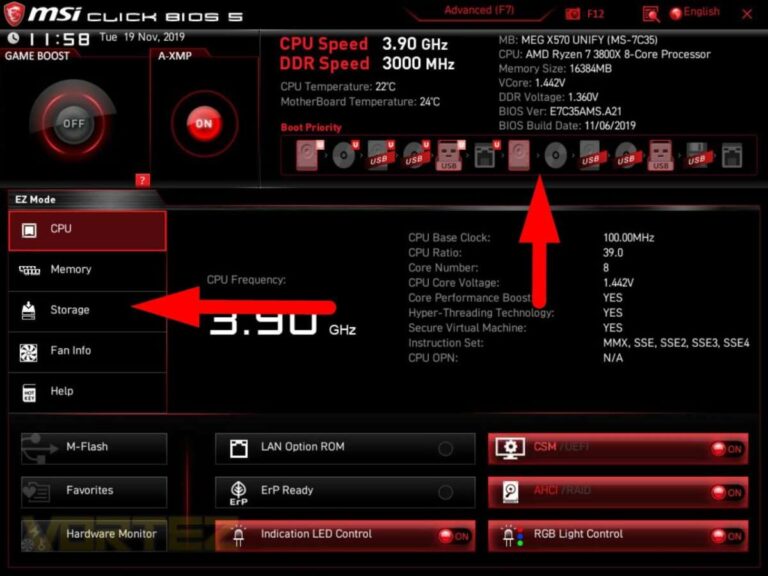
Mount the drive, connect SATA data and power, then use Samsung Magician to clone. After cloning, set the SSD as the boot drive in BIOS. It is simple and quick.
How long will it last?
It is built for everyday use. With typical home and office workloads, it should last many years. Always keep backups for peace of mind.

Everett Ashford is a tech reviewer at mytechgrid.com specializing in SSDs, cameras, TVs, earbuds, headphones, and other consumer electronics. He provides honest, data-driven reviews based on hands-on testing and real-world performance analysis. Everett simplifies complex tech details to help readers make smart, confident buying decisions.