Use the Bose app, Bluetooth last-seen, physical search tips, and trackers to locate lost earbuds.
As someone who repairs and tests headphones, I’ve helped dozens of people retrieve misplaced buds. This guide explains how to find Bose earbuds step by step, using the official app, Bluetooth tools, practical search routines, and tracker options. Read on for proven methods, troubleshooting tips, and personal lessons that make finding your earbuds faster and less stressful.
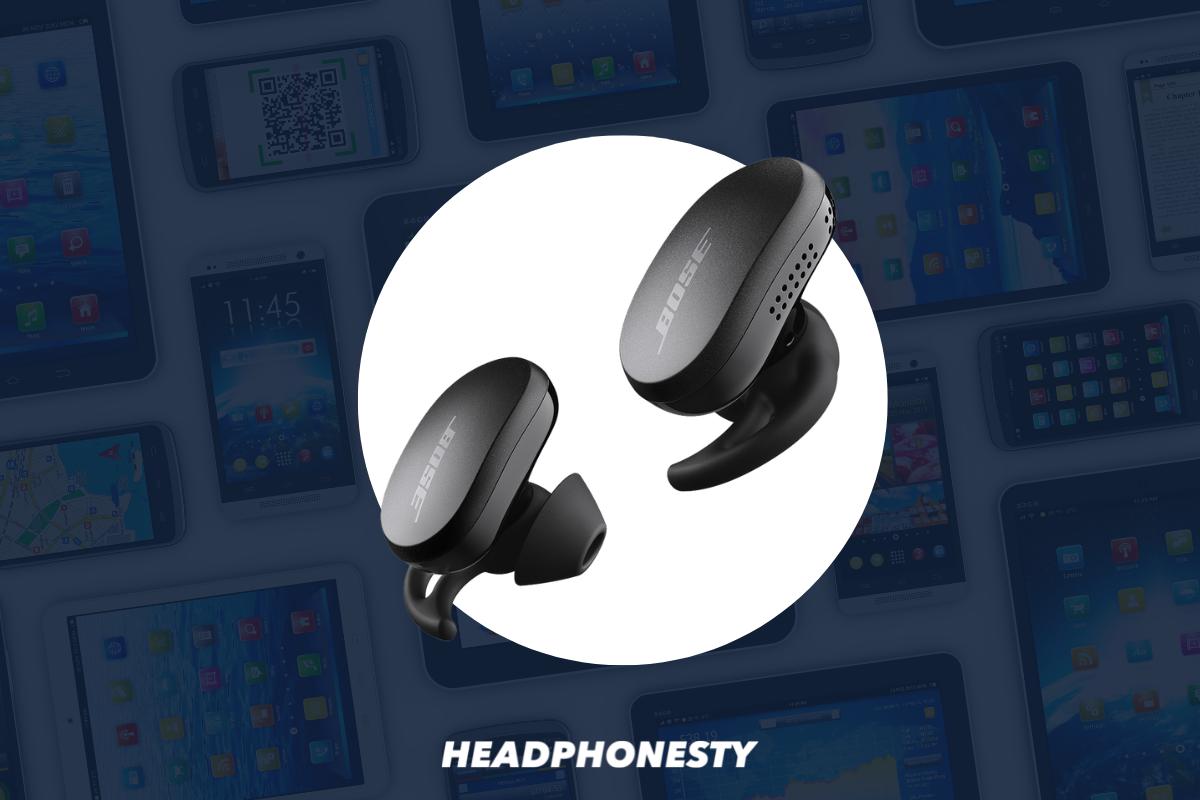
How Bose earbuds locate and what tools you already have
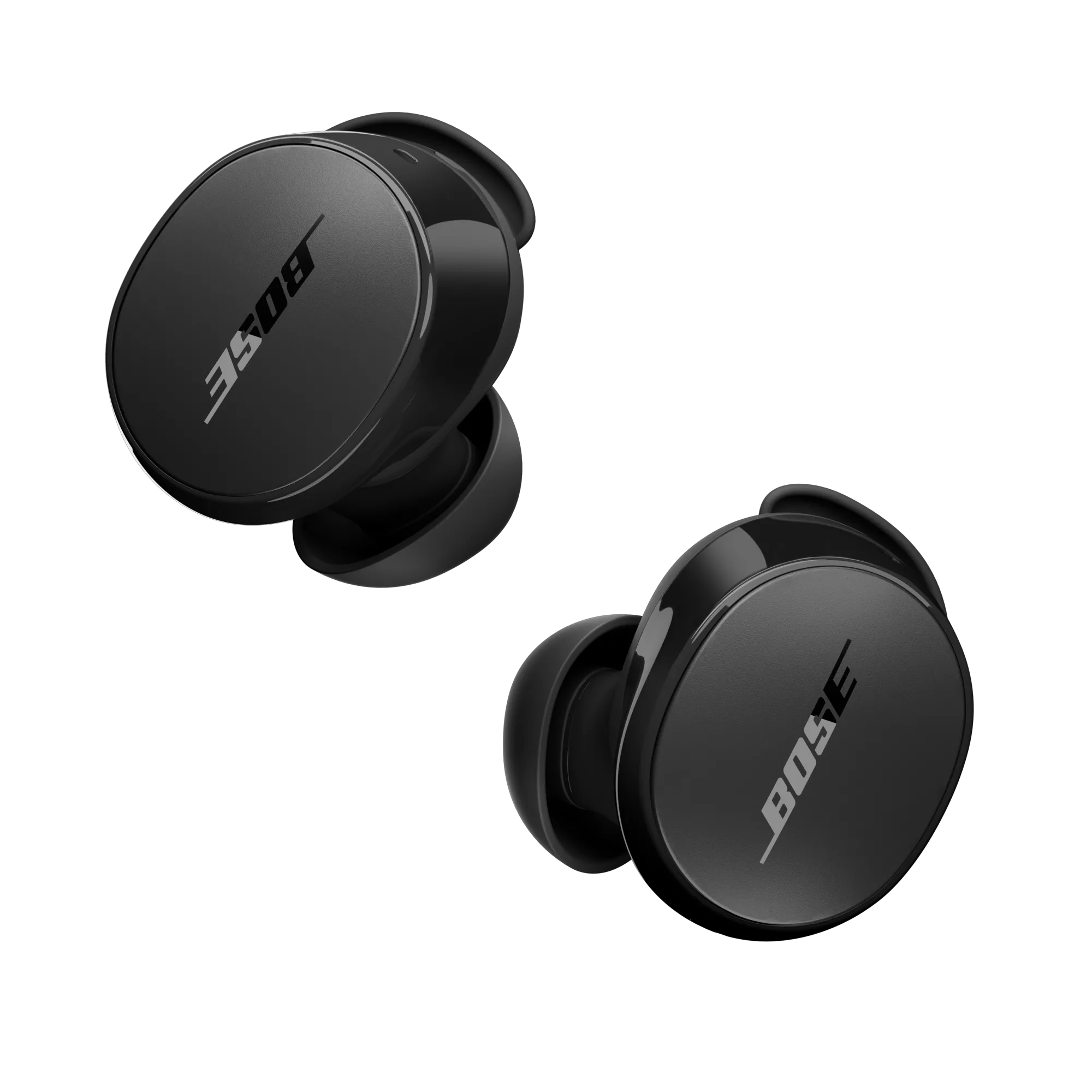
Bose earbuds don’t have built-in GPS. They rely on Bluetooth connection and the Bose app to report their last known location. Knowing this limits expectations and points you to the tools that actually work.
What to use right away:
- Bose Music or Bose Connect app for models that support them.
- Your phone’s Bluetooth scan and last-connected timestamp.
- Third-party trackers like Tile or AirTag attached to the case for future safety.
I learned early on that treating earbuds like keys helps: always return them to the same pocket or case. That habit reduced my searches dramatically.
Step-by-step: Use the Bose app to find earbuds
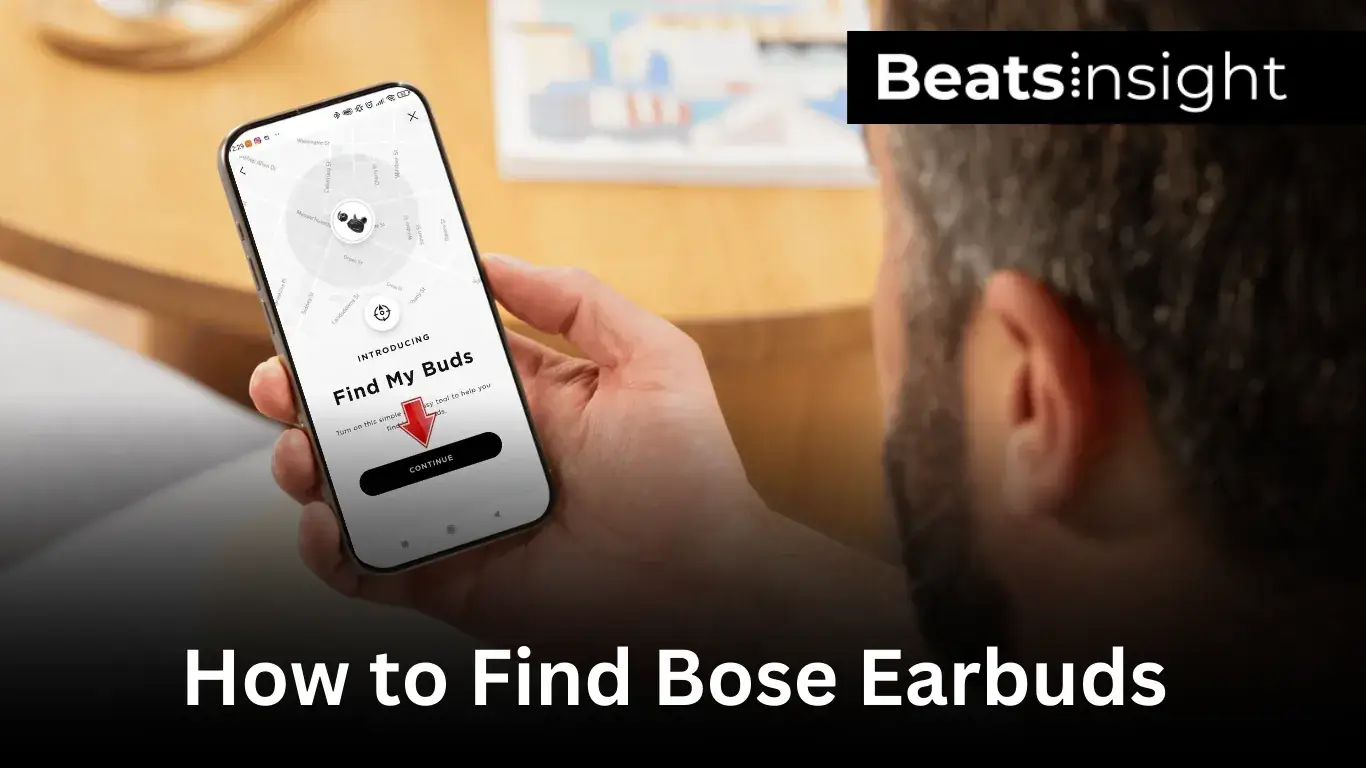
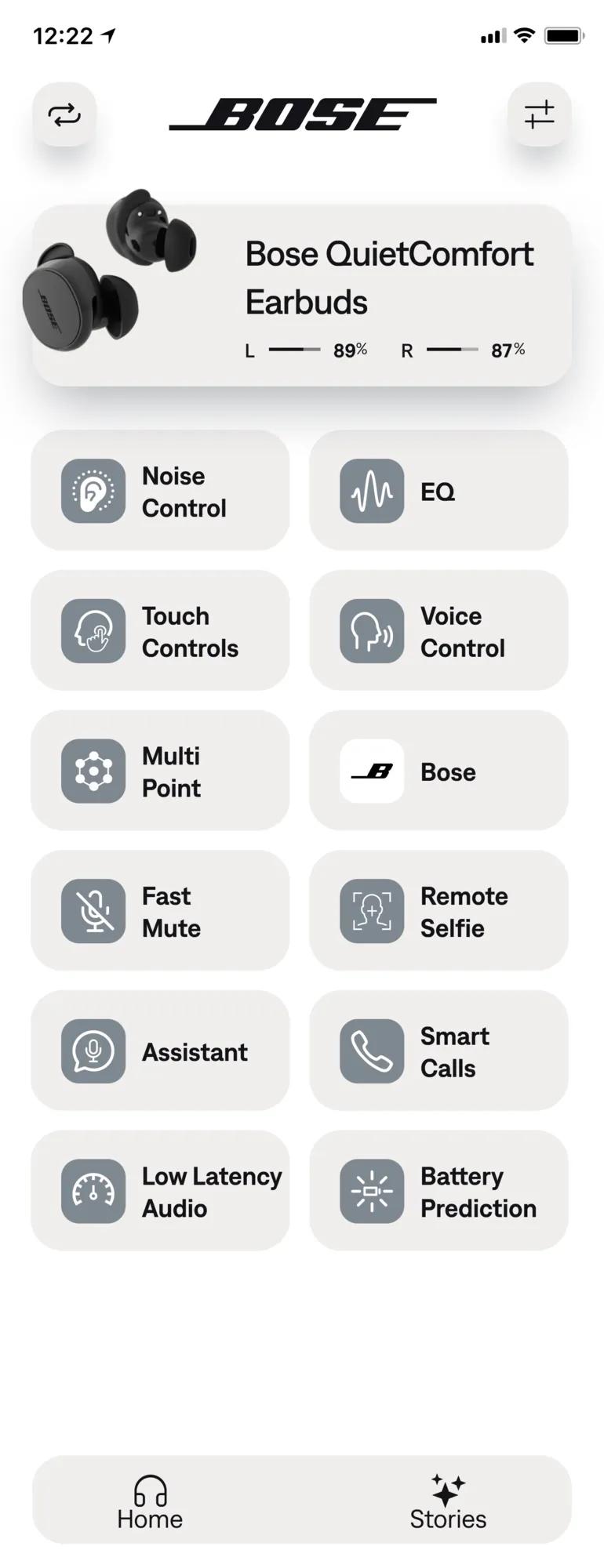
Open the Bose Music or Bose Connect app first. The app can show battery, connection status, and sometimes the last-connected place.
Steps to follow:
- Open the app and sign into your account.
- Select your earbuds from the device list.
- Check status information for “Connected” or the last-known connection time.
- If the earbuds show connected, play audio briefly to locate them by sound.
If the app shows the earbuds as disconnected, note the timestamp or last known location. That clue often points to the room, bag, or jacket you used most recently.

Use Bluetooth and “last seen” methods on your phone
Your phone logs Bluetooth connections and can help find the last place your earbuds were detected. This is often faster than a full app search.
How to check:
- On iPhone, open Settings > Bluetooth and look for your Bose earbuds in the list. If they appear as “Connected,” approach familiar spots and watch the status change.
- On Android, open Settings > Connected devices or Bluetooth. Some Android phones store device history or nearby device scans.
If your phone no longer shows the earbuds, try these steps:
- Move slowly around likely locations while watching the phone’s Bluetooth list.
- Pause at doorways and change orientation; signal strength can jump when you face the device direction.
Source: sigra.com
Physical search habits that work every time
A short, organized search beats frantic scrambling. Use a consistent routine to save time.
Try this checklist:
- Check the charging case and pockets first.
- Search common drop zones: desk edges, couch crevices, under car seats, and laundry baskets.
- Retrace your steps from the last time you remember using them.
- Call out a descriptive sound: often the tiny soft noise of one bud dropping or a click gives away the spot.
When searching couches or bags, use a flashlight angled low; shadows reveal small shapes more easily than direct overhead light. I once found a bud tucked into a shoe simply because the light angle revealed its reflective surface.

Use sound and tone features effectively
Some Bose models let you emit a tone or play a sound through the earbuds via the app. This is highly effective in quiet rooms.
How to use sound features:
- From the app, trigger the “Find My Earbuds” tone if available.
- If connected, play a short audio track at medium volume. Avoid max volume that could hurt hearing if the earbud is close.
- Move slowly and listen for the direction and volume of the tone.
If only one earbud is missing, mute the connected bud to isolate the sound from the lost piece. This increases your chance of hearing the tone in noisy environments.
When the earbuds are offline: pattern-based searching
If earbuds are out of battery or out of Bluetooth range, rely on patterns and last-known info.
Pattern-based approach:
- Note the last time you used them and where you were. Revisit that location mentally and physically.
- Look in transitional places: coat pockets, car cup holders, gym bags, and under furniture.
- Ask others in your home or office—someone may have picked them up thinking they were misplaced.
I once found a pair in a cereal box after retracing my morning routine and realizing I’d grabbed a snack while wearing them. Small routine details help.
Preventive solutions: trackers, habits, and storage
Prevention beats searching. Use physical and behavioral fixes to avoid future losses.
Practical tips:
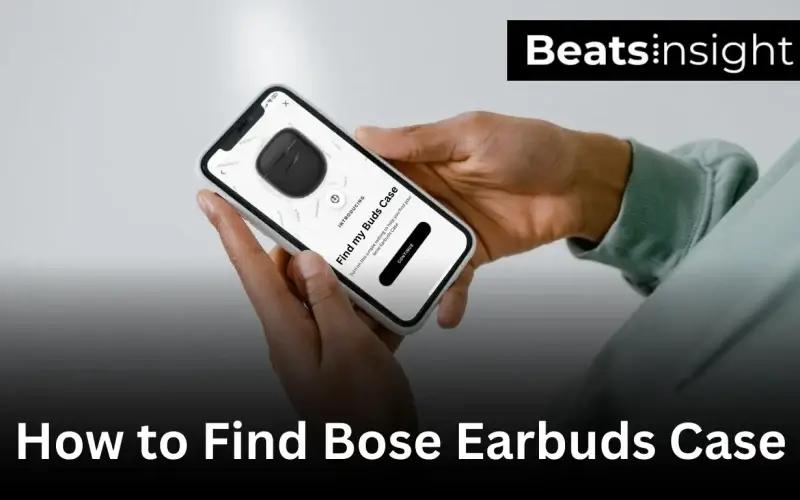
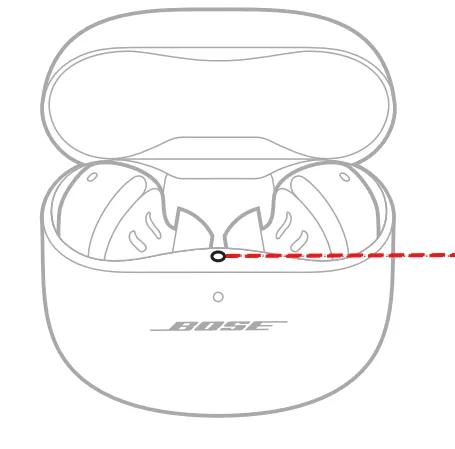
- Attach a small Tile or AirTag to your charging case if it’s large enough. This gives a reliable last-known location via map apps.
- Create a “home base” for your case—an entryway tray, a drawer, or a specific pocket in your bag.
- Charge earbuds at the same spot nightly so you always know where they will be.
Trackers add bulk but give peace of mind. I keep a slim tracker on my case and it has saved me time multiple times.
Replacing lost earbuds or parts
If you can’t find a bud, you may be able to buy a single replacement or a new case.
Replacement options:
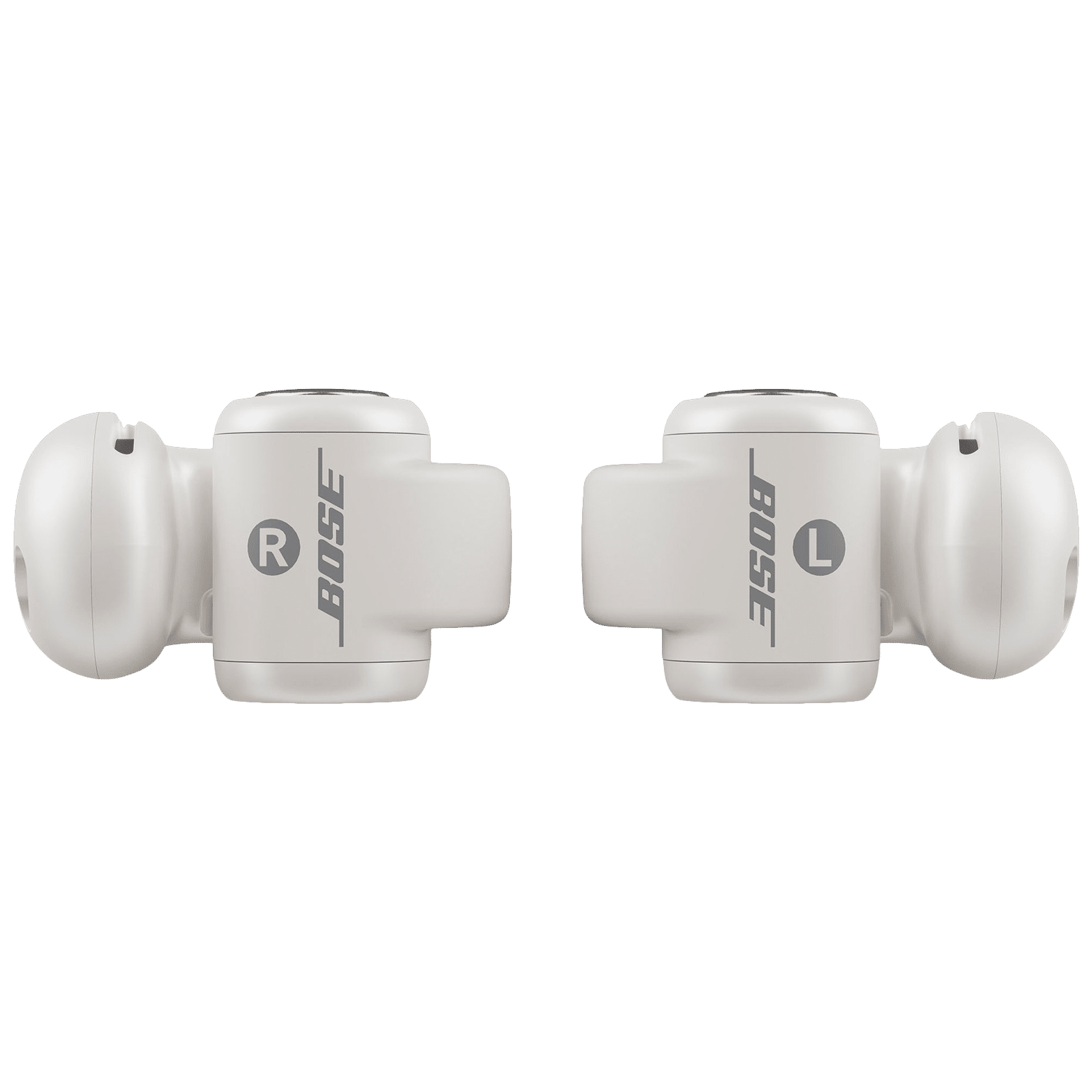
- Check Bose authorized service for single-earbud replacements.
- Look for certified refurbished or factory-sealed parts from reputable sellers.
- Consider third-party repair services if Bose replacement is unavailable.
Always verify compatibility by model number. Mixing versions can cause pairing issues and inconsistent audio.
Troubleshooting pairing and detection problems
Sometimes earbuds seem lost because they won’t pair or appear to be offline. Troubleshoot before you start a physical hunt.
- Reset the earbuds following the manufacturer’s instructions.
- Forget the earbuds on your phone’s Bluetooth list and pair again.
- Fully charge the case and earbuds before trying to connect.
Resets often resolve phantom “offline” statuses and bring earbuds back online, making them easier to find with sound features.
Real-life lessons and mistakes to avoid
Here are lessons from experience that save time and stress.
What I learned:
- Don’t assume battery life; earbuds can die at any time. Check battery before relying on tone features.
- Avoid storing the case loosely in bag compartments—use a zipped pocket.
- Use visual cues like a bright sticker on the case to speed visual searches.
A common mistake is waiting too long to search. The sooner you start, the fresher the memory and the more likely Bluetooth will still pick them up.
Quick questions people ask about locating earbuds
Can I use my phone to find Bose earbuds if they are out of range?
Yes. Your phone can show the last time they connected. That timestamp helps narrow down where you left them, though it won’t provide live tracking if they’re out of range.
Do all Bose earbuds work with the Bose app’s find feature?
No. Only newer Bose models support in-app location or tone features. Check your model’s feature list in the app before assuming it can play a locating sound.
Will a tracker damage my warranty?
Adding a small tracker to a case usually does not void the earbuds’ warranty, but altering the earbuds themselves could. Attach trackers only to the case or outer surfaces.
What if only one earbud is missing?
Search with the connected bud muted and trigger tones if available. Retrace steps focusing on the last time you remember using both buds together.
Are third-party “find earbuds” apps reliable?
Some third-party apps can help by scanning Bluetooth devices, but they can’t replace manufacturer features. Use trusted apps and avoid giving unnecessary permissions.
Frequently Asked Questions of how to find bose earbuds
How can I find my Bose earbuds using the Bose app?
Open the Bose Music or Bose Connect app and select your earbuds. The app shows connection status and may let you play a locating sound if the model supports it.
What if my Bose earbuds are offline or have no battery?
If they’re offline, use the last-connected time to retrace your steps and search common places. Consider using a tracker on the case in the future.
Can Bluetooth range tools help me find earbuds in my home?
Yes. Walk slowly around while watching your phone’s Bluetooth list; connection indicators and signal strength often change when you get closer.
Is it worth adding a Tile or AirTag to the earbuds case?
Yes. A small tracker on the case provides a map-based last-known location and can save time when earbuds go missing.
What should I do if I can’t find one earbud?
Check the case and nearby pockets first. Use sound features, retrace recent movements, and search transitional spaces like bags and car interiors.
Conclusion
Finding Bose earbuds is faster when you combine app checks, Bluetooth scanning, smart search habits, and preventive tools like trackers. Use the Bose app and your phone first, then move to organized physical searches, and adopt storage habits that stop losses before they happen. Start applying one or two tips from this guide today—add a tracker or set a home base—and you’ll cut future search time dramatically. If this guide helped you, try the steps now, share your experience in the comments, or subscribe for more practical device tips.

Everett Ashford is a tech reviewer at mytechgrid.com specializing in SSDs, cameras, TVs, earbuds, headphones, and other consumer electronics. He provides honest, data-driven reviews based on hands-on testing and real-world performance analysis. Everett simplifies complex tech details to help readers make smart, confident buying decisions.