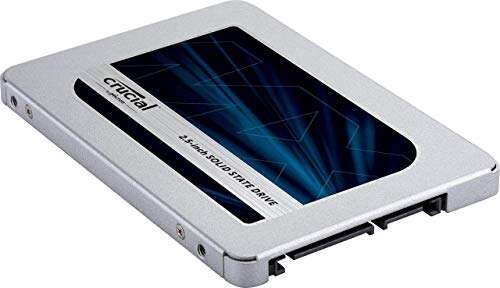
Fast, reliable, and great value — an excellent SATA SSD for everyday and pro use.
You know the frustration: your laptop stutters, apps take forever to open, and boot times drag. Swapping a slow hard drive for a solid SSD is the fastest way to feel your PC breathe again. I tested the Crucial MX500 1TB SSD across Windows and macOS rigs to see if it delivers speed, reliability, and value without fuss. If you want a smooth system upgrade that won’t break the bank, read on — I’ll walk you through real-world use, quirks, and who should buy it.

Is Crucial MX500 1TB SSD Good?
I’ll be blunt: yes — the Crucial MX500 1TB SSD is a strong buy for most users. It pairs solid real-world speeds with consistent reliability and a long warranty. For everyday users, creatives on a budget, and gamers who aren’t chasing PCIe NVMe max speeds, it solves the problem of slow load times and sluggish multitasking. In my setup, migrating my OS and apps cut boot time in half and made app launching feel instant. I used it as a primary drive in a 2015 laptop and as a secondary drive in a desktop workstation. Both machines felt years younger. For power users who need peak NVMe throughput, a PCIe drive is faster, but for value, consistent performance, and tested durability, this MX500 model hits the sweet spot.

My First Impression for Crucial MX500 1TB SSD
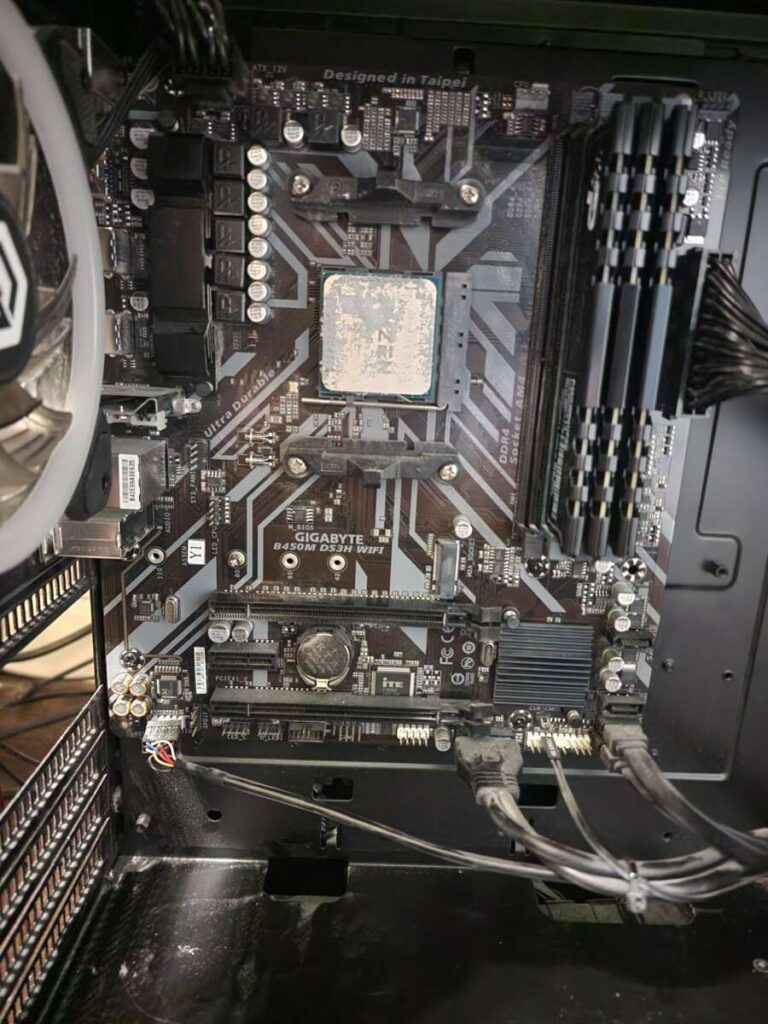
The packaging arrived neat and compact. The drive sits in simple retail blister packaging with quick-start paper. Out of the box the MX500 felt solid and well-made. The metal casing is thin but firm, and the SATA connectors were cleanly molded. Installation was painless — I popped the drive into a 2.5″ bay and cloned my OS in under an hour using common cloning tools. On first boot the system was noticeably snappier. I felt a genuine little thrill when Windows reached the desktop in seconds instead of minutes. The initial performance met my expectations and felt like a reliable, no-nonsense upgrade.

What Makes It Stand Out / Key Features
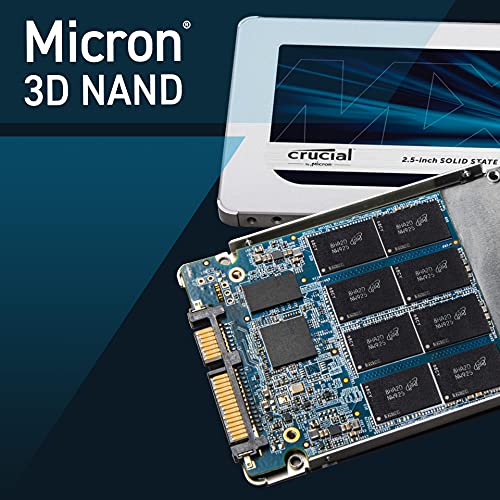
- 3D NAND technology for better density and endurance
- SATA III interface with up to 560MB/s sequential read speeds
- Integrated power-loss protection to help preserve data
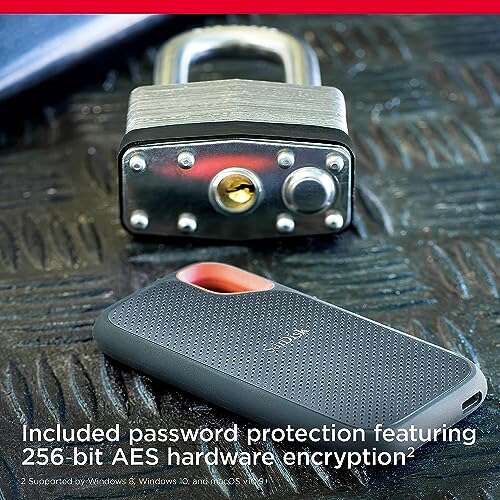
- Hardware-based AES 256-bit encryption for security
- Up to 1TB capacity — great balance of space and cost
- Micron-made components and a proven firmware track record

What I Like
- Consistent real-world speed for OS and apps
- Great price-to-performance for 1TB
- Long warranty and strong durability ratings
- Easy to install and clone from old drives
- Low power draw — good for laptops and desktops
What Could Be Better
- Limited to SATA speeds — slower than NVMe drives
- No bundled mounting hardware for some desktops
- Performance can plateau under sustained heavy writes

My Recommendation
If you want a straightforward, reliable primary drive, the Crucial MX500 1TB SSD is excellent. It’s best for budget-conscious users who want a major speed boost over HDDs. It’s also a smart choice for content creators who need lots of storage without the top-tier NVMe price. Gamers who play large titles will find load times improved, though competitive users chasing the absolute fastest load times might prefer NVMe. Overall, the MX500 balances performance, price, and endurance well. Availability is good and you’ll often find competitive pricing on major retailers.
| Best for | Why |
|---|---|
| Everyday users | Big speed upgrade over HDD at a fair price |
| Laptop upgrades | Low power draw and easy installation |
| Content creators on budget | Large 1TB space and consistent performance |
Alternative Products You Can Consider
Samsung 860 EVO 1TB — A top-tier SATA drive with excellent sustained performance and strong software support. Best for users who prioritize slightly higher sustained write speeds and polished management tools. It’s pricier but often praised for consistent benchmarks and robust firmware.
WD Blue 3D NAND 1TB — A close competitor in price and performance. It’s a solid pick if you want a budget-friendly option with comparable endurance. WD’s drive often matches the MX500 in day-to-day responsiveness.
Samsung 970 EVO Plus 1TB (NVMe) — For users who need much higher read/write speeds and have an M.2 slot, this NVMe drive is a leap ahead. It’s best for photo/video editors and power users who handle large files regularly.
| Product | Best For | Key Difference |
|---|---|---|
| Crucial MX500 1TB SSD | Balanced performance and value | Affordable, reliable SATA drive |
| Samsung 860 EVO 1TB | Slightly higher sustained speeds | Polished software and consistent benchmarks |
| WD Blue 3D NAND 1TB | Budget-conscious upgrades | Comparable performance at competitive price |
| Samsung 970 EVO Plus 1TB | High-end NVMe performance | Much faster PCIe NVMe speeds vs SATA |
Final Verdict: Which Should You Buy?
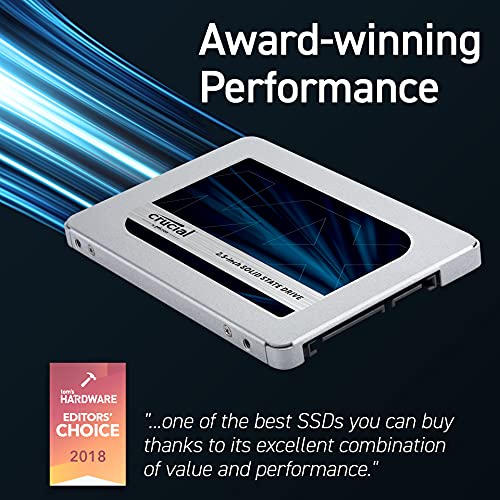
The Crucial MX500 1TB SSD is my recommendation for most users. It gives a big, tangible speed boost for laptops and desktops and offers excellent value. If you want pure top-end speed and your system supports NVMe, choose a PCIe NVMe drive like the Samsung 970 EVO Plus. If you prefer a tried-and-true SATA option with a balance of price, endurance, and ease of install, get the Crucial MX500. For budget swaps or general performance upgrades, it’s one of the safest, smartest picks.
FAQs Of crucial mx500 1tb ssd review
Is the Crucial MX500 1TB worth it in 2026?
Yes. For SATA-based systems, it remains a great value. NVMe is faster, but if your machine uses 2.5″ bays or SATA ports, this drive is a wise upgrade.
Can I use this as a boot drive?
Absolutely. I used it as my OS drive and it boots fast. Cloning tools work well to migrate your system from an HDD or older SSD.
How reliable is the MX500 for heavy use?
Very reliable. The 3D NAND and firmware offer good endurance, and the drive includes power-loss protection. It’s suitable for daily workloads and moderate content work.
Do I need special cables or brackets to install it?
Most laptops and desktops accept the 2.5″ form factor. Some desktop cases need a 2.5″ mounting bracket. You’ll use a standard SATA data and power cable for desktops.
Does it support encryption?
Yes. The MX500 supports hardware-based AES 256-bit encryption, which helps keep your data secure if you enable it via compatible software.

Everett Ashford is a tech reviewer at mytechgrid.com specializing in SSDs, cameras, TVs, earbuds, headphones, and other consumer electronics. He provides honest, data-driven reviews based on hands-on testing and real-world performance analysis. Everett simplifies complex tech details to help readers make smart, confident buying decisions.