Yes. You can usually use your wireless earbuds while the charging case is plugged in, as long as the earbuds are outside the case and connected to your phone or another device.
This is common with AirPods, Galaxy Buds, Beats, Sony earbuds, and many other true wireless earbuds. The case can charge from a wall adapter, USB port, car charger, or wireless charging pad while the earbuds play audio.
The main limit is simple: earbuds inside the case normally charge instead of playing sound. A few models may behave differently, so check the manual for your exact model if the connection does not work as expected.
Introduction
For people in the United States, this setup is useful when you want to listen to music, join a work call, or watch a video while preparing the case for later use. The case and the earbuds have separate batteries and charging circuits, so charging one does not usually stop the other from working.
Still, the case should be charged with safe, compatible equipment. Keep the case dry, use an undamaged cable, and avoid covering it while it charges.
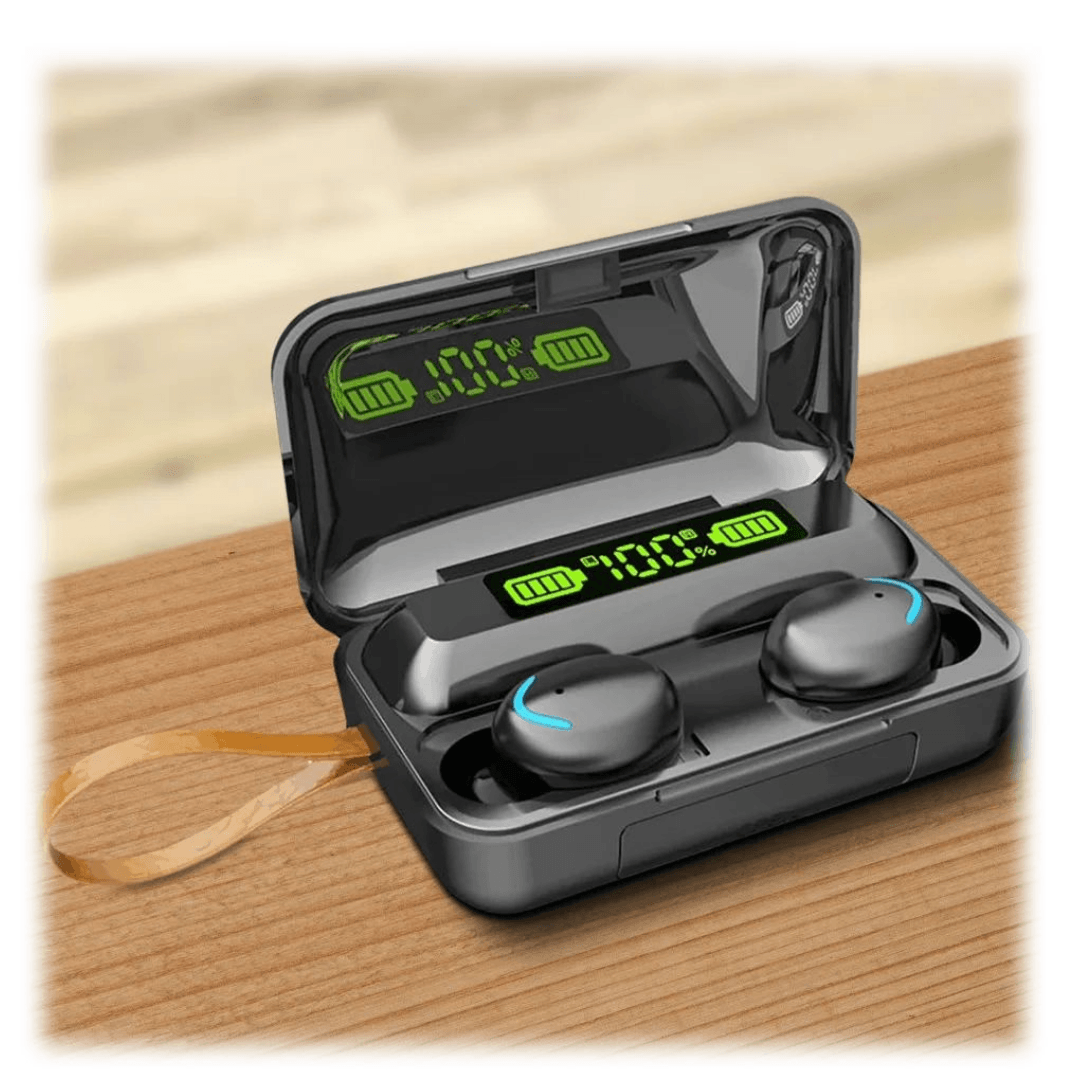
How Earbuds and Their Charging Case Work
Wireless earbuds and their case contain separate batteries. The earbuds draw power from their own small batteries while the case stores power for later use.
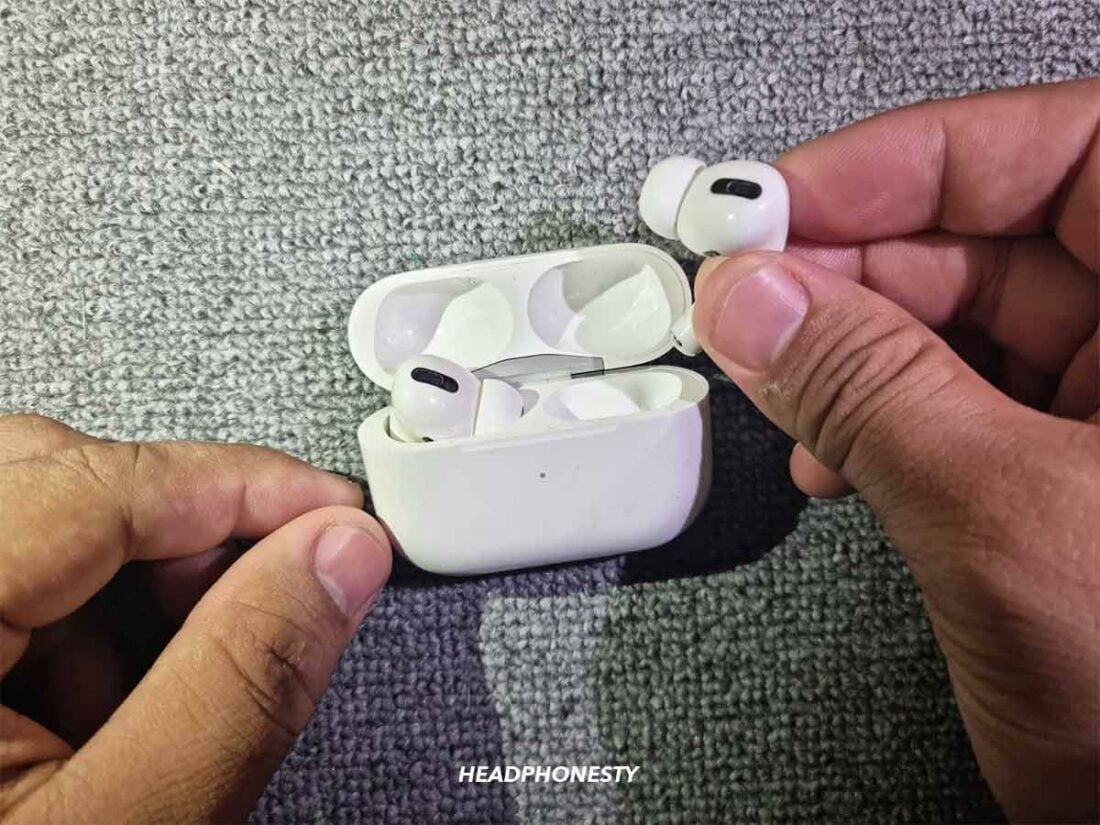
When you place the earbuds inside the case, metal contacts transfer power from the case to the earbuds. The case may also send a wireless signal that tells the earbuds to disconnect or enter a charging mode.
When you remove the earbuds, they can connect to your phone again. The case then charges on its own through its USB-C, Lightning, or wireless charging input.
This means these two actions can happen at the same time:
- The earbuds play audio from your phone.
- The case charges from a cable or charging pad.
The case does not need to be connected to the earbuds for the earbuds to work. It only needs to have enough charge to recharge them when you put them away.

Can You Use Earbuds While the Case Is Plugged In?
Yes, in most cases. Follow these steps:
- Plug the charging case into a compatible charger.
- Remove both earbuds from the case.
- Wait for the earbuds to connect to your phone.
- Play music or start your call.
- Leave the case in a safe, dry place while it charges.
You do not need to keep the earbuds near the case. Bluetooth connects the earbuds to your phone, not to the charging cable.
If the earbuds do not connect, open your phone’s Bluetooth settings. Select the earbuds from the list of saved devices. You may also need to open the brand’s app to check the connection or update the firmware.
What happens when you put the earbuds back?
Most earbuds stop playing when you place them in the case. They then begin charging, and the case may close the Bluetooth connection.
If the case is still charging, it can recharge the earbuds while it receives power from the wall or USB source. Some cases charge the earbuds first and then continue charging their own battery. The exact order depends on the model.

Can You Use One Earbud While the Other One Charges?
Often, yes. Many wireless earbuds support single-earbud use.
For example, you may place the left earbud in the case while wearing the right one. The left earbud charges, while the right earbud stays connected to your phone.
This feature depends on the earbud design and software. Some models support either earbud on its own. Others require the right earbud to act as the main connection point.
Try these steps:
- Put one earbud into the case.
- Close the lid or leave it open, based on the model’s normal use.
- Keep the other earbud in your ear.
- Check whether audio continues.
- If the sound stops, reconnect through Bluetooth or the brand’s app.
Single-earbud use can also help extend listening time. You can charge one side while using the other, then switch sides when needed.
However, do not place an earbud into a case that is wet, dirty, or damaged. Moisture and debris can block the charging contacts.

Does Charging the Case While Using Earbuds Hurt the Battery?
No. Normal use while the case charges should not harm the earbuds or the case battery.
Modern charging cases use battery-control systems that manage charging. These systems can reduce or stop the charging current when the battery reaches its target level.
Battery wear is more closely linked to heat, age, charging cycles, and battery chemistry than to the simple act of using earbuds while the case charges. All rechargeable batteries lose capacity over time, but normal charging does not create a special risk by itself.
To reduce heat and battery stress:
- Use the charger and cable supplied by the manufacturer when possible.
- Use a reputable USB power adapter with the correct output.
- Keep the case away from direct sun and hot surfaces.
- Do not charge it under a pillow, blanket, or pile of clothing.
- Stop using it if the case becomes unusually hot, swells, smells odd, or shows damage.
- Keep water away from the charging port and wireless charging pad.
A warm case can be normal during charging. A case that is too hot to touch, smells of chemicals, smokes, or changes shape needs immediate attention. Unplug it when you can do so safely, move away from it, and follow the manufacturer’s safety instructions.
What Charger Should You Use?
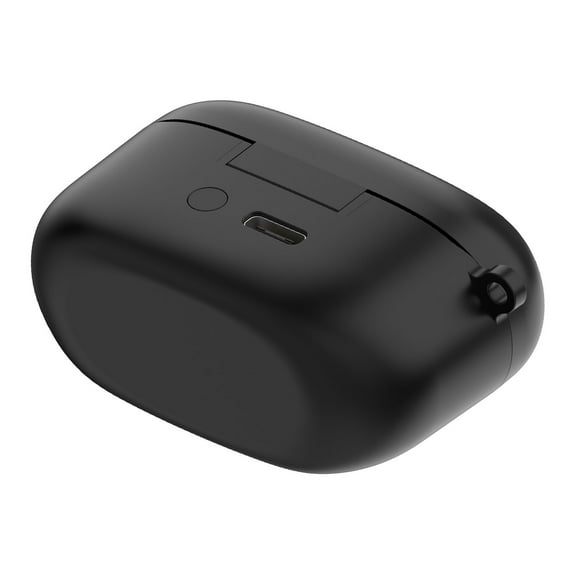
Use a charger that matches the manufacturer’s instructions. Most modern earbud cases accept power through USB-C. Some older Apple cases use Lightning, and some cases support Qi or other wireless charging systems.
A phone charger may work, but the connector alone does not prove that the charger is suitable. Use a certified or reputable power adapter and a cable that is not cut, bent, frayed, or loose.
Wired charging
Wired charging is usually the fastest and most direct method. Plug the cable into the case, then connect the other end to a wall adapter, computer, power bank, or car power outlet.
A computer USB port may charge the case more slowly. That is usually not a problem, provided the port and cable are in good condition.
Wireless charging
If the case supports wireless charging, place it in the center of a compatible charging pad. The status light may show that charging has started.
Wireless charging can create more heat than wired charging in some conditions. Remove thick cases or accessories if they prevent proper alignment. If charging starts and stops, reposition the case or use a cable instead.
Why Do Earbuds Disconnect While the Case Charges?
A disconnection usually means one of several things:
| Symptom | Likely cause | What to try |
|---|---|---|
| Earbuds disconnect when placed in the case | Normal charging behavior | Remove them to use them |
| Earbuds do not connect after removal | Bluetooth connection problem | Turn Bluetooth off and on, then reconnect |
| Only one earbud works | One earbud has a low battery or lost sync | Charge both, then reset and pair again |
| Audio cuts out near the charging case | Interference or low battery | Move the phone closer and charge the earbuds |
| Case light does not turn on | Empty battery, bad cable, or dirty port | Try another safe cable and inspect the port |
| Case gets very hot | Heat, charger issue, or battery fault | Unplug it and stop using it if the heat continues |
Start with the safest and simplest checks. Remove the earbuds from the case, place them near the phone, and check the battery level. Then confirm that the phone shows the correct Bluetooth device.
If that fails, restart Bluetooth. If the issue continues, forget the earbuds in the phone’s Bluetooth settings and pair them again. Use a factory reset only after reading the model’s instructions because the reset process differs by brand.

Can You Charge the Case With the Earbuds Inside?
Usually, yes. You can place the earbuds inside the case and connect the case to a charger.
In this situation, the case normally charges both its own battery and the earbuds. The earbuds will not usually play music because they are stored inside the case.
Some cases may charge the earbuds before charging themselves fully. Others may divide power between the two batteries. You do not need to manage this manually.
If the earbuds remain connected while inside the case, check whether:
- The case lid is fully closed.
- The earbuds are seated correctly.
- The charging contacts are clean.
- The case has enough power.
- The earbuds are compatible with that case.
A dirty charging contact can make an earbud stay awake and drain its battery. Clean the contacts with a dry, soft cloth or a dry cotton swab. Do not pour liquid into the case or scrape the contacts with a sharp object.

Cases Where You Should Not Use or Charge the Earbuds
Do not charge or use the earbuds if they show signs of damage. Stop and inspect them if you notice a cracked shell, exposed wire, swelling, smoke, a chemical smell, or severe heat.
Do not charge the case when it is wet. Even water-resistant earbuds may not have a water-resistant charging case. Dry the case and the charging port completely before connecting a cable.
Avoid using uncertified or damaged charging accessories. A low-quality adapter may create unstable power or excess heat. The safest choice is the charger recommended by the manufacturer or a reputable adapter that meets the stated specifications.
Do not use earbuds at a volume that blocks traffic, alarms, or other warnings. This is especially important while walking, cycling, driving, or working near machinery. In the United States, laws about headphone use while driving vary by state, and some places restrict the use of earbuds in certain situations.
The charging case should also have airflow. Do not leave it under bedding, inside a closed bag, or against a heat source while it charges.

How to Get the Best Results
The easiest routine is to charge the case while using the earbuds, then return the earbuds to the case when you finish. This keeps the case ready for the next listening session.
For better battery life and fewer connection problems:
- Keep the earbud software and phone software up to date.
- Clean the charging contacts when needed.
- Avoid leaving the case at full charge in extreme heat.
- Do not let the earbuds or case stay at zero charge for long periods.
- Store the earbuds in their case when you are not using them.
- Keep the case and earbuds away from water unless the manufacturer gives a clear water-resistance rating.
- Check the battery level in the phone or manufacturer app.
If you use one earbud at a time, alternate sides. This can help keep both batteries at similar charge levels, though the exact battery result depends on call use, volume, and the model.

Key Takeaways
- Yes, you can usually use earbuds while their case charges.
- Remove the earbuds from the case before trying to use them.
- Earbuds inside the case normally charge and stop playing.
- One earbud may work while the other charges, depending on the model.
- Use a safe, compatible charger and an undamaged cable.
- Keep the case dry and cool while it charges.
- Stop using the case if it swells, smokes, smells strange, or becomes extremely hot.
Frequently Asked Questions
Can I use AirPods while the AirPods case is charging?
Yes. Remove the AirPods from the case and connect them to your iPhone, iPad, Mac, or another compatible device. The case can charge separately through its cable or wireless charging pad.
Can I use Galaxy Buds while the case is charging?
Usually, yes. Remove the Galaxy Buds from the case and connect them to your phone. If they do not reconnect, check Bluetooth and the Galaxy Wearable app.
Can I charge the case overnight?
Many people charge an earbud case overnight, and modern cases are designed to control charging. Still, use the manufacturer’s recommended equipment and place the case on a hard, clear surface. Do not charge it under bedding or if it is damaged.
Why do my earbuds stop working when I put them in the case?
The case normally signals the earbuds to disconnect and charge. Remove them again and wait a few seconds for them to reconnect. If they stay disconnected, check Bluetooth, battery level, and the charging contacts.
Is it better to charge the case with the earbuds inside or outside?
Either option is normally fine. Charging the earbuds inside the case is useful when you want both batteries ready later. Charging the case while using the earbuds is useful when you need to keep listening.
Conclusion
You can generally use wireless earbuds while the charging case is plugged in. The earbuds use their own batteries, while the case charges its separate battery. Take the earbuds out, connect them to your device, and charge the case with safe, compatible equipment.
If the earbuds disconnect, check whether they are seated in the case, whether the contacts are clean, and whether Bluetooth is working. Stop charging if the case shows damage or extreme heat, and follow the instructions for your exact model.

Everett Ashford is a tech reviewer at mytechgrid.com specializing in SSDs, cameras, TVs, earbuds, headphones, and other consumer electronics. He provides honest, data-driven reviews based on hands-on testing and real-world performance analysis. Everett simplifies complex tech details to help readers make smart, confident buying decisions.