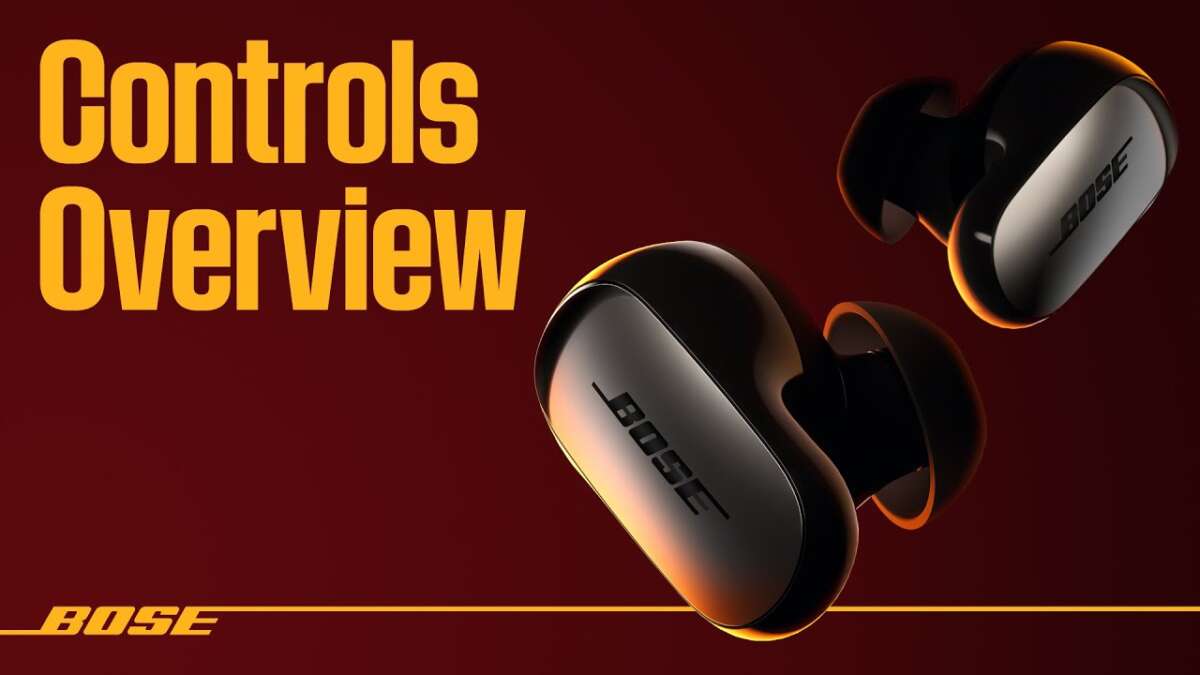
Pair, wear, pair again, toggle ANC, and use touch controls for clear sound and comfort.
I’ve tested and taught many people how to use Bose QuietComfort Ultra Earbuds. This guide walks you through setup, daily use, sound tuning, noise control, and real-world tips so you get the most from your buds fast. Read on for clear steps, proven tricks, and troubleshooting advice drawn from hands-on experience.
Quick overview and key features
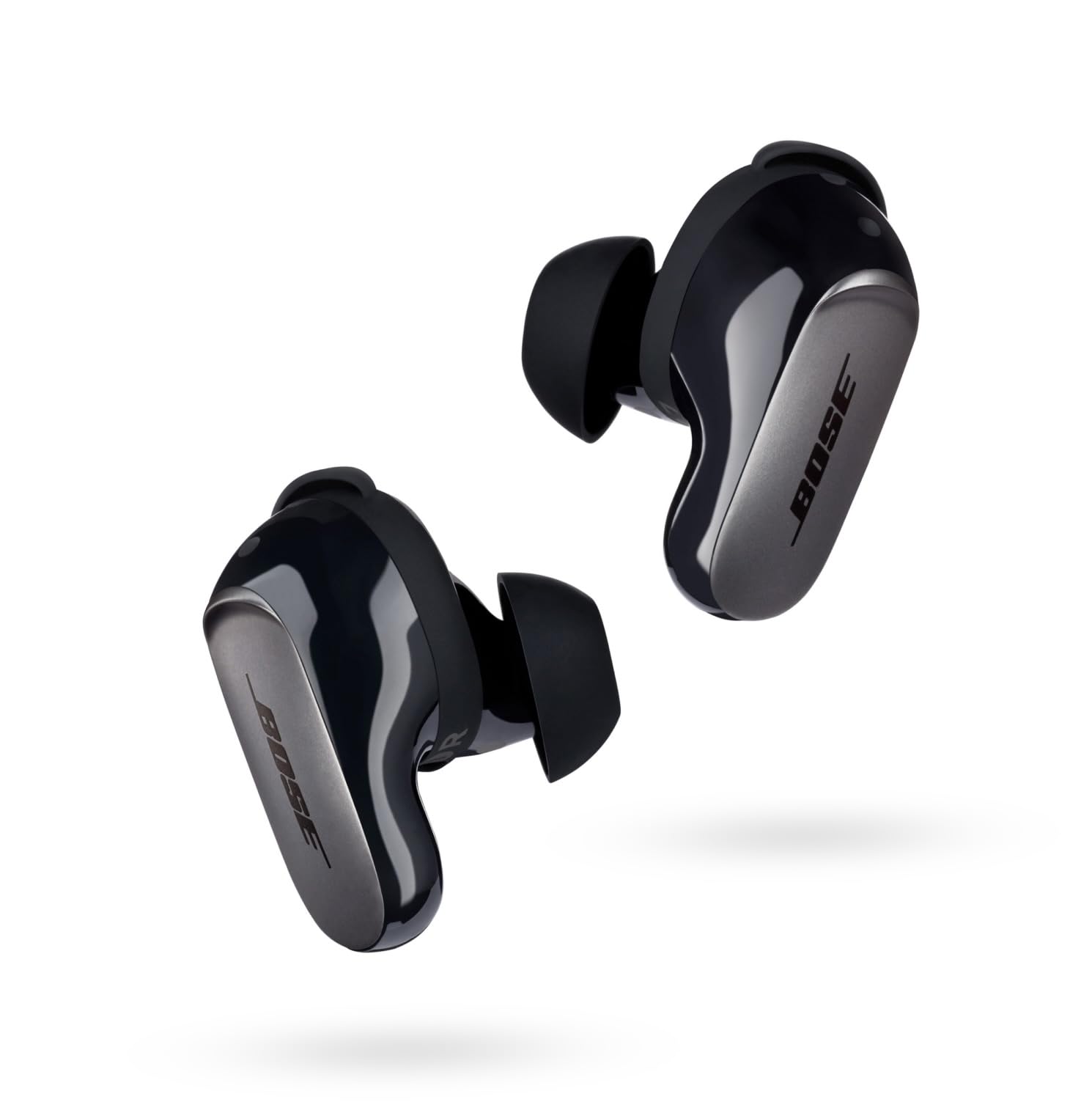
The Bose QuietComfort Ultra Earbuds are premium true wireless earbuds with active noise cancelling, transparency mode, multi-device Bluetooth, and touch controls. They aim to deliver rich sound, deep ANC, and long battery life in a compact design. Knowing each feature helps you use the earbuds with confidence and avoid common setup mistakes.
Getting started: unboxing, charging, and pairing
Follow these steps to begin using your earbuds the right way.
- Unbox and inspect the case and earbuds for damage.
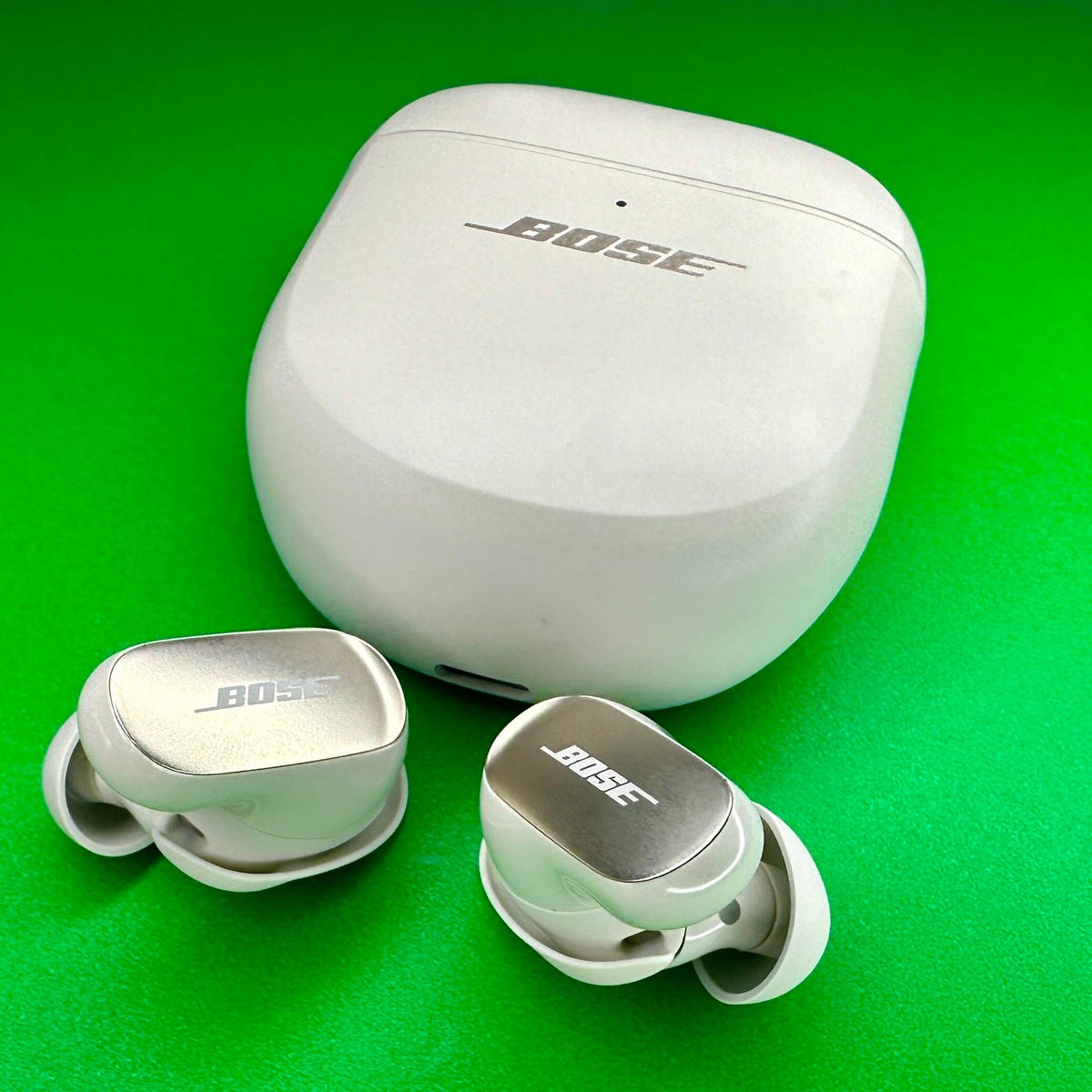
- Charge the case fully before first use. The case uses a USB-C cable; a full charge takes about 2 hours.
- Place earbuds in the case to power them on and enter pairing mode.
- On your phone or computer, enable Bluetooth, find the earbuds, and select them to pair.
- Install the Bose app for firmware updates and extra controls.
Tips from experience: always update firmware before heavy use. Firmware fixes improve stability and ANC performance. If pairing fails, reset the earbuds by holding the case button for 10 seconds.

Wearing and fit: maximize comfort and seal
A correct fit boosts bass, voice clarity, and ANC performance.
- Try the included ear tips to find the best seal. The right tip should block external noise and feel snug but not painful.
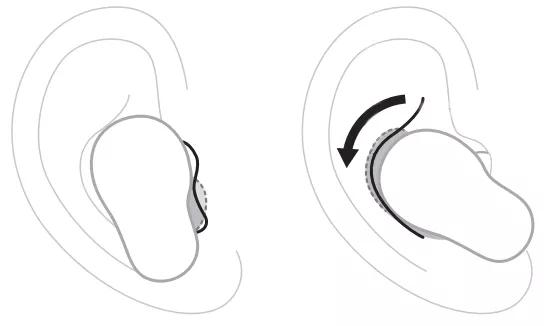
- Insert the earbud and twist gently until secure. A small twist anchors the bud comfortably.
- Check fit by enabling transparency mode briefly; poor fit means weak bass and more outside noise.
- If you exercise, use the stay-hear tips or a different size to prevent slipping.
Personal note: I learned that a tight seal prevents the earbuds from sounding tinny. Spend five minutes testing tips—proper fit makes a big difference.

Controls and touch gestures: simple commands
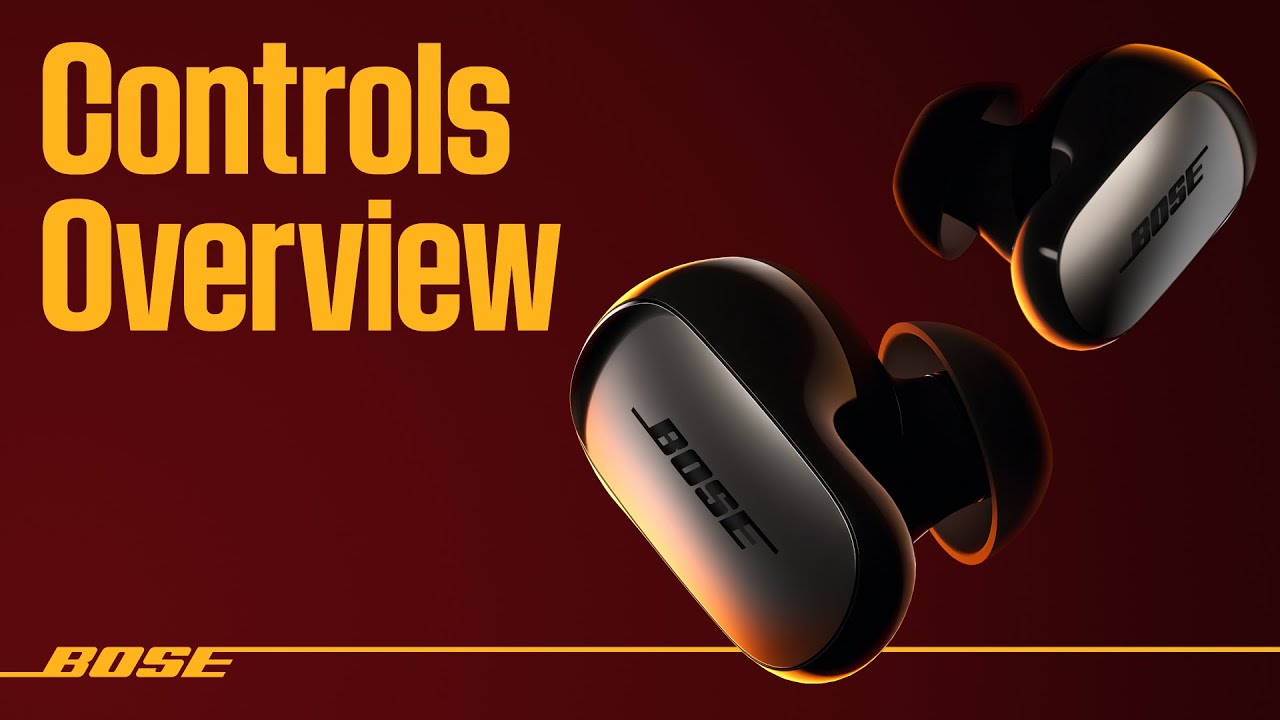
Learn the default gestures so you can use the earbuds without reaching for your phone.
- Single tap: play or pause audio.
- Double tap: skip forward.
- Triple tap: skip back.
- Press and hold or touch-and-hold: activate voice assistant or toggle ANC, depending on your settings.
- Use the Bose app to customize gestures per ear for actions like volume control or cycle modes.
A common mistake is accidental taps. If that happens, change sensitivity or assign less-used features to touch gestures. I changed one ear to control volume only and it reduced accidental skips.
Active Noise Cancelling, Transparency, and modes
Understanding the modes helps you match sound to your environment.
- Noise Canceling: blocks background noise for focused listening or travel. Adjust ANC strength in the app.
- Transparency or Aware Mode: lets outside sound in for safety and quick chats. Use this in urban areas.
- Auto mode: some models auto-adapt ANC based on surroundings; enable this if you move between quiet and loud spaces.
Use ANC on planes and trains for best results. If voices still leak in, check fit and update firmware. Overuse of full ANC drains battery faster, so lower ANC when not needed.

Sound, EQ, and personalization
Customize sound to suit your taste and content.
- Open the Bose app to use presets or an equalizer.
- For podcasts and calls, boost midrange slightly for clearer voices.
- For music, a small bass lift helps, but avoid extreme boosts to keep clarity.
- Save custom profiles for different devices or people.
From testing, I found that a mild warm profile gives the most pleasant sound for long listening sessions. Use app presets if you don’t want to tweak sliders.

Battery life and charging habits
Good habits extend battery health and uptime.
- Expect a full charge to give several hours of playback; case charges add multiple full cycles.
- Turn off Bluetooth on devices not in use to save battery.
- Avoid leaving the case plugged in constantly; occasional full charge cycles help battery health.
- Store the case and buds in a cool, dry place, not in extreme heat.
I charge overnight and top up mid-day if needed. Keeping firmware up to date also helps optimize battery use.
Troubleshooting and maintenance
Quick fixes for common problems and basic care tips.
- No sound: check Bluetooth connection and volume on both device and the earbuds. Restart both if needed.
- One bud not working: place both buds in the case to reset pairing. Re-pair from the device afterwards.
- Poor call quality: ensure mic ports are clean and test in a quiet spot. Update firmware for mic improvements.
- Cleaning: use a dry soft brush and avoid liquids. Keep ear tips clean by wiping them weekly.
If issues persist, a factory reset often resolves weird behavior. I had to reset once after a strange ANC glitch—this fixed it immediately.

Advanced tips and real-world use cases
Get more from the earbuds with practical routines.
- Multi-device workflow: pair to phone and laptop to switch calls and music smoothly. Use the app to manage priorities.
- Travel kit: store a fully charged case, spare tips, and a short USB-C cable. ANC plus a seat is a great combo for naps.
- Work calls: enable transparency briefly for quick talk and disable before long calls to reduce background noise.
- Fitness tips: use a secure tip and wipe sweat after workouts to keep contacts clean.
A real example: I used these earbuds to run a remote workshop. I set one side to ANC for concentration and used transparency for quick chat—works great.
Frequently Asked Questions of how to use bose quietcomfort ultra earbuds
How do I pair the Bose QuietComfort Ultra Earbuds with my phone?
Open the case near your phone with Bluetooth enabled. Follow on-screen prompts or select them from your Bluetooth list to pair.
How long does the battery last on a full charge?
Battery life varies but typically gives several hours per charge with extra charges in the case. Lowering ANC can extend playback time.
How do I reset the earbuds if they act up?
Place both earbuds in the case, hold the case button for about 10 seconds until LEDs flash, then re-pair to your device. This clears most issues.
Can I use one earbud at a time?
Yes, each earbud can work solo for calls or music. Use the preferred bud and keep the other in the case to save battery.
How do I update the firmware on the earbuds?
Open the Bose app, connect the earbuds, and follow prompts under settings to install updates. Firmware updates improve stability and features.
Conclusion
You now have a clear, practical path to using Bose QuietComfort Ultra Earbuds well. Master the basics—fit, pairing, and mode switching—then customize sound and gestures for your life. Try the tips here, update firmware, and tweak settings as you go to get the best sound and comfort. If you enjoyed this guide, leave a comment with your questions, subscribe for more guides, or share your own tips.

Everett Ashford is a tech reviewer at mytechgrid.com specializing in SSDs, cameras, TVs, earbuds, headphones, and other consumer electronics. He provides honest, data-driven reviews based on hands-on testing and real-world performance analysis. Everett simplifies complex tech details to help readers make smart, confident buying decisions.